Sample Letter With Attachment In Allegheny
Description



Get your form ready online
Our built-in tools help you complete, sign, share, and store your documents in one place.
Make edits, fill in missing information, and update formatting in US Legal Forms—just like you would in MS Word.
Download a copy, print it, send it by email, or mail it via USPS—whatever works best for your next step.
Sign and collect signatures with our SignNow integration. Send to multiple recipients, set reminders, and more. Go Premium to unlock E-Sign.
If this form requires notarization, complete it online through a secure video call—no need to meet a notary in person or wait for an appointment.
We protect your documents and personal data by following strict security and privacy standards.

Make edits, fill in missing information, and update formatting in US Legal Forms—just like you would in MS Word.

Download a copy, print it, send it by email, or mail it via USPS—whatever works best for your next step.

Sign and collect signatures with our SignNow integration. Send to multiple recipients, set reminders, and more. Go Premium to unlock E-Sign.

If this form requires notarization, complete it online through a secure video call—no need to meet a notary in person or wait for an appointment.

We protect your documents and personal data by following strict security and privacy standards.
Looking for another form?







Form popularity
FAQ
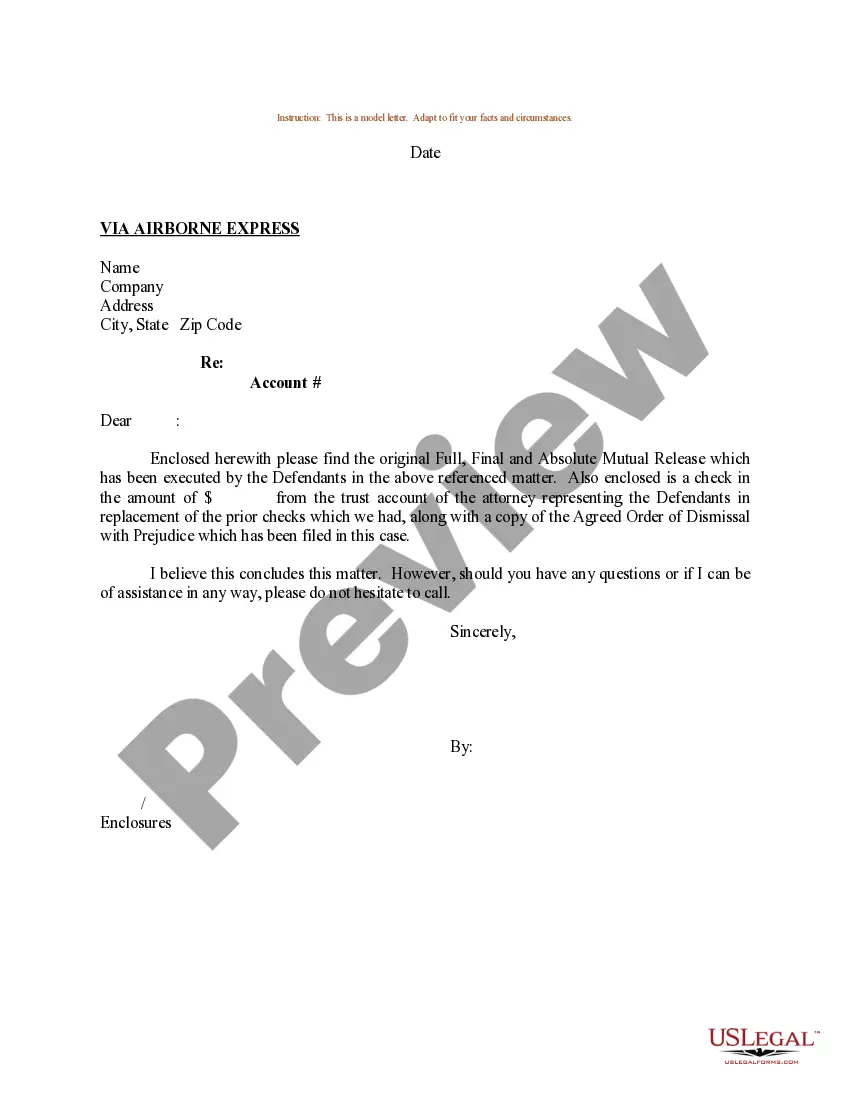
Depending on the type of letter and delivery method, there are different ways to indicate attachments and enclosures. For instance, if sending a business letter by mail or courier, you can write “Enclosure(s)” or “Encl.” at the bottom of the letter, followed by a list of the enclosed documents or files.
For example, say, “Please find the attached file you requested yesterday.” If you do not want to specify a specific file, avoid using “the”. You can simply write, “Please find attached.” or its short form: PFA. “Attached” is the correct word for electronic communication.
I would like to apply for the position of Industrial Trainee at your company. provide reasons why the company should accept your application provide the duration of attachment I enclose my resume for your consideration. Thank You.
Depending on the type of letter and delivery method, there are different ways to indicate attachments and enclosures. For instance, if sending a business letter by mail or courier, you can write “Enclosure(s)” or “Encl.” at the bottom of the letter, followed by a list of the enclosed documents or files.
How To Write An Email With An Attachment Sample? Finalise what files you wish to send. Add the email's subject line. Compose the email's body. Attach the files. Review and send the email. Check the file format of the attachment. Try limiting the attachment file's size. Send related files within an email.
Under your name and title, type “Enclosure:” or “Attachment:” to indicate that you've included additional documents. On the next line, provide a brief description of the contents. In a typical letter with an attachment, you might state “Curriculum Vitae,” for example.
When writing your letter, you should indicate any attachments or enclosures. You can do this by placing the word “Attachment” or “Enclosure” at the end of your letter, followed by a colon and the name of the document. If you have multiple documents, use the plural form.
Under your name and title, type “Enclosure:” or “Attachment:” to indicate that you've included additional documents. On the next line, provide a brief description of the contents. In a typical letter with an attachment, you might state “Curriculum Vitae,” for example.
Although carbon is no longer used for copies, the convenient initials c.c. : (or cc :) followed by a colon and the names of the recipients of copies of the letter is still the preferred copy notation.
If something is enclosed with a letter, the notation “Enclosure” is typed a double-space below the writer's initials and/or typist's initials. If more than one item is enclosed, the word is made plural and followed by the number of items (e.g., “Enclosures 2”).
