Agreement General Form With Notary In Hillsborough
Description

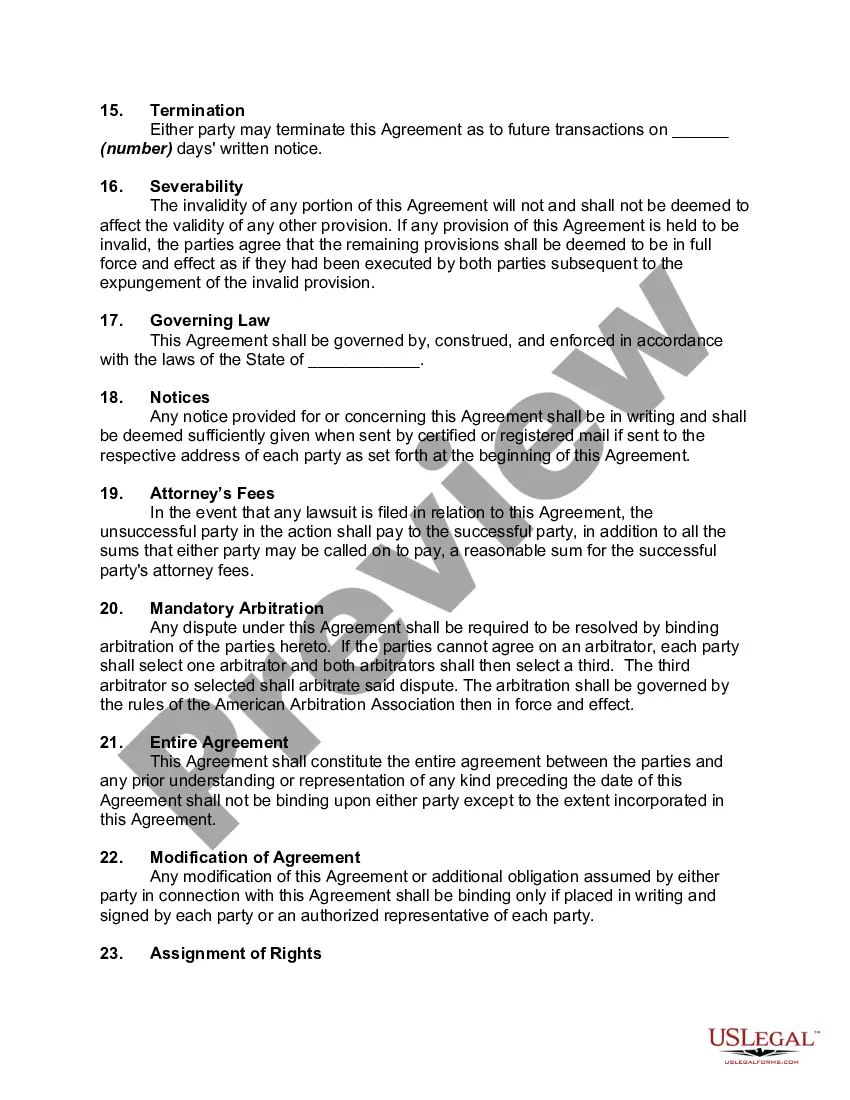

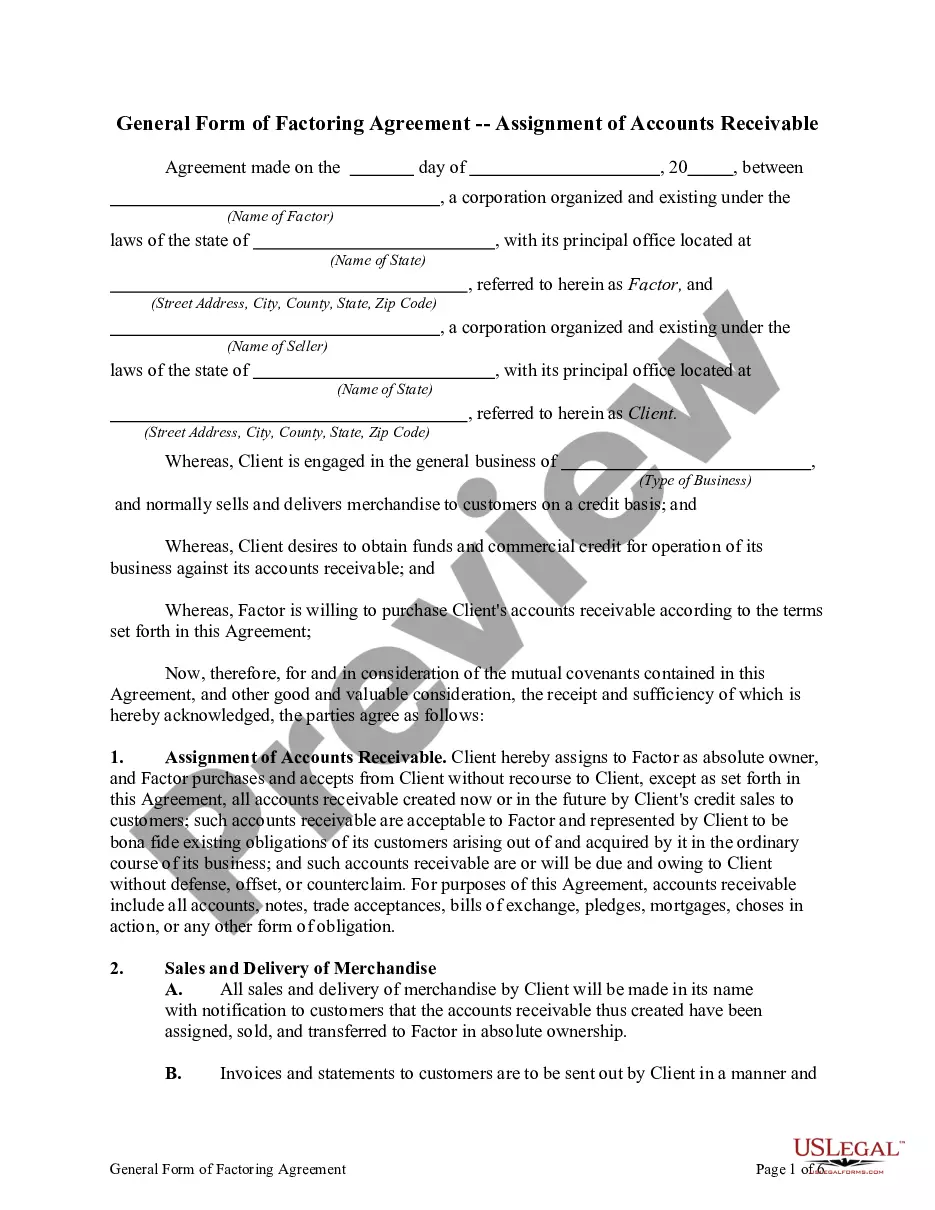
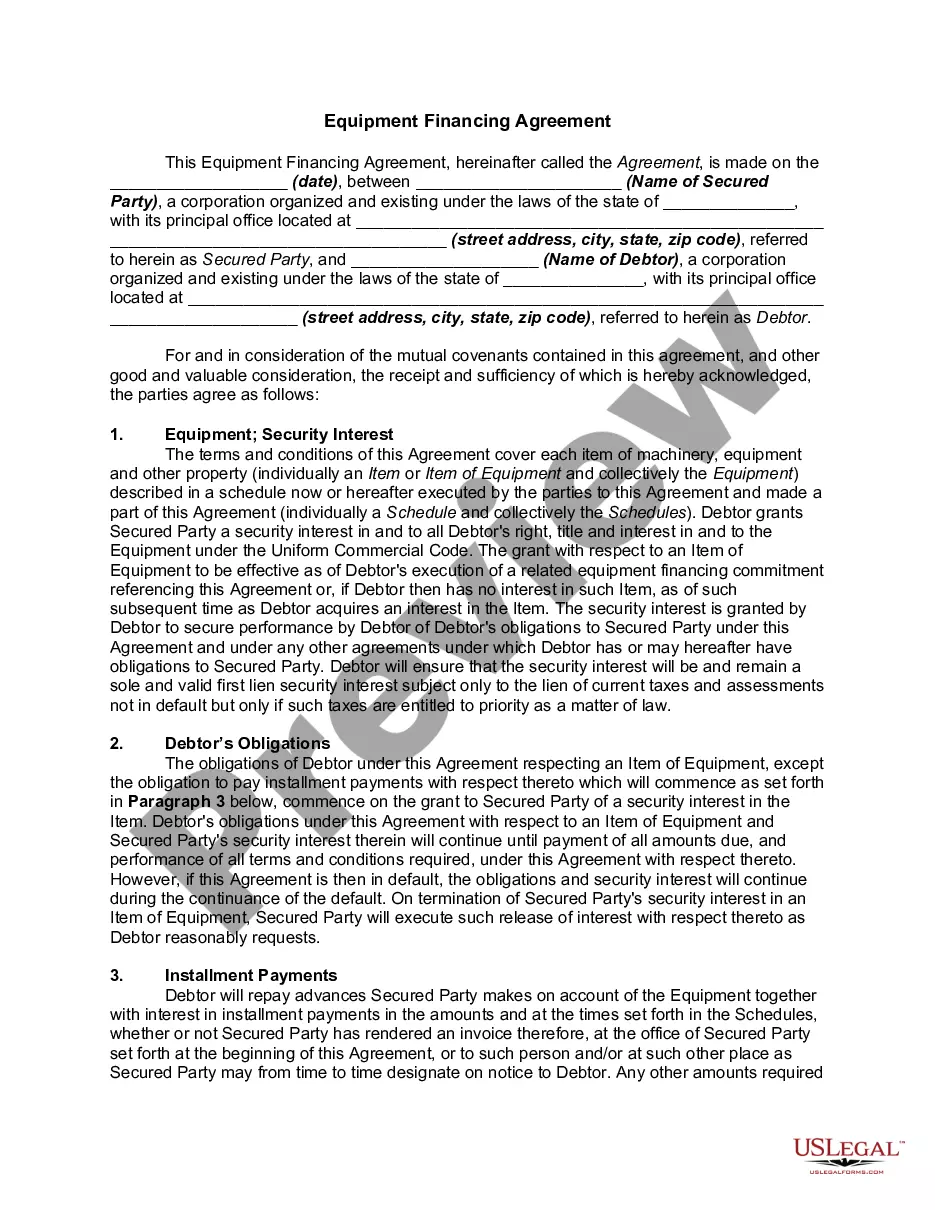
Get your form ready online
Our built-in tools help you complete, sign, share, and store your documents in one place.
Make edits, fill in missing information, and update formatting in US Legal Forms—just like you would in MS Word.
Download a copy, print it, send it by email, or mail it via USPS—whatever works best for your next step.
Sign and collect signatures with our SignNow integration. Send to multiple recipients, set reminders, and more. Go Premium to unlock E-Sign.
If this form requires notarization, complete it online through a secure video call—no need to meet a notary in person or wait for an appointment.
We protect your documents and personal data by following strict security and privacy standards.

Make edits, fill in missing information, and update formatting in US Legal Forms—just like you would in MS Word.

Download a copy, print it, send it by email, or mail it via USPS—whatever works best for your next step.

Sign and collect signatures with our SignNow integration. Send to multiple recipients, set reminders, and more. Go Premium to unlock E-Sign.

If this form requires notarization, complete it online through a secure video call—no need to meet a notary in person or wait for an appointment.

We protect your documents and personal data by following strict security and privacy standards.
Looking for another form?









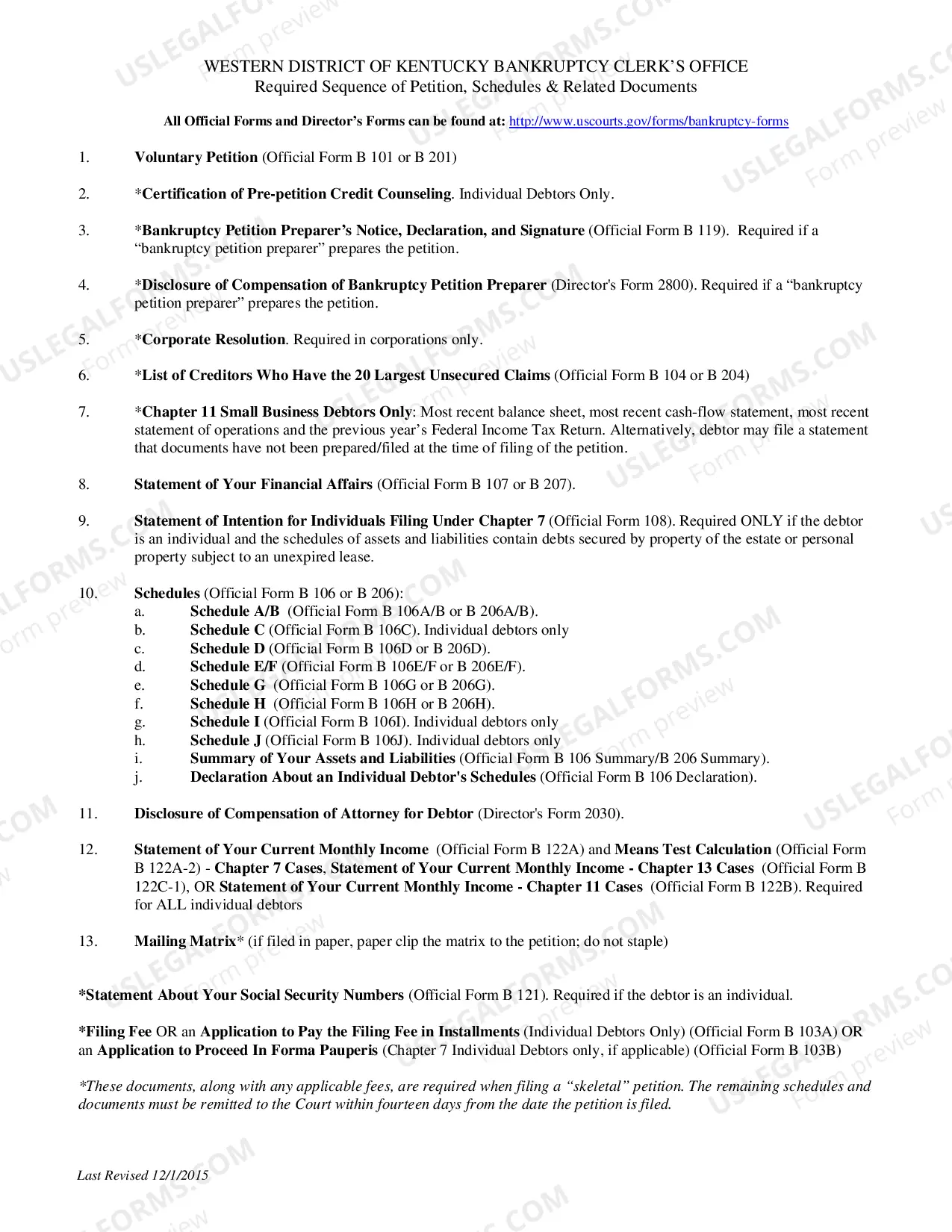
Form popularity
FAQ
I signed his name at his request and in his presence on the (type of document) within and he acknowledged to me and to the two witnesses who have signed and printed their names and addresses hereto, that he made his mark on the same for the purposes therein stated.
In general, an acknowledgment certificate will contain the words, “acknowledged before me” or similar wording. Jurat certificates will contain the words, “subscribed and sworn to (or affirmed) before me.”
Now what do you fill in fill in the venue or county where you are notarizing the date you notarized.MoreNow what do you fill in fill in the venue or county where you are notarizing the date you notarized. Your name and title of office notary. Public next you fill in the name of your signer appearing.
To make a notarized letter, begin with your contact details, create a clear message explaining the purpose of the letter. Include any legal language if necessary. Conclude with a formal closing and leave space for your signature. And that's how you write a statement that needs to be notarized.
Florida does not require exact wording, but the certificate must include elements spelled out in Florida Statutes, 117.054, including the venue, name of signer, type and date of notarization, form of identification used, the Notary's signature, name and seal, and whether the signer appeared via physical presence or ...
Florida does not require exact wording, but the certificate must include elements spelled out in Florida Statutes, 117.054, including the venue, name of signer, type and date of notarization, form of identification used, the Notary's signature, name and seal, and whether the signer appeared via physical presence or ...
One of the most common mistakes that notaries make is not printing or signing their name exactly as it appears on their notary commission.
On this (numeric date) day of (month), (year), I attest that the preceding or attached document is a true, exact, complete, and unaltered photocopy made by me of (description of document) presented to me by the document custodian, (custodian name), and, to the best of my knowledge, that the photocopied document is ...
If you need to visit a Notary during regular business hours, you can usually find notarial services at banks, libraries, and mailbox/photocopy shops. Other businesses with Notaries on-site include: FindaNotary. AAA and UPS Stores.
Yes, you may notarize a signature on a document that includes handwritten paragraphs. A document can be typed or handwritten. If the notarial certificate under the signature is not included, be sure to attach a loose certificate chosen by your customer.
