Agreement Receivable Statement With Text In Cook
Description

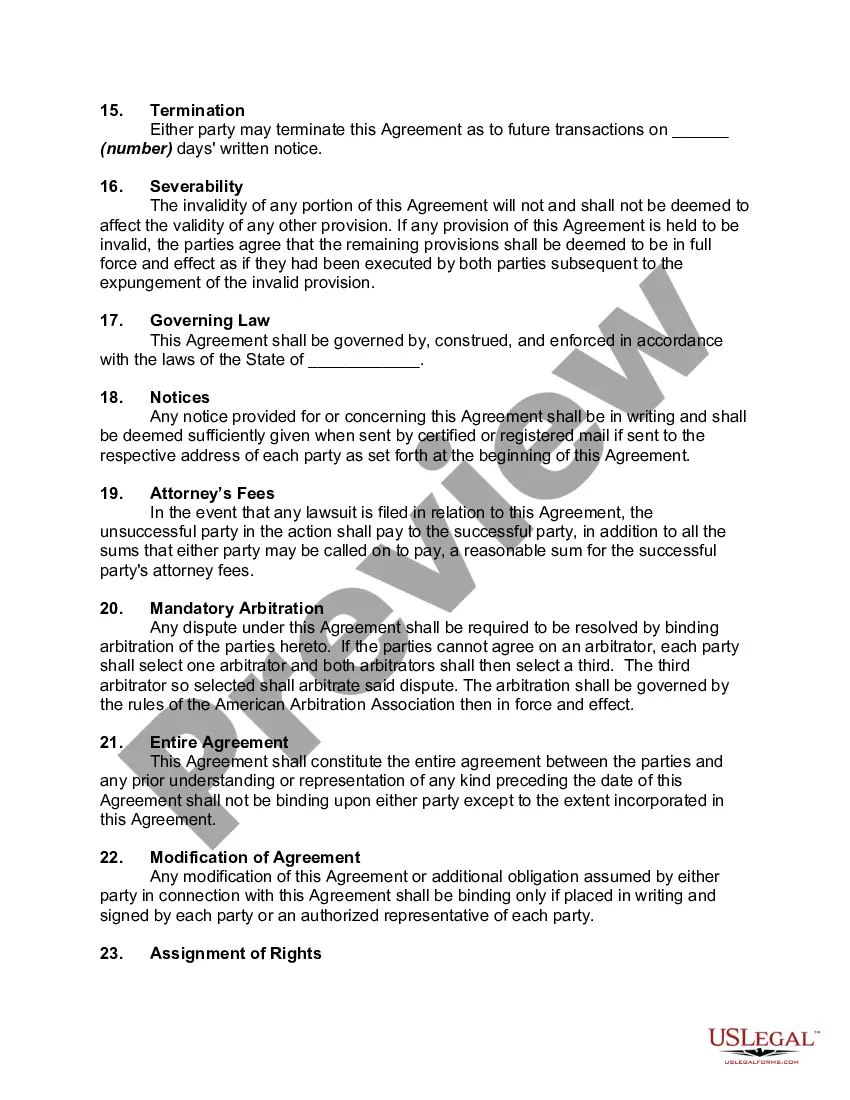

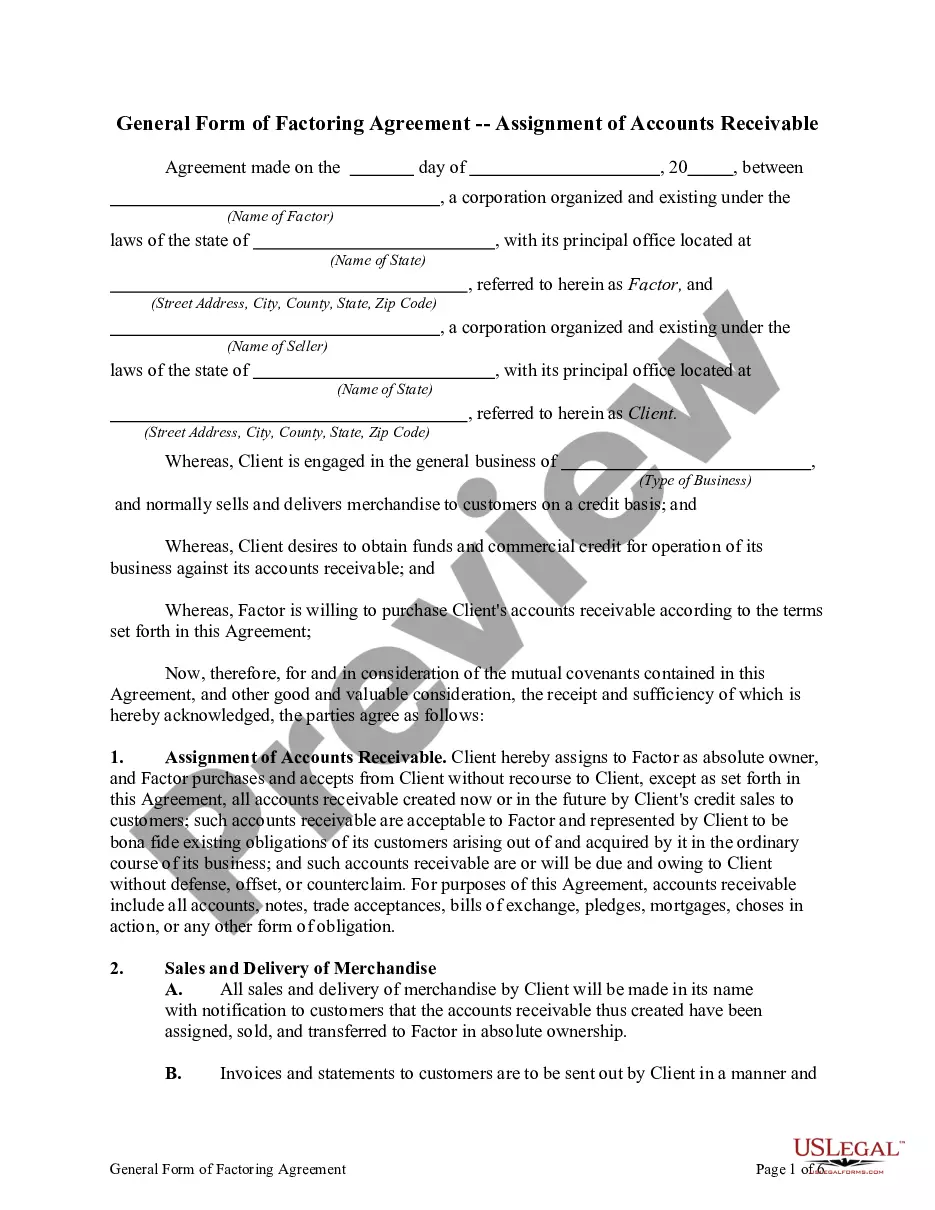
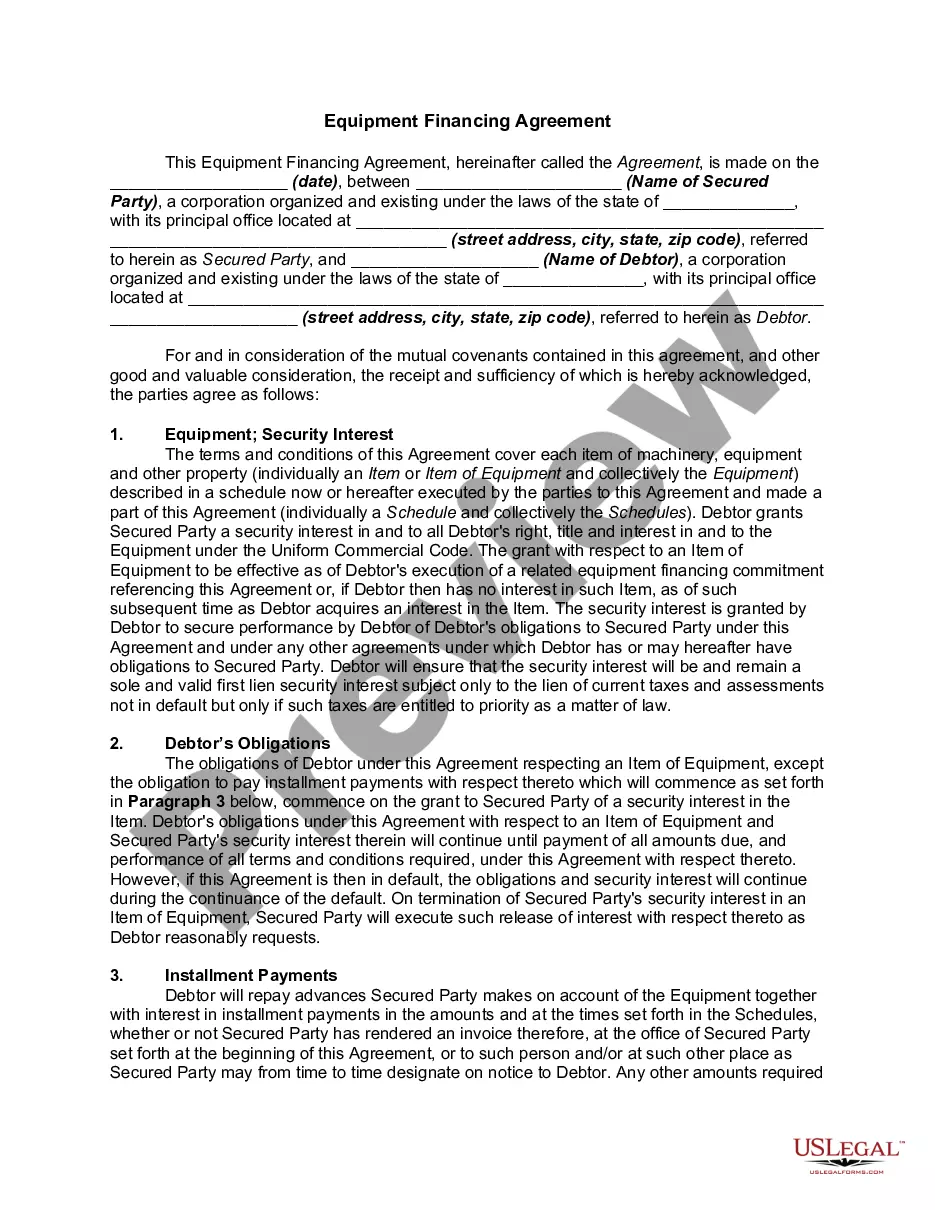
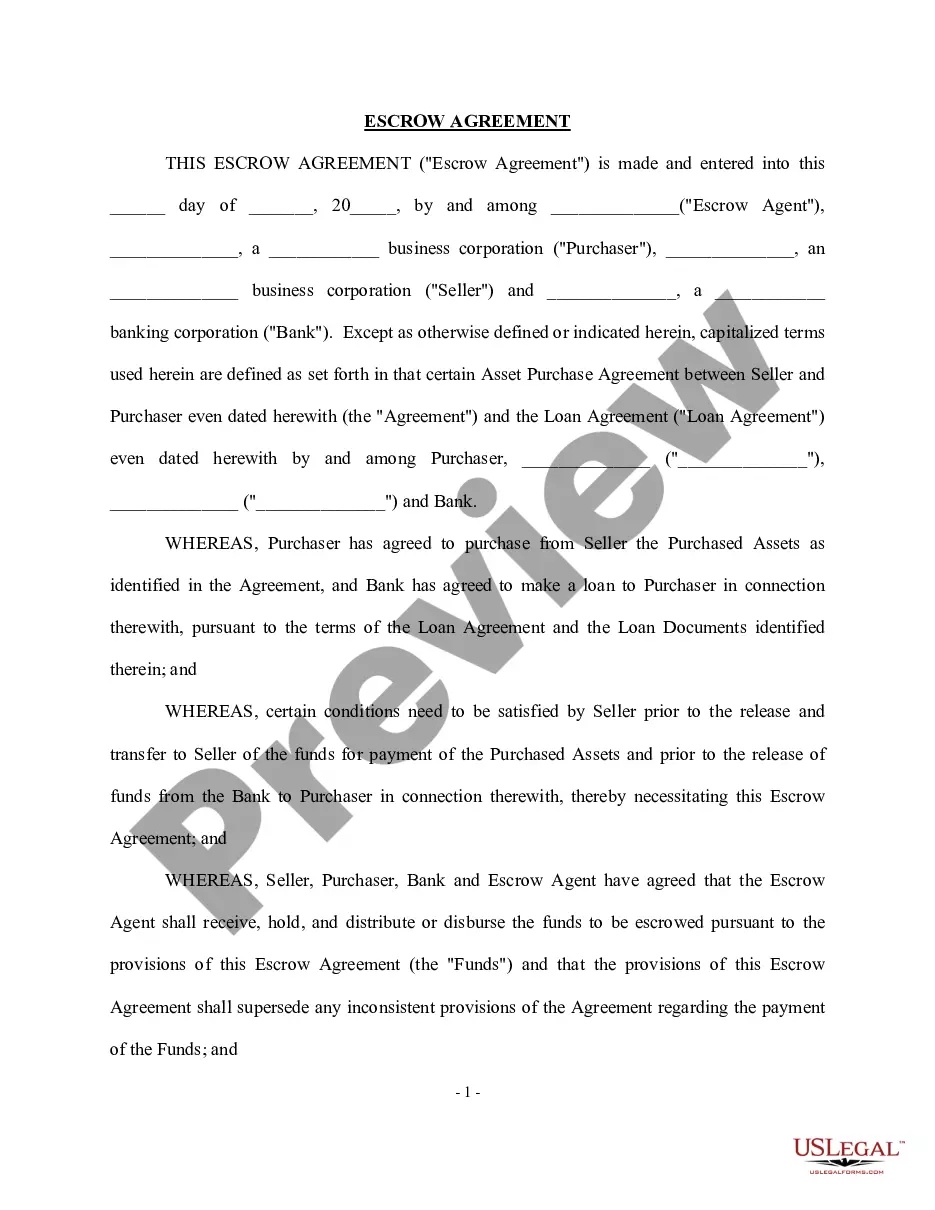
Get your form ready online
Our built-in tools help you complete, sign, share, and store your documents in one place.
Make edits, fill in missing information, and update formatting in US Legal Forms—just like you would in MS Word.
Download a copy, print it, send it by email, or mail it via USPS—whatever works best for your next step.
Sign and collect signatures with our SignNow integration. Send to multiple recipients, set reminders, and more. Go Premium to unlock E-Sign.
If this form requires notarization, complete it online through a secure video call—no need to meet a notary in person or wait for an appointment.
We protect your documents and personal data by following strict security and privacy standards.

Make edits, fill in missing information, and update formatting in US Legal Forms—just like you would in MS Word.

Download a copy, print it, send it by email, or mail it via USPS—whatever works best for your next step.

Sign and collect signatures with our SignNow integration. Send to multiple recipients, set reminders, and more. Go Premium to unlock E-Sign.

If this form requires notarization, complete it online through a secure video call—no need to meet a notary in person or wait for an appointment.

We protect your documents and personal data by following strict security and privacy standards.
Looking for another form?






Form popularity
FAQ
The Accounts Receivables Statements are documents that itemize all invoices, payments, and credits created during a specific time period, and whose intention is to remind the account holder of their account status.
How Are Accounts Receivable Journal Entries Recorded? AR journal entries are recorded in the accounting system using a double-entry bookkeeping system. In this system, each transaction is recorded with two journal entries, one debiting one account and one crediting another account.
A Current Account statement summarises all transactions within a specified period, typically a month or quarter. It provides details of invoices issued, payments received, and associated fees.
To report accounts receivable effectively on the balance sheet: Break down accounts receivable into categories, such as “trade accounts receivable” and “other receivables.” Clearly indicate the aging of accounts receivable to show how much is current, 30, 60, or 90+ days overdue.
An example of an accounts receivable aging report is sorting invoices by their outstanding date. For example, the accounts receivable for a customer is $5,000. The amount that is current is $2,500, while the other $2,500 is over 30 days past due. What is a good AR aging percentage?
An AR aging report contains a list of your customers' unpaid invoices since the time the sales invoice was issued along with their duration. In other words, the accounts receivable report lists the amount due from your customers.
To create an aging report, follow these steps: Review all outstanding invoices. Categorize invoices by aging periods (e.g., 0-30 days, 31-60 days, etc.). Segment customers based on overdue amounts and days outstanding to compile the final report.
