Equity Agreement Contract For Construction In Ohio
Description

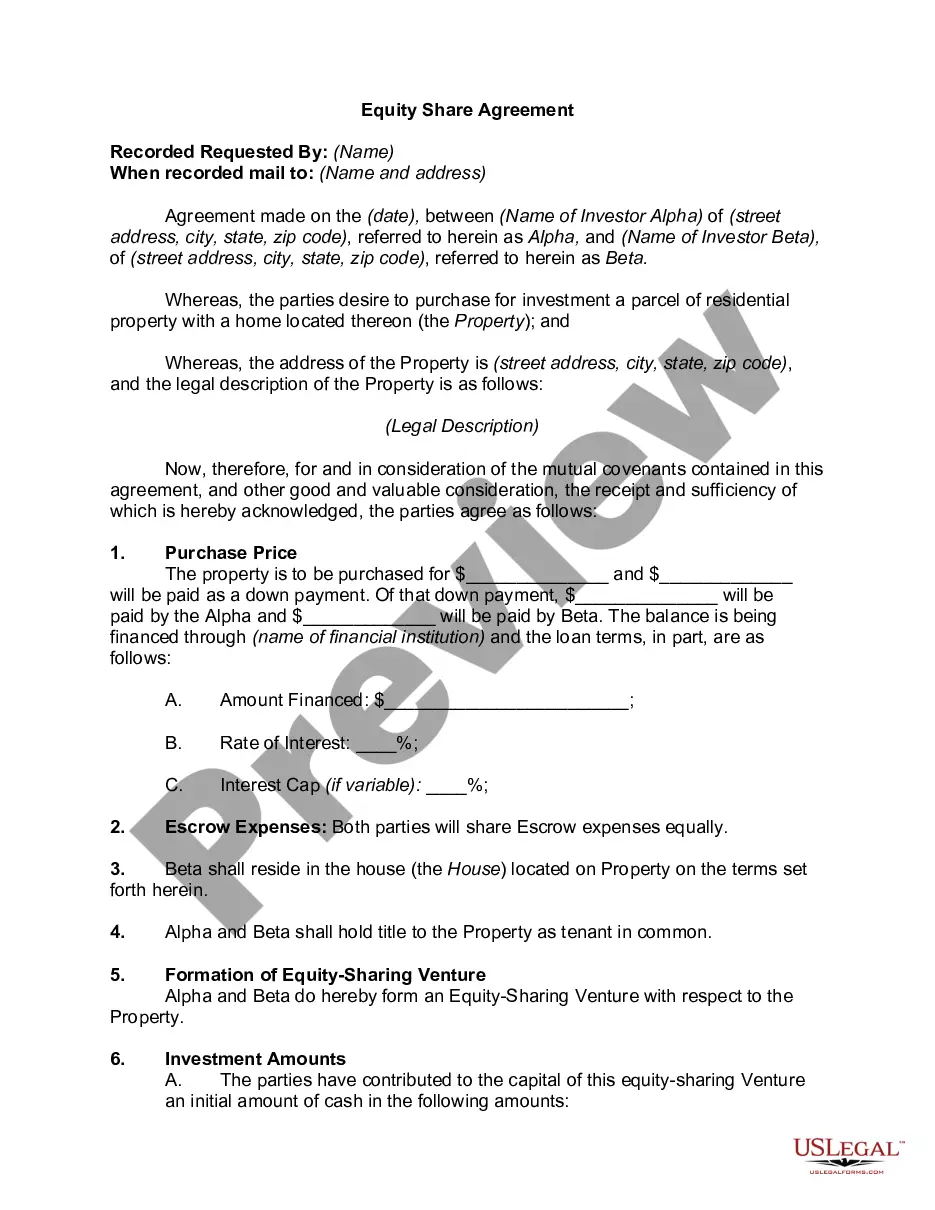
Get your form ready online
Our built-in tools help you complete, sign, share, and store your documents in one place.
Make edits, fill in missing information, and update formatting in US Legal Forms—just like you would in MS Word.
Download a copy, print it, send it by email, or mail it via USPS—whatever works best for your next step.
Sign and collect signatures with our SignNow integration. Send to multiple recipients, set reminders, and more. Go Premium to unlock E-Sign.
If this form requires notarization, complete it online through a secure video call—no need to meet a notary in person or wait for an appointment.
We protect your documents and personal data by following strict security and privacy standards.

Make edits, fill in missing information, and update formatting in US Legal Forms—just like you would in MS Word.

Download a copy, print it, send it by email, or mail it via USPS—whatever works best for your next step.

Sign and collect signatures with our SignNow integration. Send to multiple recipients, set reminders, and more. Go Premium to unlock E-Sign.

If this form requires notarization, complete it online through a secure video call—no need to meet a notary in person or wait for an appointment.

We protect your documents and personal data by following strict security and privacy standards.
Looking for another form?

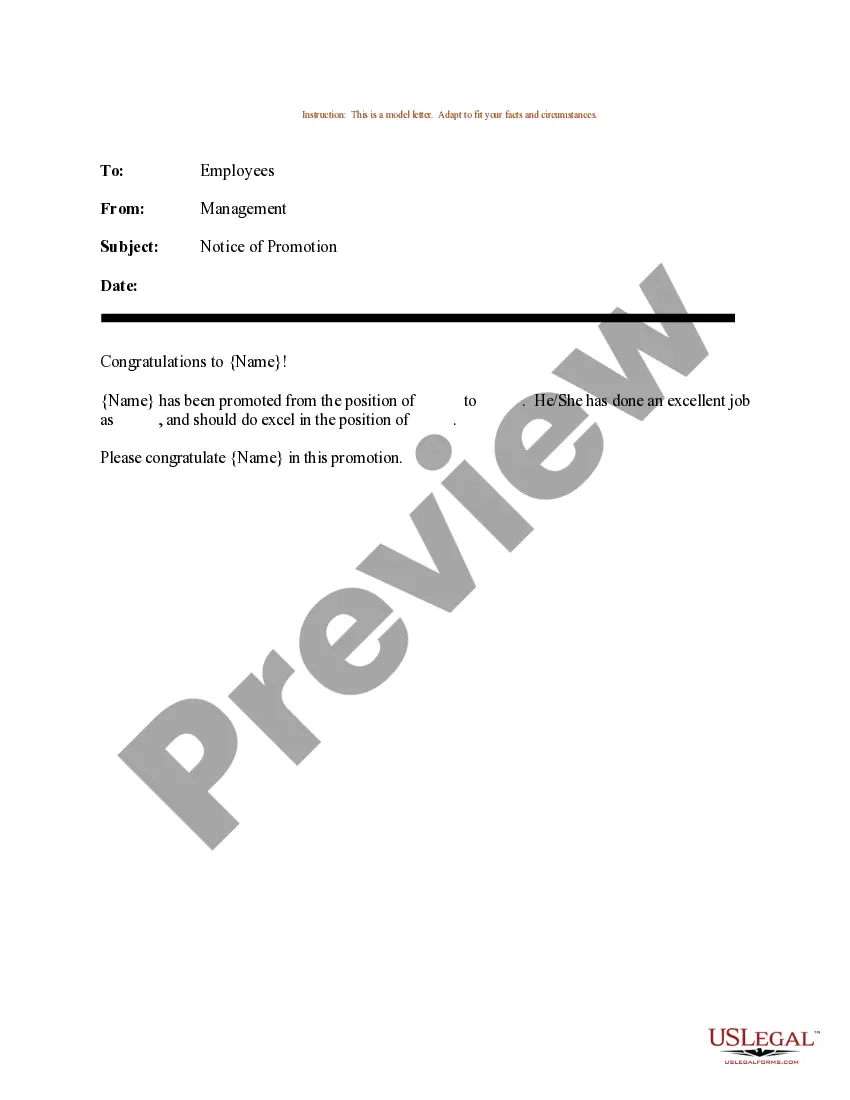





Form popularity
FAQ
Top 10 Common Mistakes that We See in Construction Contracts It's not written down. Both parties haven't signed the contract. Not all of the terms of the agreement are in writing and in the contract. The timeline is unclear. Particular terms aren't defined. There's no written approval of any changes to the contract.
As its name suggests, the State of Ohio's EDGE program provides an EDGE to small businesses by Encouraging Diversity, Growth and Equity in public contracting. EDGE is an assistance program for economically and socially disadvantaged business enterprises.
EDGE is an assistance program for economically and socially disadvantaged business enterprises. The program establishes goals for state agencies, boards and commissions in awarding contracts to certified EDGE eligible businesses.
Write the contract in six steps Start with a contract template. Open with the basic information. Describe in detail what you have agreed to. Include a description of how the contract will be ended. Write into the contract which laws apply and how disputes will be resolved. Include space for signatures.
How is Edge for Business differentiated from regular Microsoft Edge? Microsoft Edge for Business is a dedicated work browsing experience. It's distinguished through visual elements such as an adjusted icon and other minor visual cues.
The fact that a company has an advantage over its competitors: The low overheads of the company gave it a competitive edge over other retailers. gain/maintain/retain a competitive edge The business needs to innovate in order to maintain a competitive edge.
EDGE Certified organizations have demonstrated their commitment to diversity, equity, and inclusion (DE&I), and have been assessed against the highest Global Standards.
That contract must include specific information about your rights and responsibilities. In addition, any changes made to that contract must be in writing, be legible, be easy to understand, and inform you of your rights to cancel or rescind the contract.