Equity Share Purchase With Family In Kings
Description

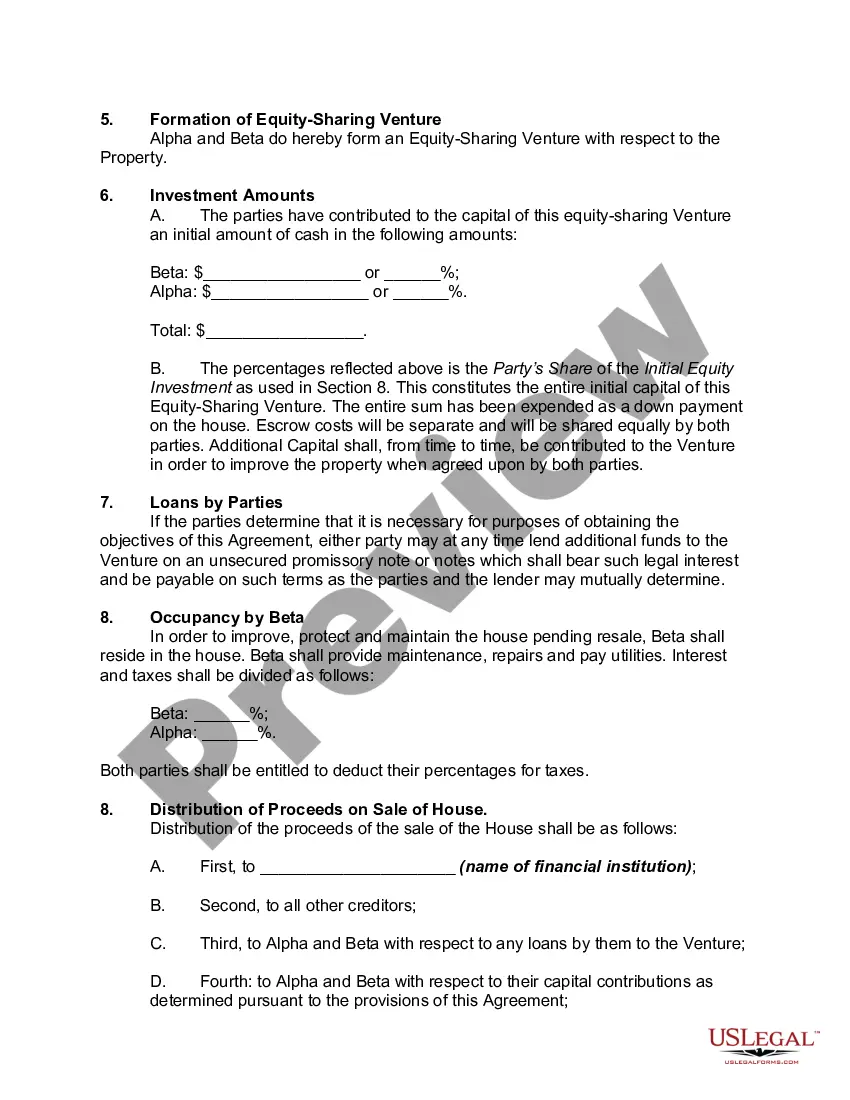
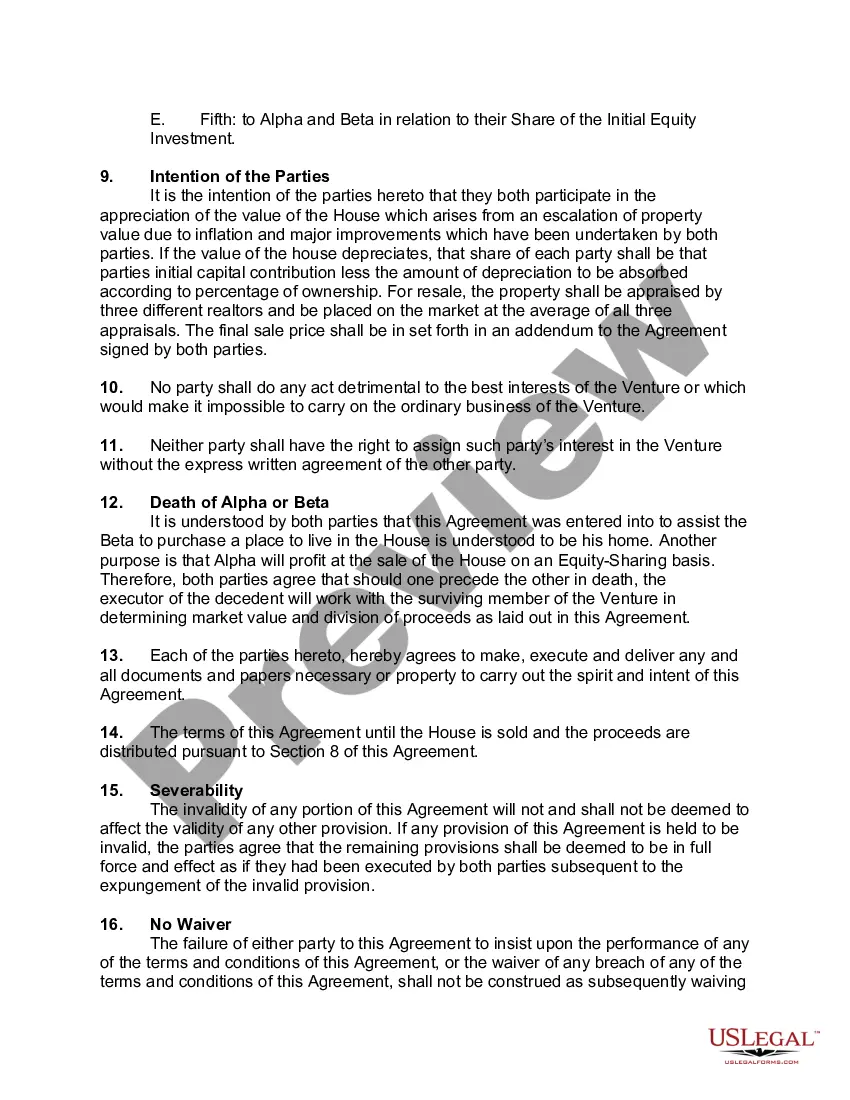
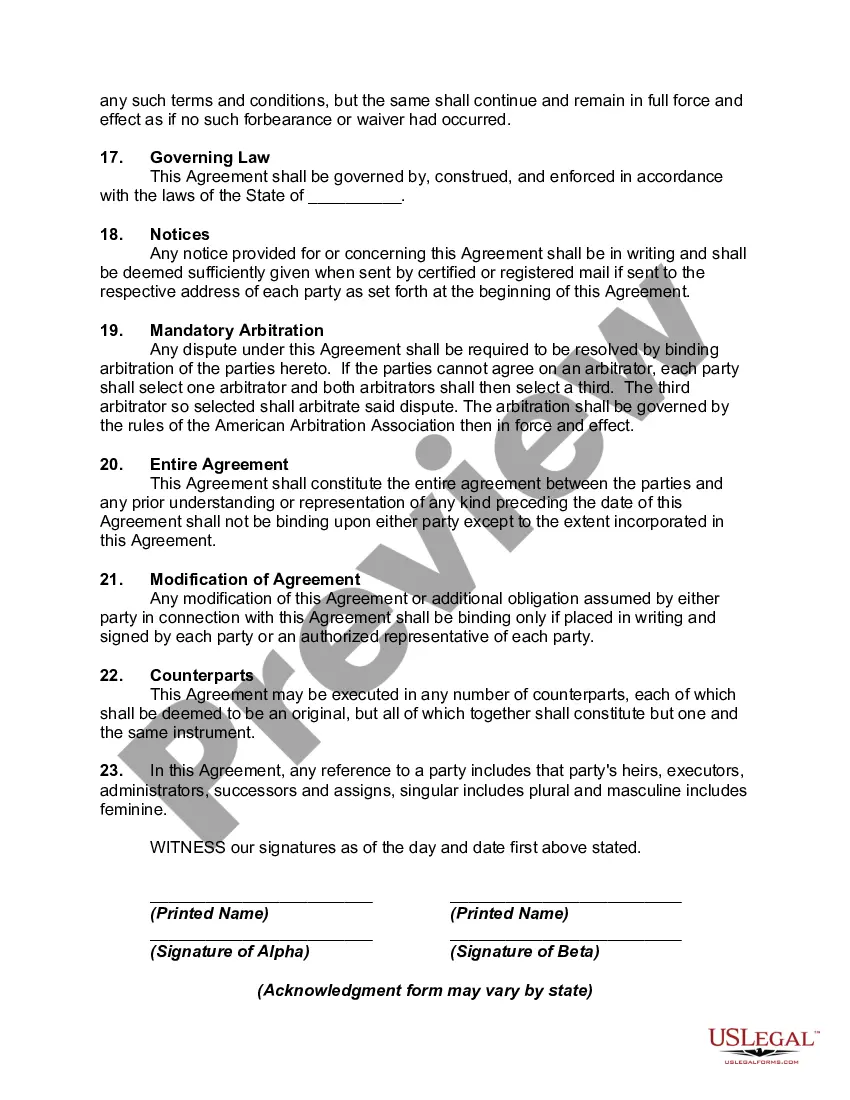


Get your form ready online
Our built-in tools help you complete, sign, share, and store your documents in one place.
Make edits, fill in missing information, and update formatting in US Legal Forms—just like you would in MS Word.
Download a copy, print it, send it by email, or mail it via USPS—whatever works best for your next step.
Sign and collect signatures with our SignNow integration. Send to multiple recipients, set reminders, and more. Go Premium to unlock E-Sign.
If this form requires notarization, complete it online through a secure video call—no need to meet a notary in person or wait for an appointment.
We protect your documents and personal data by following strict security and privacy standards.

Make edits, fill in missing information, and update formatting in US Legal Forms—just like you would in MS Word.

Download a copy, print it, send it by email, or mail it via USPS—whatever works best for your next step.

Sign and collect signatures with our SignNow integration. Send to multiple recipients, set reminders, and more. Go Premium to unlock E-Sign.

If this form requires notarization, complete it online through a secure video call—no need to meet a notary in person or wait for an appointment.

We protect your documents and personal data by following strict security and privacy standards.
Looking for another form?









Form popularity
FAQ
First, you'll need to set up an Adult account then select the content you wish to share. Go to the Manage Your Content and Devices page on Amazon. Select the Content tab. Select Audiobooks. Select an audiobook you own that you'd like to share from your Library. Select Add to Library at the top.
From the menu bar at the top of the iTunes window, choose Account > Family Purchases. Select a family member's name to view their content.
Family Sharing lets you and up to five other family members share access to amazing Apple services like Apple Music, Apple TV+, Apple News+ and Apple Arcade. Your group can also share iTunes, Apple Books and App Store purchases, an iCloud storage plan and a family photo album.
Home equity sharing may also be wise if you don't want extra debt reflected on your credit profile. "These agreements allow homeowners to access their home equity without incurring additional debt," says Michael Crute, a real estate agent and operations strategist with Keller Williams in Atlanta.
Taking equity out of your home can be risky because it involves borrowing against the value of your property. This means you are increasing your debt and potentially putting your home at risk if you are unable to repay the borrowed amount.
sell agreement is a contract entered into by the owners of a family business to define the owners' rights and obligations upon the occurrence of certain “triggering” events.
A 20% equity stake means you own 20% of a company. This means you have a right to 20% of the company's profits and assets. If the company were to be sold, you would be entitled to 20% of the proceeds.
If your family members can't access a subscription, here's what to do: On your iPhone or iPad, go to Settings, then tap your name. Tap Subscriptions. Scroll down and make sure that Share with Family is turned on. Tap the subscription that you want to share.
When you share an iCloud+ subscription, everyone in the family group uses their own account. That way your photos, documents, and other information stay private, even though you're sharing access to the service.
Invite people to join your family Open the Settings app, then tap Family. Tap the Add Member button . If your child doesn't have an Apple Account, tap Create an Account for a Child. Follow the onscreen instructions to set up parental controls, location sharing, and more.