Equity Agreement Template With Notary In Arizona
Description

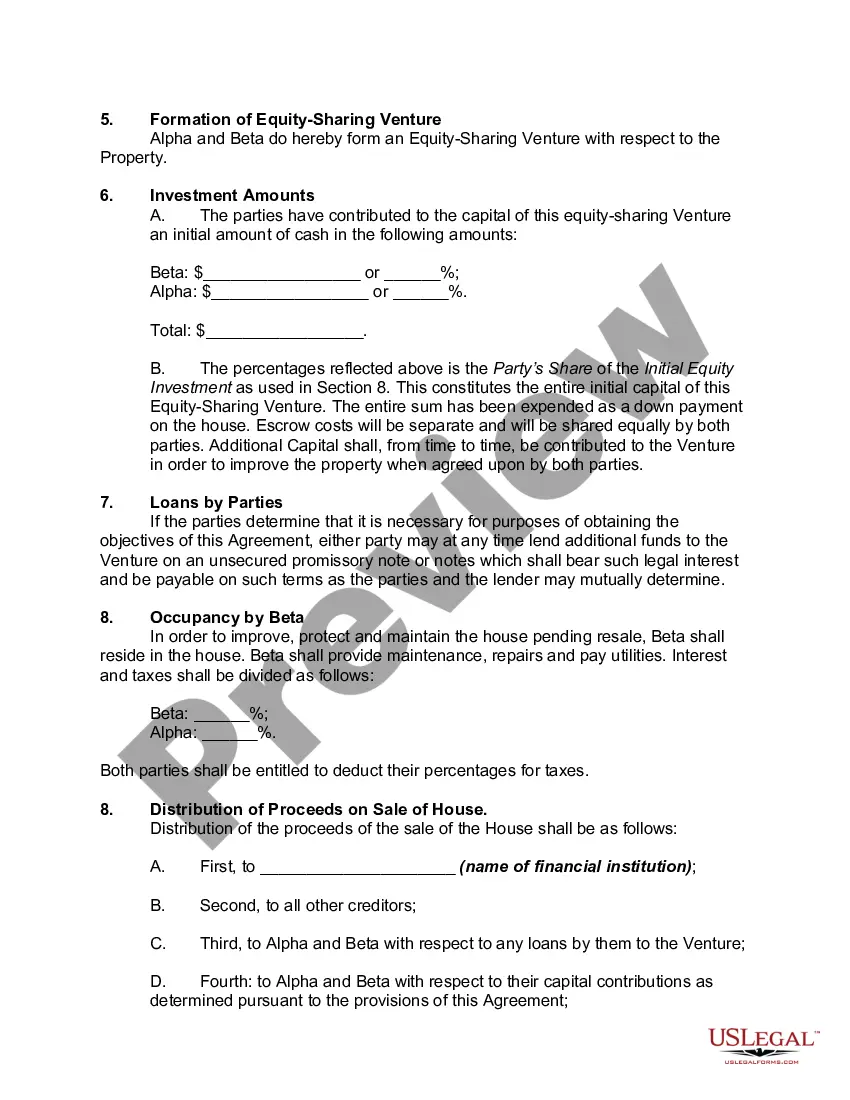
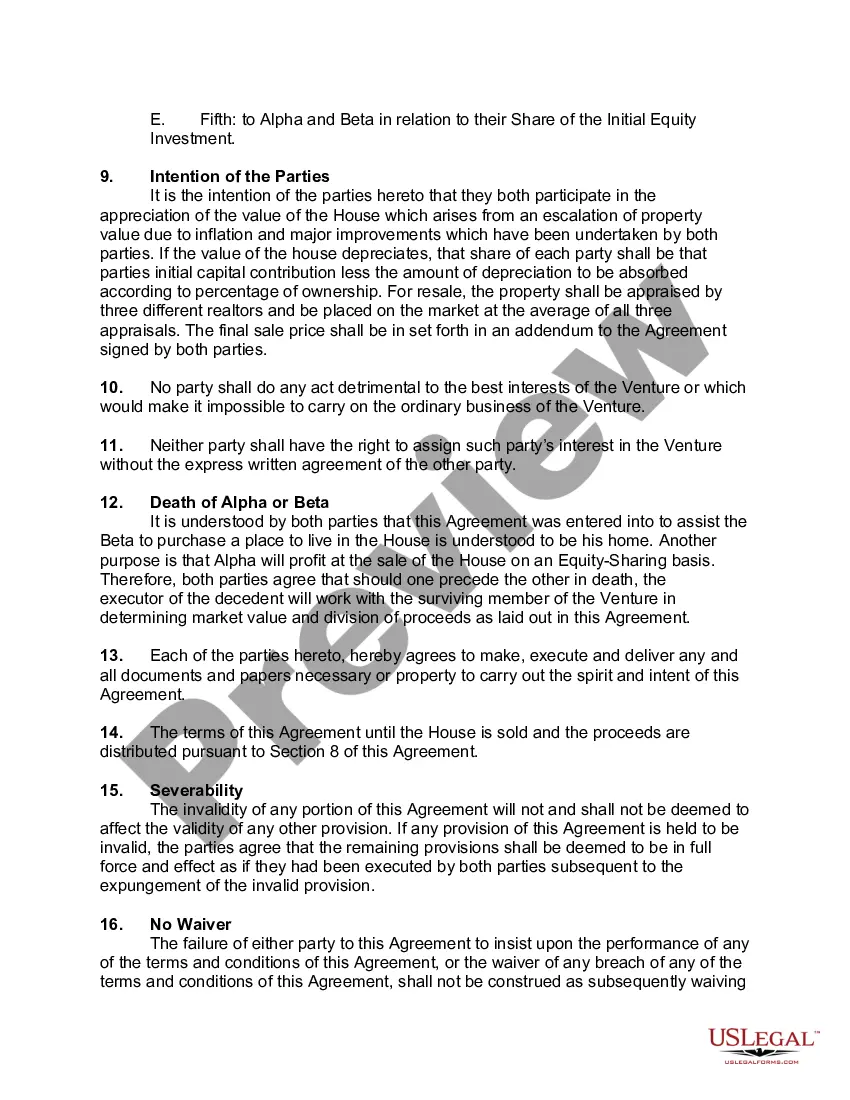
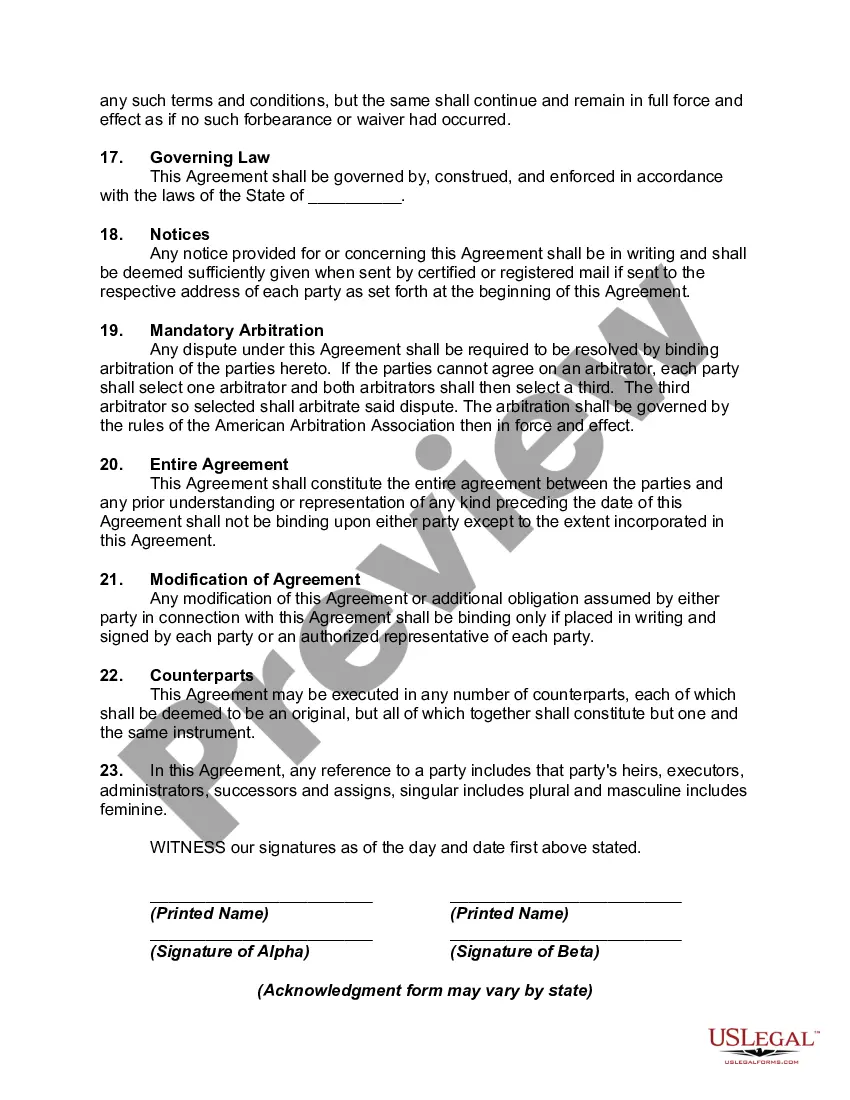
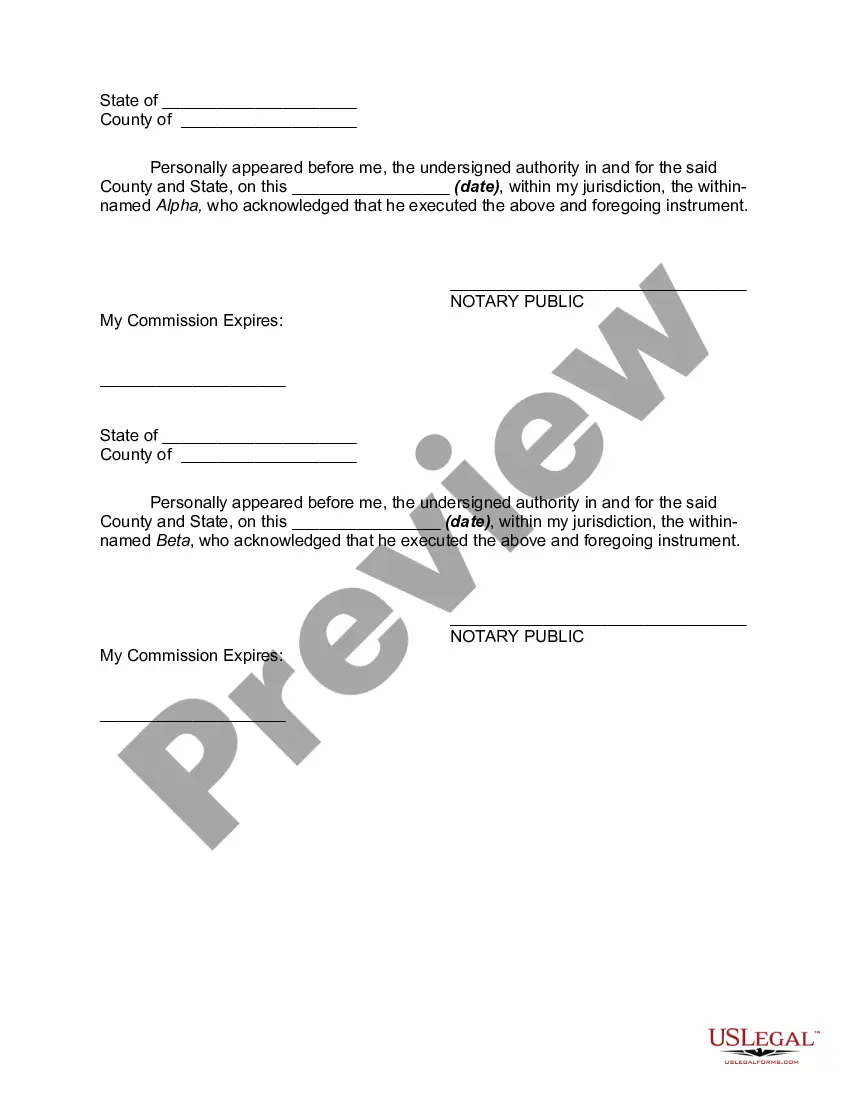
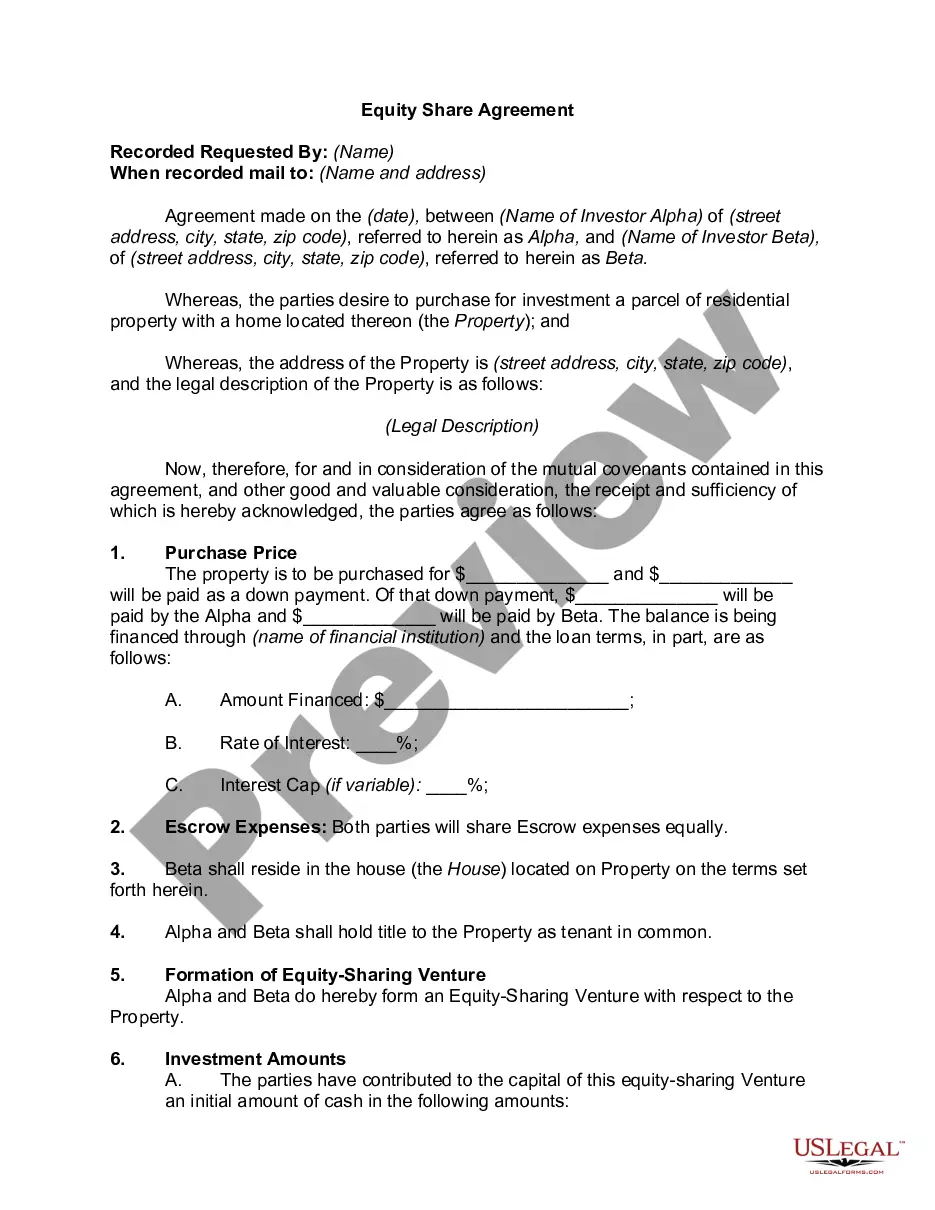
Get your form ready online
Our built-in tools help you complete, sign, share, and store your documents in one place.
Make edits, fill in missing information, and update formatting in US Legal Forms—just like you would in MS Word.
Download a copy, print it, send it by email, or mail it via USPS—whatever works best for your next step.
Sign and collect signatures with our SignNow integration. Send to multiple recipients, set reminders, and more. Go Premium to unlock E-Sign.
If this form requires notarization, complete it online through a secure video call—no need to meet a notary in person or wait for an appointment.
We protect your documents and personal data by following strict security and privacy standards.

Make edits, fill in missing information, and update formatting in US Legal Forms—just like you would in MS Word.

Download a copy, print it, send it by email, or mail it via USPS—whatever works best for your next step.

Sign and collect signatures with our SignNow integration. Send to multiple recipients, set reminders, and more. Go Premium to unlock E-Sign.

If this form requires notarization, complete it online through a secure video call—no need to meet a notary in person or wait for an appointment.

We protect your documents and personal data by following strict security and privacy standards.
Looking for another form?









Form popularity
FAQ
The following are six critical sections that must be included: Title. This is either your name (“Affidavit of Jane Doe”) or the specific case information. Statement of identity. The next paragraph tells the court about yourself. Statement of truth. Statement of facts. Closing statement of truth. Sign and notarize.
The reason for the affidavit. The purpose of the affidavit. Such as a legal name changeMoreThe reason for the affidavit. The purpose of the affidavit. Such as a legal name change inconsistencies in your identification.
To make a notarized letter, begin with your contact details, create a clear message explaining the purpose of the letter. Include any legal language if necessary. Conclude with a formal closing and leave space for your signature. And that's how you write a statement that needs to be notarized.
Accurate personal information is key to understanding how to fill out an affidavit properly. The statement of truth is the core of your affidavit. Clearly outline the facts you are attesting to, making sure they are truthful and relevant. This section must be detailed and accurate to be legally binding.
On this day of , 20 , before me, the undersigned notary public appeared __________________, proved to me through satisfactory evidence of identification, which were ___________, to be the person whose name is signed on the preceding or attached document, and acknowledge to me that he she signed it ...
In order to complete an online notarization in Arizona, you'll need the following: An original, unsigned document (Don't sign it before uploading! ... A computer, iPhone, or Android phone with audio and video capabilities. A valid government–issued photo ID. A U.S. social security number for secure identity verification.
How to make a notarized affidavit? You create a written statement detailing the facts you're swearing to. Next, find a notary, verify your identity, sign the document in their presence, and watch them do their notary magic. Boom – notarized affidavit.
If the document has already been signed, the signer can sign his or her name again above or next to the first signature. You can then proceed with the notarization. You may want to notate in your journal that the signer was instructed to sign again in your presence.
In order to complete an online notarization in Arizona, you'll need the following: An original, unsigned document (Don't sign it before uploading! ... A computer, iPhone, or Android phone with audio and video capabilities. A valid government–issued photo ID. A U.S. social security number for secure identity verification.
