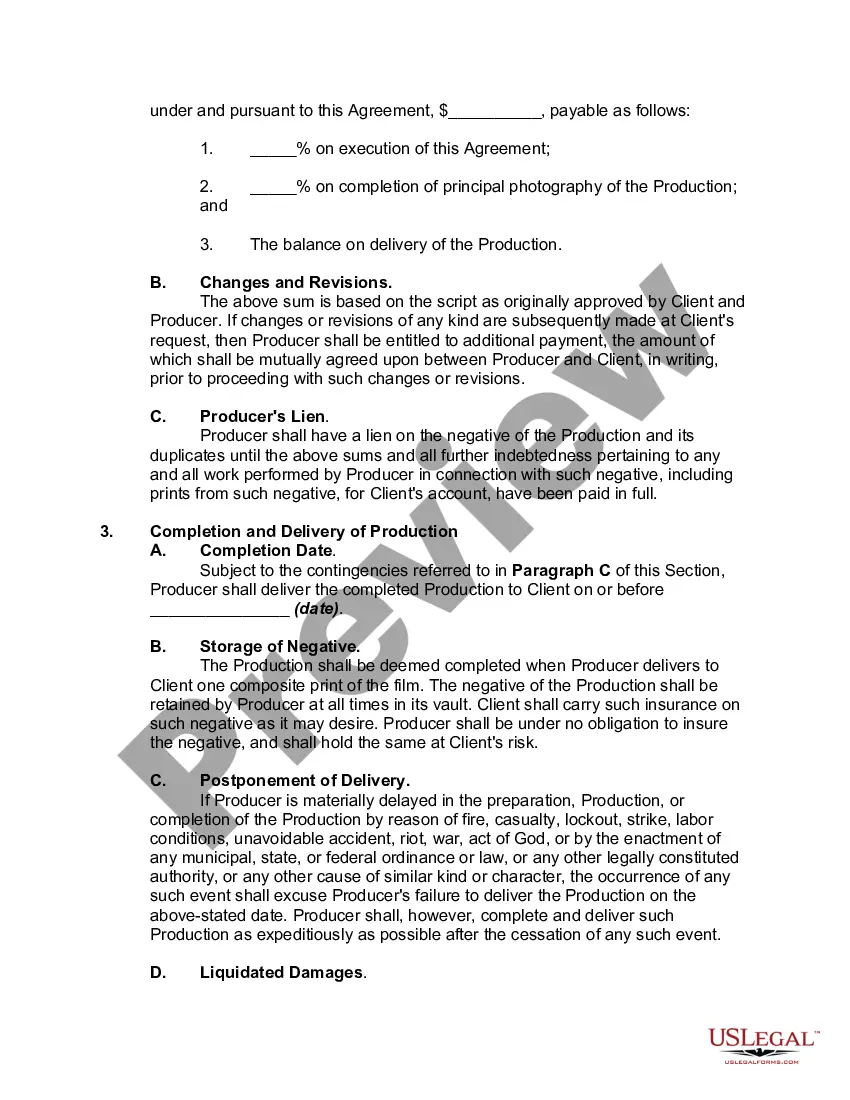
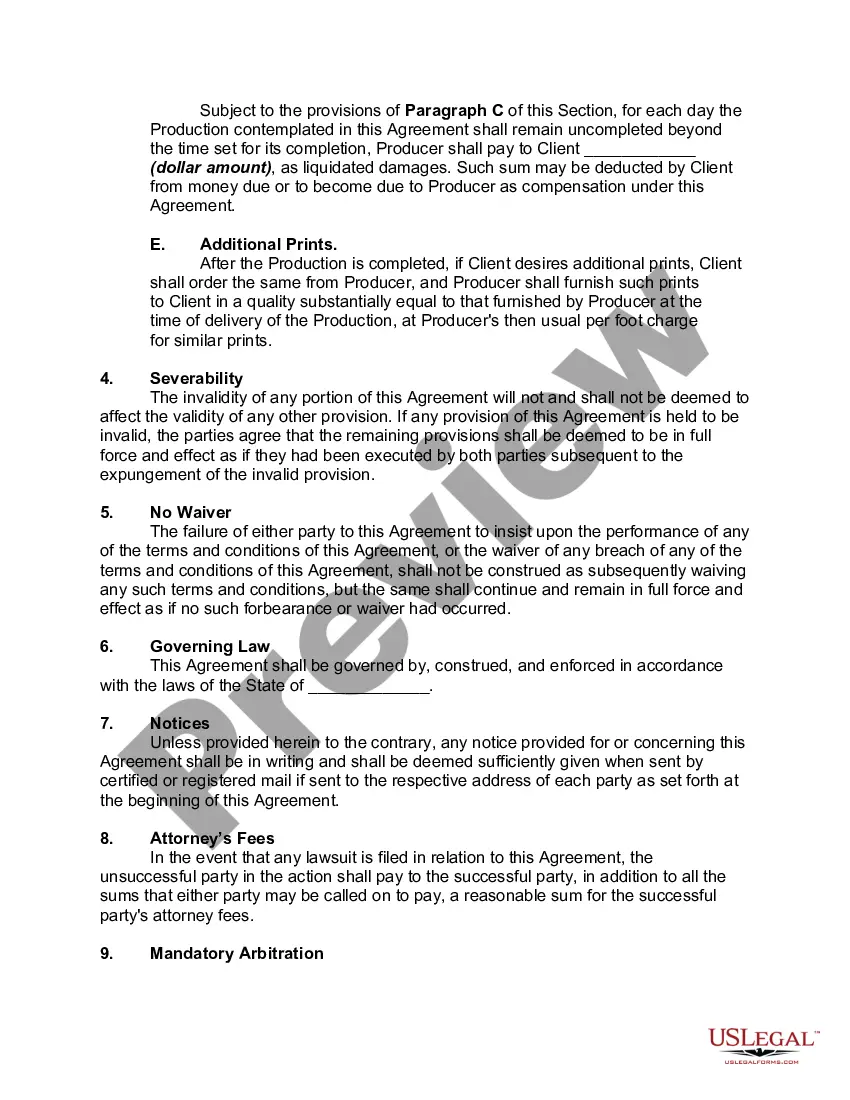
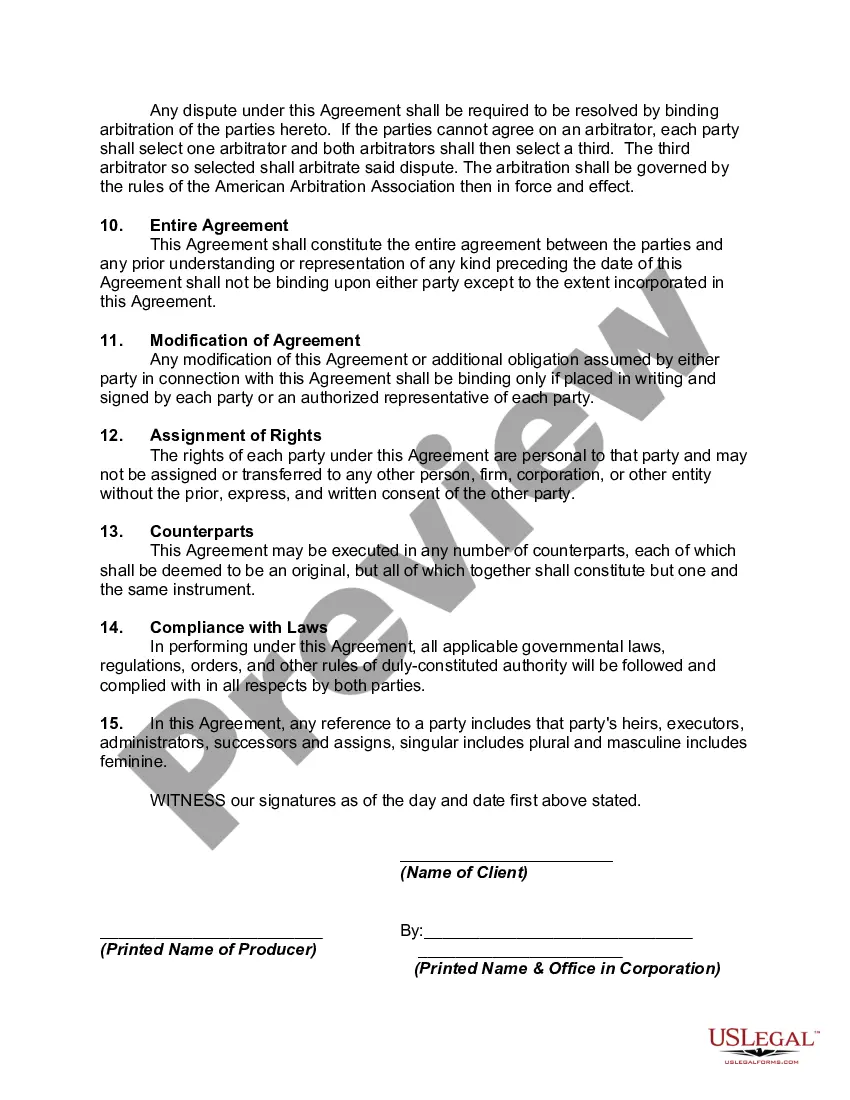
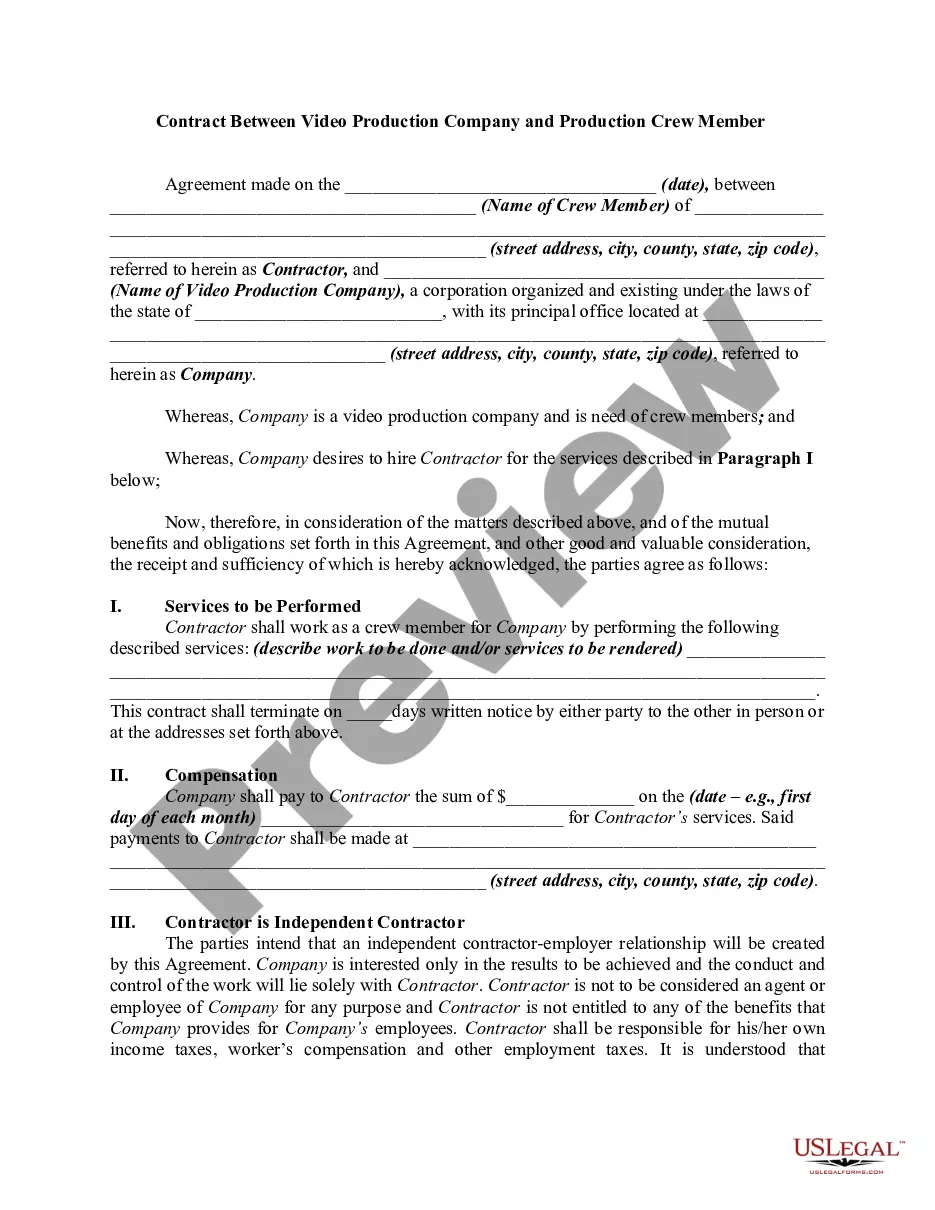
Film Production Contract Template With Logo In Travis
Description

Get your form ready online
Our built-in tools help you complete, sign, share, and store your documents in one place.
Make edits, fill in missing information, and update formatting in US Legal Forms—just like you would in MS Word.
Download a copy, print it, send it by email, or mail it via USPS—whatever works best for your next step.
Sign and collect signatures with our SignNow integration. Send to multiple recipients, set reminders, and more. Go Premium to unlock E-Sign.
If this form requires notarization, complete it online through a secure video call—no need to meet a notary in person or wait for an appointment.
We protect your documents and personal data by following strict security and privacy standards.

Make edits, fill in missing information, and update formatting in US Legal Forms—just like you would in MS Word.

Download a copy, print it, send it by email, or mail it via USPS—whatever works best for your next step.

Sign and collect signatures with our SignNow integration. Send to multiple recipients, set reminders, and more. Go Premium to unlock E-Sign.

If this form requires notarization, complete it online through a secure video call—no need to meet a notary in person or wait for an appointment.

We protect your documents and personal data by following strict security and privacy standards.
Looking for another form?





Form popularity
FAQ
As a trademark owner, you get exclusive rights to use your logo and other brand elements in commerce, preventing others from using similar logos that might confuse your customers. Registering your trademark through the United States Patent and Trademark Office (USPTO) provides nationwide protection.
Adding Logo to the First Page of a Contract Open the Word format template. Add a logo to the header or footer. Click Page Layout > Page Setup. On the Layout tab, select the Different first page check box. Click OK.
Write the contract in six steps Start with a contract template. Open with the basic information. Describe in detail what you have agreed to. Include a description of how the contract will be ended. Write into the contract which laws apply and how disputes will be resolved. Include space for signatures.
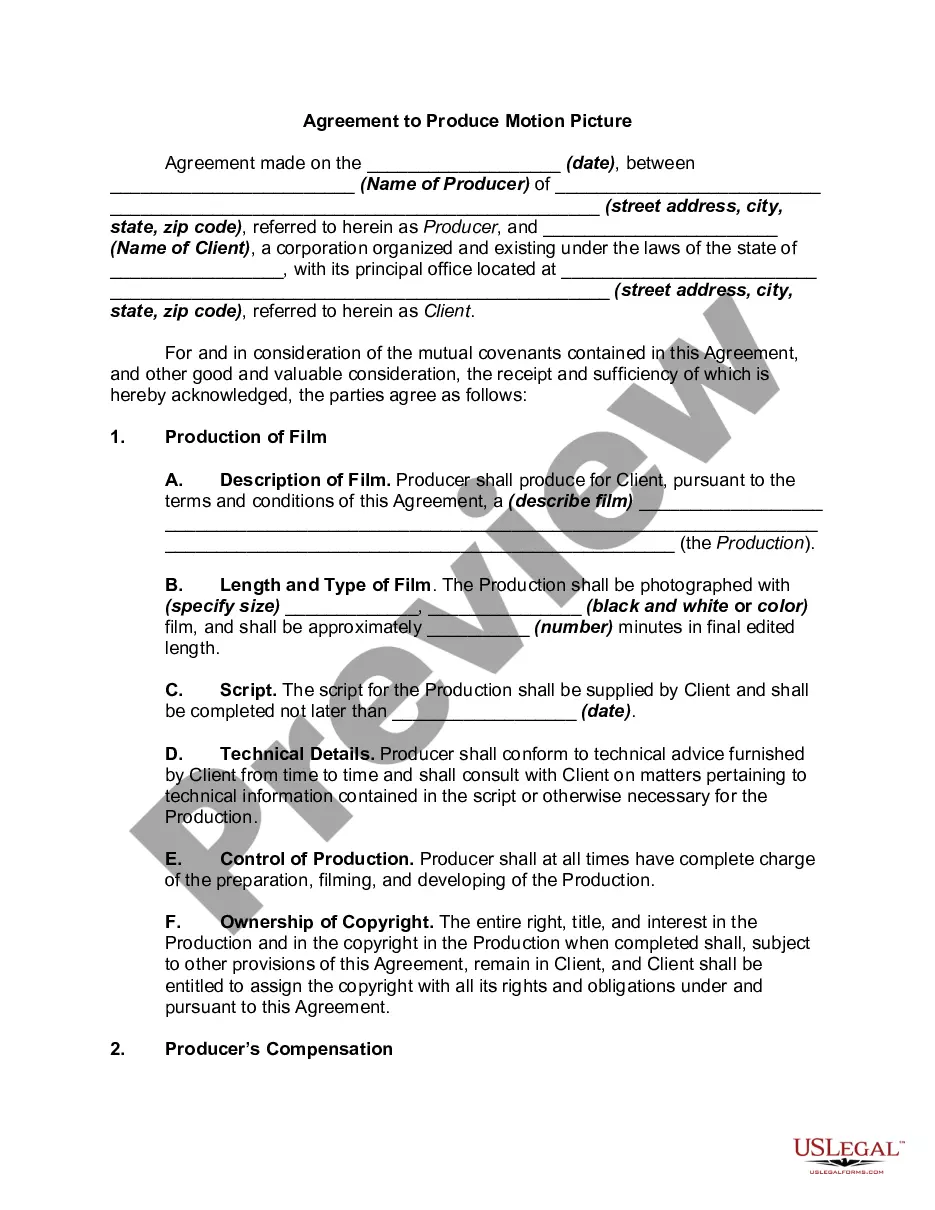
Sample Movie Production Agreement Description of Project. . Production Specifications. The Project will be produced in color on , using both studio and location recording techniques. Budget. Script. Date of Delivery. Ownership of Rights in Project. Credits. Right to Enter Project in Competitions.
Steps to Get Permission to Use a Logo Identify the Logo Owner: Find out who owns the rights to the logo. Request Permission: Submit a formal request that outlines how and where you want to use the logo. Negotiate Terms: If the owner has conditions, discuss them and make sure they work for your needs.
What should a music producer contract template include? Parties involved: Names and contact information of the artist, producer, and any relevant parties such as managers or record labels. Project scope: Detailed description of the work to be performed, including specific tracks or albums to be produced.
Go to picture format. Go to wrap. Text click on the dropown. And select in front </S> of text ThenMoreGo to picture format. Go to wrap. Text click on the dropown. And select in front </S> of text Then you can resize your logo.
Adding Logo to the First Page of a Contract Open the Word format template. Add a logo to the header or footer. Click Page Layout > Page Setup. On the Layout tab, select the Different first page check box. Click OK.
Generally, the producer acquires an exclusive right to lock in a script until the production of the movie begins. The conditions for termination of the above-mentioned rights will be specified in the agreement. All the remuneration and services provided to the writer is also agreed upon by the parties.
