Bbb Download Complaint Form For Divorce In Contra Costa
Description

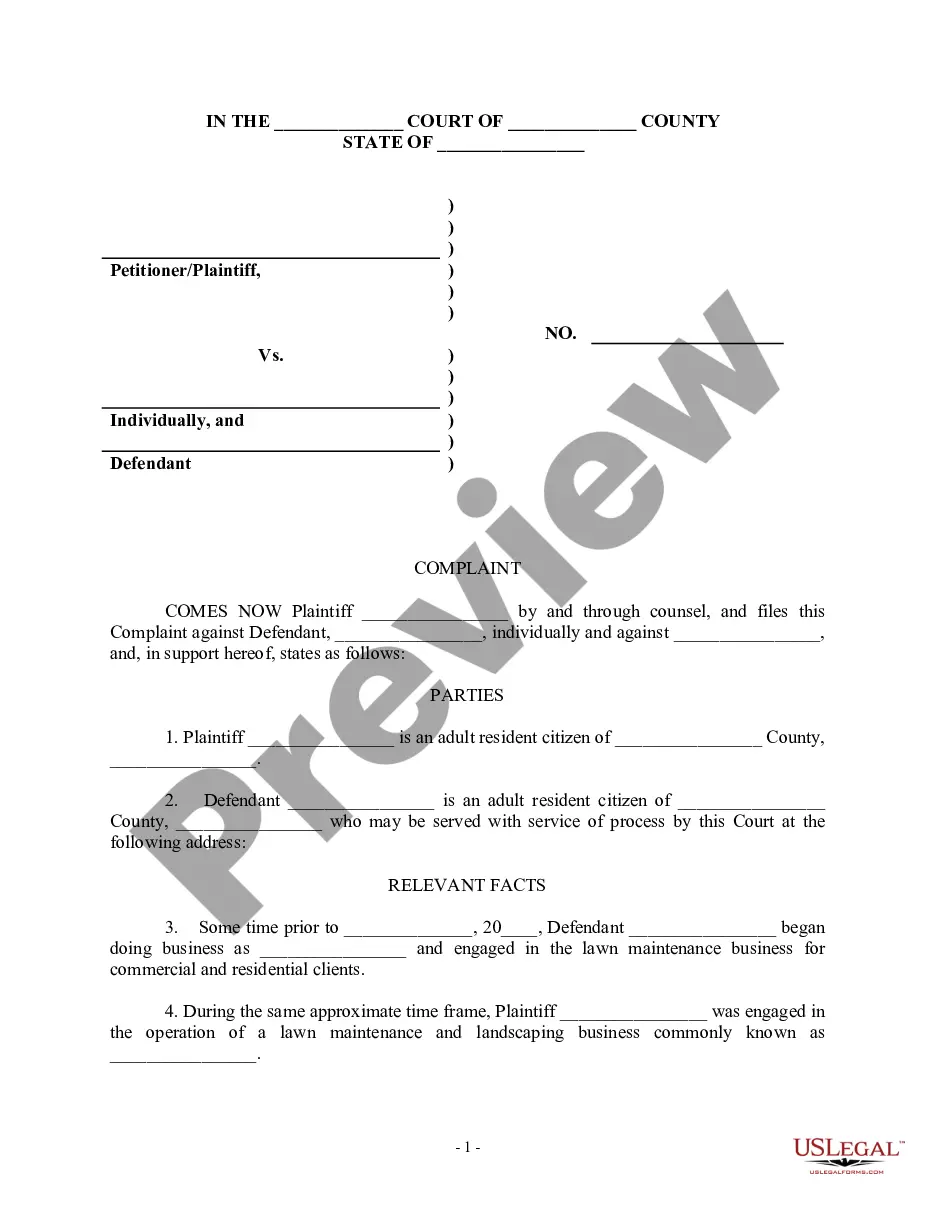
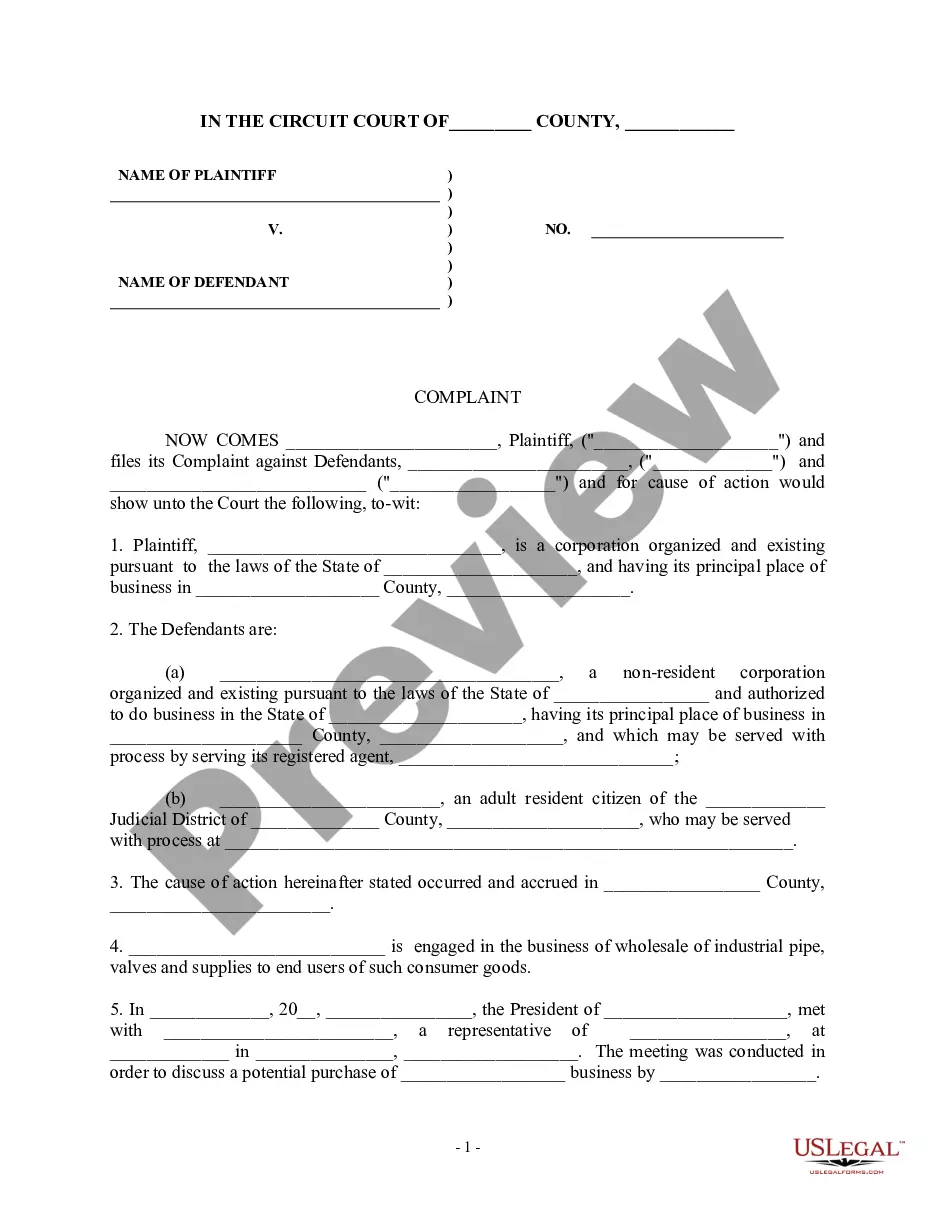
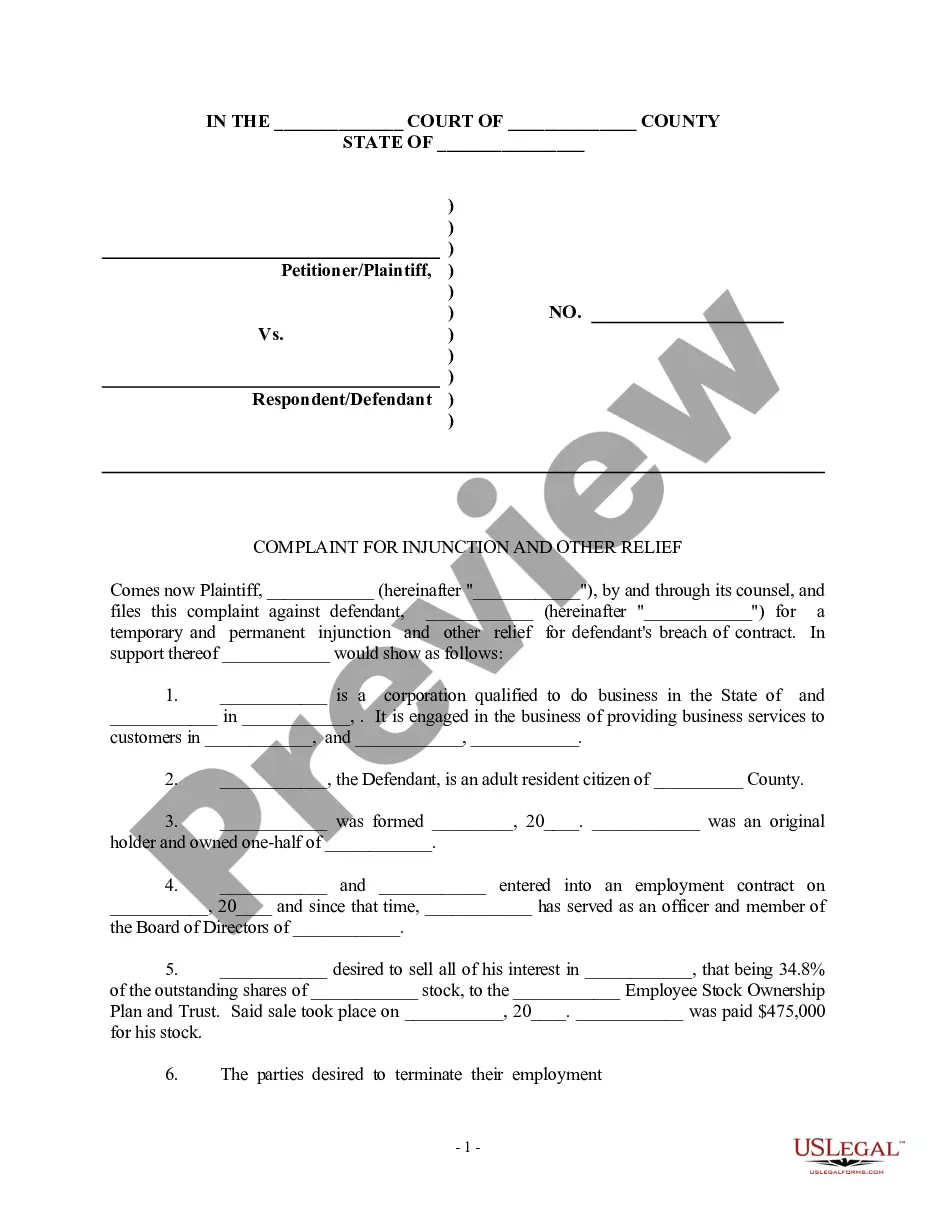
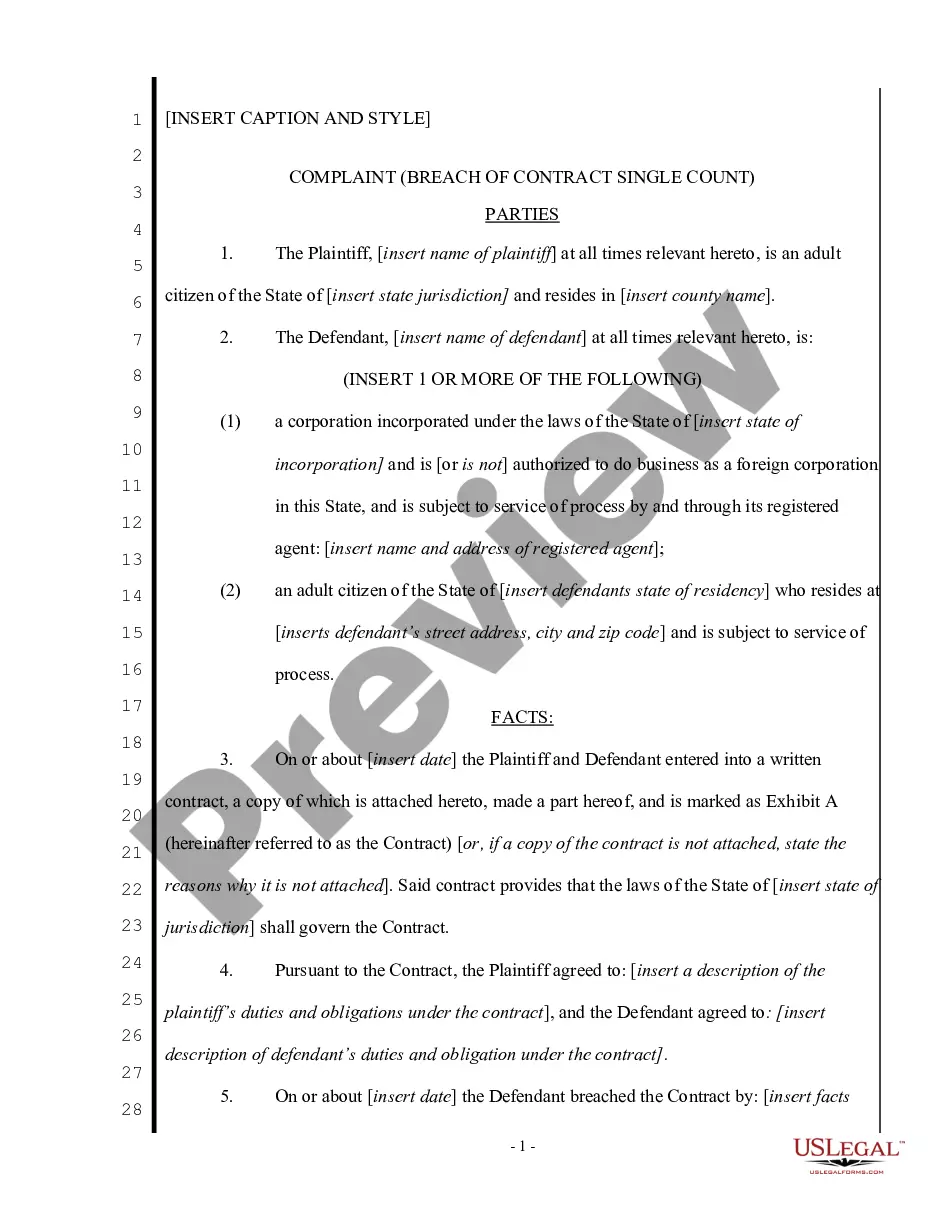
Get your form ready online
Our built-in tools help you complete, sign, share, and store your documents in one place.
Make edits, fill in missing information, and update formatting in US Legal Forms—just like you would in MS Word.
Download a copy, print it, send it by email, or mail it via USPS—whatever works best for your next step.
Sign and collect signatures with our SignNow integration. Send to multiple recipients, set reminders, and more. Go Premium to unlock E-Sign.
If this form requires notarization, complete it online through a secure video call—no need to meet a notary in person or wait for an appointment.
We protect your documents and personal data by following strict security and privacy standards.

Make edits, fill in missing information, and update formatting in US Legal Forms—just like you would in MS Word.

Download a copy, print it, send it by email, or mail it via USPS—whatever works best for your next step.

Sign and collect signatures with our SignNow integration. Send to multiple recipients, set reminders, and more. Go Premium to unlock E-Sign.

If this form requires notarization, complete it online through a secure video call—no need to meet a notary in person or wait for an appointment.

We protect your documents and personal data by following strict security and privacy standards.
Looking for another form?



Form popularity
FAQ
California's Form FL-180 is the Formal Divorce Decree Here is California's form FL-190 that also accompanies the divorce decree so you can see what that looks like. This is the form that confirms the court's "entry" of the divorce.
The petitioner (the person who files the first divorce or legal separation forms with the court) fills out and files with the court clerk at least a Petition—Marriage/Domestic Partnership (form FL-100) and a Summons (form FL-110) and, if there are children of the relationship, a Declaration Under Uniform Child Custody ...
Use the Contra Costa County Superior Court Website or CDPH's Vital Records platform for online requests. Visit the court or county clerk's office for in-person visits. Submit a written request with required details and payment via mail.
Fill out these forms: Petition — Marriage/Domestic Partnership (form FL-100) This form asks for basic information about your marriage and the type of orders you want the court to be able to make about things like spousal support and property. Summons (Family Law) (form FL-110)
You can respond by filing a Response (form FL-120) in court. If you don't file a Response within 30 days of getting these papers, your spouse can ask the court to decide the case without your input. This is called a default.
If you do decide to file a response, prepare the paperwork for the following forms: FL-120 - Response and Request for Dissolution, Legal Separation, or Nullity of Marriage. FL-105/GC-120 - Declaration Under Uniform Child Custody Jurisdiction and Enforcement Act (UCCJEA) - only if you have minor children.
Contra Costa County Clerk-Recorder's Office Interested individuals should visit the Clerk-Recorder's website. Choose a preferred method of request—online, in-person, or by mail—and follow the provided instructions. Inquirers can also contact the office at (925) 335-7900 to make further inquiries.
9 Self Help Tips to Heal & Find Happiness Following Divorce Don't ignore how you feel. Remember that change is always difficult. Ask for support from friends and family. Don't keep on providing fuel for your negative emotions. Seek professional help. It is possible to be friends. Remember that you will find happiness again.
If your spouse doesn't file a response within 30 days of being served, you can ask the court for a default. This means asking the court to decide the case without your spouse's input. In a divorce by default, the court will make decisions based on the information you file and what the law says.
Via Better Business Bureau's website – file a complaint. Or by submitting a written letter of complaint to your BBB (please include your name, address and phone number, the company's name, address and phone number, a brief summary of the issue, and your desired resolution. You can find your BBB via the directory.
