Sample Letter Exemption Withdrawal In San Jose
Description
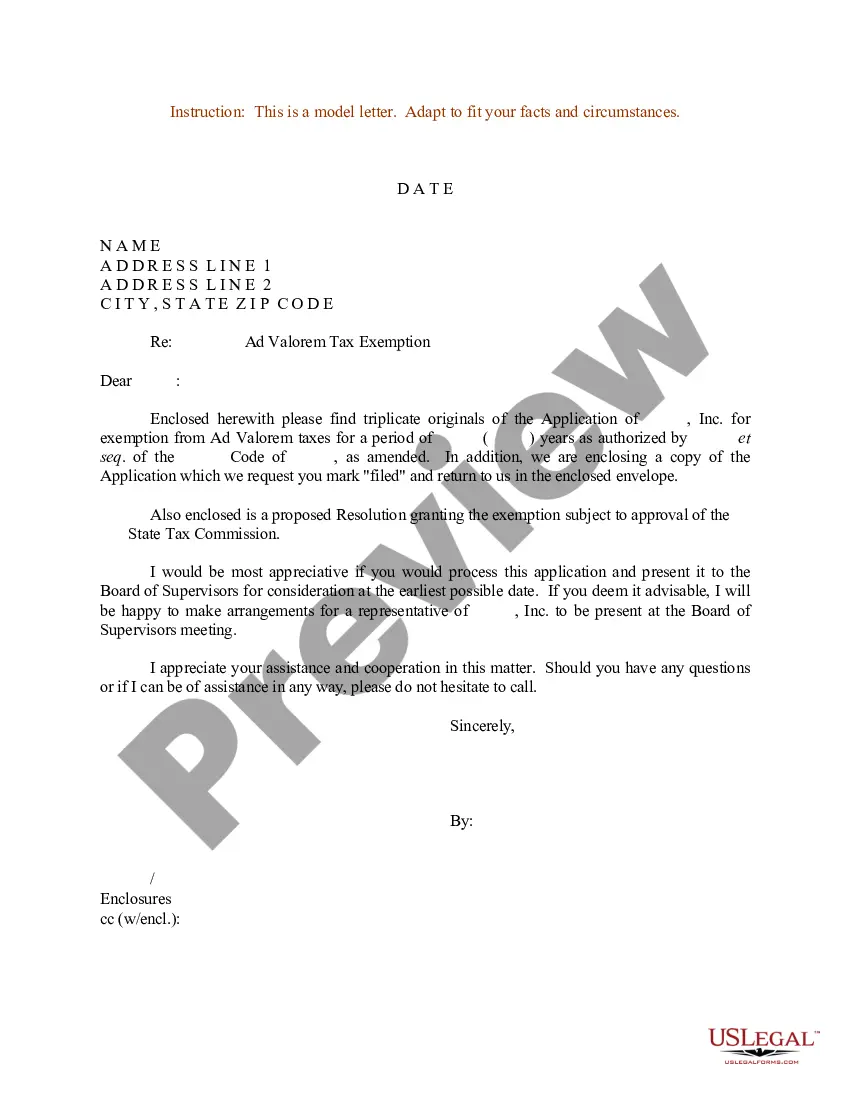
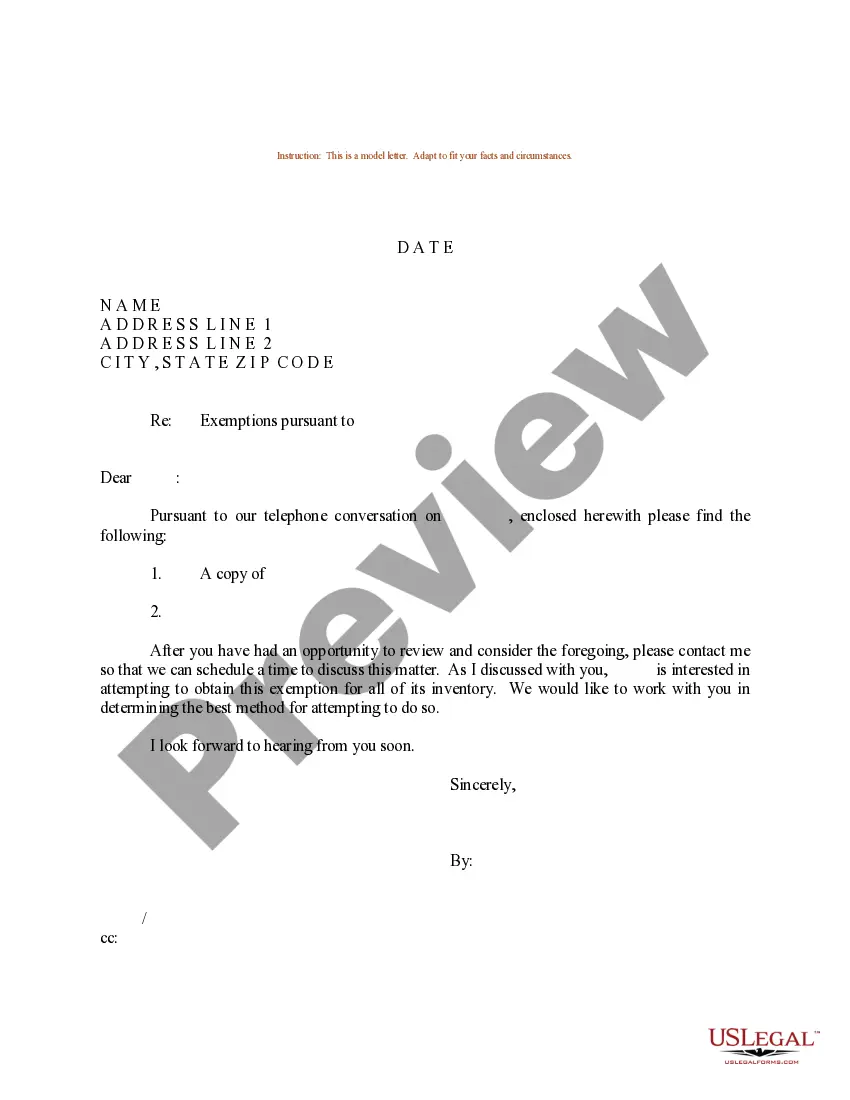
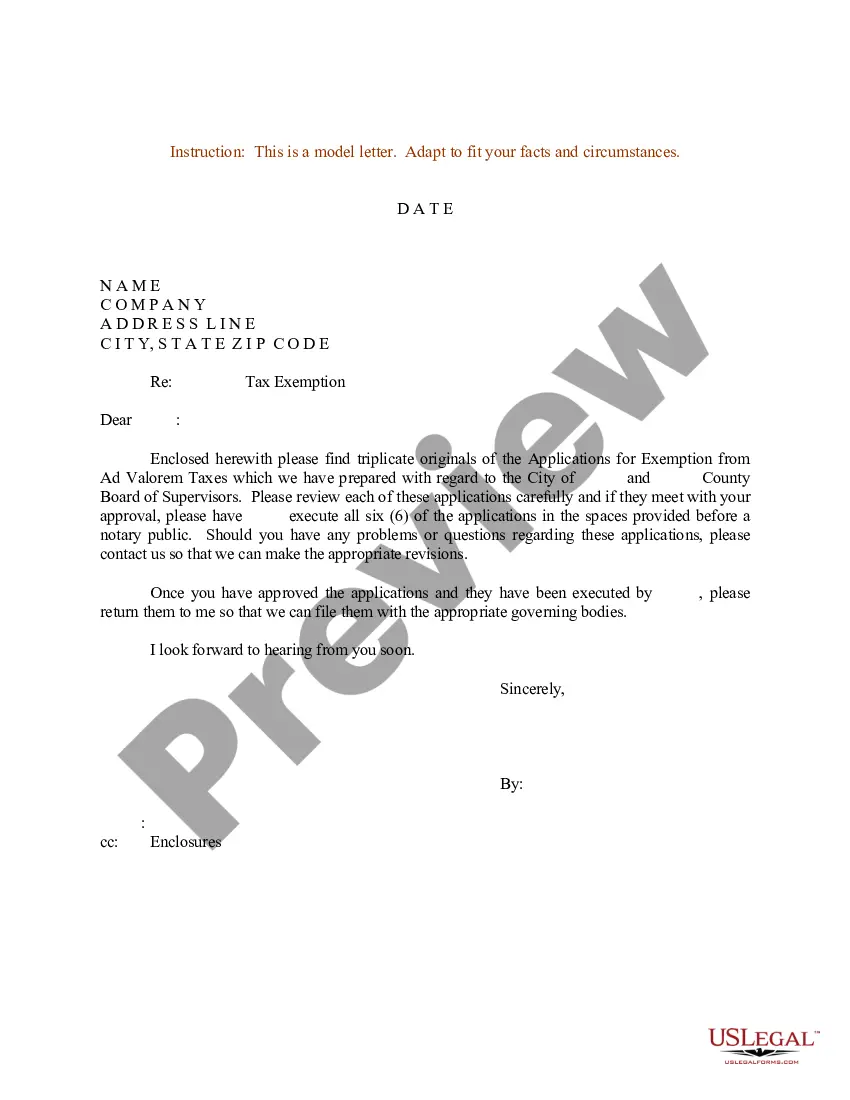
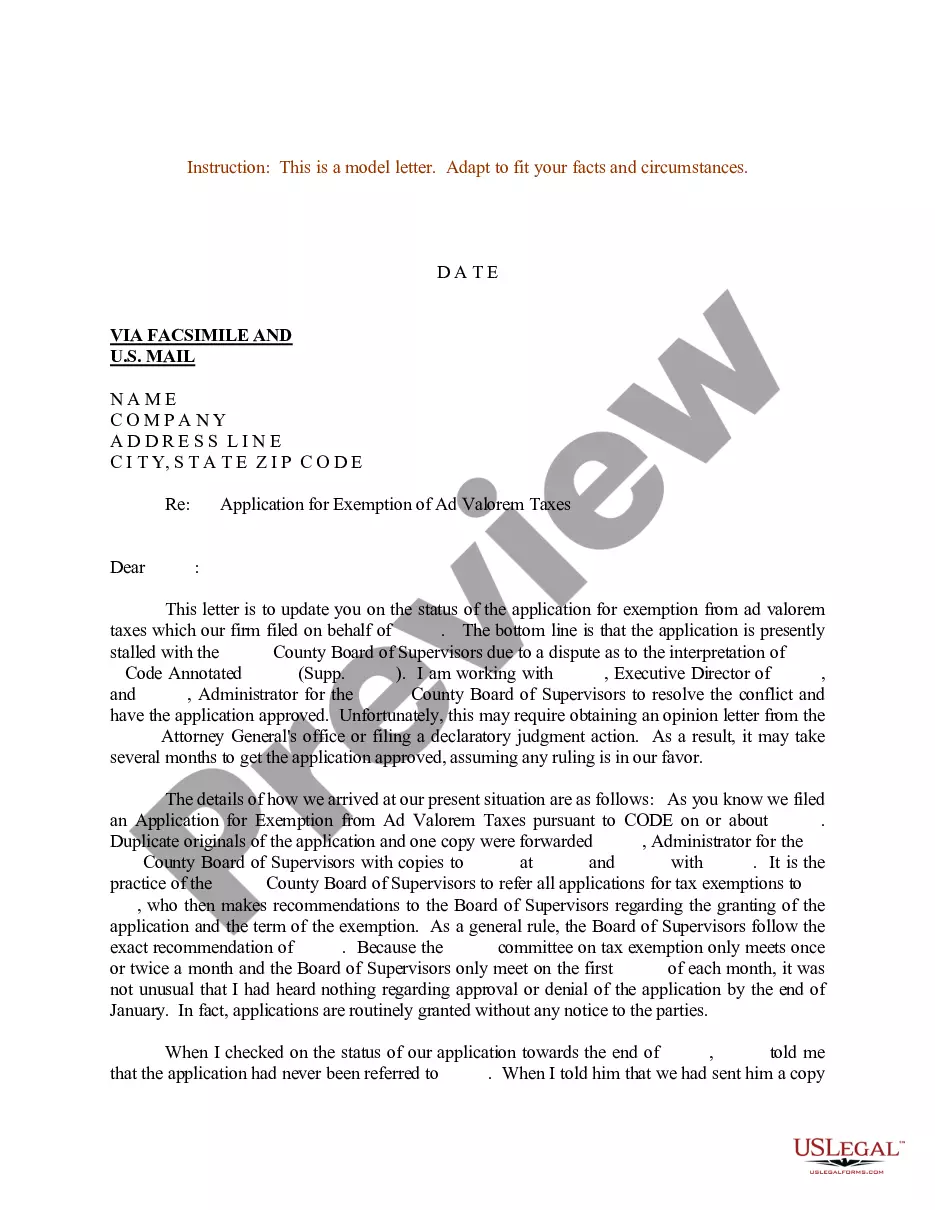
Get your form ready online
Our built-in tools help you complete, sign, share, and store your documents in one place.
Make edits, fill in missing information, and update formatting in US Legal Forms—just like you would in MS Word.
Download a copy, print it, send it by email, or mail it via USPS—whatever works best for your next step.
Sign and collect signatures with our SignNow integration. Send to multiple recipients, set reminders, and more. Go Premium to unlock E-Sign.
If this form requires notarization, complete it online through a secure video call—no need to meet a notary in person or wait for an appointment.
We protect your documents and personal data by following strict security and privacy standards.

Make edits, fill in missing information, and update formatting in US Legal Forms—just like you would in MS Word.

Download a copy, print it, send it by email, or mail it via USPS—whatever works best for your next step.

Sign and collect signatures with our SignNow integration. Send to multiple recipients, set reminders, and more. Go Premium to unlock E-Sign.

If this form requires notarization, complete it online through a secure video call—no need to meet a notary in person or wait for an appointment.

We protect your documents and personal data by following strict security and privacy standards.
Looking for another form?






Form popularity
FAQ
The student must repeat the class the following semester. If -on the second attempt- the student does not pass the class with a grade of B or better (not B- but B) they will be disqualified. (See required grade details.)
If you must withdraw, you should always withdraw officially by going to your advisor or dropping the class on your student account. You should not withdraw from a class by not going to the class anymore.
Important Definitions Course Drop: Removal of a course from your schedule prior to the end of the first week of class. Course Withdrawal: Any removal of a course from your schedule after the end of week one using the online form provided.
Withdrawing from the Class Check your school's deadline for withdrawal. Withdraw online through your student account. Contact the registrar's office to withdraw. Fill out your student information. Return the form.
Withdrawal Undergraduate students will need to submit the Withdrawal from Semester Request which is available on Undergraduate Education's Petitions page. Graduate students need to file the Graduate Petition for Course Drop/Semester Withdrawal. Go to the GAPE Forms page and look under Special Petitions.
3)Email the SJSU Admissions Office at admissions@sjsu to notify the university of your intention to withdraw from SJSU.
Go to the MySJSU login page, sign in with your SJSU credentials and select the MySJSU app. Select the Enroll option on the right side of the home page. Note: make sure you have selected the correct term. Check the box by each class you want to drop, and then click Drop Selected Classes.
Be Honest but Respectful: You don't need to provide excessive details about your situation, but you should be honest about your reasons for withdrawal. Keep It Professional: Use a formal tone and structure. Express Gratitude: Thank the school for the support and opportunities you've received.
I/ We _______________________hereby agree to withdraw my/ our claim(s) and discharge the Insurers and/ or their agents from all of my/ our claims, present or future, in connection with or in any way arising out of an occurrence at __________________________________________ ...
The introductory paragraph should state your intention to withdraw from a particular situation or program. It should be clear and concise, and it should also include the reason for your withdrawal. In the body of the letter, you should provide more details about your decision to withdraw.

