Preliminary Injunction Form For Trademark Infringement In Minnesota
Description


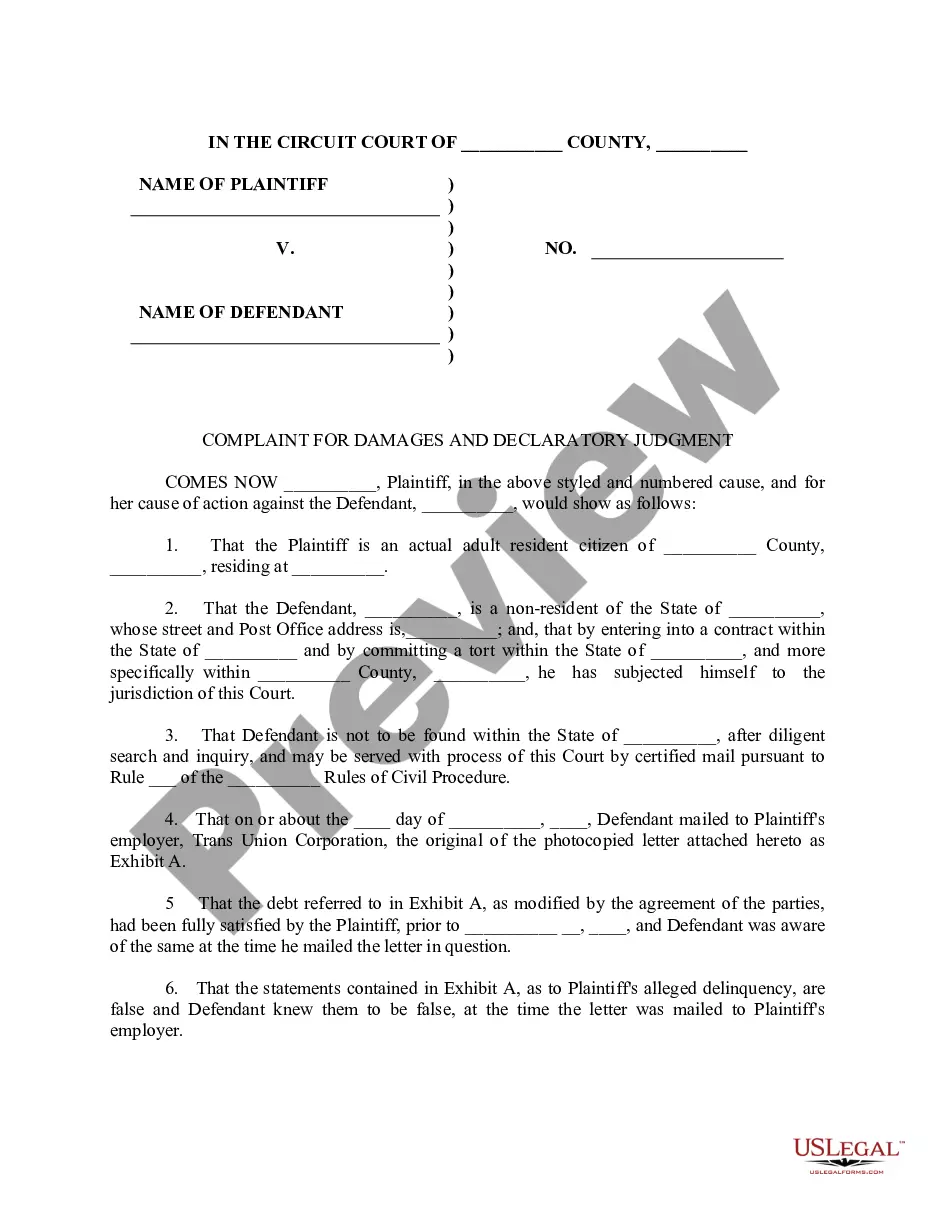
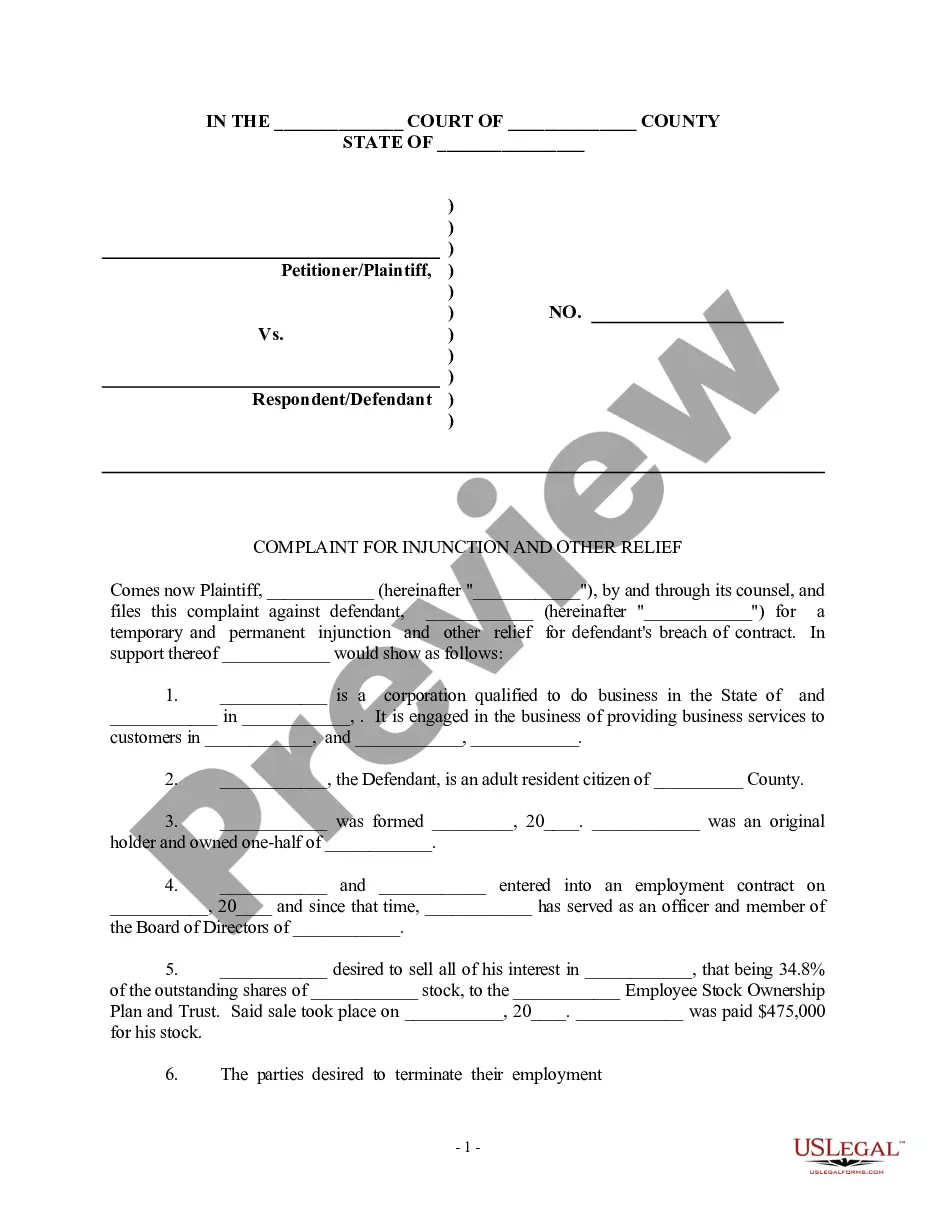
Get your form ready online
Our built-in tools help you complete, sign, share, and store your documents in one place.
Make edits, fill in missing information, and update formatting in US Legal Forms—just like you would in MS Word.
Download a copy, print it, send it by email, or mail it via USPS—whatever works best for your next step.
Sign and collect signatures with our SignNow integration. Send to multiple recipients, set reminders, and more. Go Premium to unlock E-Sign.
If this form requires notarization, complete it online through a secure video call—no need to meet a notary in person or wait for an appointment.
We protect your documents and personal data by following strict security and privacy standards.

Make edits, fill in missing information, and update formatting in US Legal Forms—just like you would in MS Word.

Download a copy, print it, send it by email, or mail it via USPS—whatever works best for your next step.

Sign and collect signatures with our SignNow integration. Send to multiple recipients, set reminders, and more. Go Premium to unlock E-Sign.

If this form requires notarization, complete it online through a secure video call—no need to meet a notary in person or wait for an appointment.

We protect your documents and personal data by following strict security and privacy standards.
Looking for another form?









Form popularity
FAQ
The most common remedy for trademark infringement is injunctive relief. Injunctions are court orders commanding that the infringer immediately cease its unlawful activities. Injunctions address future conduct rather than past actions.
Instructions for filing a. Motion. in the Minnesota Court of Appeals. Step 1: Fill out the Motion form. Step 2: Fill out the Affidavit in Support of Motion form. Step 3: Serve your Motion and Affidavit on the opposing parties. Step 4: Proof of Service. Step 5: File the Motion, Affidavit, and Certificate of Service by Mail.
Exhibit list: Prepare an exhibit list that includes a description of each exhibit and its corresponding exhibit number or letter. The exhibit list should be filed with the court and shared with opposing counsel before trial.
Court filings with exhibits attached as part of the court filing must be submitted to the court at the time of filing with the court (either in person, by mail, or through the eFile and eServe (eFS) System).
Categorizing and Labeling for Court Fill out an exhibit list with a description and exhibit number or letter. Identify exhibits as physical, electronic, or both. Use specific file naming protocol and sequencing for digital files. Bookmark and annotate PDFs.
65.01Temporary Restraining Order; Notice; Hearing; Duration In the event that a temporary restraining order is based upon any affidavit, a copy of such affidavit must be served with the temporary restraining order.
Ensure the video is clear, relevant, and legally recorded. Gather required documents and authenticate the video. Submit it in the court-approved format before the deadline. During the hearing, use proper playback equipment and be ready to explain why the video is important to your case.
Exhibits may include: Photographs, either digital or physical. Audio or video recordings as digital file types, DVDs, CDs, etc.
If the contact continues, it could possibly be illegal and the victim making the contact could be charged with criminal harassment. A defendant that responds to unwanted communication from a victim can be charged with breaching the no contact order, whether he/ she responds to the communication directly or indirectly.
65.03Security The surety's liability may be enforced on motion without the necessity of an independent action. The motion and such notice of the motion as the court prescribes may be served on the court administrator, who shall forthwith transmit copies to the sureties if their addresses are known.