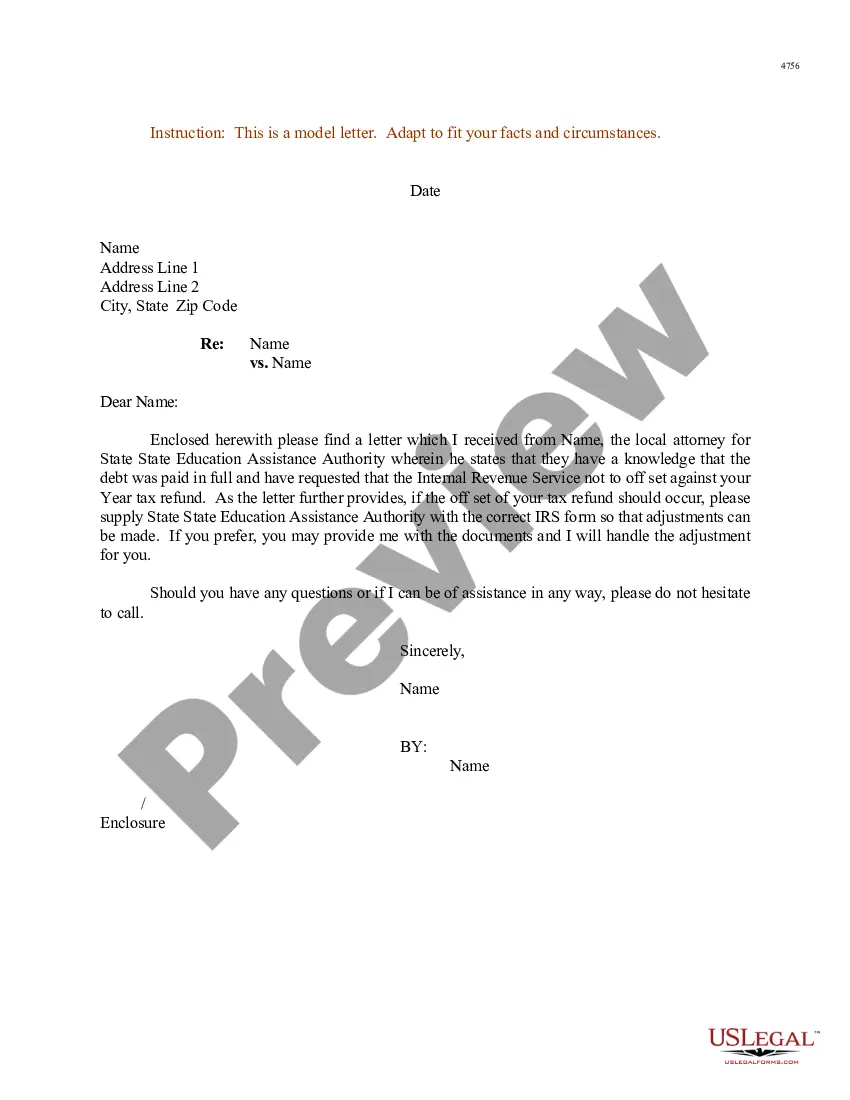
This is a multi-state form covering the subject matter of the title.
Demand Trial By Combat In Minnesota
State:
Multi-State
Category:
Control #:
US-000291
Format:
Word;
Rich Text
99 downloads
Description
Free preview





Get your form ready online
Our built-in tools help you complete, sign, share, and store your documents in one place.
Built-in online Word editor
Make edits, fill in missing information, and update formatting in US Legal Forms—just like you would in MS Word.
Export easily
Download a copy, print it, send it by email, or mail it via USPS—whatever works best for your next step.
E-sign your document
Sign and collect signatures with our SignNow integration. Send to multiple recipients, set reminders, and more. Go Premium to unlock E-Sign.
Notarize online 24/7
If this form requires notarization, complete it online through a secure video call—no need to meet a notary in person or wait for an appointment.
Store your document securely
We protect your documents and personal data by following strict security and privacy standards.

Make edits, fill in missing information, and update formatting in US Legal Forms—just like you would in MS Word.

Download a copy, print it, send it by email, or mail it via USPS—whatever works best for your next step.

Sign and collect signatures with our SignNow integration. Send to multiple recipients, set reminders, and more. Go Premium to unlock E-Sign.

If this form requires notarization, complete it online through a secure video call—no need to meet a notary in person or wait for an appointment.

We protect your documents and personal data by following strict security and privacy standards.
Looking for another form?

Form popularity
FAQ
Rule 69. In aid of the judgment or execution, the judgment creditor, or successor in interest when that interest appears of record, may obtain discovery from any person, including the judgment debtor, in the manner provided by these rules.
If you want to file a motion, the process is generally something like this: You write your motion. You file your motion with the court clerk. The court clerk inserts the date and time your motion will be heard by the judge. You “serve” (mail) your motion to the other side.
Instructions for filing a. Motion. in the Minnesota Court of Appeals. Step 1: Fill out the Motion form. Step 2: Fill out the Affidavit in Support of Motion form. Step 3: Serve your Motion and Affidavit on the opposing parties. Step 4: Proof of Service. Step 5: File the Motion, Affidavit, and Certificate of Service by Mail.
Rule 63. Disability or Disqualification of Judge; Notice to Remove; Assignment of a Judge.
Rule 60. Clerical mistakes in judgments, orders, or other parts of the record and errors therein arising from oversight or omission may be corrected by the court at any time upon its own initiative or on the motion of any party and after such notice, if any, as the court orders.
Instructions for filing a. Motion. in the Minnesota Court of Appeals. Step 1: Fill out the Motion form. Step 2: Fill out the Affidavit in Support of Motion form. Step 3: Serve your Motion and Affidavit on the opposing parties. Step 4: Proof of Service. Step 5: File the Motion, Affidavit, and Certificate of Service by Mail.
20.02. Defense of Mental Illness or Cognitive Impairment - Mental Examination. 20.03. Disclosure of Reports and Records of Defendant's Mental Examinations. 20.04.
Rule 11.09Trial Date (a) If the defendant enters a plea other than guilty, a trial date must be set. (b) A defendant must be tried as soon as possible after entry of a plea other than guilty.
Rule 28. A person so appointed has power to administer oaths and take testimony.
Rule 20, competency evaluations occur in criminal cases when there is a belief that a defendant may not be competent to proceed with the case or was not responsible at the time of the alleged offense because of mental illness or developmental disability.