Complaint Waived File Format In Tarrant
Description

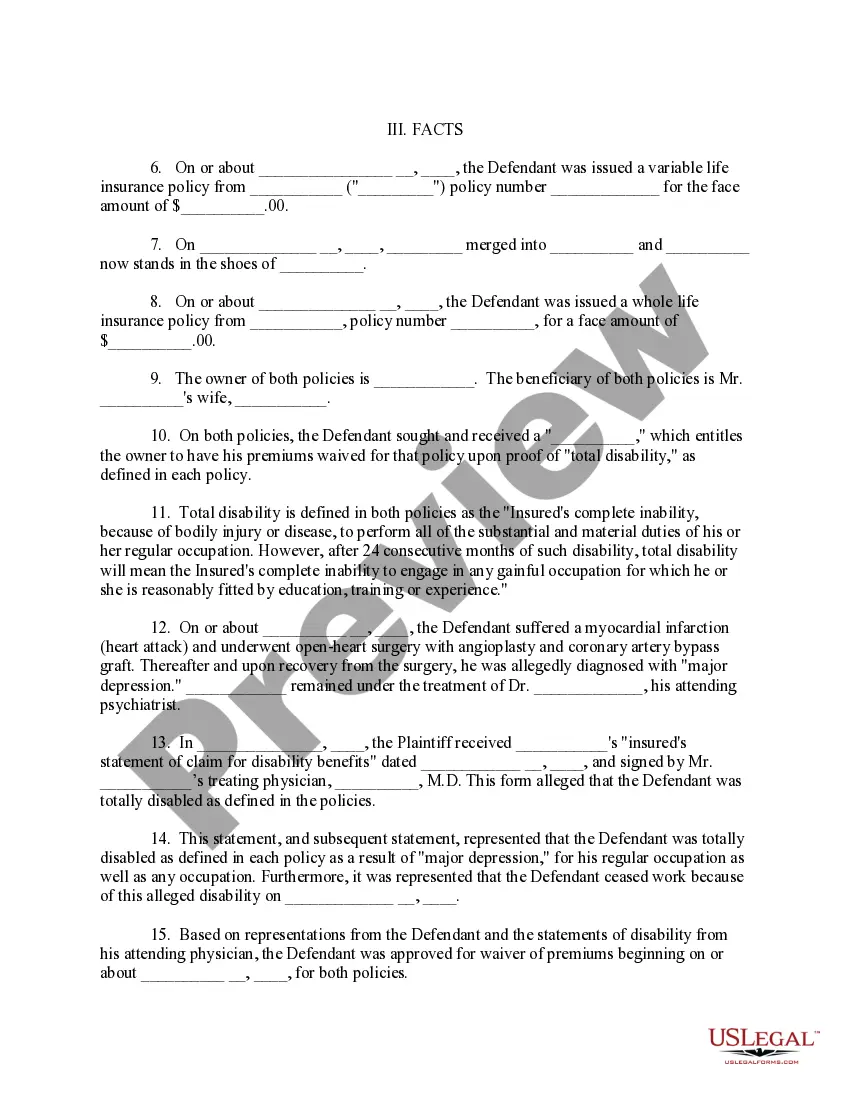
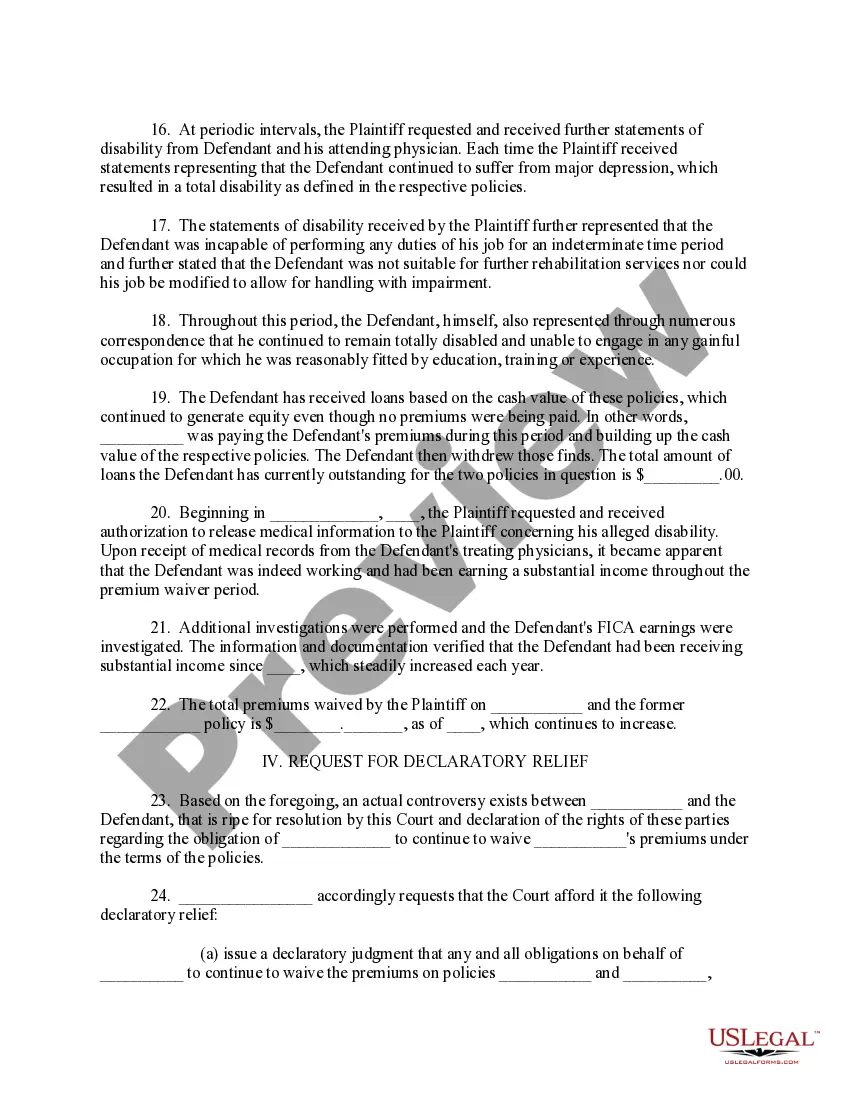
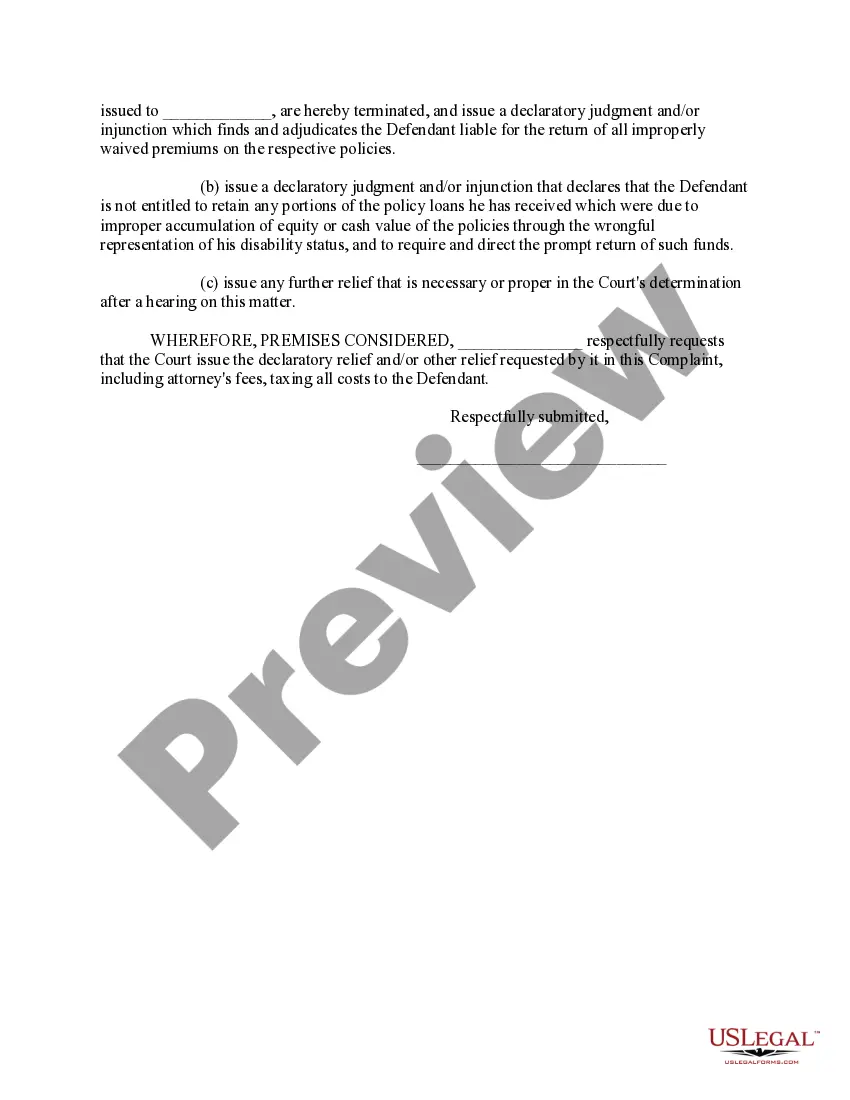
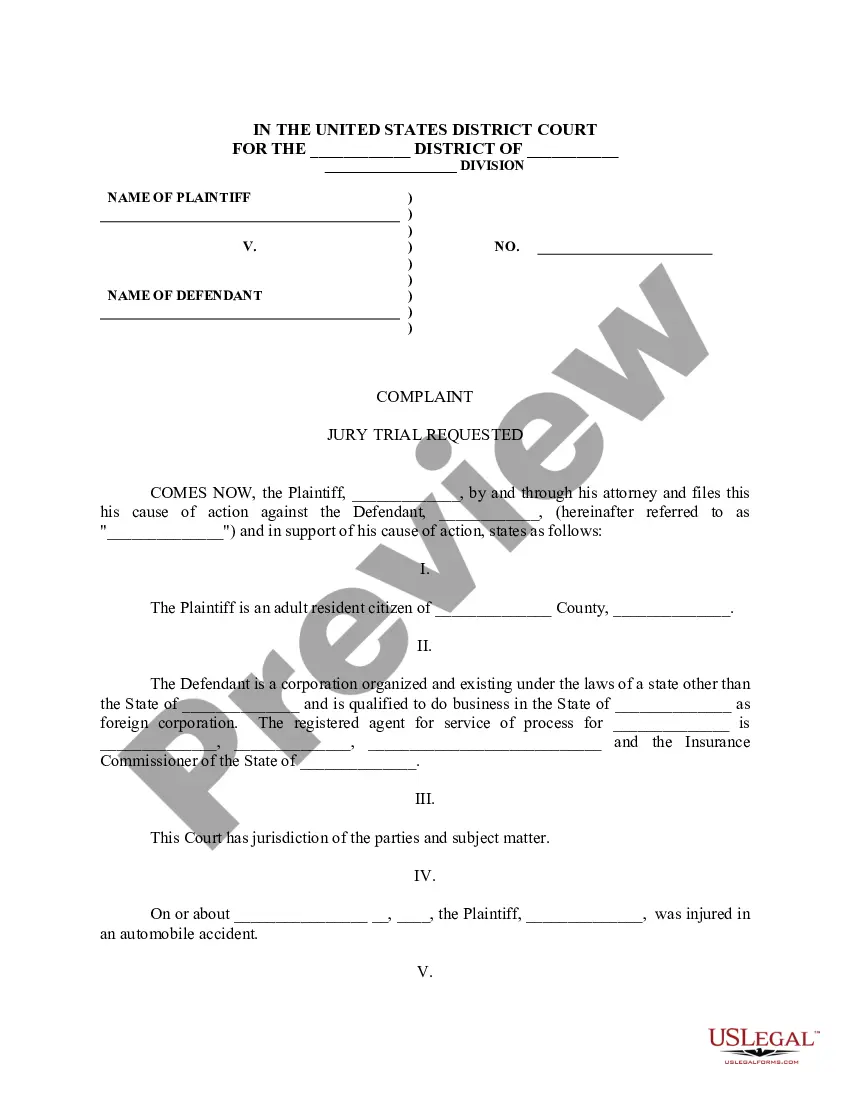


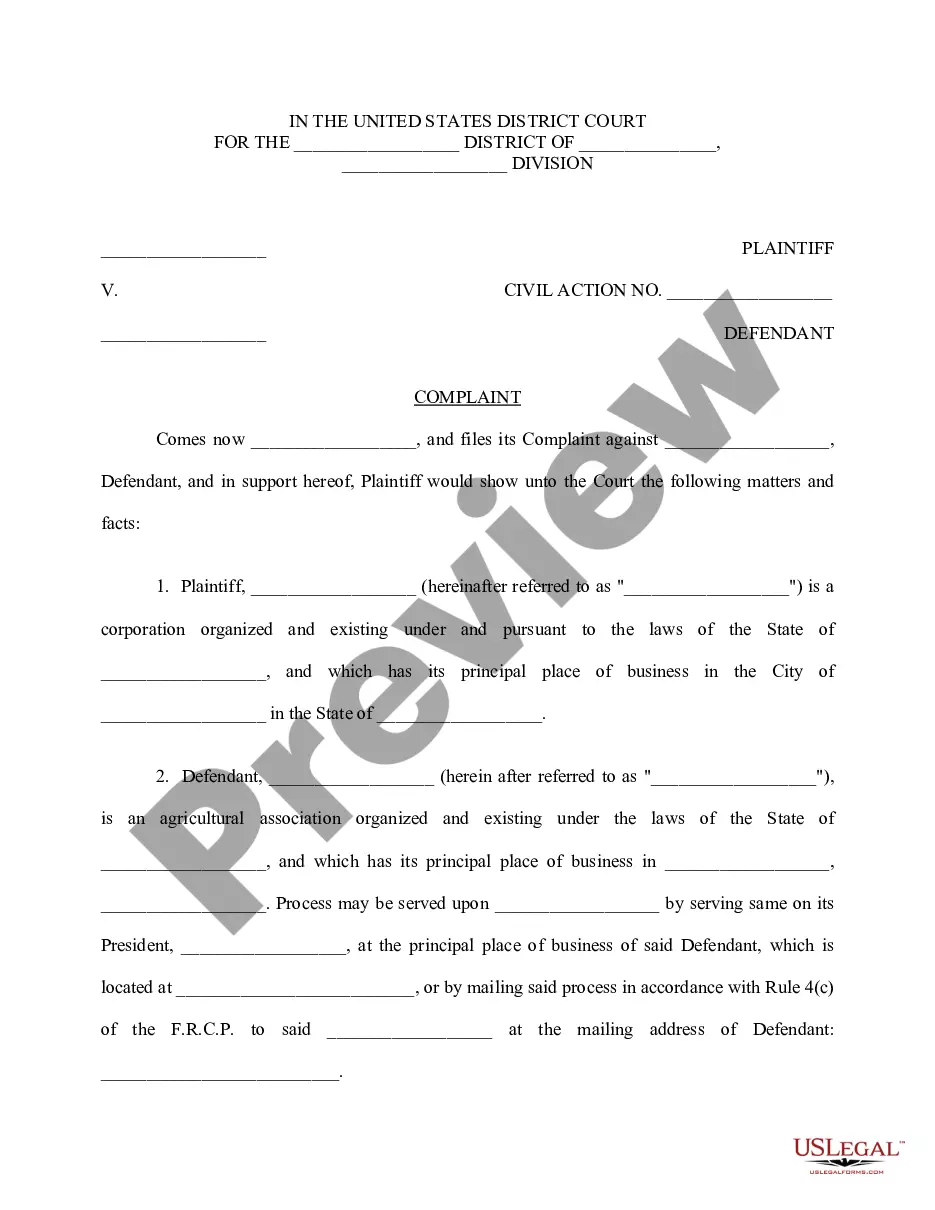
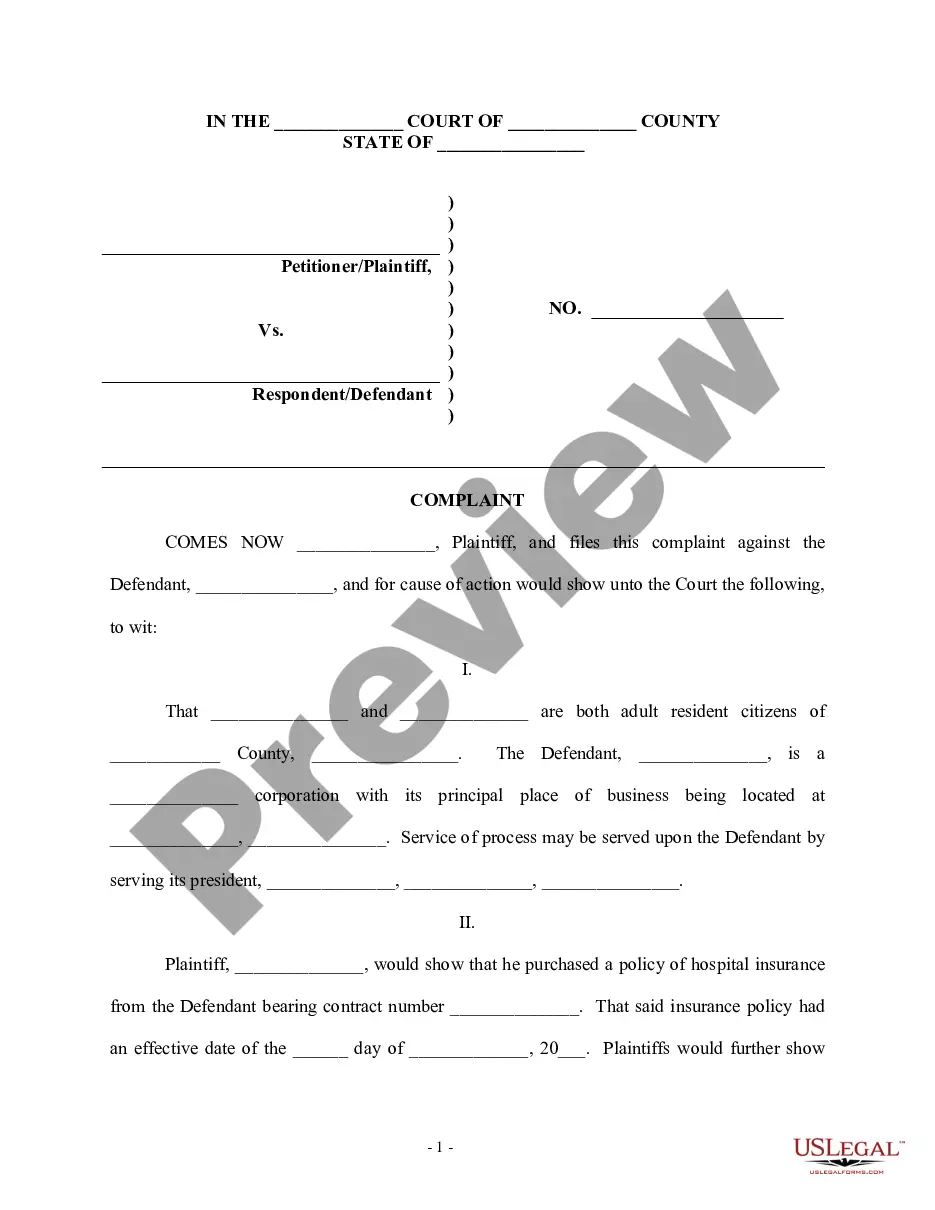
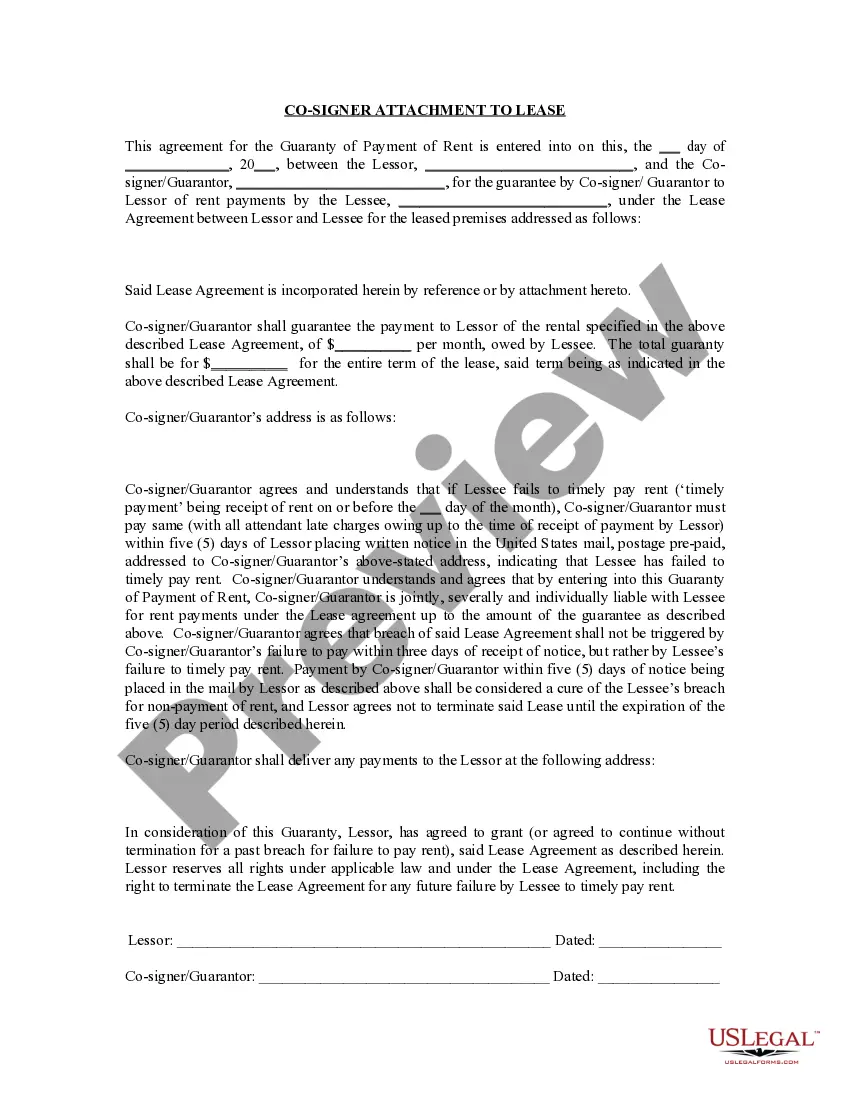
Get your form ready online
Our built-in tools help you complete, sign, share, and store your documents in one place.
Make edits, fill in missing information, and update formatting in US Legal Forms—just like you would in MS Word.
Download a copy, print it, send it by email, or mail it via USPS—whatever works best for your next step.
Sign and collect signatures with our SignNow integration. Send to multiple recipients, set reminders, and more. Go Premium to unlock E-Sign.
If this form requires notarization, complete it online through a secure video call—no need to meet a notary in person or wait for an appointment.
We protect your documents and personal data by following strict security and privacy standards.

Make edits, fill in missing information, and update formatting in US Legal Forms—just like you would in MS Word.

Download a copy, print it, send it by email, or mail it via USPS—whatever works best for your next step.

Sign and collect signatures with our SignNow integration. Send to multiple recipients, set reminders, and more. Go Premium to unlock E-Sign.

If this form requires notarization, complete it online through a secure video call—no need to meet a notary in person or wait for an appointment.

We protect your documents and personal data by following strict security and privacy standards.
Looking for another form?









Form popularity
FAQ
All documents you want to file with the court must be filed with the District Clerk's Office through e-filing, in person, fax, or by mail. Contact the District Clerk's office with any questions at (817) 884-1574 or dclerk@tarrantcounty.
If you have been a victim of a criminal offense, you should contact the nearest local law enforcement agency to conduct the investigation and file the appropriate criminal charges through the District Attorney's Office.
The Defendant's Answer For most defendants, the answer is due by the end of the 14th day after the day the defendant was served with the citation and the petition. For defendants that were served by publication, the answer is due by the end of the 42nd day after the day the citation was issued.
Most Tarrant County precincts allow you to file your small claims lawsuit through the following methods: In-person. You can go to the court you wish to file your small claims lawsuit and file the forms with a court clerk in person. Online. Some Tarrant County precincts allow e-filing or electronic filing. By mail.
EFileTexas. Official E-Filing System for Texas. applying technology that enables everyone access to our justice system. e-Filing is now mandatory for all attorneys filing civil, family, probate, or criminal cases in the Supreme Court, Court of Criminal Appeals, Courts of Appeals, and all district and county courts.
Once you decide to respond to a Complaint, your first step is to decide what type of response. This page will focus on the Answer form. Filing an Answer to the Complaint forces the other side to prove their case with evidence. You may also be called upon to provide evidence about what happened or defenses you claim.
It involves presenting to the person or entity sued (the 'defendant') a Complaint in which the person suing (the 'plaintiff') describes its legal claims and should always be accompanied by a Summons, requiring a defendant to respond in court. There are very specific requirements for serving a lawsuit on a defendant.
