Entertainment Contract Document With Iphone In Riverside
Description

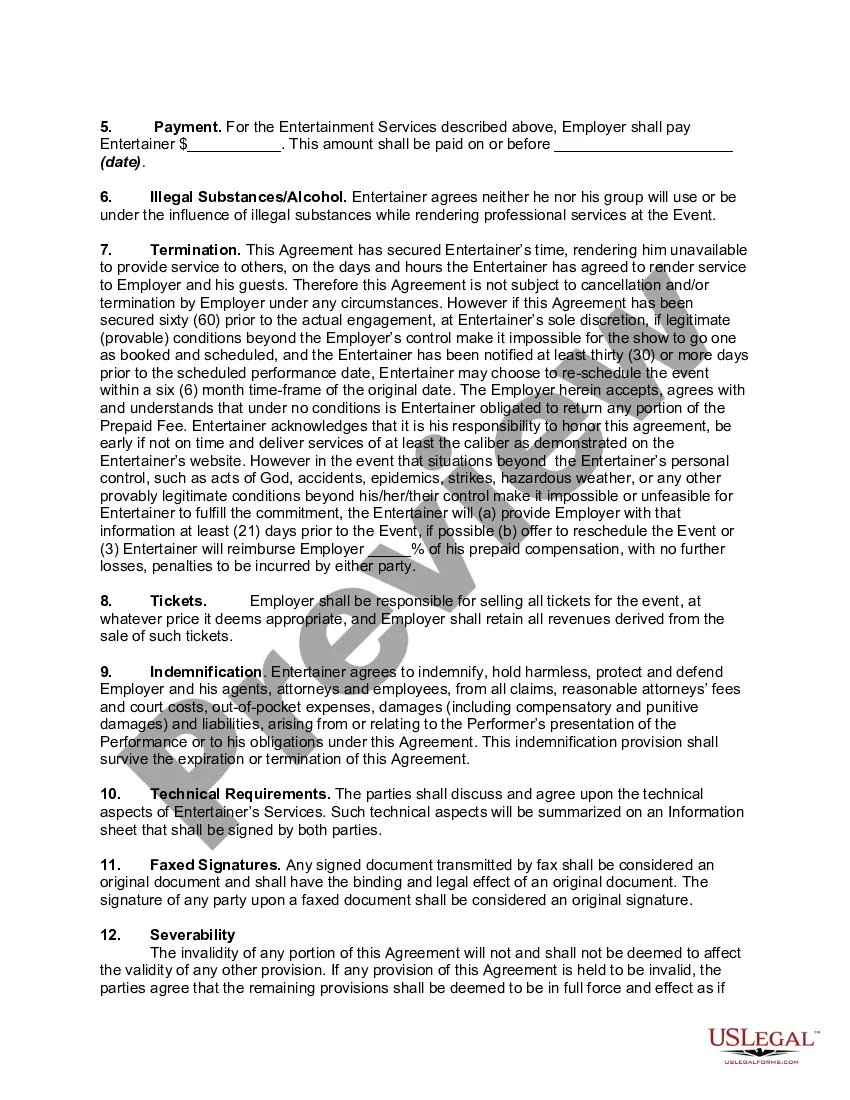
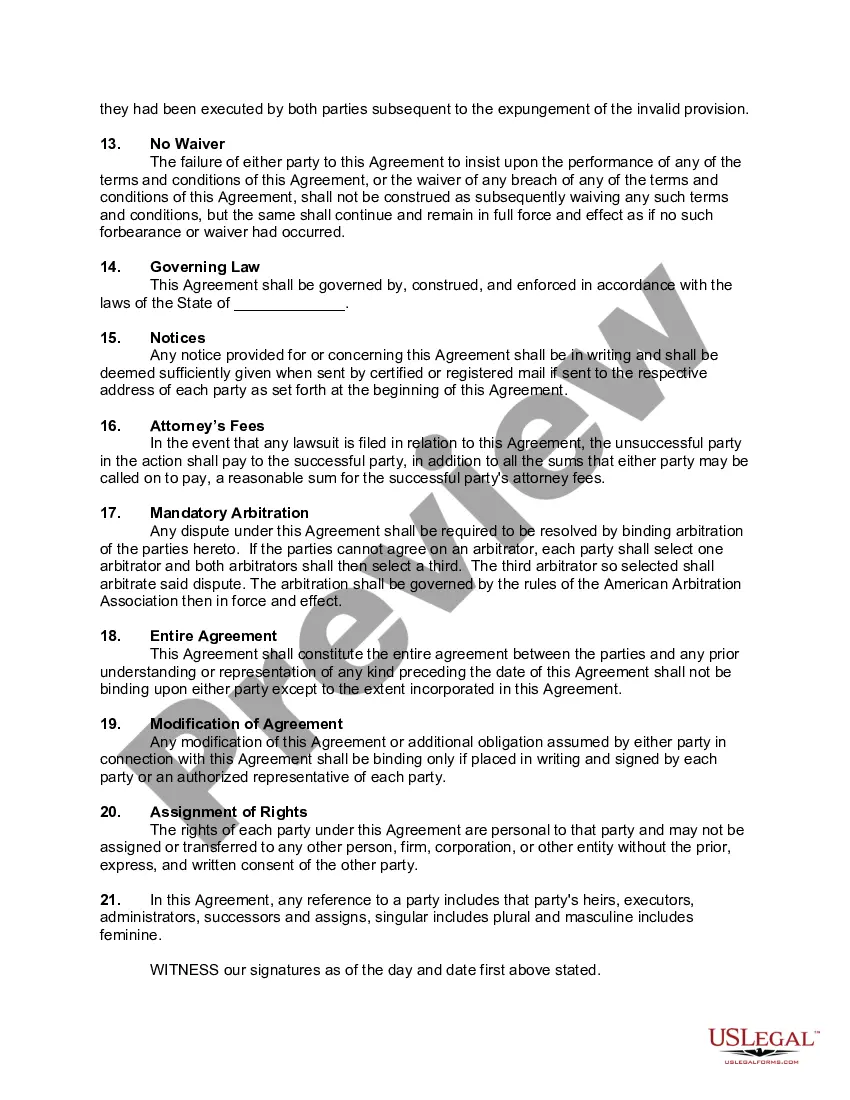
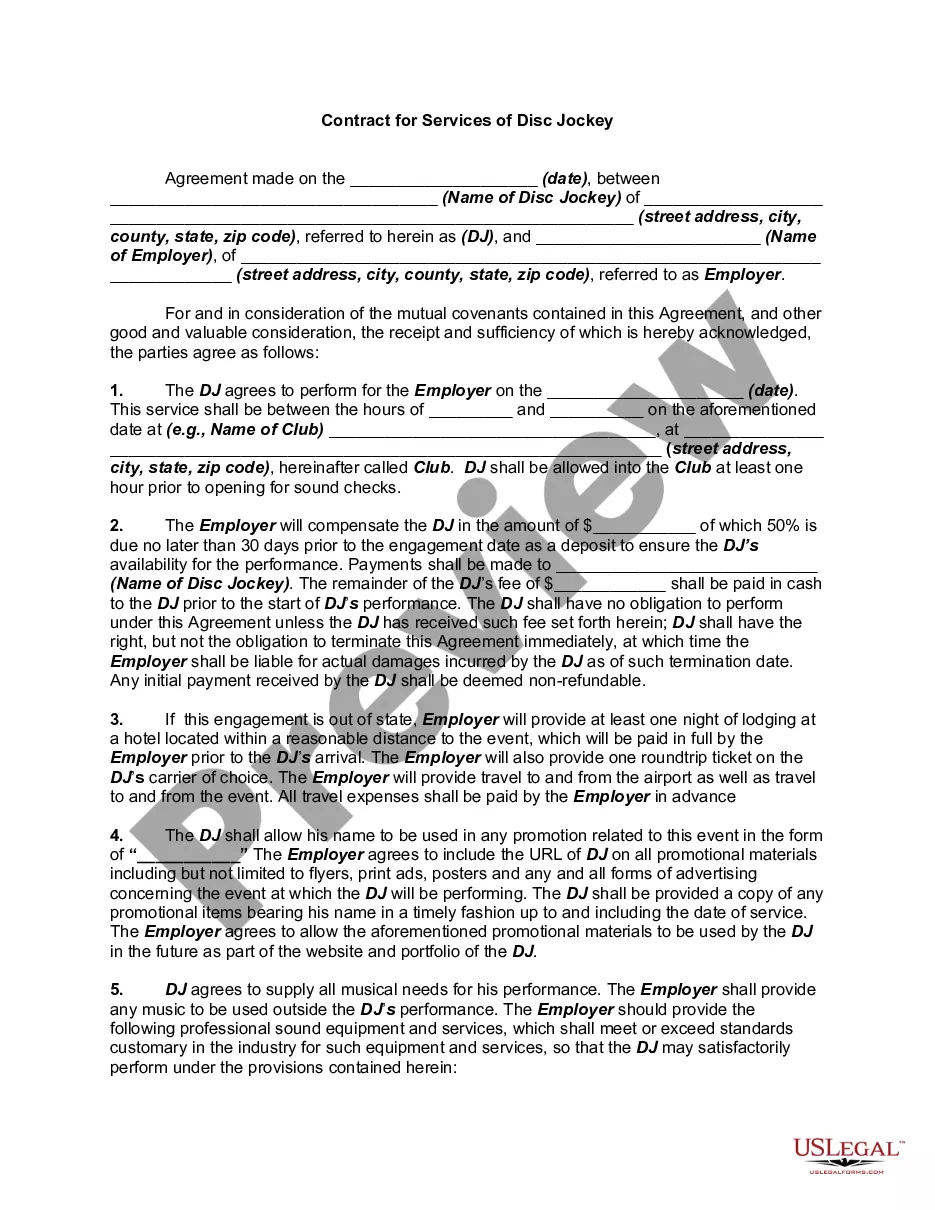

Get your form ready online
Our built-in tools help you complete, sign, share, and store your documents in one place.
Make edits, fill in missing information, and update formatting in US Legal Forms—just like you would in MS Word.
Download a copy, print it, send it by email, or mail it via USPS—whatever works best for your next step.
Sign and collect signatures with our SignNow integration. Send to multiple recipients, set reminders, and more. Go Premium to unlock E-Sign.
If this form requires notarization, complete it online through a secure video call—no need to meet a notary in person or wait for an appointment.
We protect your documents and personal data by following strict security and privacy standards.

Make edits, fill in missing information, and update formatting in US Legal Forms—just like you would in MS Word.

Download a copy, print it, send it by email, or mail it via USPS—whatever works best for your next step.

Sign and collect signatures with our SignNow integration. Send to multiple recipients, set reminders, and more. Go Premium to unlock E-Sign.

If this form requires notarization, complete it online through a secure video call—no need to meet a notary in person or wait for an appointment.

We protect your documents and personal data by following strict security and privacy standards.
Looking for another form?







Form popularity
FAQ
Create a basic word-processing document Go to the Pages app on your iPhone. in the top-left corner to go to the document manager. Tap the Blank or Blank Landscape template in the Basic category. Start typing.
In the Mail app, you can give feedback on a draft, decorate a photo, and more. You can also draw and write on a photo, video, or PDF attachment, then save it or send it back.
Select the pencil icon on the bottom right select the plus button then text now you can type yourMoreSelect the pencil icon on the bottom right select the plus button then text now you can type your text onto the document. You can also sign your document by tapping on the plus signature ad signature.
Fill out forms, sign documents, and create signatures on iPhone Go to the file you want to open. Tap the file to open the document. Tap. To fill out another field, tap it, then enter text. To add additional text or to add your signature to the form, tap. When you're done, tap. Tap Done to close the document.
Open the Google Drive app on your Android device. Tap the file with the form that needs to be filled out. Tap Fill Out Form, and enter your text in the field or fields. Tap Save.
Open the Google Drive app on your Android device. Tap the file with the form that needs to be filled out. Tap Fill Out Form, and enter your text in the field or fields. Tap Save.
App you'll see all your previous recordings from your Studios. Right here here to see the fullest ofMoreApp you'll see all your previous recordings from your Studios. Right here here to see the fullest of Studios. Just tap the upper left corner. And you'll see multiple Studios.
10 useful Android apps not available for iPhone 111. 10 useful Android apps not available for iPhone. 211. Buzz Launcher. 311. Google Now Launcher. 411. Link Bubble Browser. 511. MightyText. 611. FoxFi. 711. EverythingMe. 811. Sliding Explorer.
Multi-cam recording: With Riverside you can use your iPhone as a second camera and record from multiple angles. Meetings and interviews: Run, record and edit meetings or interviews with up to 10 participants. Invite guests directly to your call with no need for sign-up. Why Choose Riverside?
We'll show you what equipment you need, and how to capture high-quality content seamlessly with Riverside's mobile app for remote and in-person interviews. With synced audio and video, and AI transcriptions in over 100 languages, you'll create a professional interview right from your phone easily!
