Motion Strike Sample For Job In Minnesota
Description

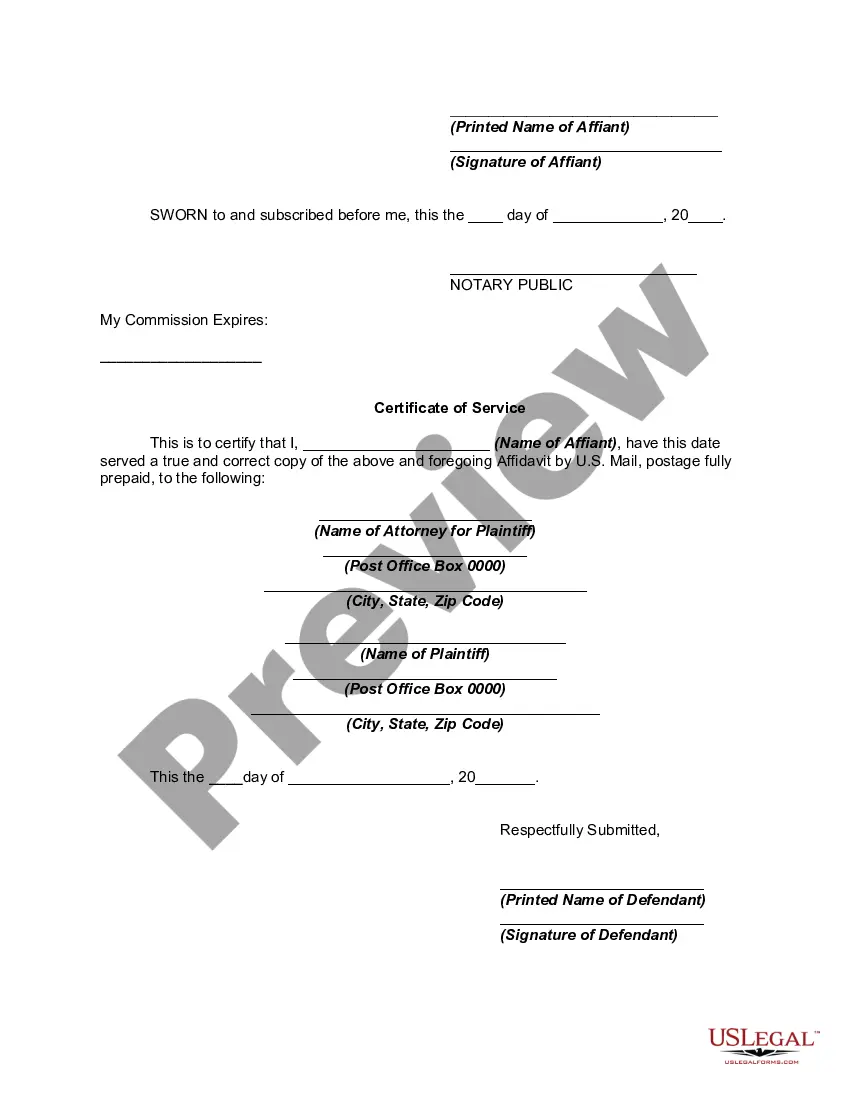




Get your form ready online
Our built-in tools help you complete, sign, share, and store your documents in one place.
Make edits, fill in missing information, and update formatting in US Legal Forms—just like you would in MS Word.
Download a copy, print it, send it by email, or mail it via USPS—whatever works best for your next step.
Sign and collect signatures with our SignNow integration. Send to multiple recipients, set reminders, and more. Go Premium to unlock E-Sign.
If this form requires notarization, complete it online through a secure video call—no need to meet a notary in person or wait for an appointment.
We protect your documents and personal data by following strict security and privacy standards.

Make edits, fill in missing information, and update formatting in US Legal Forms—just like you would in MS Word.

Download a copy, print it, send it by email, or mail it via USPS—whatever works best for your next step.

Sign and collect signatures with our SignNow integration. Send to multiple recipients, set reminders, and more. Go Premium to unlock E-Sign.

If this form requires notarization, complete it online through a secure video call—no need to meet a notary in person or wait for an appointment.

We protect your documents and personal data by following strict security and privacy standards.
Looking for another form?

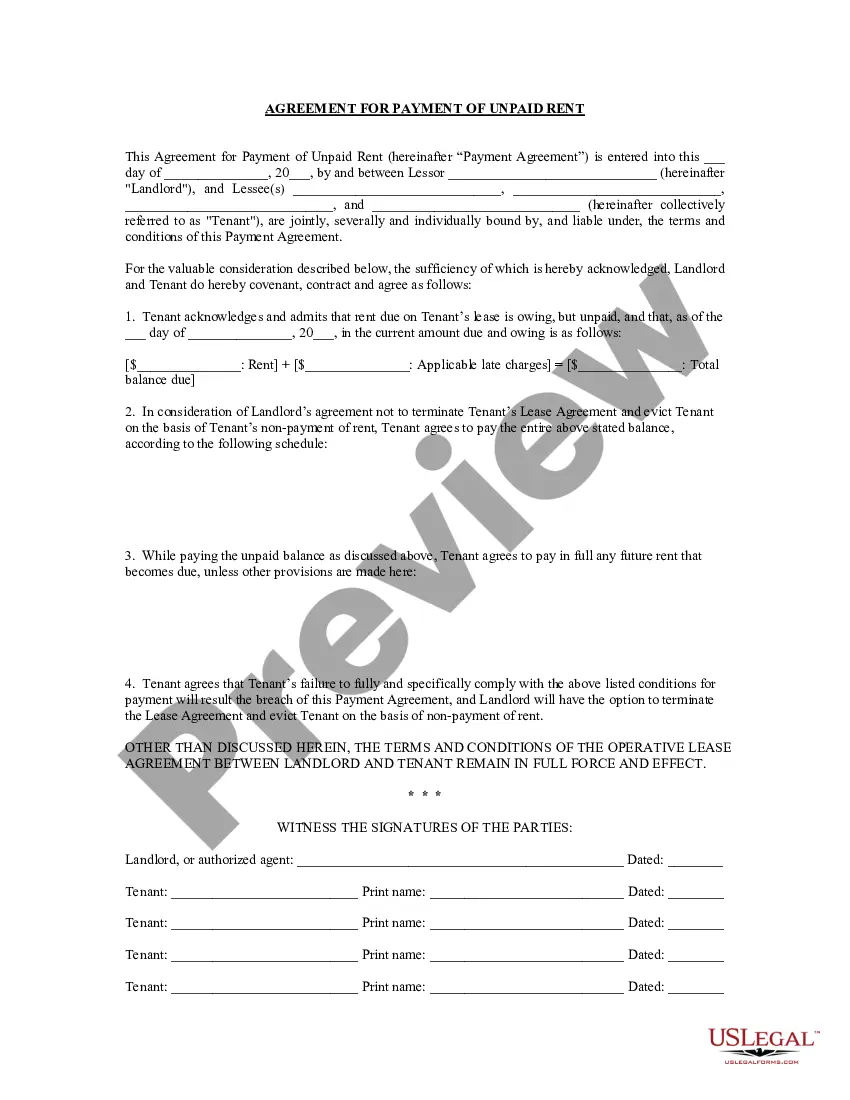




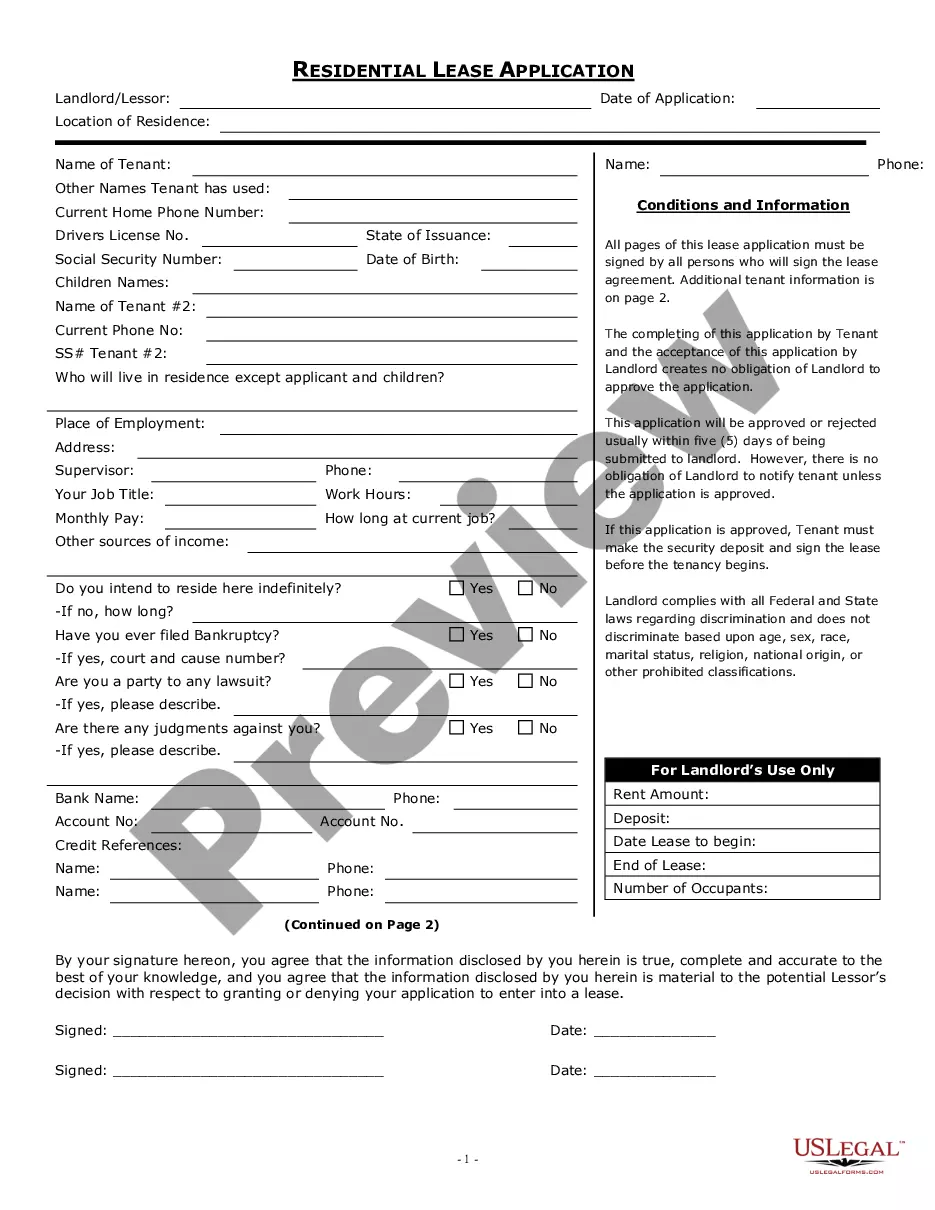
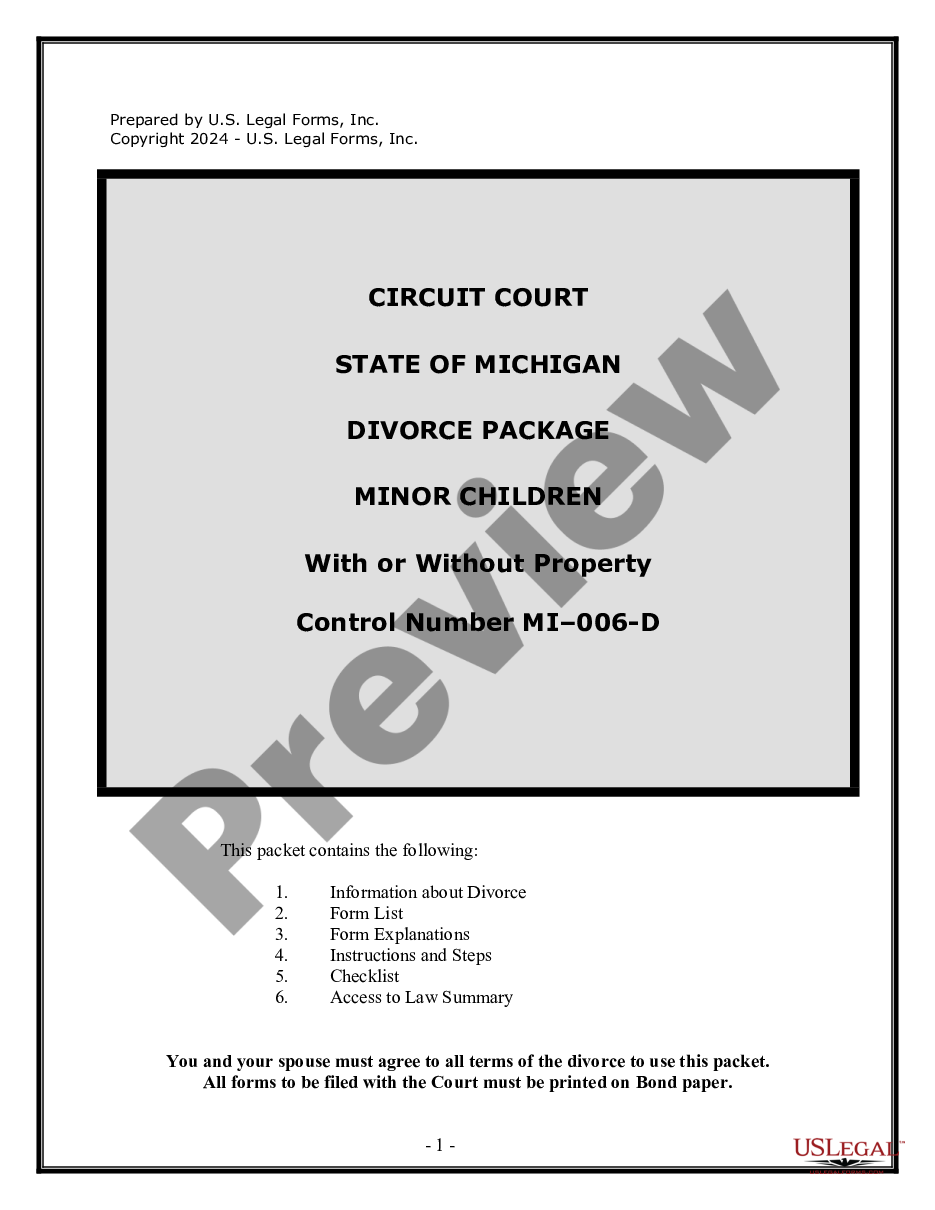


Form popularity
FAQ
Rule 63. Disability or Disqualification of Judge; Notice to Remove; Assignment of a Judge.
Rule 33. Interrogatories may, without leave of court, be served upon any party after service of the summons and complaint. No party may serve more than a total of 50 interrogatories upon any other party unless permitted to do so by the court upon motion, notice and a showing of good cause.
Rule 5 prescribes the procedure at the defendant's initial appearance. In most misdemeanor cases, the initial appearance will also be the time of arraignment and disposition. Rule 5.02 requires the appointment of a qualified interpreter for a defendant disabled in communication.
Rule 69. In aid of the judgment or execution, the judgment creditor, or successor in interest when that interest appears of record, may obtain discovery from any person, including the judgment debtor, in the manner provided by these rules.
Instructions for filing a. Motion. in the Minnesota Court of Appeals. Step 1: Fill out the Motion form. Step 2: Fill out the Affidavit in Support of Motion form. Step 3: Serve your Motion and Affidavit on the opposing parties. Step 4: Proof of Service. Step 5: File the Motion, Affidavit, and Certificate of Service by Mail.
General format - each motion generally consists of a case caption, a title that briefly identifies the relief sought, a series of numbered paragraphs that explains -- in a logical way -- why you are entitled to that relief, a prayer for relief, a signature block, a certification that a copy of the motion was sent to ...
A “motion to dismiss” is typically filed in response to a complaint and is made in lieu of filing an “answer.” Technically, a plaintiff can move to “strike” a defense that a defendant has pled, given that defenses are subject to the same pleading requirements as are the plaintiff's claims.
Instructions for filing a. Motion. in the Minnesota Court of Appeals. Step 1: Fill out the Motion form. Step 2: Fill out the Affidavit in Support of Motion form. Step 3: Serve your Motion and Affidavit on the opposing parties. Step 4: Proof of Service. Step 5: File the Motion, Affidavit, and Certificate of Service by Mail.
Instructions for filing a. Motion. in the Minnesota Court of Appeals. Step 1: Fill out the Motion form. Step 2: Fill out the Affidavit in Support of Motion form. Step 3: Serve your Motion and Affidavit on the opposing parties. Step 4: Proof of Service. Step 5: File the Motion, Affidavit, and Certificate of Service by Mail.
