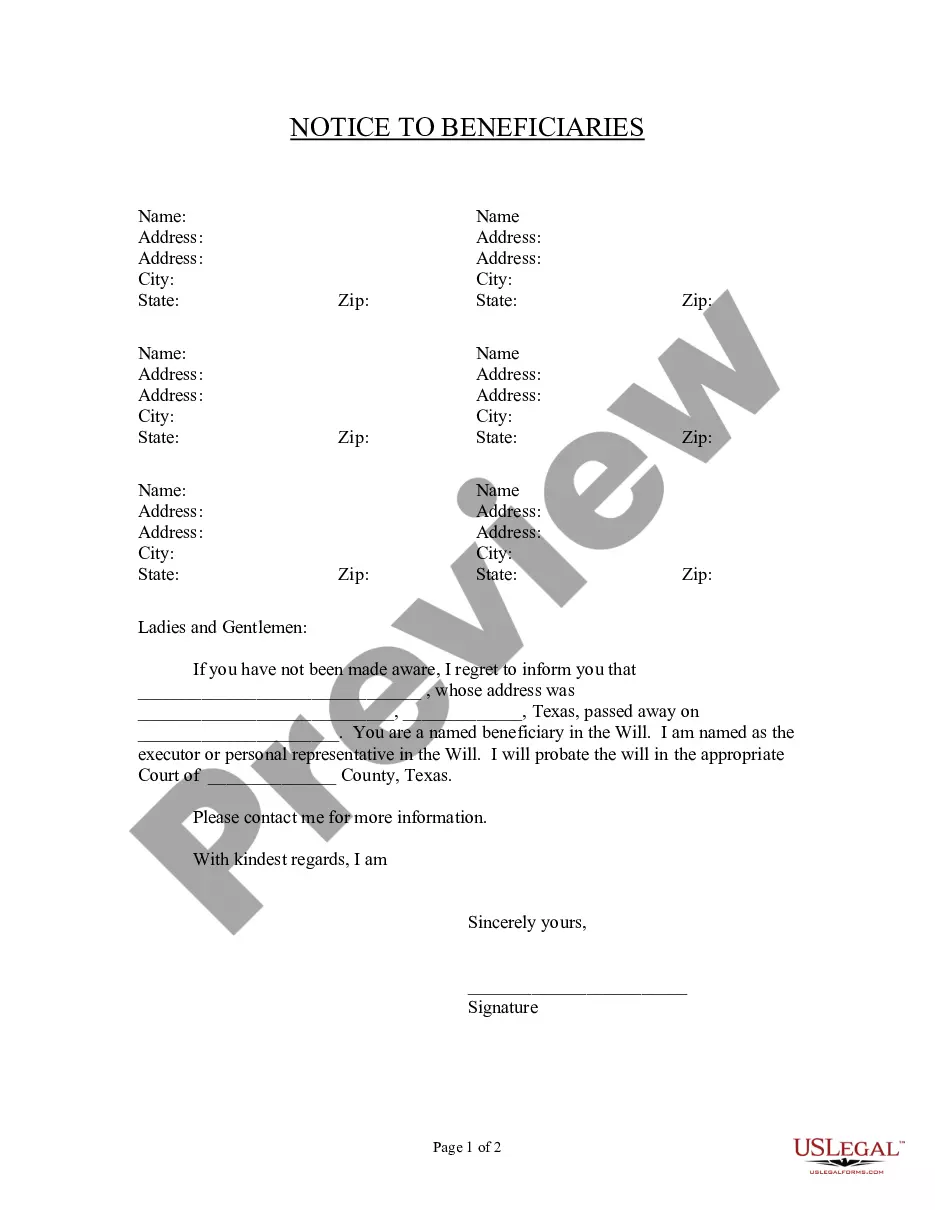
Notice Beneficiaries Form With Trust
Description
Get your form ready online
Our built-in tools help you complete, sign, share, and store your documents in one place.
Make edits, fill in missing information, and update formatting in US Legal Forms—just like you would in MS Word.
Download a copy, print it, send it by email, or mail it via USPS—whatever works best for your next step.
Sign and collect signatures with our SignNow integration. Send to multiple recipients, set reminders, and more. Go Premium to unlock E-Sign.
If this form requires notarization, complete it online through a secure video call—no need to meet a notary in person or wait for an appointment.
We protect your documents and personal data by following strict security and privacy standards.

Make edits, fill in missing information, and update formatting in US Legal Forms—just like you would in MS Word.

Download a copy, print it, send it by email, or mail it via USPS—whatever works best for your next step.

Sign and collect signatures with our SignNow integration. Send to multiple recipients, set reminders, and more. Go Premium to unlock E-Sign.

If this form requires notarization, complete it online through a secure video call—no need to meet a notary in person or wait for an appointment.

We protect your documents and personal data by following strict security and privacy standards.
Looking for another form?








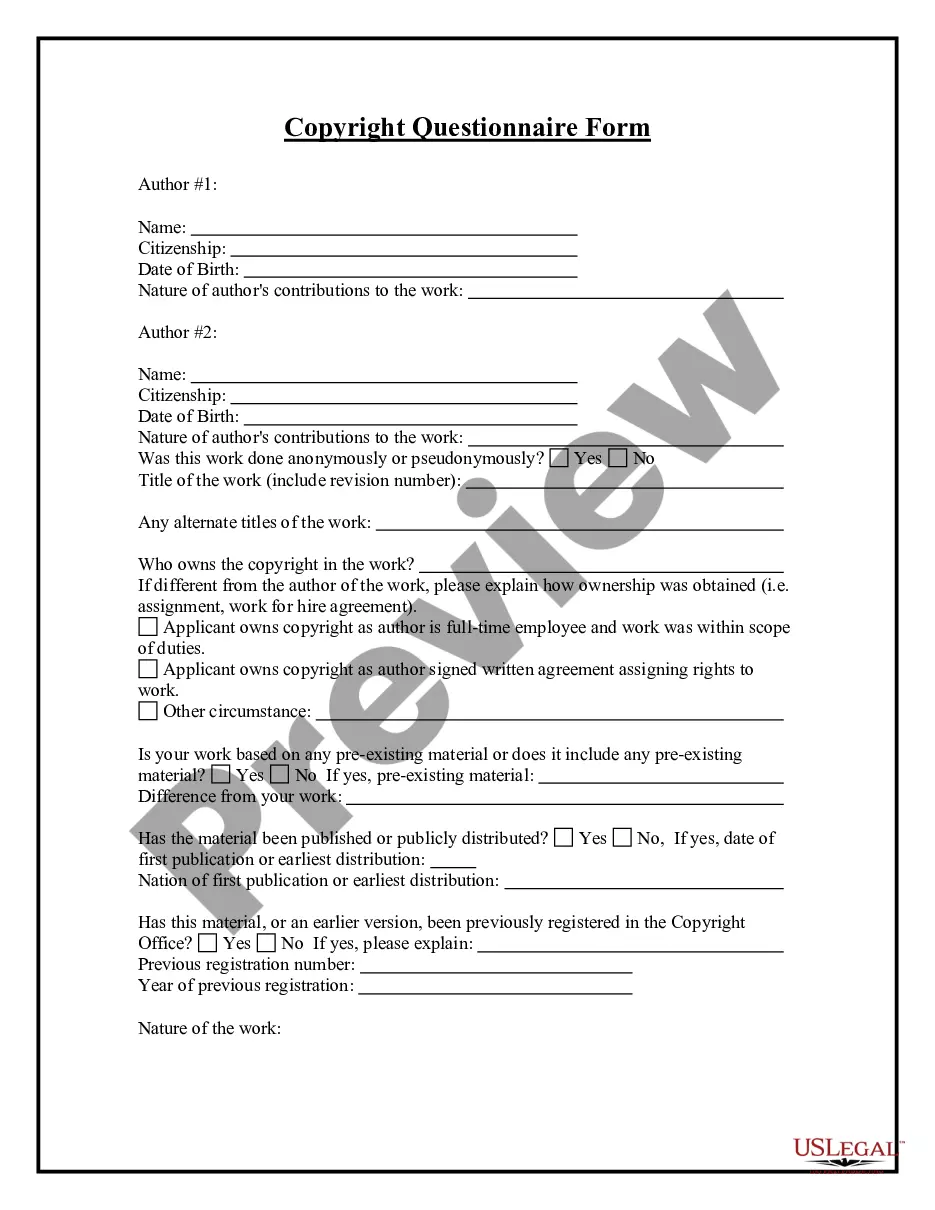

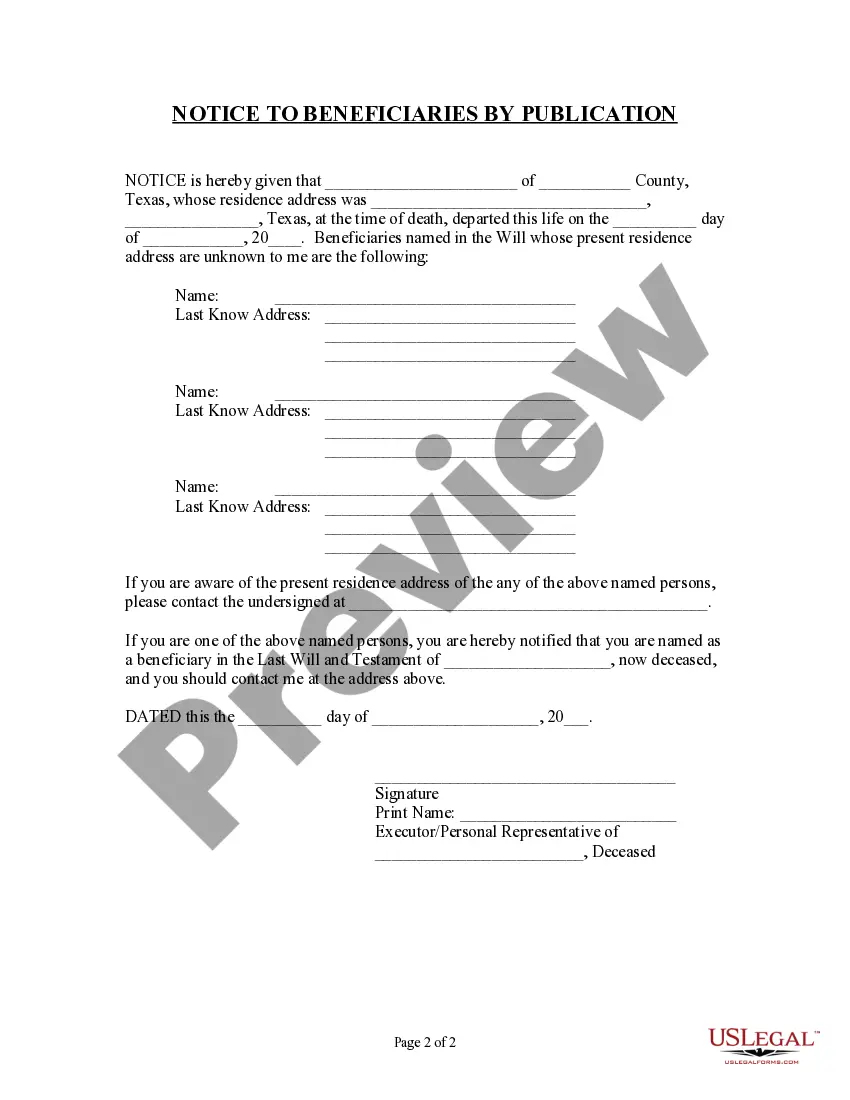
How to fill out Texas Notice To Beneficiaries Of Being Named In Will?
Creating legal documents from the ground up can frequently be intimidating.
Certain situations may require extensive research and significant financial investment.
If you’re looking for a more straightforward and cost-effective method of preparing the Notice Beneficiaries Form With Trust or any other documents without unnecessary complications, US Legal Forms is always available to assist you.
Our online repository of over 85,000 current legal forms covers almost every aspect of your financial, legal, and personal affairs.
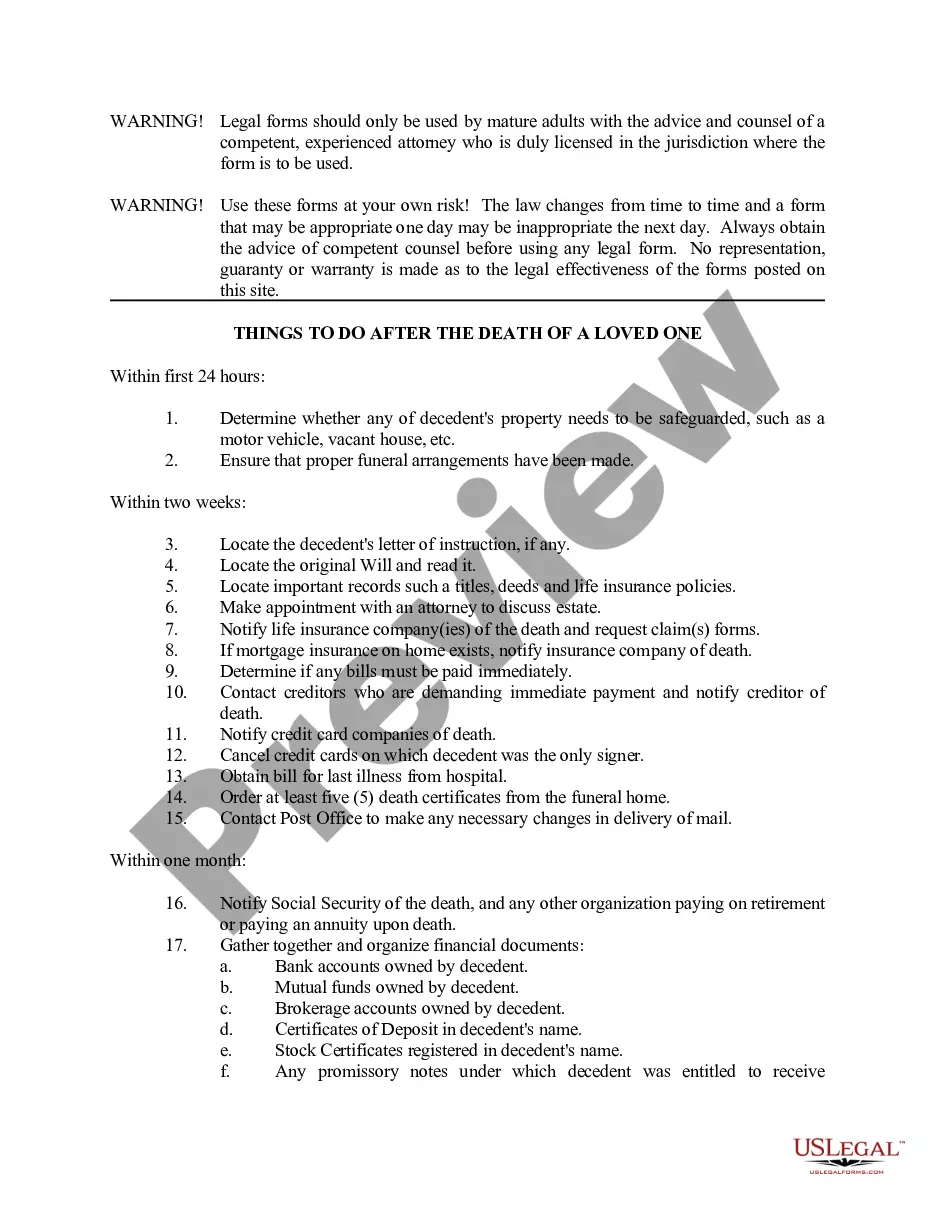
Examine the document preview and descriptions to confirm that you are on the correct document you need. Ensure that the template you select adheres to the regulations and laws of your state and county. Select the appropriate subscription plan to acquire the Notice Beneficiaries Form With Trust. Download the form, then complete, certify, and print it. US Legal Forms boasts an impeccable reputation and over 25 years of experience. Join us today and make document completion a straightforward and efficient process!
- With just a few clicks, you can immediately access state- and county-compliant templates meticulously crafted for you by our legal professionals.
- Utilize our platform whenever you need a dependable and trustworthy service to quickly locate and download the Notice Beneficiaries Form With Trust.
- If you’re familiar with our website and have previously set up an account, simply Log In, find the form, and download it or retrieve it again at any time from the My documents section.
- Not registered yet? No problem. It requires minimal time to create an account and navigate the library.
- However, before proceeding to download the Notice Beneficiaries Form With Trust, consider these suggestions.
Form popularity
FAQ
How do I write a letter to a beneficiary of a trust? Here are the essentials, in most states: Explain that the trust exists. ... Provide your name and contact information. ... Tell beneficiaries that they have the right to see a copy of the trust document and that you will send them one if they request it. ...
Write only one beneficiary on each line. Make sure that you write the full names of all beneficiaries. For example, if you name you children as beneficiaries, DO NOT merely write ?children? on one of the lines; instead write the full names of each of your children on separate lines.
To leave property to your living trust, name your trust as beneficiary for that property, using the trustee's name and the name of the trust. For example: John Doe as trustee of the John Doe Living Trust, dated January 1, 20xx.
To leave property to your living trust, name your trust as beneficiary for that property, using the trustee's name and the name of the trust. For example: John Doe as trustee of the John Doe Living Trust, dated January 1, 20xx.
A trust is a fiduciary1 relationship in which one party (the Grantor) gives a second party2 (the Trustee) the right to hold title to property or assets for the benefit of a third party (the Beneficiary). The trustee, in turn, explains the terms and conditions of the trust to the beneficiary.