File Employee
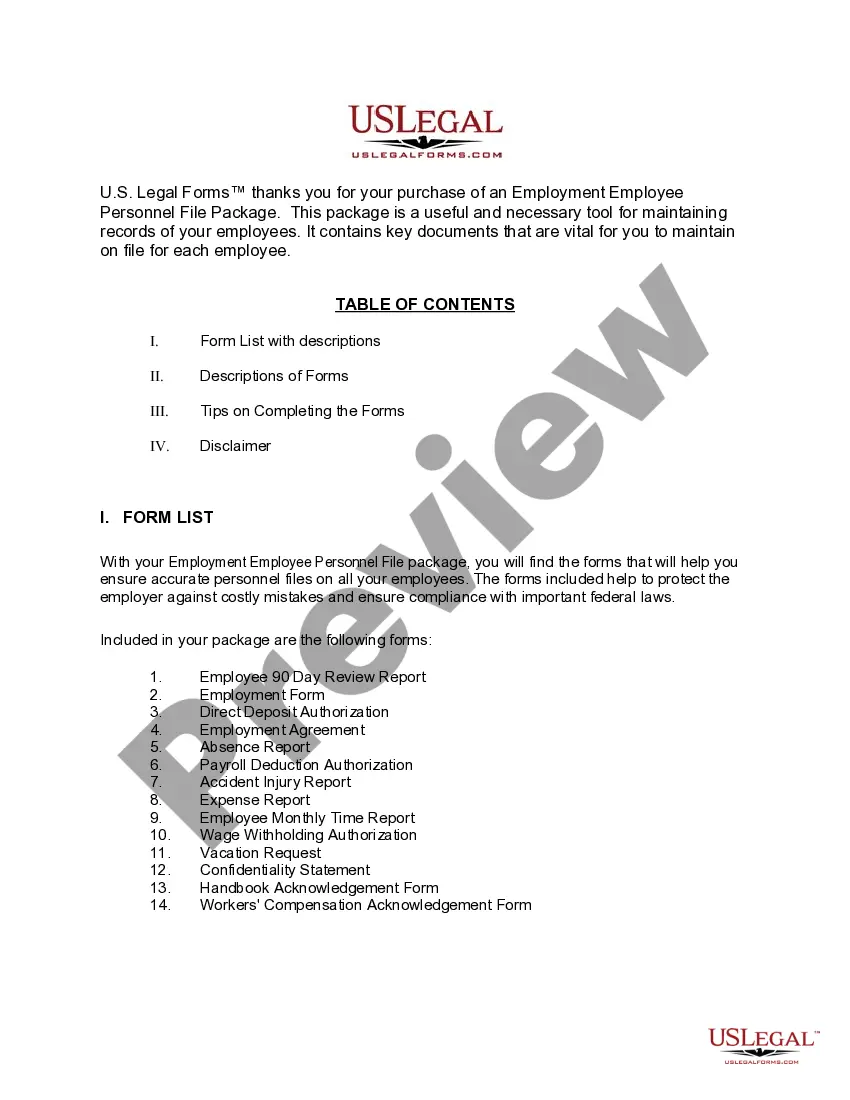
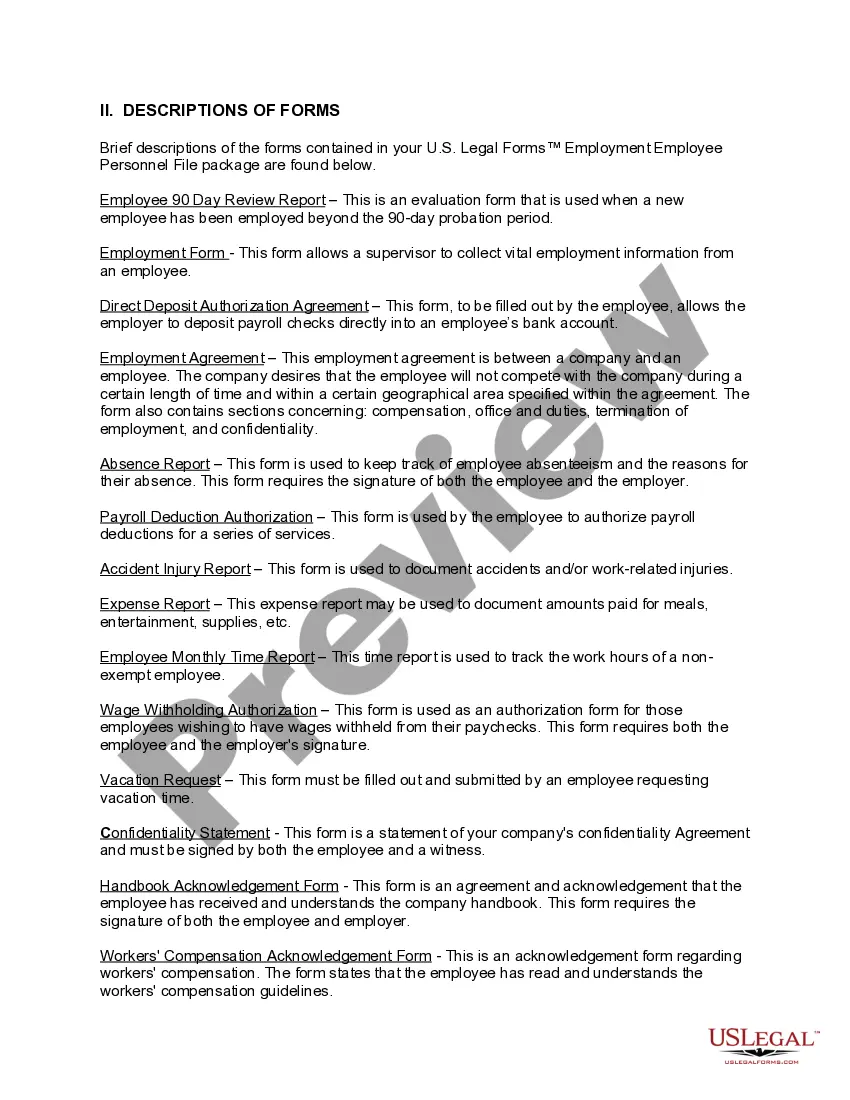
Description

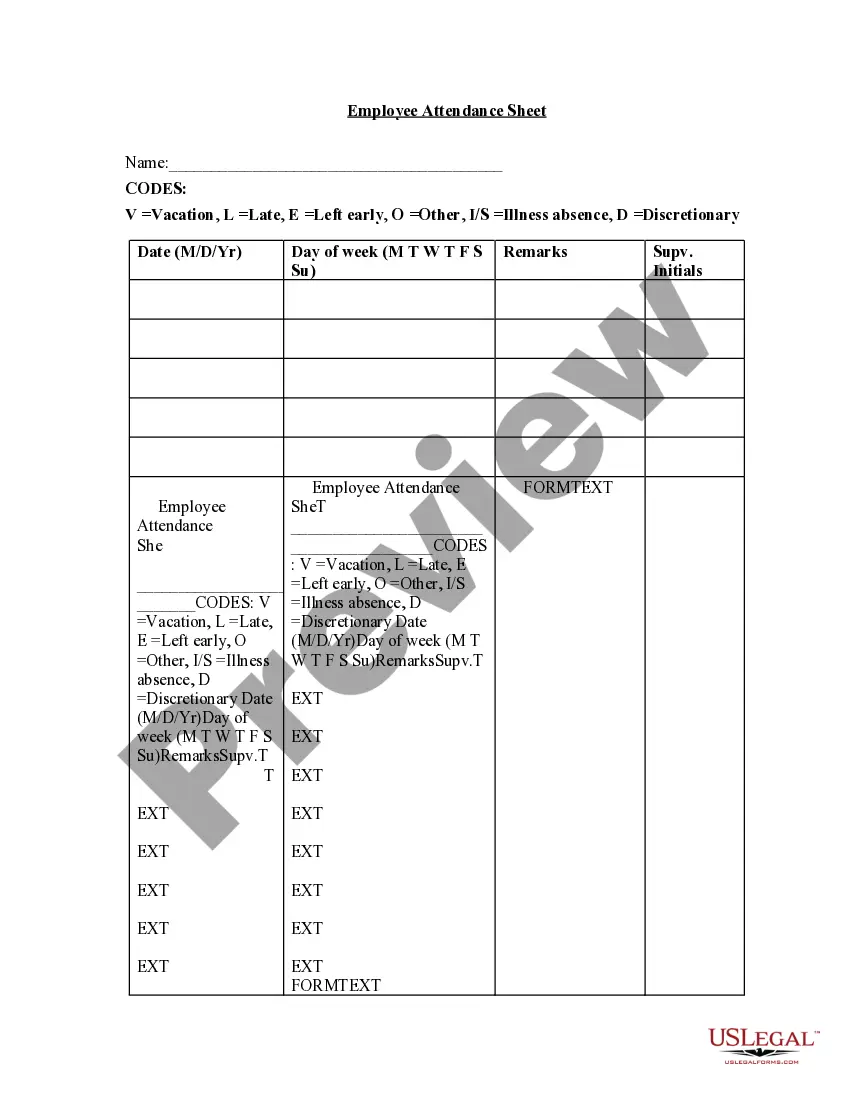
Get your form ready online
Our built-in tools help you complete, sign, share, and store your documents in one place.
Make edits, fill in missing information, and update formatting in US Legal Forms—just like you would in MS Word.
Download a copy, print it, send it by email, or mail it via USPS—whatever works best for your next step.
Sign and collect signatures with our SignNow integration. Send to multiple recipients, set reminders, and more. Go Premium to unlock E-Sign.
If this form requires notarization, complete it online through a secure video call—no need to meet a notary in person or wait for an appointment.
We protect your documents and personal data by following strict security and privacy standards.

Make edits, fill in missing information, and update formatting in US Legal Forms—just like you would in MS Word.

Download a copy, print it, send it by email, or mail it via USPS—whatever works best for your next step.

Sign and collect signatures with our SignNow integration. Send to multiple recipients, set reminders, and more. Go Premium to unlock E-Sign.

If this form requires notarization, complete it online through a secure video call—no need to meet a notary in person or wait for an appointment.

We protect your documents and personal data by following strict security and privacy standards.
Looking for another form?
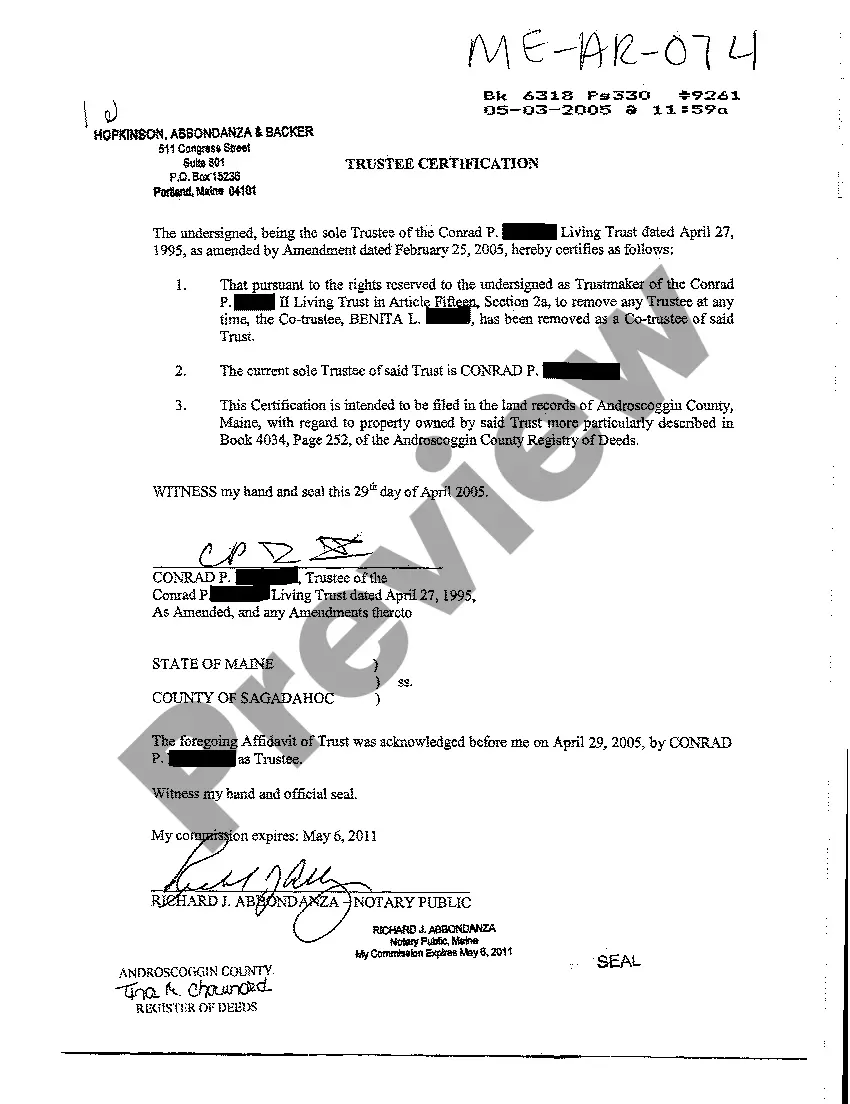



How to fill out Texas Employment Employee Personnel File Package?
- Log in to your account at US Legal Forms if you are a returning user. Ensure your subscription is active to avoid interruptions in service.
- For first-time users, start by examining the Preview mode and description of your chosen form to confirm it aligns with your needs and jurisdiction.
- If you need to explore other options, utilize the Search tab to find an alternative template that fits your requirements.
- Proceed to purchase the document by clicking on the Buy Now button. Select a subscription plan that best suits your needs and create your account to gain access.
- Complete your transaction by entering your payment details through credit card or PayPal.
- Download the necessary form to your device for immediate use. You can also find it later in the My Forms section of your account.
In conclusion, US Legal Forms provides a robust and user-friendly experience for filing employee forms. With over 85,000 customizable templates and access to expert guidance, you can ensure your documents are accurate and compliant.
Start filing your employee forms today and simplify your legal paperwork!
Form popularity
FAQ
Avoid placing documents like personal medical records, pre-employment background checks, or any records unrelated to employment in the personnel file. These items may be sensitive and should be stored separately to protect privacy. By keeping personal and unrelated documents out, you can streamline your employee files and ensure compliance with privacy regulations. US Legal Forms offers guidelines to help you navigate this aspect of employee management.
Yes, the W-4 form should be part of the personnel file. This document is crucial for keeping accurate tax records for your employees. Storing the W-4 with other personnel documents enhances your ability to manage and file employee tax information efficiently. Remember, keeping these records up-to-date is essential for compliance and employee management.
To file employee information effectively, categorize files based on specific criteria such as employment type, department, and document type. Common categories include personal information, payroll documents, and performance evaluations. This organization promotes efficiency and simplifies the process of finding important documents. Using a reliable platform like US Legal Forms can provide templates and structures to help you file employee records correctly.
Yes, you should file employee W-4 forms in the personnel file. These forms provide vital information about employee withholding allowances and tax status. Keeping them organized ensures that you remain compliant with IRS requirements. Additionally, it facilitates easy access when you need to review or update employee information.
The term 'rank and file' refers to the ordinary members of an organization who are not in leadership or management roles. It highlights the core workforce that contributes to the organization's operations. Gaining insights about this term can add clarity to how you file employee classifications and support your HR processes.
Rank and file officers are typically responsible for representing the interests of regular employees, especially in unions. They work to ensure the rights and needs of the workforce are addressed effectively within the organization. Properly understanding their function can influence how you file employee feedback and reports.
Supervisors, team leaders, or managers oversee rank-and-file employees in an organization. They are responsible for guiding, coaching, and supporting the daily tasks of these workers. Recognizing these roles can assist you in effectively managing your team and streamlining how you file employee performance reviews.
andfile employee is anyone who holds a nonmanagement position within a company. These employees typically perform the essential functions of the business and do not have supervisory roles. A clear distinction helps streamline processes when you file employee documentation and conduct analyses of workforce structure.
Rank and file members refer to the regular employees within an organization, distinct from management. They contribute to the daily operations and support the tasks necessary for the business's success. Understanding this dynamic can help you file employee reports that accurately reflect workforce engagement and productivity.
To file a 1099 employee, you begin by gathering the necessary information, including the individual's tax identification number and total earnings for the year. Use this data to complete Form 1099-NEC, which reports non-employee compensation. Filing accurately ensures compliance with tax regulations when you file employee records.