Tx Employment Termination Withdrawal
Description



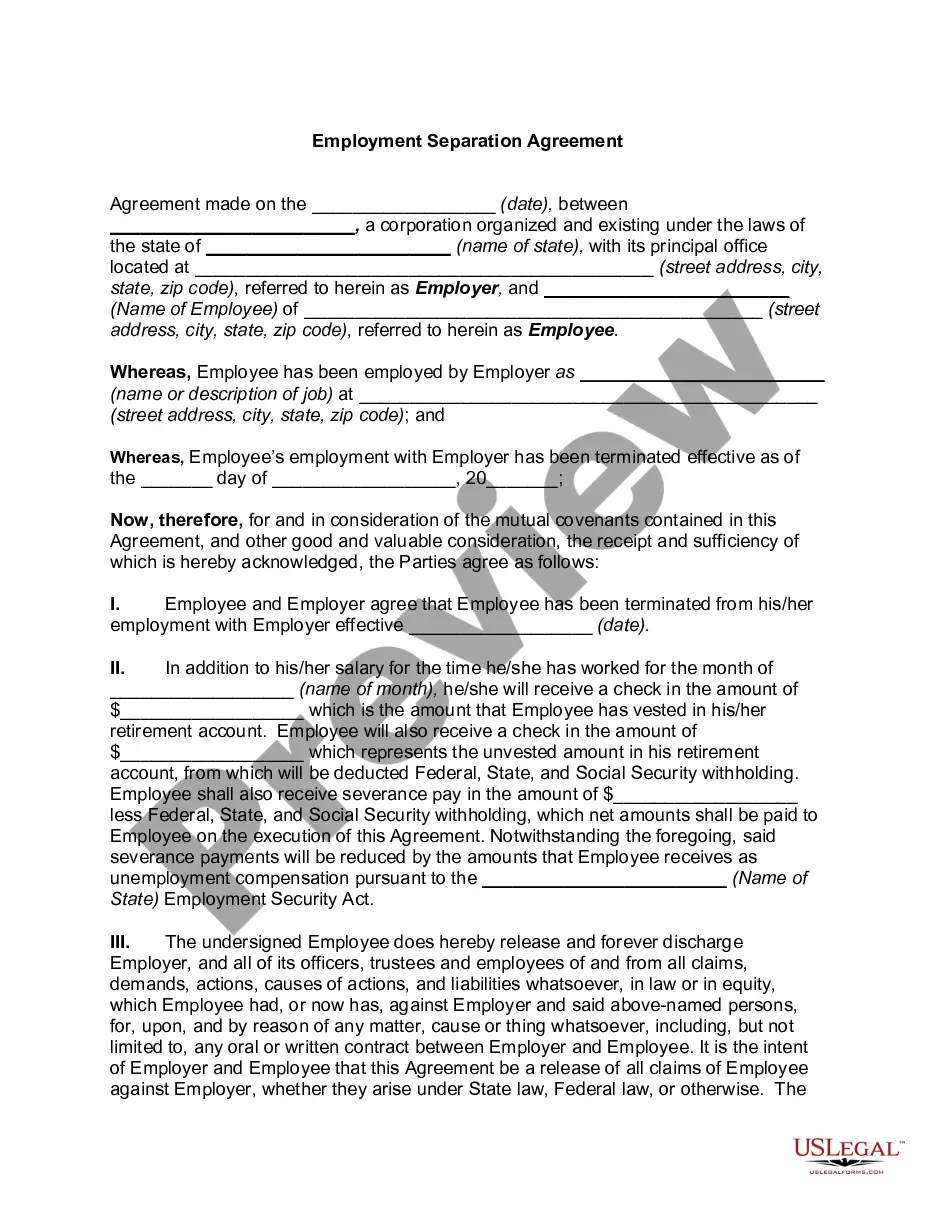

Get your form ready online
Our built-in tools help you complete, sign, share, and store your documents in one place.
Make edits, fill in missing information, and update formatting in US Legal Forms—just like you would in MS Word.
Download a copy, print it, send it by email, or mail it via USPS—whatever works best for your next step.
Sign and collect signatures with our SignNow integration. Send to multiple recipients, set reminders, and more. Go Premium to unlock E-Sign.
If this form requires notarization, complete it online through a secure video call—no need to meet a notary in person or wait for an appointment.
We protect your documents and personal data by following strict security and privacy standards.

Make edits, fill in missing information, and update formatting in US Legal Forms—just like you would in MS Word.

Download a copy, print it, send it by email, or mail it via USPS—whatever works best for your next step.

Sign and collect signatures with our SignNow integration. Send to multiple recipients, set reminders, and more. Go Premium to unlock E-Sign.

If this form requires notarization, complete it online through a secure video call—no need to meet a notary in person or wait for an appointment.

We protect your documents and personal data by following strict security and privacy standards.
Looking for another form?










How to fill out Texas Employment Or Job Termination Package?
Whether for business purposes or for individual matters, everybody has to manage legal situations sooner or later in their life. Filling out legal paperwork needs careful attention, beginning from selecting the appropriate form sample. For instance, if you select a wrong version of a Tx Employment Termination Withdrawal, it will be rejected when you submit it. It is therefore important to have a trustworthy source of legal documents like US Legal Forms.
If you have to get a Tx Employment Termination Withdrawal sample, stick to these easy steps:
- Get the sample you need by utilizing the search field or catalog navigation.
- Examine the form’s description to ensure it matches your case, state, and county.
- Click on the form’s preview to see it.
- If it is the incorrect form, return to the search function to locate the Tx Employment Termination Withdrawal sample you require.
- Get the file if it meets your needs.
- If you have a US Legal Forms profile, just click Log in to gain access to previously saved documents in My Forms.
- In the event you don’t have an account yet, you can download the form by clicking Buy now.
- Select the appropriate pricing option.
- Finish the profile registration form.
- Choose your payment method: use a bank card or PayPal account.
- Select the document format you want and download the Tx Employment Termination Withdrawal.
- After it is saved, you can complete the form with the help of editing software or print it and finish it manually.
With a vast US Legal Forms catalog at hand, you never have to spend time searching for the right sample across the web. Make use of the library’s straightforward navigation to get the appropriate form for any occasion.
Form popularity
FAQ
As a TRS member, if you permanently terminate employment with your TRS-covered employer(s) and have neither applied for nor received a promise of employment with a TRS-covered employer, you may terminate membership in TRS and withdraw all of the accumulated contributions (plus interest) in your member account.
Complete and submit an Application for Refund form (TRS 6) to TRS. Your member account will be refunded after TRS receives all completed forms and your employer's monthly report. Your TRS membership will then be terminated and a refund issued to you.
For transferring money in and out of your Empower account, you can either: 1) Link your external institution to the Empower app, then initiate an in-app. The transfer from Empower to your linked account will take 1-2 business days if you initiate it in-app: Link your account on your Profile tab.
You can apply to withdraw your funds at any time after you leave state employment, but ERS will not process your withdrawal payment request until the following three requirements are met: Your last employing agency must report your last date of service to ERS. Your agency is responsible for notifying ERS of this date.
For a teacher to be rehired, they must have been retired for at least one year and meet all TRS and NISD qualifications.