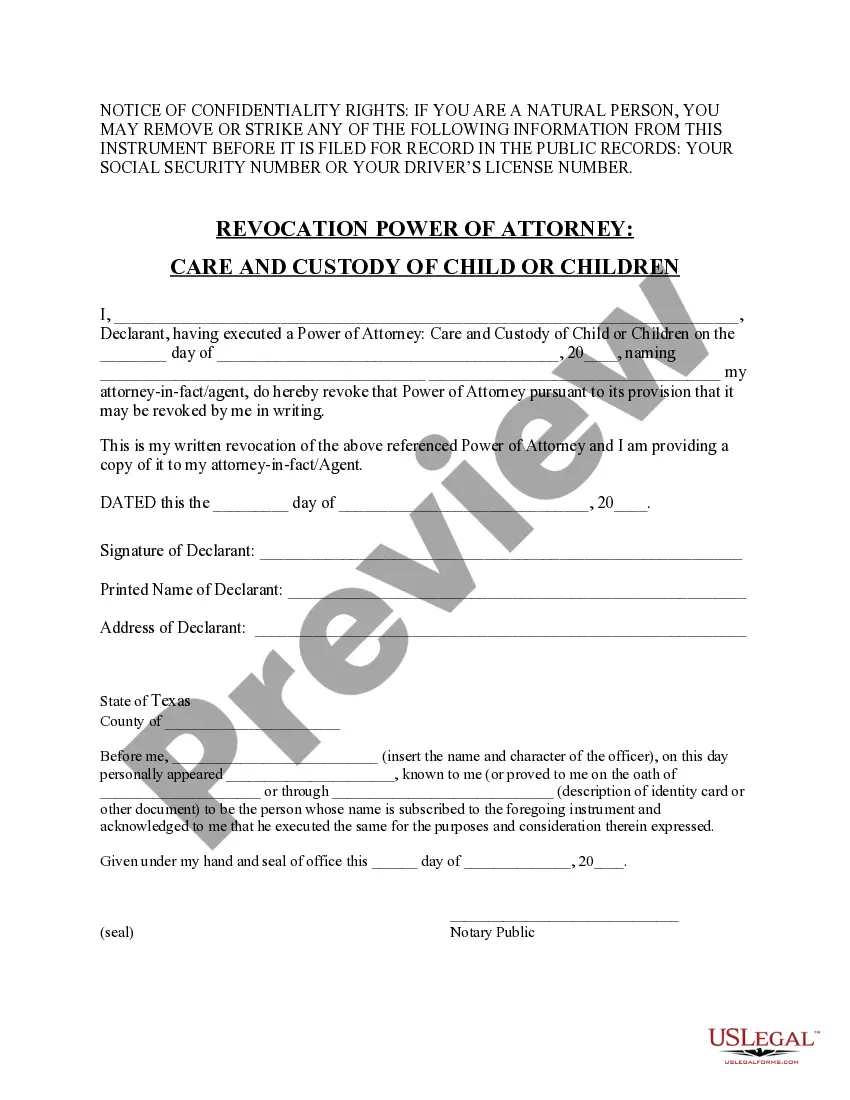
Revocation Power Attorney Form With Notary
Description
Get your form ready online
Our built-in tools help you complete, sign, share, and store your documents in one place.
Make edits, fill in missing information, and update formatting in US Legal Forms—just like you would in MS Word.
Download a copy, print it, send it by email, or mail it via USPS—whatever works best for your next step.
Sign and collect signatures with our SignNow integration. Send to multiple recipients, set reminders, and more. Go Premium to unlock E-Sign.
If this form requires notarization, complete it online through a secure video call—no need to meet a notary in person or wait for an appointment.
We protect your documents and personal data by following strict security and privacy standards.

Make edits, fill in missing information, and update formatting in US Legal Forms—just like you would in MS Word.

Download a copy, print it, send it by email, or mail it via USPS—whatever works best for your next step.

Sign and collect signatures with our SignNow integration. Send to multiple recipients, set reminders, and more. Go Premium to unlock E-Sign.

If this form requires notarization, complete it online through a secure video call—no need to meet a notary in person or wait for an appointment.

We protect your documents and personal data by following strict security and privacy standards.
Looking for another form?
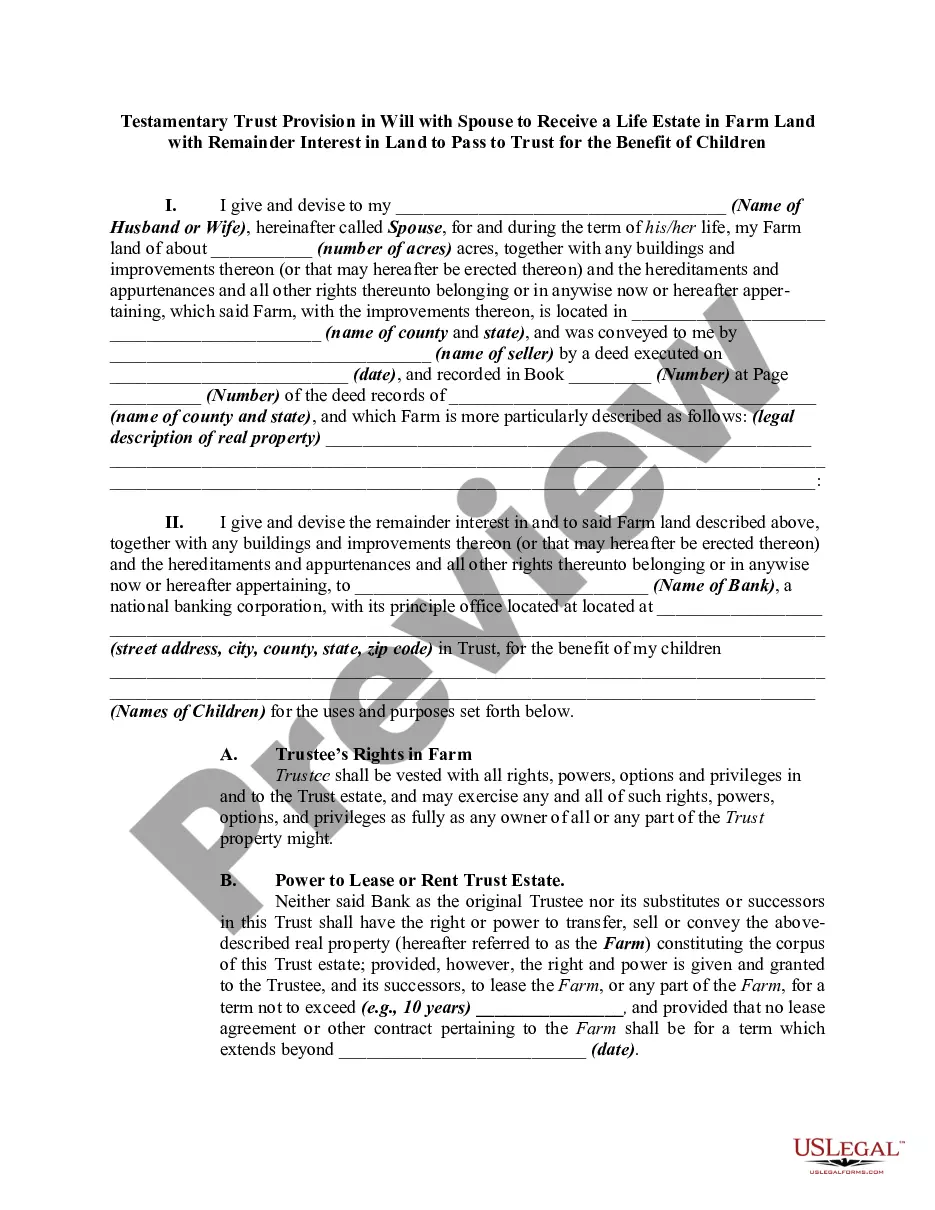



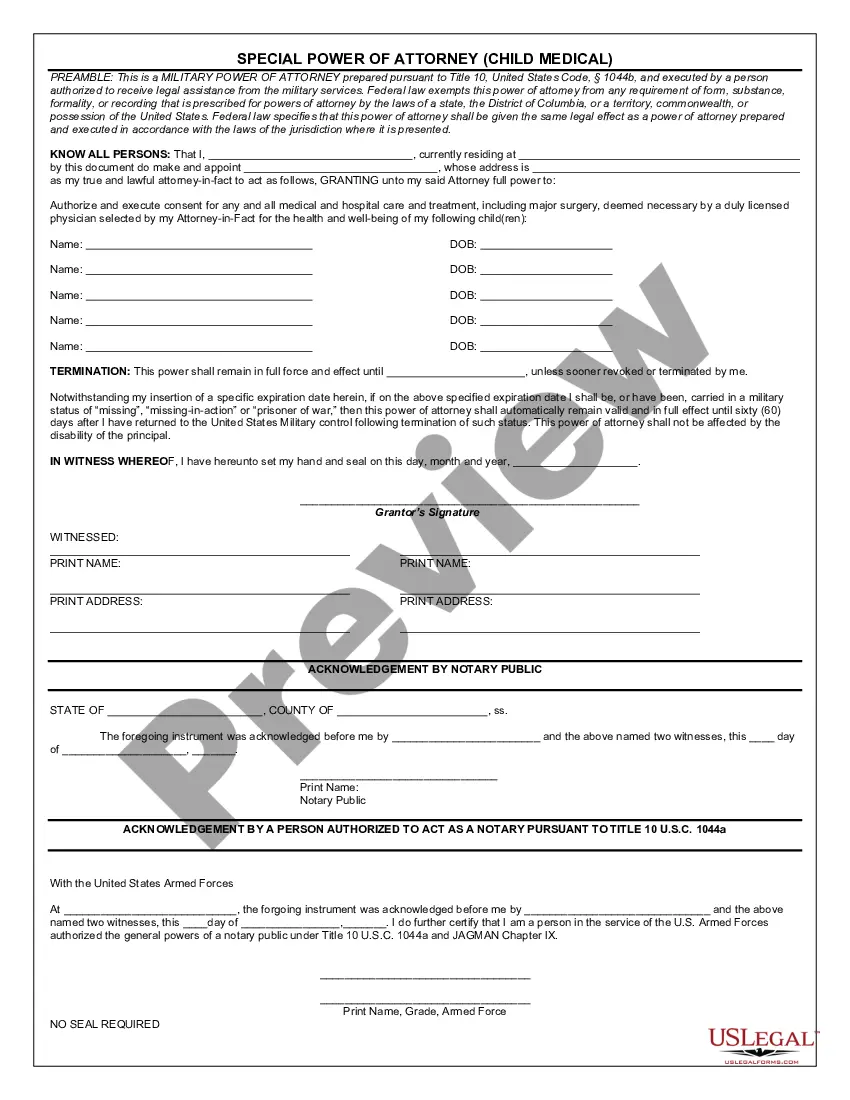
How to fill out Texas Revocation Of Power Of Attorney For Care Of Child Or Children?
Handling legal papers and tasks can be a lengthy addition to your routine.
Revocation Power Attorney Document With Notary and similar forms often necessitate you to find them and learn how to fill them out correctly.
Consequently, whether you are managing financial, legal, or personal issues, possessing a comprehensive and efficient online resource of forms readily accessible will significantly help.
US Legal Forms is the premier online service for legal templates, offering more than 85,000 state-specific documents and various tools to help you complete your forms effortlessly.
Is this your first time using US Legal Forms? Sign up and create an account in just a few minutes to gain access to the form library and Revocation Power Attorney Document With Notary. Then, follow these steps to finalize your form: Ensure you have found the appropriate form by utilizing the Review function and reading the form description. Choose Buy Now when ready, and select the subscription plan that meets your requirements. Click Download, then fill out, sign, and print the form. US Legal Forms has a quarter-century of experience helping users manage their legal papers. Acquire the form you need today and simplify any process without having to exert much effort.
- Explore the collection of relevant documents available to you with just one click.
- US Legal Forms provides state- and county-specific templates accessible at any time for download.
- Protect your document management processes with a top-tier service that allows you to prepare any form in minutes without any additional or concealed fees.
- Simply Log In to your account, locate Revocation Power Attorney Document With Notary, and obtain it instantly in the My documents section.
- You can also retrieve previously stored documents.
Form popularity
FAQ
Write and Sign a Revocation Letter A revocation letter is a written document that clearly states you are revoking the power of attorney that you created on a certain date. You want to sign the letter in front of a notary public and record it with the county clerk in the county where you reside.
A Pennsylvania revocation of power of attorney form is a document that can be used to revoke a previously issued appointment of power of attorney. In addition to filling out this form, it is crucial that you provide a copy of the revocation to your agent and any backup agents that may wield the revoked powers.
When revocation happens, a privilege, title, or status is removed from someone. If the library revokes your library card, you can no longer take out library books ? that's a type of revocation. If a restaurant is dirty, that could result in the revocation of its health license.
If you decide that you no longer want or need a Power of Attorney, or if you change your mind about who your agent is, you can terminate a Power of Attorney by giving written notice to your agent. You should also give notice to your bank, your doctor, or anyone else who got a copy of your Power of Attorney.
Prepare a written revocation statement with the agent's name and the date you made the power of attorney you wish to revoke. Sign the revocation before a notary. You can hand-deliver a copy to your agent or send it by certified mail to prove it was received.