Texas Trust Online With Credit Card
Description
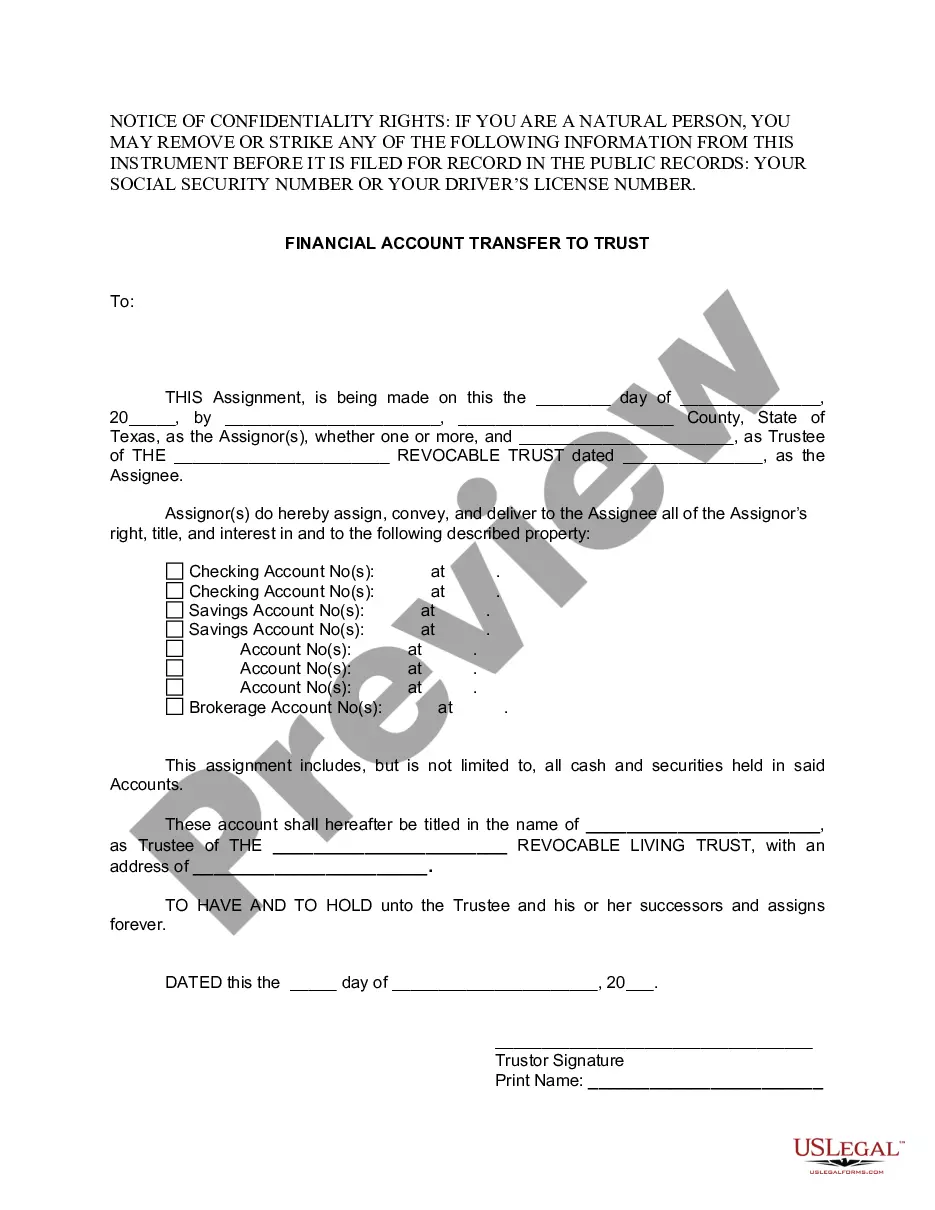
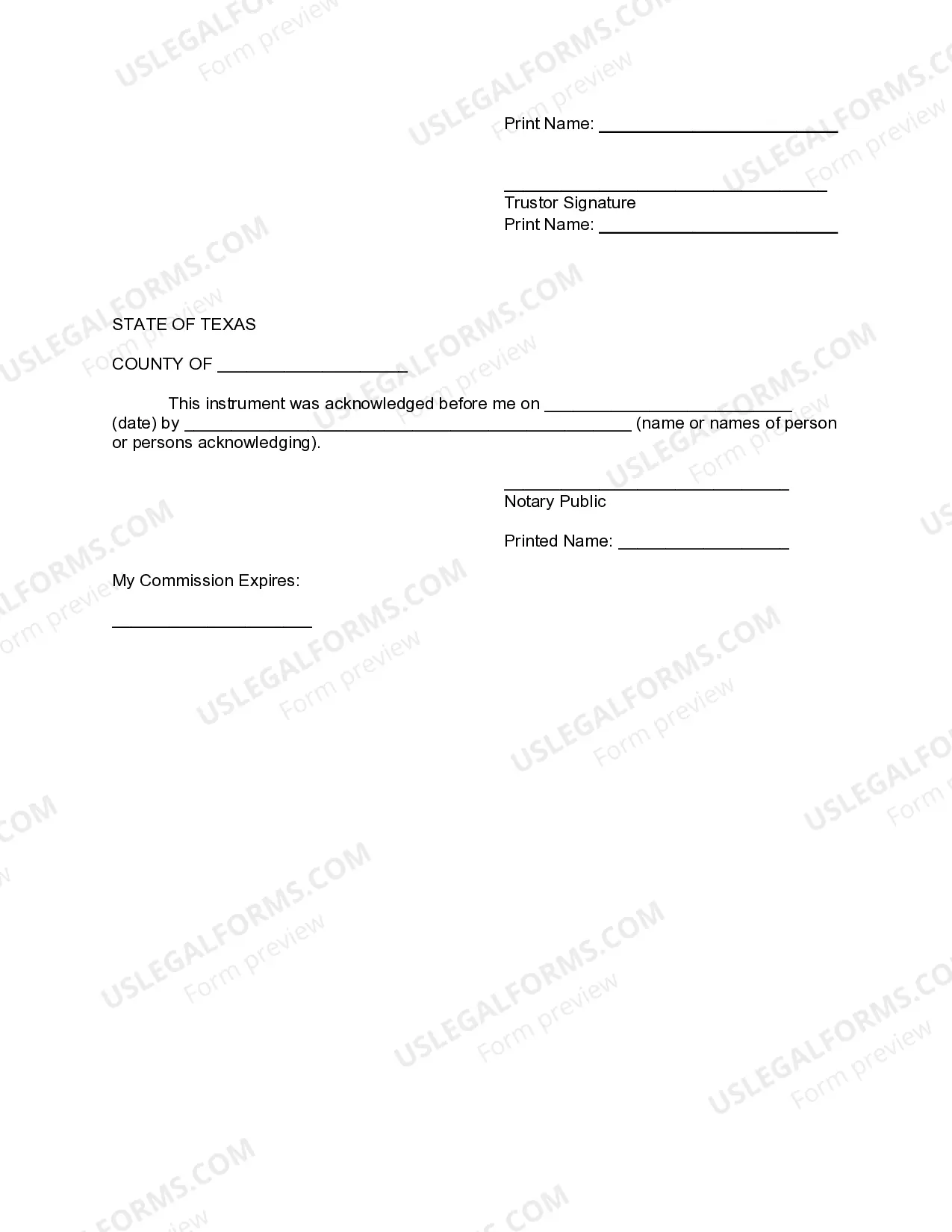
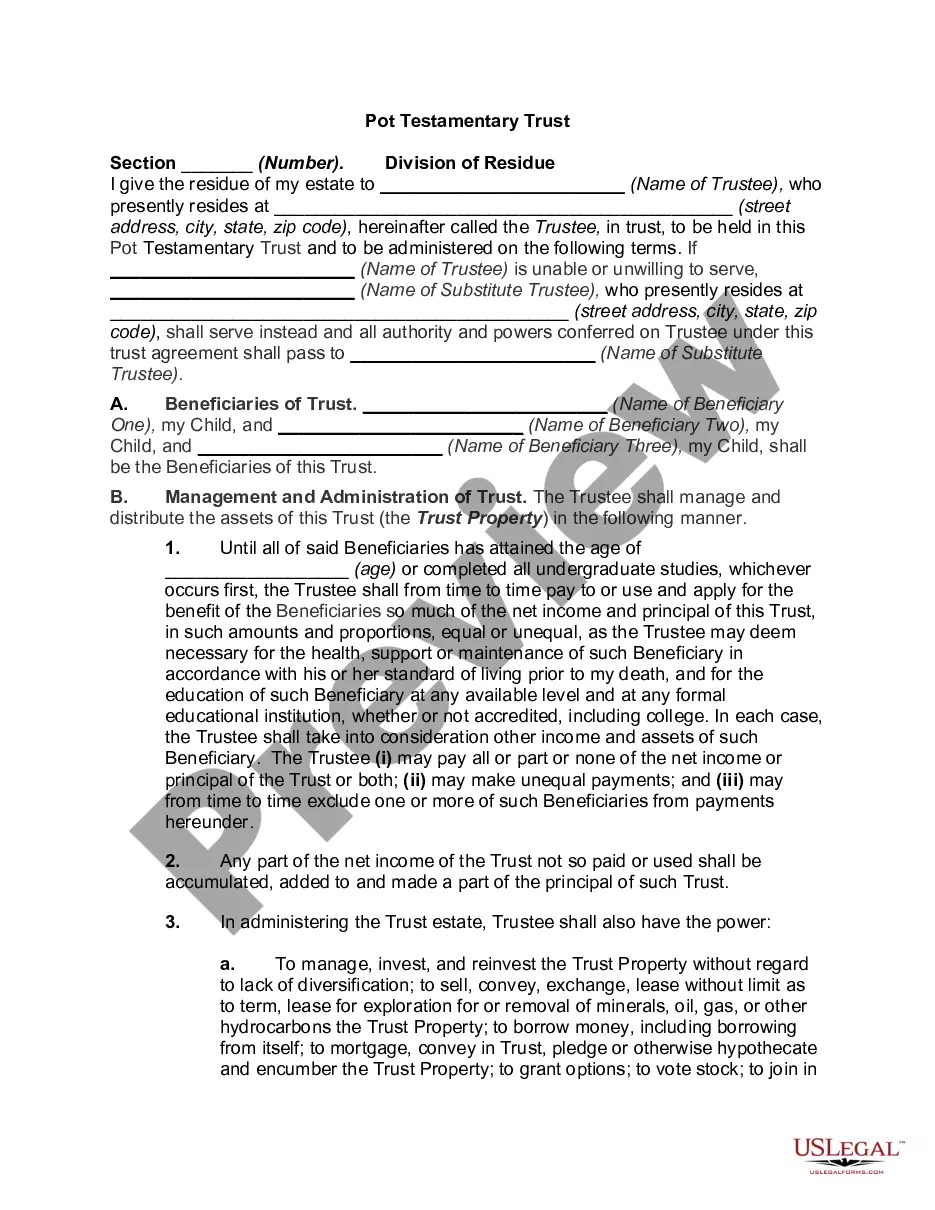
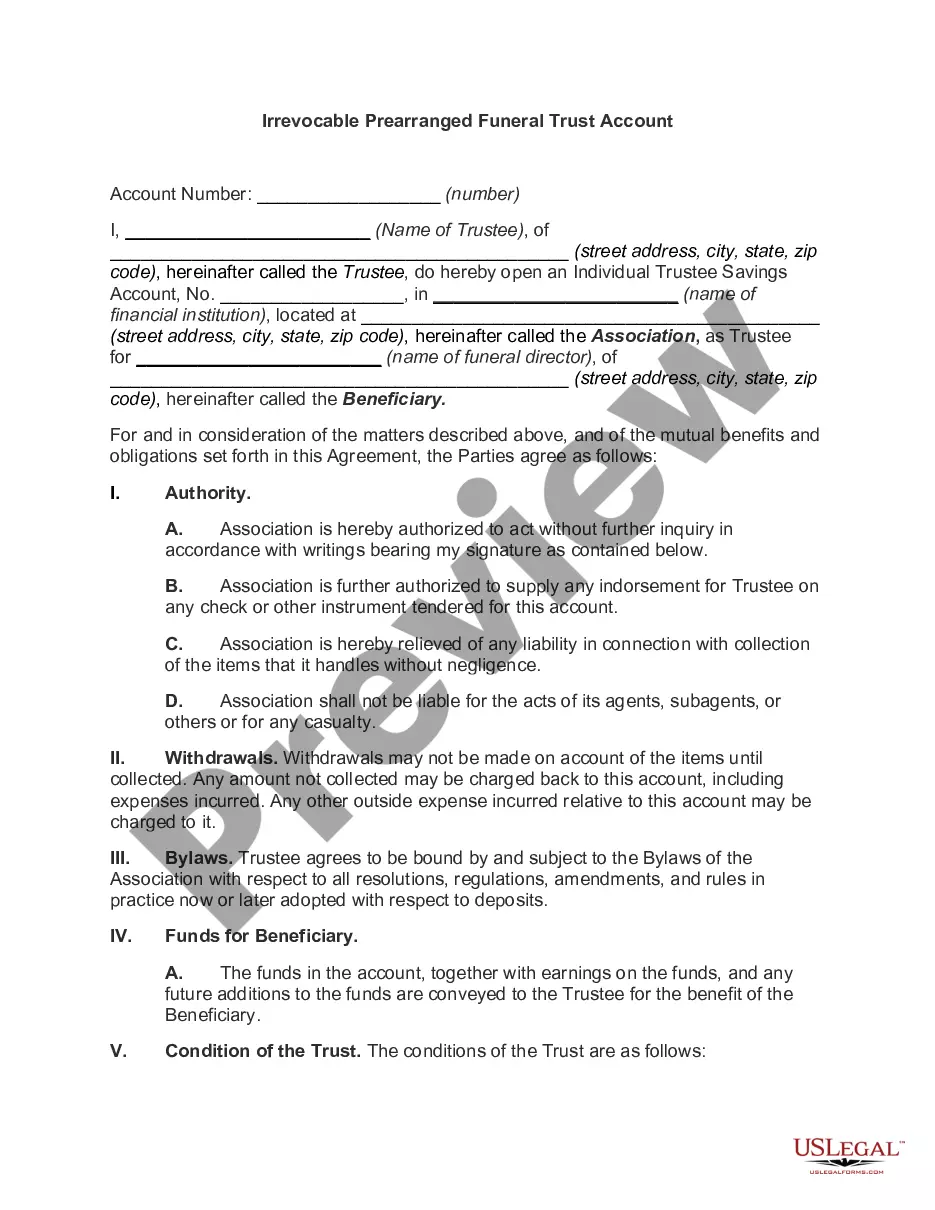

Get your form ready online
Our built-in tools help you complete, sign, share, and store your documents in one place.
Make edits, fill in missing information, and update formatting in US Legal Forms—just like you would in MS Word.
Download a copy, print it, send it by email, or mail it via USPS—whatever works best for your next step.
Sign and collect signatures with our SignNow integration. Send to multiple recipients, set reminders, and more. Go Premium to unlock E-Sign.
If this form requires notarization, complete it online through a secure video call—no need to meet a notary in person or wait for an appointment.
We protect your documents and personal data by following strict security and privacy standards.

Make edits, fill in missing information, and update formatting in US Legal Forms—just like you would in MS Word.

Download a copy, print it, send it by email, or mail it via USPS—whatever works best for your next step.

Sign and collect signatures with our SignNow integration. Send to multiple recipients, set reminders, and more. Go Premium to unlock E-Sign.

If this form requires notarization, complete it online through a secure video call—no need to meet a notary in person or wait for an appointment.

We protect your documents and personal data by following strict security and privacy standards.
Looking for another form?
How to fill out Texas Financial Account Transfer To Living Trust?
Handling legal documents can be exasperating, even for the most seasoned professionals.
When you're interested in a Texas Trust Online With Credit Card and haven’t had the opportunity to dedicate time to finding the suitable and current version, the process can become stressful.
Tap into a repository of articles, guides, and materials pertinent to your situation and needs.
Conserve time and energy searching for the forms you require and utilize US Legal Forms' enhanced search and Preview function to find Texas Trust Online With Credit Card and obtain it.
Enjoy the US Legal Forms online repository, supported by 25 years of experience and reliability. Transform your everyday document management into a seamless and user-friendly procedure today.
- Log in to your US Legal Forms account if you have a subscription, search for the form, and download it.
- Check the My documents tab to view the documents you have already downloaded and manage your files as needed.
- If it’s your first experience with US Legal Forms, create a complimentary account and gain unlimited access to all the advantages of the library.
- Confirm it is the correct form by previewing it and reviewing its details.
- Ensure that the sample is valid in your state or county.
- Click Buy Now when you’re prepared.
- Select a subscription plan.
- Choose the file format you prefer, and Download, fill in, eSign, print, and send your documents.
- Access state- or county-specific legal and business documents.
- US Legal Forms meets any requirements you might possess, from personal to corporate paperwork, all in one location.
- Leverage sophisticated tools to complete and manage your Texas Trust Online With Credit Card.
Form popularity
FAQ
Here's how to get started with Online Bill Pay: Step 1: From your online banking screen, click Pay a Bill. Step 2: Click the blue Add a Payee button. Step 3: Identify your payee as either a company, individual, or bank. Step 4: Follow the prompts to enter the relevant payee information.
Check your balances or withdraw funds from savings, checking, or overdraft accounts (up to $510 daily). The daily purchase limit is $1,500.00. Complete transaction history may be viewed through TCU Online at TelCommCU.com For more information about TelComm Credit Union's ATM network, visit our ATM Page.
Daily ATM withdrawal limit: $400. Daily Debit card signature transaction: $1,750. Daily debit card PIN transaction: $1,000.
Getting started is easy Step 1: Call 972-263-5171 to enable External Account Transfers with one of our representatives. Step 2: Once enabled, you will receive the information from the representative on how to get started.
It will start with 2200 and will end with your 6-digit TrustUS account number. If your TrustUS account number is less than 6-digits, simply add zeros to the beginning.