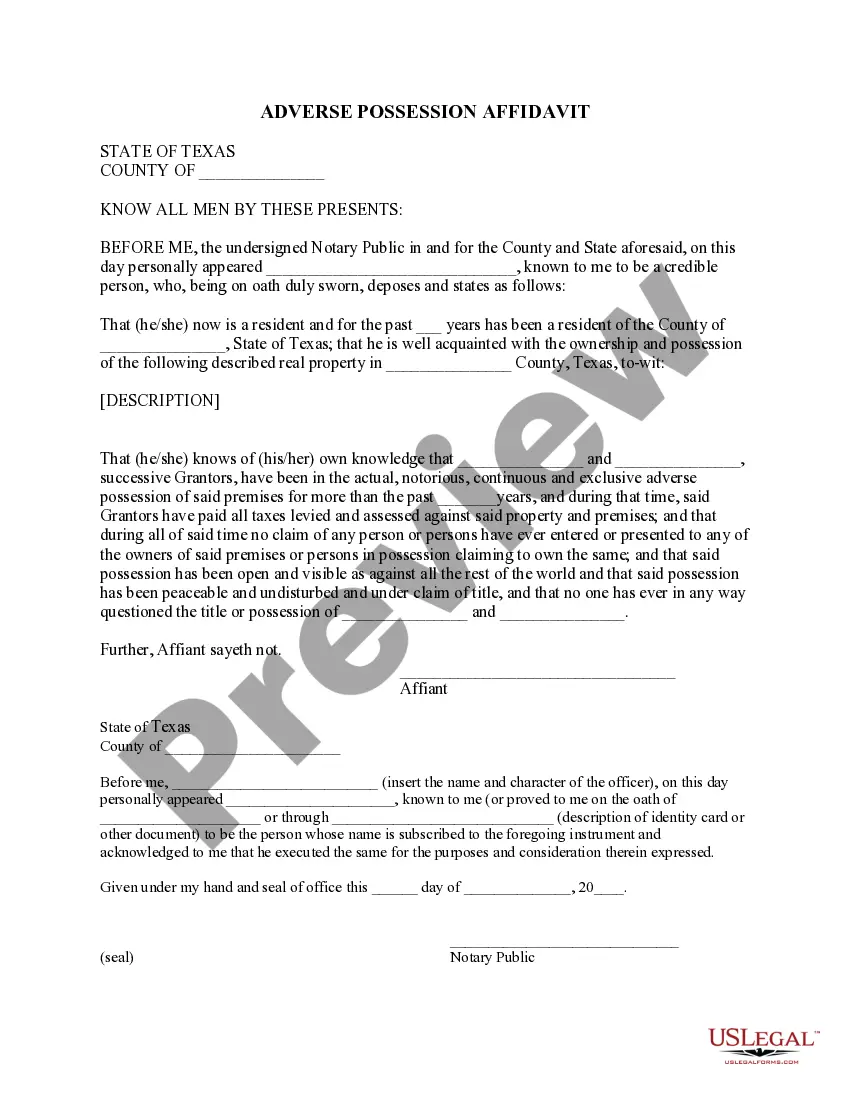
Texas Adverse Possession Affidavit Form For Property
Description
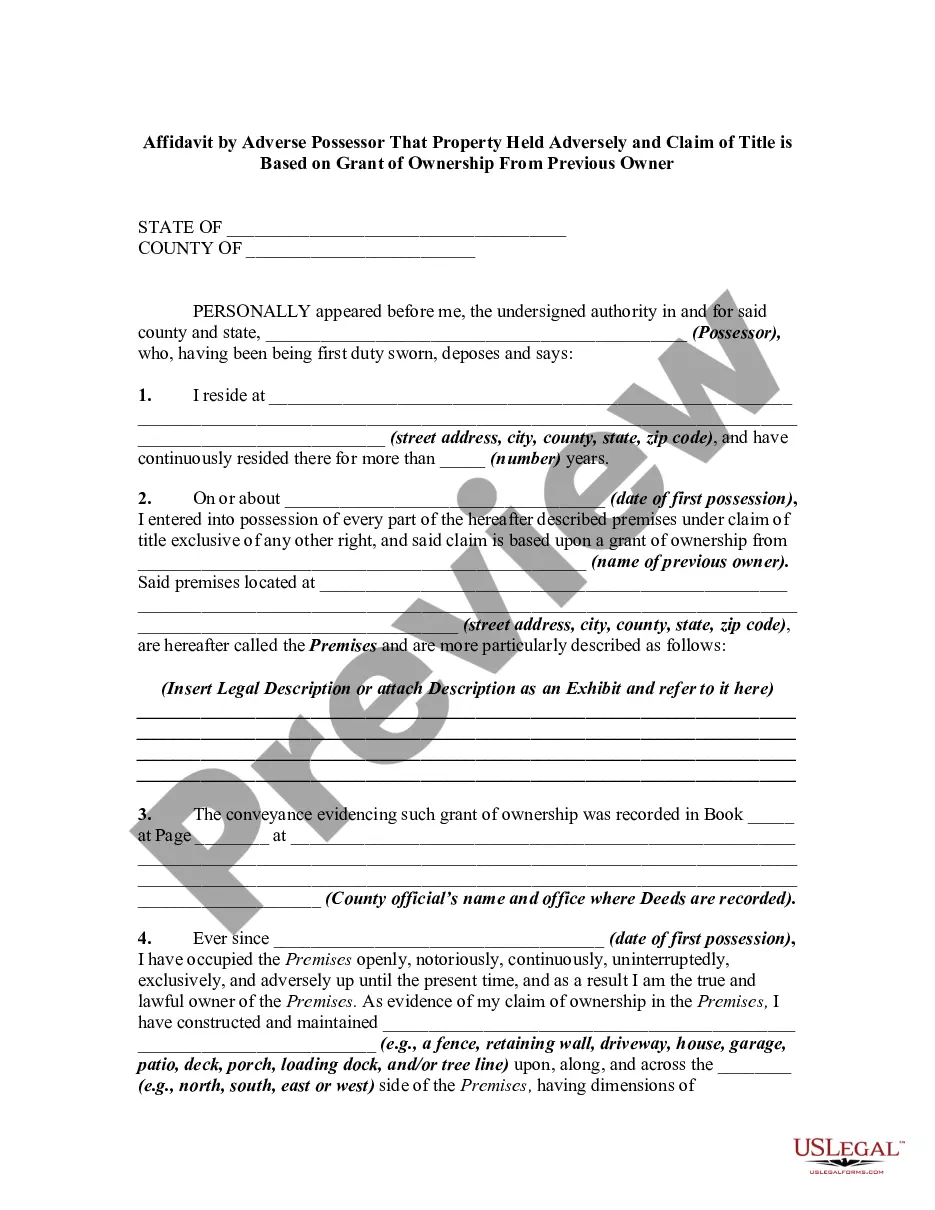
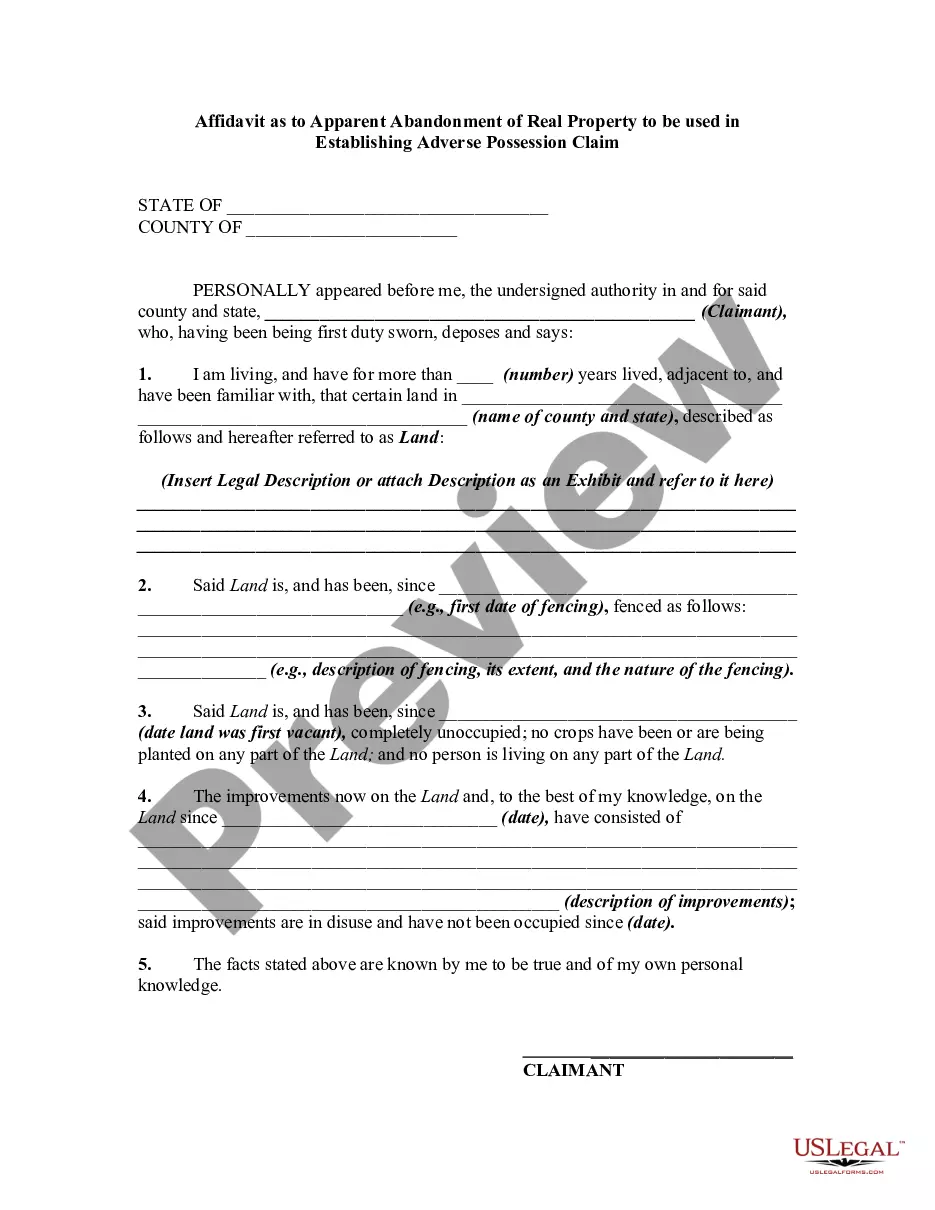
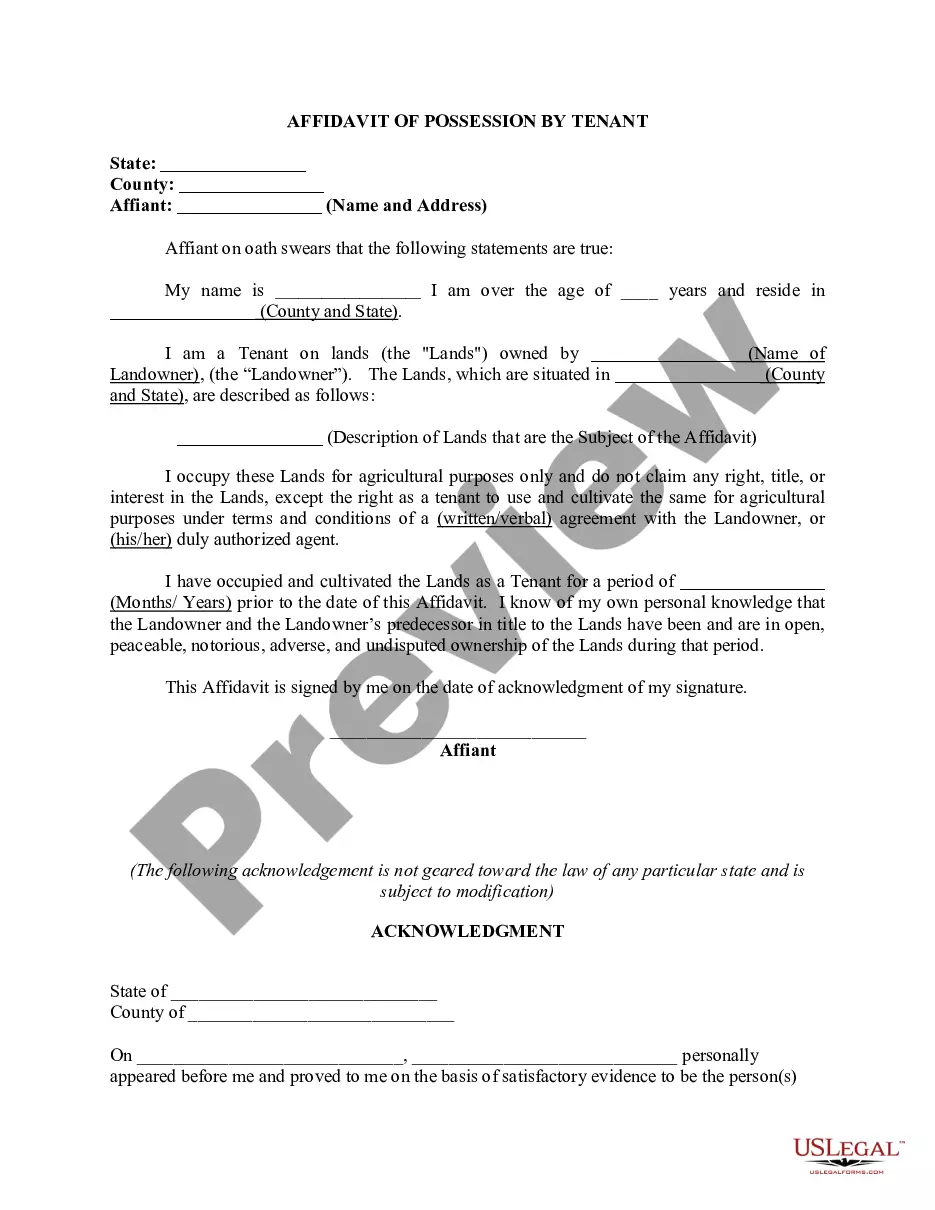
Get your form ready online
Our built-in tools help you complete, sign, share, and store your documents in one place.
Make edits, fill in missing information, and update formatting in US Legal Forms—just like you would in MS Word.
Download a copy, print it, send it by email, or mail it via USPS—whatever works best for your next step.
Sign and collect signatures with our SignNow integration. Send to multiple recipients, set reminders, and more. Go Premium to unlock E-Sign.
If this form requires notarization, complete it online through a secure video call—no need to meet a notary in person or wait for an appointment.
We protect your documents and personal data by following strict security and privacy standards.

Make edits, fill in missing information, and update formatting in US Legal Forms—just like you would in MS Word.

Download a copy, print it, send it by email, or mail it via USPS—whatever works best for your next step.

Sign and collect signatures with our SignNow integration. Send to multiple recipients, set reminders, and more. Go Premium to unlock E-Sign.

If this form requires notarization, complete it online through a secure video call—no need to meet a notary in person or wait for an appointment.

We protect your documents and personal data by following strict security and privacy standards.
Looking for another form?
How to fill out Texas Adverse Possession Affidavit - Squatters Rights?
The Texas Adverse Possession Affidavit Template for Property displayed on this site is a versatile formal framework created by experienced attorneys in accordance with national and local laws and regulations.
For over 25 years, US Legal Forms has delivered individuals, companies, and legal practitioners with more than 85,000 authenticated, state-specific documents for any commercial and personal purpose. It’s the quickest, easiest, and most trustworthy method to acquire the forms you require, as the service assures bank-level data protection and anti-malware security.
Register with US Legal Forms to have authenticated legal templates available for all of life’s situations.
- Search for the document you require and evaluate it.
- Browse through the sample you found and preview it or review the form description to confirm it meets your requirements. If it doesn’t, utilize the search function to find the appropriate one. Click Buy Now once you have identified the template you need.
- Choose and Log In.
- Select the pricing option that best fits you and create an account. Use PayPal or a credit card to swiftly complete the payment. If you already possess an account, Log In and check your subscription to proceed.
- Obtain the editable template.
- Select the format you prefer for your Texas Adverse Possession Affidavit Template for Property (PDF, DOCX, RTF) and download the sample to your device.
- Complete and sign the document.
- Print the template to finish it manually. Alternatively, utilize an online multifunctional PDF editor to quickly and precisely fill out and sign your form with validity.
- Redownload your documents as needed.
- Use the identical document again whenever necessary. Access the My documents tab in your profile to redownload any forms you have previously purchased.
Form popularity
FAQ
1, 2023, to June 30, 2023, tax rates for experienced employers are determined using Premium Table 6. Tax rates range from 0.01% to 2.3% for positive-rated employers and from 5% to 10% for negative-rated employers.
The Tennessee Lawful Employment Act (TLEA) as amended January 1, 2023 makes it mandatory for private employers with 50 35 or more employees under the same FEIN to use the federal E-Verify program to verify new hires.
If you are liable for unemployment insurance premiums in Tennessee, you will be assigned an eight digit employer account number (e.g., 0000-000 0). Applications may be obtained online or by calling your local Employer Accounts Office or by calling toll free (844) 224-5818 and press option 2 for Employer Taxes.
Effective January 1, 2023, private employers with 35 or more full-time equivalent employees under the same FEIN are required to use the federal E-Verify employment verification process. This applies to employees working in or outside the state of Tennessee.
Register as an Employer on Jobs4TN.gov Go to Jobs4TN.gov. Click "Not Registered Yet?" under the sign in box. Under "Option 3 - Create a User Account", choose Employer. Follow the prompts by providing your organization's: Federal Employer ID Number (EIN) / Federal Tax ID (FEID) UI Employer Account Number.
Tennessee New Hire Paperwork I-9 employment eligibility verification form (not required for volunteers, independent contractors, or unpaid interns) W-4 federal tax collection form. Employers must report new hires (and re-hires) to the state within 20 days of their starting date.
9 mmigration & Naturalization Form. W4 Tax Withholding Form. Background Release Form. Direct Deposit forms that are mandatory for all new hires can be obtained on nside Metro.
Tennessee employers must pay state and federal unemployment taxes under the Federal Unemployment Tax Act (FUTA) per pay period. Who pays. Employer. Tax rate. 0.01%-10.00% Taxable wage limit. First $7,000 per employee, per year. Maximum tax. $700 per employee, per year.