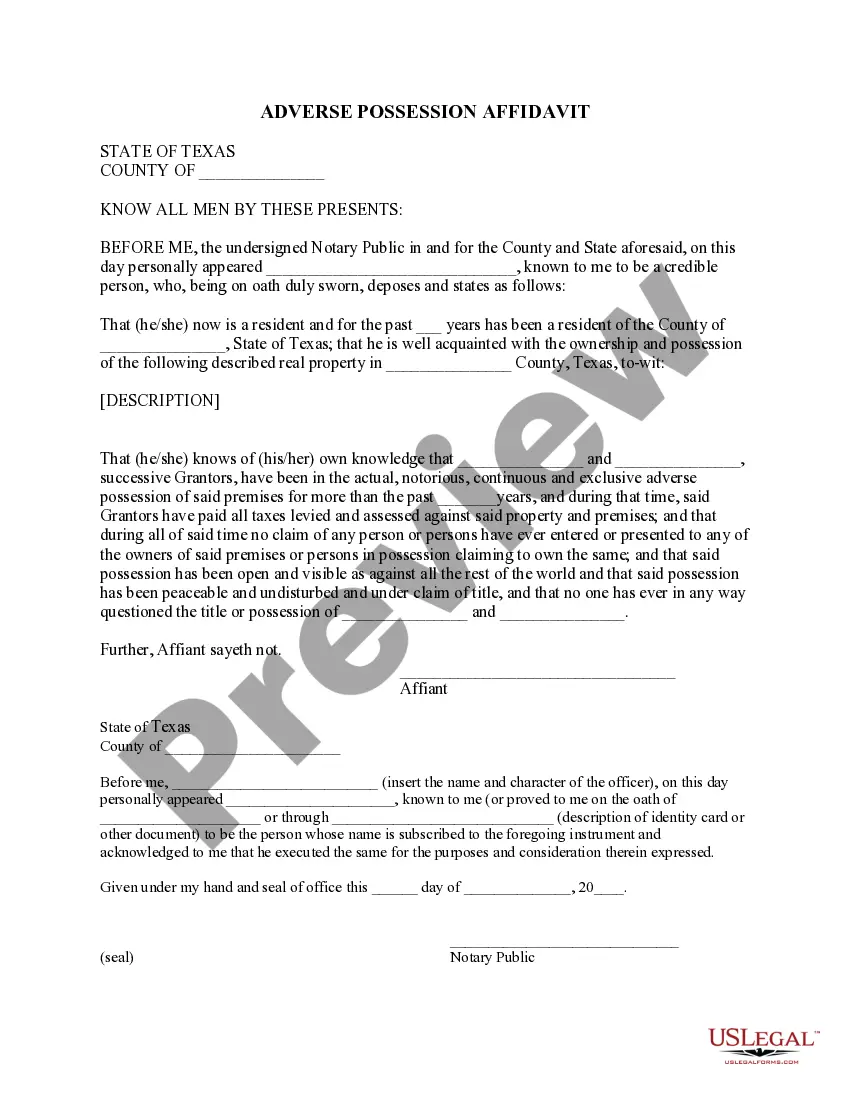
Grantors Towit Successive For Each Loop
Description
Get your form ready online
Our built-in tools help you complete, sign, share, and store your documents in one place.
Make edits, fill in missing information, and update formatting in US Legal Forms—just like you would in MS Word.
Download a copy, print it, send it by email, or mail it via USPS—whatever works best for your next step.
Sign and collect signatures with our SignNow integration. Send to multiple recipients, set reminders, and more. Go Premium to unlock E-Sign.
If this form requires notarization, complete it online through a secure video call—no need to meet a notary in person or wait for an appointment.
We protect your documents and personal data by following strict security and privacy standards.

Make edits, fill in missing information, and update formatting in US Legal Forms—just like you would in MS Word.

Download a copy, print it, send it by email, or mail it via USPS—whatever works best for your next step.

Sign and collect signatures with our SignNow integration. Send to multiple recipients, set reminders, and more. Go Premium to unlock E-Sign.

If this form requires notarization, complete it online through a secure video call—no need to meet a notary in person or wait for an appointment.

We protect your documents and personal data by following strict security and privacy standards.
Looking for another form?










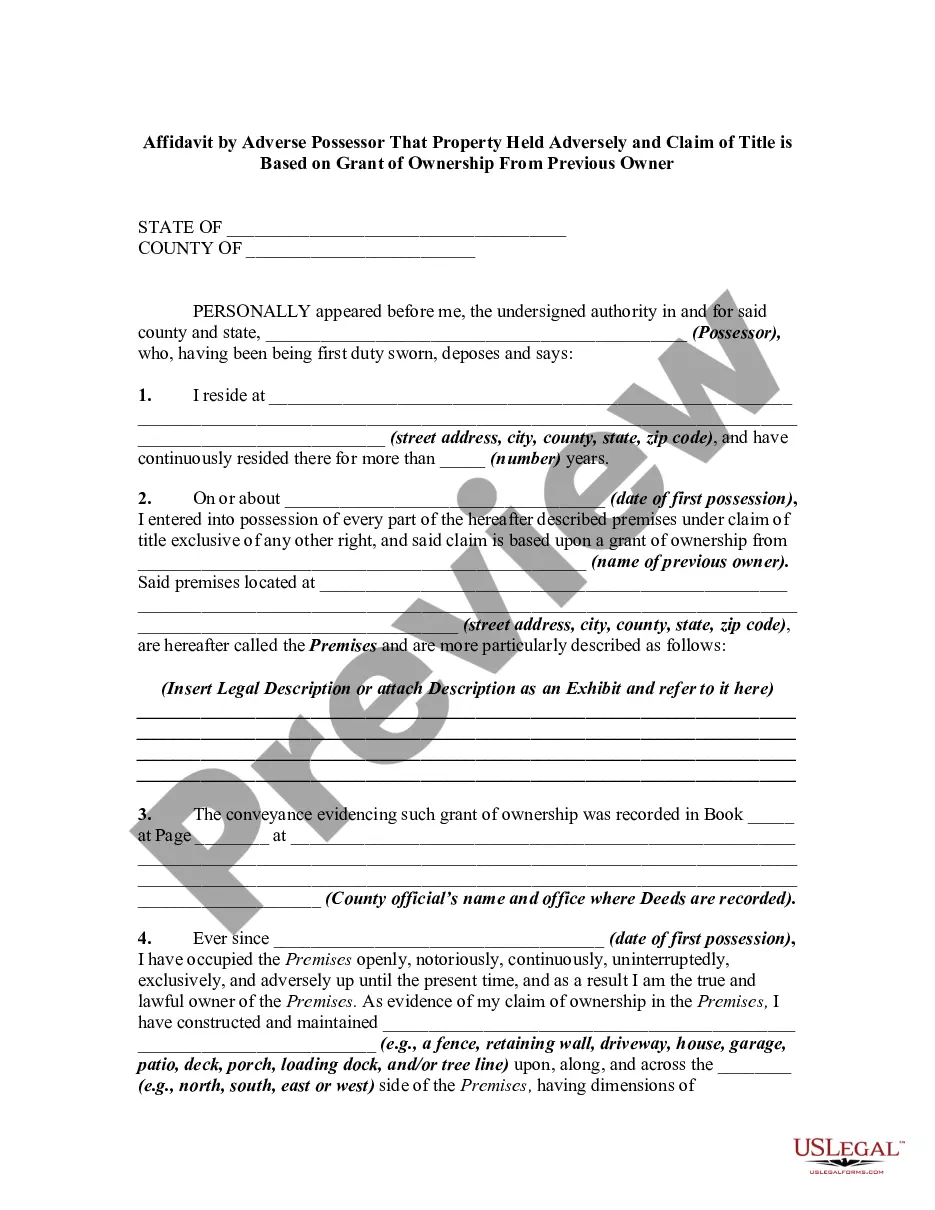
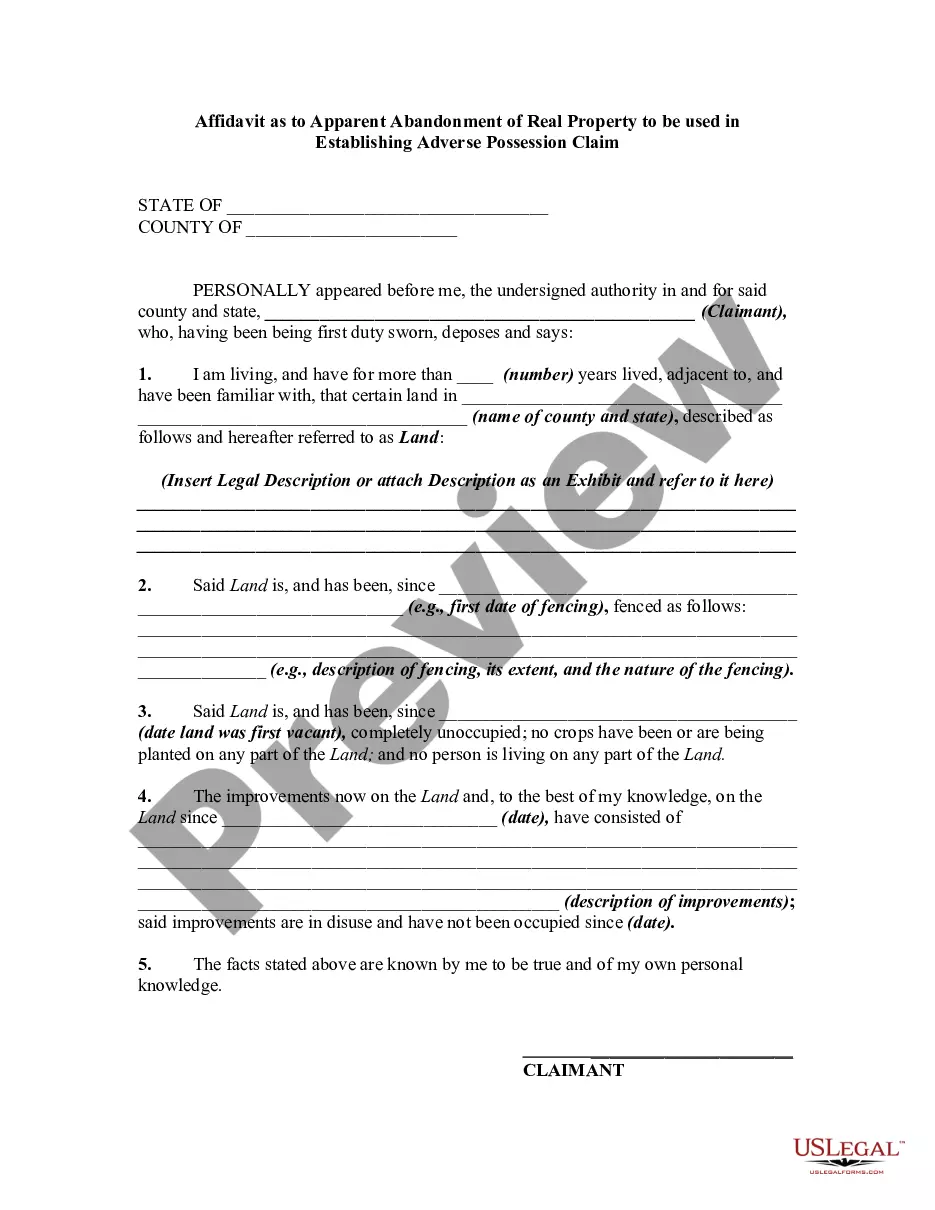
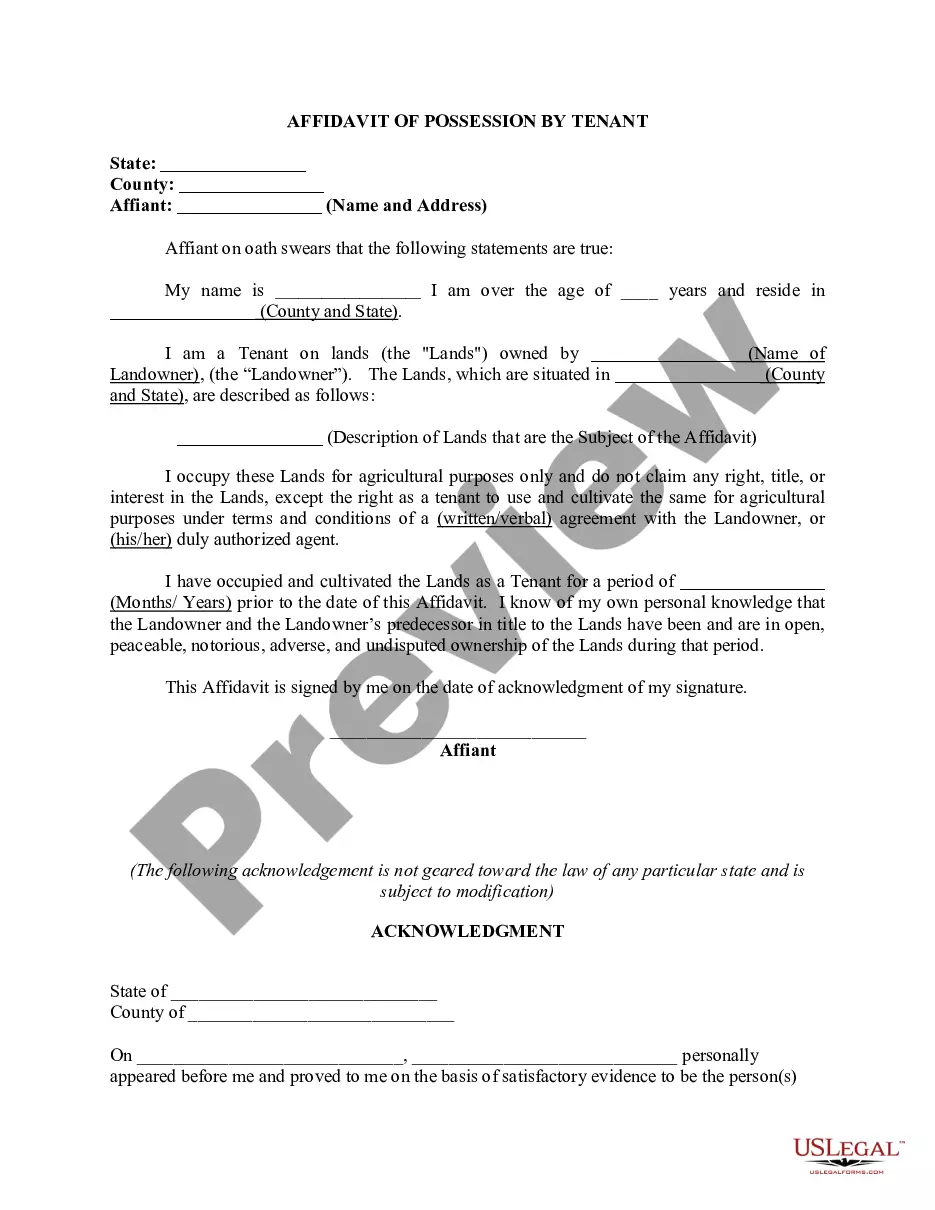
How to fill out Texas Adverse Possession Affidavit - Squatters Rights?
- Log in to your account if you're a returning user to access the document templates you need. Ensure your subscription is active.
- For first-time users, begin by previewing the required form template and confirming it meets your local jurisdiction's standards.
- If the form isn't suitable, utilize the Search tab to find an alternative template that aligns with your needs.
- Once satisfied with the selected form, proceed to purchase by clicking the Buy Now button and choosing your desired subscription plan.
- Complete your payment using a credit card or PayPal and activate your account for full library access.
- Download the form to your device and access it later through the My Forms section of your profile.
In conclusion, US Legal Forms empowers users to take control of their legal needs with its vast resources and expert support. By following these outlined steps, securing the right legal documentation has never been easier.
Start your journey today by visiting US Legal Forms and experience the benefits yourself!
Form popularity
FAQ
A for loop is a control structure that repeats a block of code a specific number of times, based on defined conditions. In contrast, a for-each loop is designed to iterate over each element in a collection, simplifying the process. Both loops serve unique purposes, enhancing how you process data in programming and automation tasks. The concept of the Grantors towit successive for each loop can be observed across various applications for efficient data handling.
To use a for-each loop in Power Automate, insert the 'Apply to each' action into your flow. Then, specify the array or collection that you intend to process. This action will execute the tasks inside the loop for each item in the collection, making it a powerful tool for handling repetitive tasks. By employing the functionalities of the Grantors towit successive for each loop, you can streamline your automation processes.
In Power Automate, breaking an apply to each loop can be achieved by using the 'Terminate' action based on your conditions. This action allows you to exit the loop prematurely when a specific criterion is met. By strategically placing this condition, you can manage your workflow more effectively, ensuring it continues smoothly without unnecessary processing. Understanding the implications of the Grantors towit successive for each loop can aid in configuring such workflows.
Using a for loop in Power Automate involves defining a finite set of iterations based on a specific condition. This method is particularly useful when you know the number of times you need to execute a task ahead of time. You can easily customize the loop to handle various scenarios efficiently. Combining a for loop with the principles of Grantors towit successive for each loop can optimize your automated processes.
In C++, the for-each loop simplifies the process of iterating over elements in a collection, such as arrays or vectors. You can implement it using the range-based for loop syntax, which iterates through each element without needing an index. This method improves code readability and reduces the potential for errors. When managing data effectively, the principles of the Grantors towit successive for each loop can also be applied in C++ programming.
To take input using a for each loop, start by defining the collection of data you want to process. You can set this collection dynamically based on user input or data from other steps in your flow. Once the collection is established, the for each loop will iterate through each item, allowing seamless access to each element to perform necessary actions. The flexibility provided by the Grantors towit successive for each loop enhances functionality in Power Automate.
The for each loop in Power Automate allows you to automate tasks that require processing multiple items sequentially. By utilizing this function, you can efficiently iterate through arrays or collections of data. This ensures that each item is handled correctly and comprehensively, which is essential for workflows that need to apply actions to each entry. When working with complex data sets, the Grantors towit successive for each loop is particularly beneficial.
In C#, to move to the next iteration in a forEach loop, you can use the 'continue' keyword inside the loop. This allows you to skip the current iteration if certain conditions are met and proceed to the next item. Embracing the 'grantors towit successive for each loop' approach helps streamline your coding processes. It contributes to a clean and maintainable codebase.
In C++, a forEach loop can be written using the standard library’s range-based for loop. You can structure it as 'for (auto& item : collection) { }', which iterates through each element seamlessly. By adopting 'grantors towit successive for each loop' techniques, you enhance your ability to manage collections effectively. This style promotes readability and reduces errors.
To use a for-each loop for a list, you can simply call the loop with the list as the target. For example, 'for (ElementType item : list) { }' allows you to process each element in the list directly. Incorporating 'grantors towit successive for each loop' principles enhances how you handle collections. This strategy allows you to work efficiently and maintain organized code.