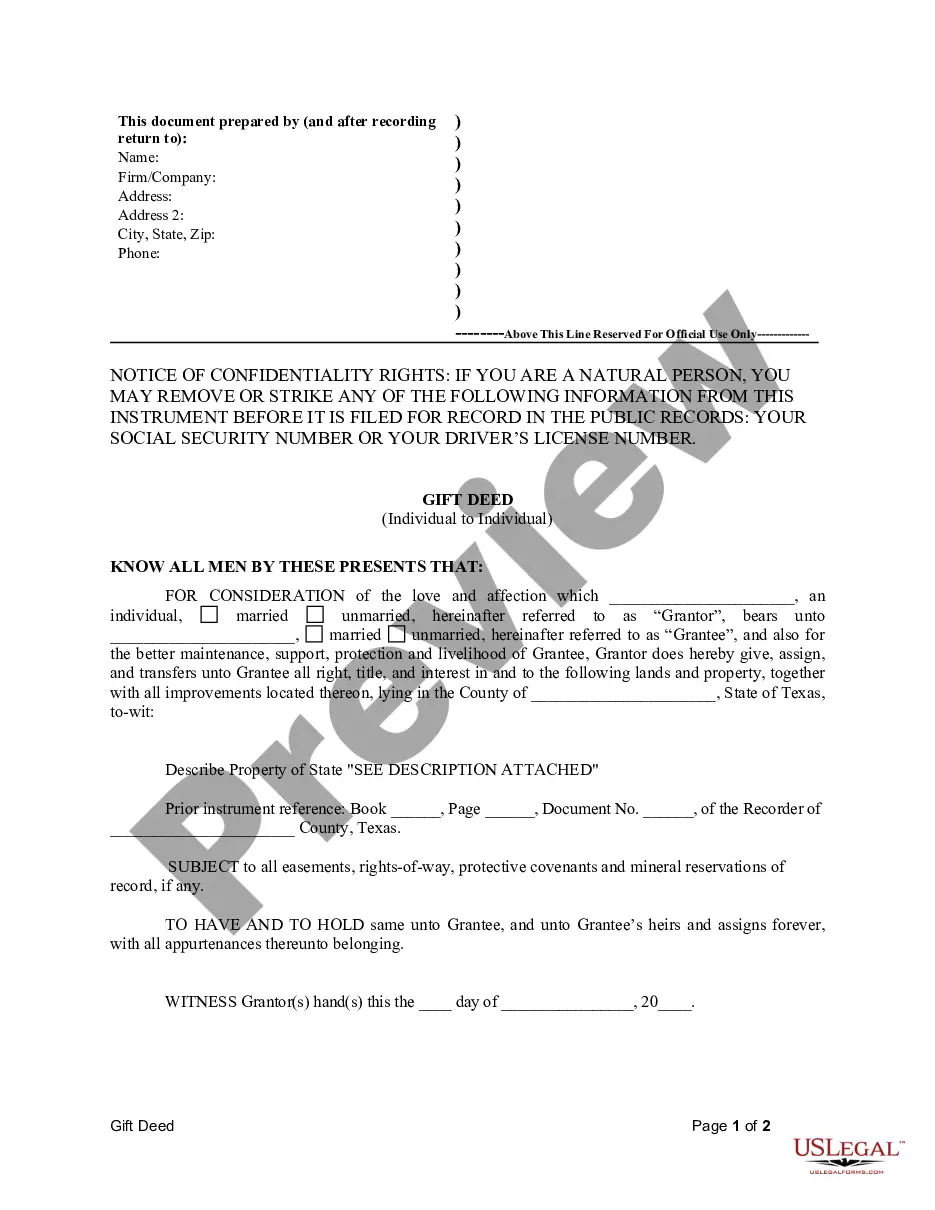
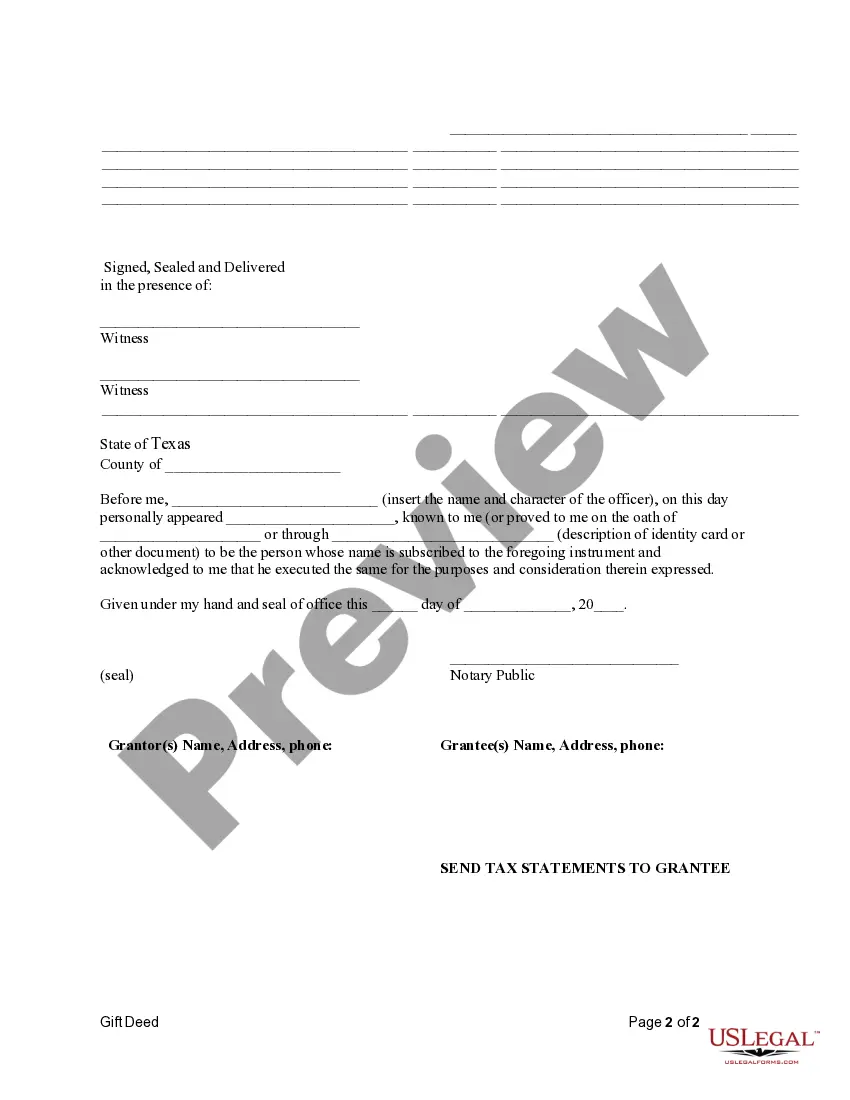
Gift Title In Texas
Description
Get your form ready online
Our built-in tools help you complete, sign, share, and store your documents in one place.
Make edits, fill in missing information, and update formatting in US Legal Forms—just like you would in MS Word.
Download a copy, print it, send it by email, or mail it via USPS—whatever works best for your next step.
Sign and collect signatures with our SignNow integration. Send to multiple recipients, set reminders, and more. Go Premium to unlock E-Sign.
If this form requires notarization, complete it online through a secure video call—no need to meet a notary in person or wait for an appointment.
We protect your documents and personal data by following strict security and privacy standards.

Make edits, fill in missing information, and update formatting in US Legal Forms—just like you would in MS Word.

Download a copy, print it, send it by email, or mail it via USPS—whatever works best for your next step.

Sign and collect signatures with our SignNow integration. Send to multiple recipients, set reminders, and more. Go Premium to unlock E-Sign.

If this form requires notarization, complete it online through a secure video call—no need to meet a notary in person or wait for an appointment.

We protect your documents and personal data by following strict security and privacy standards.
Looking for another form?







How to fill out Texas Gift Deed For Individual To Individual?
Managing legal documents can be daunting, even for the most seasoned professionals.
When you're looking for a Gift Title In Texas and don't have the opportunity to invest time in finding the correct and most recent version, the processes can be arduous.
Tap into a valuable resource repository of articles, guides, tutorials, and materials relevant to your situation and needs.
Save time and effort searching for the documents you require, and use US Legal Forms’ sophisticated search and Review tool to locate Gift Title In Texas and acquire it.
Leverage the US Legal Forms web repository, backed by 25 years of expertise and dependability. Streamline your everyday document management in a straightforward and user-friendly manner today.
- If you hold a membership, Log In to your US Legal Forms account, search for the form, and obtain it.
- Check the My documents tab to see the documents you've previously saved and to manage your folders as needed.
- If this is your first experience with US Legal Forms, create an account and receive unlimited access to all the features of the library.
- Here are the steps to follow once you've obtained the form you want.
- Verify that it's the correct form by previewing it and reviewing its details.
- Ensure that the template is valid in your state or county.
- Click Buy Now when you're prepared.
- Select a subscription plan.
- Choose the format you require, Download, complete, sign, print, and submit your documents.
- Access state- or county-specific legal and business documents.
- US Legal Forms meets all your needs, from personal to business paperwork, all in one location.
- Utilize cutting-edge tools to complete and manage your Gift Title In Texas.
Form popularity
FAQ
Restore Previous Versions (PC) ? In Windows, if you right-click on a file, and go to ?Properties,? you will see an option titled ?Previous Versions.? This option can help you revert to a version of your file before the overwrite occurred, allowing you to get your data back.
Google Forms does not have version history like Google Docs or Sheets. When you delete responses in Google Forms, it will be deleted permanently. The deleted form responses cannot be restored later.
Click the Microsoft Forms application. Click "All my Forms" Click "Deleted Forms" Click the 3 dots of the quiz you'd like to restore and click "Restore"
Microsoft Forms Pro is now Microsoft Dynamics 365 Customer Voice.
There is also no version history which makes it very difficult to reset the questions that have been overwritten.
Re: Restoring a prior version of your Form that has been edited and autosaved. @MarciAngela there's no way to restore a previous version of a form.
Restore a previous version in SharePoint Right click on the space between the item or document name and date, and from the menu, select Version History. To see Version History, you may need to scroll the menu. If you don't see Version History, in the dialog, select the ... (ellipses), and then select Version History.
Re: Restoring a prior version of your Form that has been edited and autosaved. @MarciAngela there's no way to restore a previous version of a form.