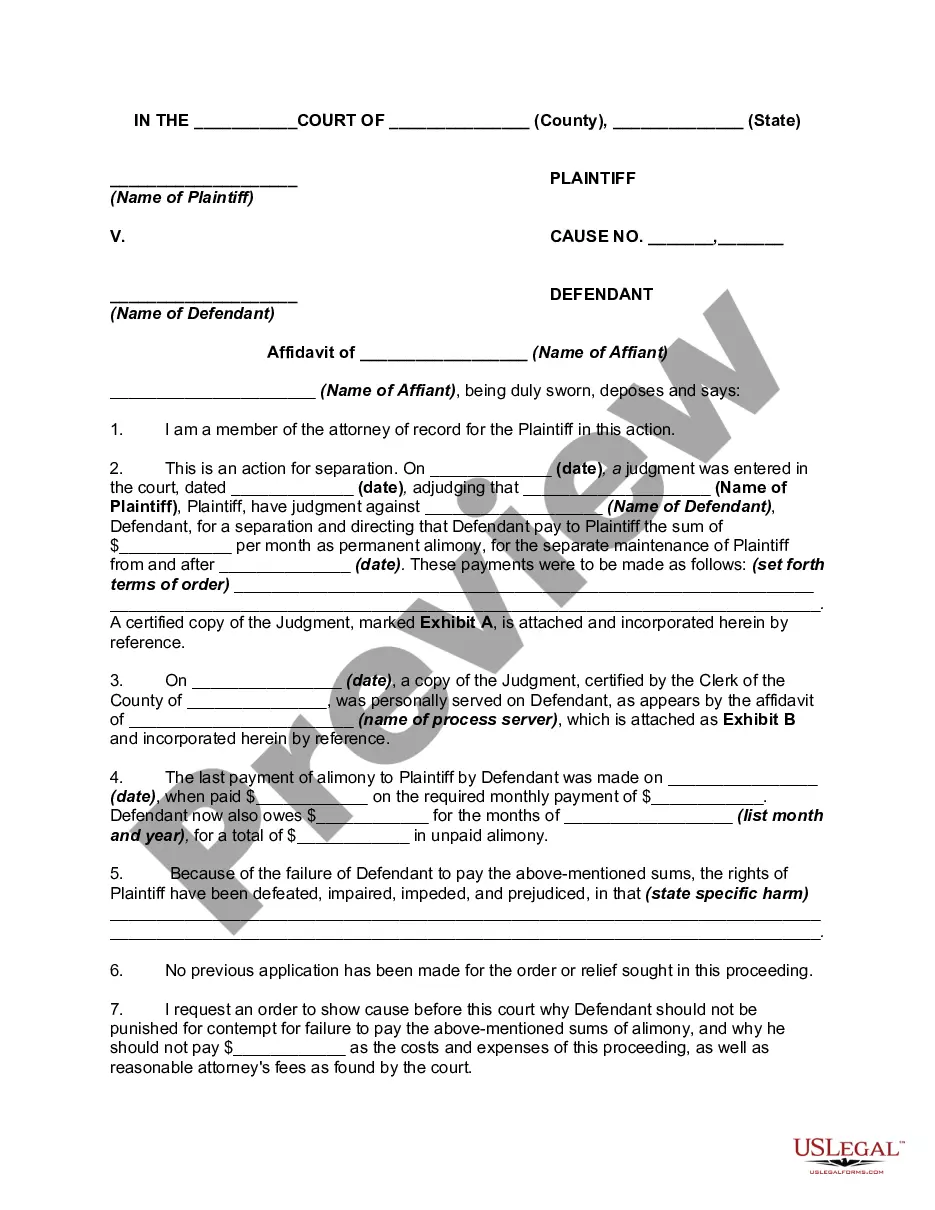
Motion Order Form For Court
Description

Get your form ready online
Our built-in tools help you complete, sign, share, and store your documents in one place.
Make edits, fill in missing information, and update formatting in US Legal Forms—just like you would in MS Word.
Download a copy, print it, send it by email, or mail it via USPS—whatever works best for your next step.
Sign and collect signatures with our SignNow integration. Send to multiple recipients, set reminders, and more. Go Premium to unlock E-Sign.
If this form requires notarization, complete it online through a secure video call—no need to meet a notary in person or wait for an appointment.
We protect your documents and personal data by following strict security and privacy standards.

Make edits, fill in missing information, and update formatting in US Legal Forms—just like you would in MS Word.

Download a copy, print it, send it by email, or mail it via USPS—whatever works best for your next step.

Sign and collect signatures with our SignNow integration. Send to multiple recipients, set reminders, and more. Go Premium to unlock E-Sign.

If this form requires notarization, complete it online through a secure video call—no need to meet a notary in person or wait for an appointment.

We protect your documents and personal data by following strict security and privacy standards.
Looking for another form?





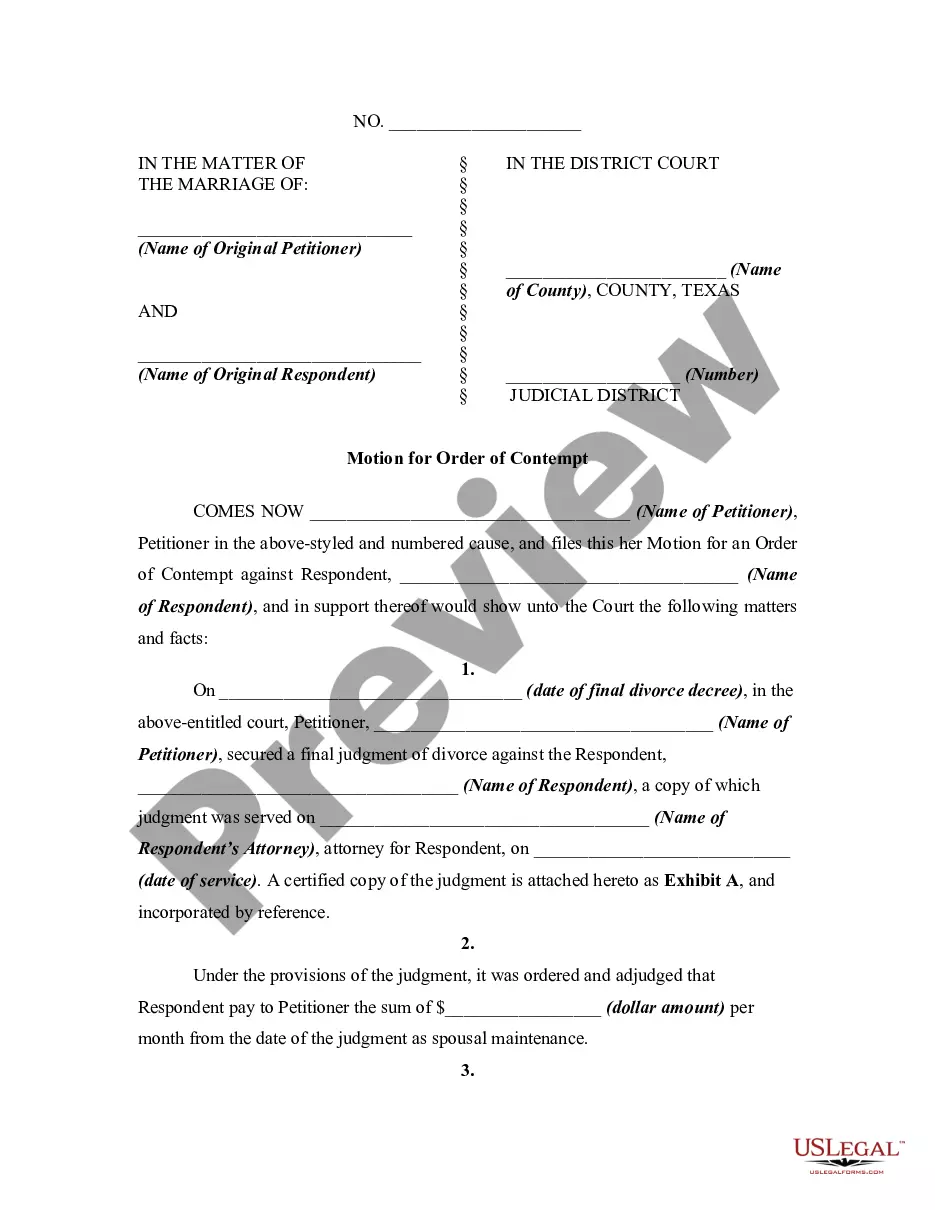
How to fill out Texas Motion For Order Of Contempt For Failure To Pay Spousal Maintenance?
Obtaining legal documents that adhere to federal and state regulations is essential, and the web provides numerous alternatives to choose from.
However, what's the benefit of spending time hunting for the correct Motion Order Form For Court template online if the US Legal Forms digital repository already has such documents compiled in one location.
US Legal Forms is the premier online legal repository with more than 85,000 editable documents created by attorneys for various commercial and personal situations.
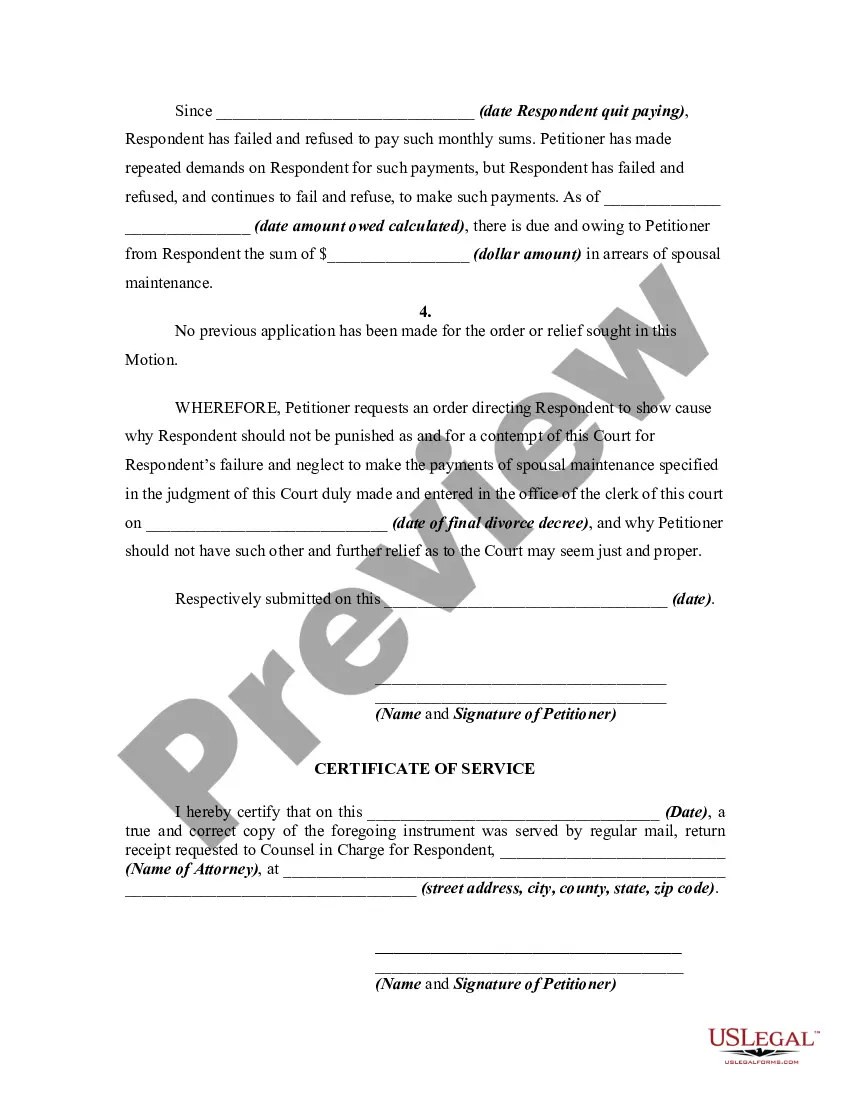
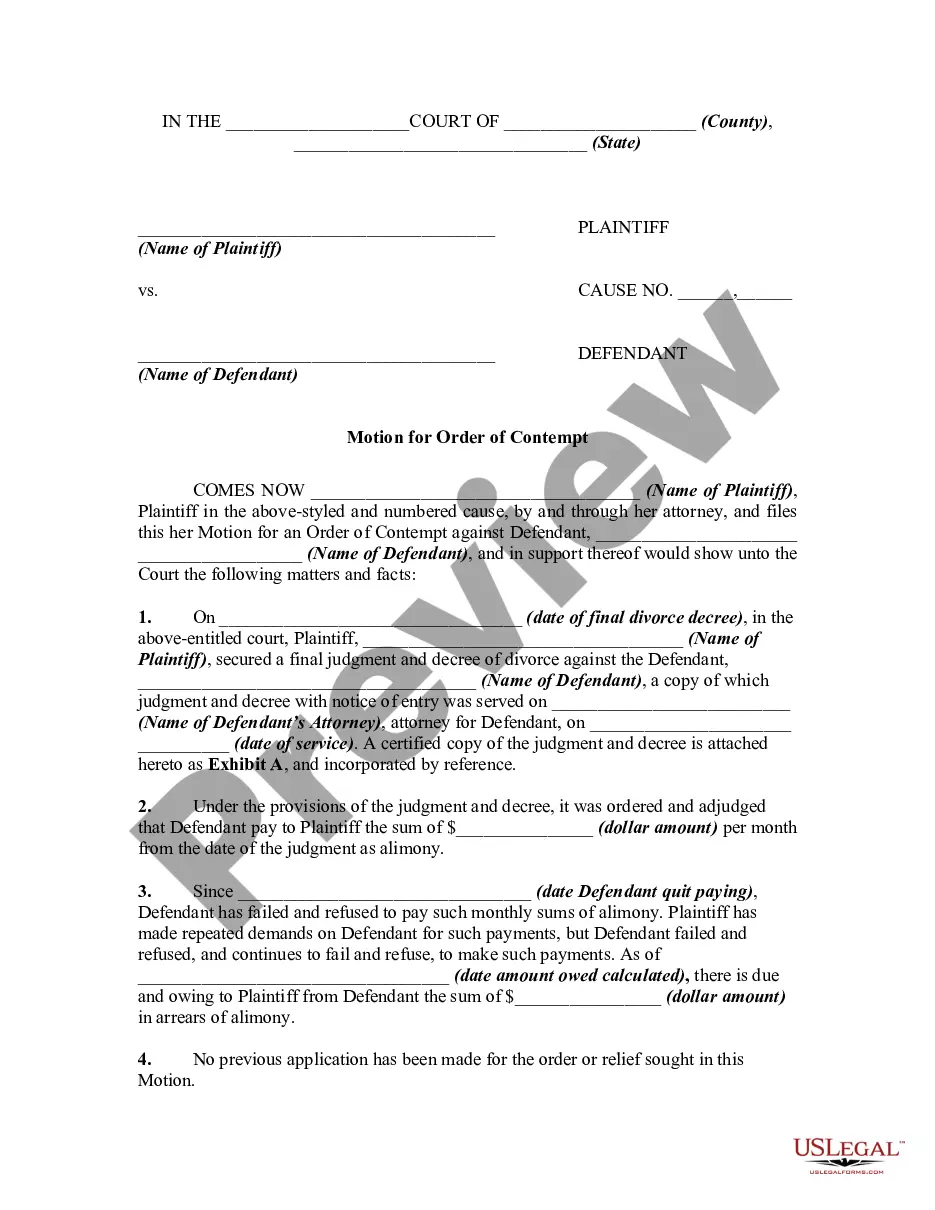
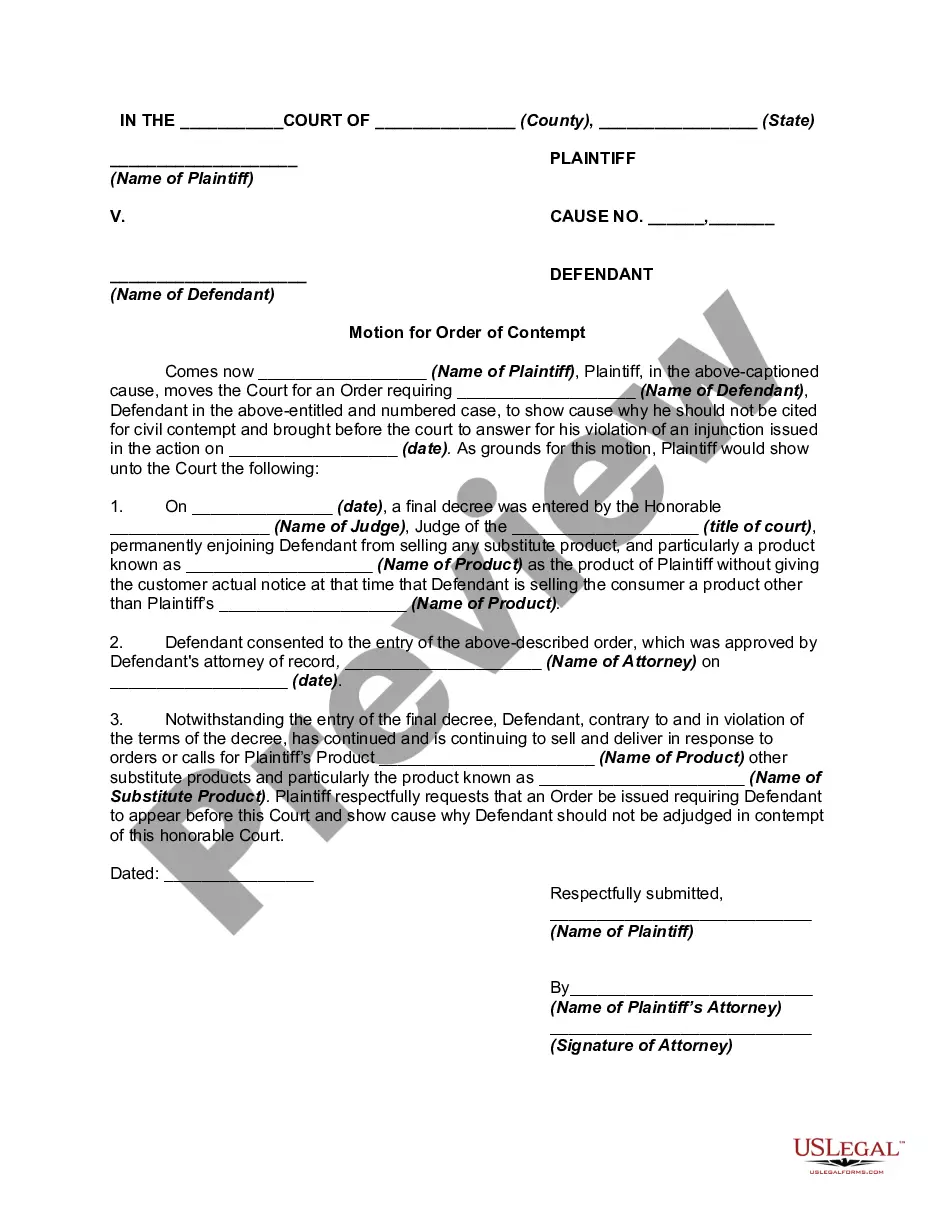
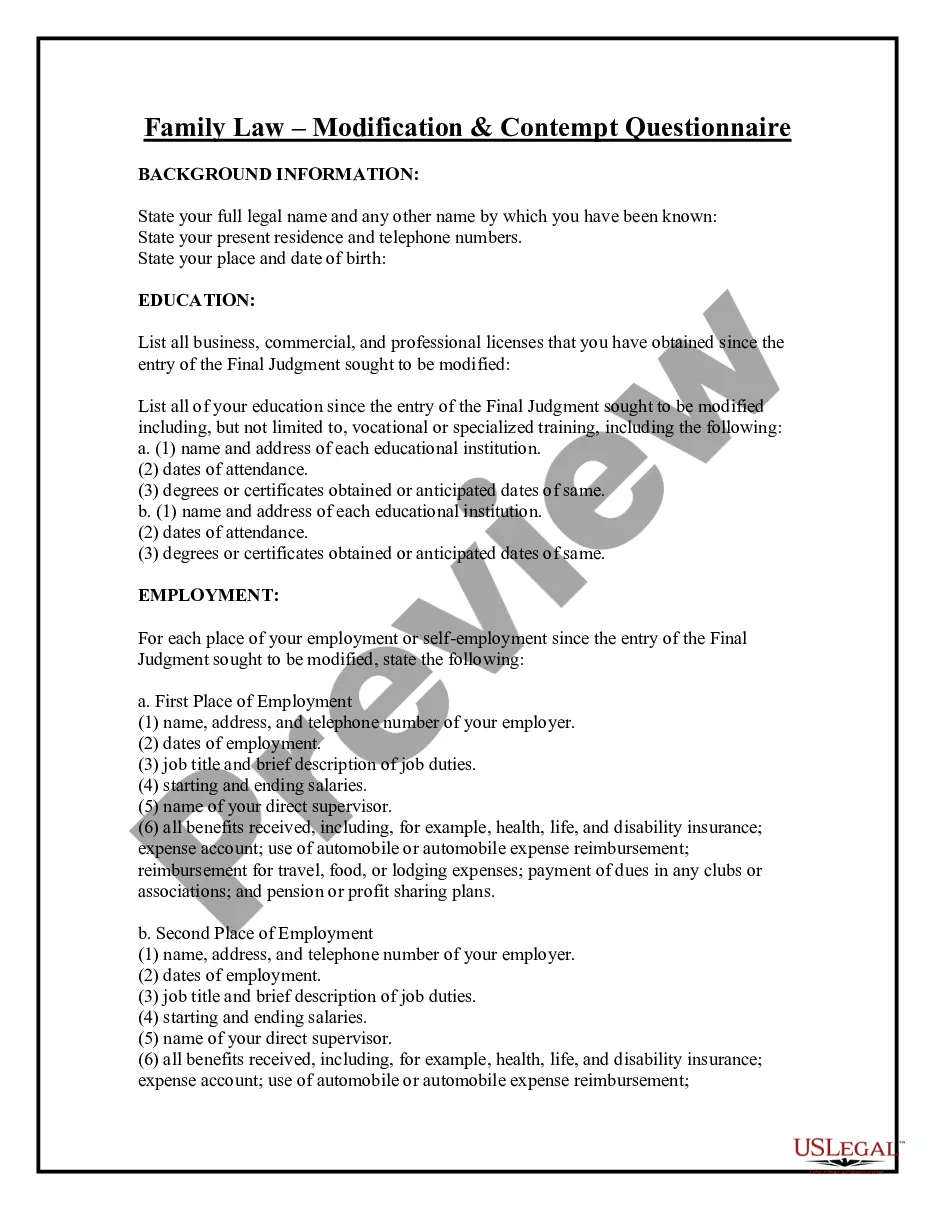
Review the template using the Preview option or through the textual description to verify it fulfills your requirements.
- They are easy to navigate with all materials organized by jurisdiction and intended use.
- Our experts remain updated with legal modifications, ensuring your documents are current and compliant when acquiring a Motion Order Form For Court from our site.
- Obtaining a Motion Order Form For Court is quick and straightforward for both existing and new users.
- If you possess an account with an active subscription, Log In and download the template you require in your chosen format.
- If you are unfamiliar with our site, follow the instructions outlined below.
Form popularity
FAQ
Click the Microsoft Forms application. Click "All my Forms" Click "Deleted Forms" Click the 3 dots of the quiz you'd like to restore and click "Restore"
Right now unfortunately, you can recover the entire Form from recycle bin if, it was deleted. however, recovering only a deleted question from the Form is currently not supported.
How to undo changes in Google Forms? - YouTube YouTube Start of suggested clip End of suggested clip How to undo changes in a google. Form if you want to undo the last few edits you've made. You mayMoreHow to undo changes in a google. Form if you want to undo the last few edits you've made. You may have noticed that there was no undo button in the browser. You have to click on the three dots first
To copy a form within List view, hover to the right of the form, select More options > Copy. You'll see a duplicate form at the top of your list under All My Forms. It will have the same name as your original form.
Forms History lets you see if changes have been made to a Google Form, create back-up versions, and access previous copies. Use Forms History if: 1) You would like to see if someone has modified a Google Form. 2) You want to create and access back-up copies of Google Forms.
Re: Restoring a prior version of your Form that has been edited and autosaved. @MarciAngela there's no way to restore a previous version of a form.
There is also no version history which makes it very difficult to reset the questions that have been overwritten.