South Carolina Llc Rules
Description
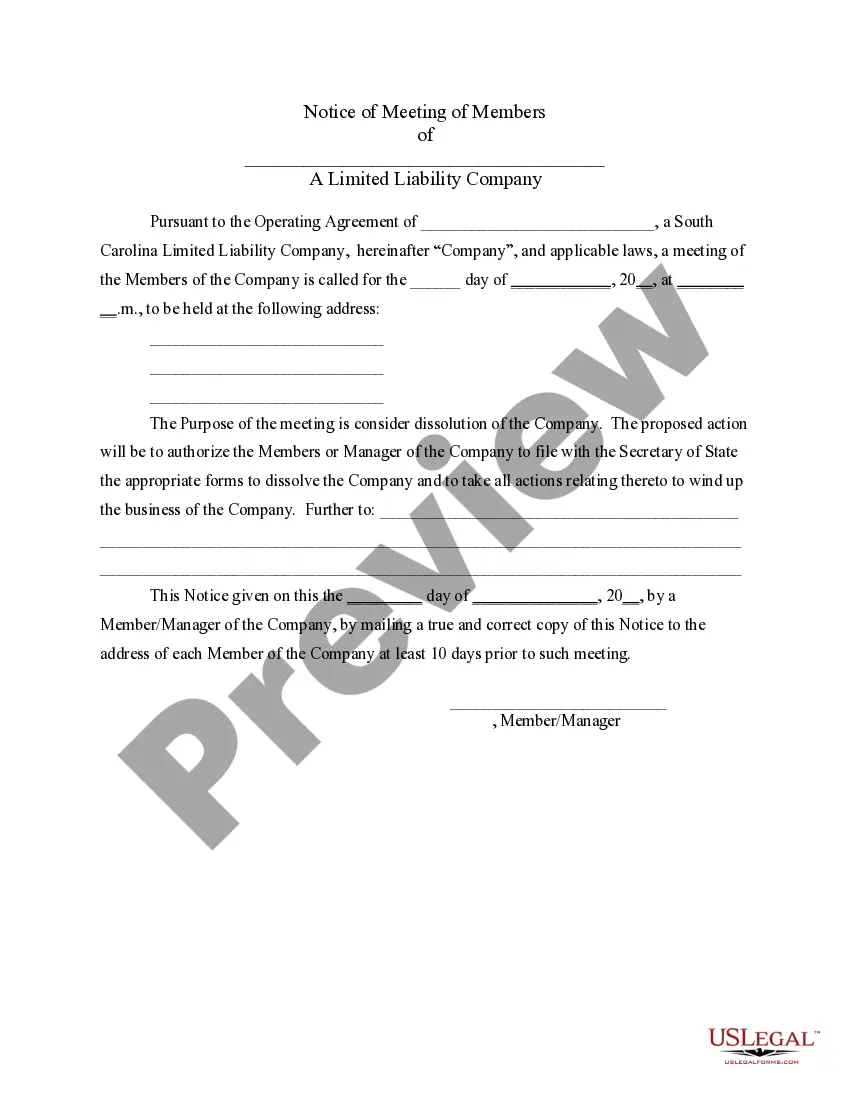
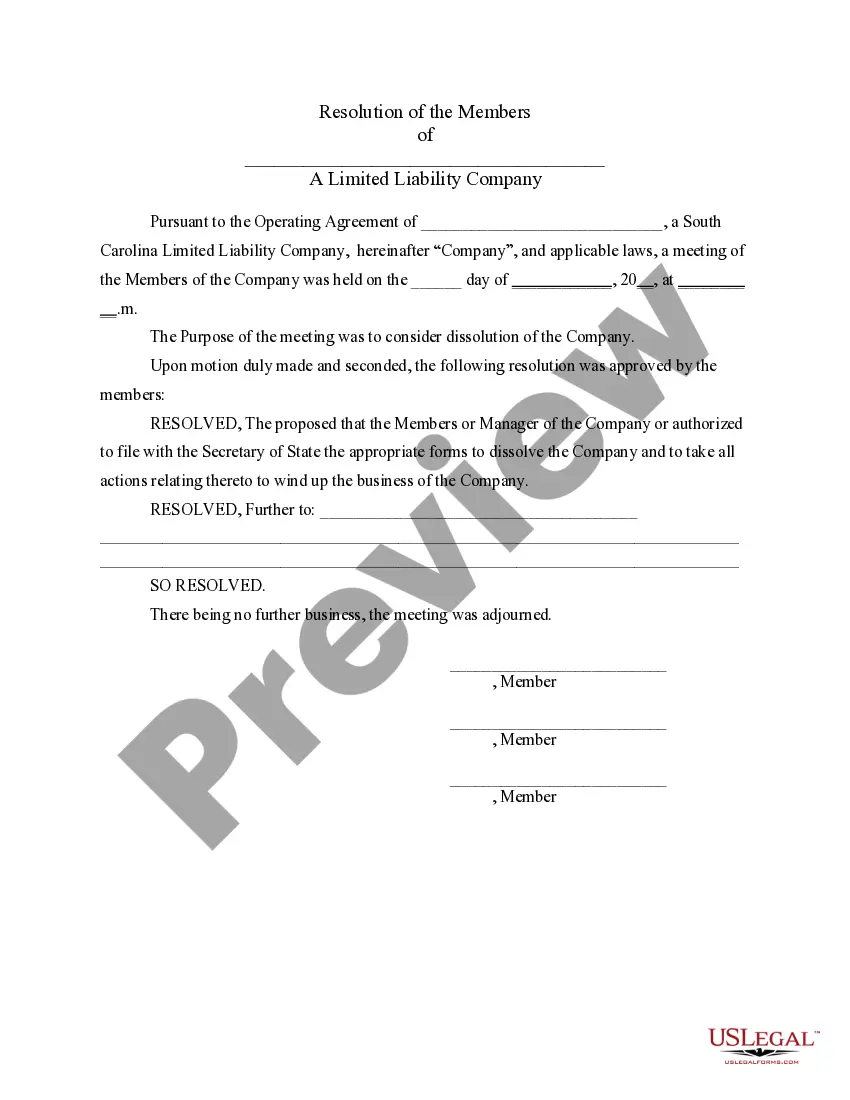
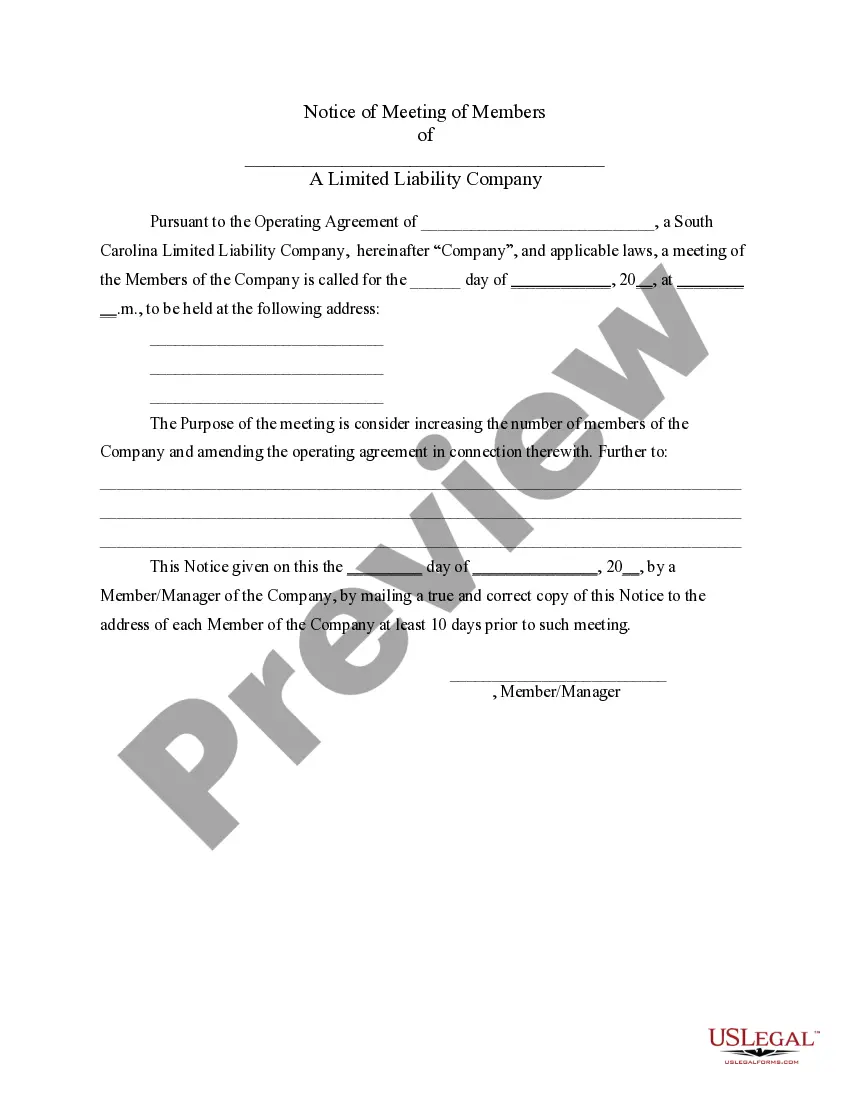
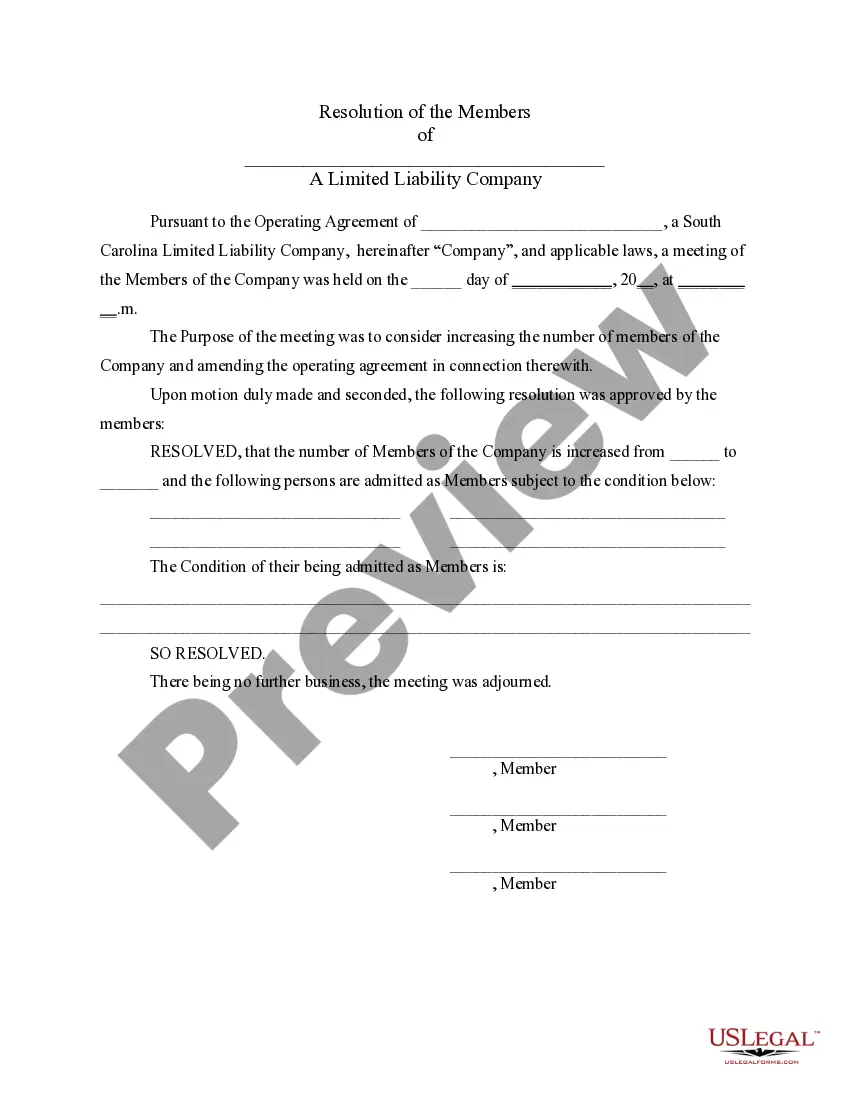

Get your form ready online
Our built-in tools help you complete, sign, share, and store your documents in one place.
Make edits, fill in missing information, and update formatting in US Legal Forms—just like you would in MS Word.
Download a copy, print it, send it by email, or mail it via USPS—whatever works best for your next step.
Sign and collect signatures with our SignNow integration. Send to multiple recipients, set reminders, and more. Go Premium to unlock E-Sign.
If this form requires notarization, complete it online through a secure video call—no need to meet a notary in person or wait for an appointment.
We protect your documents and personal data by following strict security and privacy standards.

Make edits, fill in missing information, and update formatting in US Legal Forms—just like you would in MS Word.

Download a copy, print it, send it by email, or mail it via USPS—whatever works best for your next step.

Sign and collect signatures with our SignNow integration. Send to multiple recipients, set reminders, and more. Go Premium to unlock E-Sign.

If this form requires notarization, complete it online through a secure video call—no need to meet a notary in person or wait for an appointment.

We protect your documents and personal data by following strict security and privacy standards.
Looking for another form?









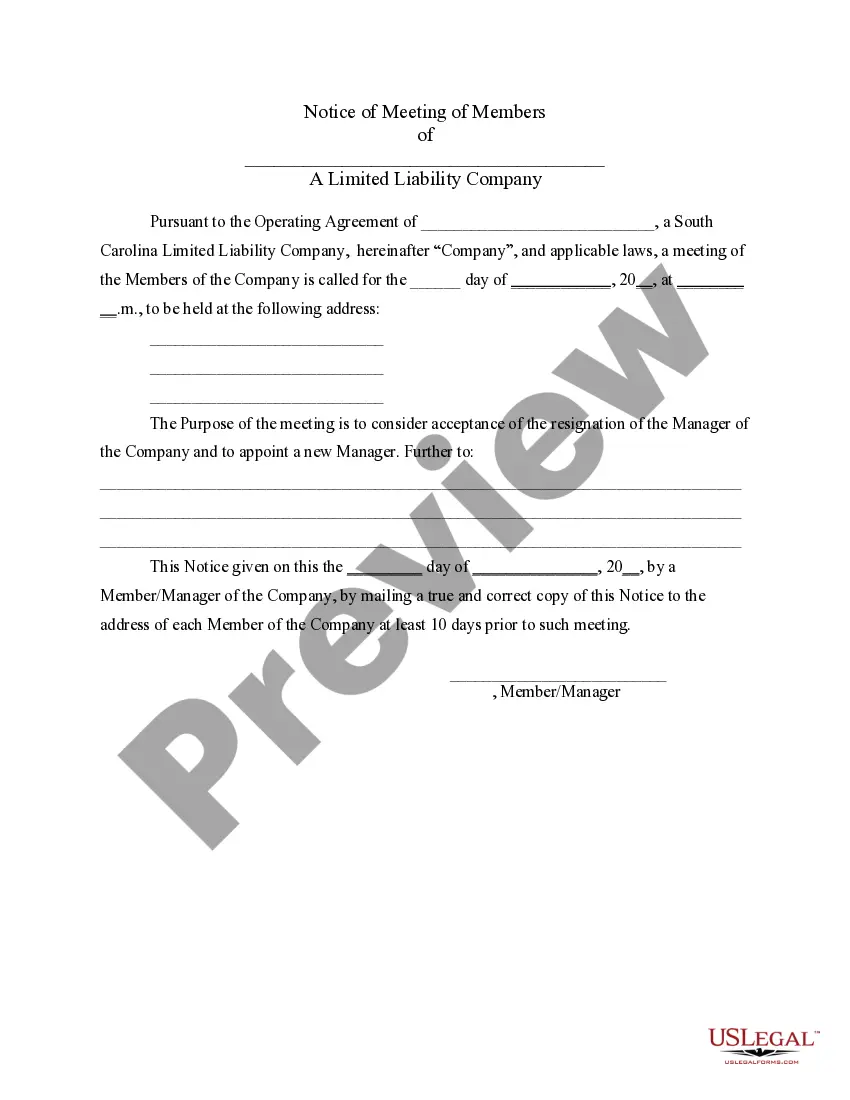
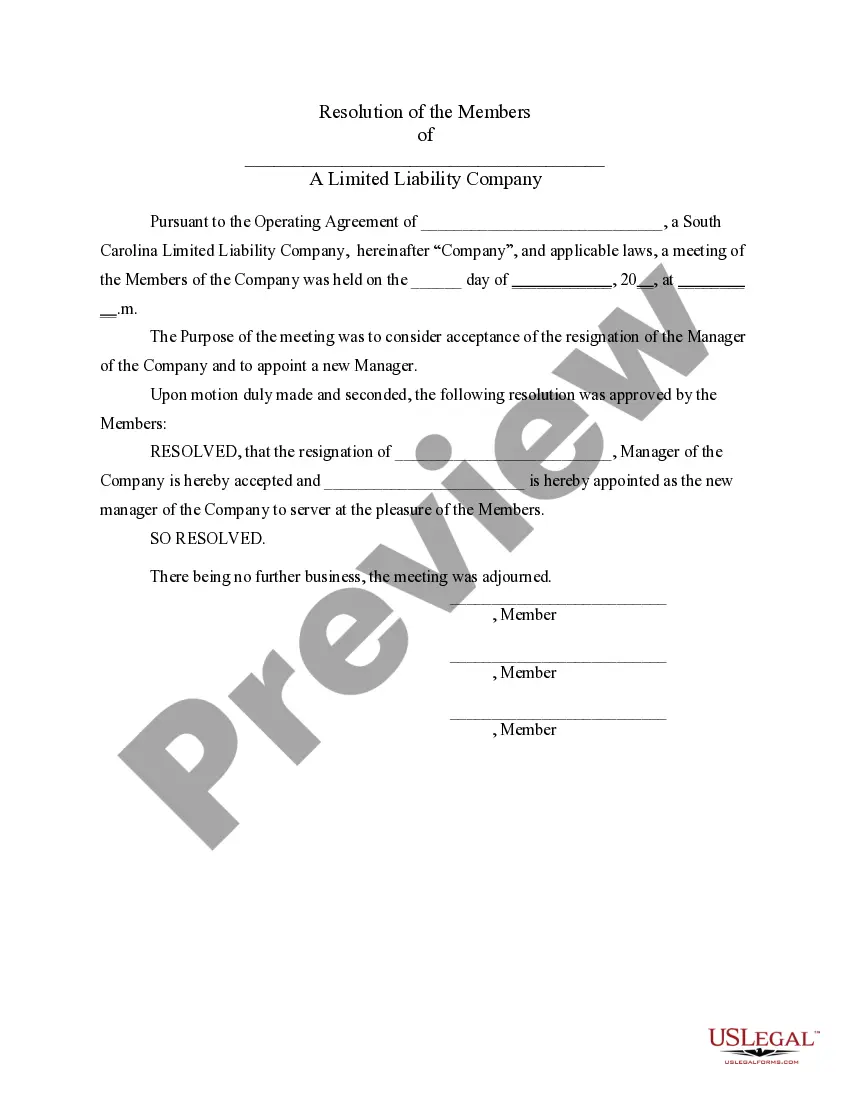
How to fill out South Carolina LLC Notices, Resolutions And Other Operations Forms Package?
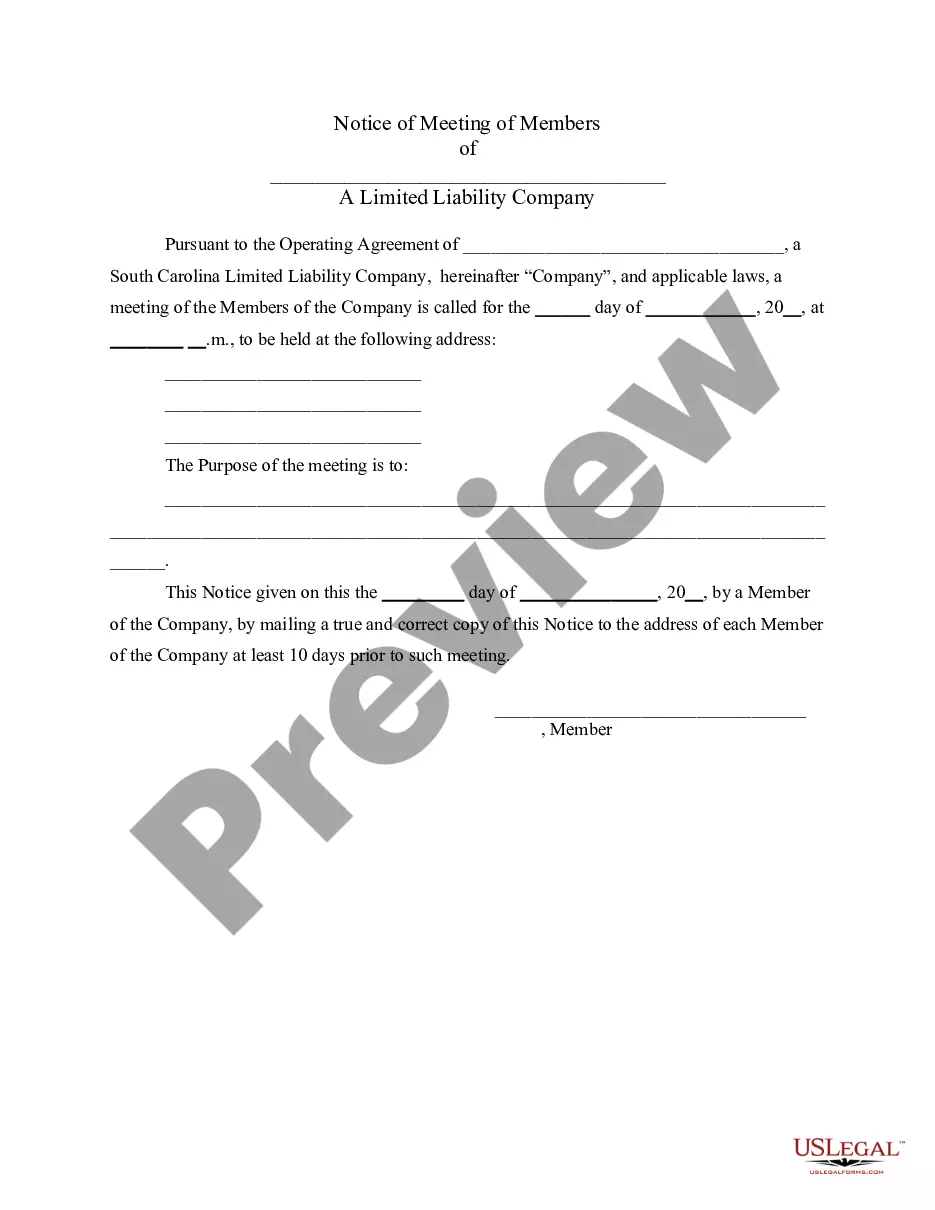
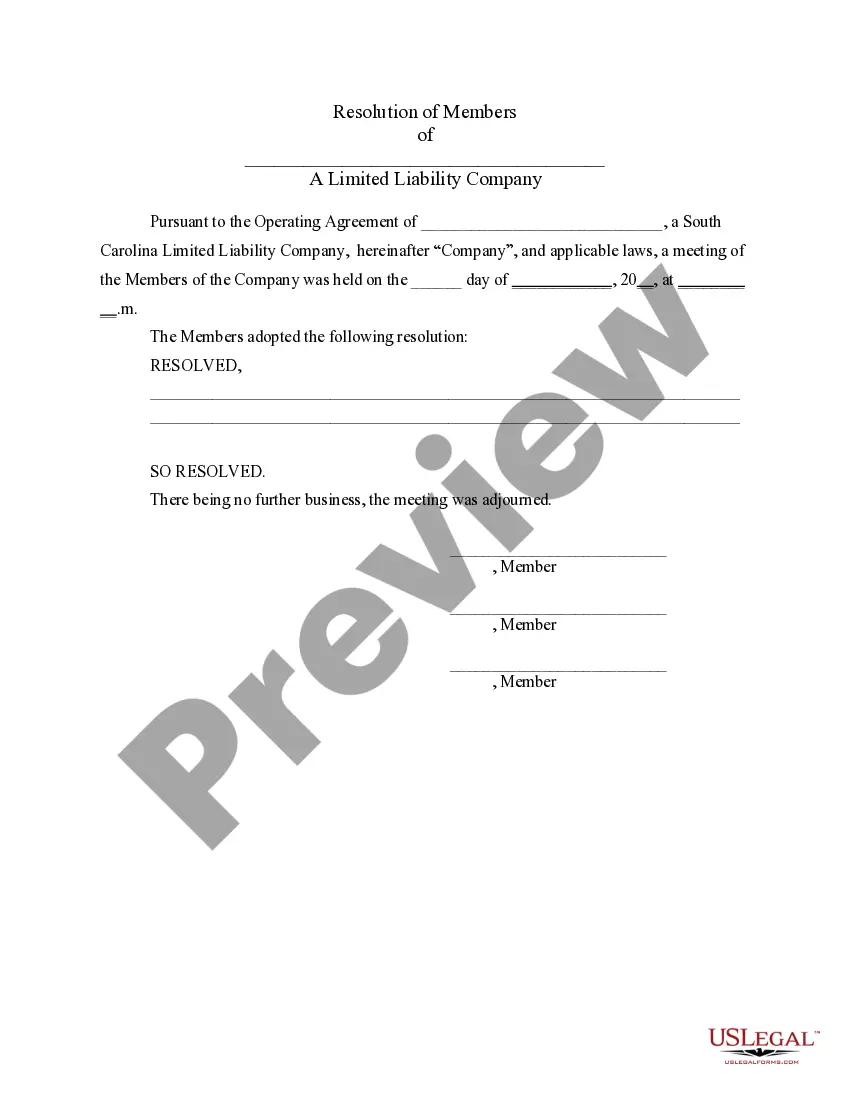
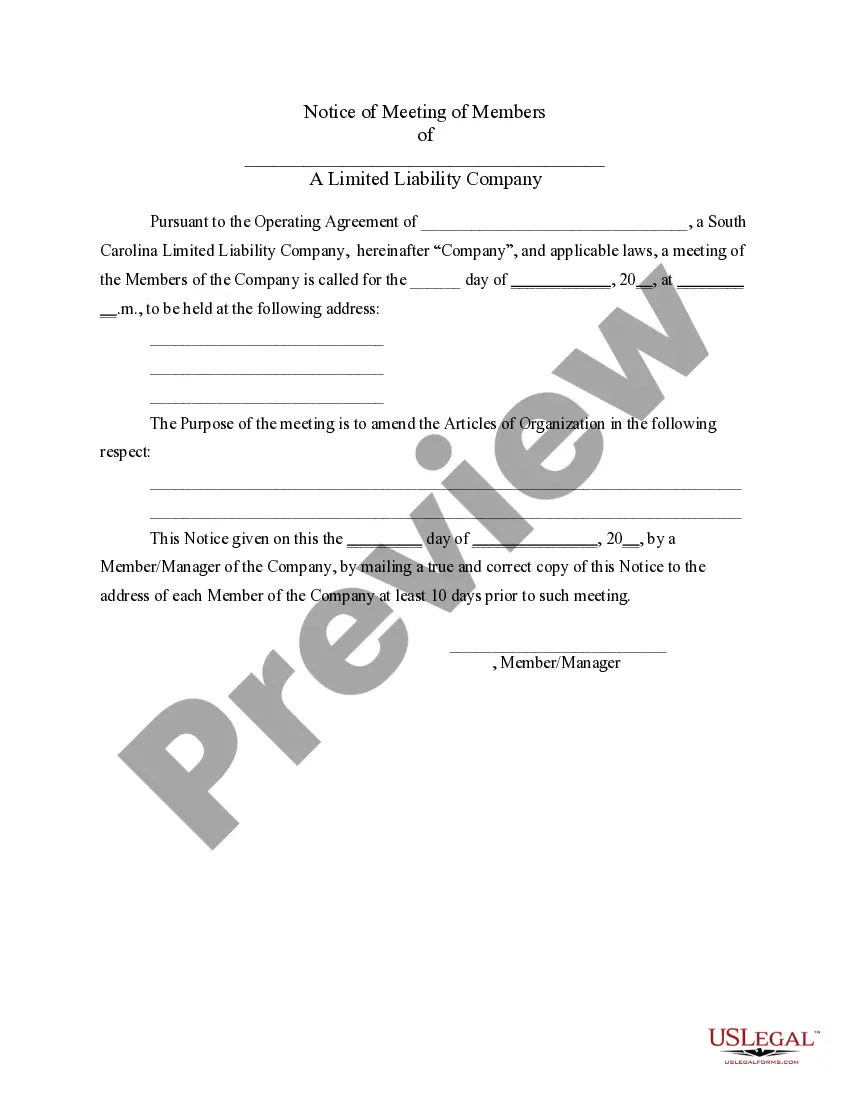
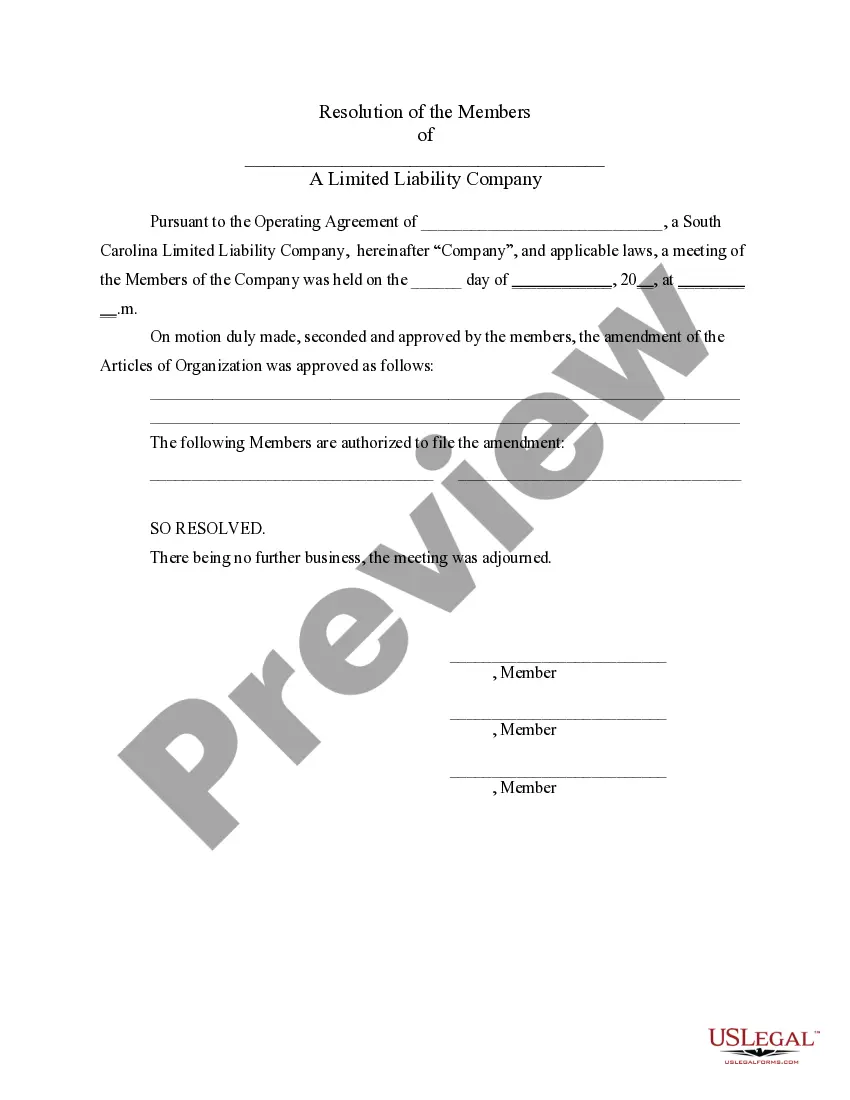
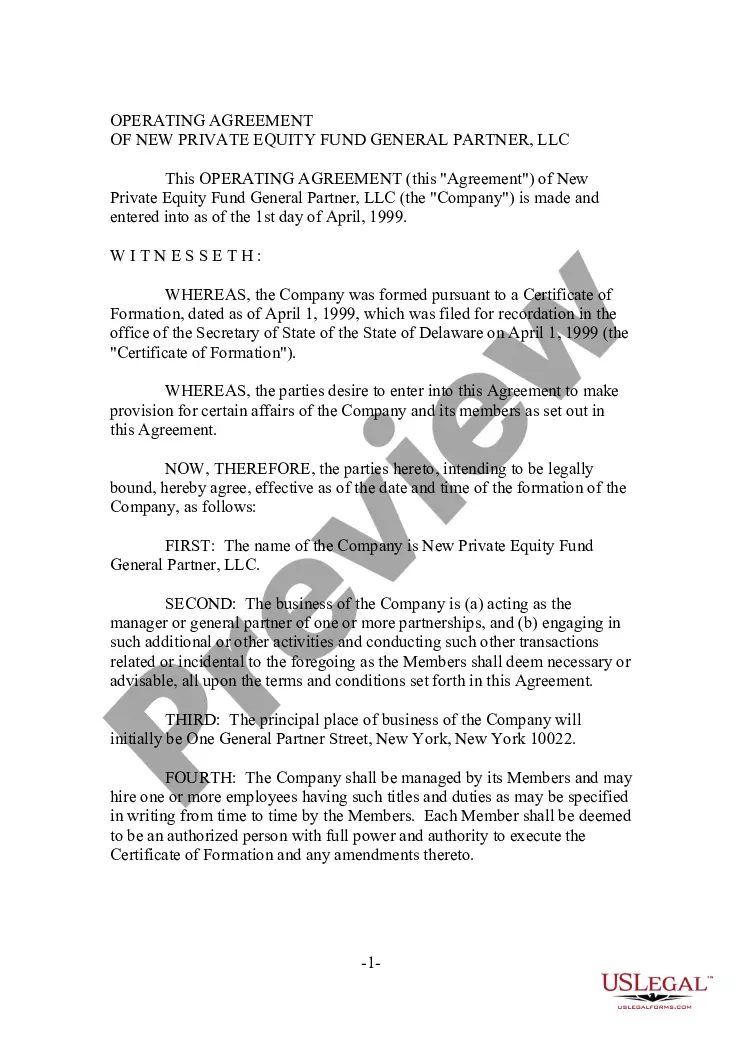
The South Carolina LLC Guidelines you view on this site is a versatile legal template crafted by experienced attorneys in accordance with federal and state legislation and mandates.
For over 25 years, US Legal Forms has supplied individuals, companies, and legal practitioners with more than 85,000 authenticated, state-specific forms for any business and personal situations. It’s the fastest, simplest, and most reliable method to acquire the documents you require, as the service ensures bank-level data protection and anti-malware safeguards.
Select the format you desire for your South Carolina LLC Guidelines (PDF, Word, RTF) and download the sample to your device.
- Search for the document you require and review it.
- Examine the sample you searched for and preview it or verify the form description to confirm it meets your requirements. If it doesn’t, utilize the search function to find the correct one. Click Buy Now once you have found the template you need.
- Register and Log In.
- Choose the pricing plan that fits you and set up an account. Use PayPal or a credit card for a swift payment. If you already possess an account, Log In and check your subscription to continue.
- Obtain the editable template.
Form popularity
FAQ
File Your South Carolina LLC Articles of Organization Submit Your LLC's Official Name. Reserve Your Business Name. Include Your LLC's Mailing Address. Provide the Name and Address of Your Registered Agent. List the Name and Address of Your Business's Organizer. Indicate How Long You Want Your LLC to Last.
LLC taxes and fees The following are taxation requirements and ongoing fees for South Carolina LLCs: Annual report. South Carolina does not require LLCs to file an annual report.
Starting an LLC in South Carolina will include the following steps: #1: Register Your South Carolina LLC Company Name. #2: Select a Registered Agent. #3: File Articles of Organization With the State. #4: Secure a Federal Employer Identification Number. #5: Formalize an Operating Agreement.
By default, South Carolina LLCs are taxed as pass-through entities, meaning the business does not pay any sort of LLC income tax. Instead, the member or members of the LLC pays for the LLC's losses and revenue on their personal income taxes and pay the state's graduated income tax rate ranging from 0% to 7%.
Benefits of Forming an LLC in South Carolina (SC): The LLC is not a tax payer, but often is required to file a tax return. Limited Liability: The owners (members) of the LLC enjoy personal protection against some or all liability of the debts and obligations of the LLC.