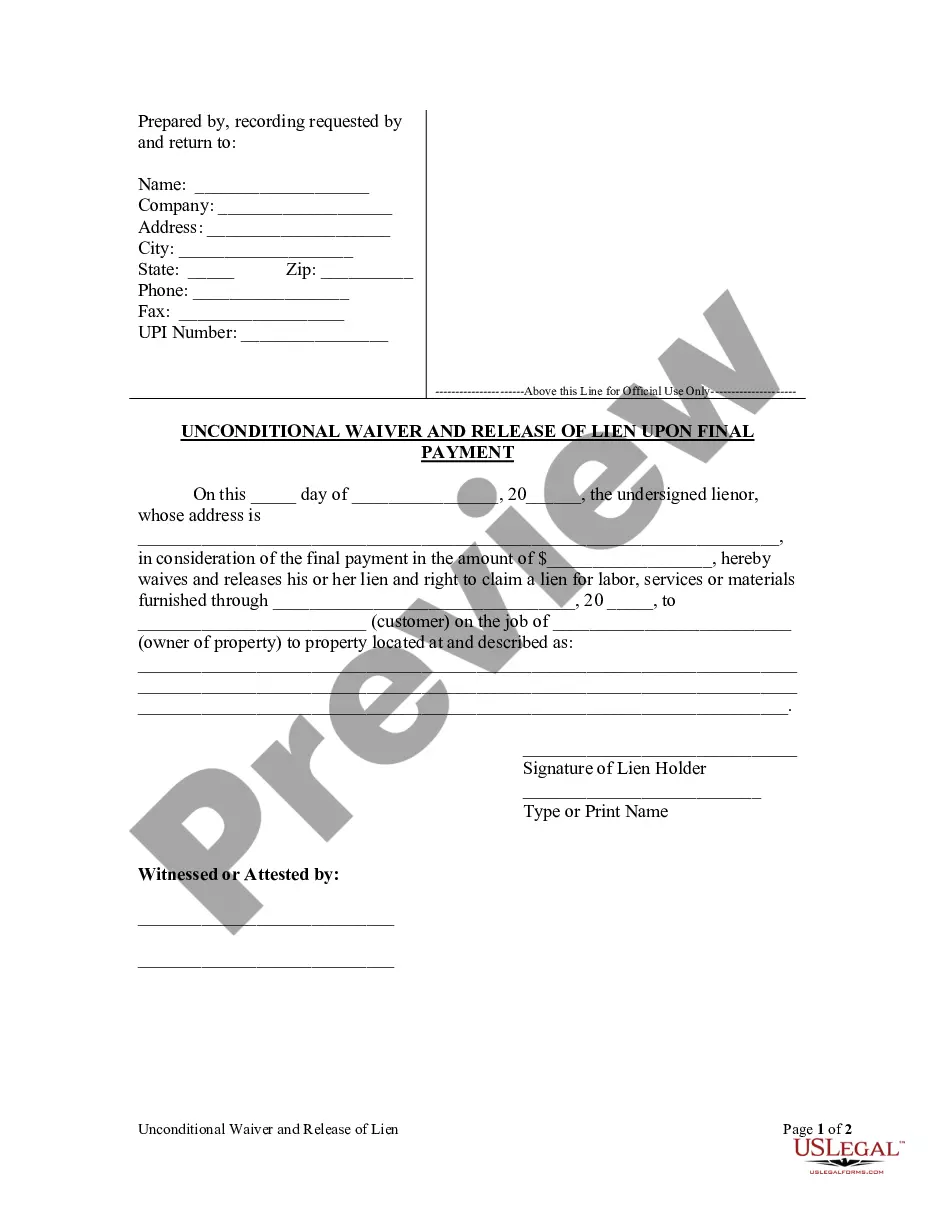
South Carolina Lien Release Form For Child
Description
Get your form ready online
Our built-in tools help you complete, sign, share, and store your documents in one place.
Make edits, fill in missing information, and update formatting in US Legal Forms—just like you would in MS Word.
Download a copy, print it, send it by email, or mail it via USPS—whatever works best for your next step.
Sign and collect signatures with our SignNow integration. Send to multiple recipients, set reminders, and more. Go Premium to unlock E-Sign.
If this form requires notarization, complete it online through a secure video call—no need to meet a notary in person or wait for an appointment.
We protect your documents and personal data by following strict security and privacy standards.

Make edits, fill in missing information, and update formatting in US Legal Forms—just like you would in MS Word.

Download a copy, print it, send it by email, or mail it via USPS—whatever works best for your next step.

Sign and collect signatures with our SignNow integration. Send to multiple recipients, set reminders, and more. Go Premium to unlock E-Sign.

If this form requires notarization, complete it online through a secure video call—no need to meet a notary in person or wait for an appointment.

We protect your documents and personal data by following strict security and privacy standards.
Looking for another form?
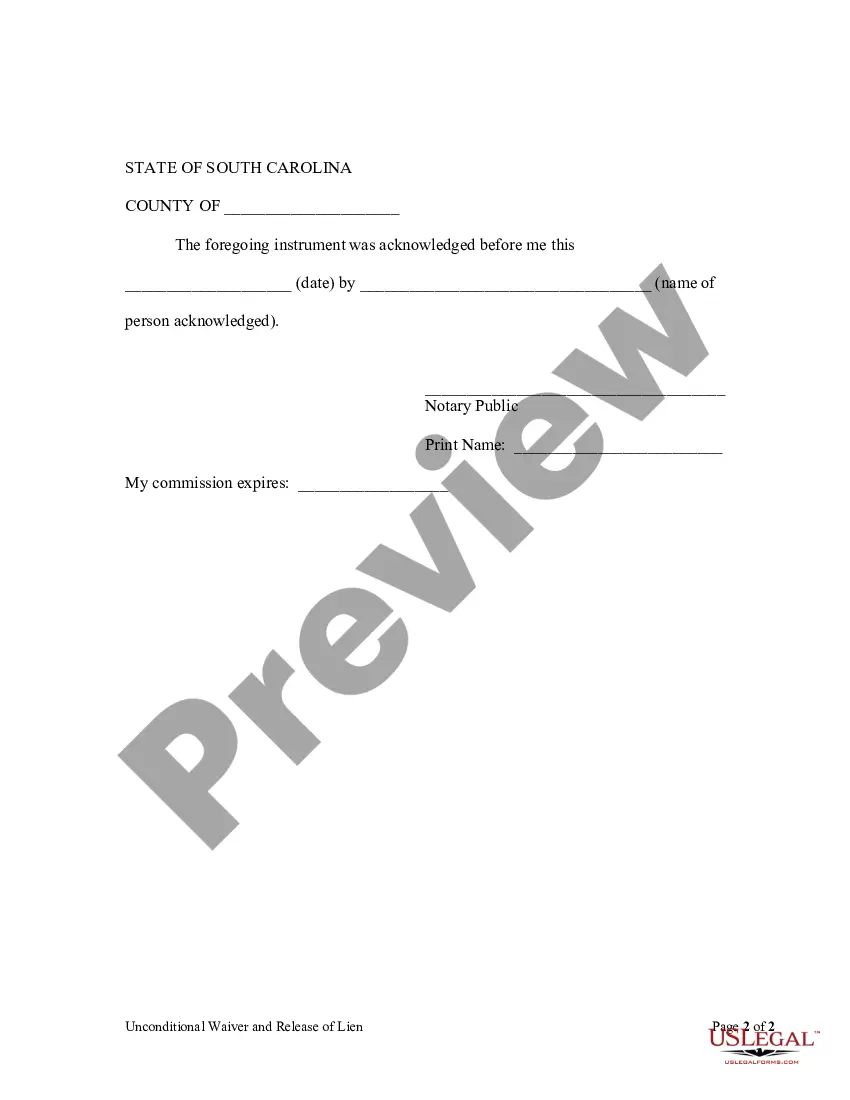
How to fill out South Carolina Unconditional Waiver And Release Of Claim Of Lien Upon Final Payment?
What is the most dependable service to obtain the South Carolina Lien Release Form For Child and other updated versions of legal documents? US Legal Forms is the solution!
It's the largest collection of legal forms for any purpose. Each template is professionally crafted and verified for adherence to federal and local laws and regulations. They are organized by field and state of application, making it simple to find the one you need.
US Legal Forms is an excellent option for anyone who needs to manage legal paperwork. Premium users can access even more benefits as they can complete and endorse previously saved documents electronically at any time using the integrated PDF editing tool. Give it a shot now!
- Experienced users of the platform only need to Log In to the system, verify their subscription status, and click the Download button next to the South Carolina Lien Release Form For Child to obtain it.
- Once saved, the template is accessible for future use within the My documents tab of your account.
- If you still lack an account with us, here are the steps you need to follow to create one.
- Form compliance verification. Before acquiring any template, ensure it aligns with your use case requirements and your state or county's regulations. Review the form description and utilize the Preview if available.
Form popularity
FAQ
The borrower can then go to any South Carolina DMV (Department of Motor Vehicles), and fill out an auto title transfer. There a few ways that the lender can release a vehicle's title: They can release it electronically (if the title is electronic) They can complete the lien release section on a title certificate.
How to Sign Your Title in South Carolina (SC)Back of the title top right - sign name(s) on the line where it reads "Signature(s) of Seller(s)."Back of the title right below where you signed name(s) - print name(s) on the line where it reads "Hand Printed Name(s) of Seller(s)."More items...
If you do not wish to continue any of your liens, no action is required. If you are a lienholder and need to remove a lien from a title, complete the lien release on the front of the title document, submit a letter on company letterhead or you may release the lien electronically on electronic titles.
Under South Carolina Code Section 12-36-1720 and SC Revenue Ruling #92-10, the vehicle is exempt from sales tax, use tax, and casual tax....Negotiate the terms of the gift with your recipientOriginal vehicle title: $15.Vehicle title transfer: $15.Infrastructure maintenance fee: 5% of the purchase price ($500 maximum)
Description of form 103 a scdmv. South Carolina Department of Motor Vehicles AFFIDAVIT OF RESPONSIBILITY MV-103 (Rev. 5/09) The legend/brand Undisclosed Lin" will be added to the title whenever this form is used.