Temporary Guardianship Form Pa For Copyright
Description

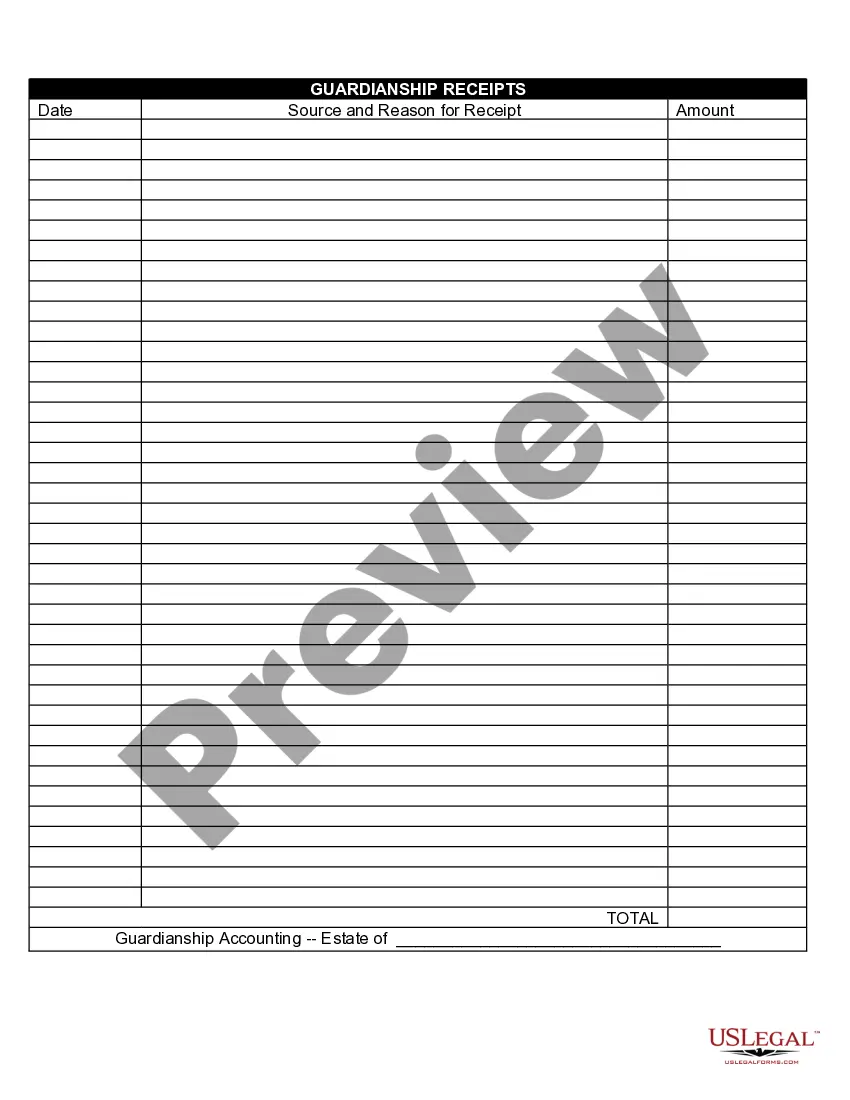
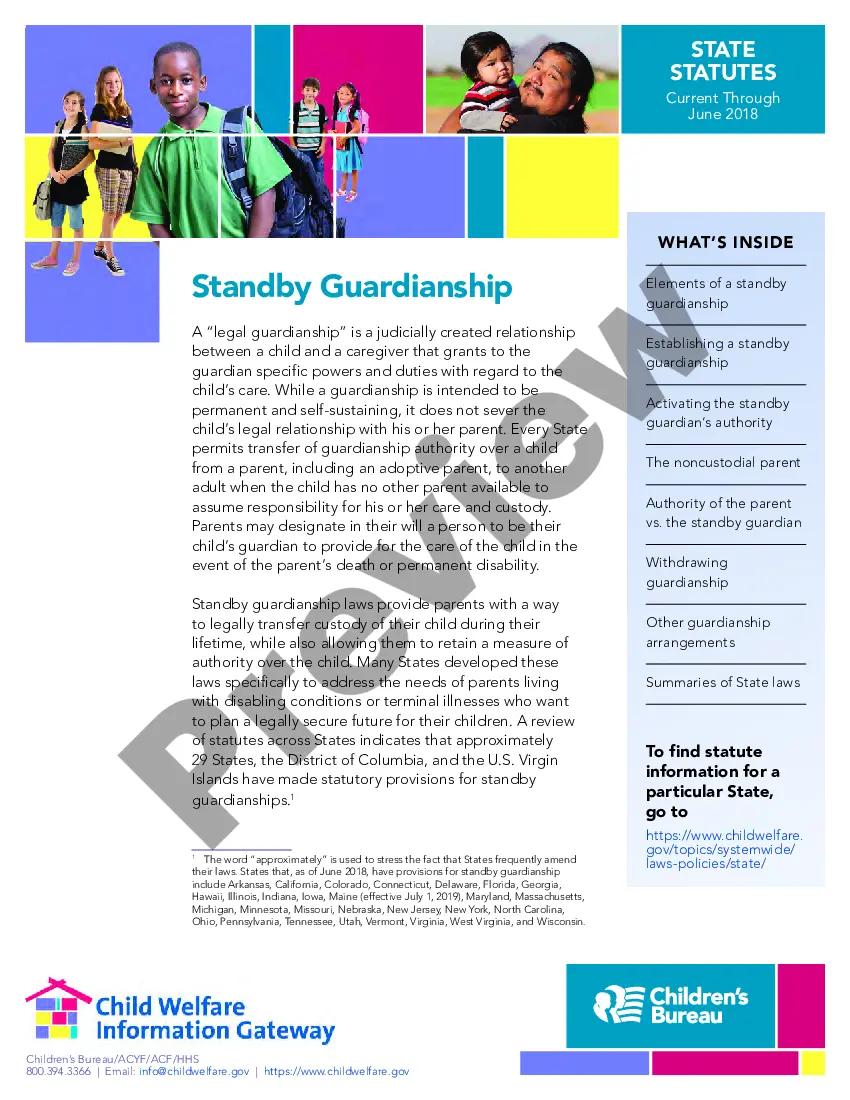

Get your form ready online
Our built-in tools help you complete, sign, share, and store your documents in one place.
Make edits, fill in missing information, and update formatting in US Legal Forms—just like you would in MS Word.
Download a copy, print it, send it by email, or mail it via USPS—whatever works best for your next step.
Sign and collect signatures with our SignNow integration. Send to multiple recipients, set reminders, and more. Go Premium to unlock E-Sign.
If this form requires notarization, complete it online through a secure video call—no need to meet a notary in person or wait for an appointment.
We protect your documents and personal data by following strict security and privacy standards.

Make edits, fill in missing information, and update formatting in US Legal Forms—just like you would in MS Word.

Download a copy, print it, send it by email, or mail it via USPS—whatever works best for your next step.

Sign and collect signatures with our SignNow integration. Send to multiple recipients, set reminders, and more. Go Premium to unlock E-Sign.

If this form requires notarization, complete it online through a secure video call—no need to meet a notary in person or wait for an appointment.

We protect your documents and personal data by following strict security and privacy standards.
Looking for another form?










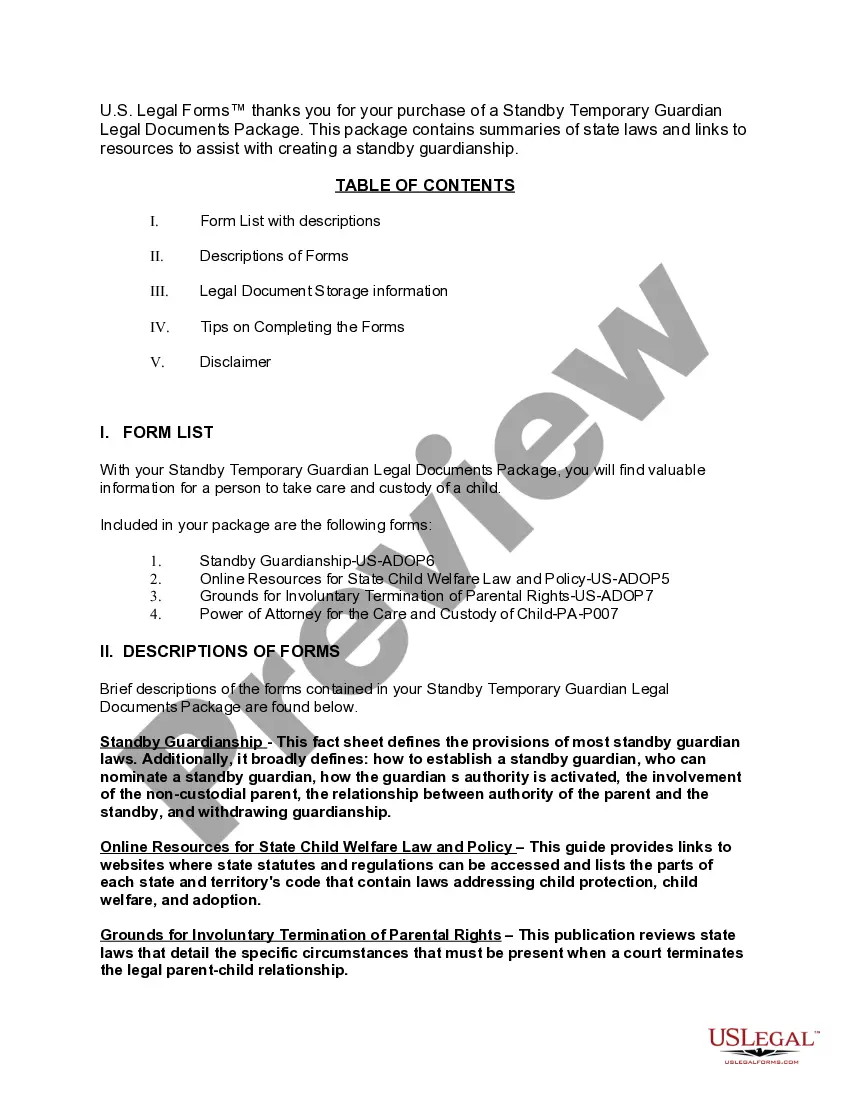
How to fill out Pennsylvania Standby Temporary Guardian Legal Documents Package?
Managing legal documents can be overwhelming, even for experienced experts.
If you need a Temporary Guardianship Form Pa for Copyright and lack the time to search for the correct and current version, the process can be stressful.
Obtain a valuable resource library of articles, guides, and tools relevant to your context and needs.
Conserve time and effort in finding the documents you require, and make use of US Legal Forms' advanced search and Preview feature to identify the Temporary Guardianship Form Pa for Copyright and obtain it.
Take advantage of the US Legal Forms online library, backed by 25 years of experience and reliability. Streamline your document management for a seamless and intuitive process today.
- If you hold a monthly membership, Log In to your US Legal Forms account, search for the document, and acquire it.
- Check the My documents section to view documents you have previously downloaded and manage your folders as desired.
- If it’s your first experience with US Legal Forms, establish a free account and enjoy unlimited access to all the library's features.
- After locating the document you need, ensure it’s the correct one by previewing it and reviewing its summary.
- Verify that the sample is permissible in your state or county.
- Click on Buy Now when you're prepared.
- Select a monthly subscription plan.
- Choose the format you require, and Download, complete, eSign, print, and send your documents.
- Access state- or county-specific legal and business documents.
- US Legal Forms caters to all your requirements, from personal to commercial paperwork, all in one place.
- Leverage advanced tools to complete and manage your Temporary Guardianship Form Pa for Copyright.
Form popularity
FAQ
1. Legal documents you buy online may not hold up in court. Consumers reported completing documents online for things like changing their name, only to learn once they were in court that the paperwork they had paid for was invalid.
A ?nuncupative? or oral will is one that is spoken or otherwise unwritten (and are not legally binding in South Carolina); and. A ?holographic? will is a handwritten testament, (also not valid in South Carolina unless it has already been validated out-of-state).
Here is how to prepare a legal document using a simple, four-step process: Select the Proper Legal Document. ... Review Your Local Rules and Laws. ... Have a Conversation with the Other Party. ... Draft Your Legal Documents. ... Nondisclosure Agreement. ... Consulting Agreement. ... Employment Contract. ... Service Contract.
You must be at least 18 years old, and you must be competent. You must sign the living will in front of a notary public and two witnesses (one can be the notary public). If you are a patient in a hospital or a resident in a nursing home and wish to sign a living will, someone from the S.C.
There are no legal differences between typed and handwritten agreements when it comes to enforceability.
How to Make a Legally Binding Document Their signature is proof they accepted the contract. The signature binds both parties to the terms. Getting the contract notarized proves each party signed the document (since no one can claim their signature was forged) The document has the notary's mark and seal.
EForms | The #1 website for free legal forms and documents.
LegalRobot is an AI-driven platform that helps users understand and draft legal documents with ease.