Joint Custody Plan Oklahoma Template With Child
Description
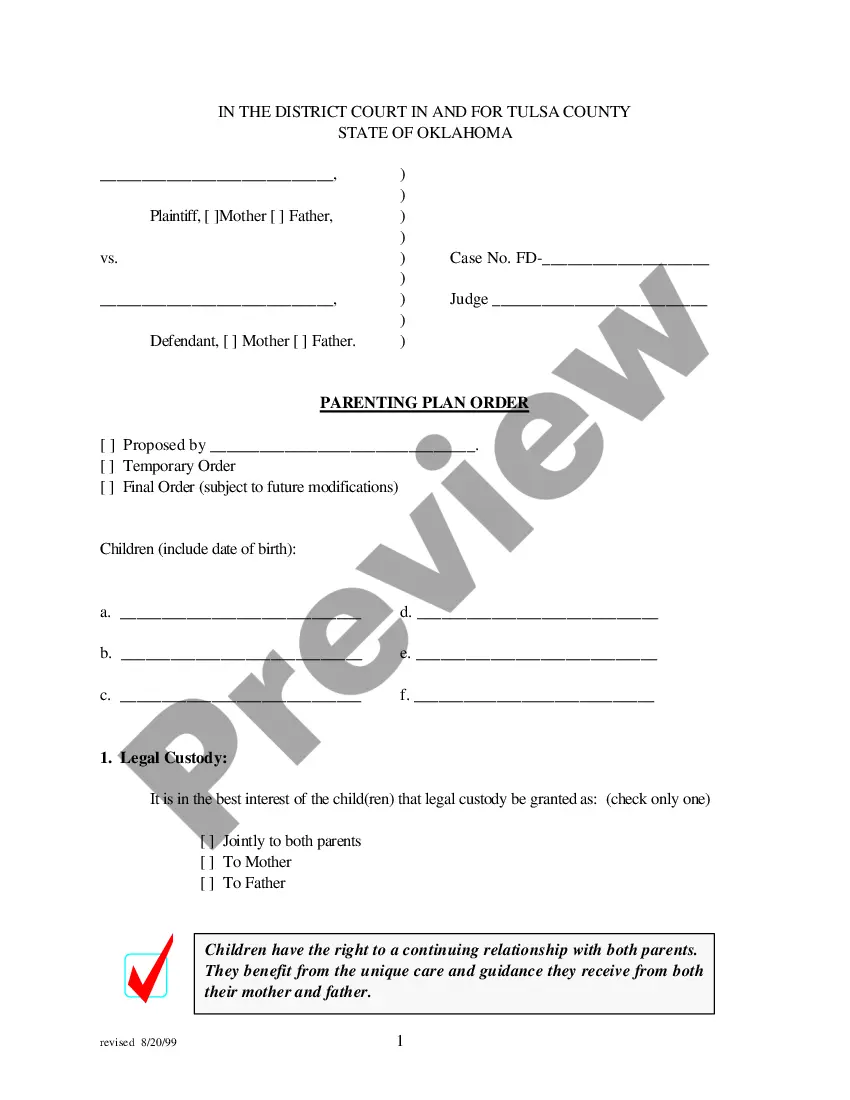
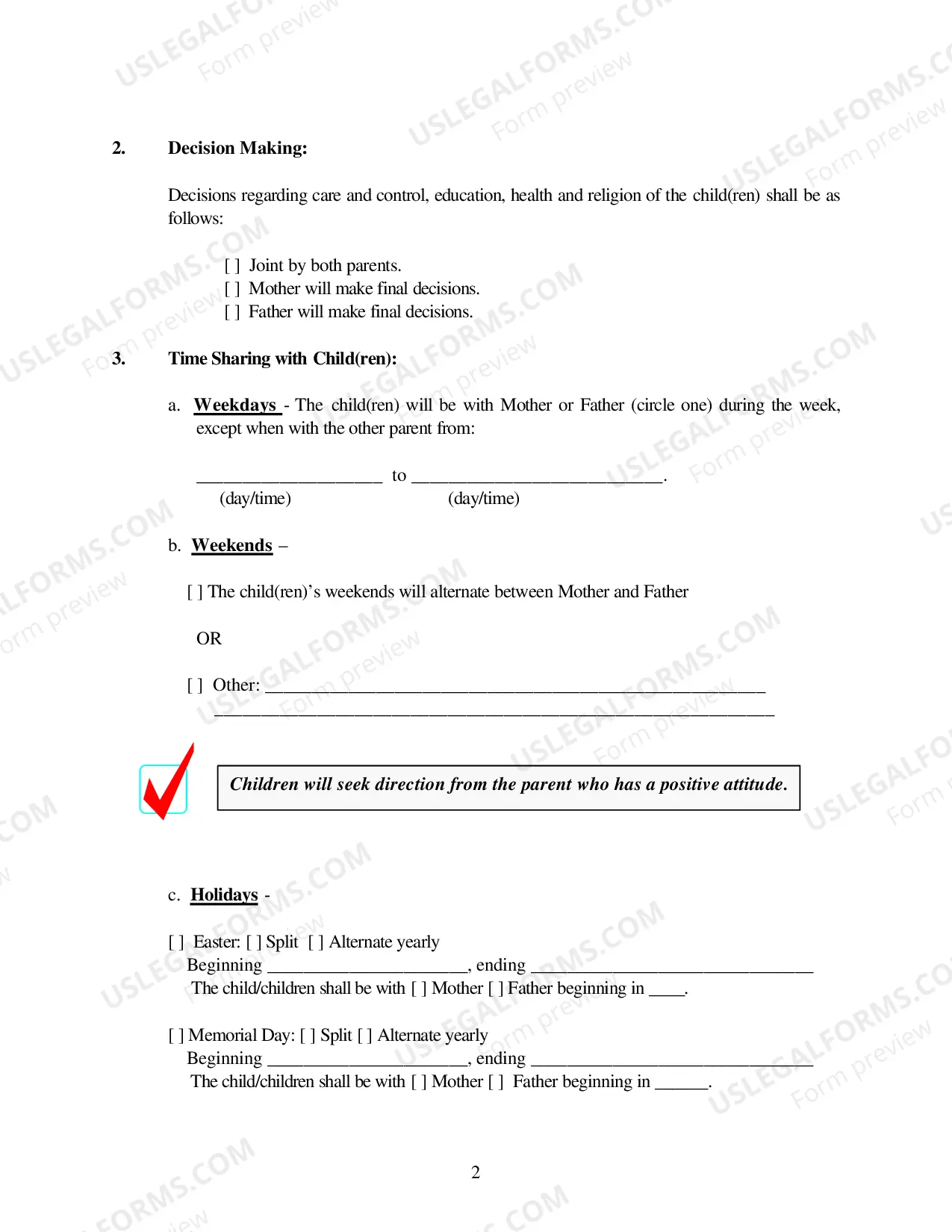
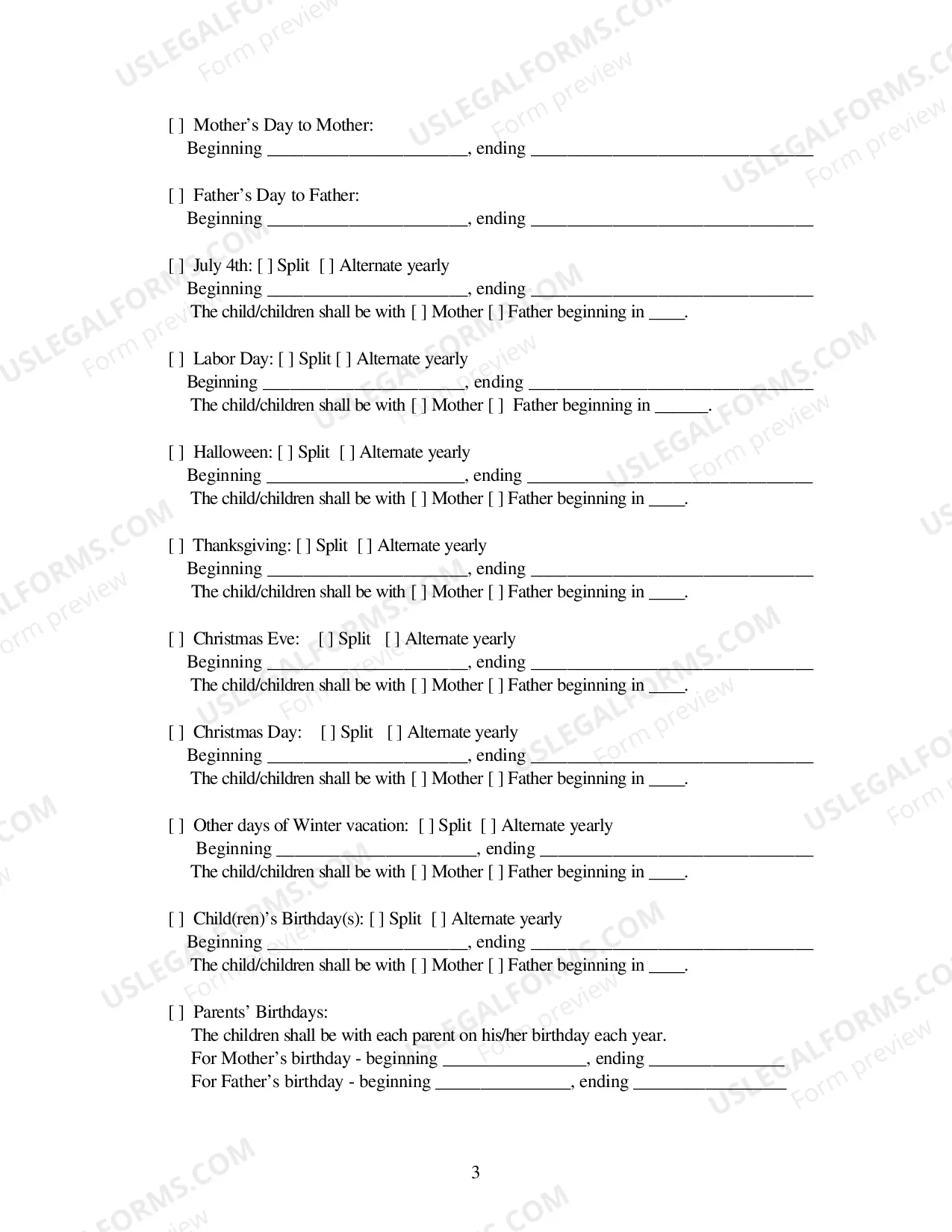
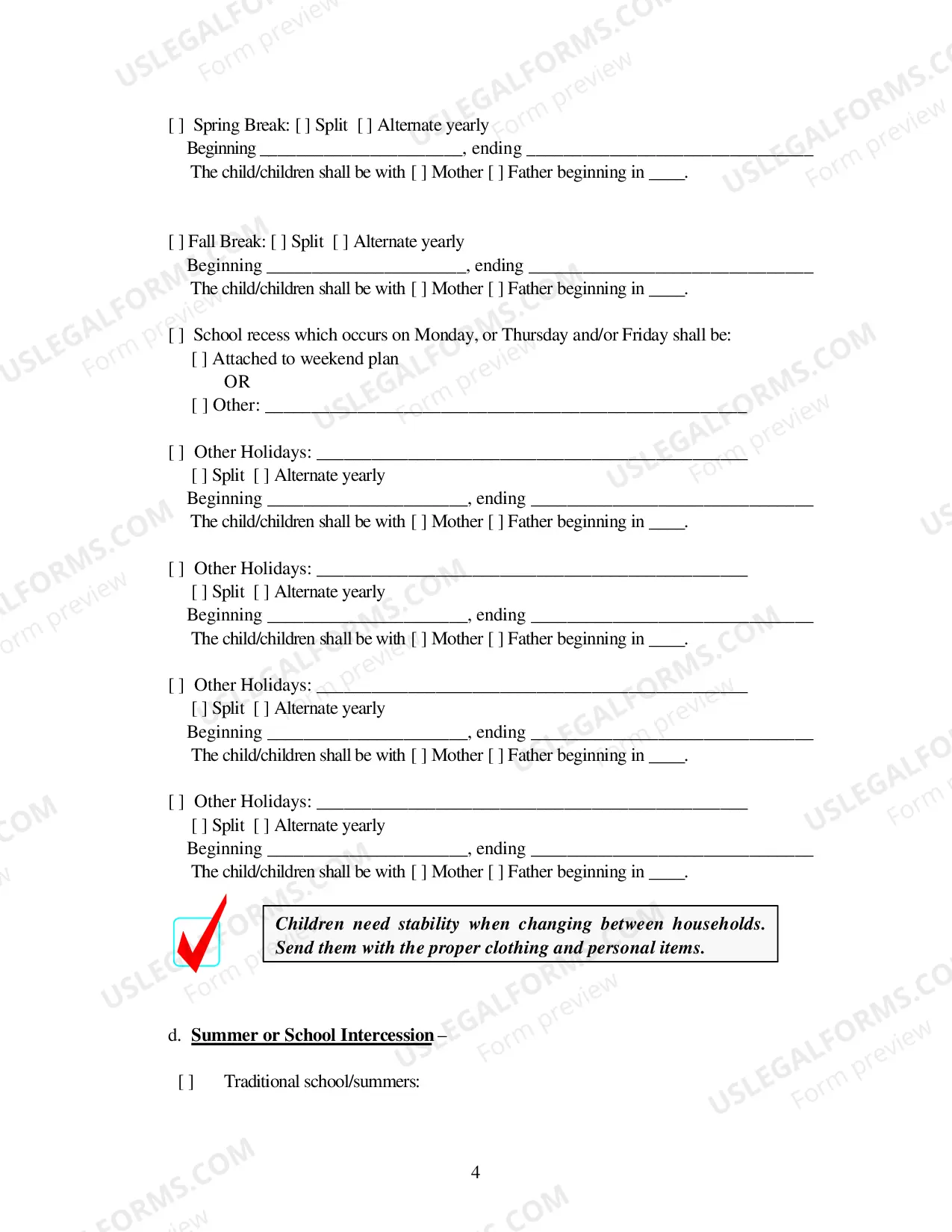
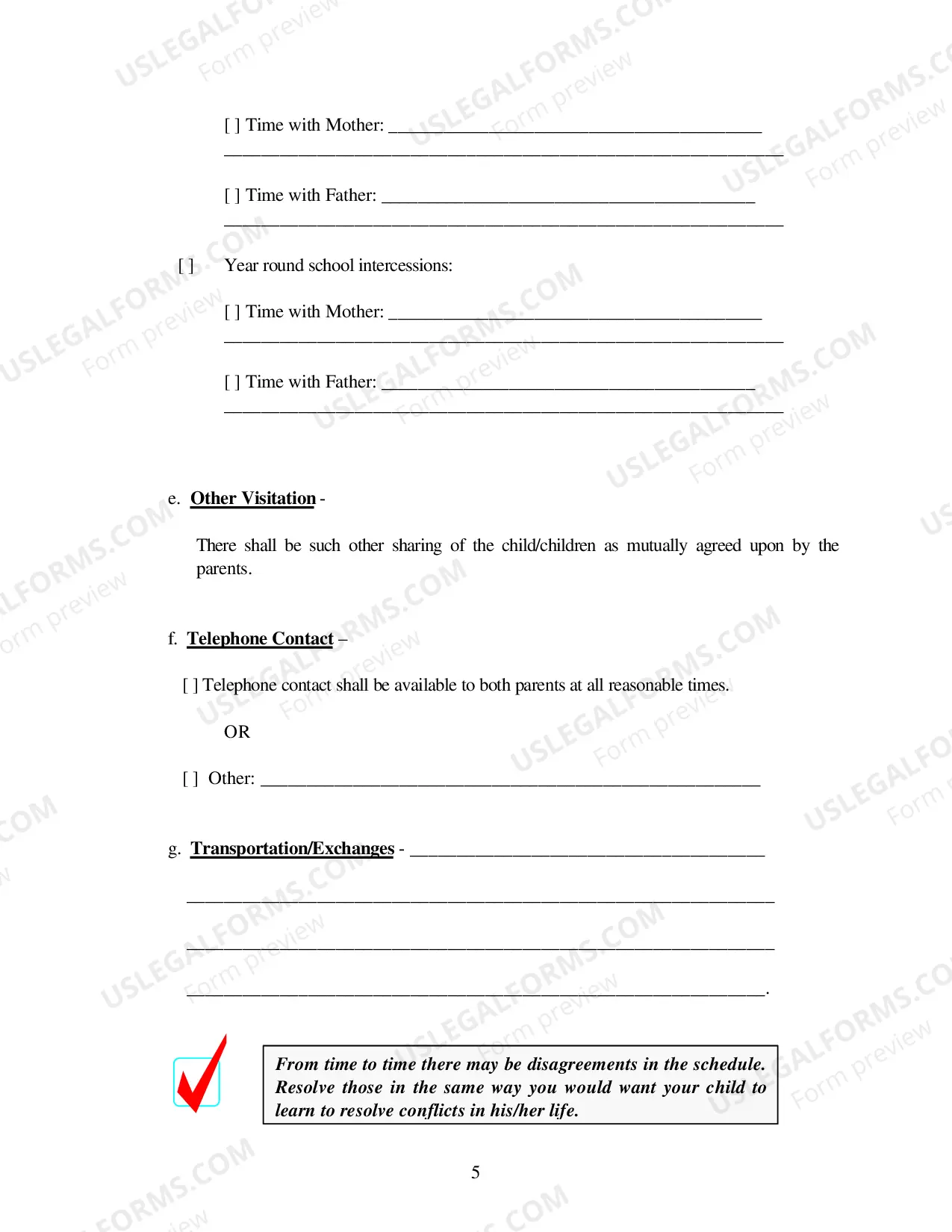
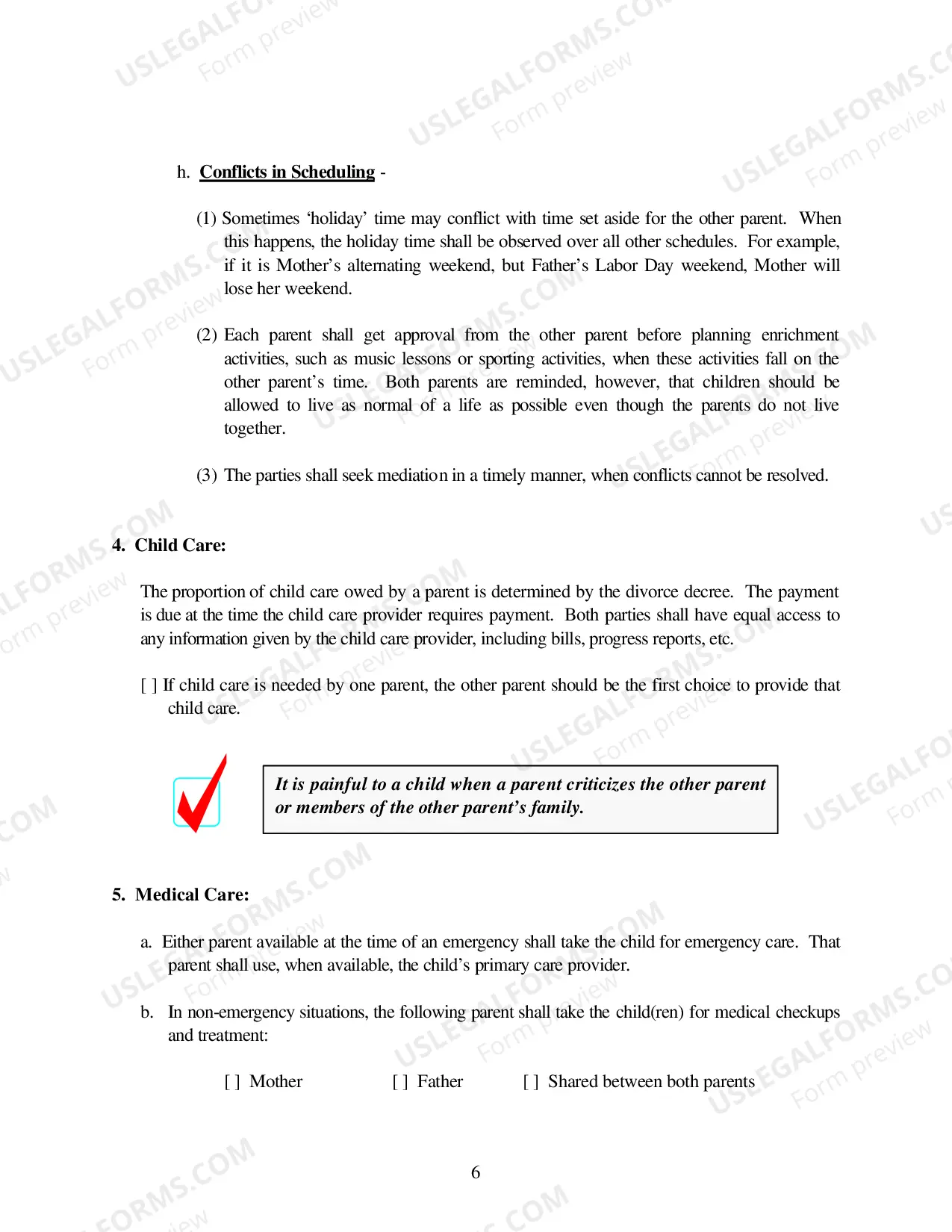
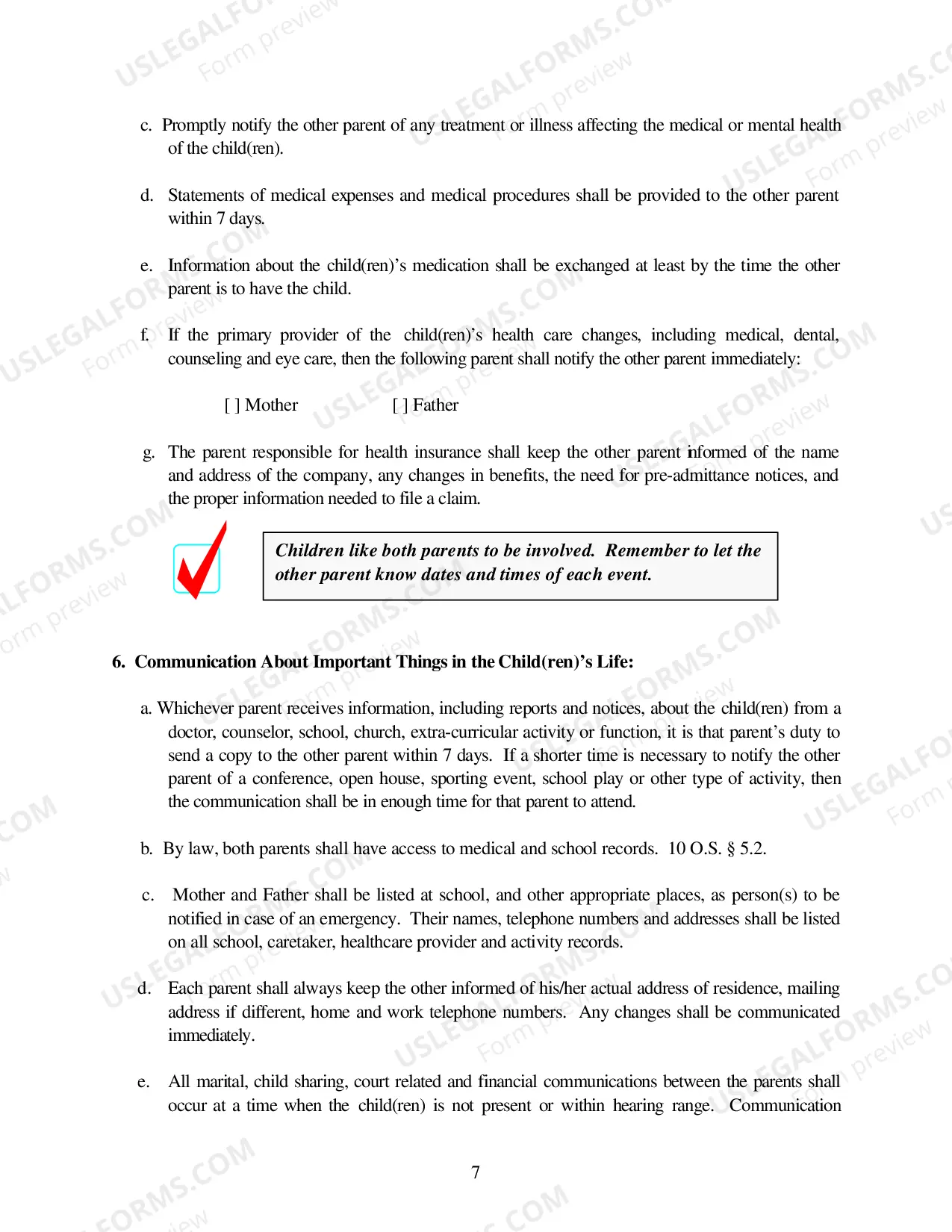

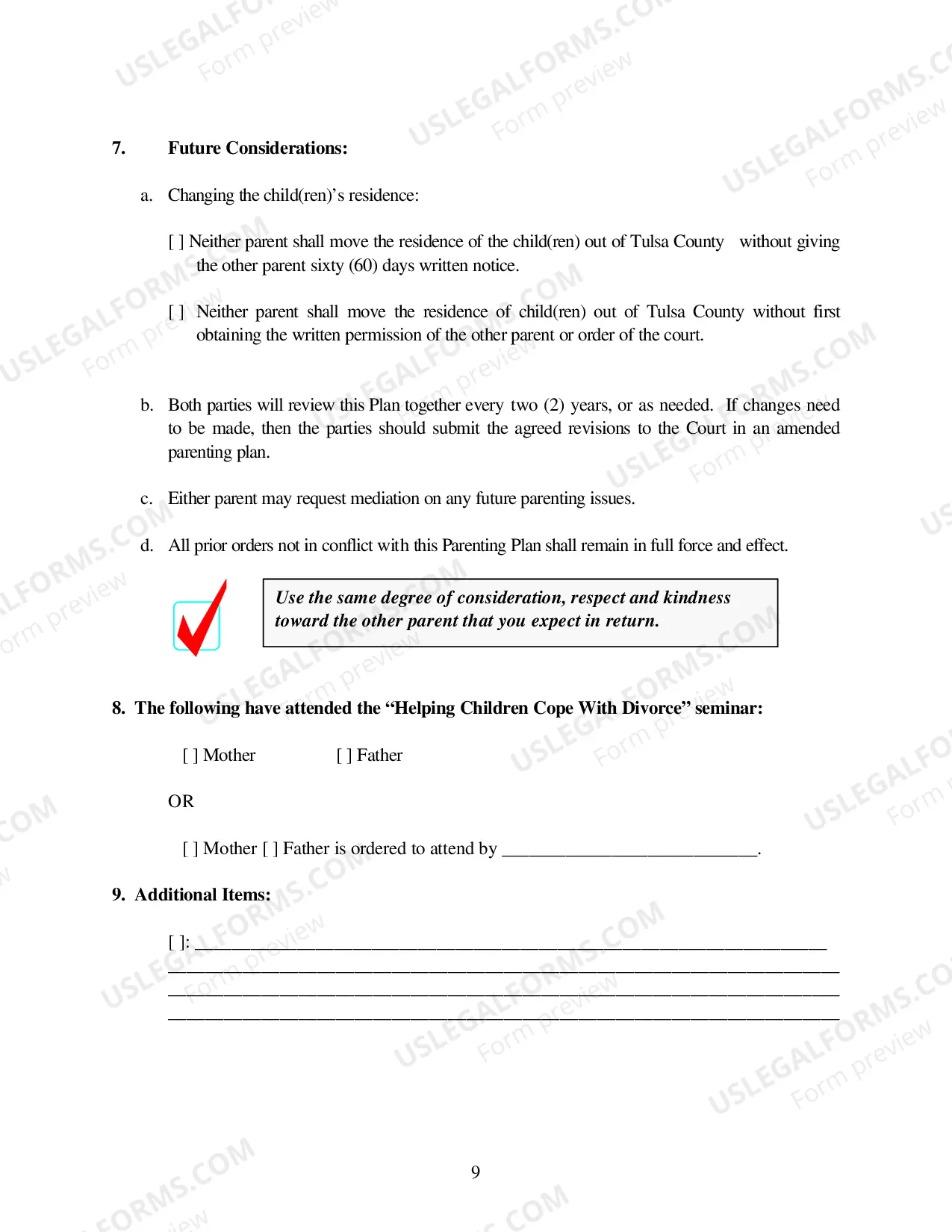
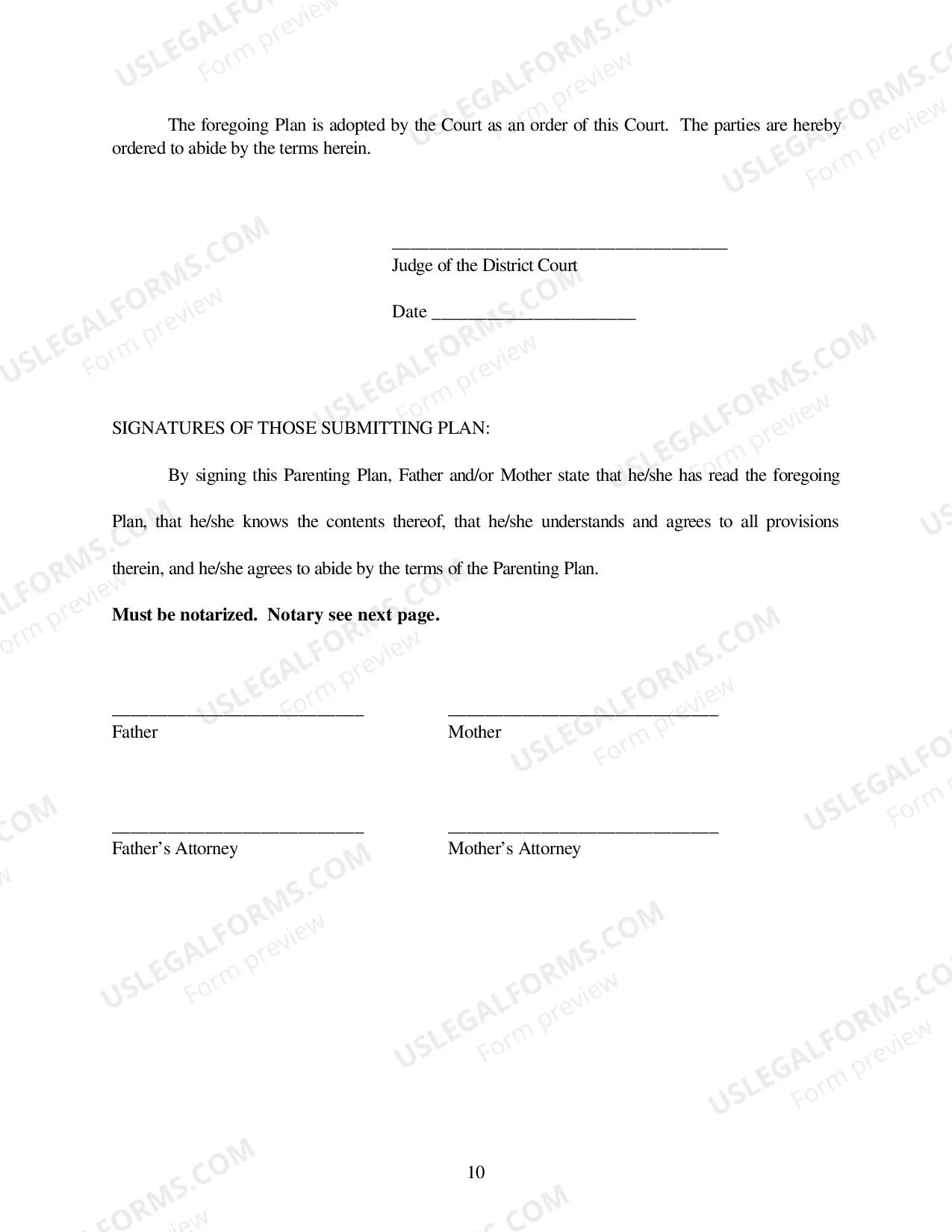

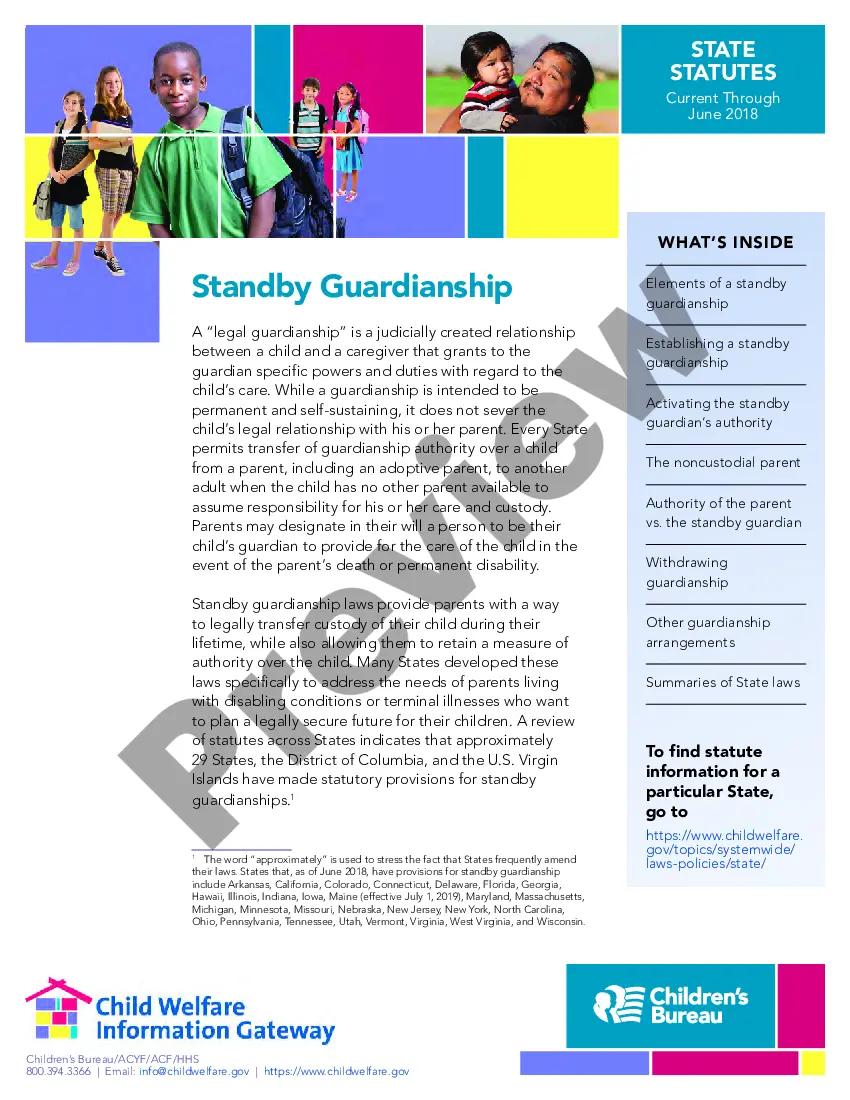
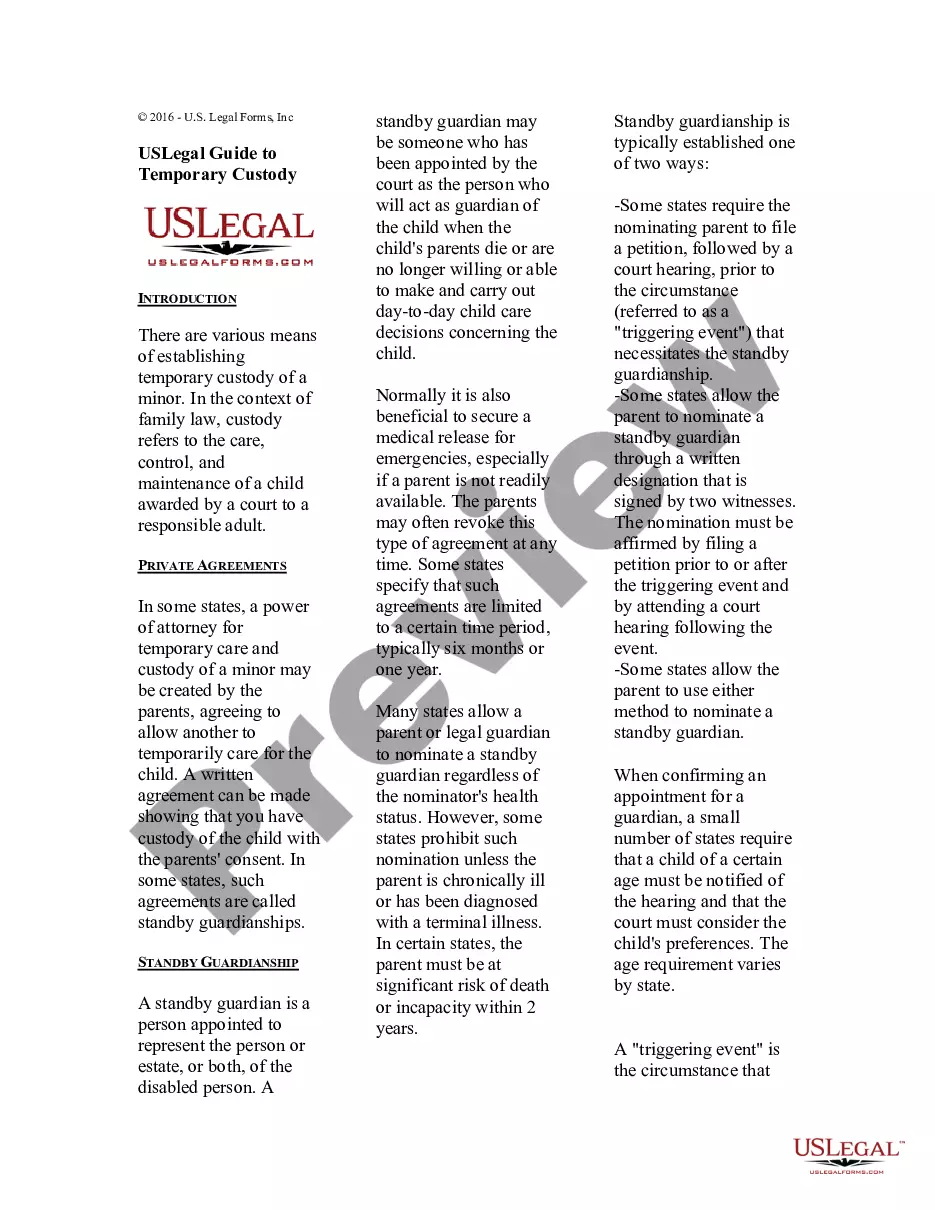
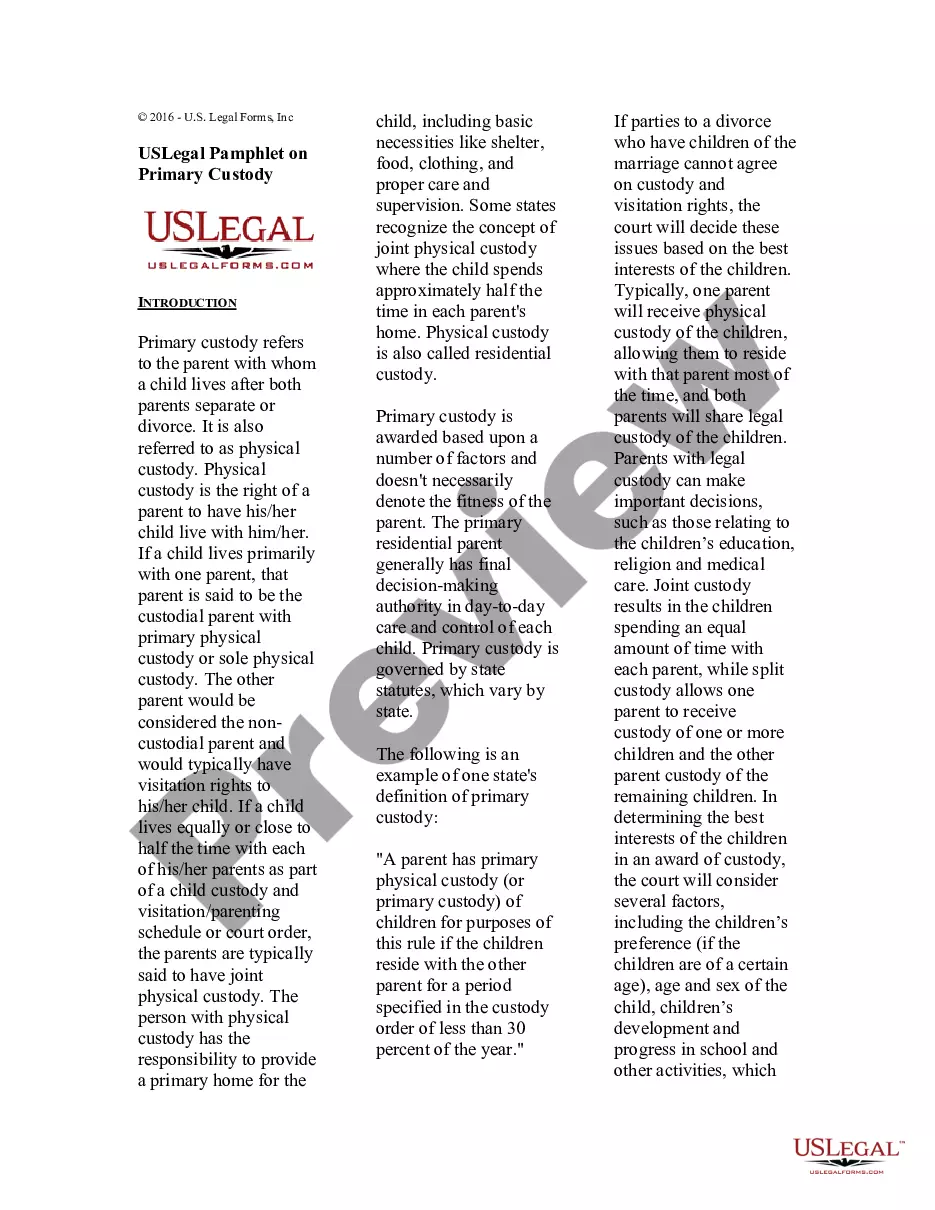
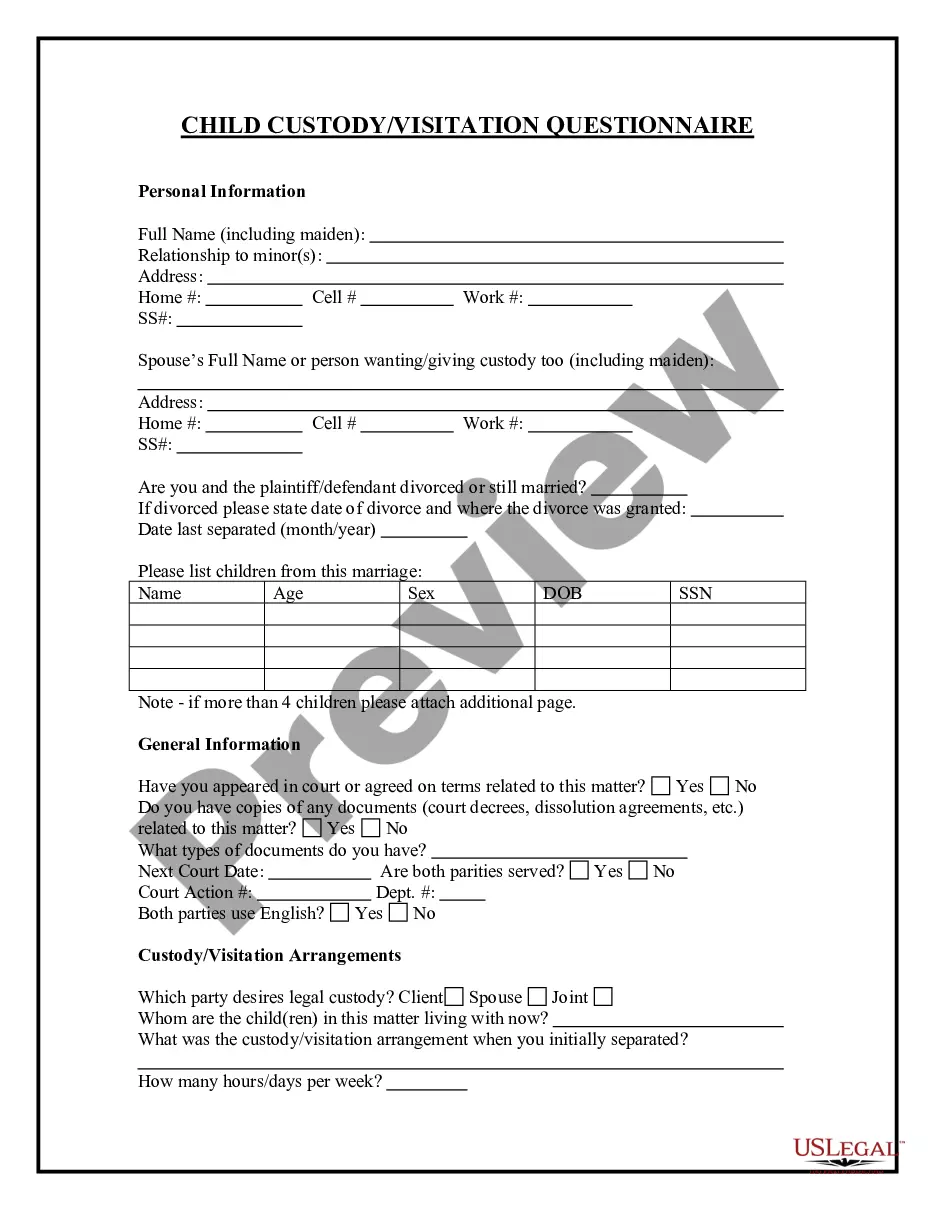
Get your form ready online
Our built-in tools help you complete, sign, share, and store your documents in one place.
Make edits, fill in missing information, and update formatting in US Legal Forms—just like you would in MS Word.
Download a copy, print it, send it by email, or mail it via USPS—whatever works best for your next step.
Sign and collect signatures with our SignNow integration. Send to multiple recipients, set reminders, and more. Go Premium to unlock E-Sign.
If this form requires notarization, complete it online through a secure video call—no need to meet a notary in person or wait for an appointment.
We protect your documents and personal data by following strict security and privacy standards.

Make edits, fill in missing information, and update formatting in US Legal Forms—just like you would in MS Word.

Download a copy, print it, send it by email, or mail it via USPS—whatever works best for your next step.

Sign and collect signatures with our SignNow integration. Send to multiple recipients, set reminders, and more. Go Premium to unlock E-Sign.

If this form requires notarization, complete it online through a secure video call—no need to meet a notary in person or wait for an appointment.

We protect your documents and personal data by following strict security and privacy standards.
Looking for another form?
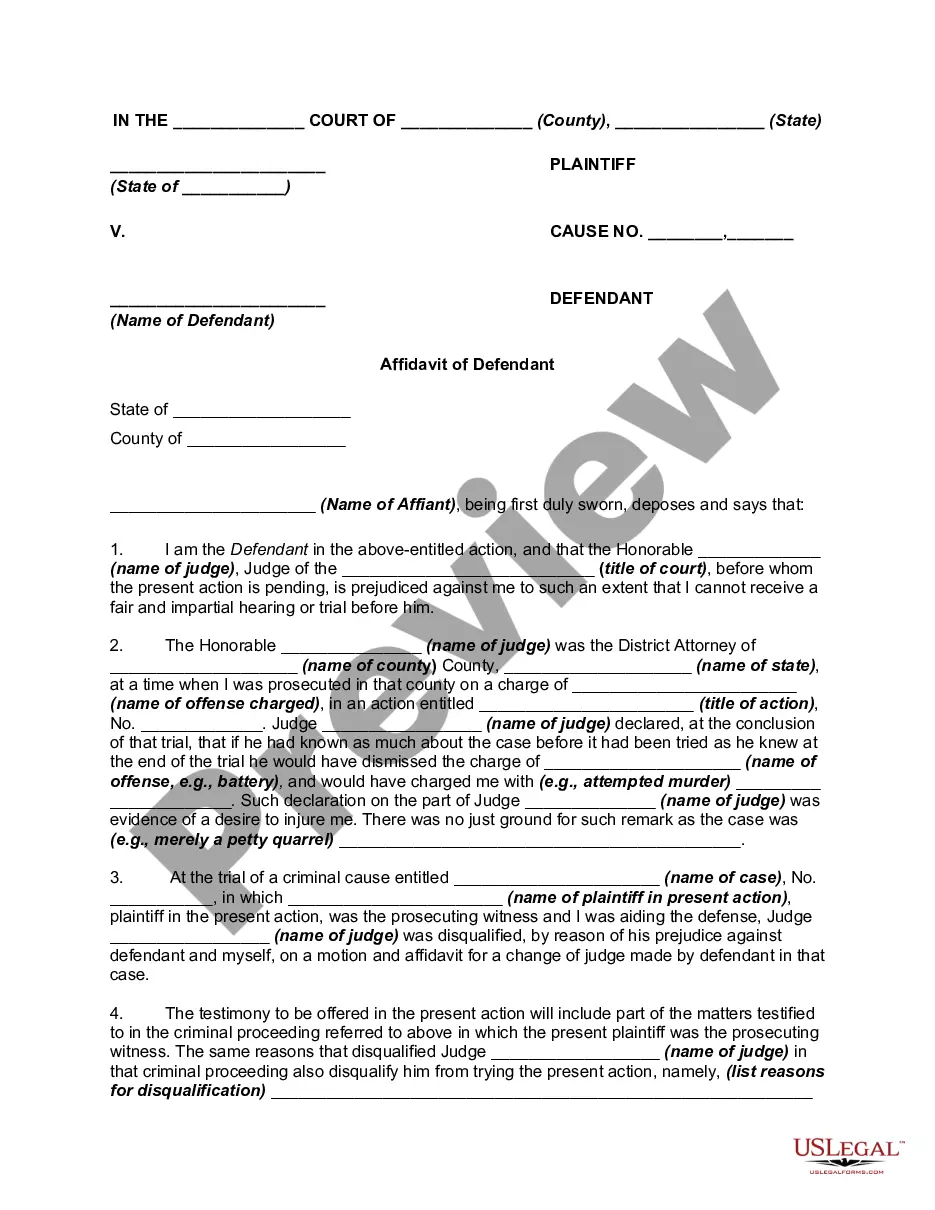
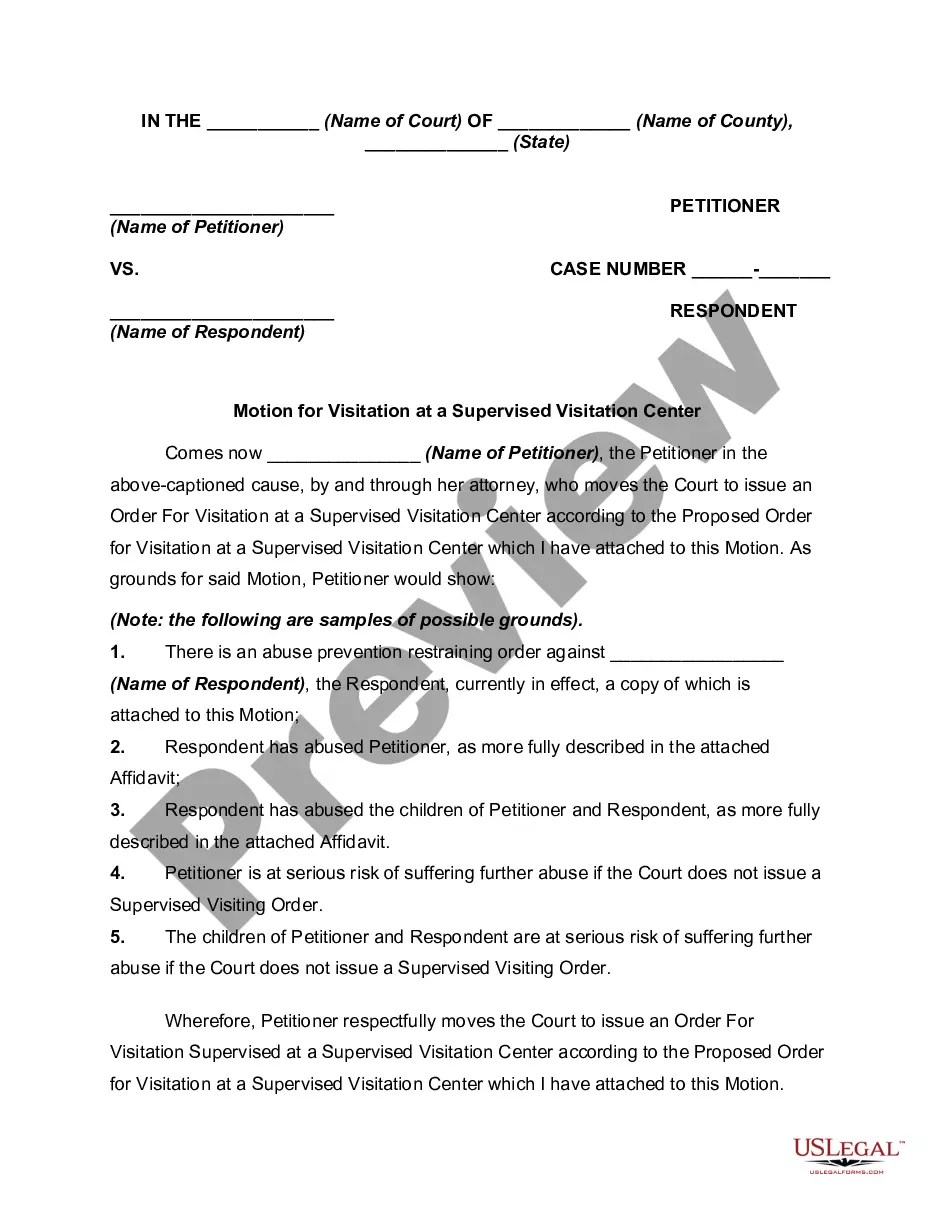
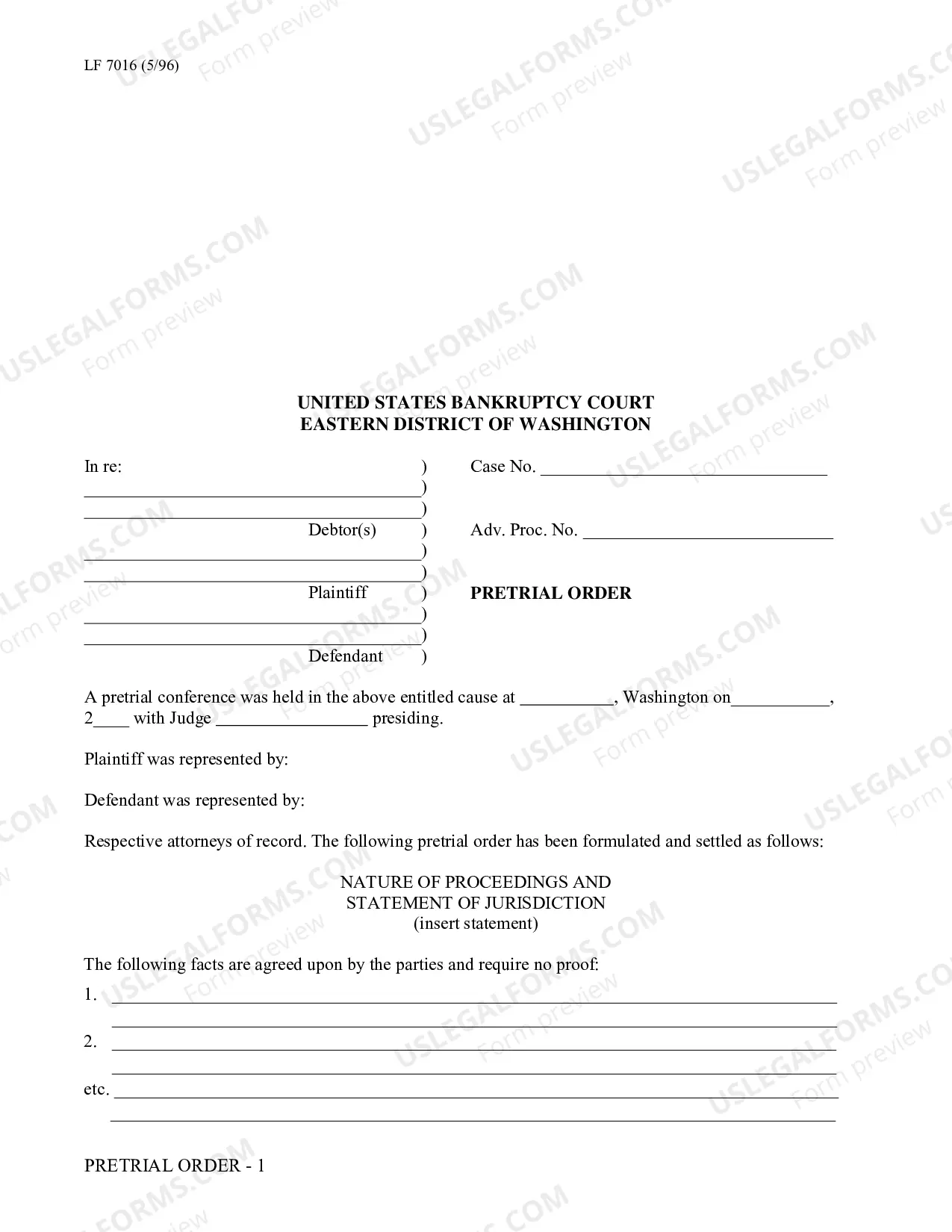

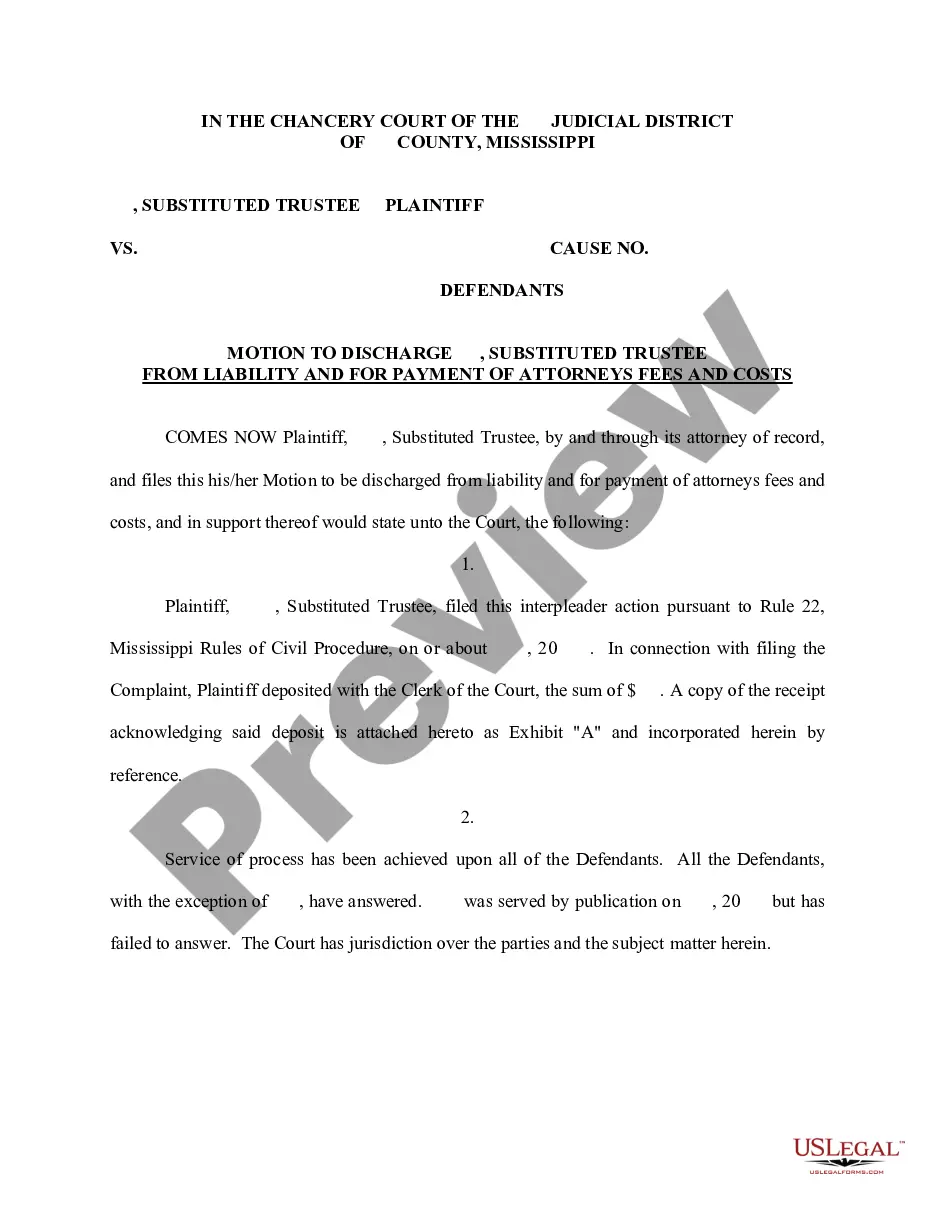
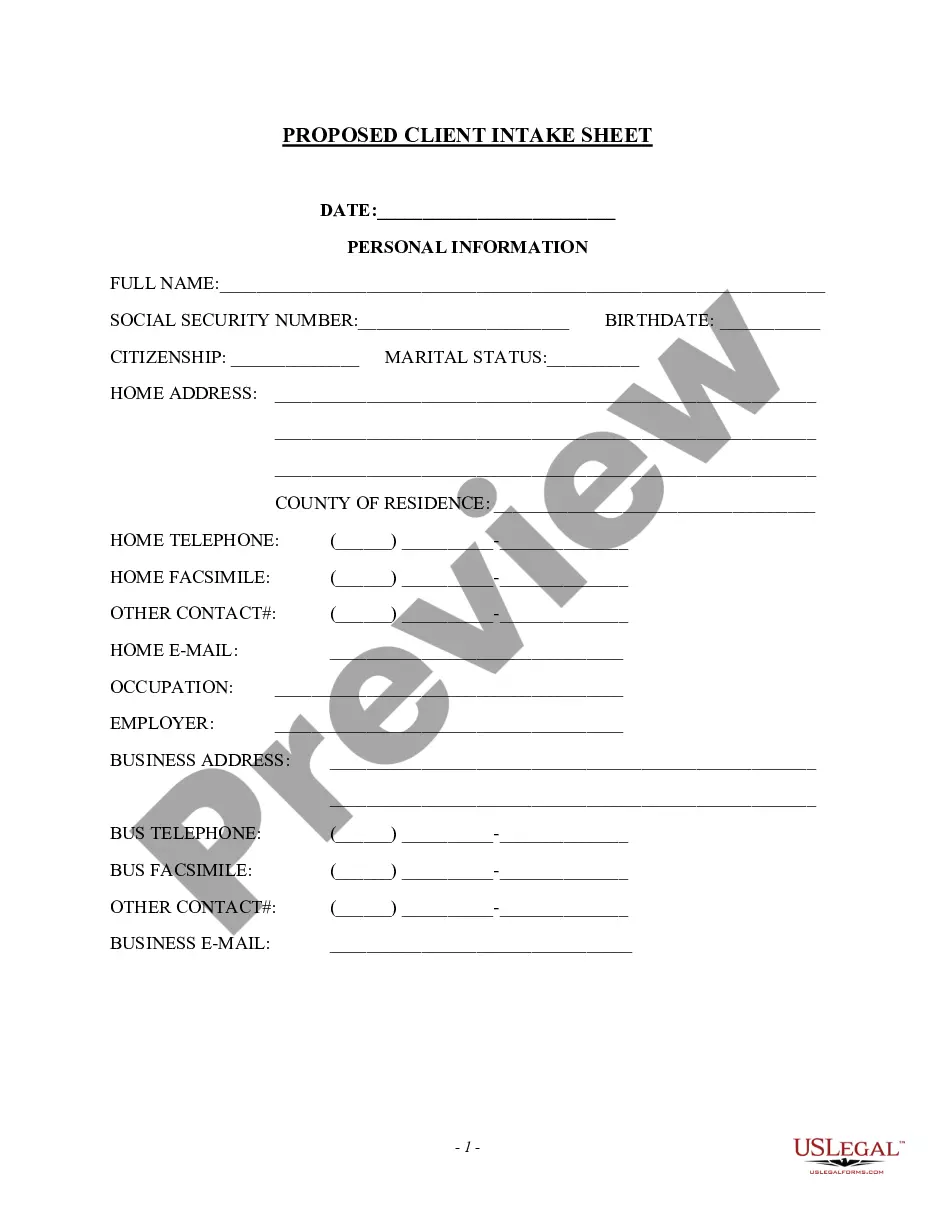
How to fill out Oklahoma Parenting Plan Order - Tulsa County Only?
Regardless of whether it's for corporate objectives or personal issues, everyone must handle legal circumstances at some point in their lives.
Completing legal documents necessitates meticulous care, starting with selecting the correct form template.
Once downloaded, you can fill out the form using editing software or print it to complete it manually. With an extensive US Legal Forms catalog available, you won’t have to waste time searching for the right sample online. Utilize the library’s intuitive navigation to find the suitable template for any situation.
- For example, if you choose an incorrect version of the Joint Custody Plan Oklahoma Template With Child, it will be rejected upon submission.
- Therefore, it is crucial to have a reliable resource for legal documents like US Legal Forms.
- To acquire a Joint Custody Plan Oklahoma Template With Child template, follow these straightforward steps.
- 1. Access the sample you need by utilizing the search bar or catalog navigation.
- 2. Review the form’s details to ensure it aligns with your situation, state, and county.
- 3. Click on the form’s preview to inspect it.
- 4. If it is not the correct document, return to the search feature to find the necessary Joint Custody Plan Oklahoma Template With Child sample.
- 5. Download the file when it satisfies your requirements.
- 6. If you already possess a US Legal Forms account, simply click Log in to access previously saved documents in My documents.
- 7. If you do not have an account yet, you may obtain the form by pressing Buy now.
- 8. Choose the appropriate payment option.
- 9. Complete the account registration form.
- 10. Choose your payment method: a credit card or PayPal account.
- 11. Select the document format you prefer and download the Joint Custody Plan Oklahoma Template With Child.
Form popularity
FAQ
Most documents in federal courts ? appellate, district, and bankruptcy ? are filed electronically, using a system called Case Management/Electronic Case Files (CM/ECF). The media and public may view most filings found in this system via the Public Access to Court Electronic Records service, better known as PACER.
New Hampshire is a stop and ID state, allowing law enforcement officers to request identification from individuals during specific encounters.
English courts are a public forum and that means the court will consider particular documents fall within the public domain.
The New Hampshire Judicial Branch is composed of one appellate court (the Supreme Court), two trial courts (the Circuit and Superior Courts), and an office with administrative duties to assist the courts (the Administrative Office of the Courts).
ServiceLink is a program of NH DHHS consisting of a network of Aging and Disability Resource Centers across the state. ServiceLink strives to be visible, accessible and welcoming, where people can come for information and assistance.
You can obtain a PACER login on-line or by calling (800) 676-6856. If you have a PACER account, you may login to the court's electronic case files. You may also view the court's electronic case files free of charge at the public terminals in the clerk's office.
A presumption exists that all court records are subject to public inspection. The public right of access to specific court records must be weighed and balanced against nondisclosure interests as established by the Federal and/or New Hampshire Constitution or by statutory provision granting or requiring confidentiality.
A peace officer may stop any person whom the officer has reason to suspect is committing, has committed, or is about to commit a crime. An officer may request the person's name and address, but the officer shall not arrest the person based solely on the person's refusal to provide such information.