Ny Mortgage Mortgagors For Sale
Description




Get your form ready online
Our built-in tools help you complete, sign, share, and store your documents in one place.
Make edits, fill in missing information, and update formatting in US Legal Forms—just like you would in MS Word.
Download a copy, print it, send it by email, or mail it via USPS—whatever works best for your next step.
Sign and collect signatures with our SignNow integration. Send to multiple recipients, set reminders, and more. Go Premium to unlock E-Sign.
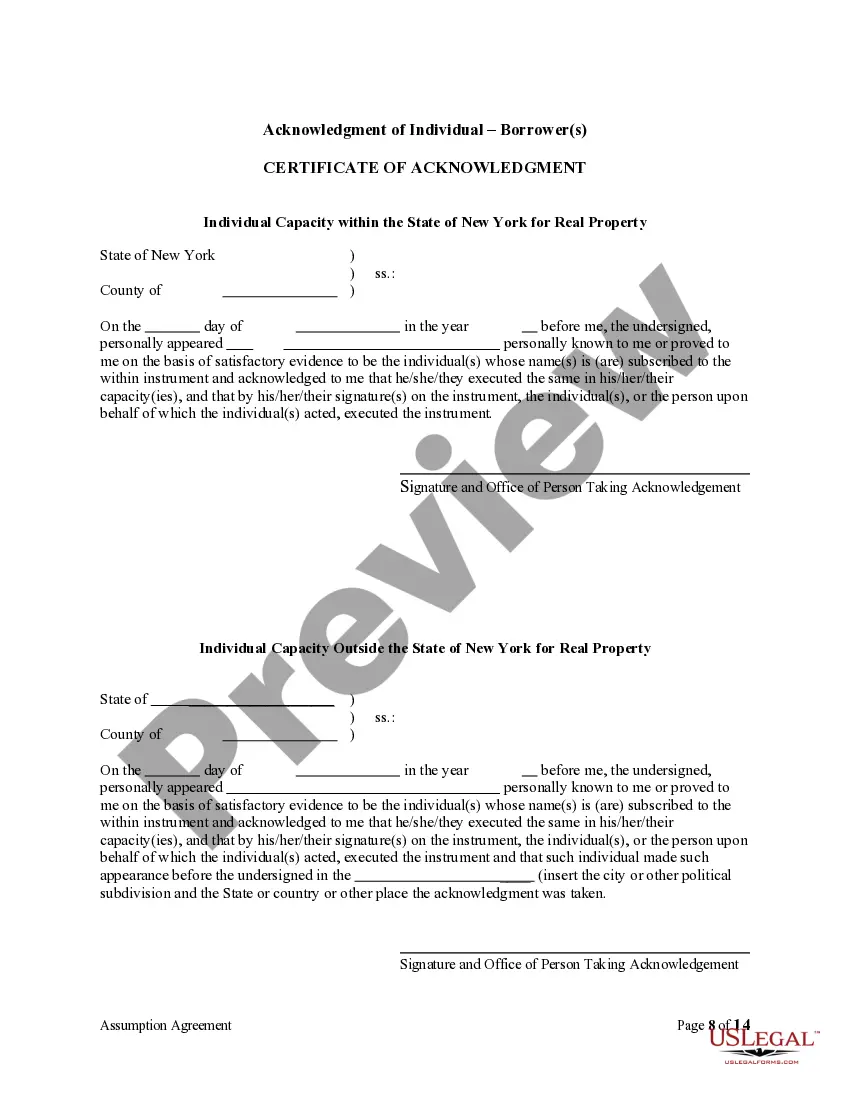
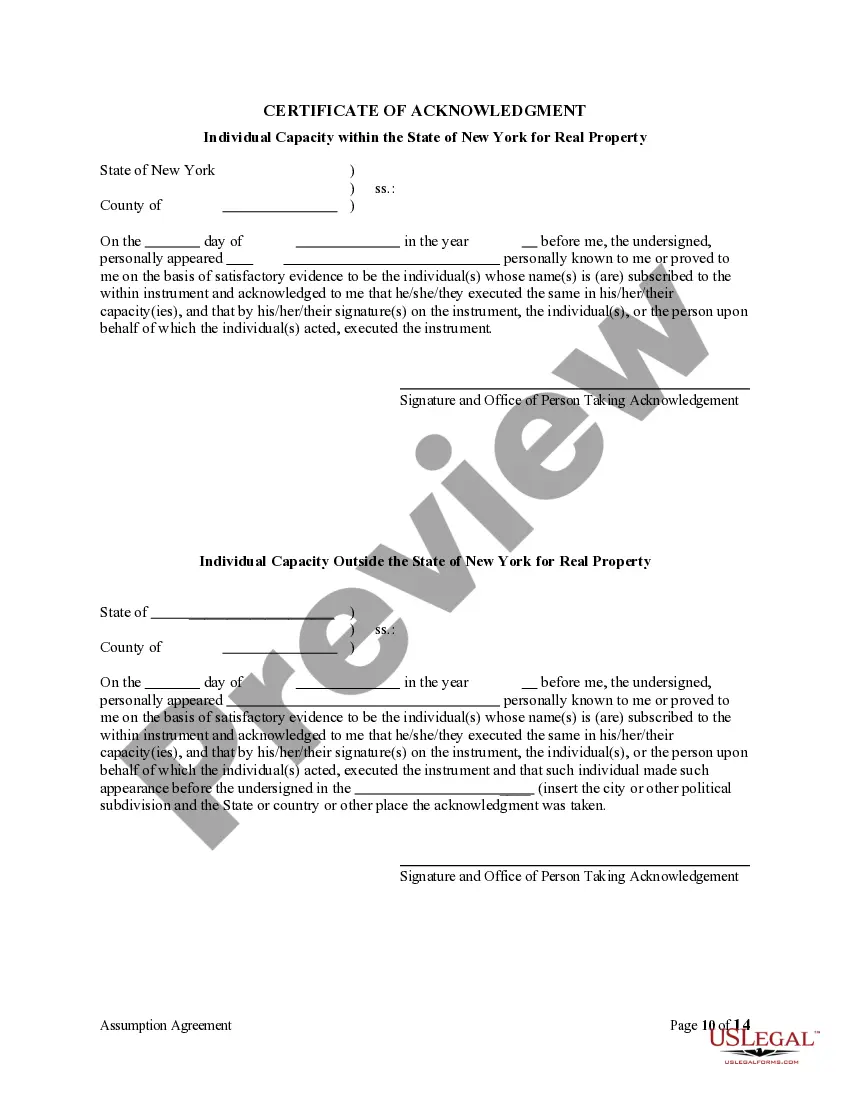
If this form requires notarization, complete it online through a secure video call—no need to meet a notary in person or wait for an appointment.
We protect your documents and personal data by following strict security and privacy standards.

Make edits, fill in missing information, and update formatting in US Legal Forms—just like you would in MS Word.

Download a copy, print it, send it by email, or mail it via USPS—whatever works best for your next step.

Sign and collect signatures with our SignNow integration. Send to multiple recipients, set reminders, and more. Go Premium to unlock E-Sign.

If this form requires notarization, complete it online through a secure video call—no need to meet a notary in person or wait for an appointment.

We protect your documents and personal data by following strict security and privacy standards.
Looking for another form?
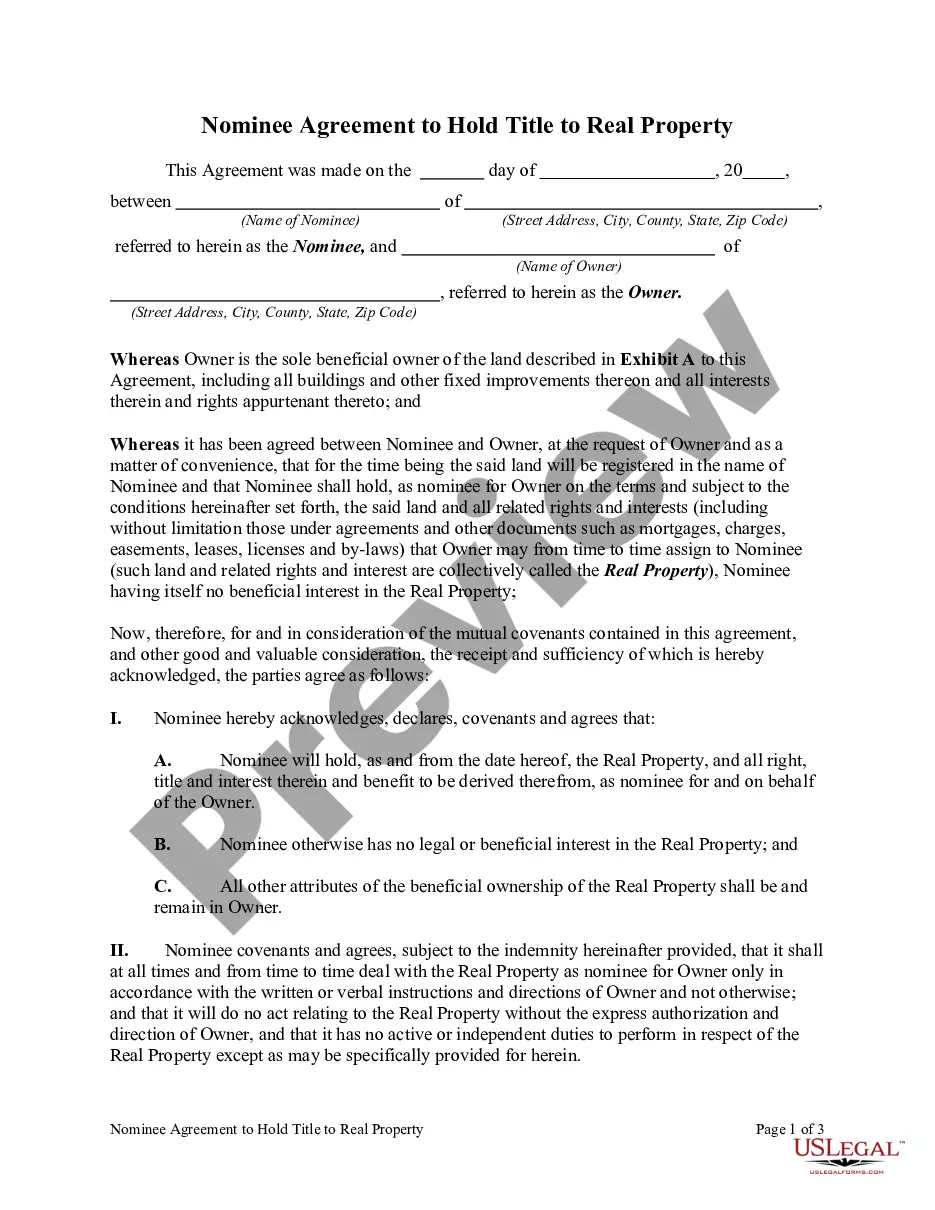
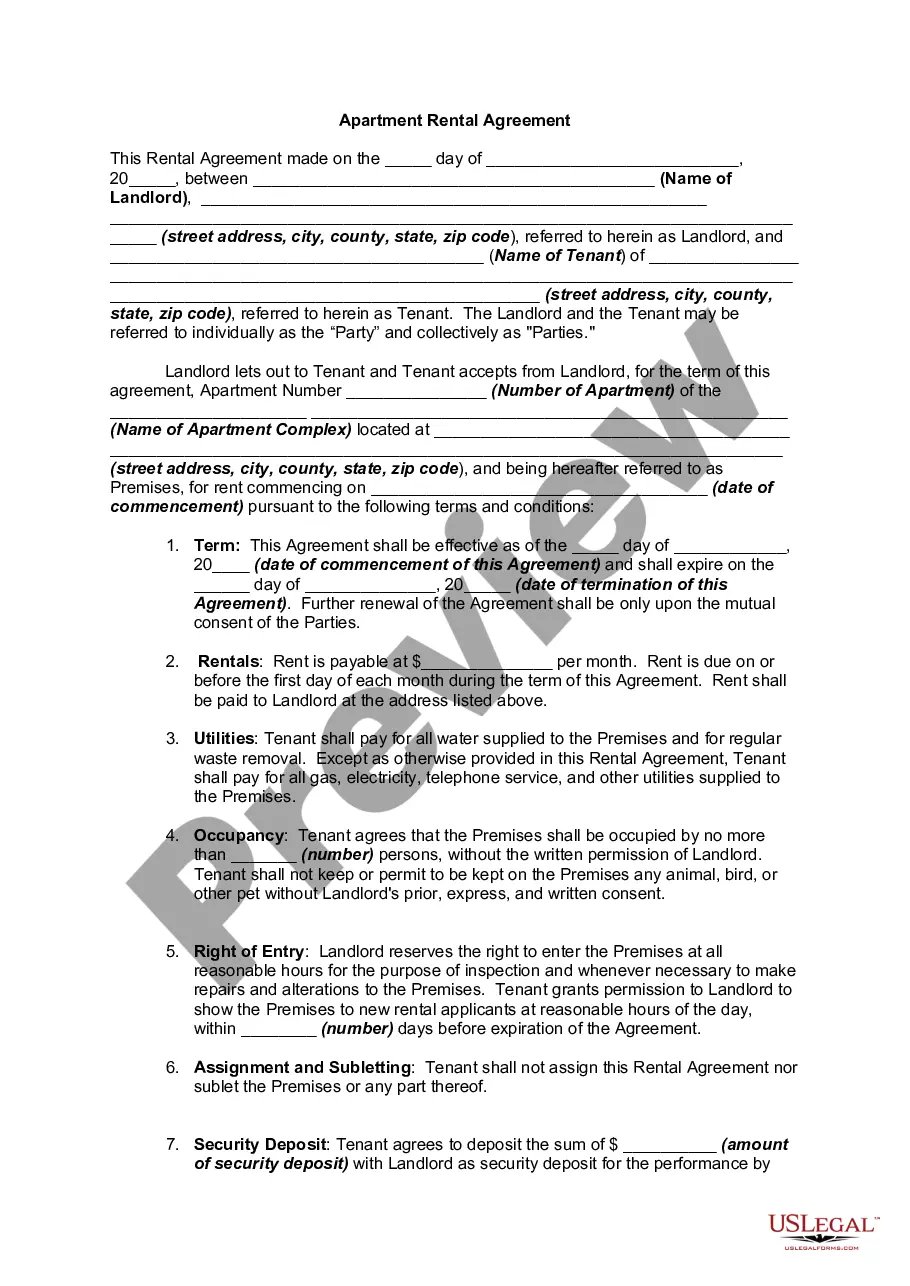
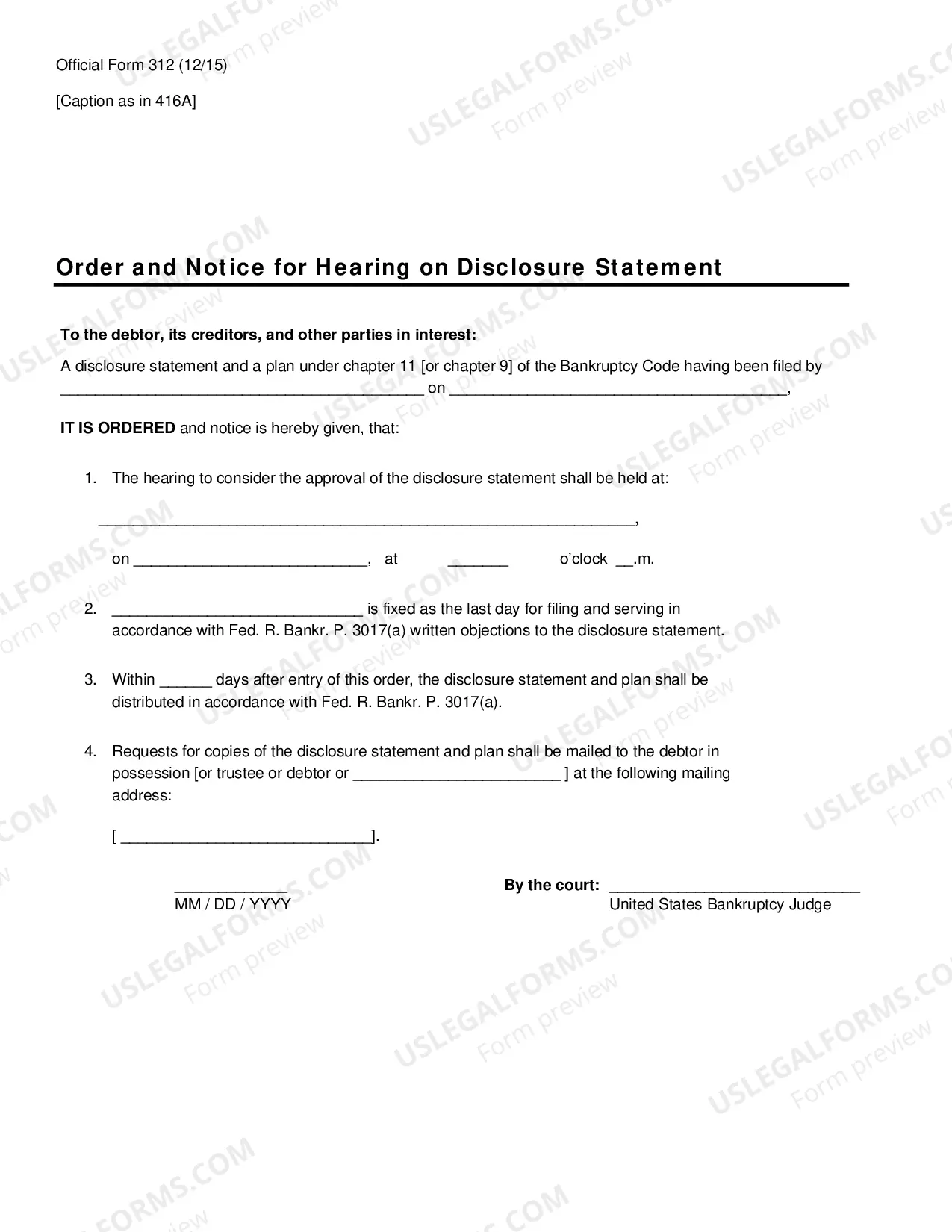
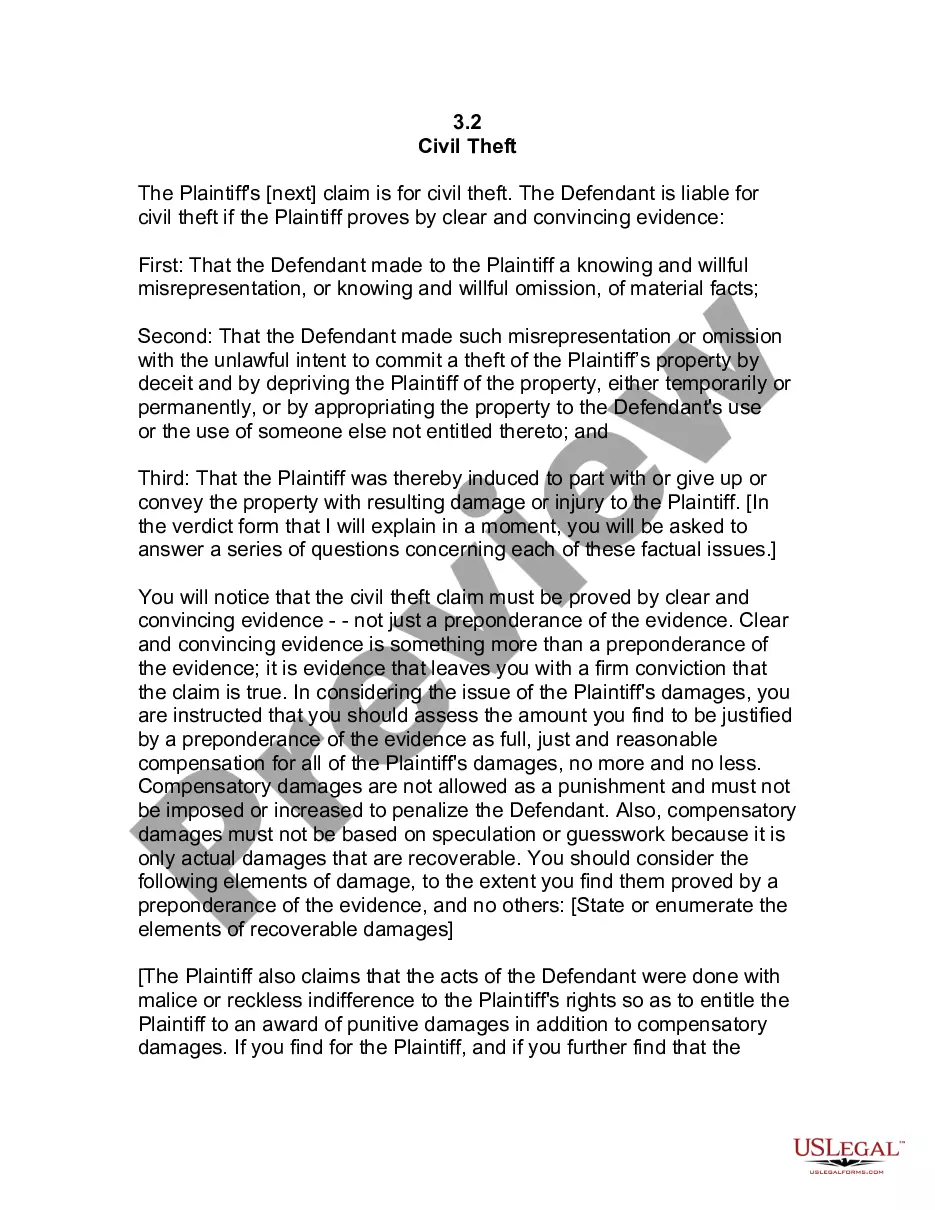
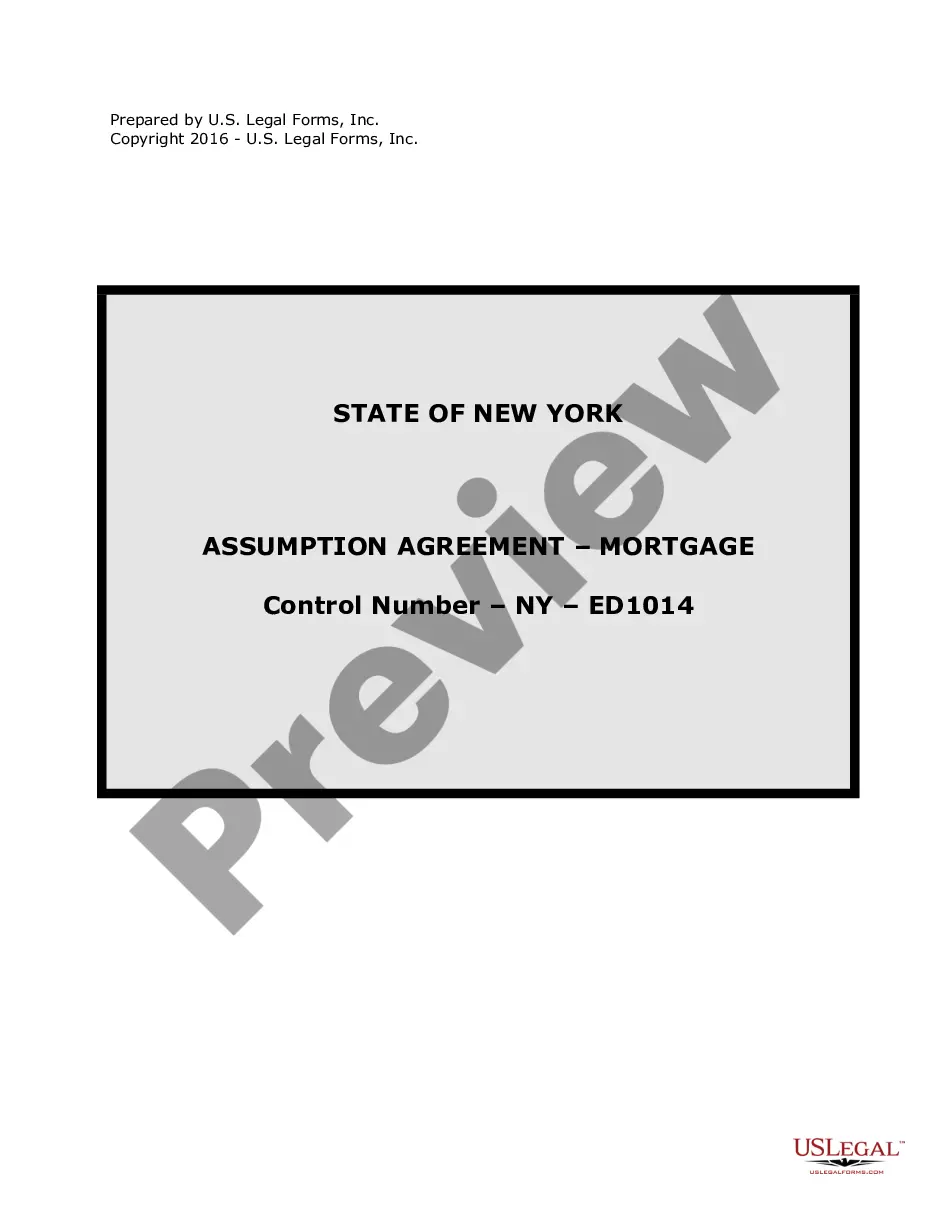
How to fill out New York Assumption Agreement Of Mortgage And Release Of Original Mortgagors?
Finding a reliable source to obtain the most up-to-date and suitable legal templates is part of the challenge of navigating bureaucracy.
Identifying the correct legal documents requires precision and meticulousness, which is why it's essential to source Ny Mortgage Mortgagors For Sale exclusively from trustworthy providers, such as US Legal Forms. An incorrect template can lead to wasted time and delays in your situation.
Eliminate the complications associated with your legal documentation. Explore the comprehensive US Legal Forms library, where you can discover legal templates, verify their applicability to your situation, and download them instantly.
- Utilize the library navigation or search bar to find your template.
- Review the form's description to check if it aligns with the regulations in your state and locality.
- Examine the form preview, if available, to confirm that this is the template you need.
- Return to search and find the correct template if the Ny Mortgage Mortgagors For Sale does not fulfill your requirements.
- Once you are certain of the form’s applicability, proceed to download it.
- If you are a registered user, click Log in to verify your identity and access your chosen templates in My documents.
- If you do not yet have an account, click Buy now to obtain the form.
- Select the pricing plan that meets your needs.
- Continue to the registration to complete your order.
- Complete your transaction by selecting a payment method (credit card or PayPal).
- Choose the file format for downloading Ny Mortgage Mortgagors For Sale.
- After you have the form on your device, you can edit it using the editor or print it out to complete manually.
Form popularity
FAQ
It is not possible to retrieve a deleted question. Currently, there is an Uservoice request logged for this functionality. I would suggest that you should go there and vote for this. More votes draw more attention from Microsoft.
Click the Microsoft Forms application. Click "All my Forms" Click "Deleted Forms" Click the 3 dots of the quiz you'd like to restore and click "Restore"
There is also no version history which makes it very difficult to reset the questions that have been overwritten.
Re: Restoring a prior version of your Form that has been edited and autosaved. @MarciAngela there's no way to restore a previous version of a form.
There is also no version history which makes it very difficult to reset the questions that have been overwritten.
Microsoft Forms supports multiple levels of Undo and Redo commands. This means you can undo a series of actions, not just a single action. CTRL+Z is the shortcut key for Undo; CTRL+Y is the shortcut key for Redo. You cannot undo or redo layering commands, such as Send To Back or Bring To Front.
How to Delete a Microsoft Forms Response - YouTube YouTube Start of suggested clip End of suggested clip And then click on the three dots to delete the response. You'll be prompted to confirm that you wantMoreAnd then click on the three dots to delete the response. You'll be prompted to confirm that you want to delete. And there you go you're done.