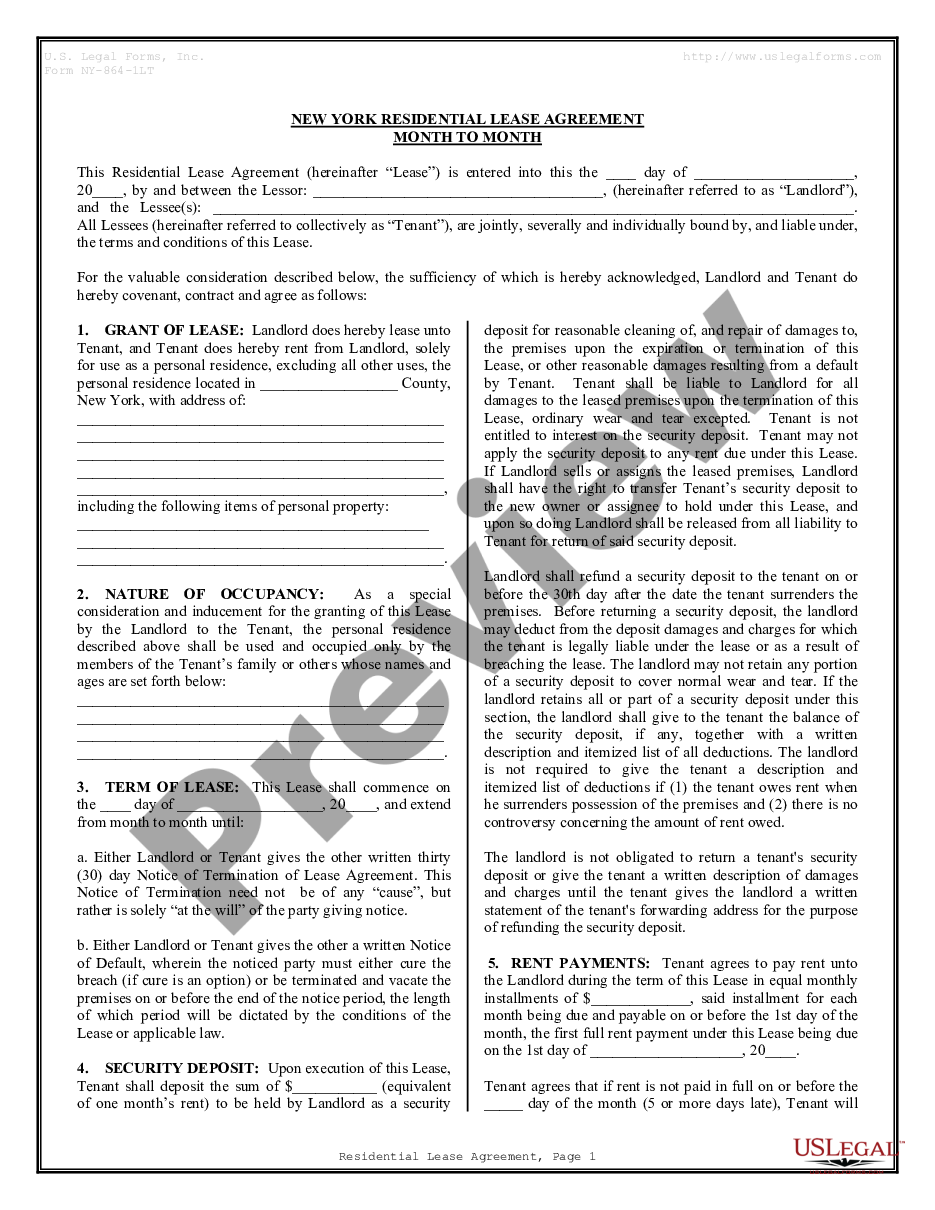
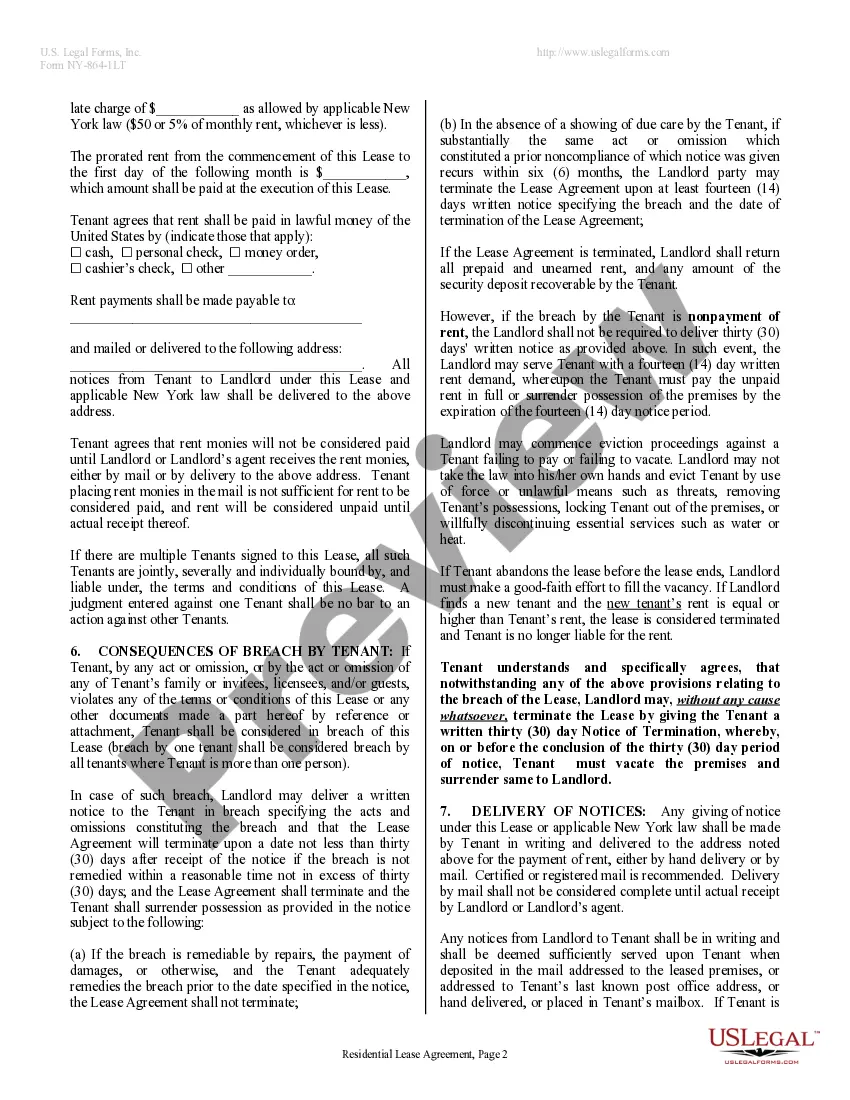
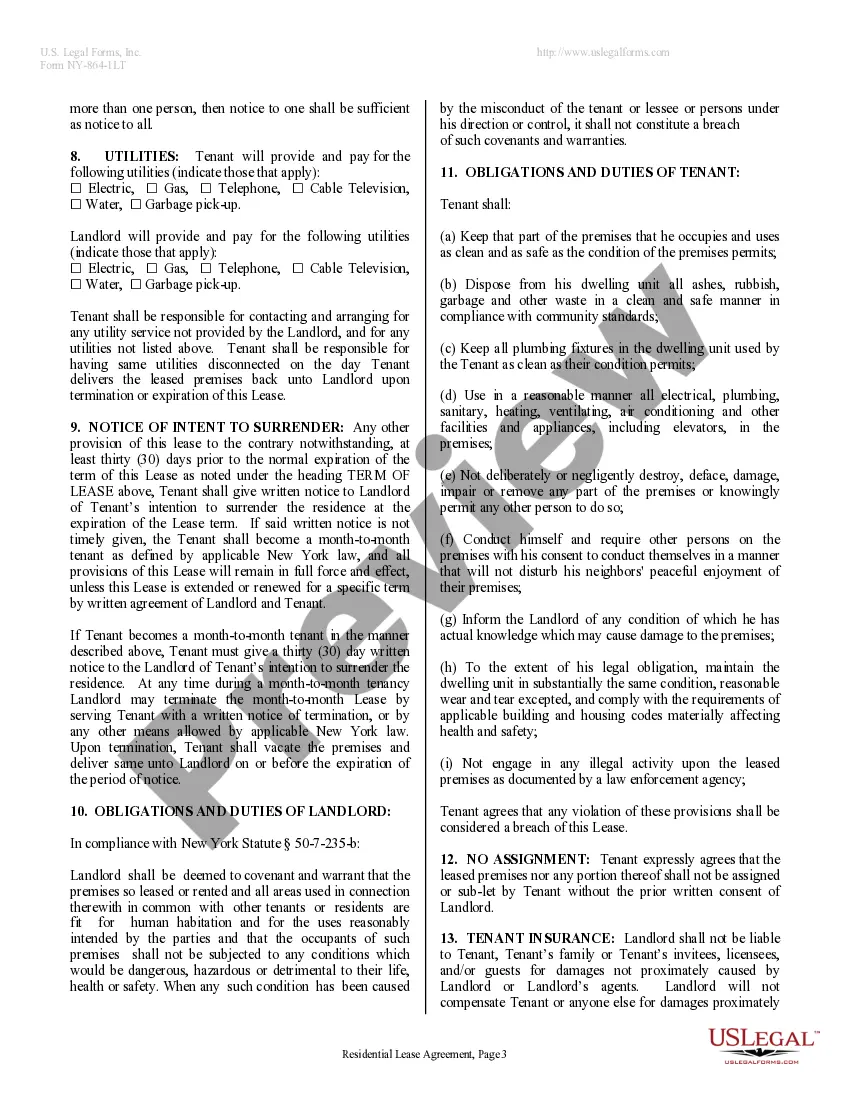
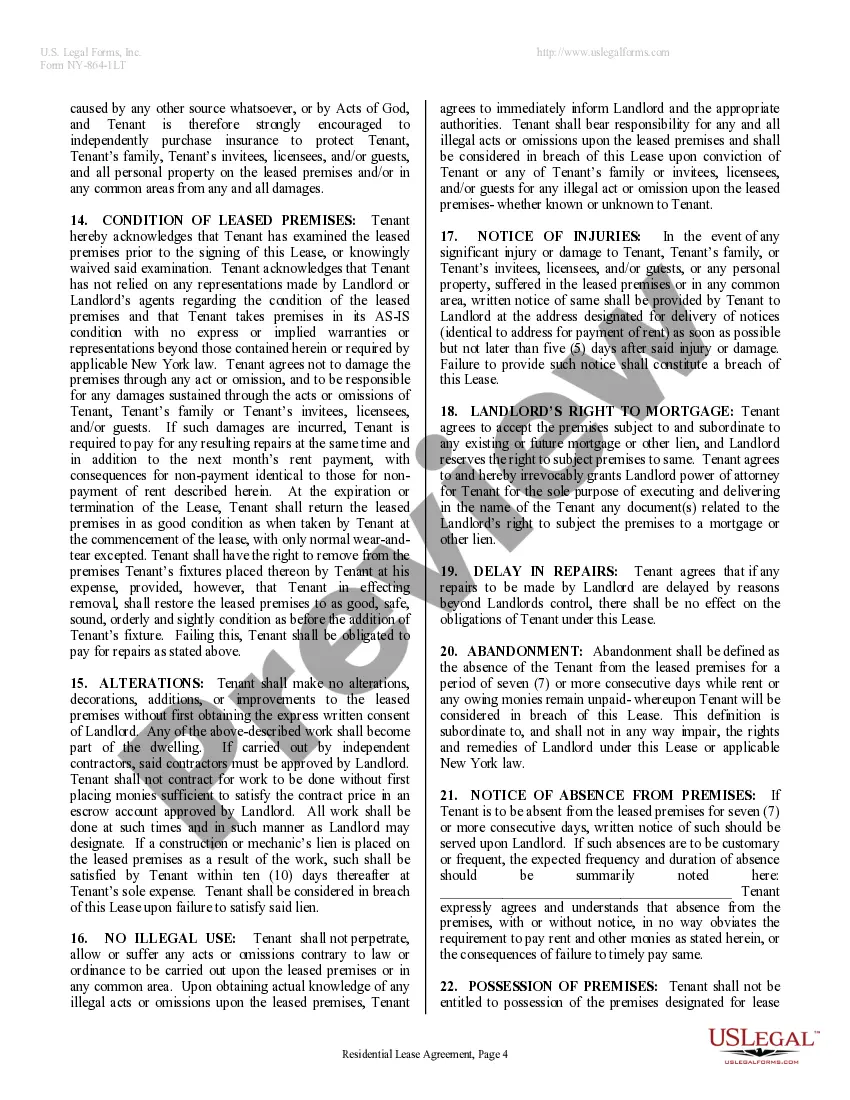
Lease Rental Agreement Sample With Lease
Description
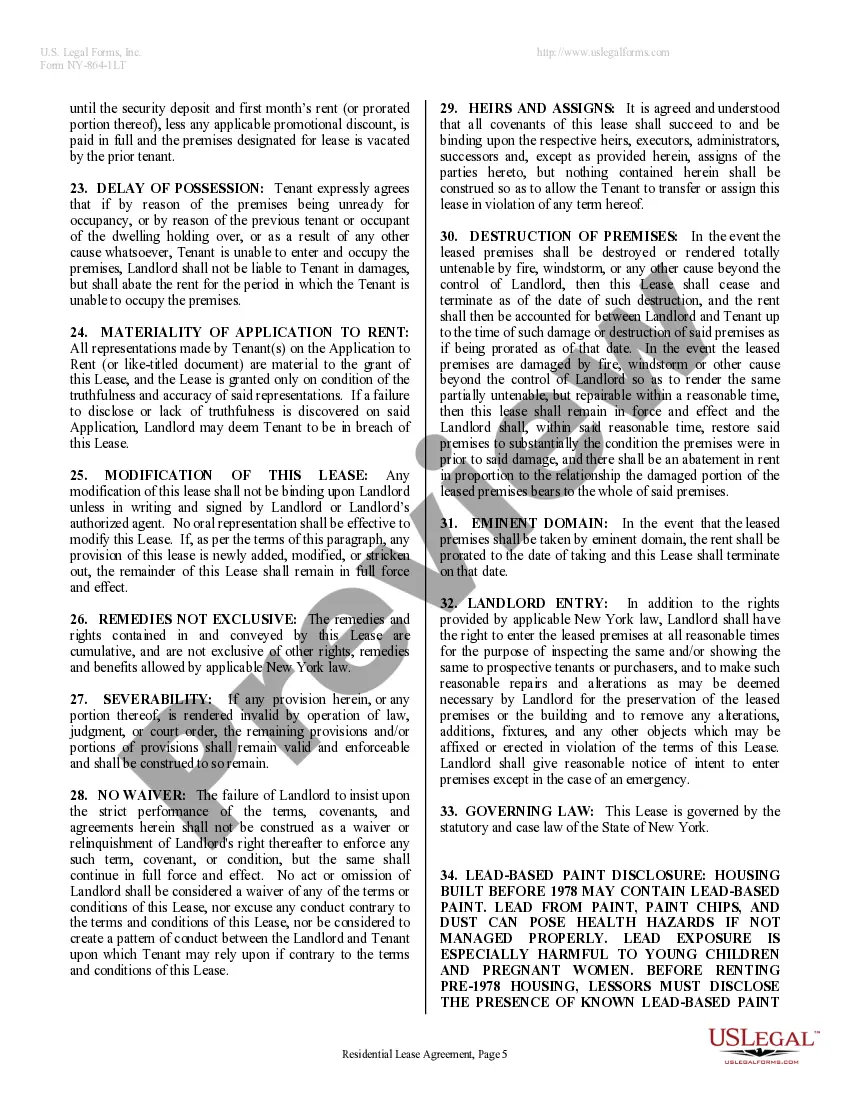
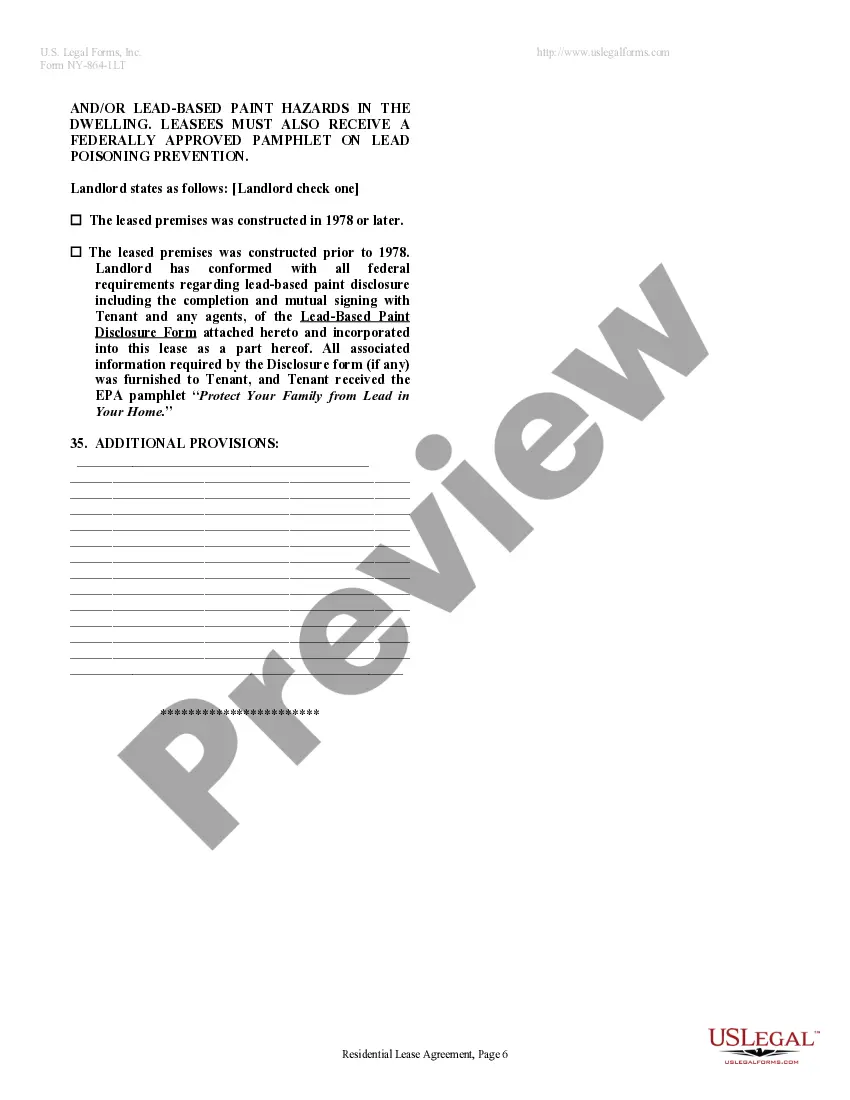
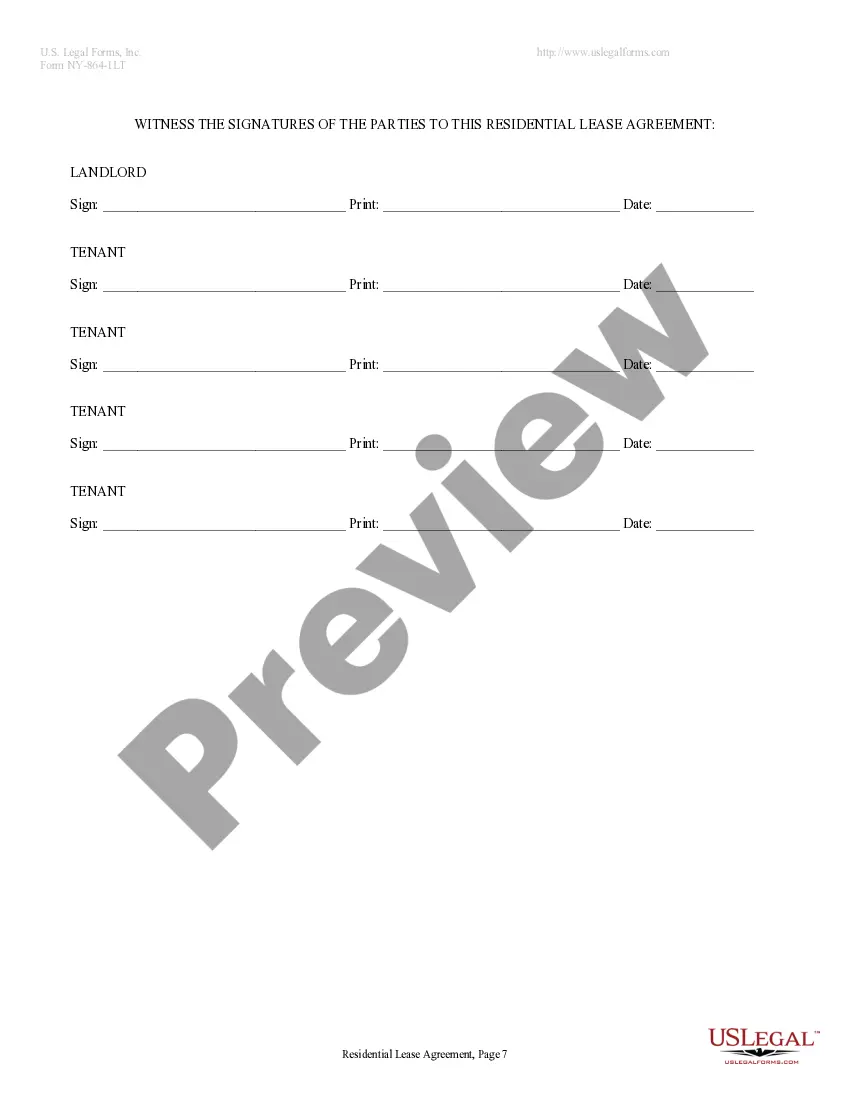
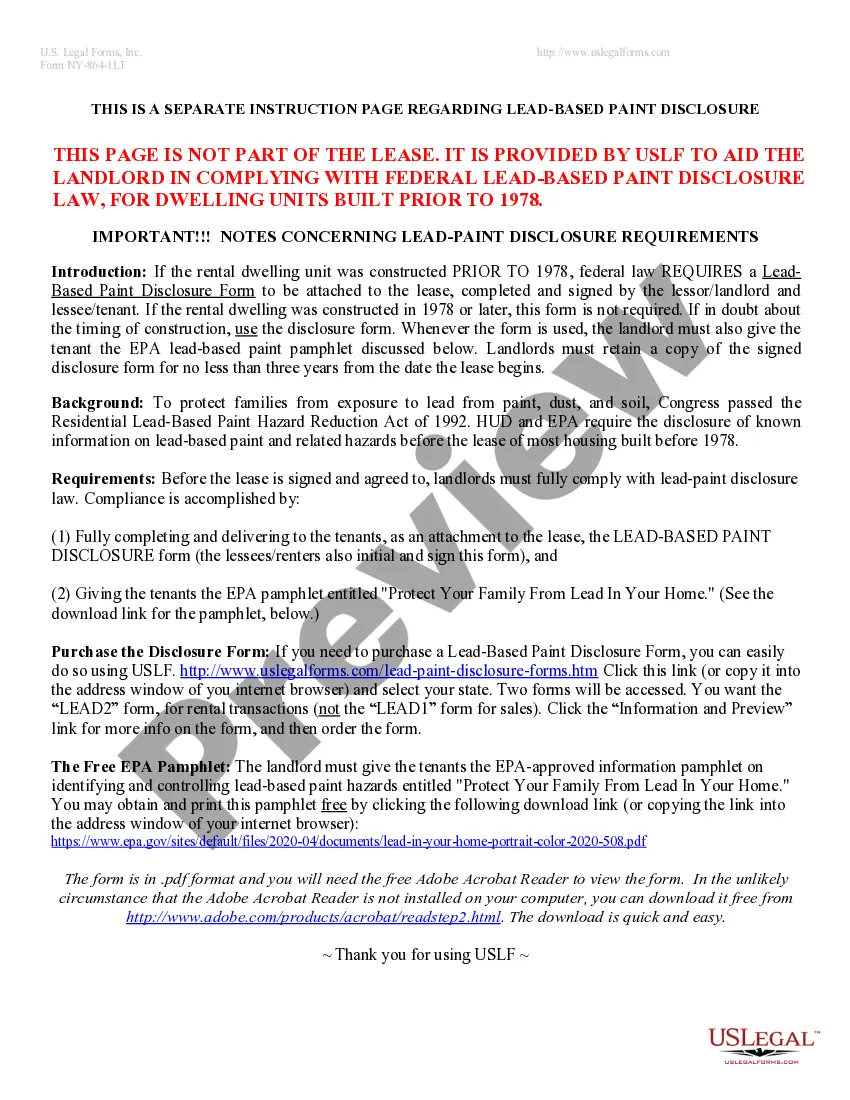
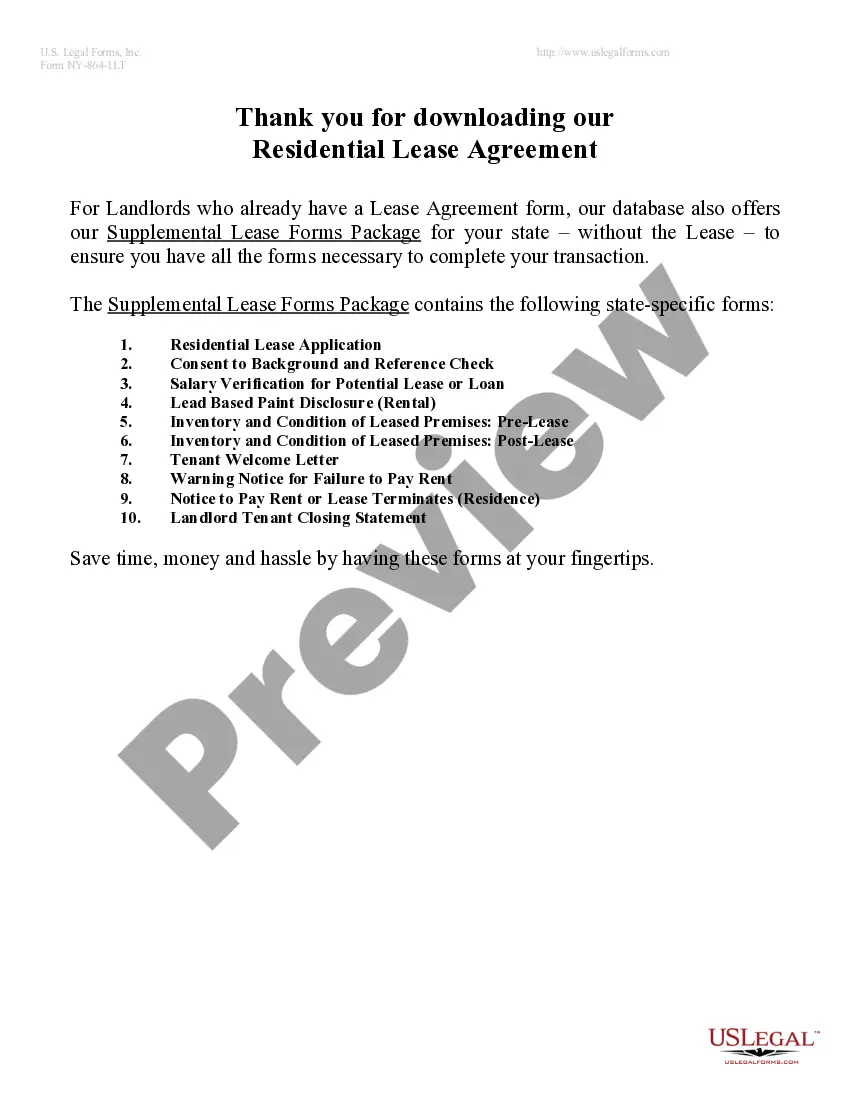
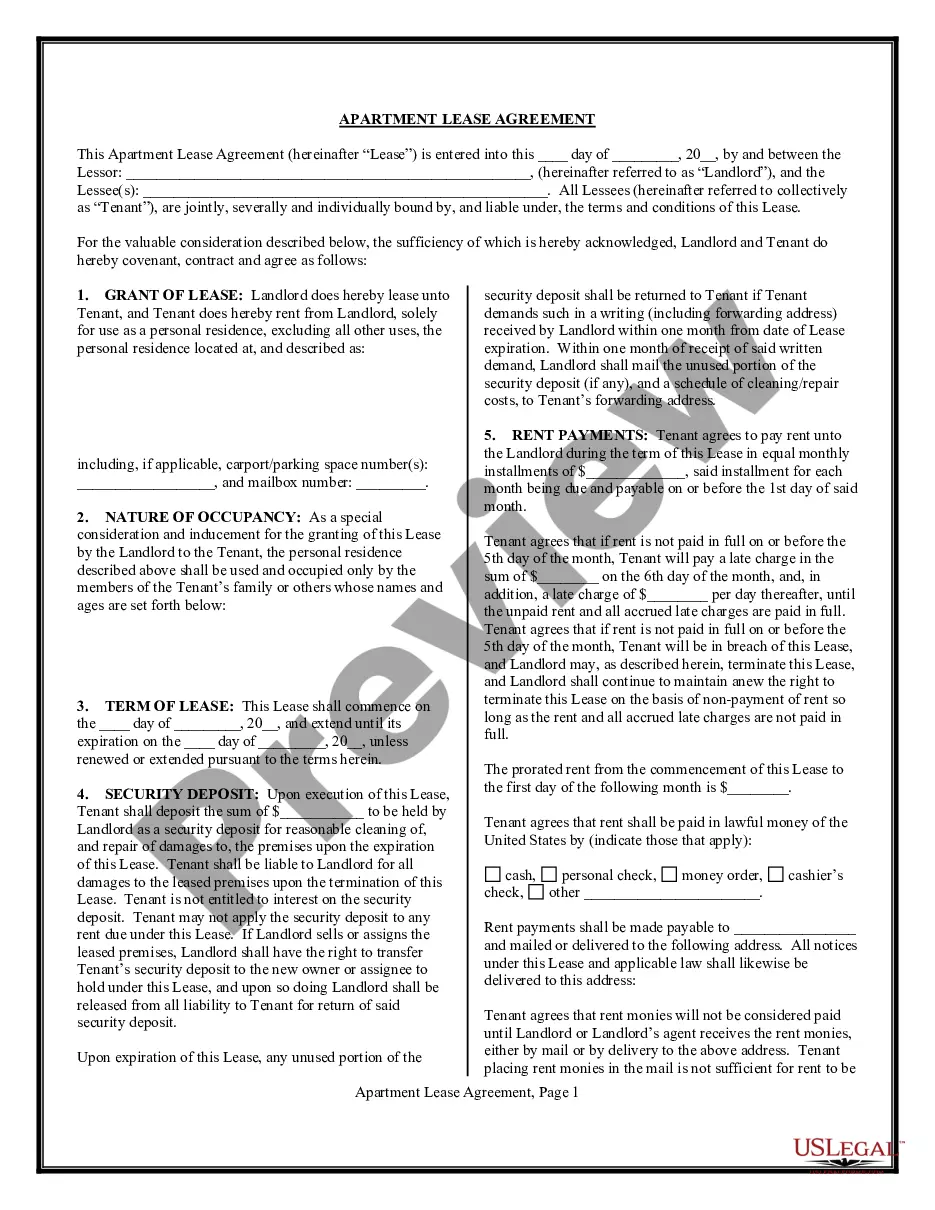
Get your form ready online
Our built-in tools help you complete, sign, share, and store your documents in one place.
Make edits, fill in missing information, and update formatting in US Legal Forms—just like you would in MS Word.
Download a copy, print it, send it by email, or mail it via USPS—whatever works best for your next step.
Sign and collect signatures with our SignNow integration. Send to multiple recipients, set reminders, and more. Go Premium to unlock E-Sign.
If this form requires notarization, complete it online through a secure video call—no need to meet a notary in person or wait for an appointment.
We protect your documents and personal data by following strict security and privacy standards.

Make edits, fill in missing information, and update formatting in US Legal Forms—just like you would in MS Word.

Download a copy, print it, send it by email, or mail it via USPS—whatever works best for your next step.

Sign and collect signatures with our SignNow integration. Send to multiple recipients, set reminders, and more. Go Premium to unlock E-Sign.

If this form requires notarization, complete it online through a secure video call—no need to meet a notary in person or wait for an appointment.

We protect your documents and personal data by following strict security and privacy standards.
Looking for another form?
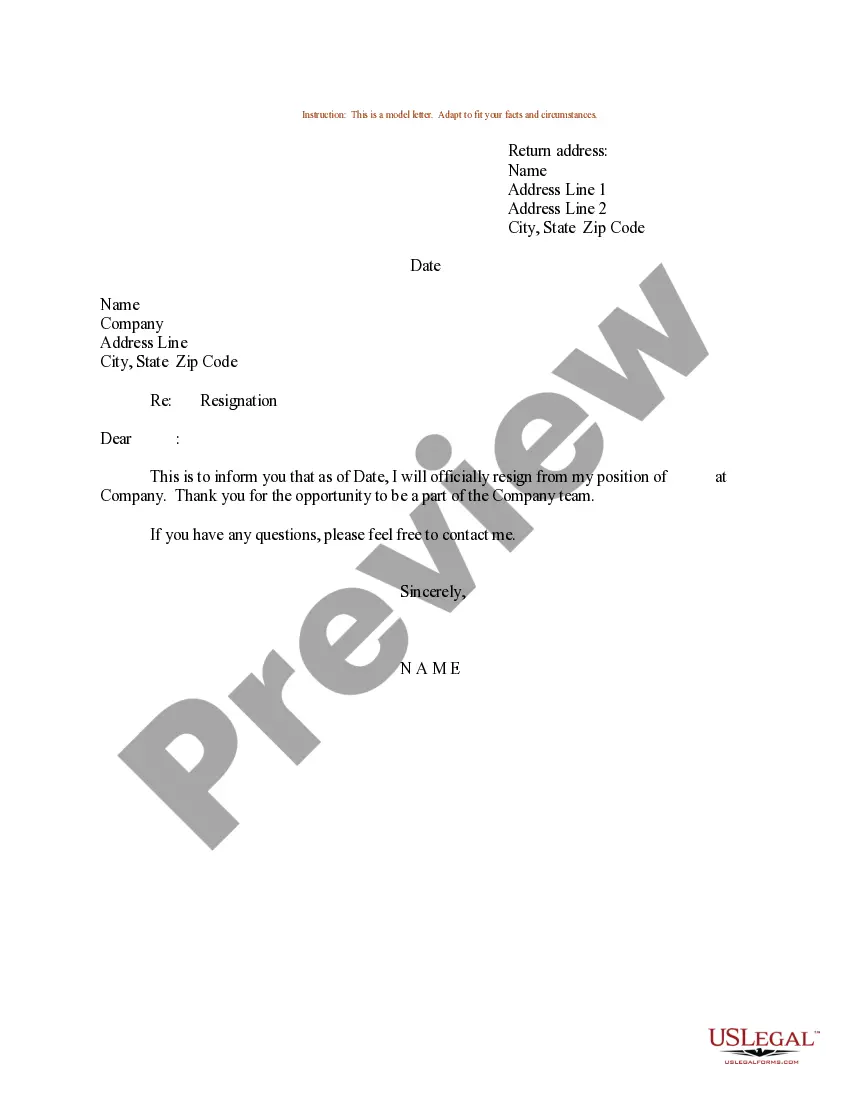

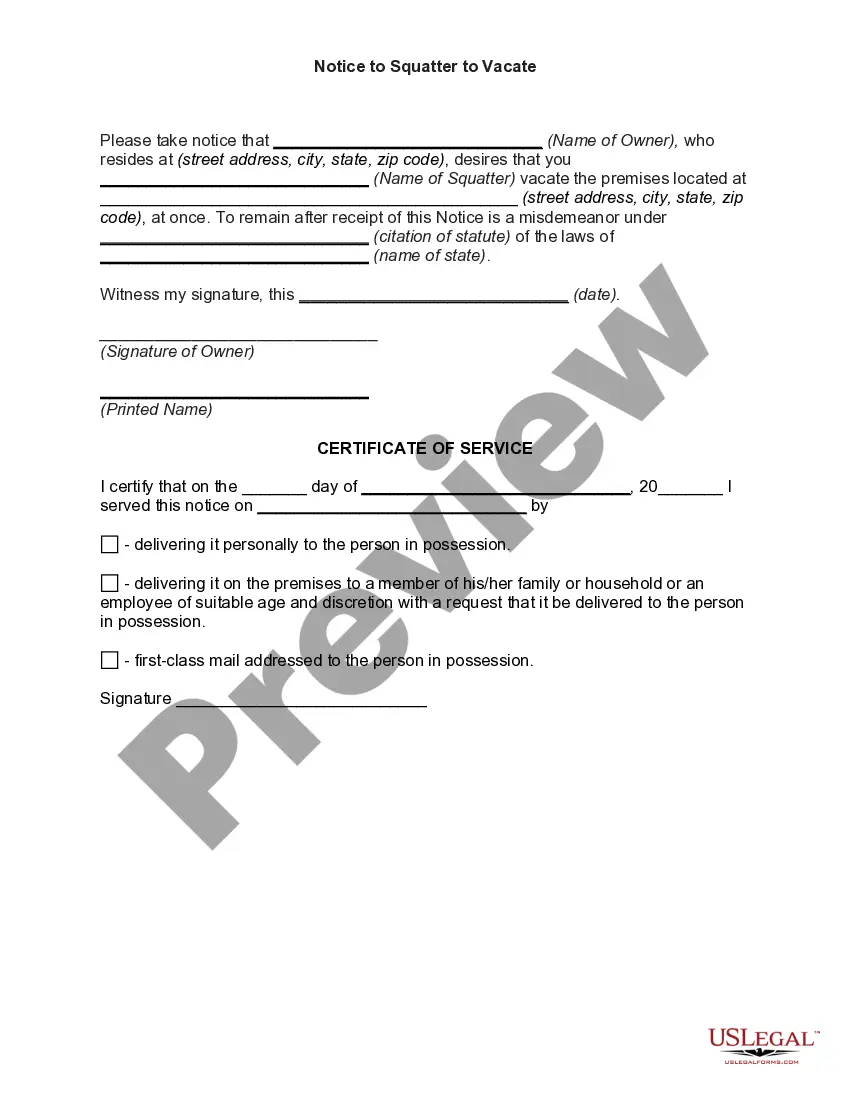

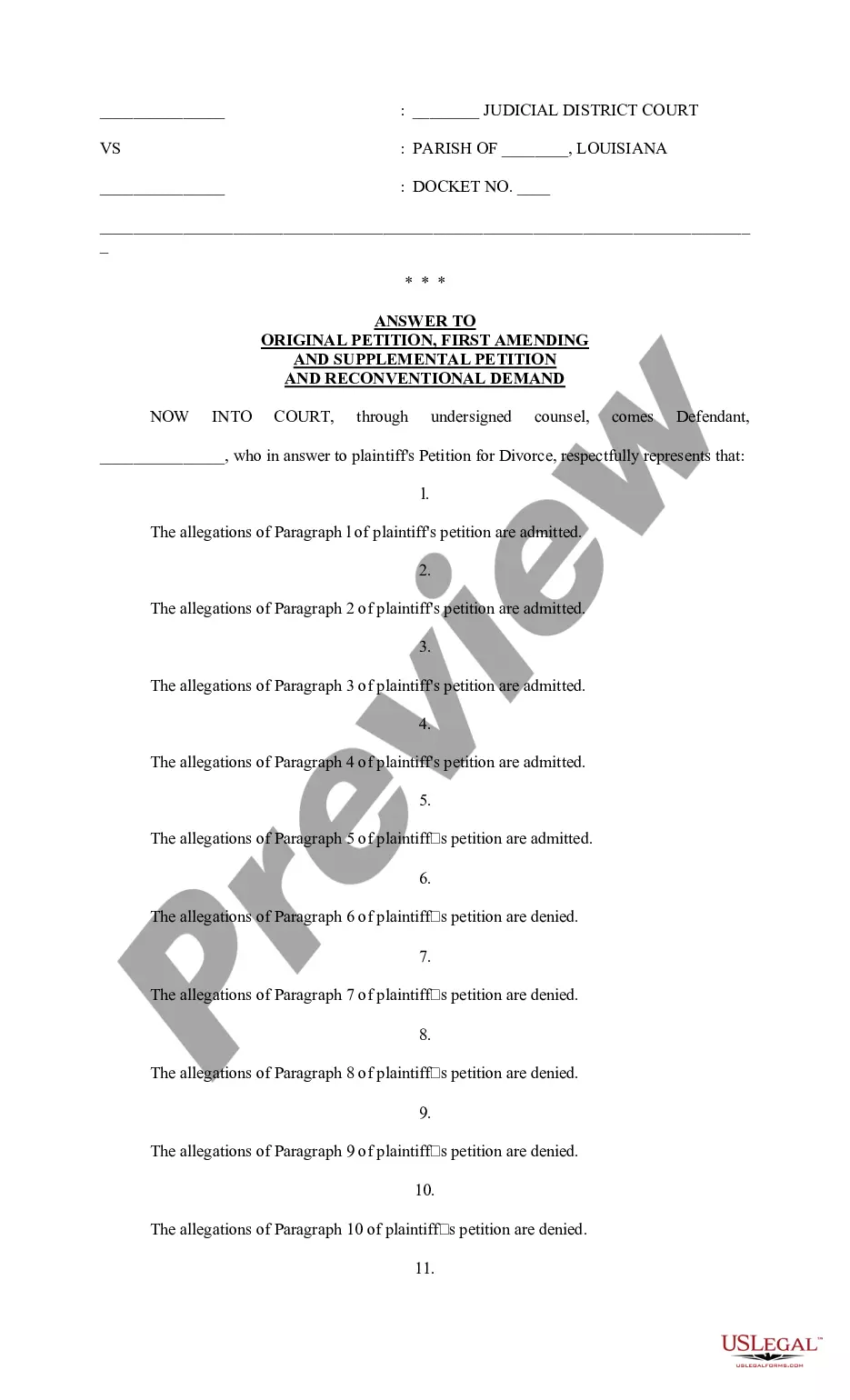
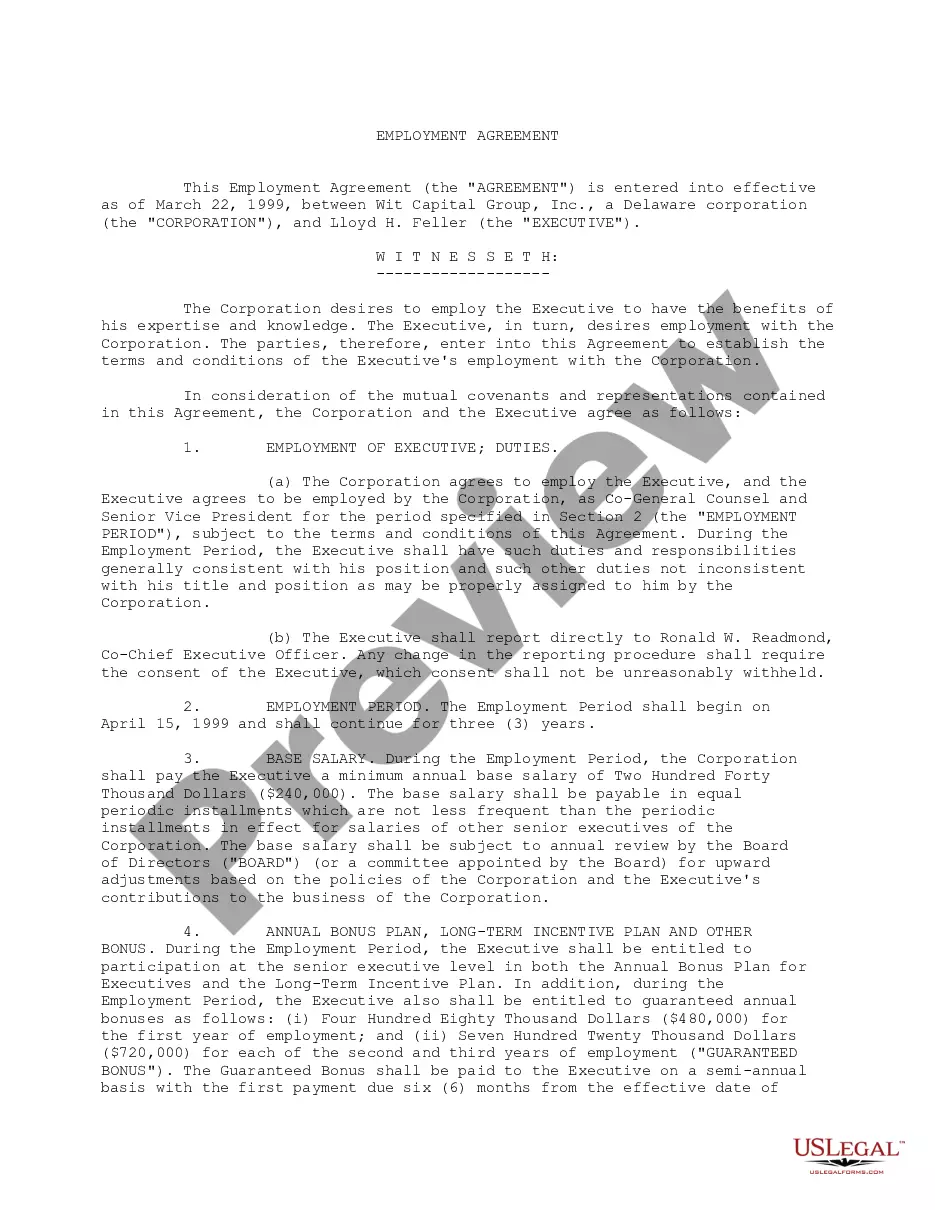
How to fill out New York Residential Lease Or Rental Agreement For Month To Month?
Managing legal documents can be perplexing, even for seasoned professionals.
If you are seeking a Lease Rental Agreement Sample With Lease but lack the time to find the appropriate and current version, the tasks may become overwhelming.
US Legal Forms addresses all needs you might have, ranging from personal to business papers, all consolidated in one place.
Utilize cutting-edge features to fill out and oversee your Lease Rental Agreement Sample With Lease.
After downloading the necessary document, follow these steps: Validate that it is the correct form by previewing it and reviewing its description. Confirm the sample is recognized in your state or county. Select Buy Now when you're ready. Choose a subscription plan. Find the required formatting, then Download, complete, sign, print, and submit your documents. Take advantage of the US Legal Forms online catalog, backed by 25 years of expertise and trustworthiness. Transform your daily document management into a seamless and user-friendly experience today.
- Tap into a valuable database of articles, guides, and resources pertinent to your situation and requirements.
- Conserve time and effort while searching for the documents you require, using US Legal Forms' superior search and Review tool to locate and download the Lease Rental Agreement Sample With Lease.
- If you have a monthly subscription, Log In to the US Legal Forms account, search for the desired form, and download it.
- Check the My documents tab to review the documents you have previously downloaded and to organize your folders as needed.
- If you're new to US Legal Forms, register for a free account and gain unlimited access to the platform's benefits.
- Employ a comprehensive web form directory that can revolutionize how individuals handle these matters.
- US Legal Forms stands as a frontrunner in online legal documentation, featuring over 85,000 state-specific legal templates accessible to you at any moment.
- Access legal and business forms tailored to specific states or counties.
Form popularity
FAQ
Create a Legal Pleading Template in Microsoft Word (Legal Complaint Template) Step 1: Accessing Templates. Launch Microsoft Word and open a new blank document. ... Step 2: Searching for Legal Templates. ... Step 3: Selecting and Downloading a Legal Template. ... Step 4: Customizing the Template. ... Step 5: Saving and Storing the Document.
Finding a Legal Template through Word Open Word, click More Templates ? on the right side of the screen. In the search bar, type in "legal" and click search. One of the templates that that may be the most useful is the Legal pleading paper.
The page numbering of a document filed electronically must begin with the first page or cover page as page 1 and thereafter be paginated consecutively using only arabic numerals (e.g., 1, 2, 3). The page number for the cover page may be suppressed and need not appear on the cover page.
Select Insert > Page Number, and then choose the location and style you want. If you don't want a page number to appear on the first page, select Different First Page. If you want numbering to start with 1 on the second page, go to Page Number > Format Page Numbers, and set Start at to 0.
Use the Page field code to insert page numbers Go to Header & Footer > Page Number > Format Page Numbers, select the format you want, and then select OK. Go to Header & Footer > Page Number > Page Number, choose the alignment you want, and select OK.
Like other numbering schemes such as chapter numbering, page numbers allow the citation of a particular page of the numbered document and facilitates to the reader to find specific parts of the document and to know the size of the complete text (by checking the number of the last page).
The page numbering of a document filed electronically must begin with the first page or cover page as page 1 and thereafter be paginated consecutively using only arabic numerals (e.g., 1, 2, 3). The page number for the cover page may be suppressed and need not appear on the cover page.
Each page must be numbered consecutively at the bottom unless a rule provides otherwise for a particular type of document. The page numbering must begin with the first page and use only Arabic numerals (e.g., 1, 2, 3). The page number may be suppressed and need not appear on the first page.
You can download free, pre-built document templates with useful and creative themes from Office when you click File > New in your Office app. Templates can include calendars, business cards, letters, cards, brochures, newsletters, resumes, cover letters, presentations, social media and much more.
A typical legal numbering: arabic numbering for each level, followed by a dot. It is not necessary to type in the previous levels' numbers. For example, at level 3, we only specify level 3's number.