Asset Bundles
Description
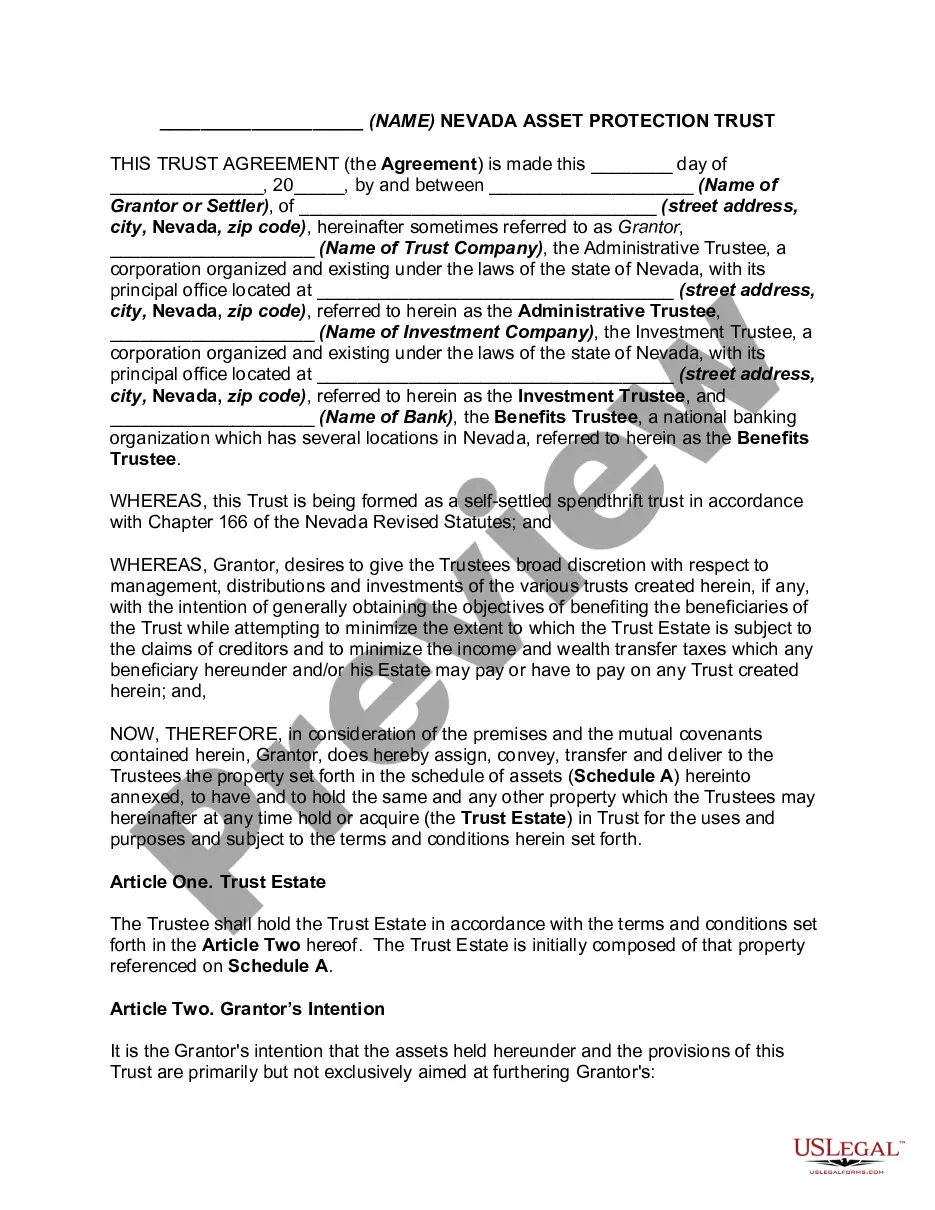
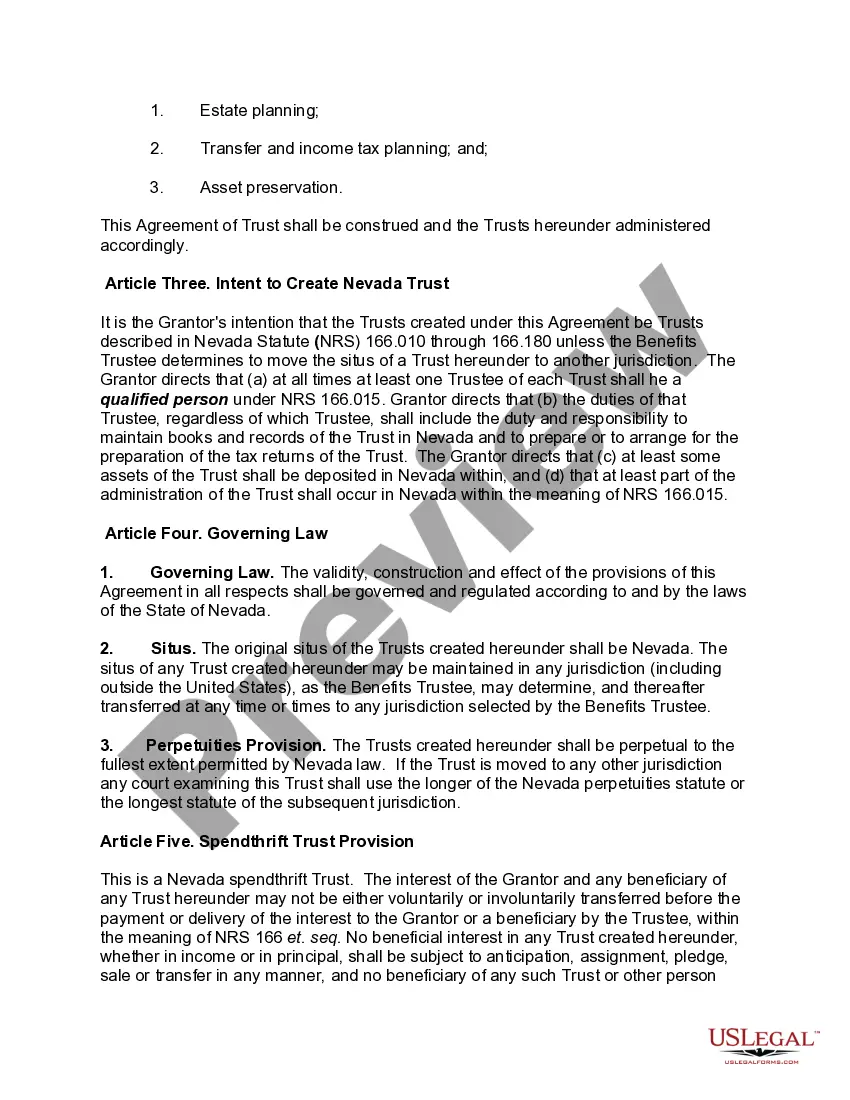
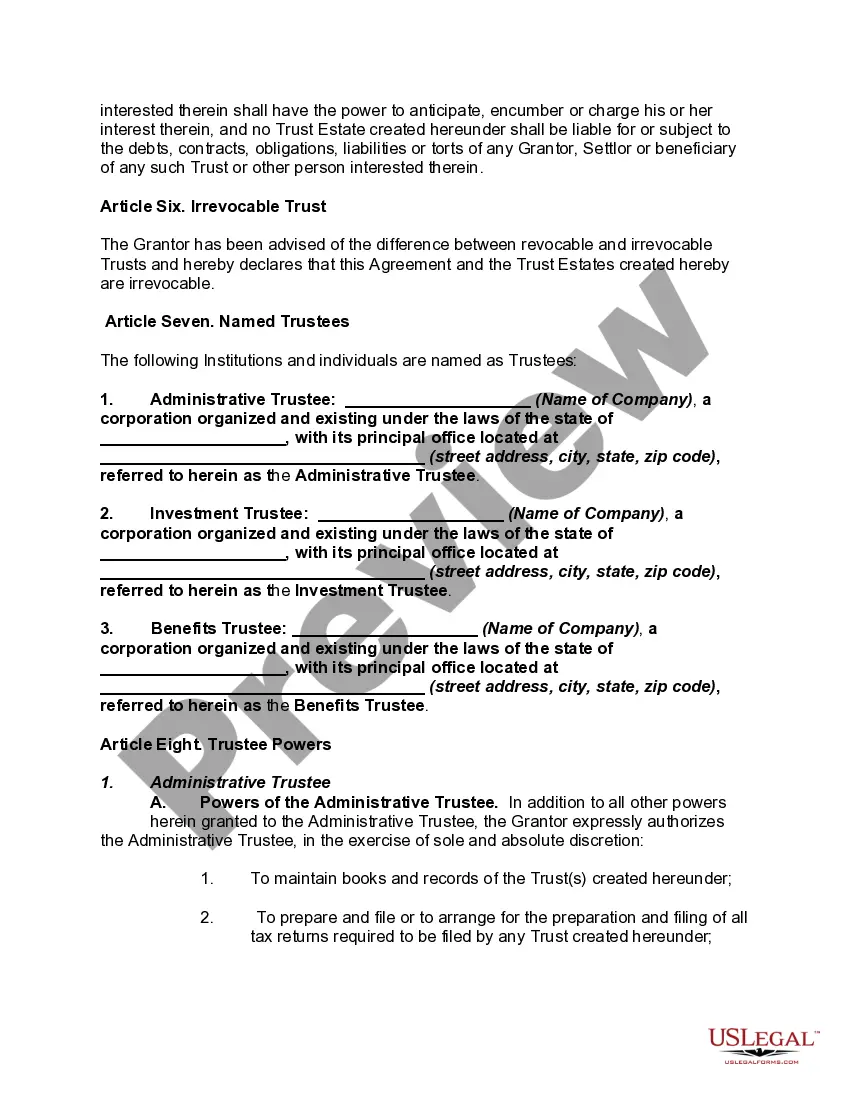
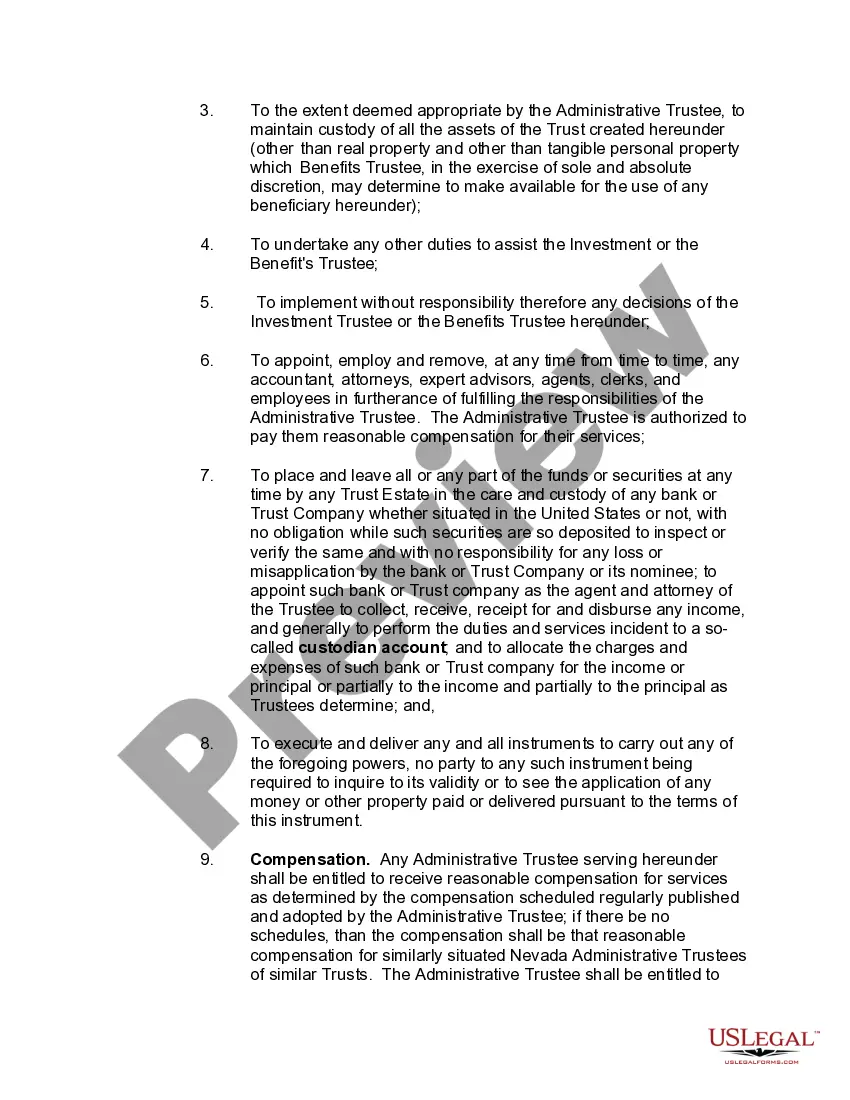
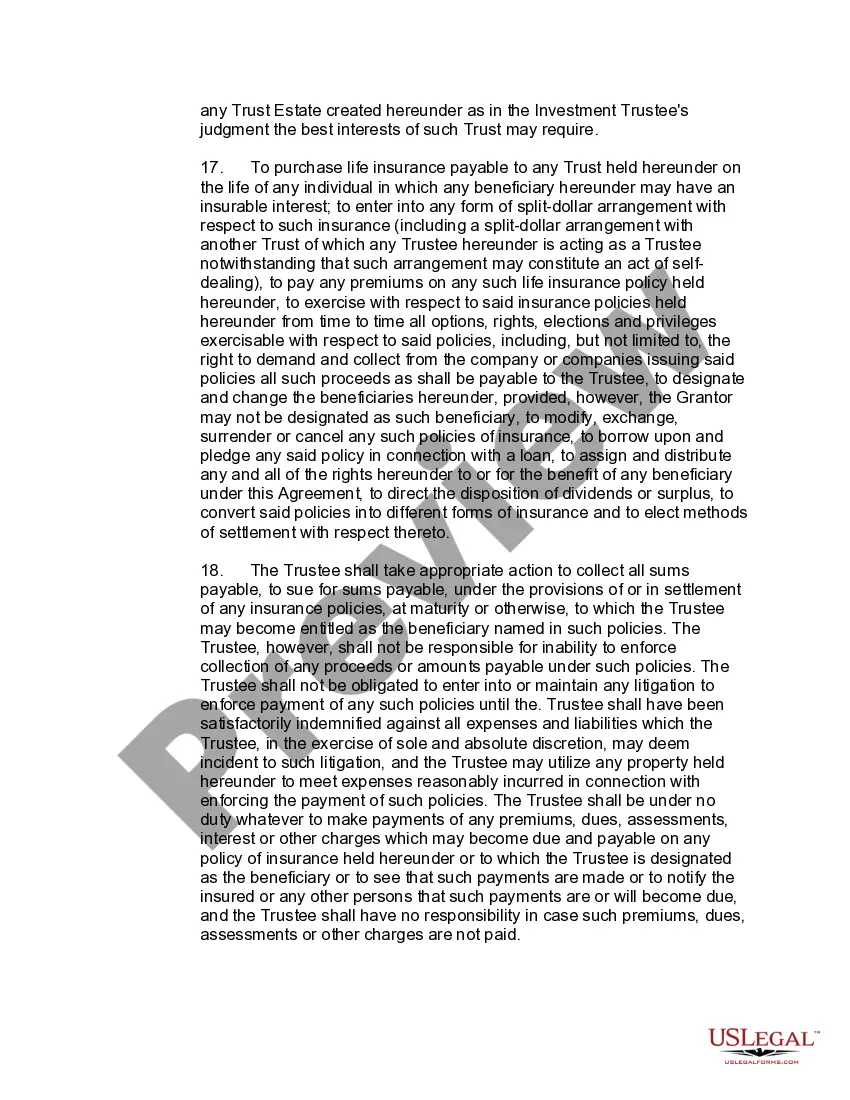
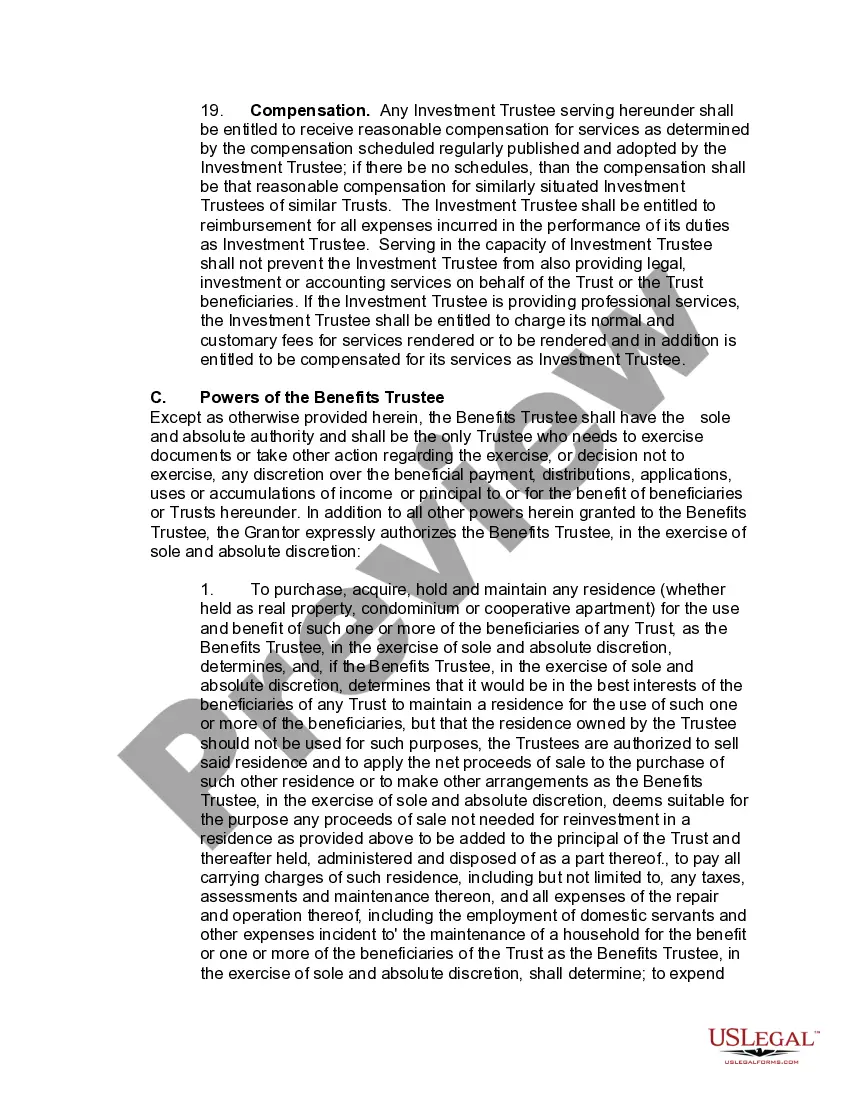

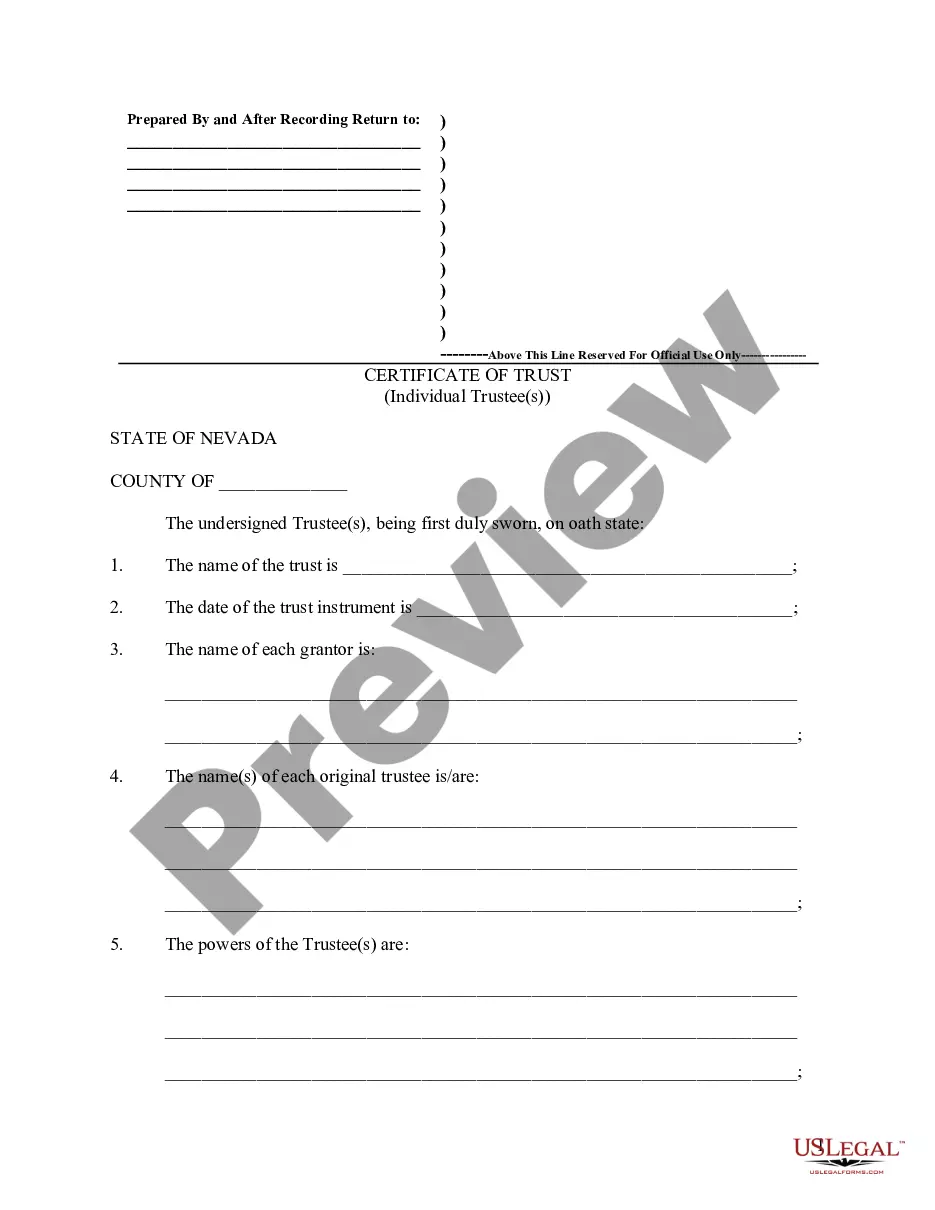
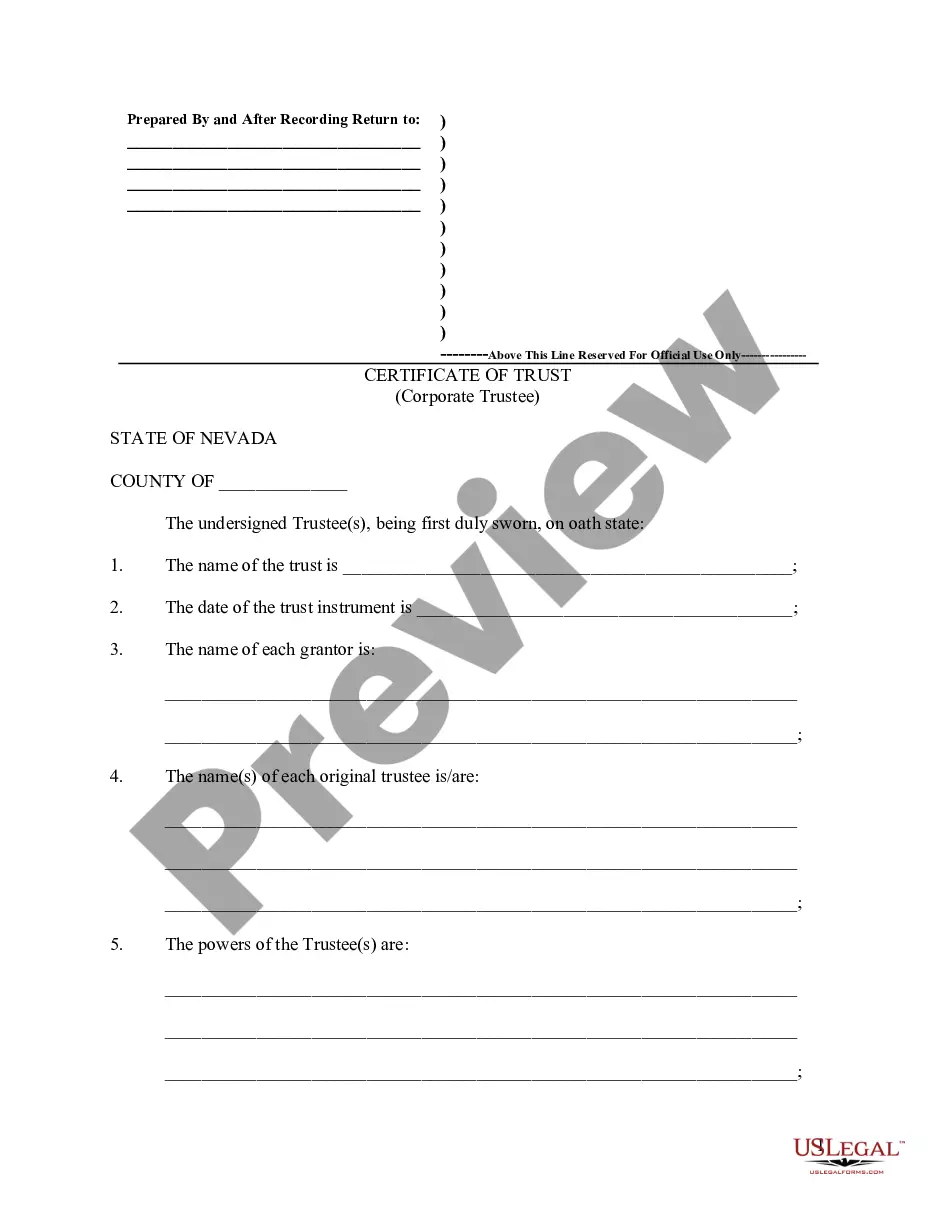
Get your form ready online
Our built-in tools help you complete, sign, share, and store your documents in one place.
Make edits, fill in missing information, and update formatting in US Legal Forms—just like you would in MS Word.
Download a copy, print it, send it by email, or mail it via USPS—whatever works best for your next step.
Sign and collect signatures with our SignNow integration. Send to multiple recipients, set reminders, and more. Go Premium to unlock E-Sign.
If this form requires notarization, complete it online through a secure video call—no need to meet a notary in person or wait for an appointment.
We protect your documents and personal data by following strict security and privacy standards.

Make edits, fill in missing information, and update formatting in US Legal Forms—just like you would in MS Word.

Download a copy, print it, send it by email, or mail it via USPS—whatever works best for your next step.

Sign and collect signatures with our SignNow integration. Send to multiple recipients, set reminders, and more. Go Premium to unlock E-Sign.

If this form requires notarization, complete it online through a secure video call—no need to meet a notary in person or wait for an appointment.

We protect your documents and personal data by following strict security and privacy standards.
Looking for another form?







How to fill out Nevada Asset Protection Trust?
- If you're a returning user, simply log in to your account and select the desired form template to download. Ensure your subscription is up to date; renew it if necessary.
- For first-time users, start by browsing the preview mode to check the form description. Confirm that you've selected the right form that aligns with your local jurisdiction.
- If the form doesn't meet your requirements, use the search option at the top to find another suitable template.
- Once you've found the correct document, click 'Buy Now' and choose your preferred subscription plan. You’ll need to create an account to access the extensive library.
- Finalize your purchase by entering your payment information or opting for PayPal to secure your subscription.
- Download the completed form directly to your device, allowing you to edit or fill it as needed. You can also access it later from the My Forms section in your account.
US Legal Forms offers a robust collection of over 85,000 editable legal forms at competitive prices, outpacing many competitors. Additionally, users can tap into premium expert assistance to ensure accuracy and compliance.
Don't navigate legal processes alone. Start utilizing US Legal Forms today for efficient access to the documents you need!
Form popularity
FAQ
To add an asset pack to Unity, you can import the asset package file directly into your project. Simply go to the Assets menu and select 'Import Package', then choose your asset pack. Once imported, you can organize and utilize the assets as needed. This simplifies the integration of new components, boosting your project's functionality.
To download an asset bundle in Unity, you typically utilize UnityWebRequest to access the asset bundle hosted online. Make sure to provide the correct URL to your asset bundle for proper retrieval. Once the download completes, use AssetBundle.LoadFromMemory or a similar method to load the assets. This allows you to load content dynamically, enhancing user experience.
To get an asset bundle in Unity, you must first load it into your project. Use the AssetBundle.LoadFromFile method, specifying the path to your stored asset bundle. Once loaded, you can instantiate or access the assets within the bundle. This method provides a more efficient way to manage assets, especially in larger projects.
To create an asset bundle in Unity, first, select the assets you want to include. Next, in the inspector, assign a name to the asset bundle for easy identification. After that, use the BuildPipeline class to build your asset bundles, ensuring they compile properly. This process streamlines your development and enhances loading times for your game.
The assets folder in Unity is located in the root directory of your project. This is where you can find and manage all your game assets, including textures, models, and scripts. By organizing your assets neatly within this folder, you simplify the process of creating asset bundles. For optimal performance, make sure to categorize your assets based on their types.
Asset bundles are typically stored in the project's build output folder. When you create an asset bundle in Unity, it compiles the assets and saves them in a designated location. You can specify this location during the build process, allowing for organized management of your asset bundles. Keeping your asset bundles organized helps you easily retrieve and use them in your projects.
The primary difference between resources and AssetBundles lies in their organization and accessibility. Resources are stored in the project and accessed directly, while AssetBundles are loaded as needed and can be managed separately from the main project files. This distinction allows developers to optimize resource management and improve application performance with asset bundles.
Asset bundles work by packaging multiple assets into a single file, which can be easily loaded by the application on demand. This functionality allows you to only load assets that are necessary, thus saving memory and improving performance. In essence, asset bundles streamline the process of managing resources within a project.
Using an AssetBundle in your project is straightforward. First, make sure to load the bundle using the appropriate methods provided by Unity. Once loaded, you can access the assets contained within and integrate them into your scenes. Utilizing AssetBundles allows for greater flexibility and efficiency in managing assets.
Asset classes represent different categories of investments or resources in financial terms. Each asset class has its own risk profile, return potential, and behaviors in various market conditions. Understanding how asset classes work helps investors diversify their portfolios and manage overall investment risk effectively.