Sale Requirements
Description


Get your form ready online
Our built-in tools help you complete, sign, share, and store your documents in one place.
Make edits, fill in missing information, and update formatting in US Legal Forms—just like you would in MS Word.
Download a copy, print it, send it by email, or mail it via USPS—whatever works best for your next step.
Sign and collect signatures with our SignNow integration. Send to multiple recipients, set reminders, and more. Go Premium to unlock E-Sign.
If this form requires notarization, complete it online through a secure video call—no need to meet a notary in person or wait for an appointment.
We protect your documents and personal data by following strict security and privacy standards.

Make edits, fill in missing information, and update formatting in US Legal Forms—just like you would in MS Word.

Download a copy, print it, send it by email, or mail it via USPS—whatever works best for your next step.

Sign and collect signatures with our SignNow integration. Send to multiple recipients, set reminders, and more. Go Premium to unlock E-Sign.

If this form requires notarization, complete it online through a secure video call—no need to meet a notary in person or wait for an appointment.

We protect your documents and personal data by following strict security and privacy standards.
Looking for another form?
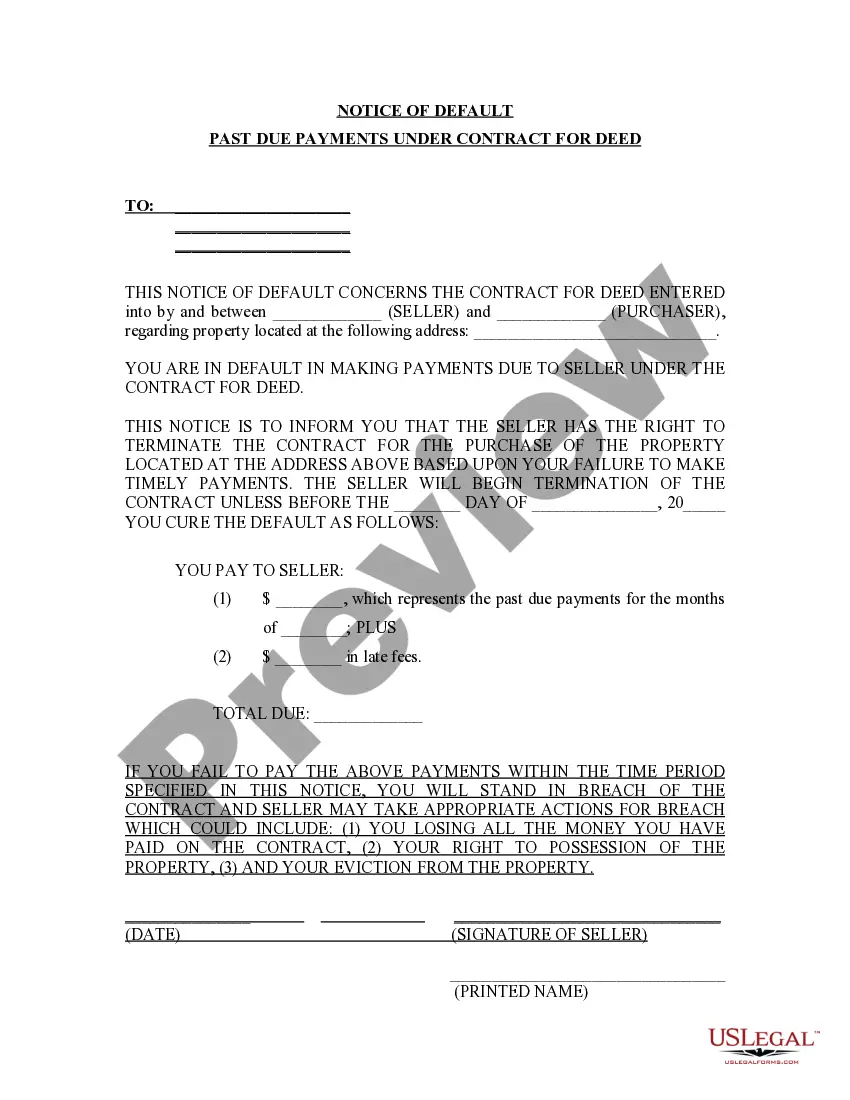



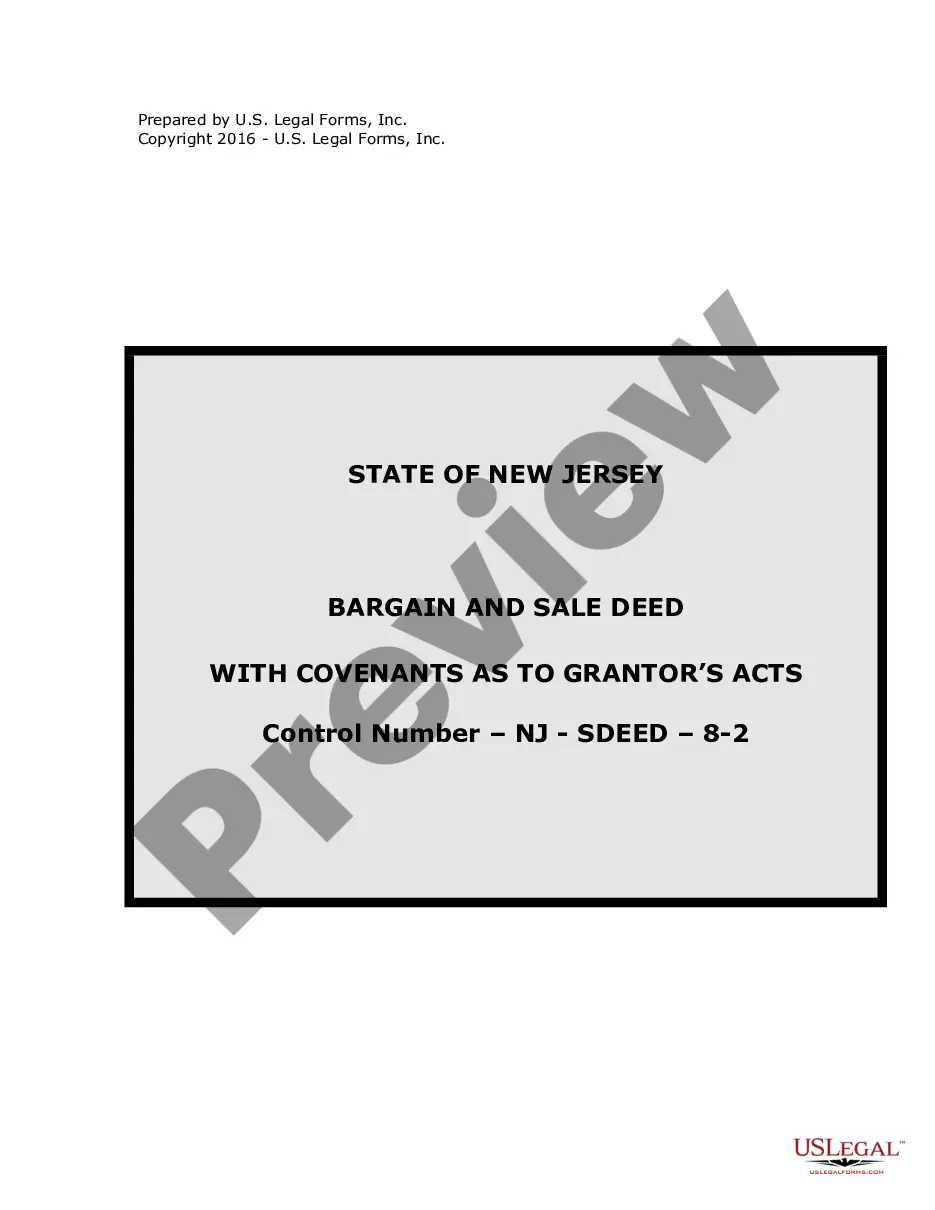
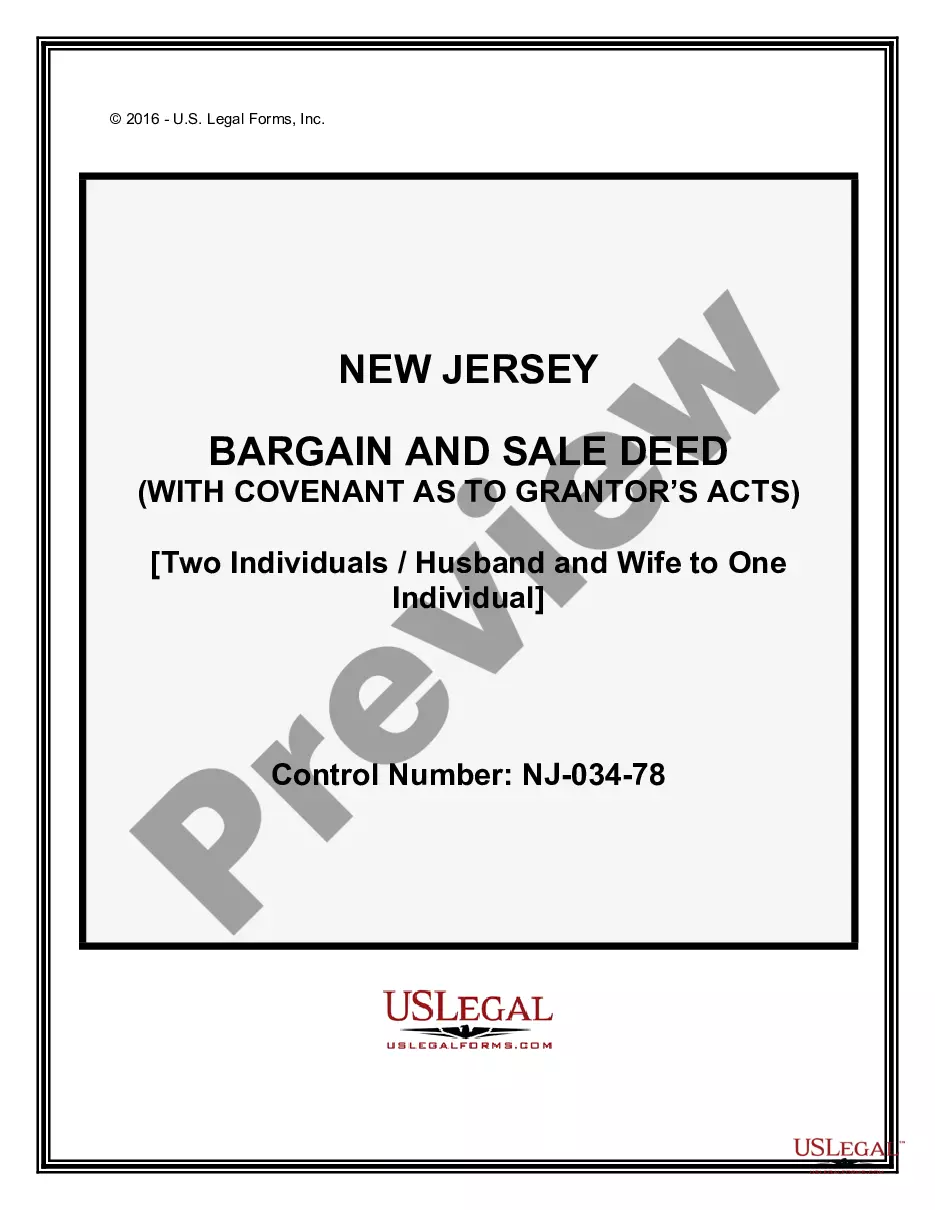
How to fill out New Jersey Bargain And Sale Deed - With Covenants As To Grantor's Acts?
The Sale Requirements displayed on this page is a reusable official template crafted by expert attorneys in accordance with federal and local laws.
For over 25 years, US Legal Forms has offered individuals, entities, and lawyers more than 85,000 authenticated, state-specific forms for any business and personal situation. It’s the fastest, simplest, and most reliable method to acquire the documents you require, as the service ensures bank-level data safety and anti-malware safeguards.
Choose the format you prefer for your Sale Requirements (PDF, DOCX, RTF) and download the sample to your device. Print the template to fill it out manually. Alternatively, use an online multifunctional PDF editor to swiftly and accurately complete and sign your form with a valid signature. Reuse the same document whenever necessary. Access the My documents section in your profile to redownload any forms you have previously acquired. Register for US Legal Forms to have authentic legal templates for all of life's situations at your fingertips.
- Browse for the document you require and review it.
- Examine the file you searched and preview it or review the form description to verify it meets your requirements. If it doesn’t, use the search bar to find the correct one. Click Buy Now once you’ve found the template you need.
- Sign up and Log In.
- Select the pricing plan that fits you and create an account. Use PayPal or a credit card for a quick transaction. If you already possess an account, Log In and verify your subscription to proceed.
- Obtain the editable template.
Form popularity
FAQ
Most often, the buyer's real estate agent will write up and prepare the purchase agreement for a house. Note that agents (not being practicing attorneys themselves) can't create their own contracts.
Sale is a complete transfer of ownership, and the buyer immediately becomes the property owner. An agreement to sell is a contract where the transfer of ownership will occur at a future date, upon fulfilment of certain conditions.
How do I write a Sales Agreement? Specify your location. ... Provide the buyer's and seller's information. ... Describe the goods and services. ... State the price and deposit details (if applicable) ... Outline payment details. ... Provide delivery terms. ... Include liability details. ... State if there's a warranty on the goods.
Any purchase agreement should include at least the following information: The identity of the buyer and seller. A description of the property being purchased. The purchase price. The terms as to how and when payment is to be made. The terms as to how, when, and where the goods will be delivered to the purchaser.
Among the terms typically included in the agreement are the purchase price, the closing date, the amount of earnest money that the buyer must submit as a deposit, and the list of items that are and are not included in the sale.