North Carolina Dissolve Without Power
Description

Get your form ready online
Our built-in tools help you complete, sign, share, and store your documents in one place.
Make edits, fill in missing information, and update formatting in US Legal Forms—just like you would in MS Word.
Download a copy, print it, send it by email, or mail it via USPS—whatever works best for your next step.
Sign and collect signatures with our SignNow integration. Send to multiple recipients, set reminders, and more. Go Premium to unlock E-Sign.
If this form requires notarization, complete it online through a secure video call—no need to meet a notary in person or wait for an appointment.
We protect your documents and personal data by following strict security and privacy standards.

Make edits, fill in missing information, and update formatting in US Legal Forms—just like you would in MS Word.

Download a copy, print it, send it by email, or mail it via USPS—whatever works best for your next step.

Sign and collect signatures with our SignNow integration. Send to multiple recipients, set reminders, and more. Go Premium to unlock E-Sign.

If this form requires notarization, complete it online through a secure video call—no need to meet a notary in person or wait for an appointment.

We protect your documents and personal data by following strict security and privacy standards.
Looking for another form?








How to fill out North Carolina Dissolution Package To Dissolve Corporation?
It’s well-known that you cannot become a legal professional instantly, nor can you comprehend how to swiftly draft North Carolina Dissolve Without Power without possessing a specialized skill set.
Crafting legal documents is a lengthy process that requires specific knowledge and expertise. So why not entrust the creation of the North Carolina Dissolve Without Power to the experts.
With US Legal Forms, one of the most extensive legal template collections, you can find everything from court documents to templates for internal corporate correspondence. We understand how crucial compliance and adherence to federal and state laws and regulations are. That’s why, on our platform, all templates are location-specific and current.
You can revisit your documents from the My documents section at any time. If you are an existing client, you can simply Log In, and locate and download the template from the same section.
Regardless of the purpose of your forms—whether it’s financial, legal, or personal—our website has you covered. Try US Legal Forms today!
- Find the form you are looking for by utilizing the search bar at the top of the page.
- Preview it (if this option is available) and review the accompanying description to determine if North Carolina Dissolve Without Power is what you need.
- Restart your search if you require a different template.
- Sign up for a free account and choose a subscription plan to acquire the template.
- Click Buy now. Once the payment is finalized, you can download the North Carolina Dissolve Without Power, complete it, print it, and send or mail it to the specified individuals or organizations.
Form popularity
FAQ
A nonprofit corporation must either file Articles of Dissolution Prior to the Commencement of Activities or Articles of Dissolution by Board of Directors, Members, and/or Third Parties. Which document depends upon the circumstances of the company at the time of voluntary dissolution.
Once an entity is administratively dissolved, it may apply to the Secretary of State for reinstatement (or requalification, in the case of foreign entities). The entities must submit an application and correct all reasons that led to the dissolution or else prove to the Secretary that the grounds do not exist.
Administrative dissolution is the taking away of the rights, powers, and authority of a domestic corporation, LLC, or other statutory business entity by the state administrator overseeing business entities, due to the entity's failure to comply with certain obligations of the business entity statute.
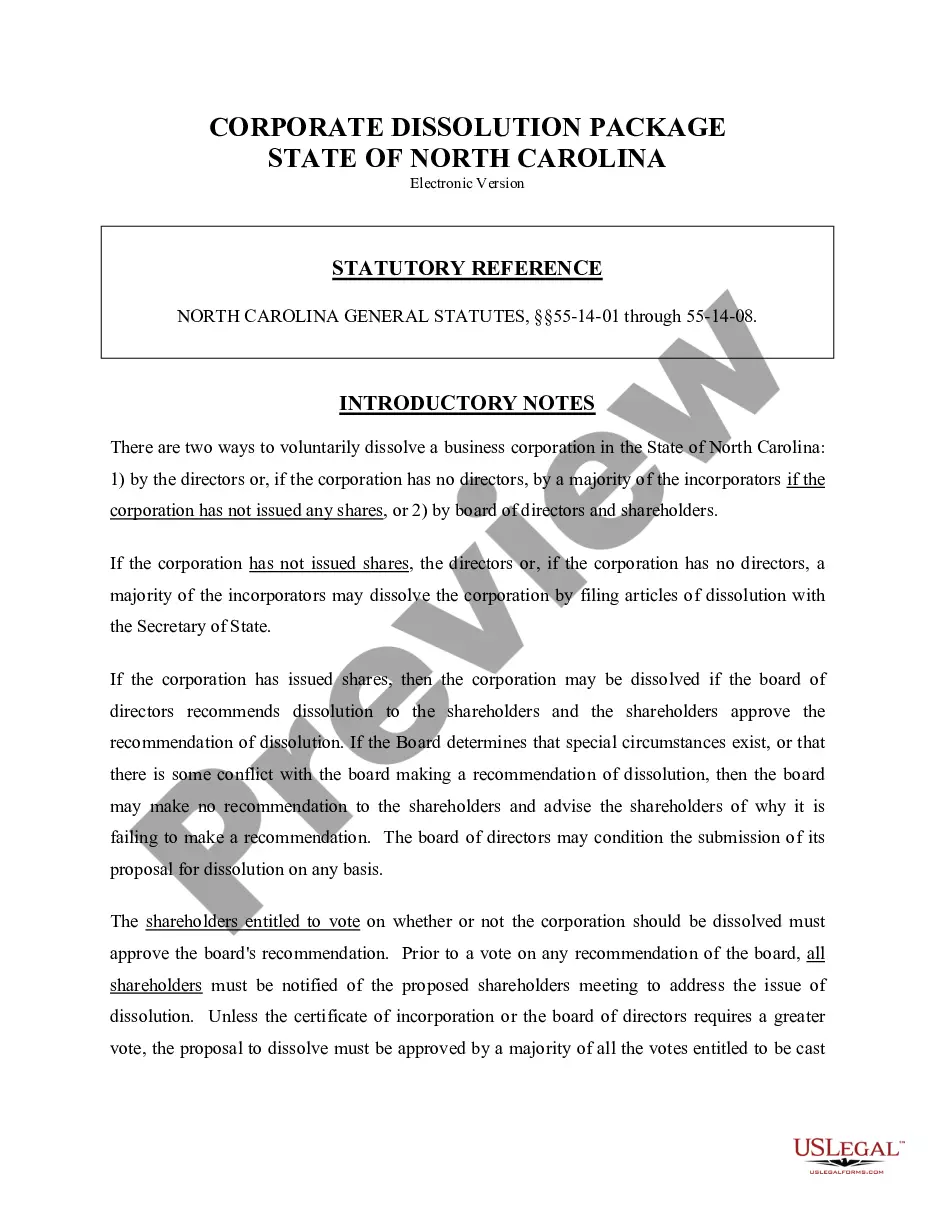
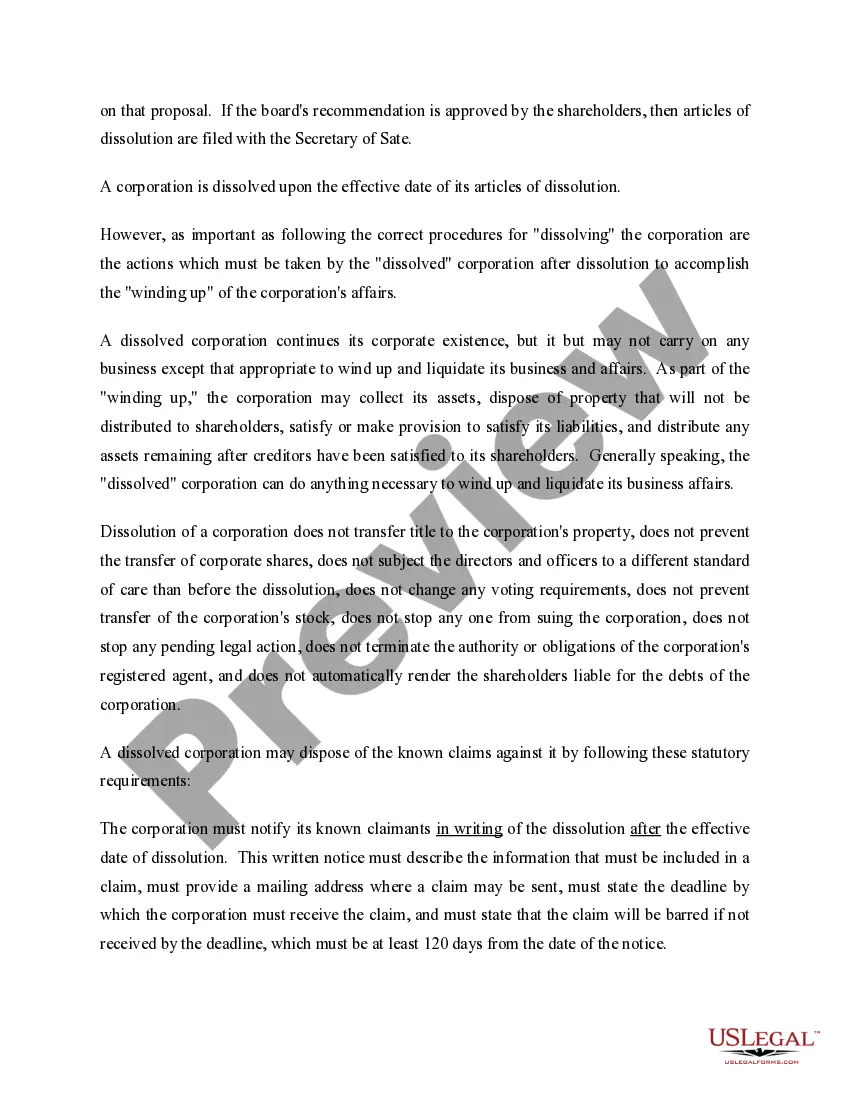
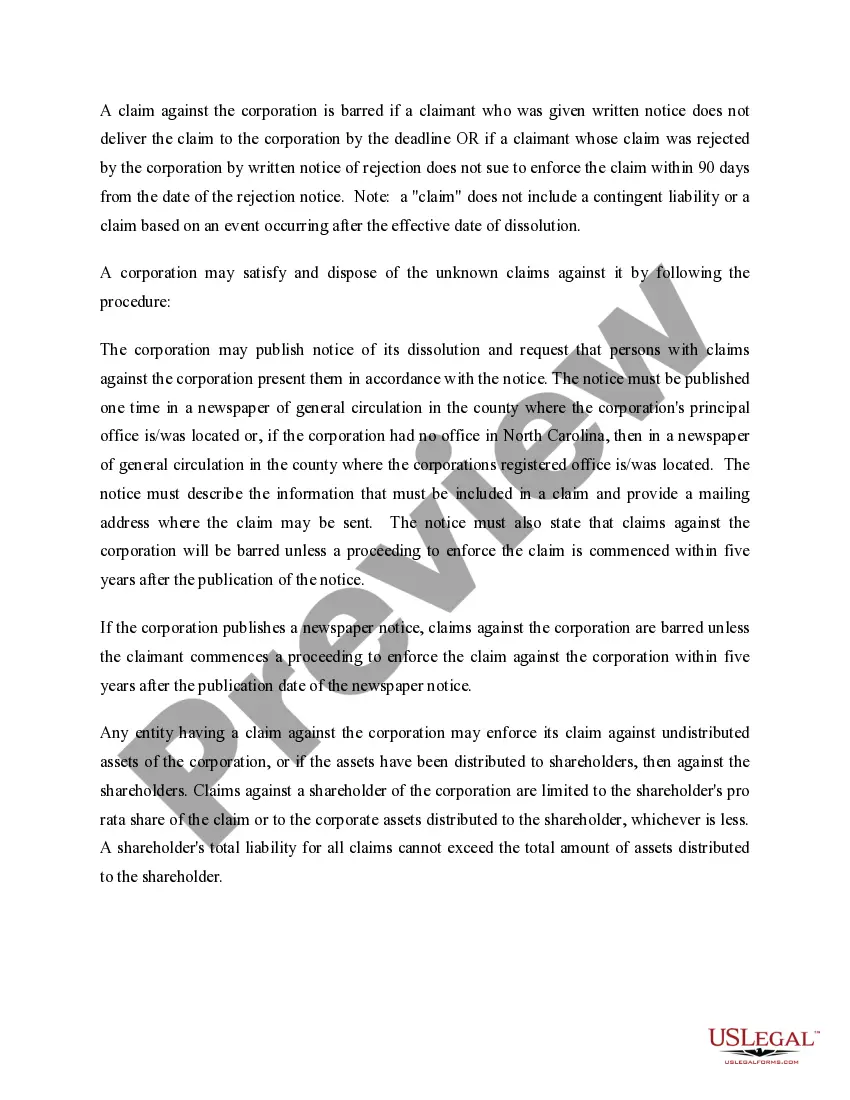
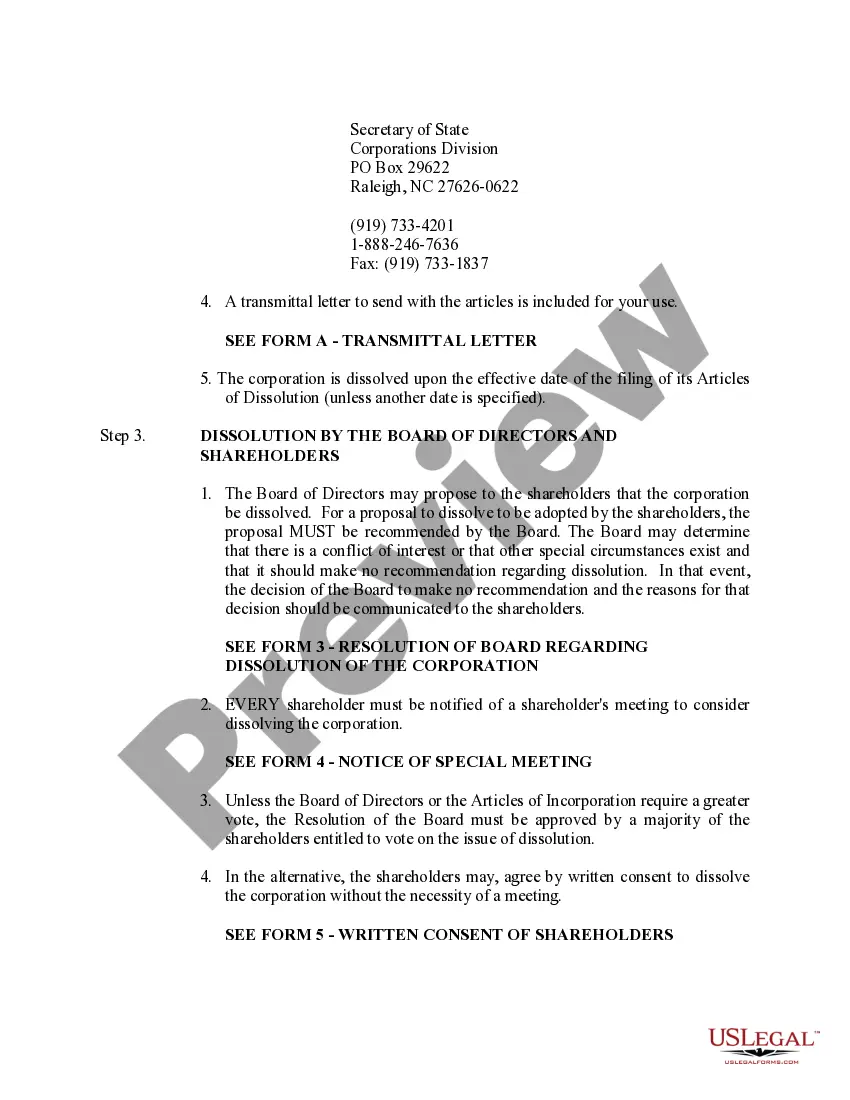
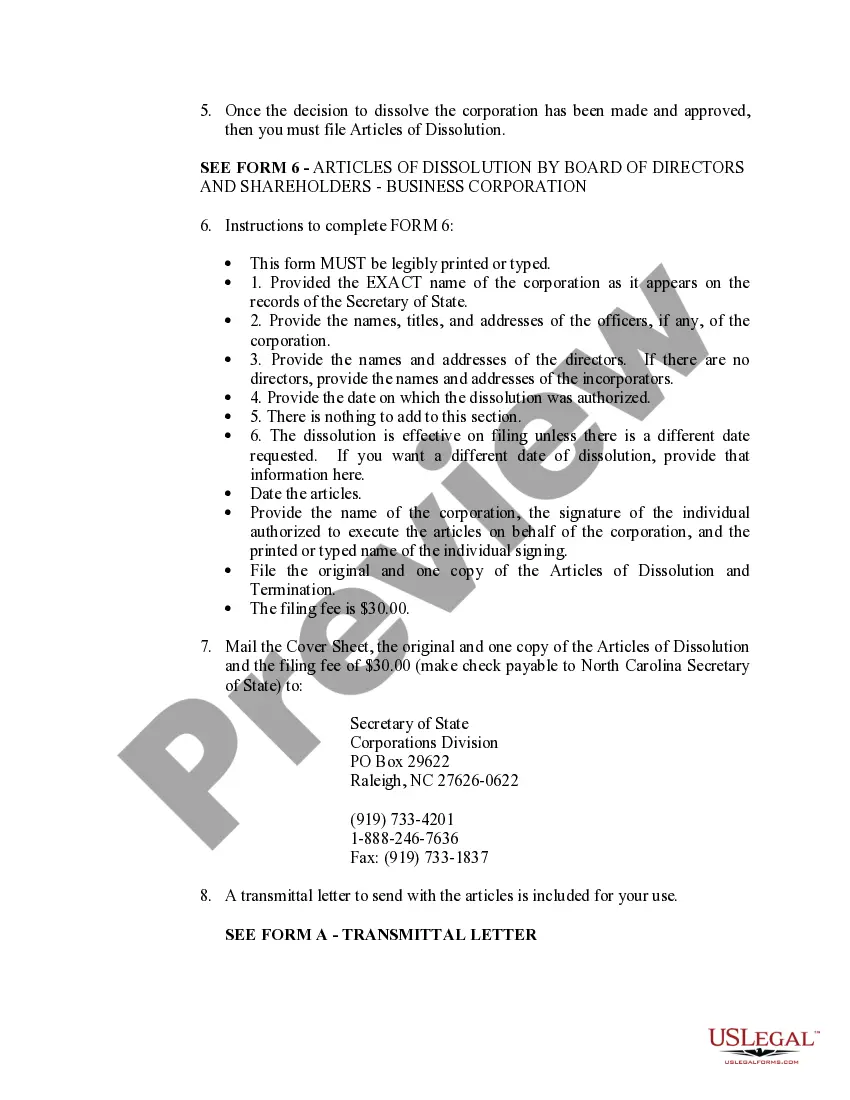
If the corporation has issued shares, the board of directors must recommend the dissolution to the shareholders, and the shareholders must approve the dissolution with a written resolution. N.C.G.S. § 55A-14-02. After shareholder approval, the Articles of Dissolution may be delivered to the Secretary of State.
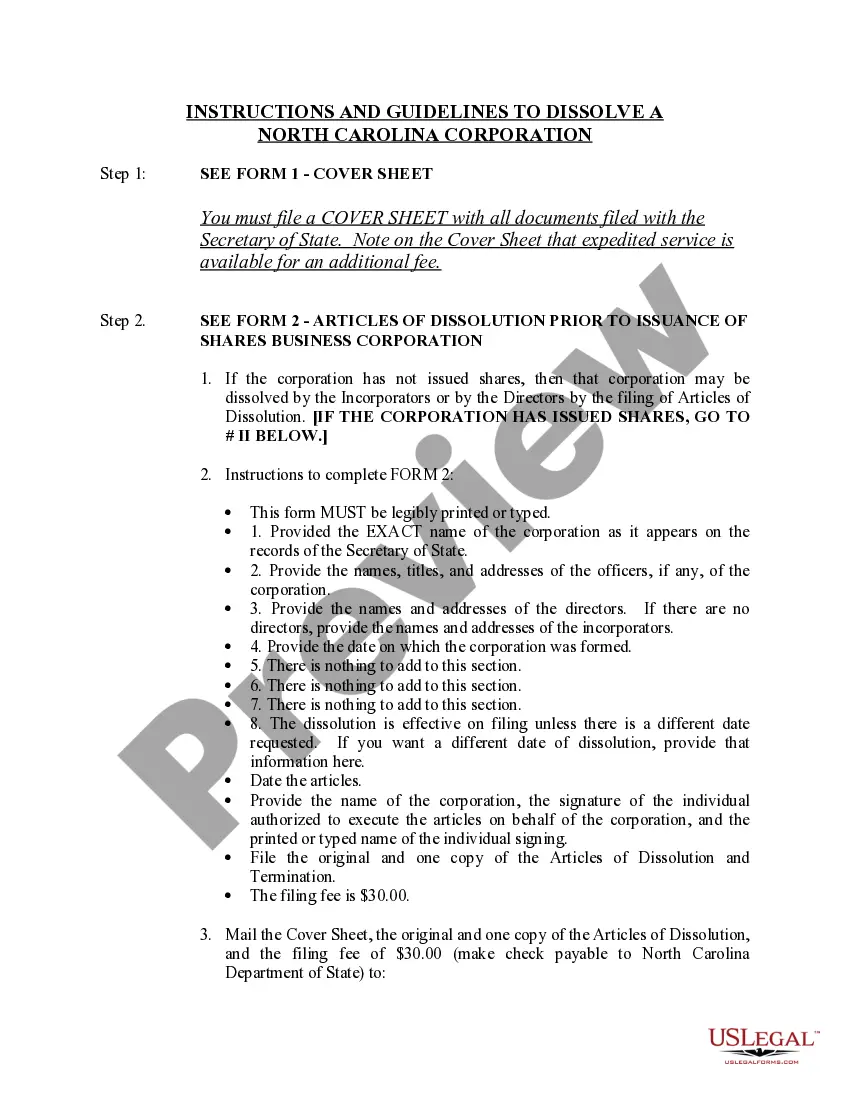
How do you dissolve a North Carolina Corporation? To dissolve a North Carolina corporation, you just need to file form B-06, Articles of Dissolution by Board of Directors and Shareholders, Business Corporation with the North Carolina Secretary of State, Corporations Division (SOS).