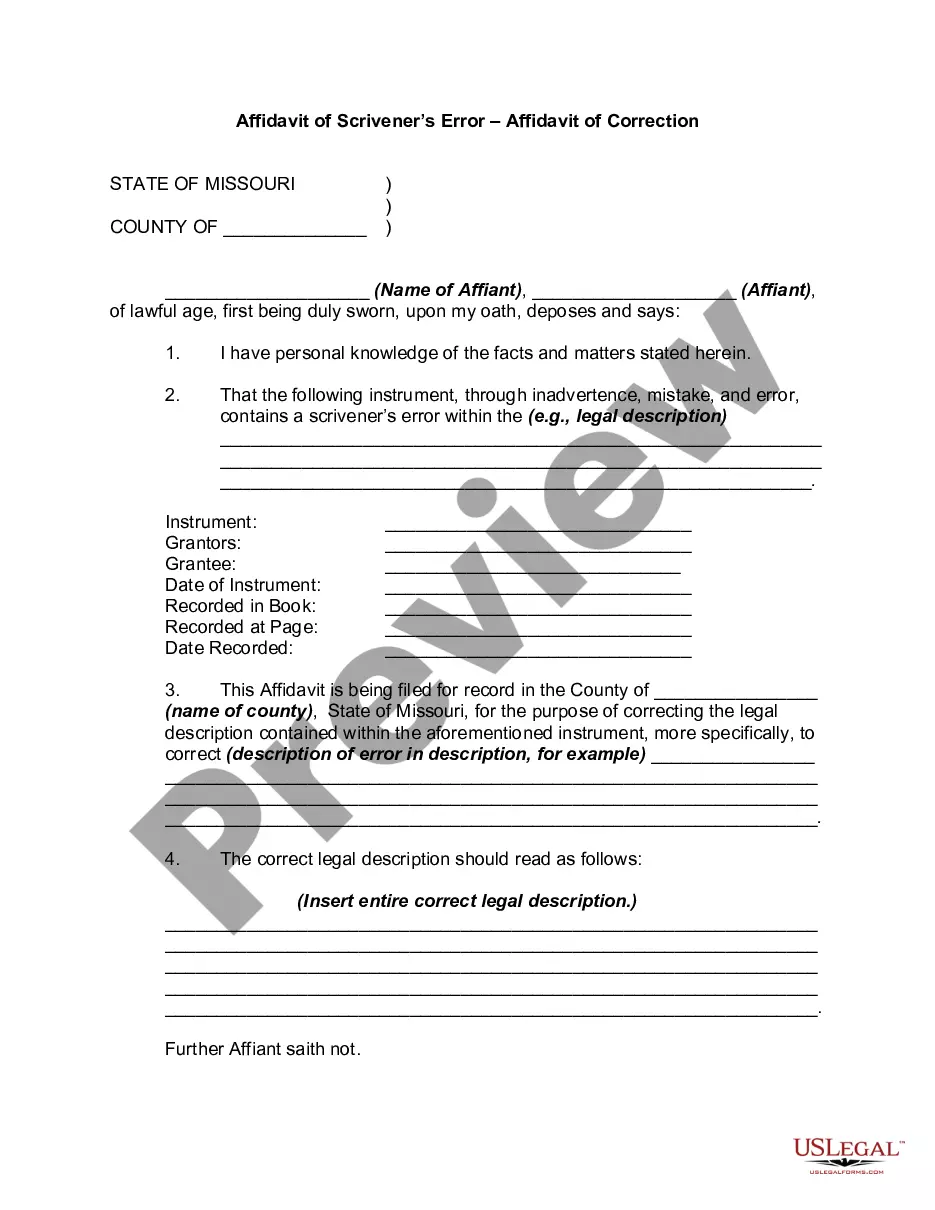
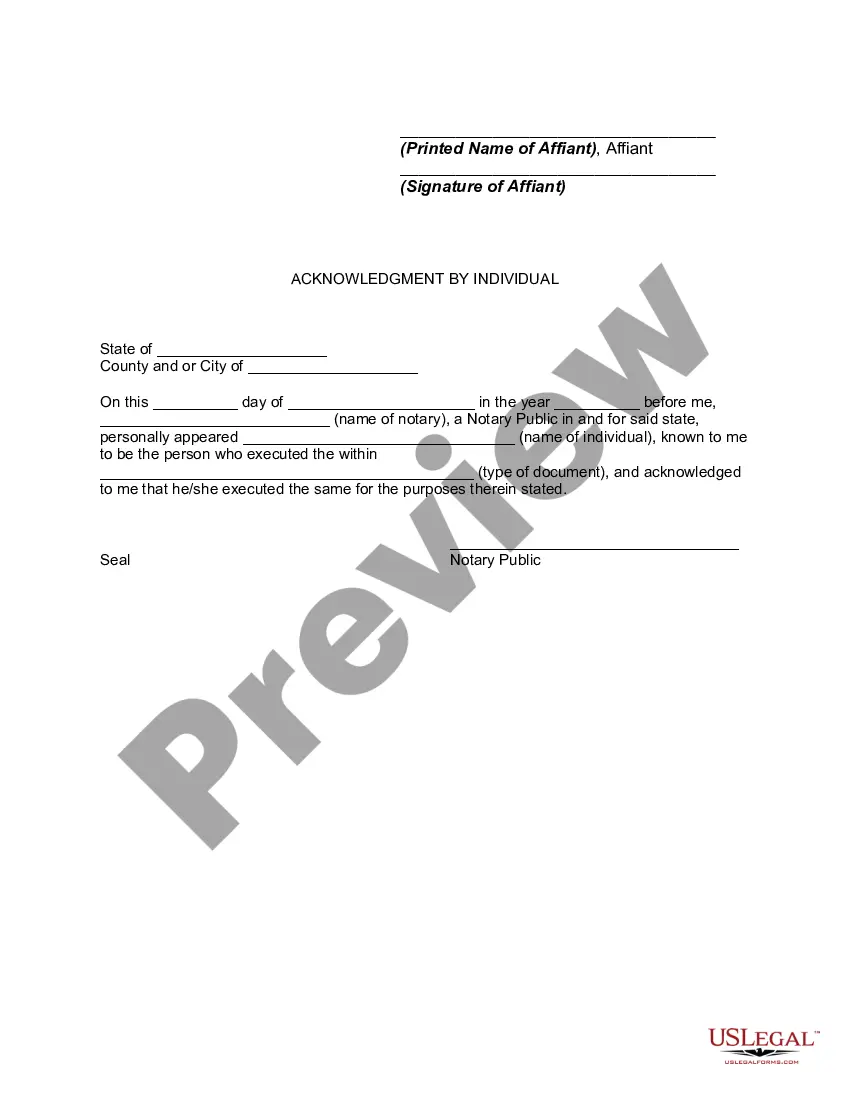
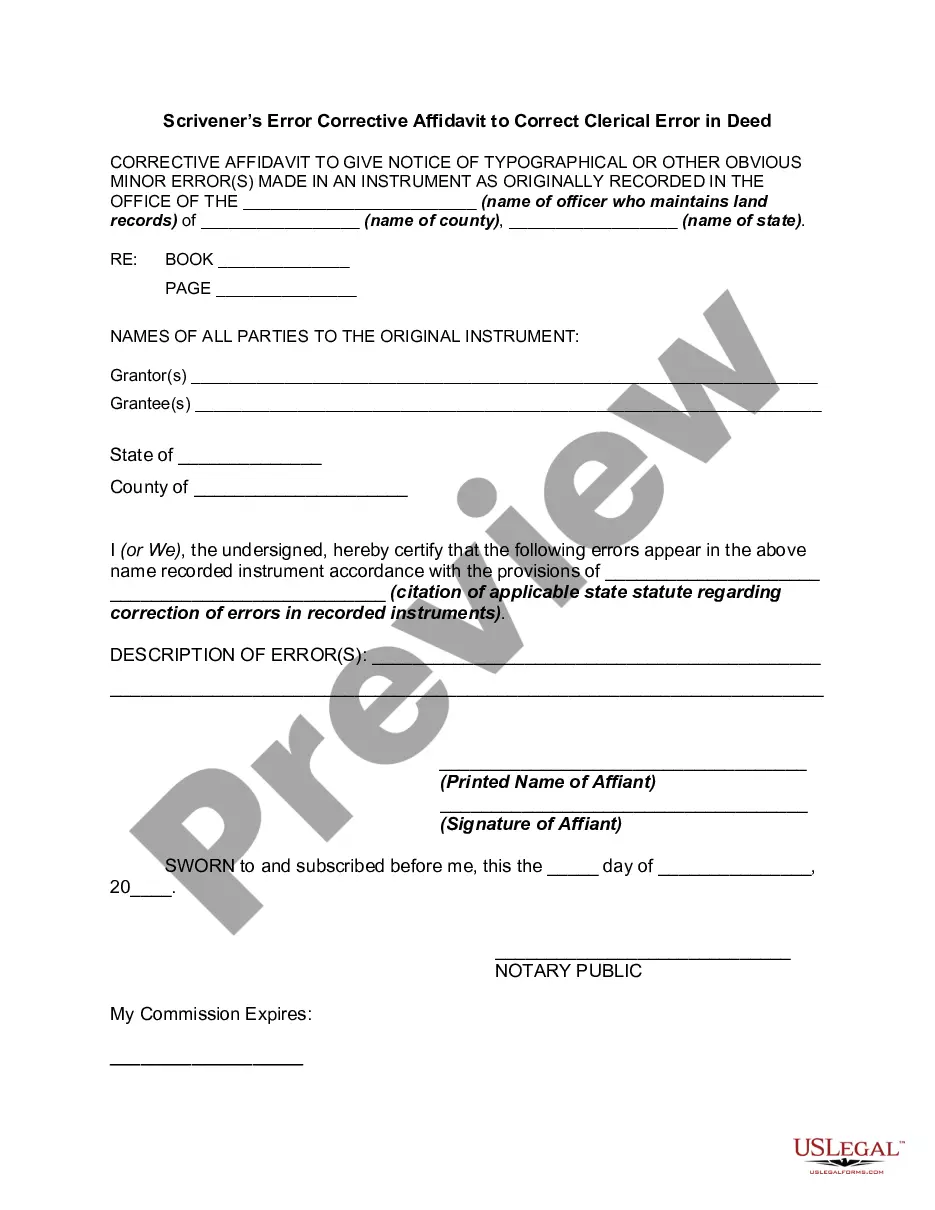
Missouri Affidavit Of Correction For Motor Vehicle
Description
Get your form ready online
Our built-in tools help you complete, sign, share, and store your documents in one place.
Make edits, fill in missing information, and update formatting in US Legal Forms—just like you would in MS Word.
Download a copy, print it, send it by email, or mail it via USPS—whatever works best for your next step.
Sign and collect signatures with our SignNow integration. Send to multiple recipients, set reminders, and more. Go Premium to unlock E-Sign.
If this form requires notarization, complete it online through a secure video call—no need to meet a notary in person or wait for an appointment.
We protect your documents and personal data by following strict security and privacy standards.

Make edits, fill in missing information, and update formatting in US Legal Forms—just like you would in MS Word.

Download a copy, print it, send it by email, or mail it via USPS—whatever works best for your next step.

Sign and collect signatures with our SignNow integration. Send to multiple recipients, set reminders, and more. Go Premium to unlock E-Sign.

If this form requires notarization, complete it online through a secure video call—no need to meet a notary in person or wait for an appointment.

We protect your documents and personal data by following strict security and privacy standards.
Looking for another form?

How to fill out Missouri Affidavit Of Scrivener's Error - Affidavit Of Correction?
Managing legal documents can be quite exasperating, even for experienced professionals.
When you're in search of a Missouri Affidavit Of Correction For Motor Vehicle and don't have the opportunity to dedicate time to find the accurate and current version, the process can become overwhelming.
Gain entry to a helpful repository of articles, guides, and resources pertinent to your situation and requirements.
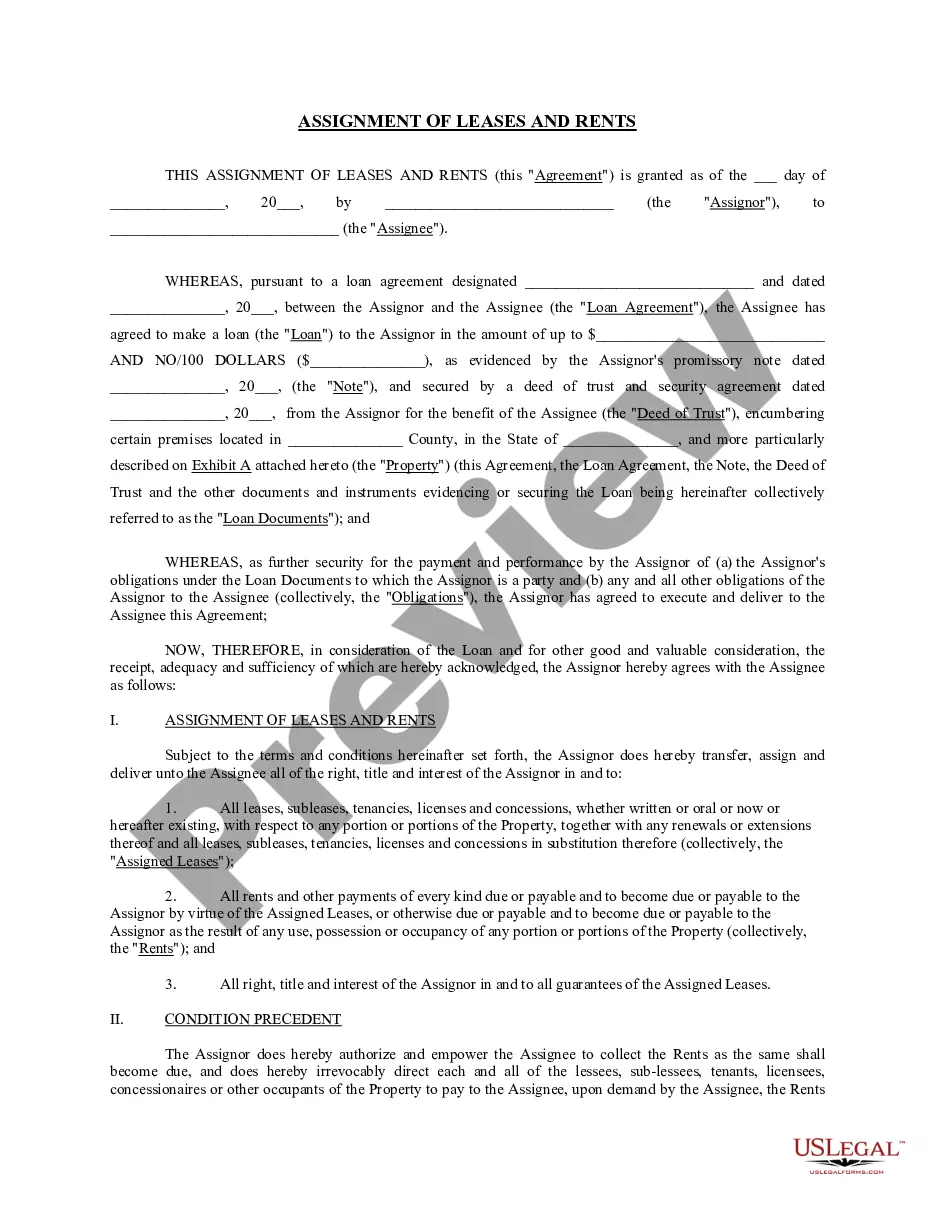
Save time and effort searching for the forms you require, and harness US Legal Forms' advanced search and Preview feature to find the Missouri Affidavit Of Correction For Motor Vehicle and download it.
Once you are ready, click Buy Now. Select a subscription plan. Choose the file format you need, and Download, complete, sign, print, and send your document. Take advantage of the US Legal Forms online directory, supported by 25 years of expertise and dependability. Transform your routine document management into a seamless and user-friendly experience today.
- If you have a subscription, Log In to your US Legal Forms account, search for the form, and download it.
- Check the My documents section to review the documents you have previously saved and manage your folders as desired.
- If this is your first visit to US Legal Forms, create a free account and gain limitless access to all the advantages of the library.
- Following the download of the necessary form, ensure it is the correct one by previewing it and reviewing its details.
- Confirm that the template is valid in your state or county.
- Access state- or county-specific legal and business documents.
- US Legal Forms addresses any needs you may have, ranging from personal to corporate paperwork, all in one location.
- Utilize sophisticated tools to complete and manage your Missouri Affidavit Of Correction For Motor Vehicle.
Form popularity
FAQ
How to Fill Out Form 108 Missouri? Pick the trans type, in the right corner of the page; Fill in the information about the owner, including name, address, city, state, email, and phone; Write down the data about your vehicle, including year, color, ID, fuel, mileage, and body style;
Gifting Your Vehicle General Affidavit (Form 768) or a written statement indicating the vehicle was given as a gift. NOTE: The General Affidavit or statement does not have to be notarized. Lien Release (Form 4809), notarized, if applicable.
The Missouri Title Correction Form is an application made by the owner of a motor vehicle to the Missouri Department of Revenue, Motor Vehicle Bureau. The form is used to correct errors or omissions on the vehicle title, such as the owner name, vehicle description, or lien information.
You must complete an Application for Missouri Title and License (Form 108) and submit it, with the incorrect title, for a corrected title to be issued. This transaction may be processed at any Missouri license office or by mail through our central office.
You must complete an Application for Missouri Title and License (Form 108) and submit it, with the incorrect title, for a corrected title to be issued.