Certificate Insurance Form For Business
Description
Get your form ready online
Our built-in tools help you complete, sign, share, and store your documents in one place.
Make edits, fill in missing information, and update formatting in US Legal Forms—just like you would in MS Word.
Download a copy, print it, send it by email, or mail it via USPS—whatever works best for your next step.
Sign and collect signatures with our SignNow integration. Send to multiple recipients, set reminders, and more. Go Premium to unlock E-Sign.
If this form requires notarization, complete it online through a secure video call—no need to meet a notary in person or wait for an appointment.
We protect your documents and personal data by following strict security and privacy standards.

Make edits, fill in missing information, and update formatting in US Legal Forms—just like you would in MS Word.

Download a copy, print it, send it by email, or mail it via USPS—whatever works best for your next step.

Sign and collect signatures with our SignNow integration. Send to multiple recipients, set reminders, and more. Go Premium to unlock E-Sign.

If this form requires notarization, complete it online through a secure video call—no need to meet a notary in person or wait for an appointment.

We protect your documents and personal data by following strict security and privacy standards.
Looking for another form?









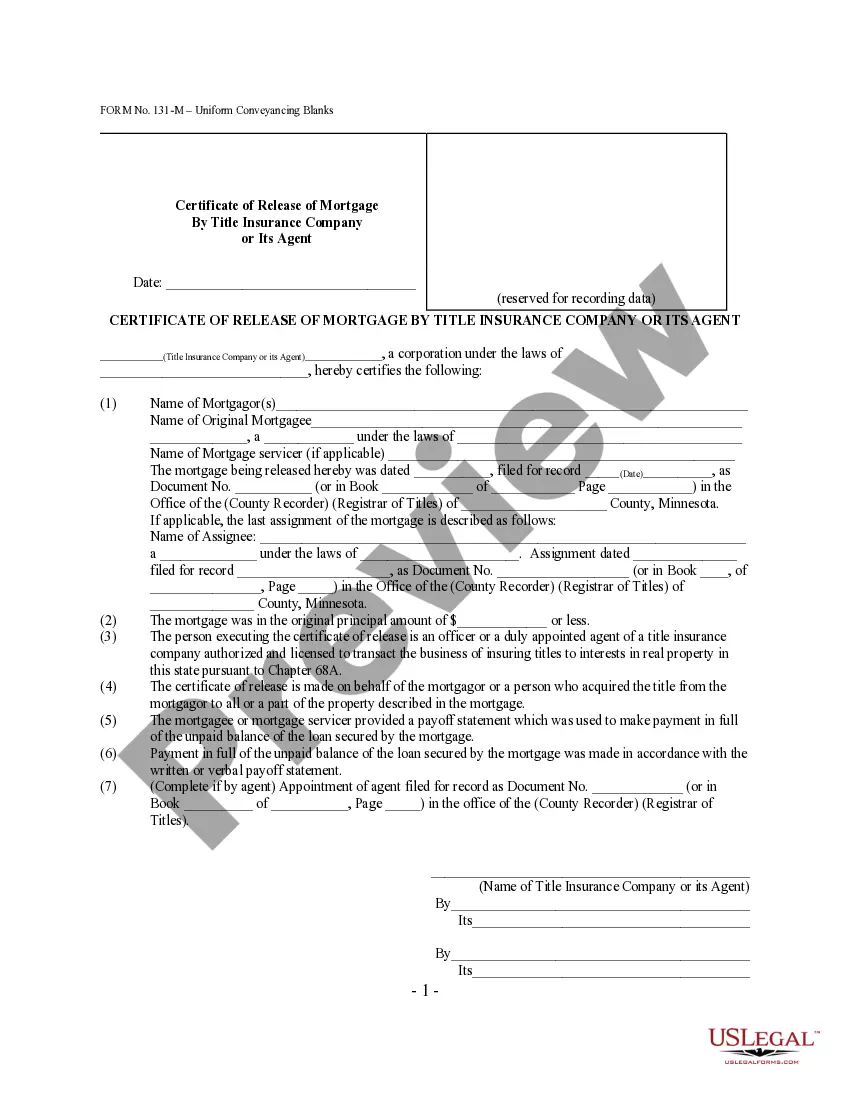
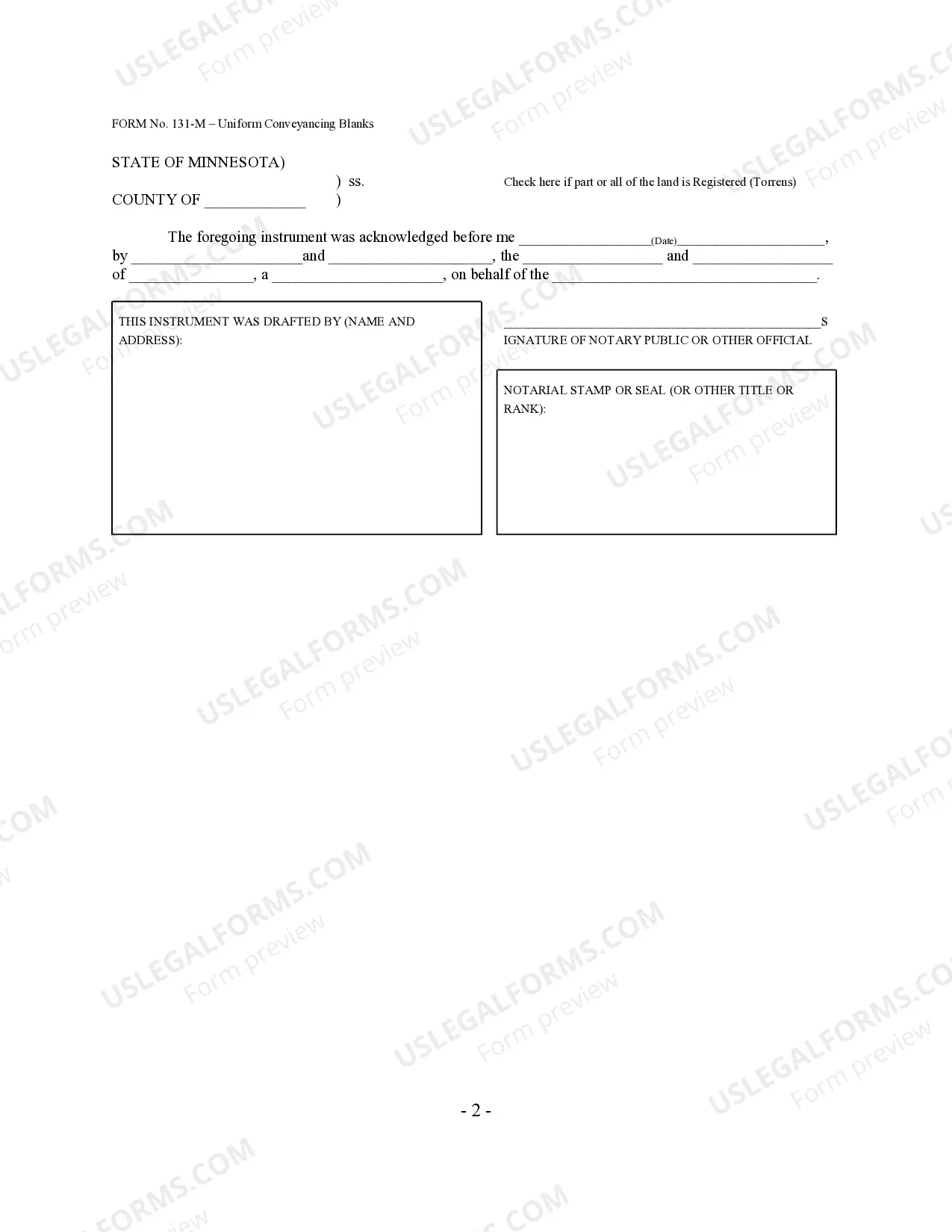
How to fill out Minnesota Certificate Of Full Release Of Mortgage By Title Insurance Company Or Its Agent - Minn. Stat. 507.401 - UCBC Form 20.7.1?
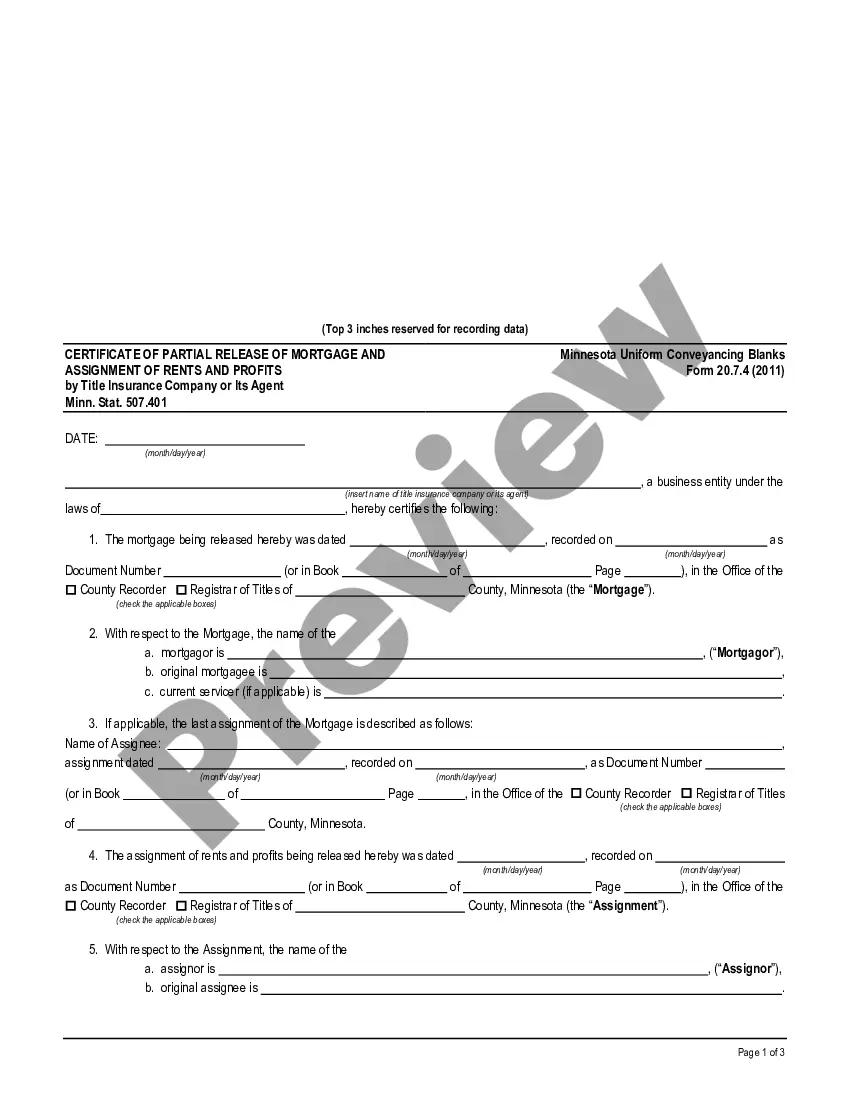
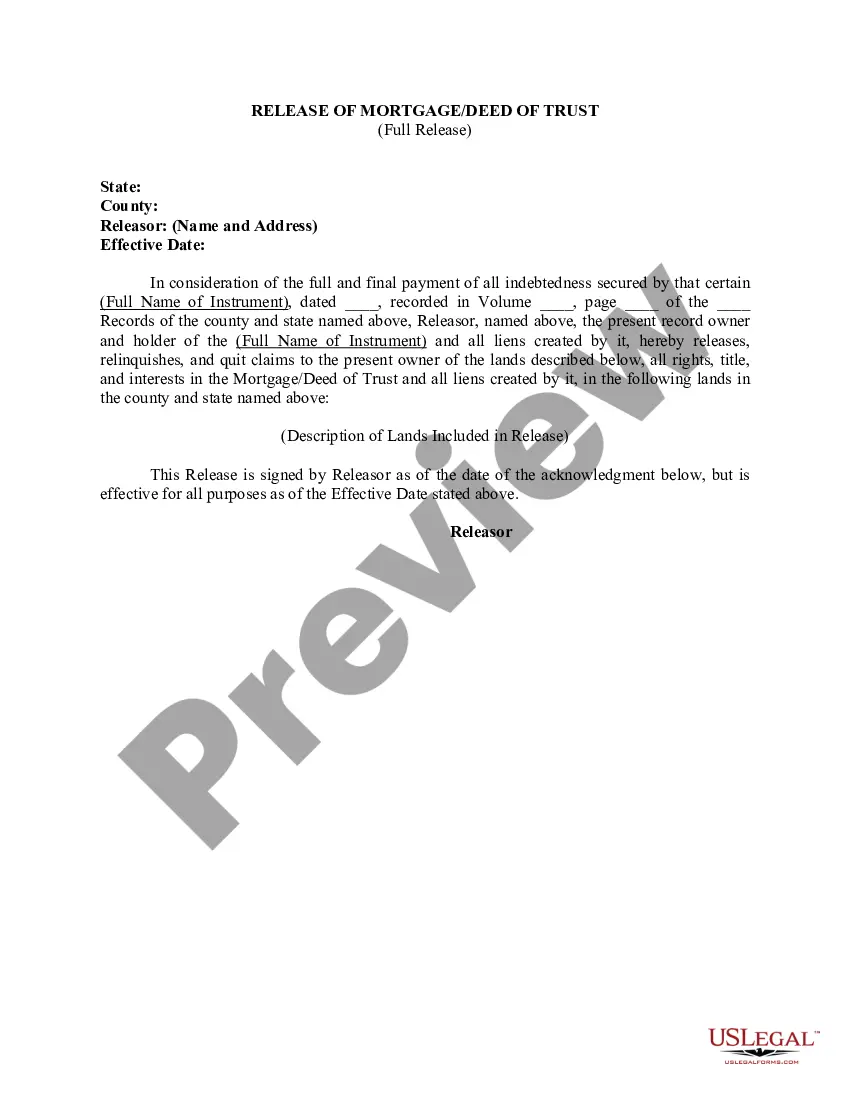
The Certificate Insurance Template For Business displayed on this page is a versatile official format crafted by experienced attorneys adhering to federal and state statutes and regulations.
For over 25 years, US Legal Forms has supplied individuals, enterprises, and legal practitioners with upwards of 85,000 confirmed, state-specific documents for any business and personal circumstance. It’s the fastest, easiest, and most reliable method to acquire the forms you require, as the service ensures bank-level data encryption and anti-malware safeguards.
Register for US Legal Forms to have validated legal templates for all of life’s situations at your fingertips.
- Search for the document you need and verify it.
- Browse the example you searched for and preview it or check the form description to ensure it meets your requirements. If it doesn’t, use the search function to find the appropriate one. Click Buy Now when you have found the template you need.
- Subscribe and Log In.
- Select the payment plan that fits you and create an account. Use PayPal or a credit card for a swift transaction. If you already possess an account, Log In and review your subscription to continue.
- Obtain the fillable template.
- Select the format you prefer for your Certificate Insurance Template For Business (PDF, Word, RTF) and download the sample to your device.
- Fill out and sign the documentation.
- Print the template to complete it by hand. Alternatively, use an online multifunctional PDF editor to swiftly and accurately fill out and sign your form electronically.
- Download your documents again.
- Use the same document whenever necessary. Access the My documents tab in your profile to redownload any forms you have saved previously.
Form popularity
FAQ
A COI is a statement of coverage issued by the company that insures your business. Usually no more than one page, a COI provides a summary of your business coverage. It serves as verification that your business is indeed insured. Potential clients may request a COI as a condition of doing business with you.
An 25 fillable form (as well as other forms like the 125) should be available in your Agency Management System. You can complete the form and then send an 25 PDF to the client to review and distribute to the certificate holder.
Insureds don't have the authority to issue their own certificates. The agent, under contract with the carrier, issues a COI on behalf of the insurer. Talk to your companies?
In order to obtain an 25 form, you must go through a verified insurance provider, specifically, the one who is providing the insurance coverage you are looking to verify. Suppose you need an 25 form to prove your own liability insurance coverage to another party, such as a prospective client.
Call your broker, explain to them what the minimum coverage amount is and that you need proof of insurance. If your policy already meets the requirements, then the broker will contact your carrier to secure the COI.