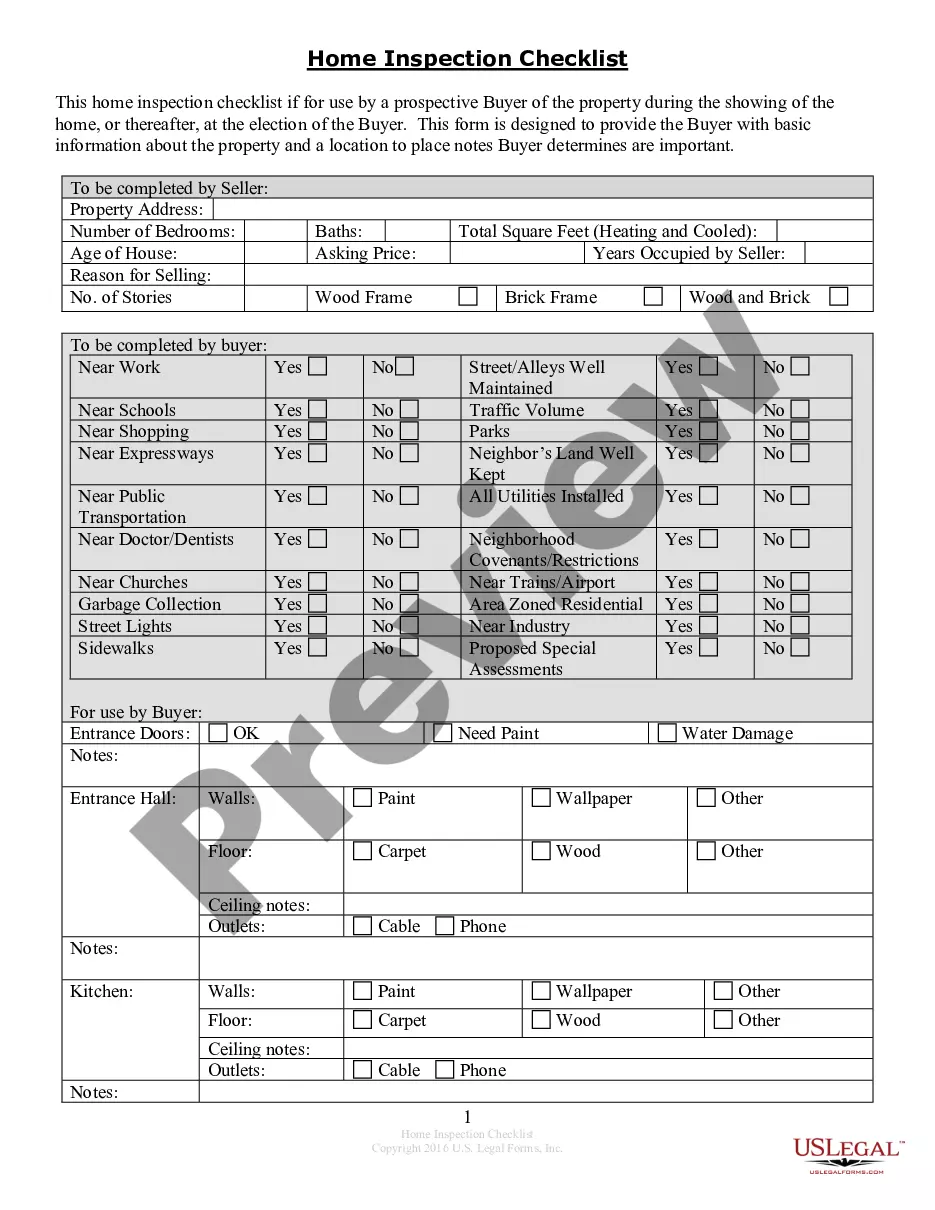
Contractor Notice Of Default
Description
Get your form ready online
Our built-in tools help you complete, sign, share, and store your documents in one place.
Make edits, fill in missing information, and update formatting in US Legal Forms—just like you would in MS Word.
Download a copy, print it, send it by email, or mail it via USPS—whatever works best for your next step.
Sign and collect signatures with our SignNow integration. Send to multiple recipients, set reminders, and more. Go Premium to unlock E-Sign.
If this form requires notarization, complete it online through a secure video call—no need to meet a notary in person or wait for an appointment.
We protect your documents and personal data by following strict security and privacy standards.

Make edits, fill in missing information, and update formatting in US Legal Forms—just like you would in MS Word.

Download a copy, print it, send it by email, or mail it via USPS—whatever works best for your next step.

Sign and collect signatures with our SignNow integration. Send to multiple recipients, set reminders, and more. Go Premium to unlock E-Sign.

If this form requires notarization, complete it online through a secure video call—no need to meet a notary in person or wait for an appointment.

We protect your documents and personal data by following strict security and privacy standards.
Looking for another form?









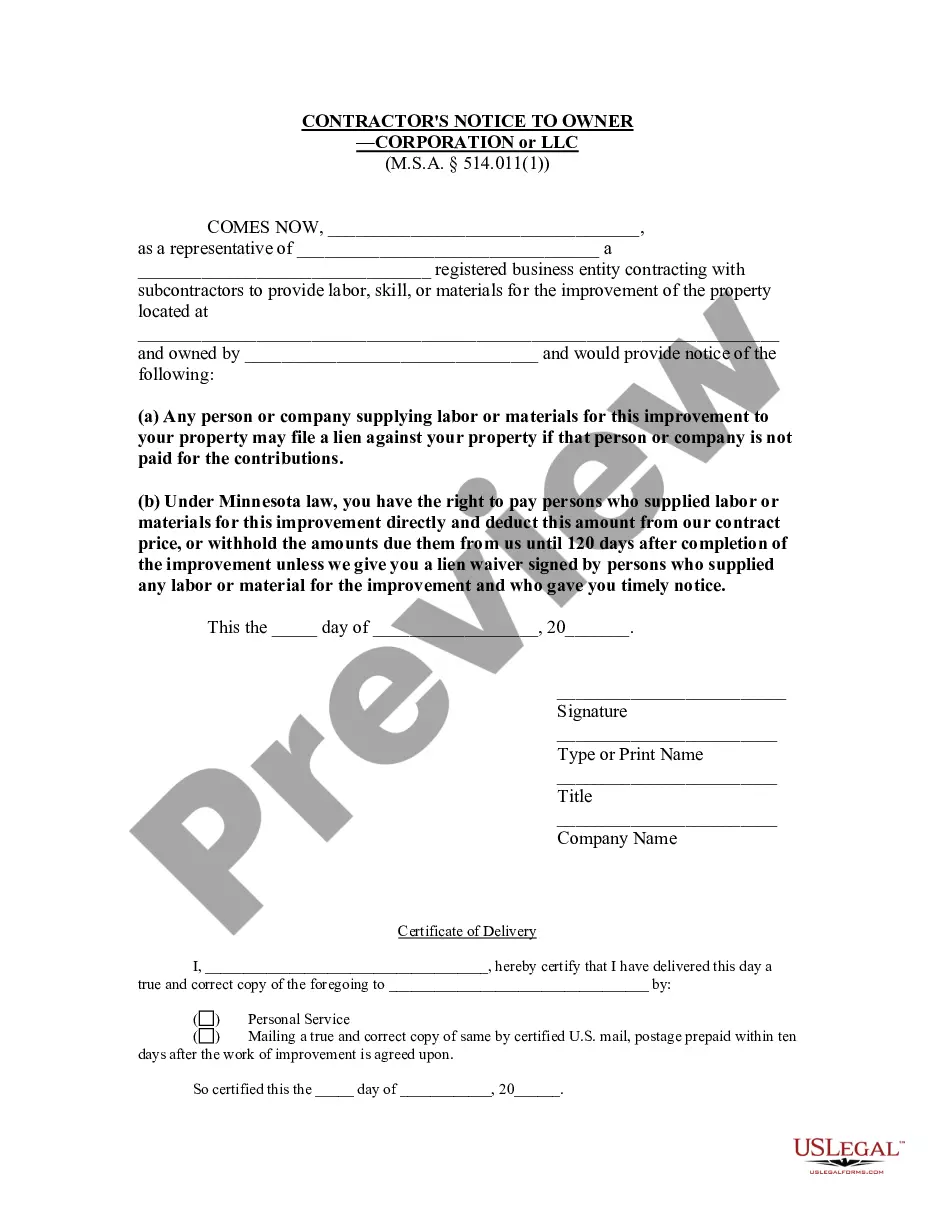
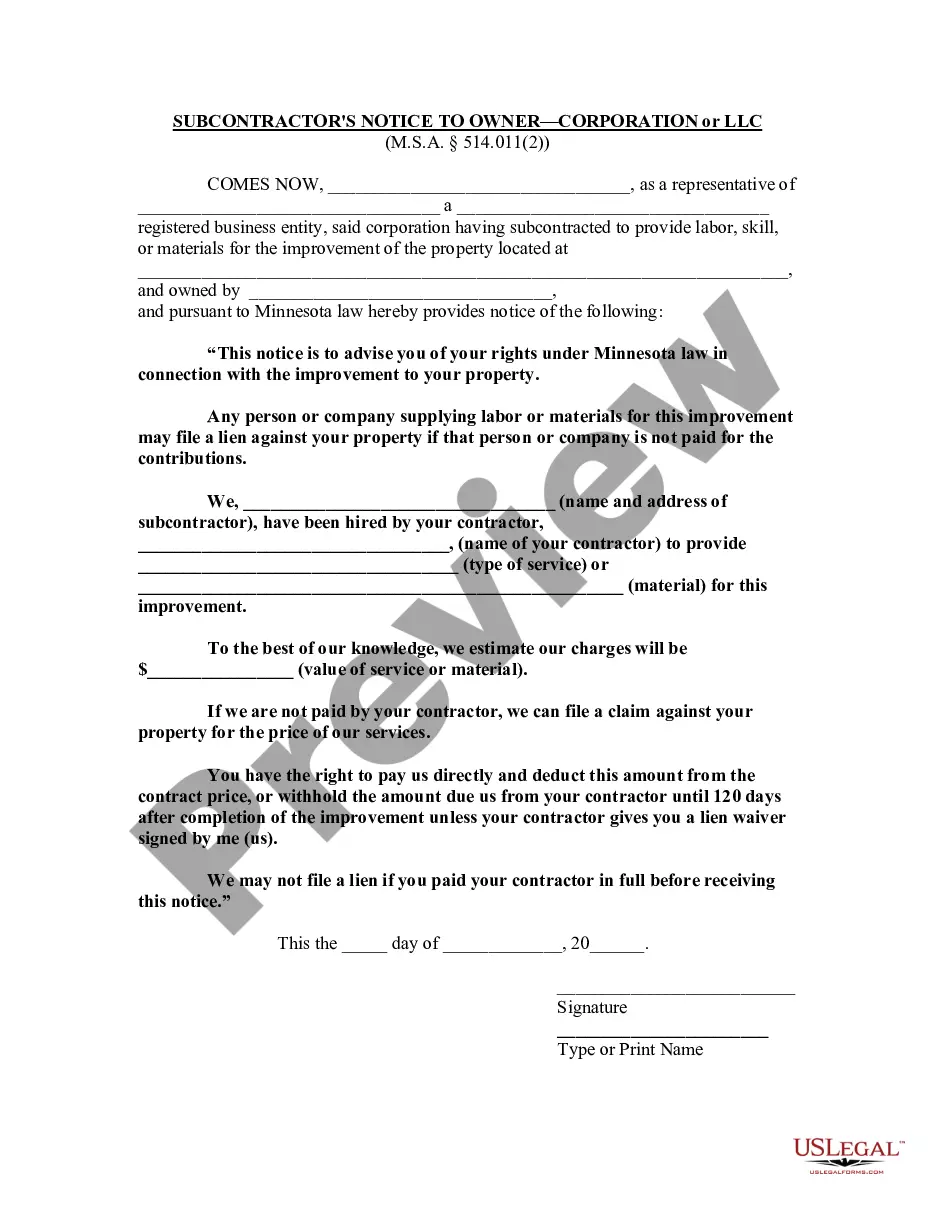
How to fill out Minnesota Contractor's Notice To Owner - Corporation Or LLC?
Traversing the red tape of traditional documents and models can be difficult, particularly if one does not do so professionally.
Even locating the appropriate template for the Contractor Notice Of Default will be labor-intensive, as it must be authentic and accurate to the final detail.
Nevertheless, you will spend considerably less time selecting an appropriate template from a trustworthy source.
Obtain the correct form in a few straightforward steps: Enter the name of the document in the search box. Find the correct Contractor Notice Of Default in the result listing. Review the summary of the sample or view its preview. If the template suits your needs, click Buy Now. Proceed to select your subscription package. Use your email to create a password and register an account at US Legal Forms. Choose a credit card or PayPal payment method. Download the template file to your device in your preferred format. US Legal Forms will save you time and effort determining if the form you found online meets your requirements. Create an account and gain unlimited access to all the templates you need.
- US Legal Forms is a platform that streamlines the process of finding the correct documents online.
- US Legal Forms serves as a single destination to obtain the latest examples of forms, learn about their usage, and download them for completion.
- It boasts a collection of over 85K forms applicable in various sectors.
- When searching for a Contractor Notice Of Default, you'll have confidence in its authenticity since all forms are validated.
- Creating an account at US Legal Forms guarantees you have all necessary examples at your fingertips.
- Store them in your history or add them to the My documents section.
- You can retrieve your saved forms from any device by clicking Log In on the library site.
- If you have not established an account yet, you can always search for the template you require.
Form popularity
FAQ
Default rule is a legal principle that fills a gap in a contract in the absence of an applicable express provision but remains subject to a contrary agreement. It can be overridden by a contract, trust, will, or other legally effective agreement.
Related Definitions Contractor Default means the Contractor's inability to perform their contractual obligations within the timescales detailed in the Contract.
Upon expiration of the 10 days (or longer period), the contracting officer may issue a notice of termination for default unless it is determined that the failure to perform has been cured.
A Notice to Proceed is a letter sent by one party (usually a general contractor) to another (usually a subcontractor) that urges the party to begin work.
Default occurs when one party to a contract fails to meet their obligations under the contract -- also referred to as breach of contract.