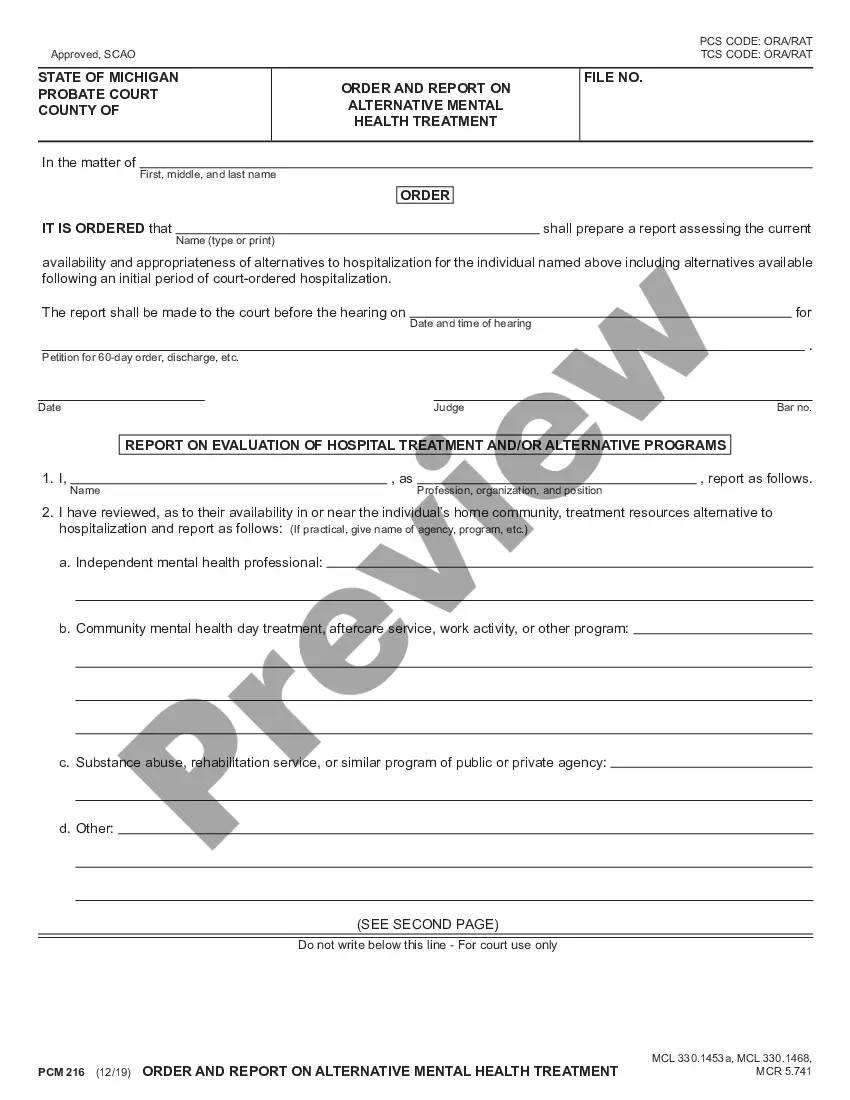
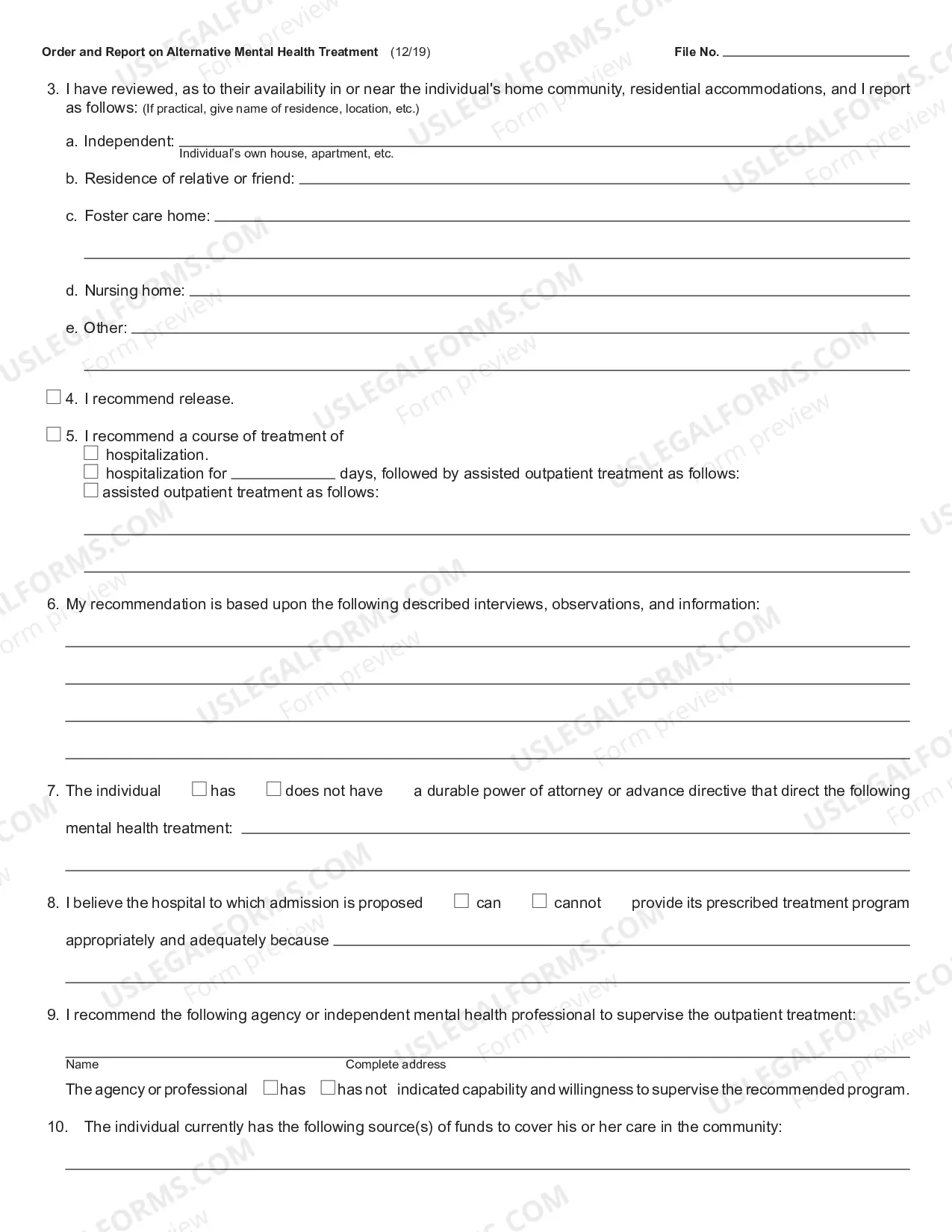
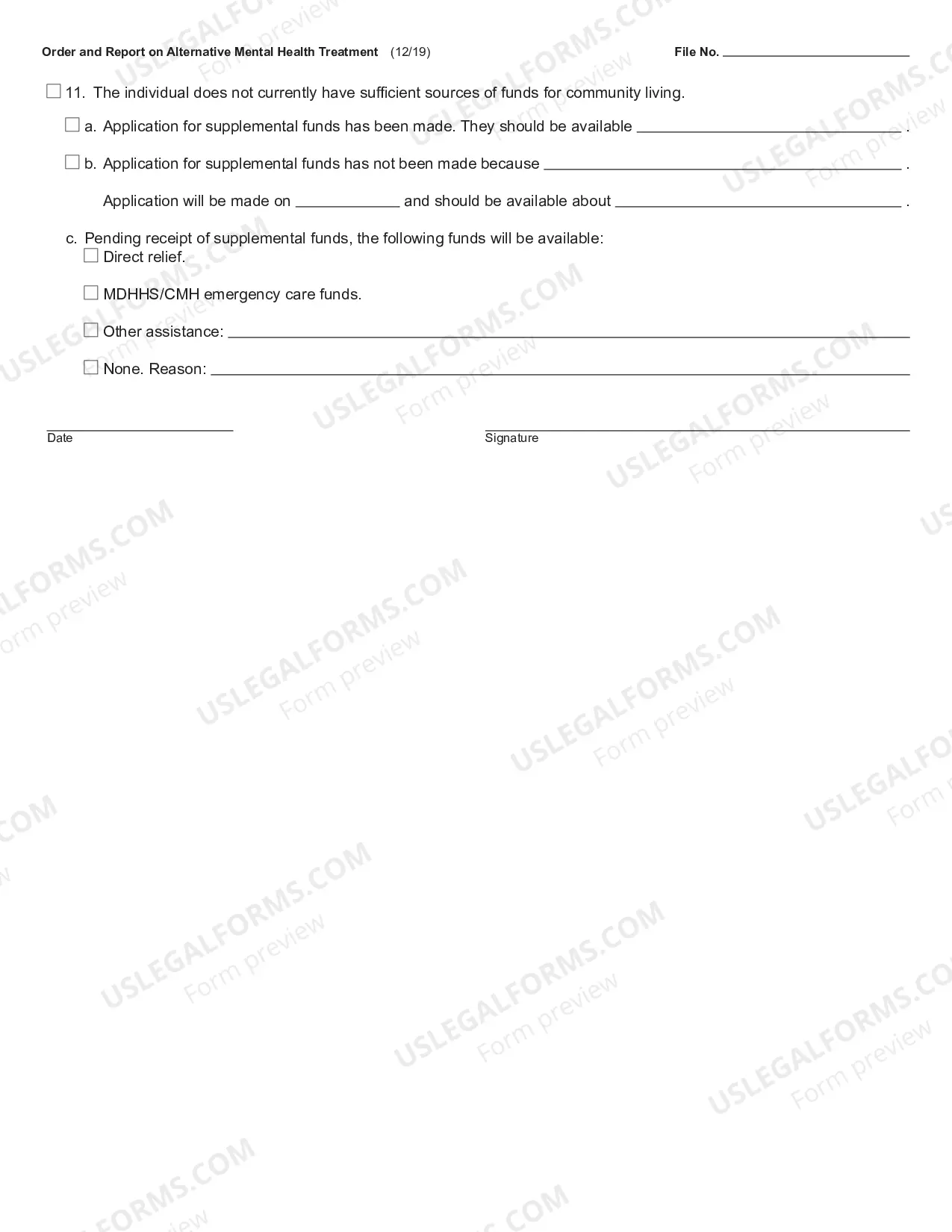
This Order for Report on Alternative Treatment and Report is an official document from the Michigan State Court Administration Office, and it complies with all applicable state and Federal codes and statutes. USLF updates all state and Federal forms as is required by state and Federal statutes and law.
Pc-216 Paper Feed Cabinet
Category:
State:
Michigan
Control #:
MI-PCM-216
Format:
PDF
Instant download
This website is not affiliated with any governmental entity
Public form
Description
Free preview
Get your form ready online
Our built-in tools help you complete, sign, share, and store your documents in one place.
Built-in online Word editor
Make edits, fill in missing information, and update formatting in US Legal Forms—just like you would in MS Word.
Export easily
Download a copy, print it, send it by email, or mail it via USPS—whatever works best for your next step.
E-sign your document
Sign and collect signatures with our SignNow integration. Send to multiple recipients, set reminders, and more. Go Premium to unlock E-Sign.
Notarize online 24/7
If this form requires notarization, complete it online through a secure video call—no need to meet a notary in person or wait for an appointment.
Store your document securely
We protect your documents and personal data by following strict security and privacy standards.

Make edits, fill in missing information, and update formatting in US Legal Forms—just like you would in MS Word.

Download a copy, print it, send it by email, or mail it via USPS—whatever works best for your next step.

Sign and collect signatures with our SignNow integration. Send to multiple recipients, set reminders, and more. Go Premium to unlock E-Sign.

If this form requires notarization, complete it online through a secure video call—no need to meet a notary in person or wait for an appointment.

We protect your documents and personal data by following strict security and privacy standards.
Looking for another form?







How to fill out Michigan Order And Report On Alternative Mental Health Treatement?
Engaging with legal paperwork and processes can be a lengthy addition to your daily routine. The Pc-216 Paper Feed Cabinet and similar documents typically necessitate that you locate them and figure out the most effective way to fill them out properly.
Therefore, whether you are managing financial, legal, or personal issues, having access to a comprehensive and user-friendly online library of forms will be extremely beneficial.
US Legal Forms is the premier online source for legal templates, providing over 85,000 state-specific forms and a range of resources that will assist you in easily completing your documents.
Explore the collection of pertinent documents available to you with a simple click.
- US Legal Forms delivers state- and county-specific forms available for download at any time.
- Streamline your document management processes with quality services that allow you to assemble any form in just a few minutes without extra or hidden fees.
- Simply sign in to your account, locate the Pc-216 Paper Feed Cabinet, and download it instantly from the My documents section.
- You also have the option to access previously saved forms.
- Is this your first experience using US Legal Forms? Register and set up your account within minutes to gain access to the form library and the Pc-216 Paper Feed Cabinet.
Form popularity
FAQ
Changing tray paper setting On the [Paper] setting screen, tap the setting icon ( ) of the tray you want to change paper settings for. In [Paper Size], specify the size of the loaded paper. [Auto Detect]: Automatically detects the size of the loaded paper. ... In [Paper Type], specify the type of the loaded paper. Tap [OK].
Tap the tray to change paper settings. Tap [Custom Size] from the drop-down list of [Paper Size]. Specify the length and width of the paper. Tap [OK].
Custom-size paper can be loaded in Tray 1, Tray 2, or Bypass Tray. On the [Paper] setting screen, tap the setting icon ( ) of the tray you want to change paper settings for. Tap [Custom Size] from the drop-down list of [Paper Size]. Specify the length and width of the paper. Tap [OK].
How to load paper into the Bypass Tray Open the Bypass Tray. NOTICE. ... Slide the Lateral Guide to fit the size of the loaded paper. Load paper into the tray with the print side facing down. ... Slide the Lateral Guide to fit the size of the loaded paper. Change the paper type and paper size on the Control Panel.
How to Connect Konica Minolta Printer to Computer? - YouTube YouTube Start of suggested clip End of suggested clip Step 2. Navigate to control panel from the start button. Step 3 select devices and printers. Step 4.MoreStep 2. Navigate to control panel from the start button. Step 3 select devices and printers. Step 4. From the list of printers select your printer. Step 5. And click on add printer.