Certificate Of Trust In Michigan
Description
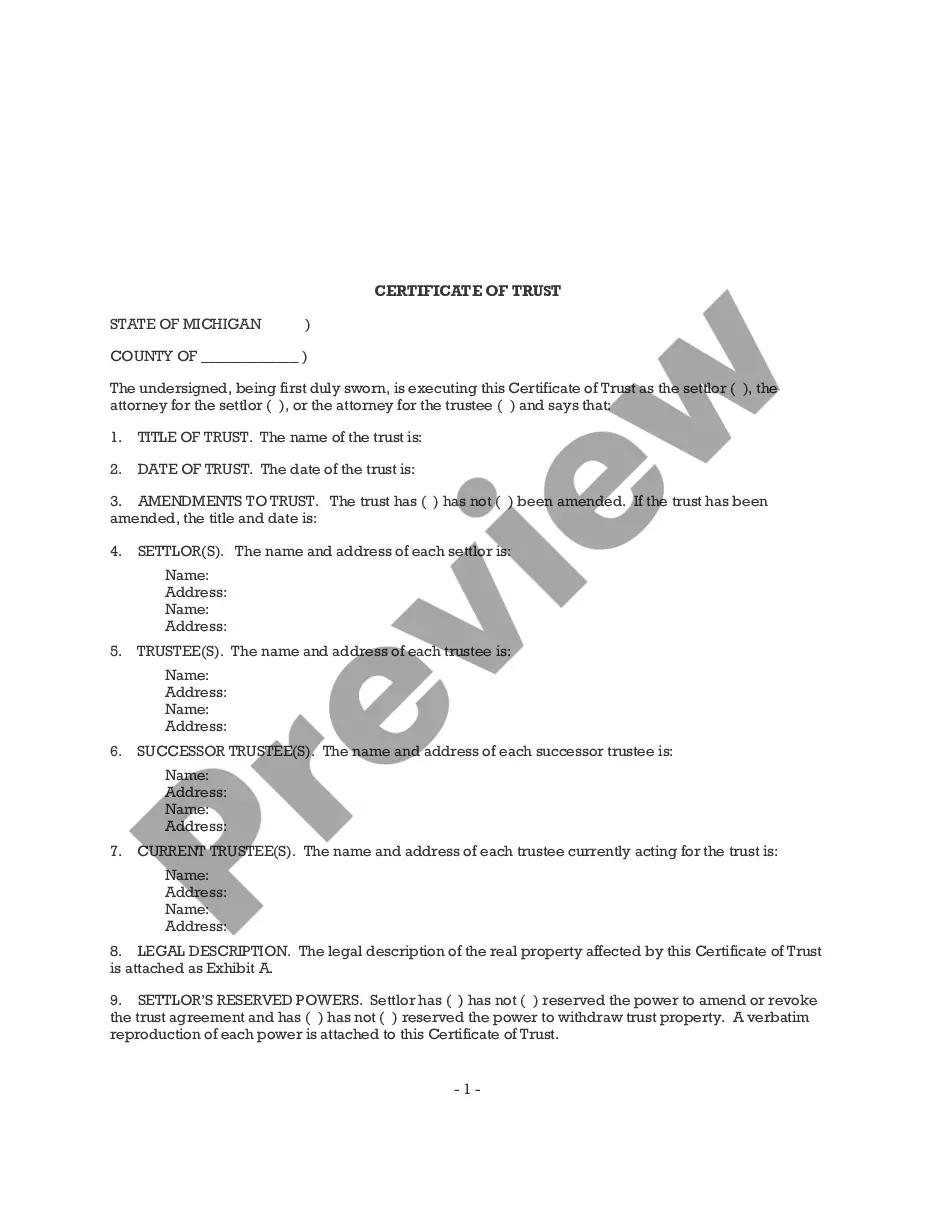
Get your form ready online
Our built-in tools help you complete, sign, share, and store your documents in one place.
Make edits, fill in missing information, and update formatting in US Legal Forms—just like you would in MS Word.
Download a copy, print it, send it by email, or mail it via USPS—whatever works best for your next step.
Sign and collect signatures with our SignNow integration. Send to multiple recipients, set reminders, and more. Go Premium to unlock E-Sign.
If this form requires notarization, complete it online through a secure video call—no need to meet a notary in person or wait for an appointment.
We protect your documents and personal data by following strict security and privacy standards.

Make edits, fill in missing information, and update formatting in US Legal Forms—just like you would in MS Word.

Download a copy, print it, send it by email, or mail it via USPS—whatever works best for your next step.

Sign and collect signatures with our SignNow integration. Send to multiple recipients, set reminders, and more. Go Premium to unlock E-Sign.

If this form requires notarization, complete it online through a secure video call—no need to meet a notary in person or wait for an appointment.

We protect your documents and personal data by following strict security and privacy standards.
Looking for another form?

How to fill out Michigan Certificate Of Trust?
Whether for professional objectives or personal concerns, everyone must encounter legal matters at some stage in their life.
Filling out legal documents requires meticulous care, starting with selecting the accurate form template.
With a comprehensive US Legal Forms catalog available, you need not waste time searching for the suitable template online. Utilize the library’s straightforward navigation to discover the correct form for any circumstance.
- Locate the template you require by employing the search box or browsing through the catalog.
- Review the document’s details to confirm it aligns with your issue, jurisdiction, and area.
- Select the form's preview to inspect it.
- If it's the incorrect document, return to the search feature to locate the Certificate Of Trust In Michigan template you require.
- Obtain the file once it satisfies your criteria.
- If you possess a US Legal Forms account, simply click Log in to retrieve previously saved documents in My documents.
- In case you do not have an account, you can download the document by clicking Buy now.
- Select the appropriate pricing plan.
- Complete the account registration form.
- Choose your payment option: utilize a credit card or PayPal account.
- Select the document format you prefer and download the Certificate Of Trust In Michigan.
- Once saved, you can fill out the form using editing software or print it and fill it out manually.
Form popularity
FAQ
Grounds for Contesting a Michigan Will or Trust The Will or Trust wasn't signed as required by state law. In Michigan, the testator must sign, and two witnesses must also sign, each having witnessed the testator's signature.
(2) A certificate of trust may be signed or otherwise authenticated by the settlor, any trustee, or an attorney for the settlor or trustee. The certificate must be in the form of an affidavit.
To create a living trust in Michigan, you prepare the trust document and then sign it in the presence of a notary. The final step is to transfer assets into the trust, funding it. Living trusts are a popular estate planning tool. A living trust can provide many benefits and may be a wise choice for you.
A Certificate of Trust may need to be recorded in the county that any real property is in. That said, if there's no real property owned by the Trust, there may not be any need to record it.
Here's your step-by-step guide: Decide what type of trust you want. For single people, a single trust is the only available choice. ... Next you'll need to take stock of your property. ... Pick a trustee. ... Create the trust document. ... Sign the trust document in front of a notary public. Fund the trust by placing property into it.