Dissolution Marriage With Without A Lawyer
Description

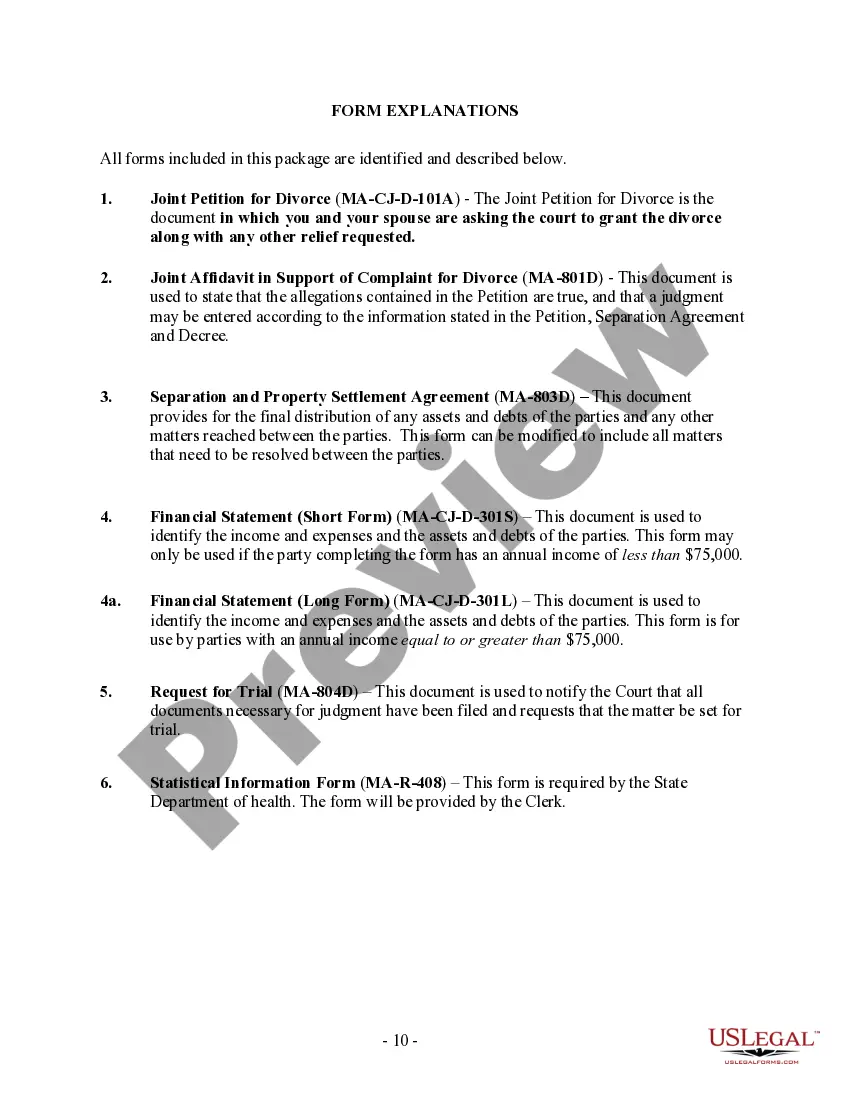

Get your form ready online
Our built-in tools help you complete, sign, share, and store your documents in one place.
Make edits, fill in missing information, and update formatting in US Legal Forms—just like you would in MS Word.
Download a copy, print it, send it by email, or mail it via USPS—whatever works best for your next step.
Sign and collect signatures with our SignNow integration. Send to multiple recipients, set reminders, and more. Go Premium to unlock E-Sign.
If this form requires notarization, complete it online through a secure video call—no need to meet a notary in person or wait for an appointment.
We protect your documents and personal data by following strict security and privacy standards.

Make edits, fill in missing information, and update formatting in US Legal Forms—just like you would in MS Word.

Download a copy, print it, send it by email, or mail it via USPS—whatever works best for your next step.

Sign and collect signatures with our SignNow integration. Send to multiple recipients, set reminders, and more. Go Premium to unlock E-Sign.

If this form requires notarization, complete it online through a secure video call—no need to meet a notary in person or wait for an appointment.

We protect your documents and personal data by following strict security and privacy standards.
Looking for another form?









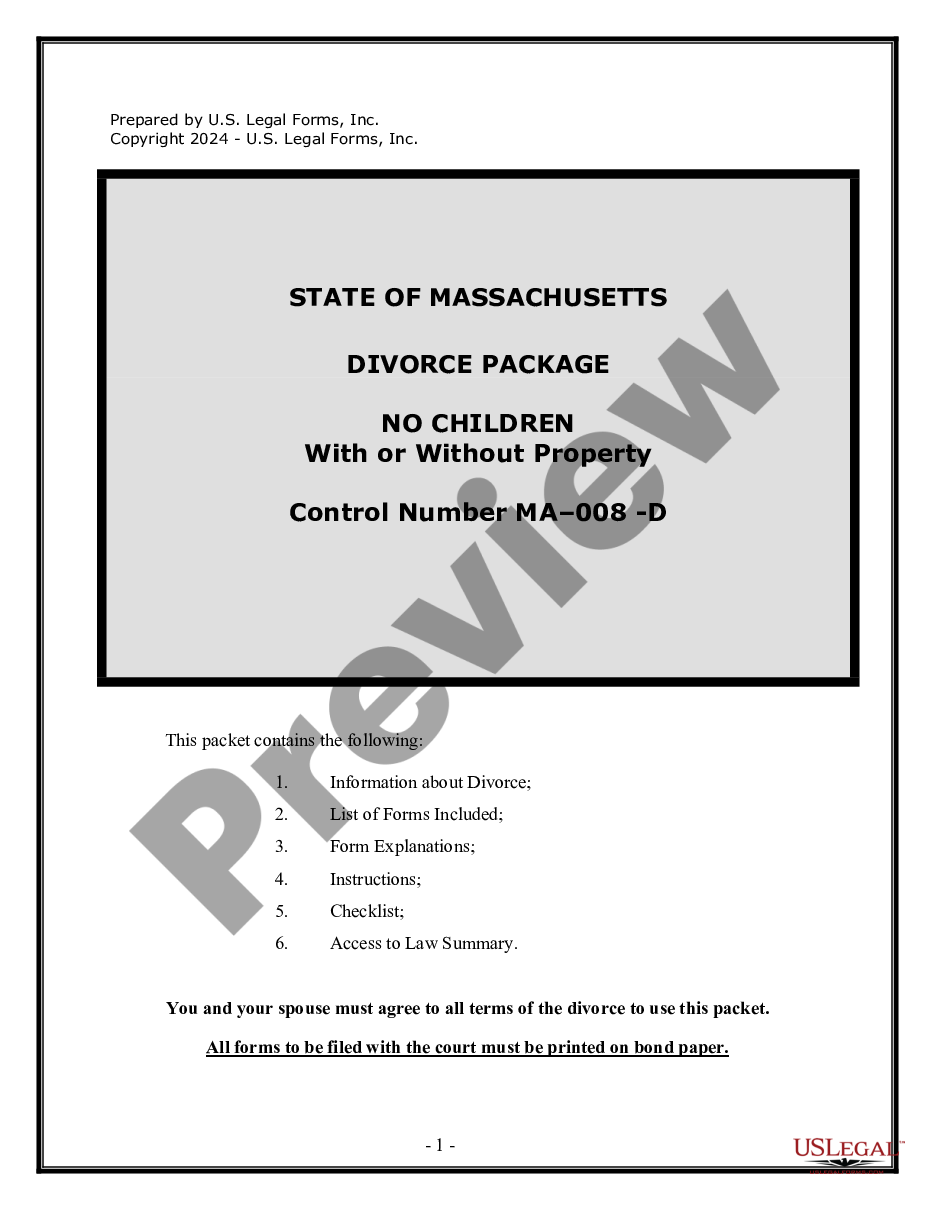
How to fill out Massachusetts No-Fault Agreed Uncontested Divorce Package For Dissolution Of Marriage For Persons With No Children With Or Without Property And Debts?
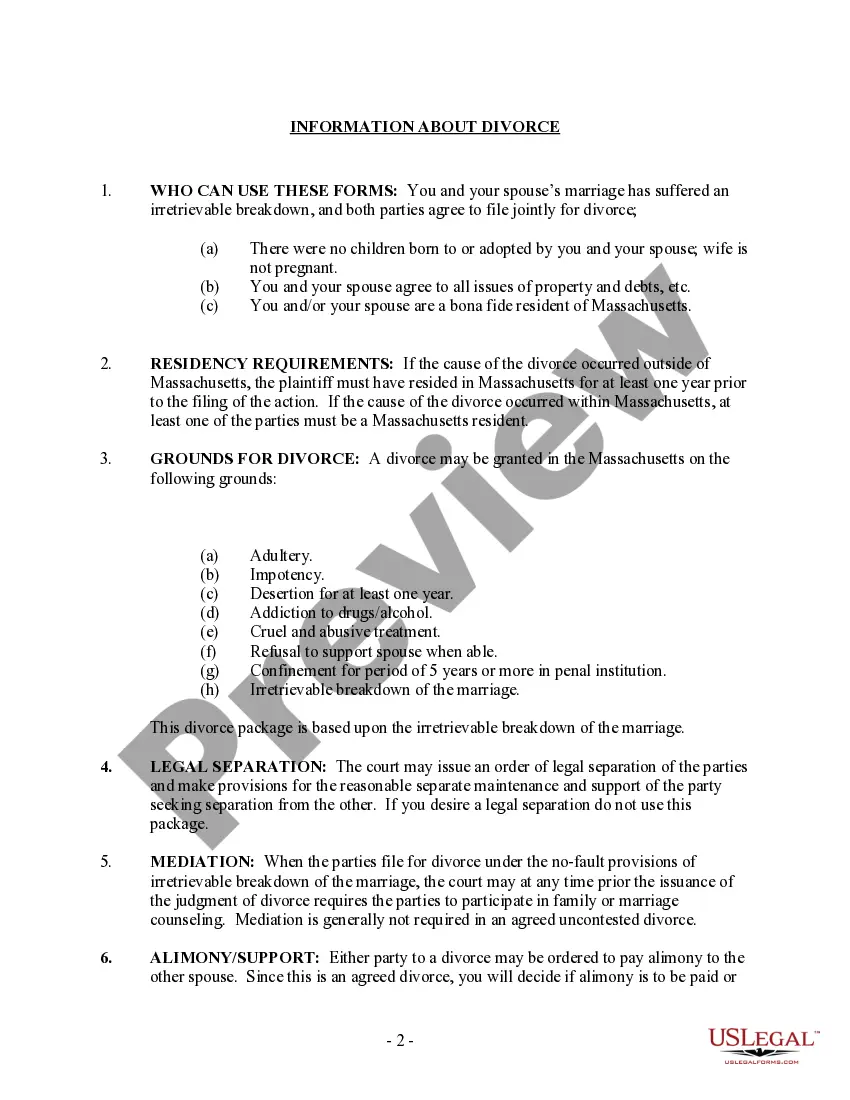
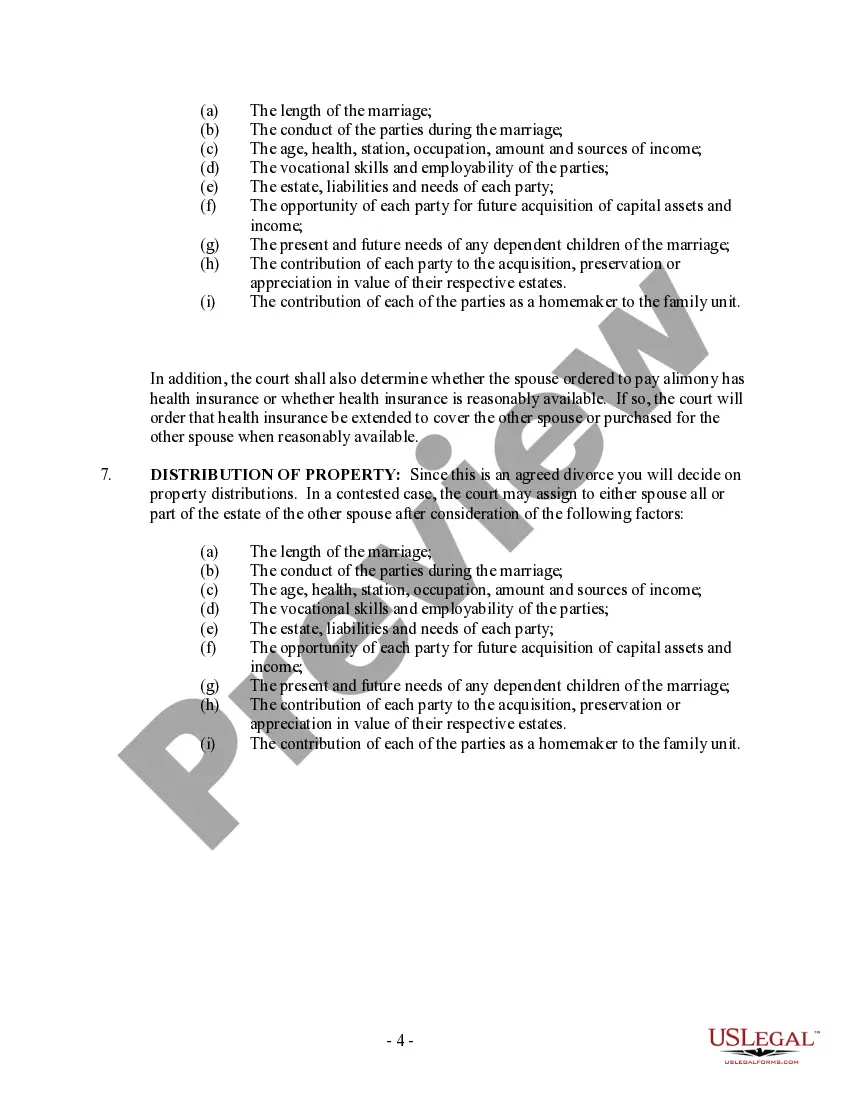
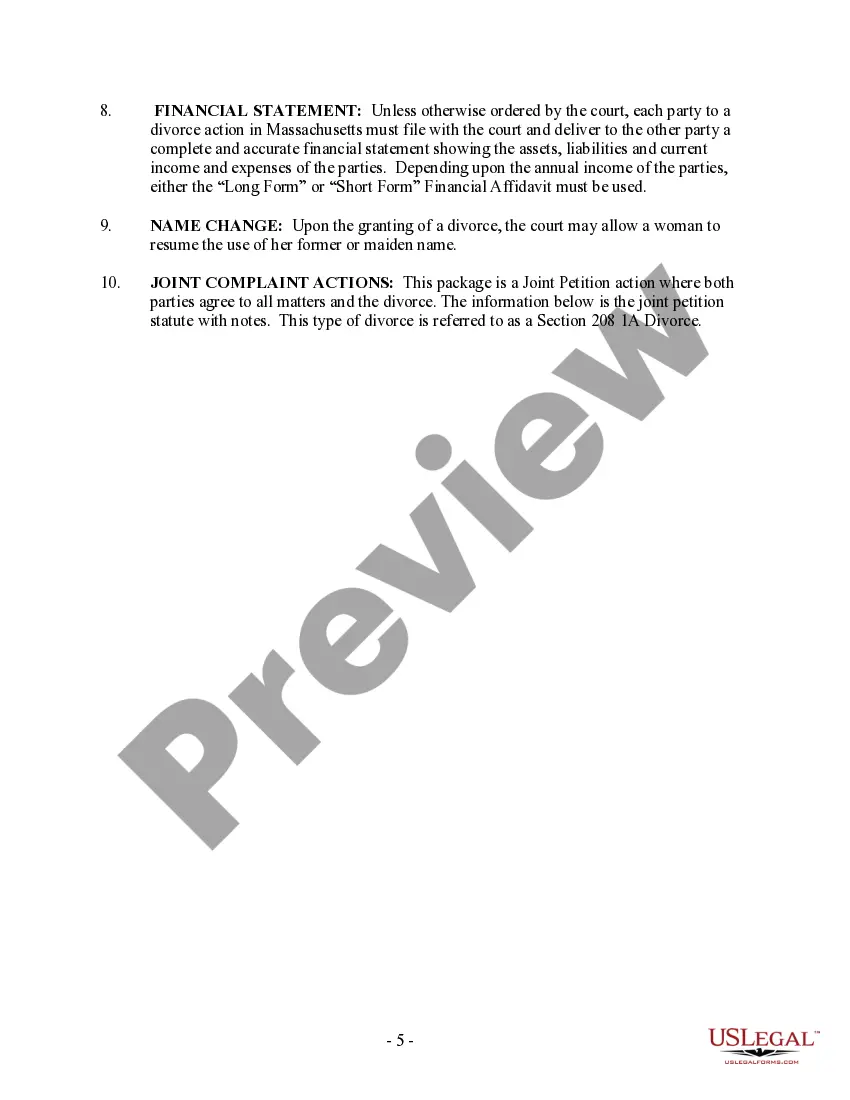
Whether for business purposes or for individual affairs, everybody has to manage legal situations sooner or later in their life. Filling out legal papers needs careful attention, starting with selecting the appropriate form template. For instance, if you choose a wrong edition of the Dissolution Marriage With Without A Lawyer, it will be turned down when you submit it. It is therefore important to get a reliable source of legal papers like US Legal Forms.
If you need to obtain a Dissolution Marriage With Without A Lawyer template, stick to these simple steps:
- Find the template you need using the search field or catalog navigation.
- Look through the form’s information to make sure it fits your situation, state, and region.
- Click on the form’s preview to examine it.
- If it is the incorrect document, go back to the search function to find the Dissolution Marriage With Without A Lawyer sample you need.
- Download the file when it matches your needs.
- If you already have a US Legal Forms account, click Log in to access previously saved documents in My Forms.
- If you do not have an account yet, you may obtain the form by clicking Buy now.
- Select the correct pricing option.
- Finish the account registration form.
- Choose your transaction method: use a credit card or PayPal account.
- Select the document format you want and download the Dissolution Marriage With Without A Lawyer.
- When it is downloaded, you are able to fill out the form by using editing software or print it and finish it manually.
With a vast US Legal Forms catalog at hand, you do not need to spend time searching for the appropriate template across the web. Utilize the library’s straightforward navigation to find the proper form for any situation.
Form popularity
FAQ
The first step in the divorce process is to file a divorce petition. Even if both spouses agree to a divorce, one must file a divorce petition with the court to begin the process of terminating the marriage. This person is known as the petitioner, and the other spouse is referred to as the respondent.
On average, divorce in New York can cost around $17,000. However, an uncontested divorce can be as cheap as $5,500. That's in vast contrast to a contested divorce, which can be as high as $50,000 on average. There are fees to consider in addition to those you pay to your attorney.
You can also opt for the do-it-yourself route by handling handling the divorce all on your own. If you take this road, it's essential that you understand Florida's requirements, including which forms you'll need, where to file the documents, and what steps to take after that.
Filing fees for divorce in Georgia are about $200 - $220, but the fee varies by county. For instance, here are divorce filing fees for a few Georgia counties: DeKalb County ? the divorce filing fee in DeKalb County was updated in June 2023 to $213. Fulton County - the filing fee for divorce in Fulton County is $219.
Filing Your Divorce Paperwork in Court When you're ready, go to your local courthouse and ask to file the documents. (You can use this online questionnaire to make sure you're filing in the right county.) You'll need to pay a filing fee with the initial paperwork.