La Divorce Form For Minor
Description
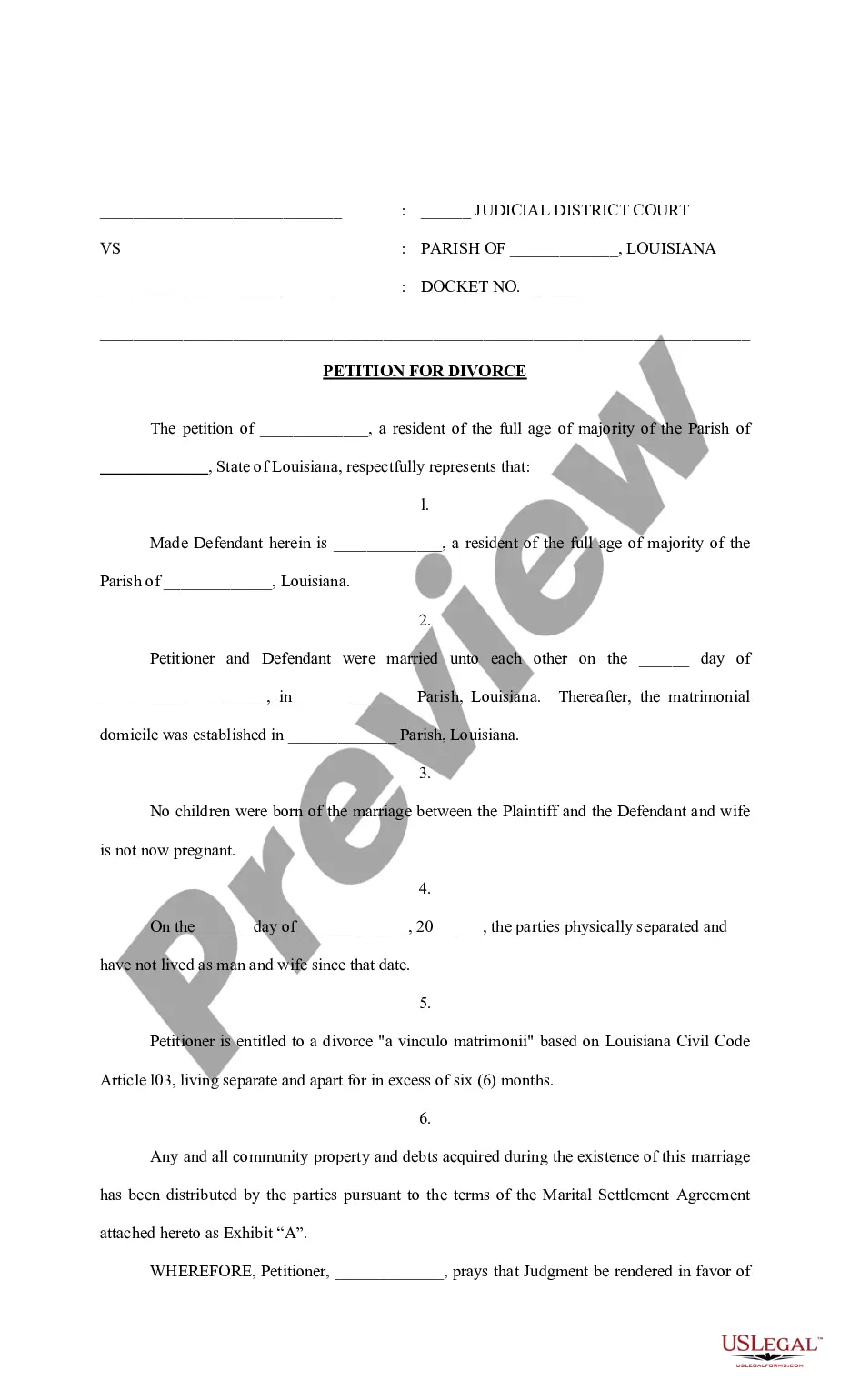
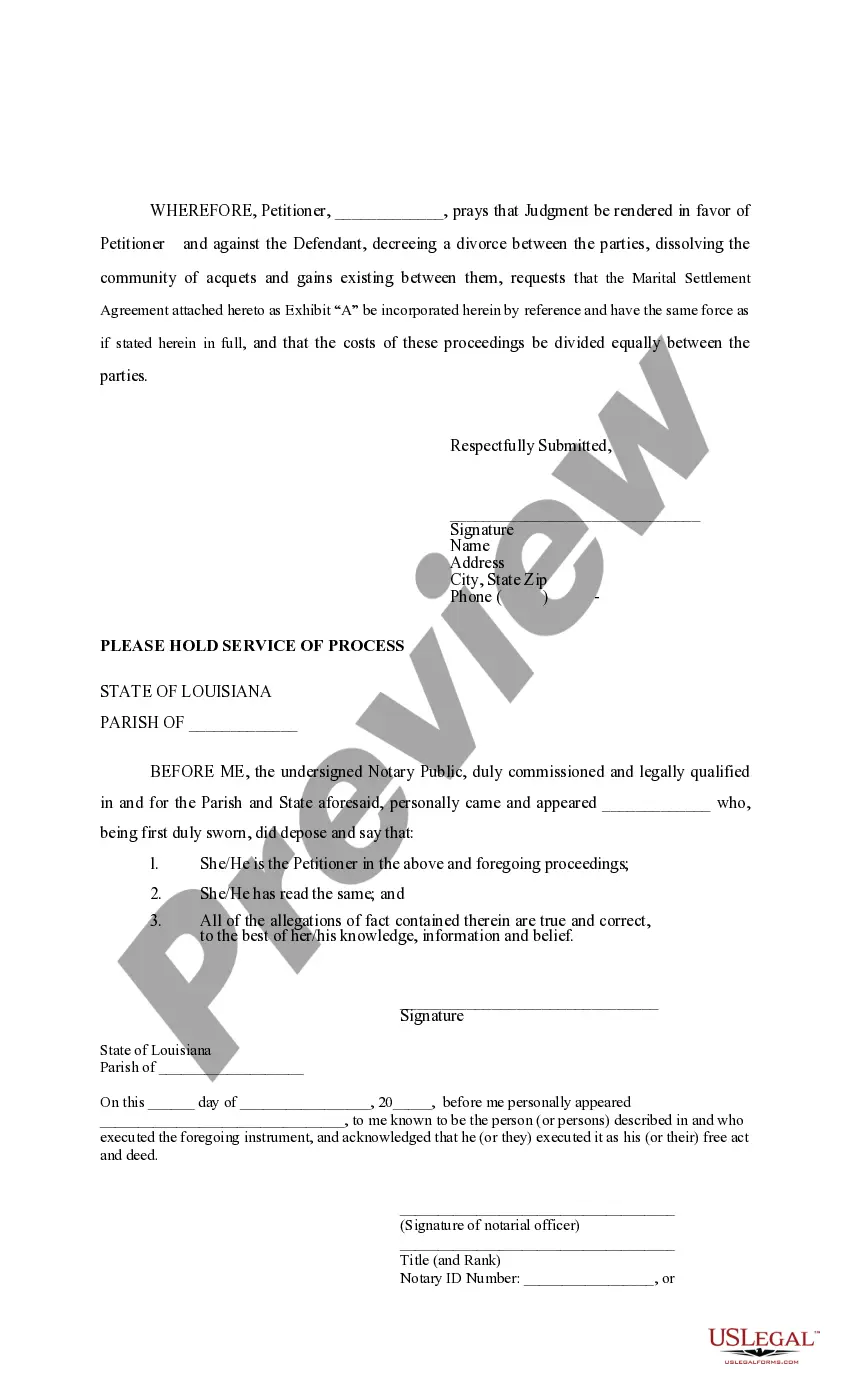

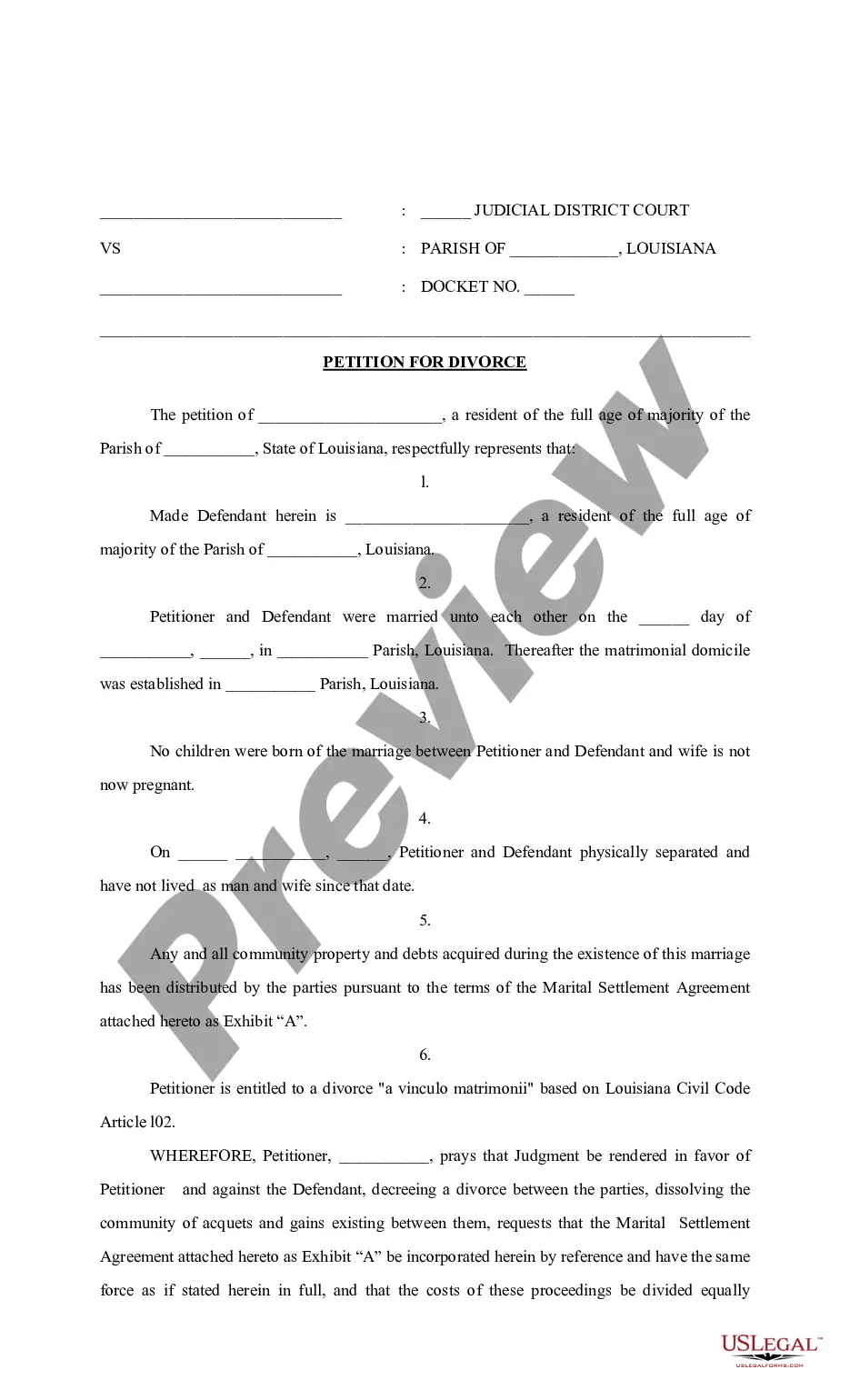
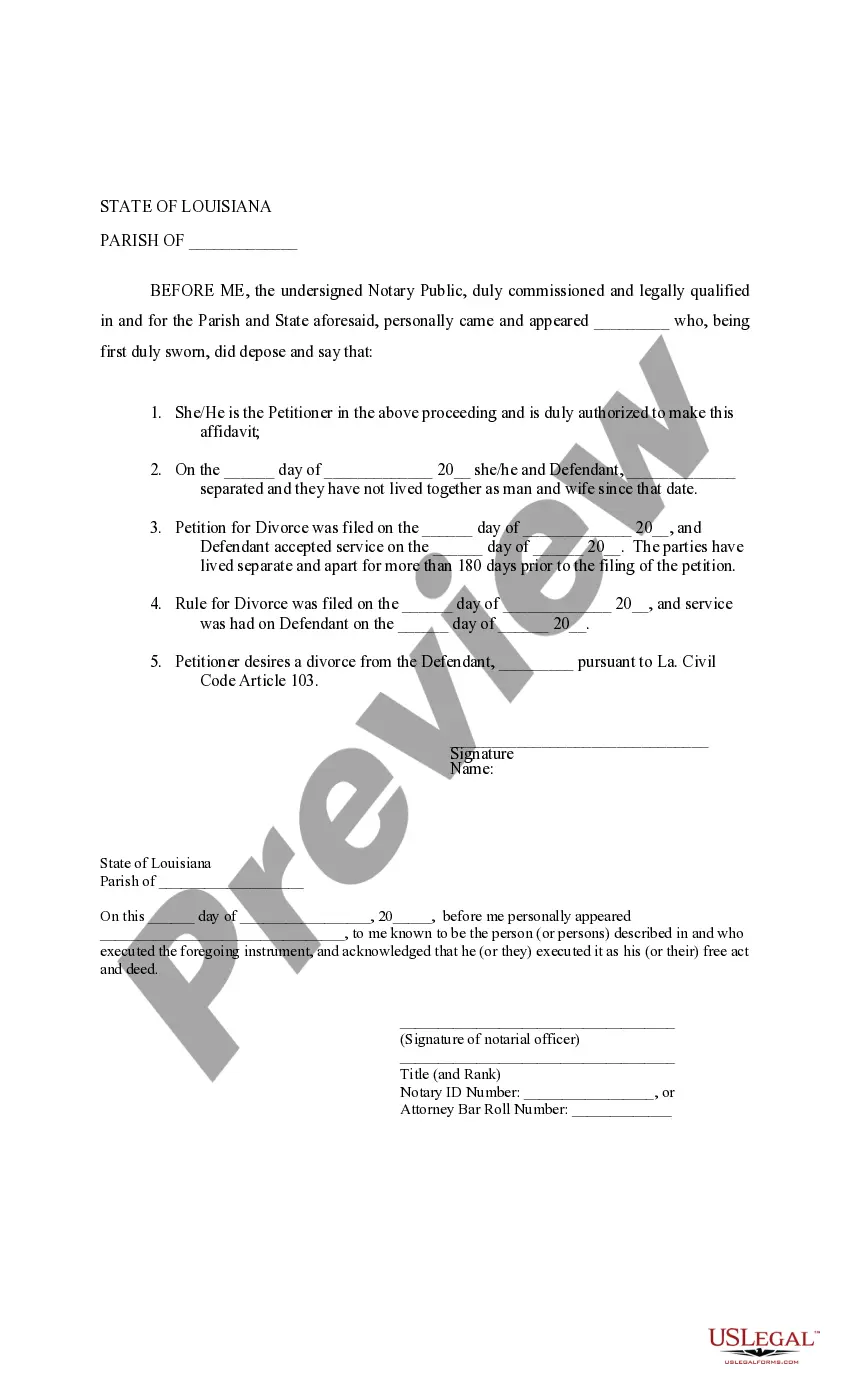
Get your form ready online
Our built-in tools help you complete, sign, share, and store your documents in one place.
Make edits, fill in missing information, and update formatting in US Legal Forms—just like you would in MS Word.
Download a copy, print it, send it by email, or mail it via USPS—whatever works best for your next step.
Sign and collect signatures with our SignNow integration. Send to multiple recipients, set reminders, and more. Go Premium to unlock E-Sign.
If this form requires notarization, complete it online through a secure video call—no need to meet a notary in person or wait for an appointment.
We protect your documents and personal data by following strict security and privacy standards.

Make edits, fill in missing information, and update formatting in US Legal Forms—just like you would in MS Word.

Download a copy, print it, send it by email, or mail it via USPS—whatever works best for your next step.

Sign and collect signatures with our SignNow integration. Send to multiple recipients, set reminders, and more. Go Premium to unlock E-Sign.

If this form requires notarization, complete it online through a secure video call—no need to meet a notary in person or wait for an appointment.

We protect your documents and personal data by following strict security and privacy standards.
Looking for another form?



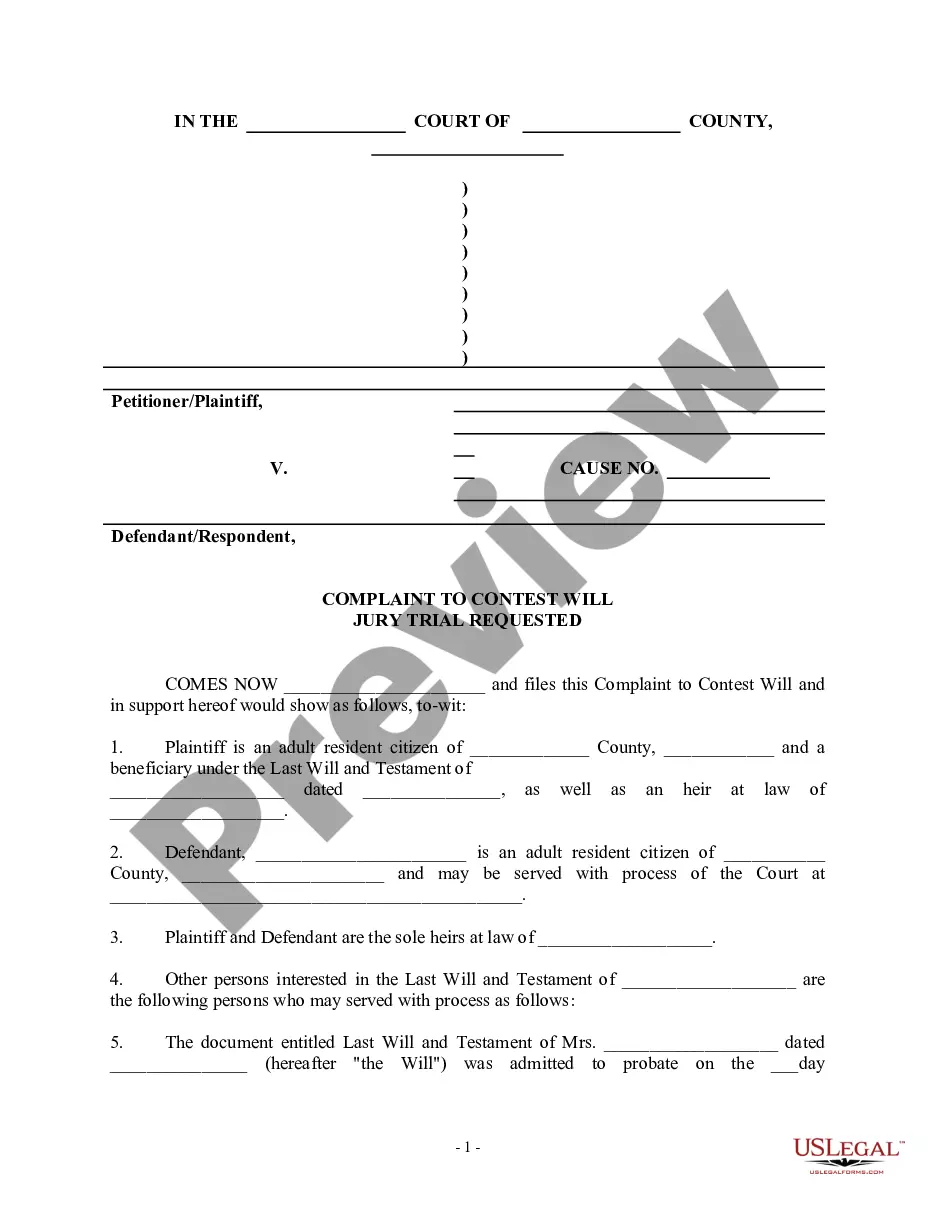
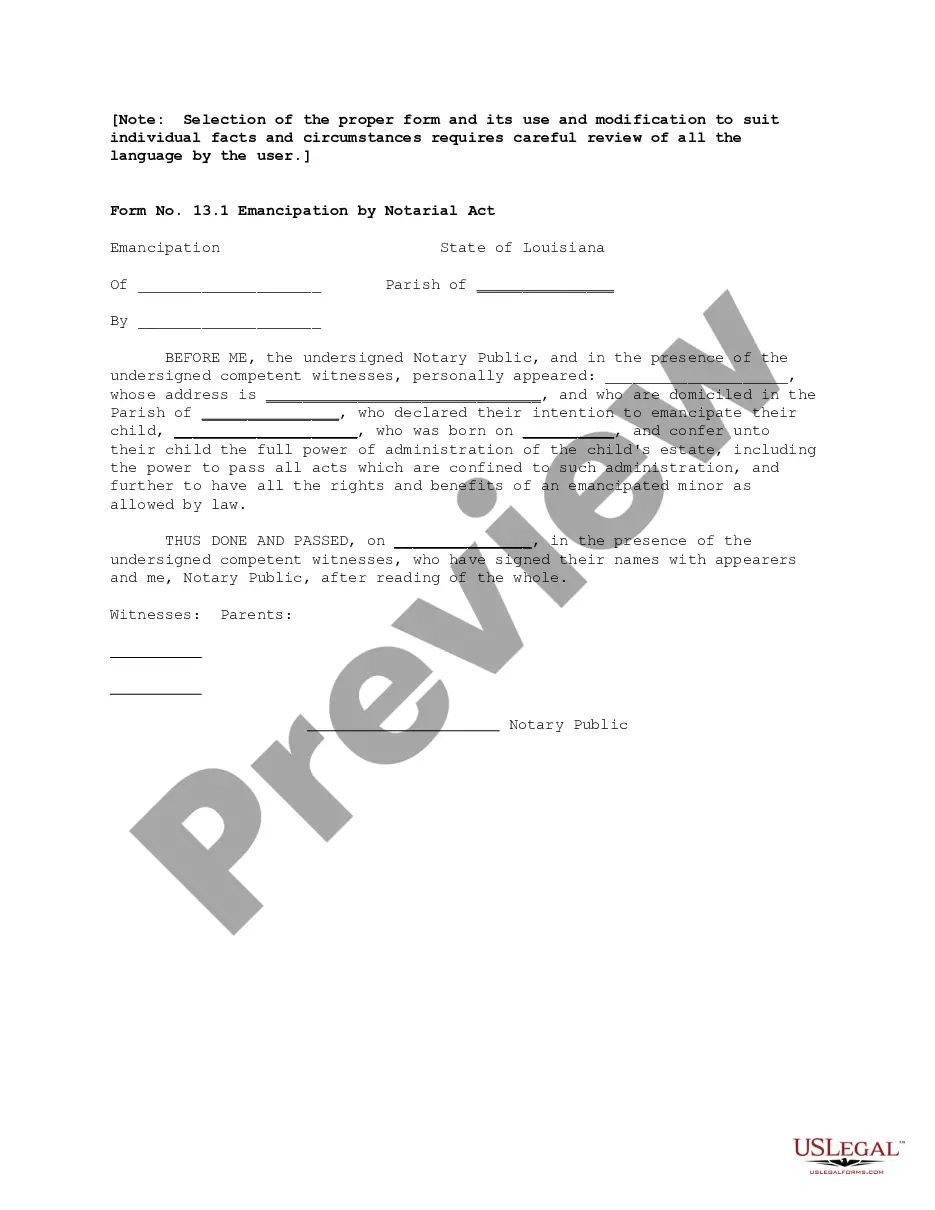
How to fill out Louisiana Petition For Divorce - La. CC Art. 103 - No Children?
The La Divorce Document For Minor displayed on this page is a reusable official template created by expert attorneys in accordance with federal and regional regulations.
For over 25 years, US Legal Forms has supplied individuals, businesses, and legal experts with more than 85,000 validated, state-specific documents for any business and personal situation. It’s the fastest, simplest, and most dependable method to secure the paperwork you require, as the service assures the utmost level of data security and anti-virus protection.
Subscribe to US Legal Forms to have verified legal templates available for all of life’s situations.
- Search for the document you require and review it.
- Browse through the file you looked for and preview it or check the document description to confirm it meets your requirements. If it doesn't, use the search feature to find the correct one. Click Buy Now when you have located the template you seek.
- Register and sign in.
- Select the pricing option that works for you and set up an account. Use PayPal or a credit card to complete your payment hastily. If you already possess an account, Log In and verify your subscription to continue.
- Obtain the editable template.
- Choose the format you prefer for your La Divorce Document For Minor (PDF, Word, RTF) and save the file on your device.
- Fill out and sign the documents.
- Print the template to fill it in by hand. Alternatively, use an online multifunctional PDF editor to swiftly and accurately complete and sign your form with a valid signature.
- Download your documents once again.
- Reuse the same document whenever necessary. Access the My documents section in your profile to redownload any previously downloaded forms.
Form popularity
FAQ
Who is required to consent to a South Carolina adoption? For a child born to a married couple, both parents must consent to the adoption. For a child born outside of marriage, the mother must consent to the adoption.
South Carolina Department of Social Services does not have private adoption records. Please note: South Carolina is a closed adoption state, so therefore you may see some items have been redacted.
Though adoptions often take months to finalize in Family Court, those initial consent forms are almost always irrevocable, unless they were obtained under duress or coercion, or if a court deems that a birth parent signed the document involuntarily.
South Carolina law prohibits the release of identifying information, including but not limited to names and geographic designations, possibly also redacting names of birth parents or perhaps others living in the home at the time. All redacted records are made directly from the record on file with DSS.
Your Adoption Rights in South Carolina Once you sign your consent at any point after your child is born, you must know that you will have no parental rights after you give up a child for adoption. In the best interest of the adoptee, the law makes it rare for adoption consent to be withdrawn.
There's no set way to have an open adoption. South Carolina open adoptions are flexible and often evolve naturally over time. It all depends on what you're comfortable with. Open adoptions in South Carolina typically exist on a scale that ranges from closed to semi-open to open.
To become an adoptive parent you: Can work full time. Must be at least 21. Must be a resident of the State of South Carolina. Must be able to meet the financial and emotional needs of your own family.
If you were adopted, you may petition the court to open sealed adoption records. Whether this is successful may depend on the state, the judge, the reason given for the request, and other factors.