Petition To Partition For Windows
Description

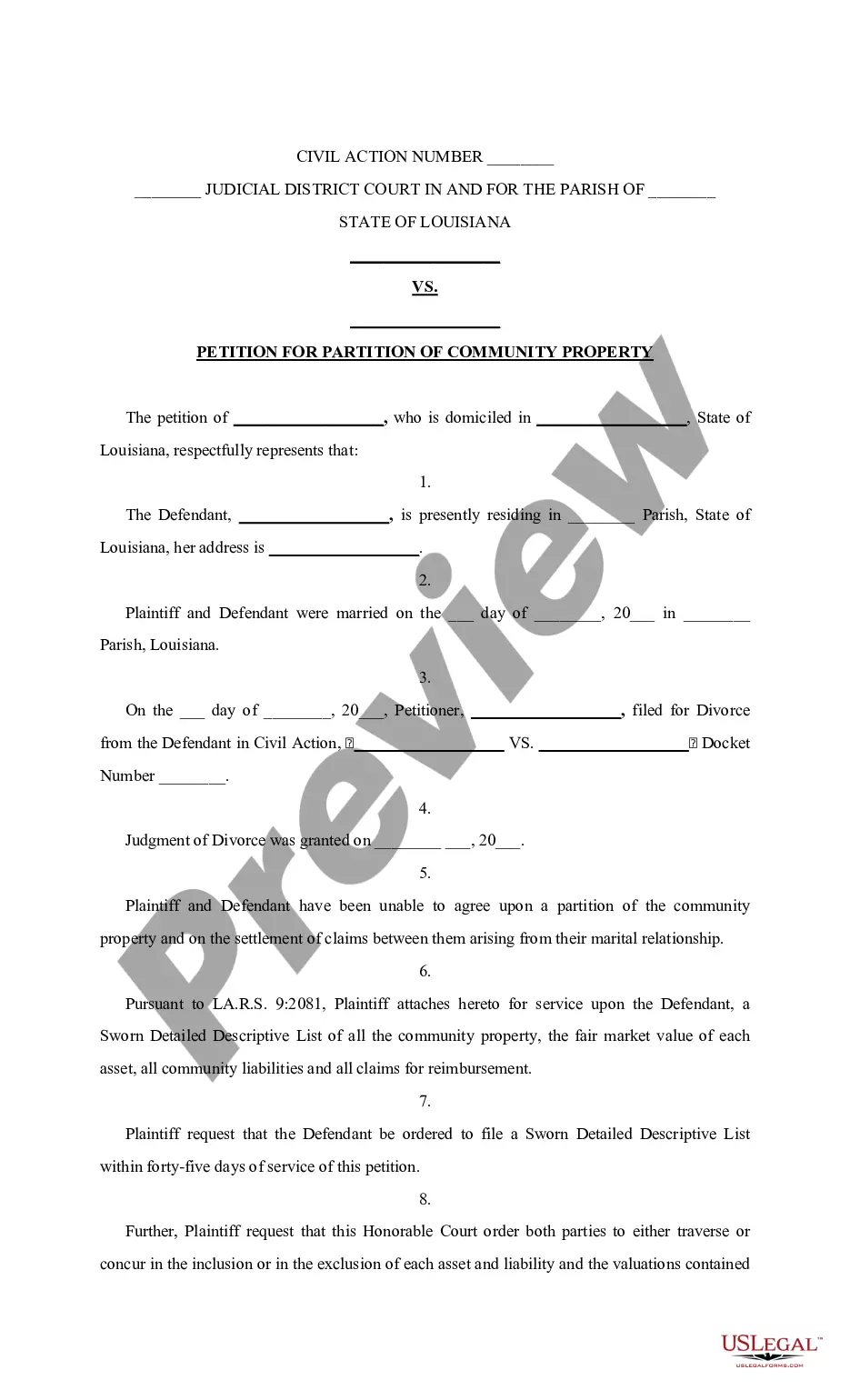

Get your form ready online
Our built-in tools help you complete, sign, share, and store your documents in one place.
Make edits, fill in missing information, and update formatting in US Legal Forms—just like you would in MS Word.
Download a copy, print it, send it by email, or mail it via USPS—whatever works best for your next step.
Sign and collect signatures with our SignNow integration. Send to multiple recipients, set reminders, and more. Go Premium to unlock E-Sign.
If this form requires notarization, complete it online through a secure video call—no need to meet a notary in person or wait for an appointment.
We protect your documents and personal data by following strict security and privacy standards.

Make edits, fill in missing information, and update formatting in US Legal Forms—just like you would in MS Word.

Download a copy, print it, send it by email, or mail it via USPS—whatever works best for your next step.

Sign and collect signatures with our SignNow integration. Send to multiple recipients, set reminders, and more. Go Premium to unlock E-Sign.

If this form requires notarization, complete it online through a secure video call—no need to meet a notary in person or wait for an appointment.

We protect your documents and personal data by following strict security and privacy standards.
Looking for another form?









How to fill out Louisiana Petition To Partition Property?
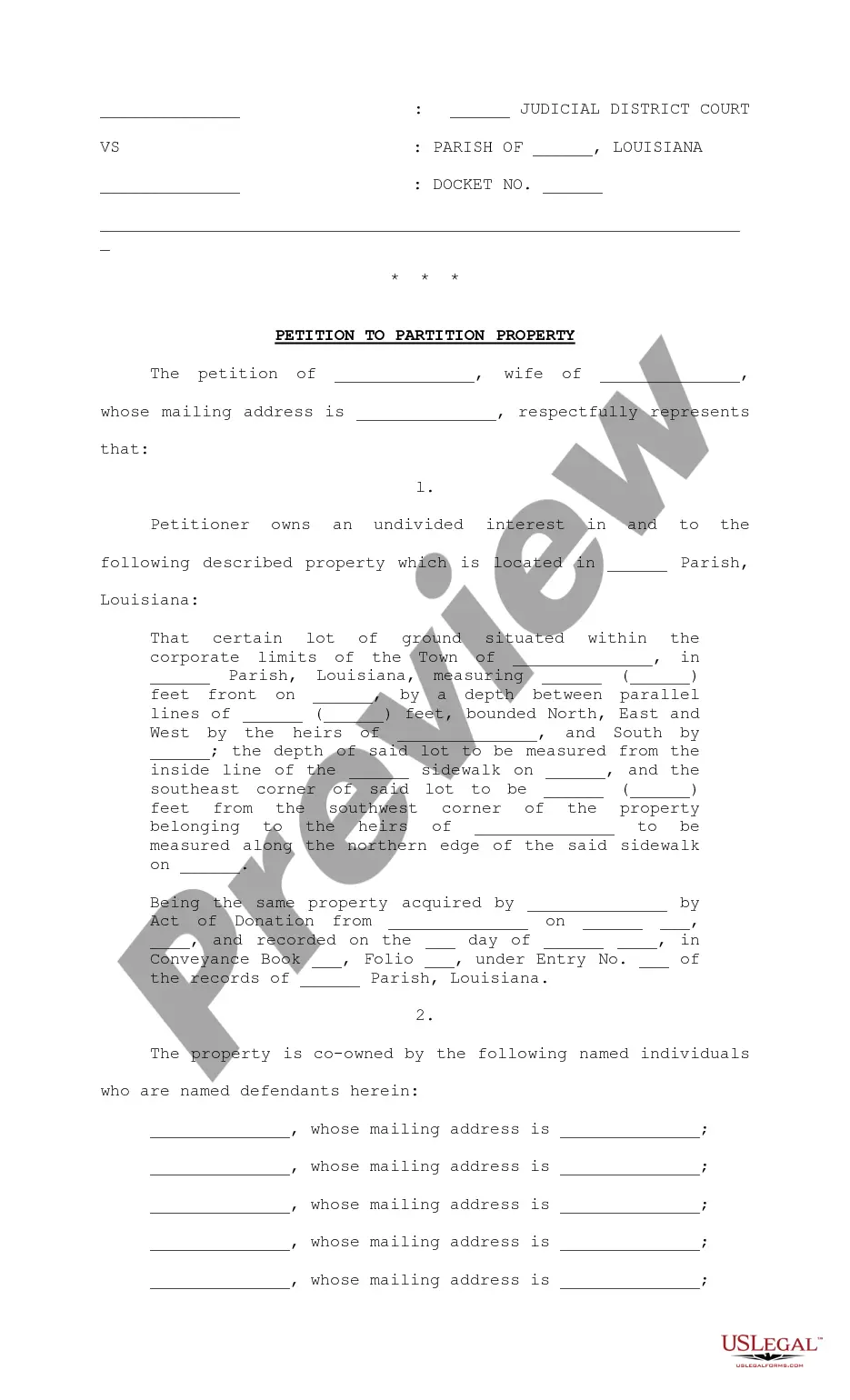
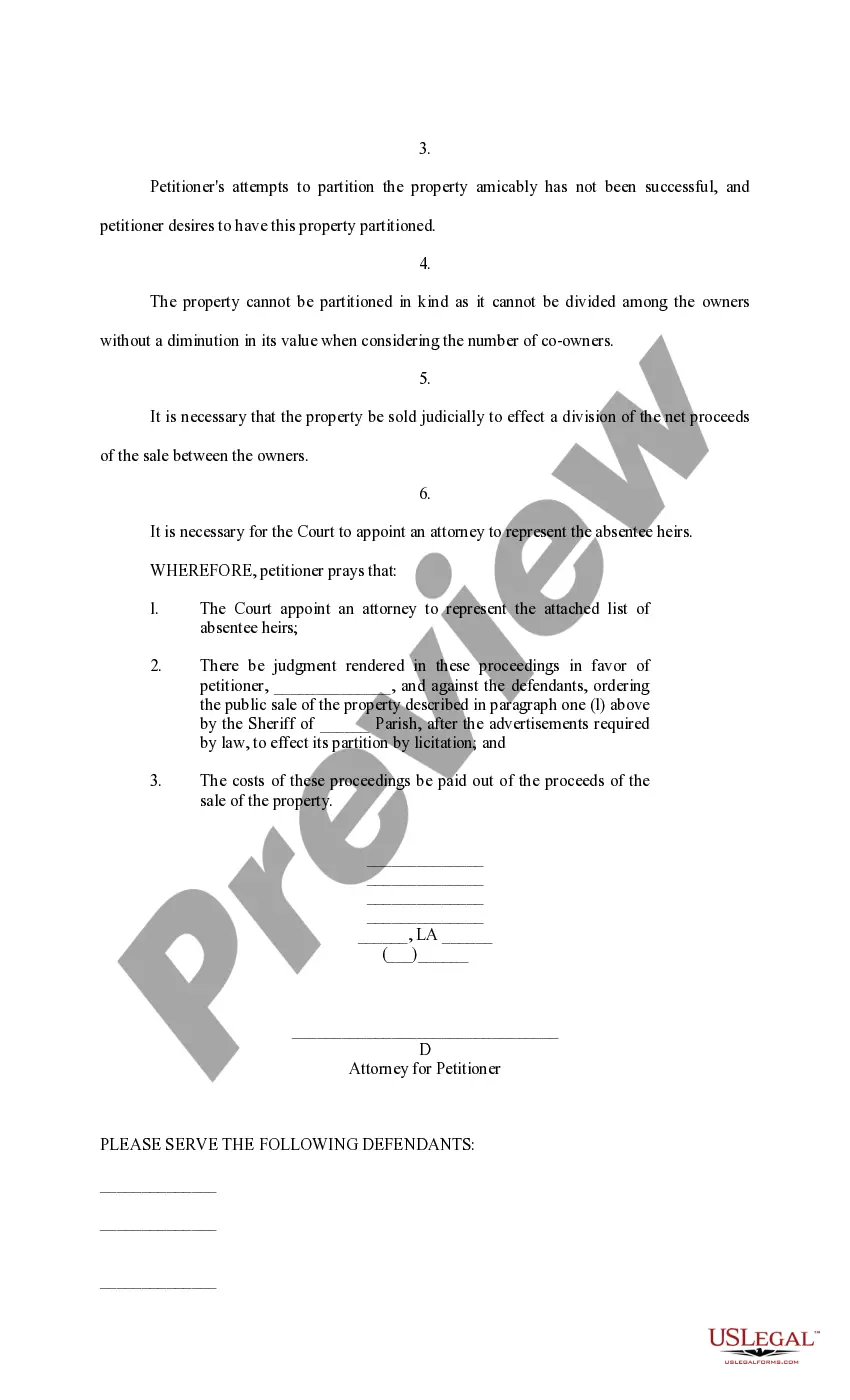
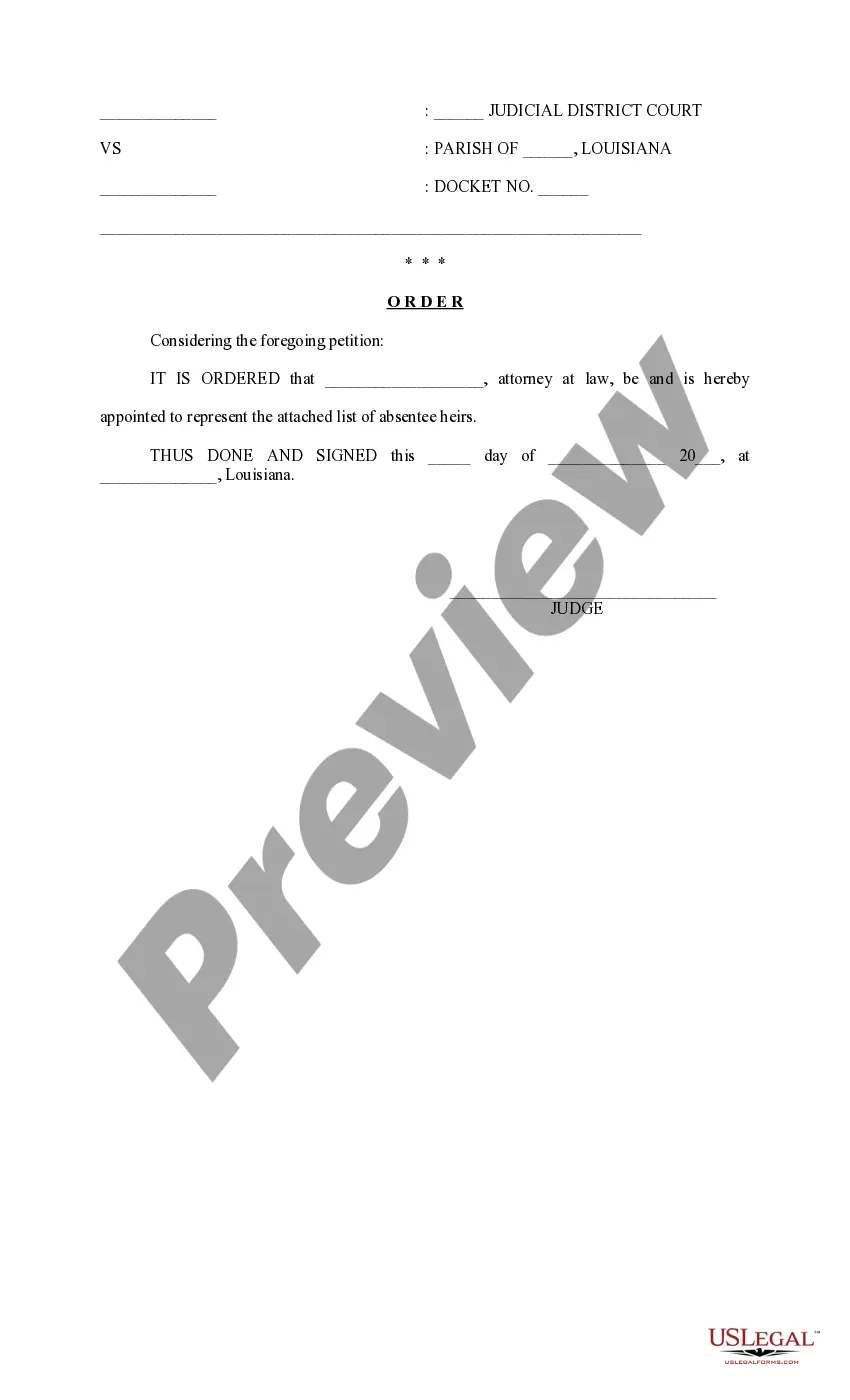
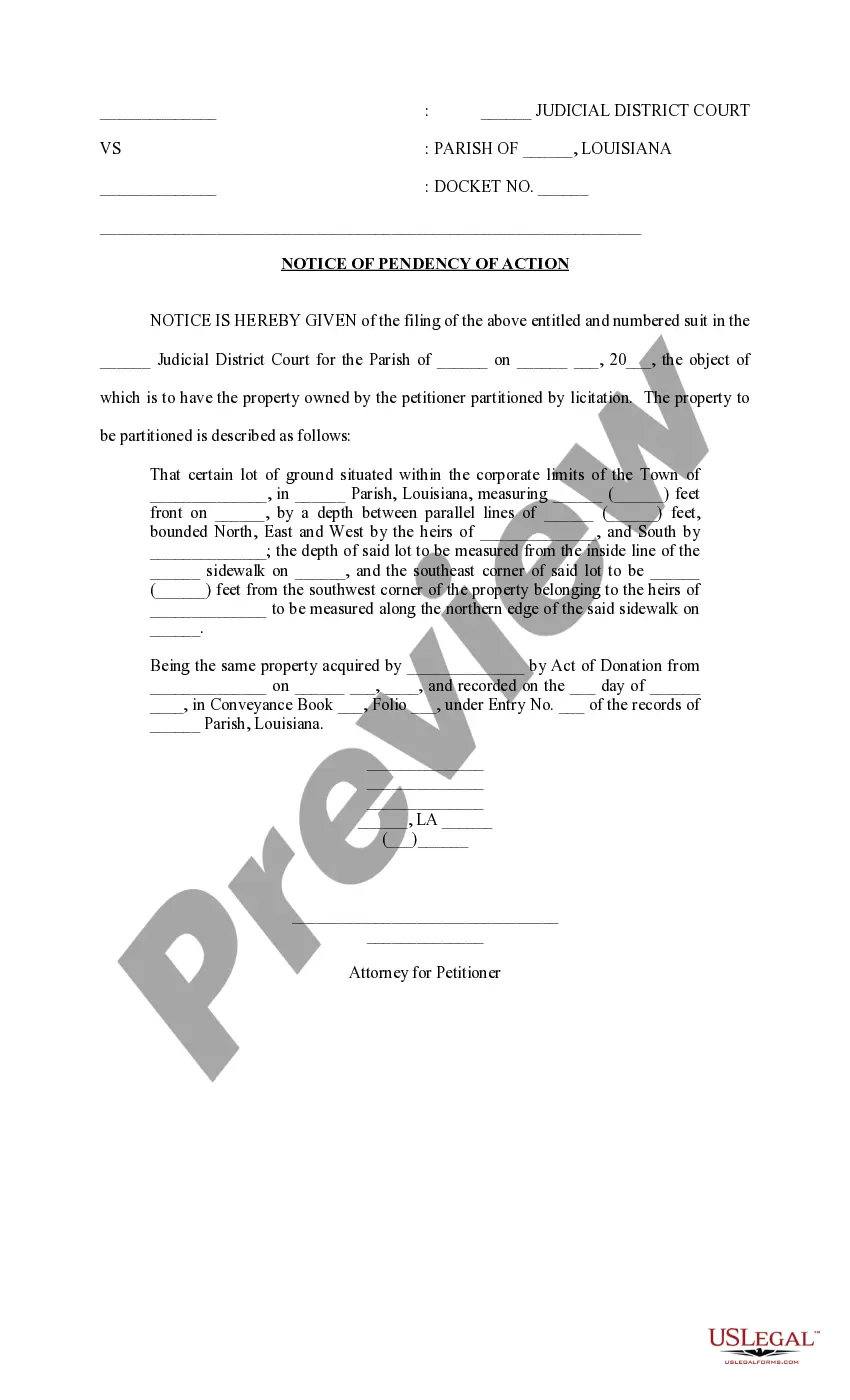
The Request To Divide For Windows you see on this page is a reusable legal template created by qualified attorneys in compliance with federal and local regulations.
For over 25 years, US Legal Forms has supplied individuals, organizations, and lawyers with more than 85,000 authenticated, state-specific documents for any commercial and personal circumstance. It’s the fastest, easiest, and most reliable method to get the forms you require, as the service ensures bank-level data security and anti-malware safeguards.
Subscribe to US Legal Forms to have verified legal templates for all of life's situations at your fingertips.
- Look for the document you need and examine it.
- Browse through the file you searched and preview it or check the form description to ensure it meets your requirements. If it doesn’t, utilize the search bar to find the appropriate one. Click Buy Now once you have located the template you require.
- Choose and sign in.
- Pick the pricing option that best suits you and create an account. Use PayPal or a credit card to complete a swift transaction. If you already have an account, Log In and verify your subscription to proceed.
- Obtain the editable template.
- Select the format you prefer for your Request To Divide For Windows (PDF, DOCX, RTF) and save the example on your device.
- Complete and endorse the document.
- Print the template to finish it manually. Alternatively, employ an online versatile PDF editor to swiftly and accurately fill out and endorse your form with a legally-binding electronic signature.
- Download your documents one more time.
- Reuse the same document whenever necessary. Open the My documents tab in your profile to redownload any previously saved forms.
Form popularity
FAQ
To format an existing partition (volume) The select Control Panel > System and Security > Administrative Tools, and then double-click Computer Management. In the left pane, under Storage, select Disk Management. Right-click the volume that you want to format, and then select Format.
Windows 10 and 11 Right-click This PC and select Manage. Open Disk Management. Select the disk from which you want to make a partition. Right-click the Unpartitioned space in the bottom pane and select New Simple Volume. Enter the size and click next, and you are done.
Here are some of the most common ways to win a partition suit: Getting bought out at a fair price. ... The property being sold on the open market. ... Getting a co-owner to move out of the property so it can be rented. ... Getting reimbursed for the funds you put into the property.
A partition action is filed in the Court by submitting a "complaint" that complies with all of the requirements of the Code of Civil Procedure. In California, almost all of the partition actions are filed by attorneys on behalf of parties because there are a number of technical legal requirements for filing a lawsuit.
Step 1: Check for Free Space. First, open Windows' File Explorer and make sure you have enough free space for the partition you want to create. ... Step 2: Back Up Your PC. ... Step 3: View Disk Partitions. ... Step 4: Shrink the C: Drive. ... Step 5: Manage Unallocated Space. ... Step 6: Format the New Partition.