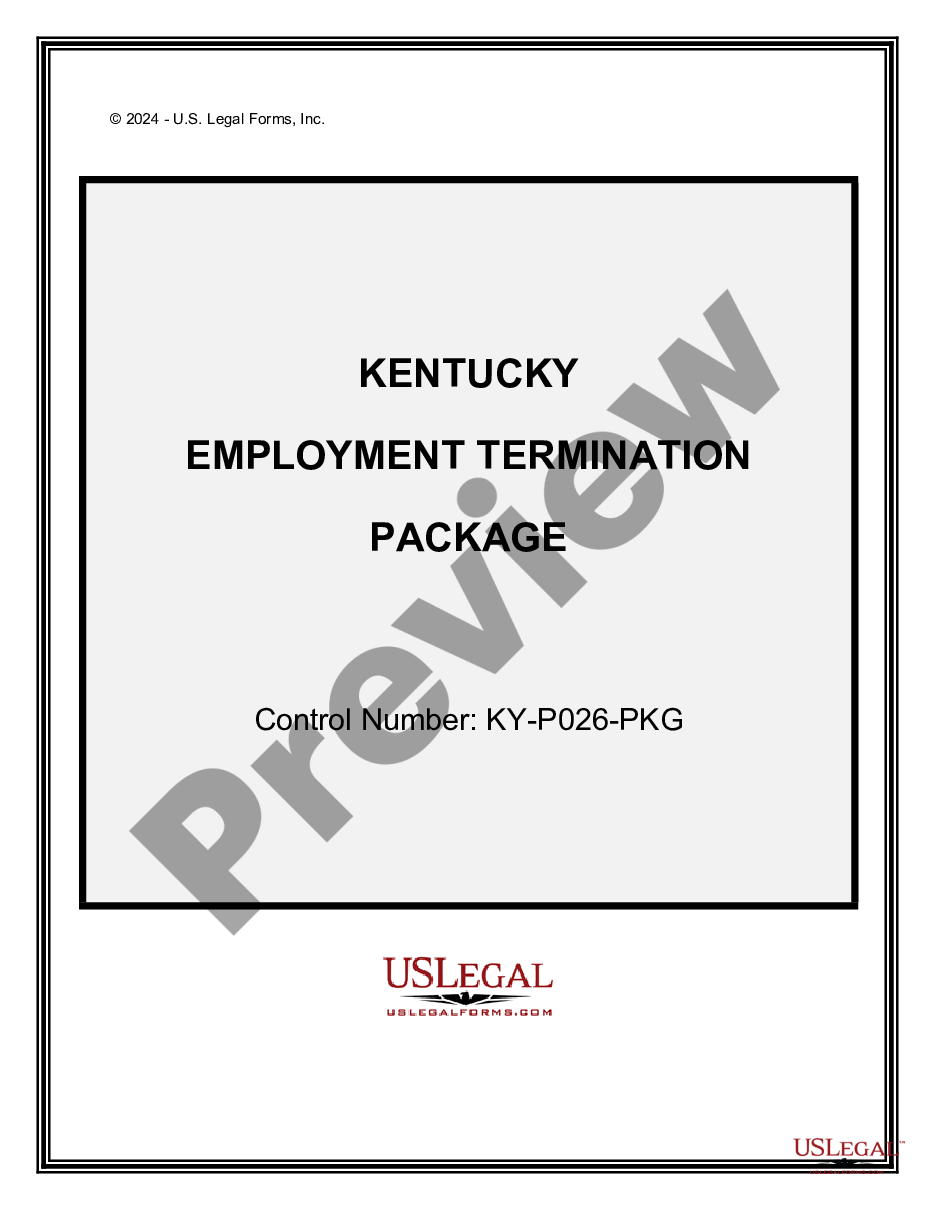
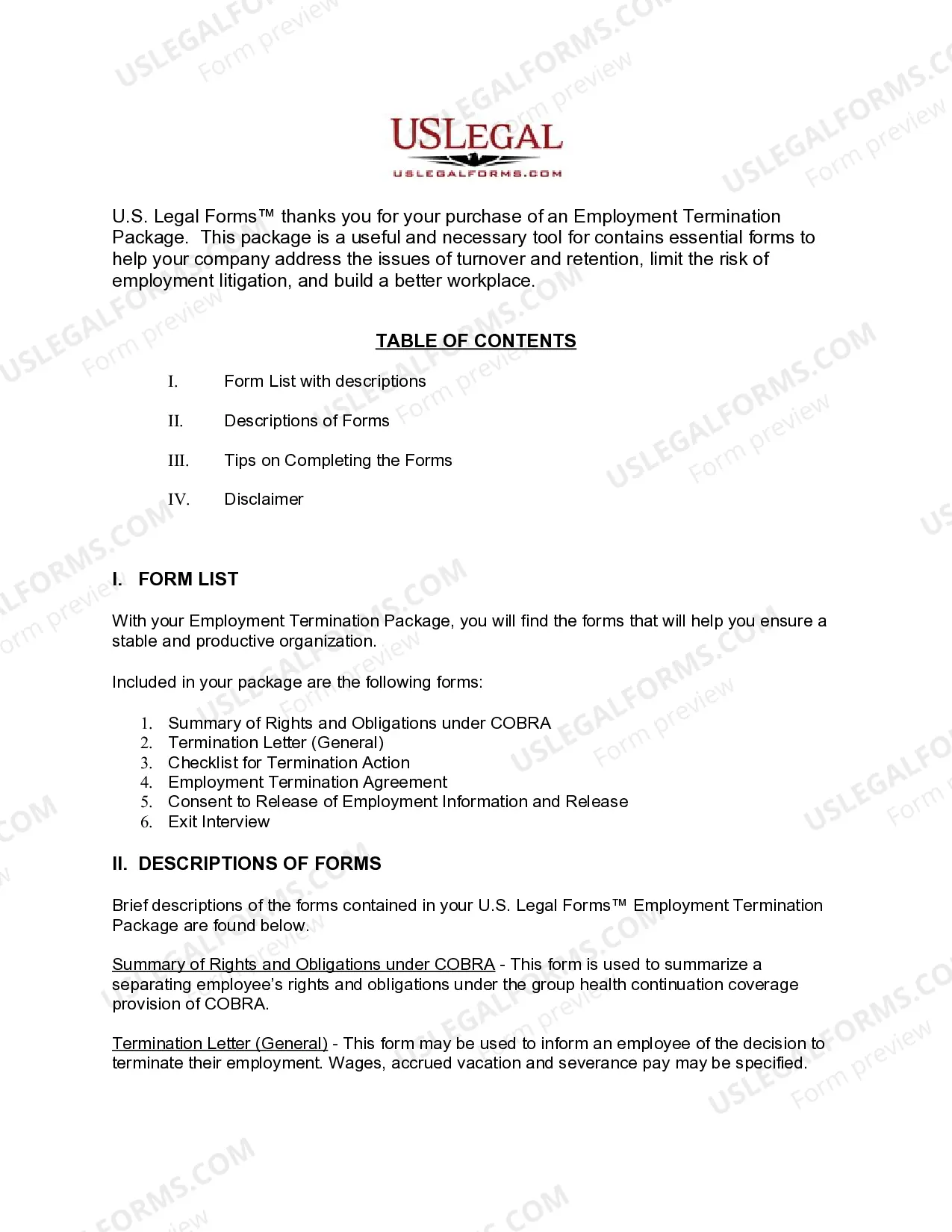
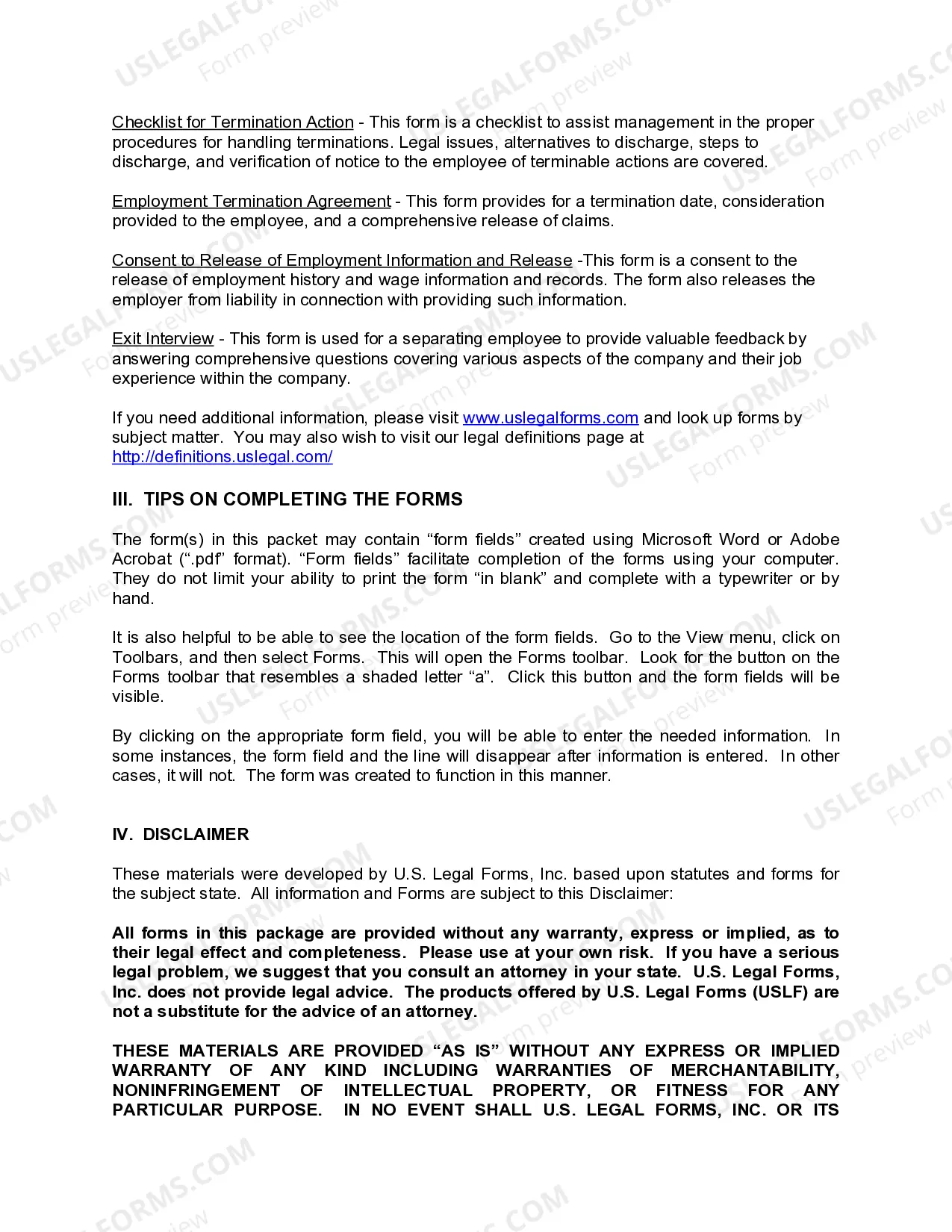
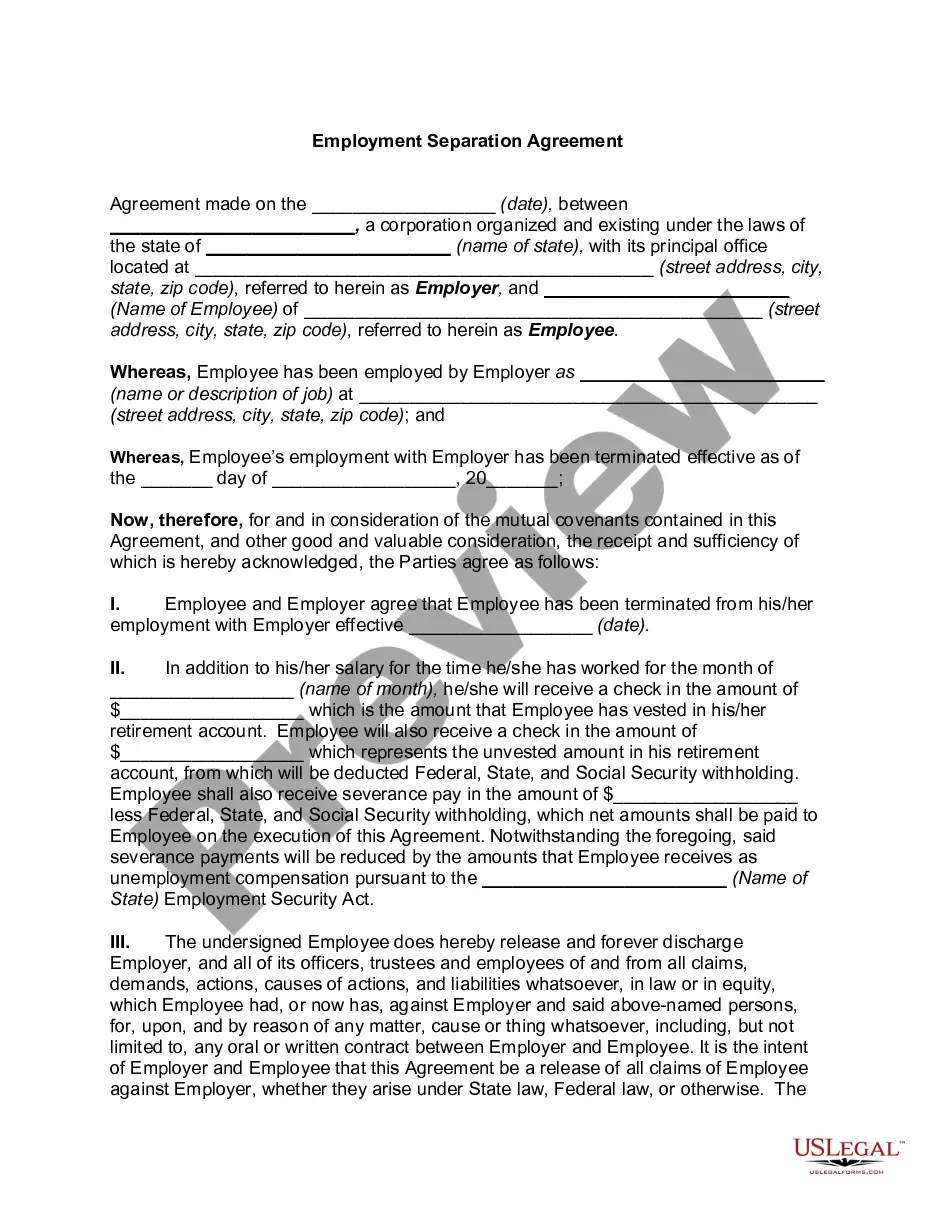
Kentucky Separation Notice With State
Description

Get your form ready online
Our built-in tools help you complete, sign, share, and store your documents in one place.
Make edits, fill in missing information, and update formatting in US Legal Forms—just like you would in MS Word.
Download a copy, print it, send it by email, or mail it via USPS—whatever works best for your next step.
Sign and collect signatures with our SignNow integration. Send to multiple recipients, set reminders, and more. Go Premium to unlock E-Sign.
If this form requires notarization, complete it online through a secure video call—no need to meet a notary in person or wait for an appointment.
We protect your documents and personal data by following strict security and privacy standards.

Make edits, fill in missing information, and update formatting in US Legal Forms—just like you would in MS Word.

Download a copy, print it, send it by email, or mail it via USPS—whatever works best for your next step.

Sign and collect signatures with our SignNow integration. Send to multiple recipients, set reminders, and more. Go Premium to unlock E-Sign.

If this form requires notarization, complete it online through a secure video call—no need to meet a notary in person or wait for an appointment.

We protect your documents and personal data by following strict security and privacy standards.
Looking for another form?
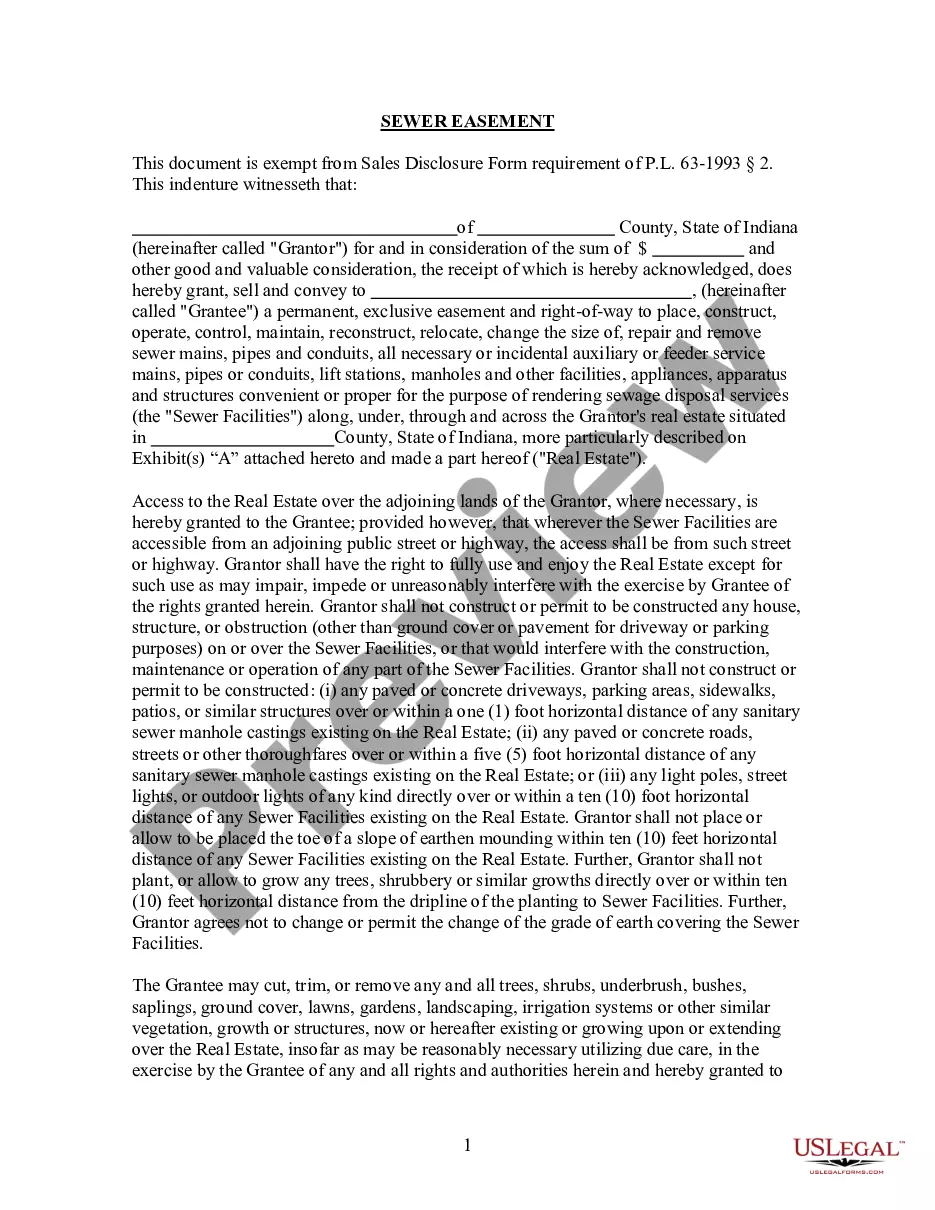



How to fill out Kentucky Employment Or Job Termination Package?
The Kentucky Separation Notification With State you observe on this webpage is a reusable official template crafted by skilled attorneys in accordance with federal and regional statutes and regulations.
For over 25 years, US Legal Forms has been supplying individuals, businesses, and lawyers with more than 85,000 authenticated, state-specific documents for any commercial and personal circumstance. It’s the quickest, most direct, and most reliable method to acquire the paperwork you require, as the service guarantees bank-level data protection and anti-malware safeguarding.
Select the format you prefer for your Kentucky Separation Notification With State (PDF, DOCX, RTF) and save the document on your device.
- Search for the paper you require and examine it.
- Browse through the sample you sought and preview it or read the document description to ensure it meets your criteria. If it doesn’t, use the search bar to find the proper one. Click Buy Now when you’ve located the template you seek.
- Subscribe and Log In.
- Choose the pricing plan that fits you and create an account. Use PayPal or a credit card for immediate payment. If you already possess an account, Log In and verify your subscription to proceed.
- Obtain the editable template.
Form popularity
FAQ
2 ways to delete Google Forms responses (2023) - YouTube YouTube Start of suggested clip End of suggested clip So you can see all of them here. And then if I wanted to. I could actually just go through. And thenMoreSo you can see all of them here. And then if I wanted to. I could actually just go through. And then just delete them like that. I think actually the sheets.
Tip: If you don't see form tiles, you might be in "list view" instead of "tile view." To restore a form within "list view," hover to the right of the form, select More options, and then select Restore.
Once you've made your changes, click the Undo button at the top right of the page. This looks like a curved arrow pointing to the left. When you click this button, your changes will be undone.
If you make a change you later regret, there's no way to find the version before this change. The only way to revert these changes is by doing so manually or simply clicking the Undo button a few times.
The reason is that when you delete a response in Google Forms, it is permanently deleted and cannot be recovered on the form. However, because Google Docs and Sheets have a version history feature that allows you to recover previous versions of a document, you can get the responses back there.
There is also no version history which makes it very difficult to reset the questions that have been overwritten.
Recover a deleted form Go to the Deleted forms tab. This tab serves as your recycle bin. ... On the form you want to delete, select More options in the lower right corner of the form tile, and then click Restore. ... To see your recovered form, go to your All forms tab.
Google Forms does not have version history like Google Docs or Sheets. When you delete responses in Google Forms, it will be deleted permanently. The deleted form responses cannot be restored later.