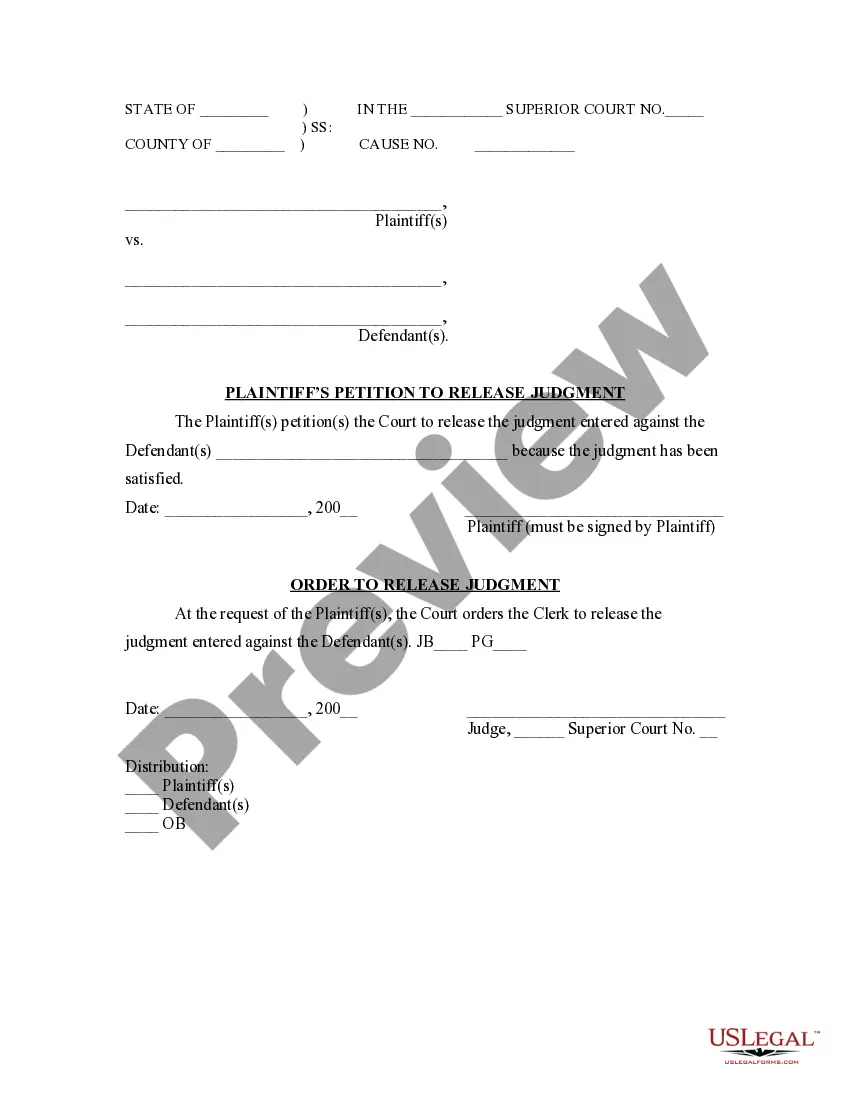
Release Of Judgment Form For Default
Description
Get your form ready online
Our built-in tools help you complete, sign, share, and store your documents in one place.
Make edits, fill in missing information, and update formatting in US Legal Forms—just like you would in MS Word.
Download a copy, print it, send it by email, or mail it via USPS—whatever works best for your next step.
Sign and collect signatures with our SignNow integration. Send to multiple recipients, set reminders, and more. Go Premium to unlock E-Sign.
If this form requires notarization, complete it online through a secure video call—no need to meet a notary in person or wait for an appointment.
We protect your documents and personal data by following strict security and privacy standards.

Make edits, fill in missing information, and update formatting in US Legal Forms—just like you would in MS Word.

Download a copy, print it, send it by email, or mail it via USPS—whatever works best for your next step.

Sign and collect signatures with our SignNow integration. Send to multiple recipients, set reminders, and more. Go Premium to unlock E-Sign.

If this form requires notarization, complete it online through a secure video call—no need to meet a notary in person or wait for an appointment.

We protect your documents and personal data by following strict security and privacy standards.
Looking for another form?
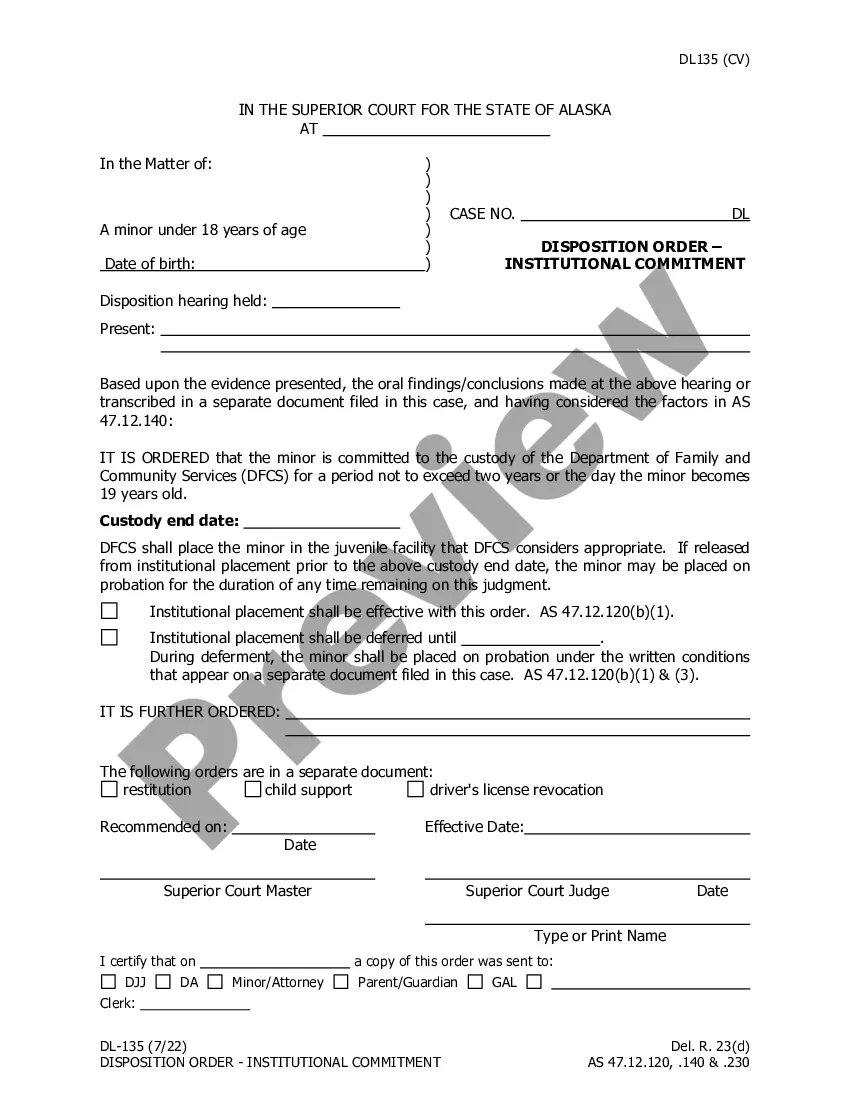








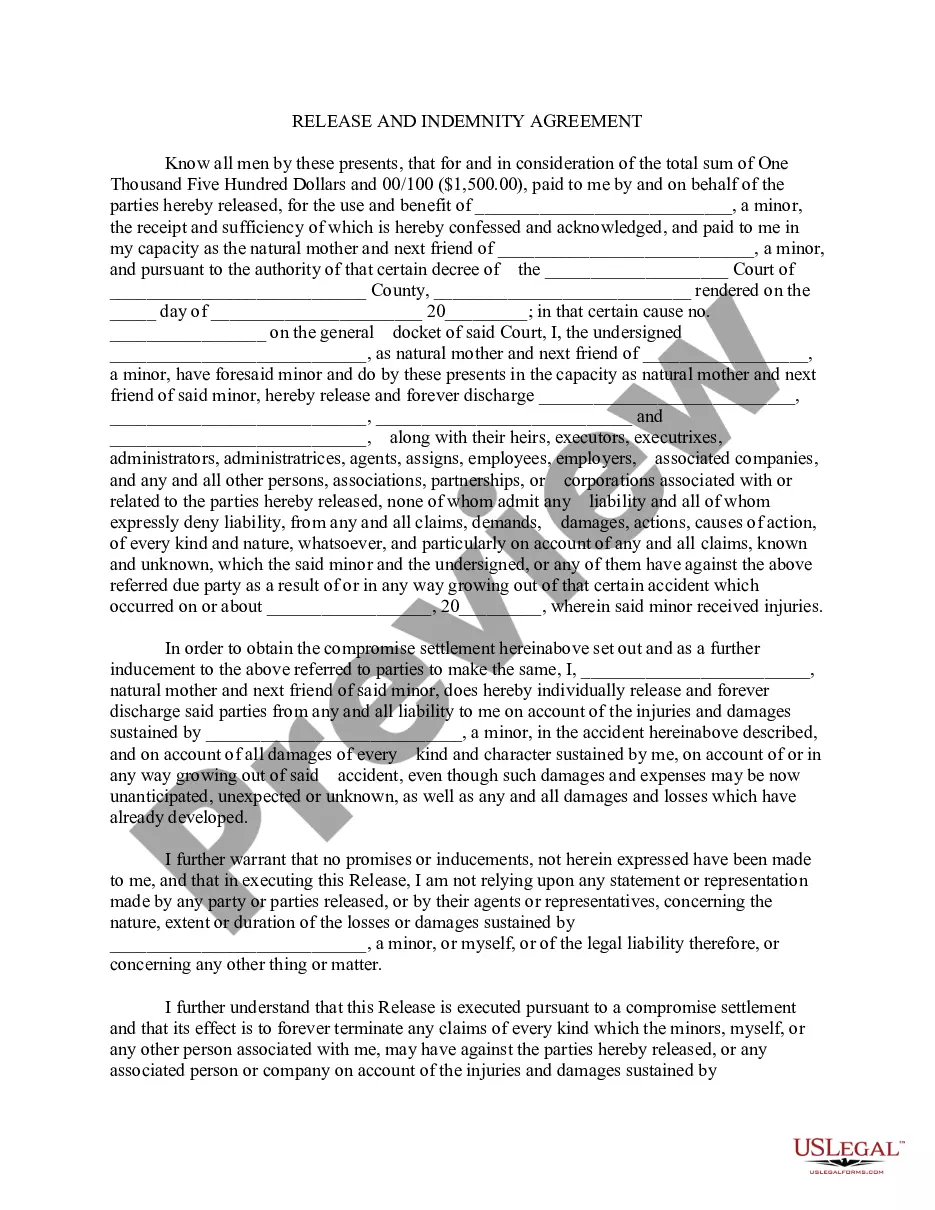
How to fill out Indiana Plaintiff's Petition To Release Judgment?
What is the most trustworthy service to obtain the Release Of Judgment Form For Default and other recent iterations of legal documents? US Legal Forms is the solution! It's the finest assortment of legal paperwork for any application.
Every template is properly composed and verified for adherence to federal and local regulations. They are categorized by area and state of usage, making it easy to find the one you require.
Alternative document search. If there are any issues, use the search bar in the page header to find another template. Click Buy Now to select the correct one. Registration and subscription purchase. Choose the most appropriate pricing plan, Log In or create your account, and process your subscription payment via PayPal or credit card. Downloading the documents. Choose your preferred format for saving the Release Of Judgment Form For Default (PDF or DOCX) and click Download to receive it. US Legal Forms is an ideal solution for anyone who needs to handle legal documentation. Premium users can gain even more benefits as they can complete and approve previously saved documents electronically at any time using the integrated PDF editing tool. Give it a try now!
- Experienced users of the website only need to Log In to the system, verify if their subscription is active, and click the Download button next to the Release Of Judgment Form For Default to obtain it.
- Once saved, the template remains accessible for future use within the My documents section of your profile.
- If you do not yet have an account with us, here are the steps you should follow to create one.
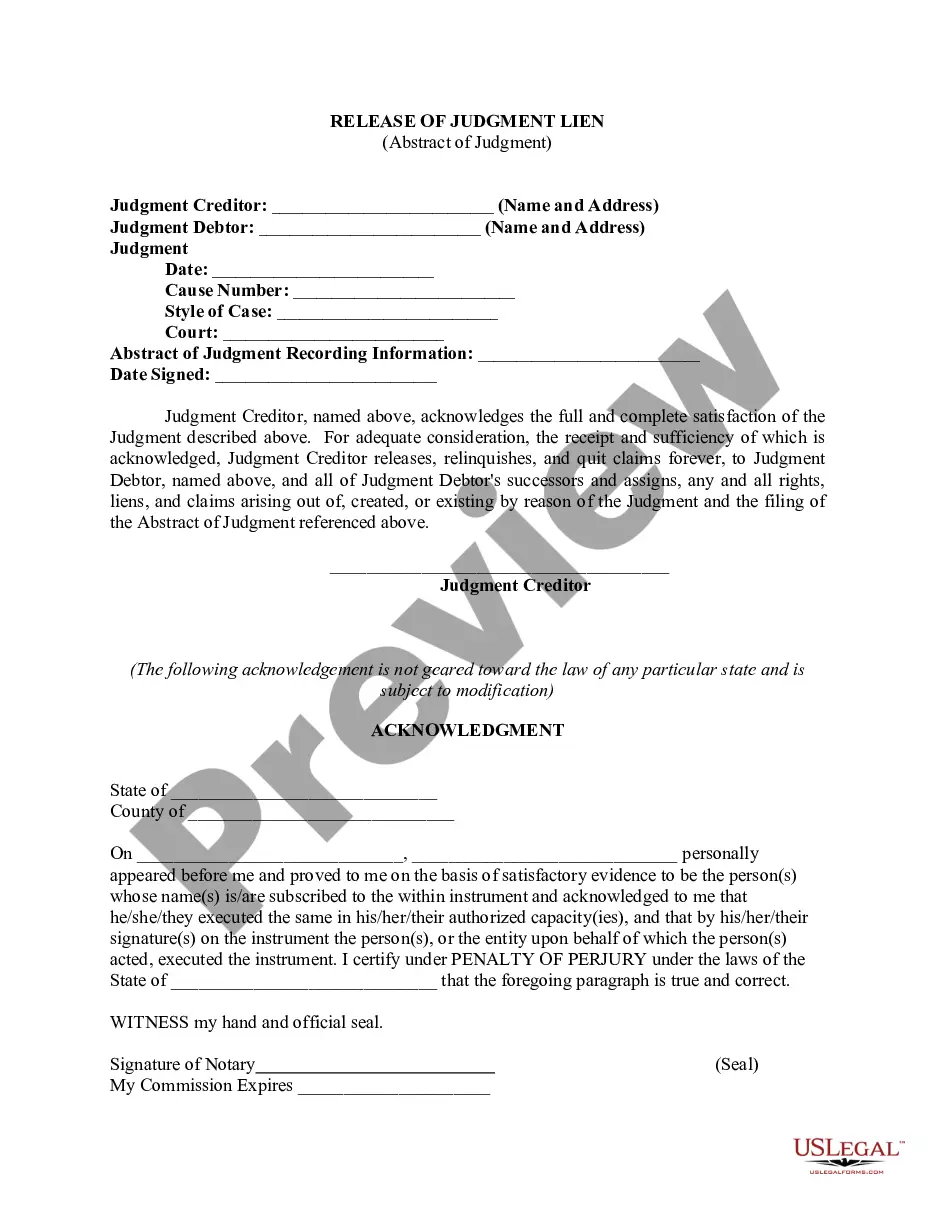
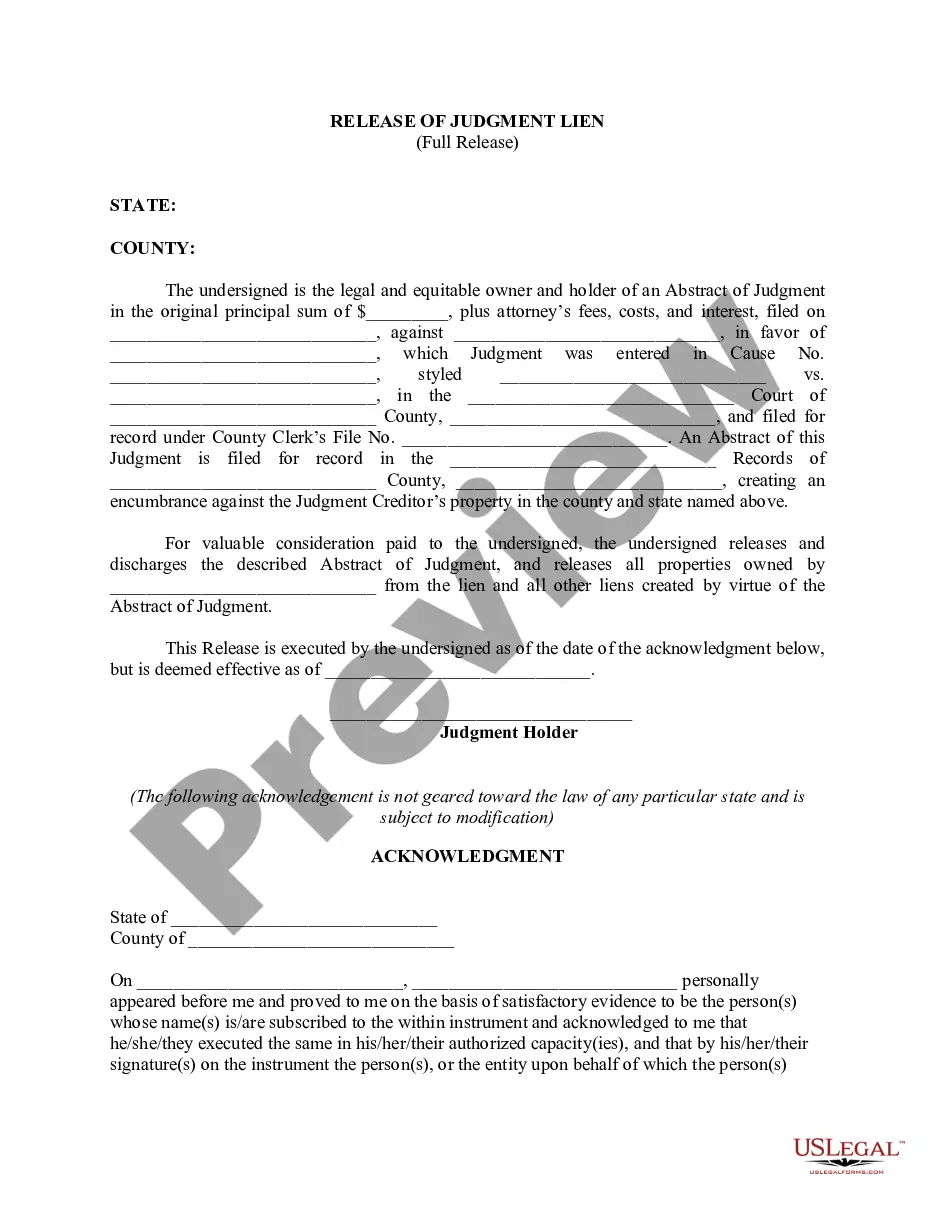
- Form compliance review. Before you acquire any template, you must verify if it meets the requirements of your use case and adheres to your state or county's regulations. Review the form description and use the Preview option if available.
Form popularity
FAQ
The MC-030 Declaration form is a California Superior Court form used for legal proceedings by an attorney, respondent, or defendant to provide the court with any relevant information to the case. This form may be attached along with other court documents.
SET ASIDE DEFAULT: A defendant can petition the Court to set aside the default. This is a noticed motion before the Court seeking to ask the Court to remove the default and allow the defendant to answer the pleading as if no default was ever taken. Plaintiff will appear to contest that motion usually.
How to vacate your judgmentFill out a Notice of Motion to Vacate Judgment and Declaration (Small Claims) (Form SC-135 ).File it with the small claims court clerk.Pay the filing fee. If you cannot afford the fee, ask for a fee waiver.The clerk will give you a date for your hearing.
You cannot appeal the judgment against you. You must file the appeal within 10 days of the judge's decision. To file the appeal. Get a form called Notice of Filing Notice of Appeal from the small claims clerk.
A motion to set aside a default based on C.C.P. § 473(b) must be filed within a reasonable time but in no case later than six months of the date the default was set aside. C.C.P. A§ 473(d) allows a court to set aside a default judgment at any time where the judgment is void on its face.