Change Name Of Package R
Description
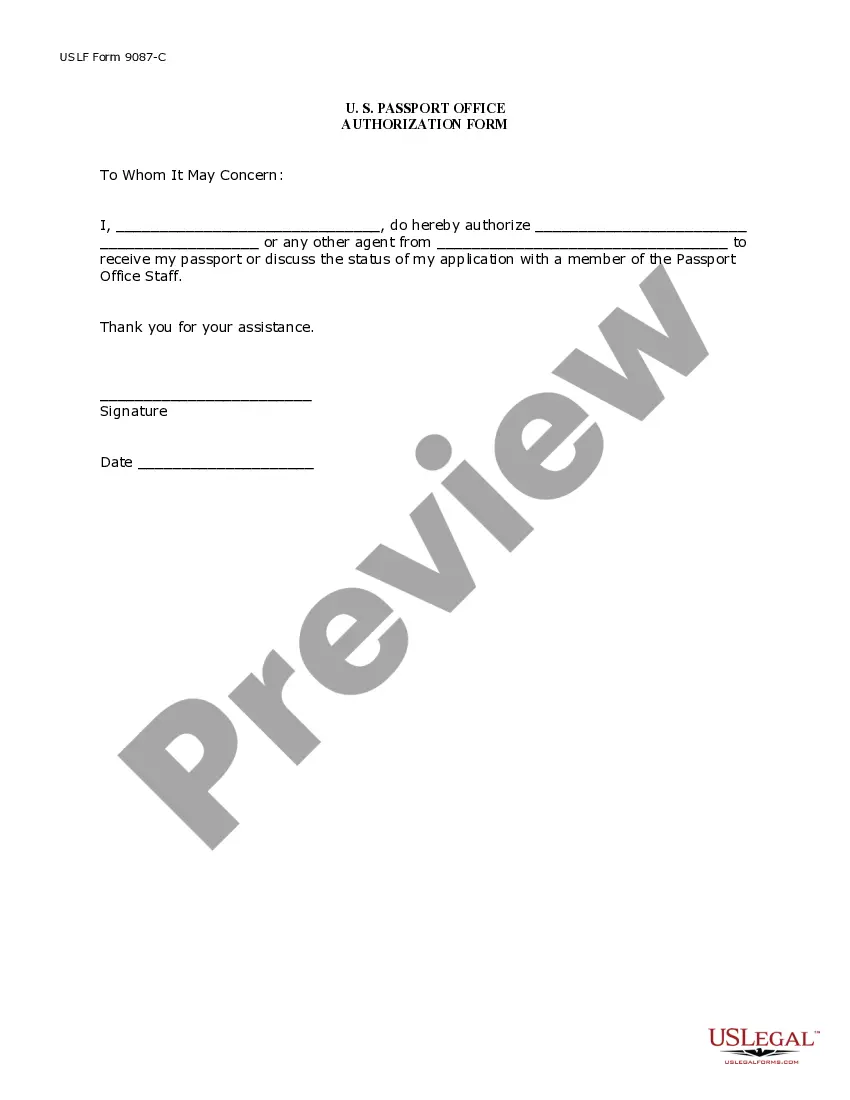
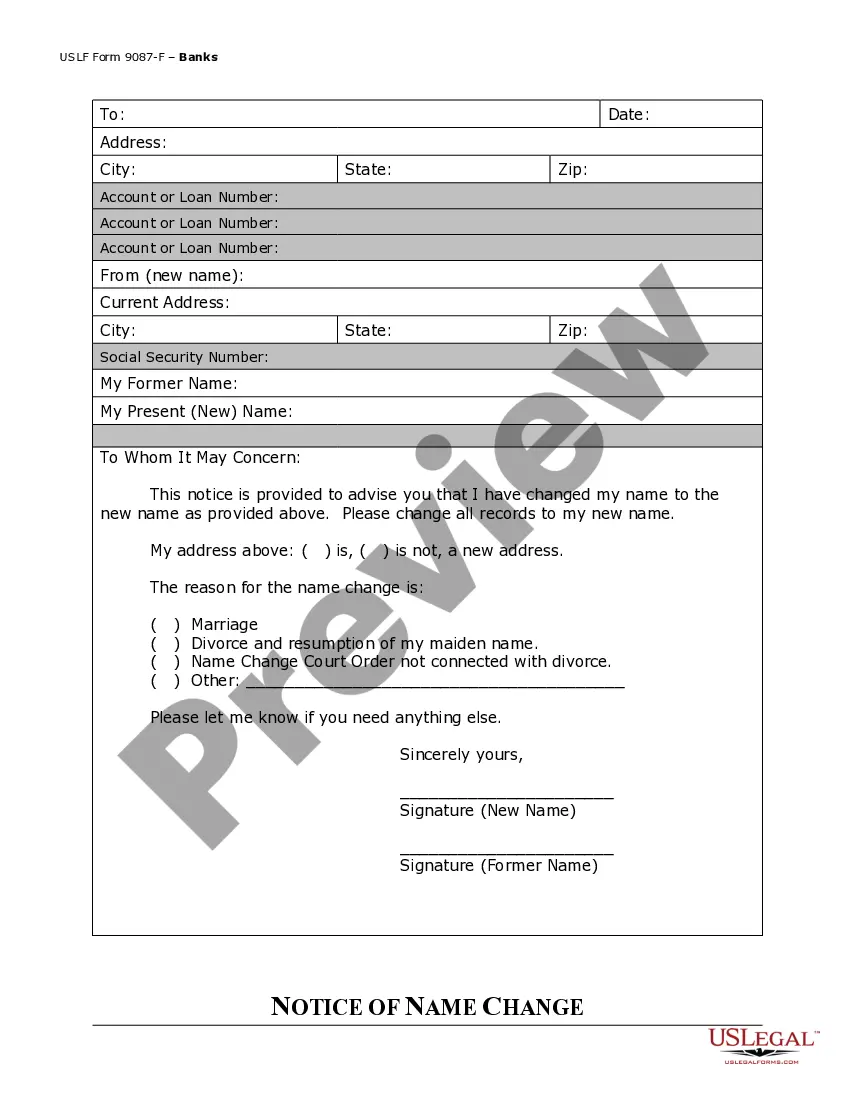
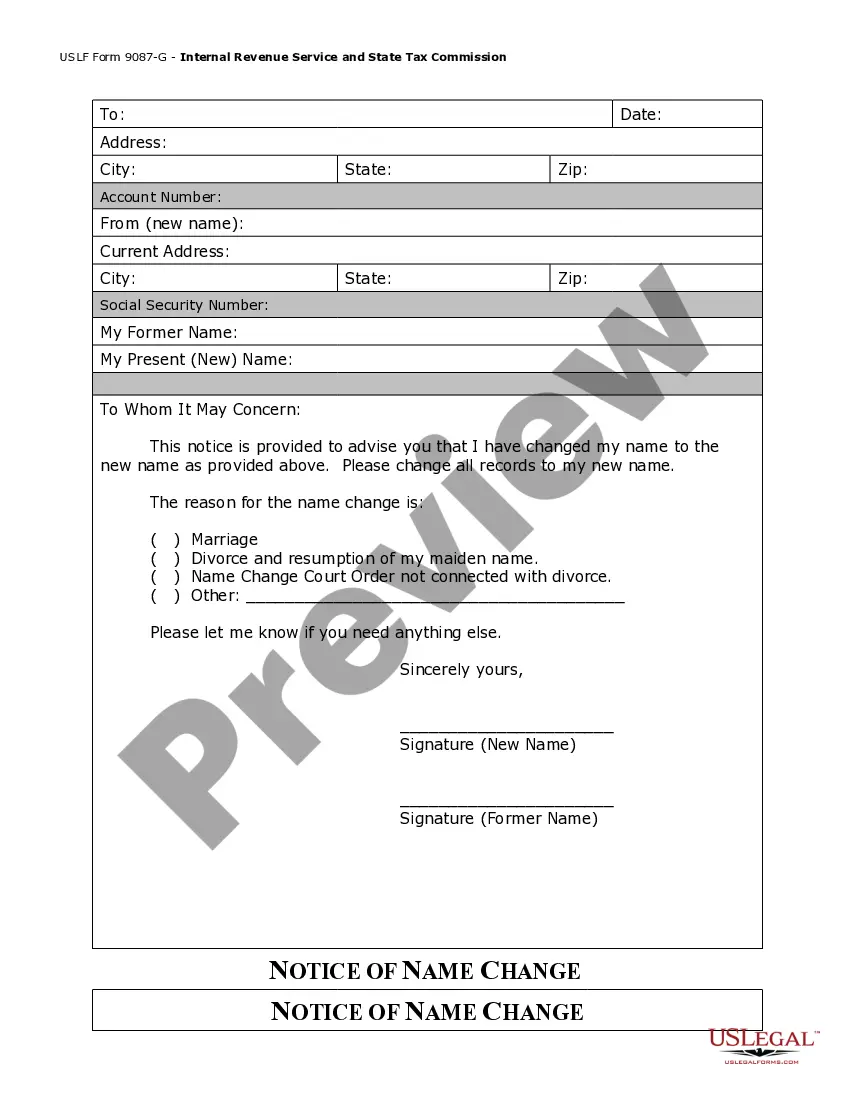
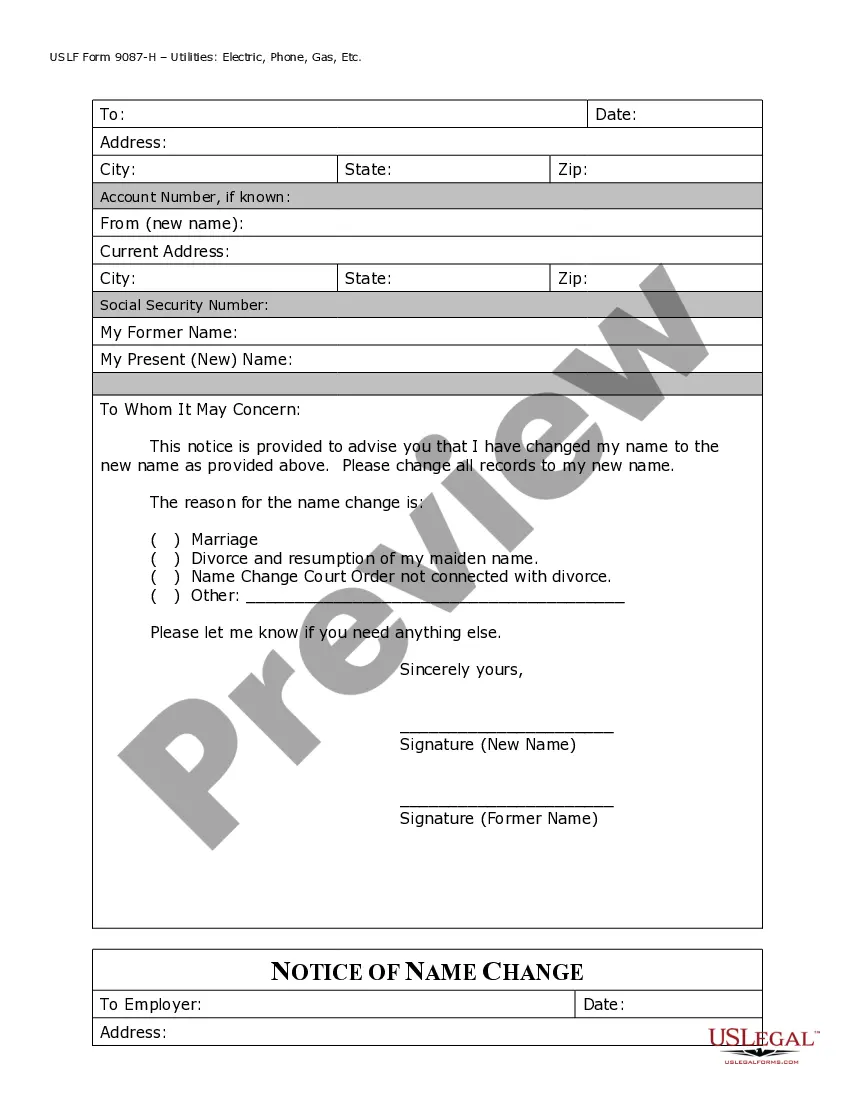




Get your form ready online
Our built-in tools help you complete, sign, share, and store your documents in one place.
Make edits, fill in missing information, and update formatting in US Legal Forms—just like you would in MS Word.
Download a copy, print it, send it by email, or mail it via USPS—whatever works best for your next step.
Sign and collect signatures with our SignNow integration. Send to multiple recipients, set reminders, and more. Go Premium to unlock E-Sign.
If this form requires notarization, complete it online through a secure video call—no need to meet a notary in person or wait for an appointment.
We protect your documents and personal data by following strict security and privacy standards.

Make edits, fill in missing information, and update formatting in US Legal Forms—just like you would in MS Word.

Download a copy, print it, send it by email, or mail it via USPS—whatever works best for your next step.

Sign and collect signatures with our SignNow integration. Send to multiple recipients, set reminders, and more. Go Premium to unlock E-Sign.

If this form requires notarization, complete it online through a secure video call—no need to meet a notary in person or wait for an appointment.

We protect your documents and personal data by following strict security and privacy standards.
Looking for another form?






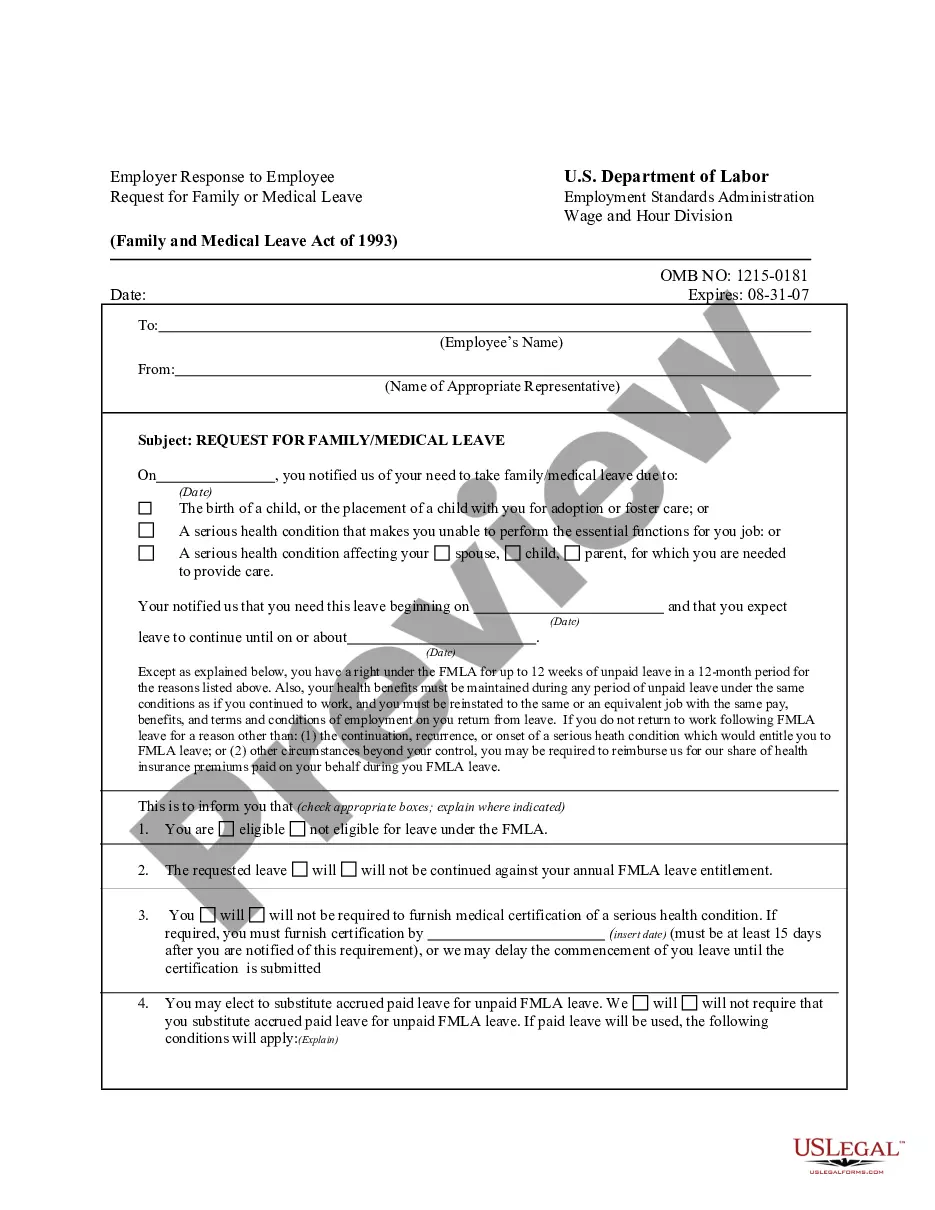
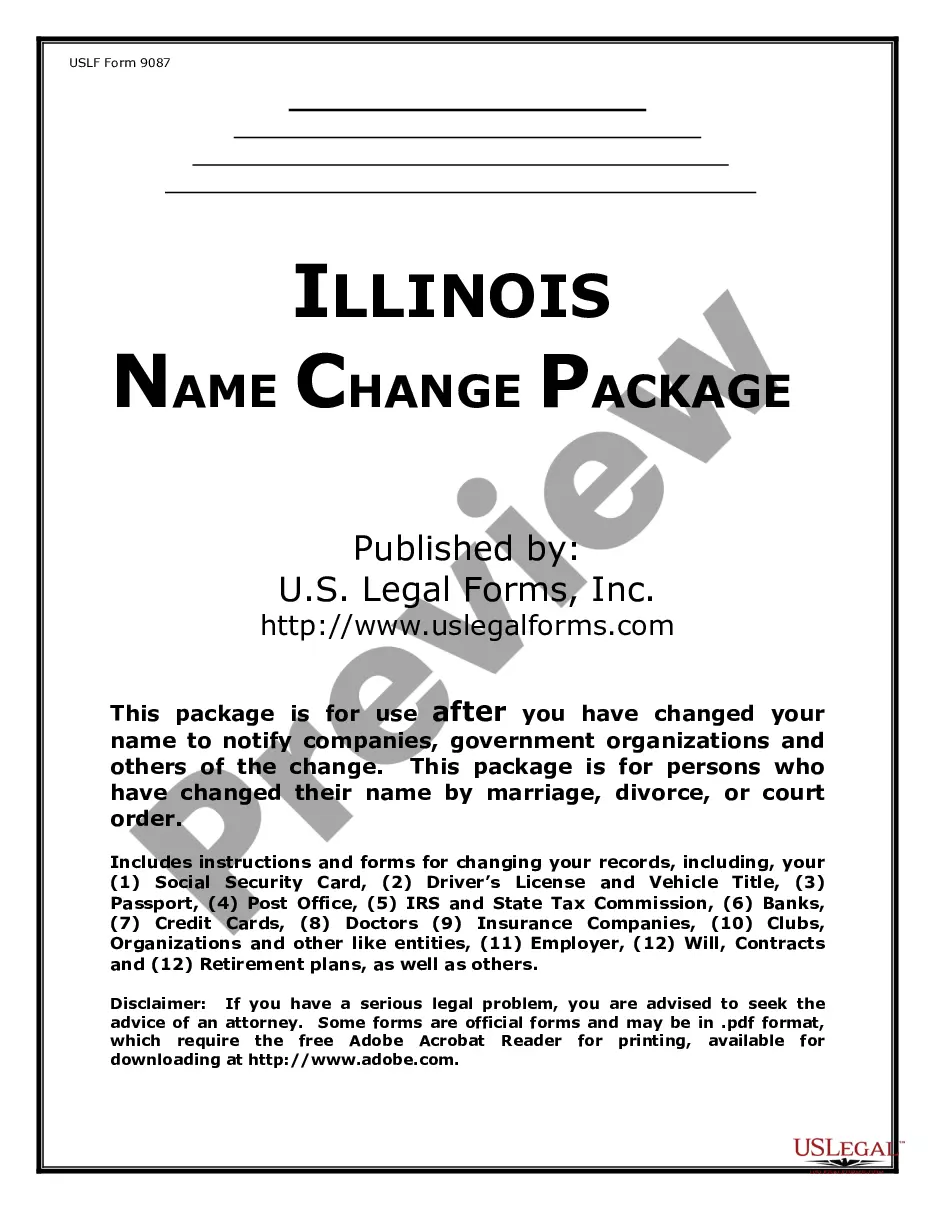
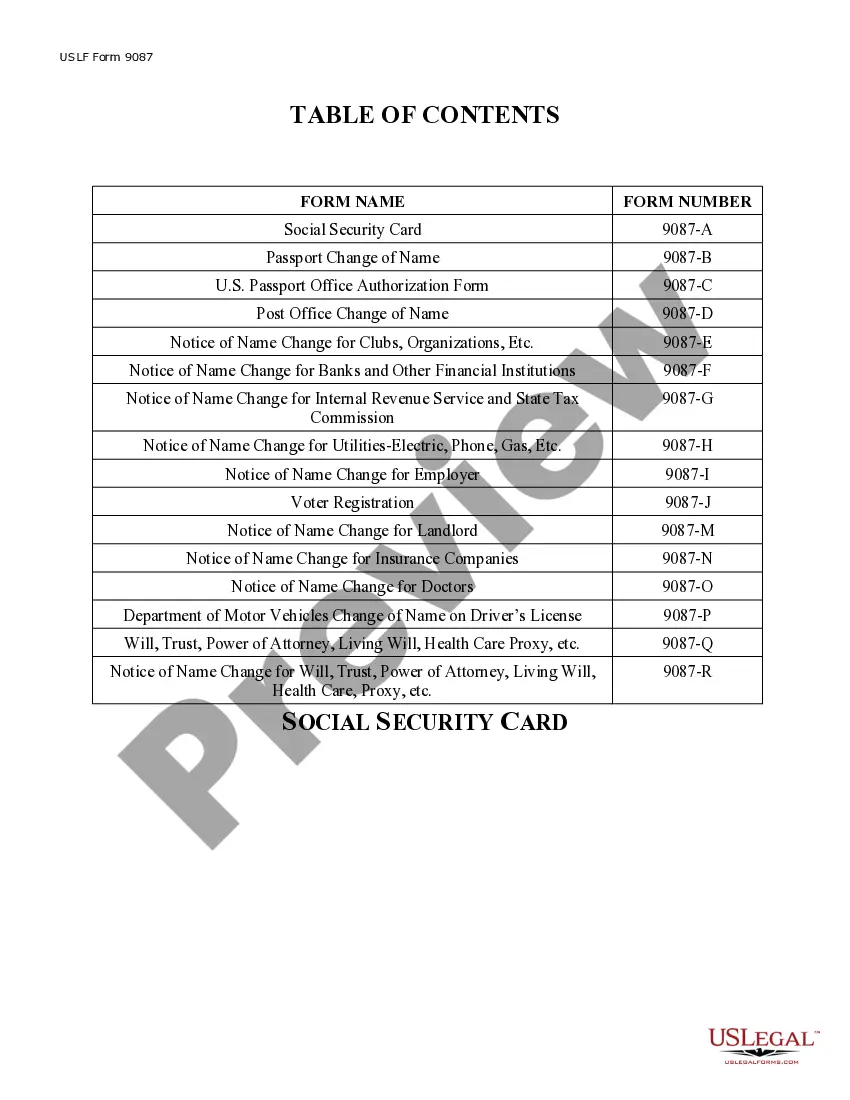
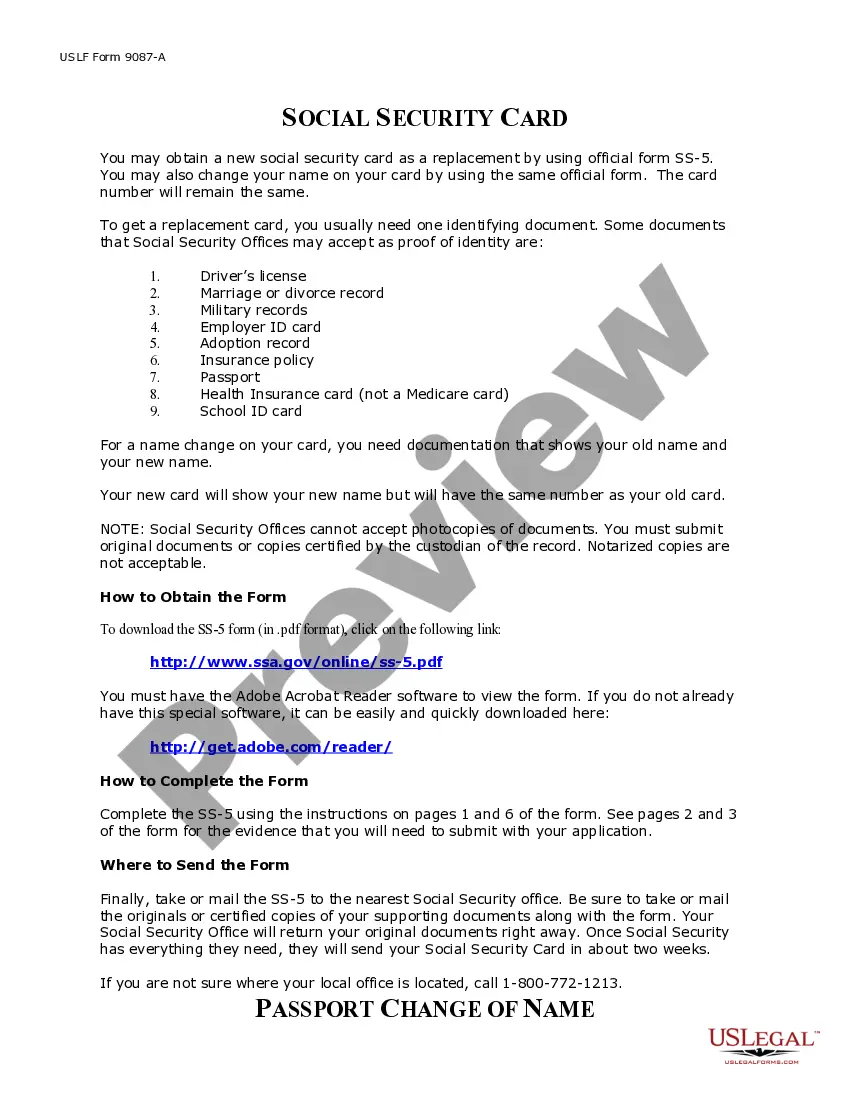
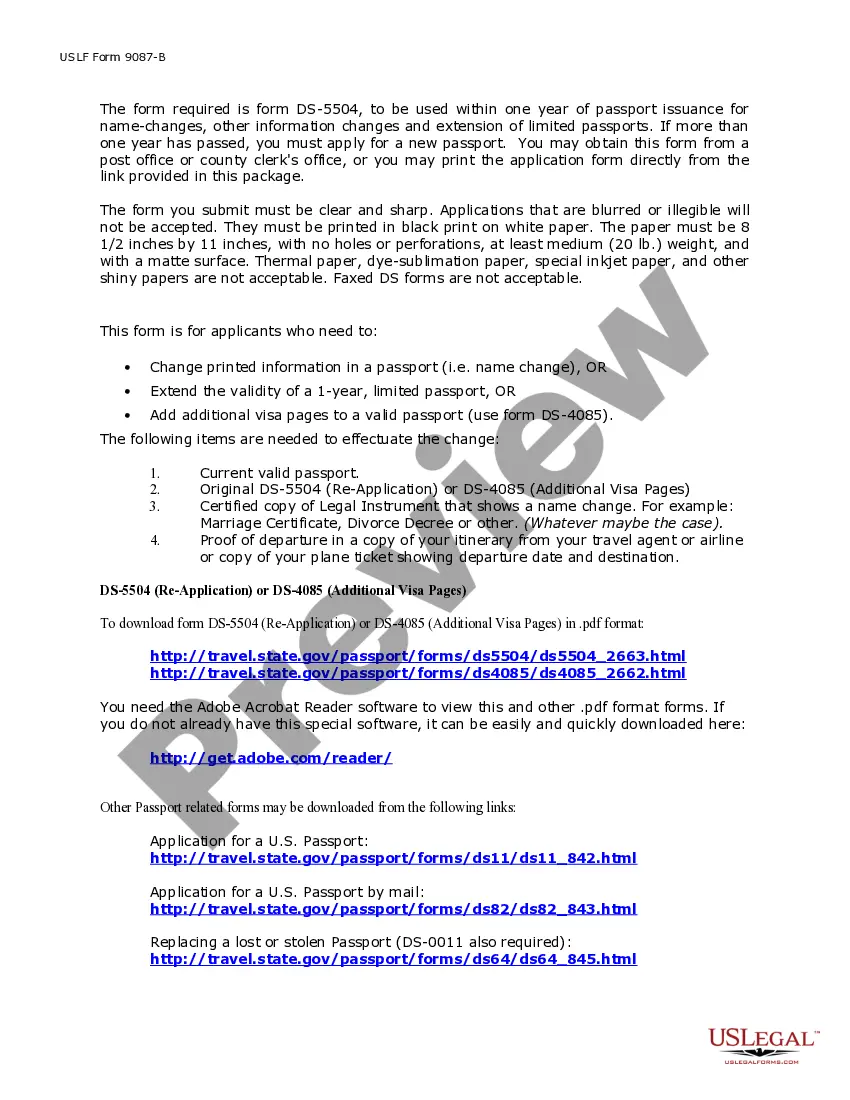
How to fill out Illinois Name Change Notification Package For Brides, Court Ordered Name Change, Divorced, Marriage?
Accessing legal documents that comply with federal and local regulations is crucial, and the internet provides a multitude of options to select from.
However, why spend time searching for the right Change Name Of Package R template online when the US Legal Forms digital library already has such documents gathered in one location.
US Legal Forms is the largest online legal repository with over 85,000 fillable templates created by attorneys for any business and personal situation.
Review the template using the Preview feature or through the text description to confirm it suits your requirements.
- They are easy to navigate with all documents organized by state and intended use.
- Our experts keep up with legislative changes, ensuring that your documents are always current and compliant when obtaining a Change Name Of Package R from our site.
- Acquiring a Change Name Of Package R is quick and straightforward for both existing and new users.
- If you already have an account with an active subscription, Log In and download the document sample you need in your desired format.
- If you are a newcomer to our site, follow the steps outlined below.
Form popularity
FAQ
The rename() function in R allows you to change the name of a package efficiently. When you want to change the name of package R, this function provides a straightforward way to do so, ensuring that your projects remain organized and easily identifiable. By using rename(), you can avoid confusion that may arise from similar package names, which ultimately enhances your workflow. If you're looking for an intuitive solution to manage your R packages, consider exploring the features offered by US Legal Forms.
In R, the package you commonly use to rename objects is called 'dplyr'. This package offers functions that simplify data manipulation, including renaming columns in data frames. If you want to change the name of a package in R, consider using the 'renamed' function to make your work more efficient. For comprehensive guidance, the US Legal Forms platform can provide you with resources to navigate these changes easily.
To write a package name in R, start by following the naming conventions. Use lowercase letters, numbers, and underscores. Avoid spaces and special characters to ensure compatibility. If you need to change the name of a package in R, remember to also update the associated files and documentation accordingly.
The rename function is primarily found in the dplyr package, which is a popular choice for data manipulation in R. This package provides a suite of tools designed for data cleaning and transformation, making it easier to work with complex data sets. The convenience of the rename function can significantly enhance your workflow. If you're looking to change the name of a package in R, using dplyr can streamline your data management tasks.
Changing the name of an R package requires updating the DESCRIPTION file to reflect the new name. Additionally, ensure that all scripts and dependencies that rely on the old package name are adjusted to the new name. This process may also involve updating documentation and testing the package thoroughly. A reliable platform like US Legal Forms can assist in organizing these changes and maintaining your package's integrity.
Modifying an R package involves several steps, starting with downloading the package source code. Once you have the code, you can make changes in the R scripts, documentation, or any other files as required. After your modifications, you should rebuild the package using the devtools package to ensure everything is correctly compiled. Using US Legal Forms can help you keep track of your modifications and manage your package documentation efficiently.
To change the name of a package in R, start by editing the DESCRIPTION file to update the 'Package' field with your new name. Next, revise any documentation and code that references the old package name to reflect the change. Be mindful of version control and ensure that all dependencies are compatible with the new package name. Lastly, consider using a platform like US Legal Forms to manage your package documentation effectively.
Renaming a package in R is not a straightforward process, as it involves modifying several components. You need to update the DESCRIPTION file, changing the 'Package' field to your new desired name. Additionally, you must ensure that all namespaces and references within the package code reflect this new name. It's advisable to thoroughly test your package after making these changes to ensure everything functions correctly.
The rename() function in R is used primarily within the dplyr package to change the names of columns in a data frame. By specifying the new column names and their corresponding old names, you can easily update your data frame structure. This function enhances the clarity of your data analysis by allowing you to use more descriptive names. Utilizing this function is a great way to streamline your data manipulation processes.
To rename an object in R, you can assign the old object to a new name using the assignment operator. For instance, if you have a variable named 'oldName', you can create a new variable with 'newName <- oldName'. This approach allows you to keep the original object while giving it a new identifier. Remember, if you want to completely change the name, you can delete the old object with 'rm(oldName)'.