Iowait
Description
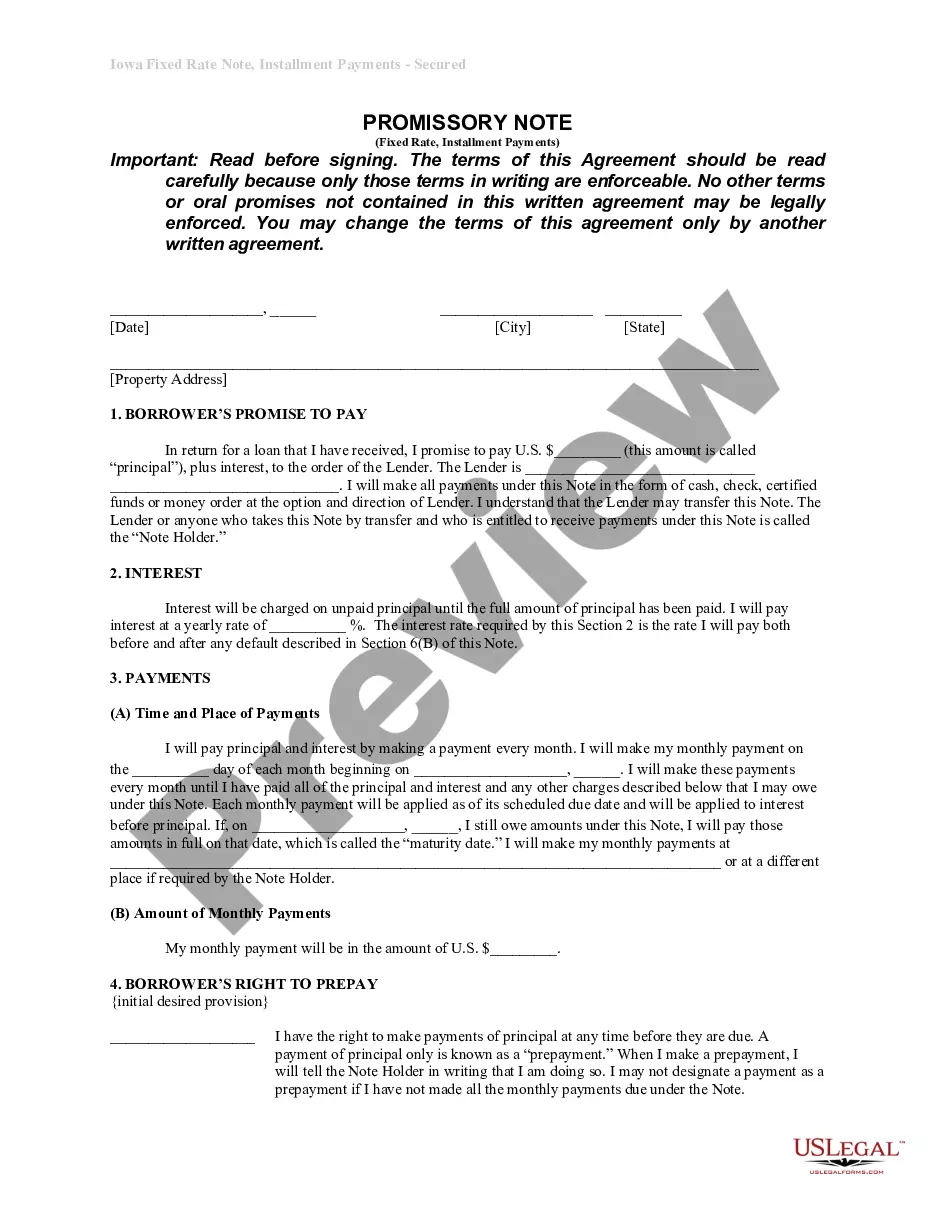
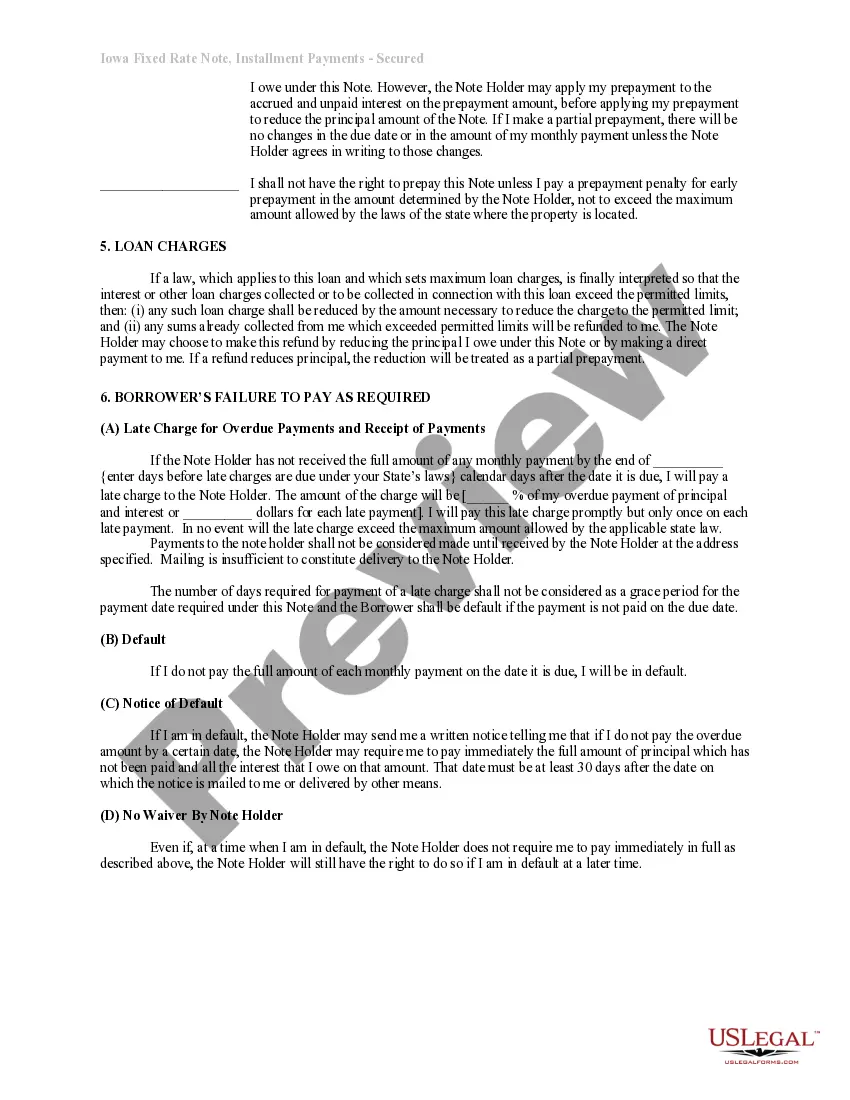
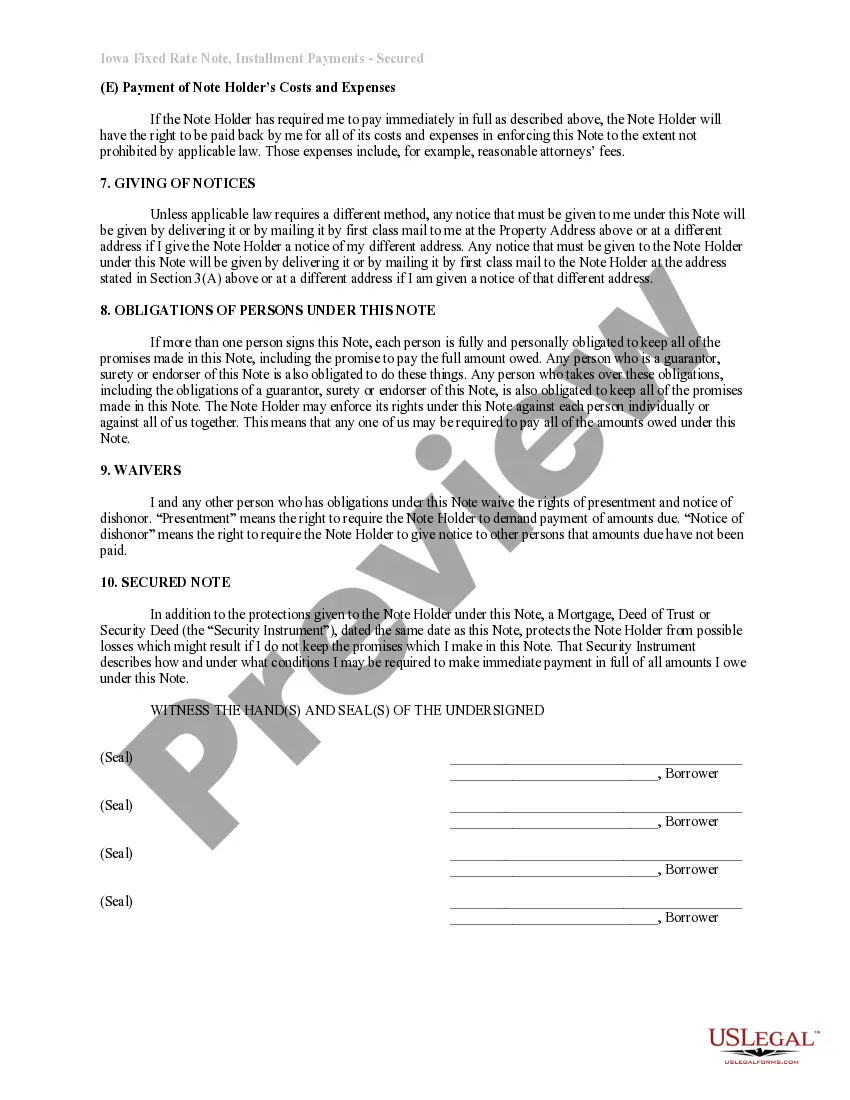

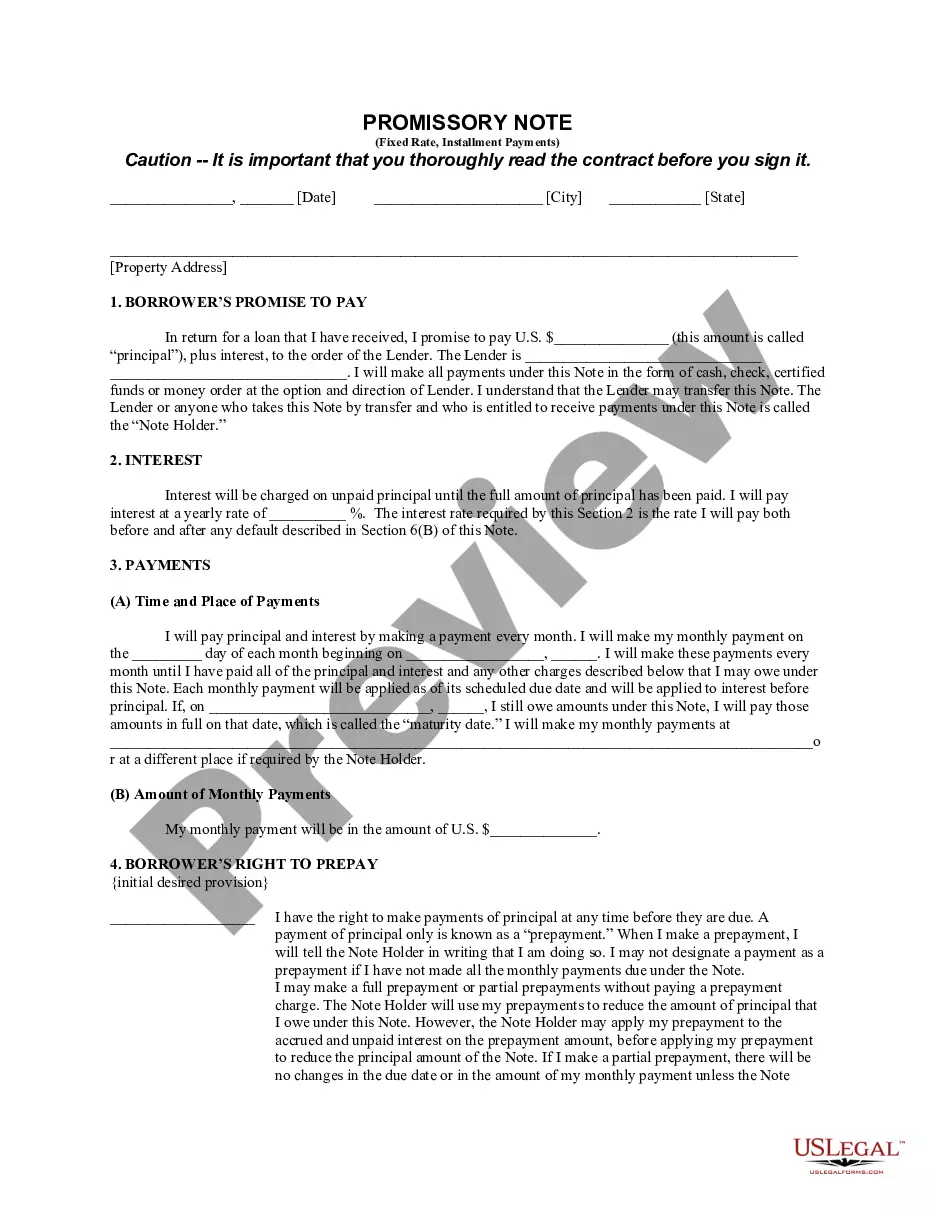
Get your form ready online
Our built-in tools help you complete, sign, share, and store your documents in one place.
Make edits, fill in missing information, and update formatting in US Legal Forms—just like you would in MS Word.
Download a copy, print it, send it by email, or mail it via USPS—whatever works best for your next step.
Sign and collect signatures with our SignNow integration. Send to multiple recipients, set reminders, and more. Go Premium to unlock E-Sign.
If this form requires notarization, complete it online through a secure video call—no need to meet a notary in person or wait for an appointment.
We protect your documents and personal data by following strict security and privacy standards.

Make edits, fill in missing information, and update formatting in US Legal Forms—just like you would in MS Word.

Download a copy, print it, send it by email, or mail it via USPS—whatever works best for your next step.

Sign and collect signatures with our SignNow integration. Send to multiple recipients, set reminders, and more. Go Premium to unlock E-Sign.

If this form requires notarization, complete it online through a secure video call—no need to meet a notary in person or wait for an appointment.

We protect your documents and personal data by following strict security and privacy standards.
Looking for another form?

How to fill out Iowa Installments Fixed Rate Promissory Note Secured By Residential Real Estate?
- If you're returning user, log into your account and download the desired template by hitting the Download button. Ensure your subscription is active; if not, renew it per your chosen payment plan.
- If this is your first visit, start by examining the preview mode and reading the form description carefully. Confirm that you've selected a form that aligns well with your needs and complies with local regulations.
- If you encounter discrepancies or need a different template, utilize the Search tab above to locate the appropriate form.
- Once you've identified the correct template, proceed to purchase it by clicking on the Buy Now button and selecting your preferred subscription plan. An account registration will be necessary for full access to the library.
- Complete your purchase by entering your credit card information or using your PayPal account for the subscription.
- Finally, download your form and save it to your device. You can access your document anytime from the My Forms menu in your profile.
By following these steps, you can efficiently use Iowait to tap into a wealth of legal documents, all benefit-laden and designed for user ease.
Don't wait any longer to get the legal documents you need—start using Iowait today!
Form popularity
FAQ
You can find iowait using various monitoring tools like 'top', 'vmstat', or 'sar' in your Unix/Linux environment. Running 'top' displays CPU usage, including the iowait metric, which is typically represented as a percentage. Additionally, using 'sar', you can gather historical data about iowait across different time periods. Keeping track of these metrics helps you identify trends and potential performance bottlenecks.
CPU time wait refers to the duration the CPU spends waiting for resources to execute tasks, contributing to the iowait metric. During this time, the CPU cannot process other tasks, which can slow down overall performance. By monitoring CPU time wait, you can identify areas needing improvement, and adjust system settings to reduce delays. Addressing CPU time wait is vital for ensuring that your applications run smoothly and efficiently.
To check your CPU time, you typically can access system monitoring tools that display CPU usage statistics. These tools can present information on how much time the CPU spends in various states, including active processing and iowait. Accurate tracking of CPU time enhances your ability to diagnose and resolve performance issues. By understanding how the CPU allocates its time, you can make informed decisions to optimize performance.
To check CPU status, you can use built-in tools or third-party software that provide insights into CPU performance. On many systems, a simple command in the terminal or command prompt can reveal real-time CPU usage and iowait statistics. Regularly checking your CPU status helps you monitor system health and diagnose issues proactively. Ensuring that your CPU operates smoothly can enhance your entire computing experience.
CPU-IO wait time refers to the period when the CPU is idle, waiting for input or output operations to complete. This time can affect system performance, as the CPU is unable to process other tasks while in this waiting state. Understanding iowait helps users identify potential bottlenecks in system resources and optimize performance. By monitoring CPU-IO wait time, you can better manage system resources and improve overall efficiency.
High IOWait can occur due to several factors, including slow disk access speeds, limited memory, or poorly optimized applications. When your system requests data, slow hardware can delay the response, leading to increased IOWait. Additionally, high traffic on databases can exacerbate the problem, affecting user experience. Managing these issues is essential, and tools available on platforms like USLegal can help you address these challenges effectively.
IOWait in CPU refers to the time the processor spends waiting for input/output operations to complete. When a CPU has to wait for data from storage devices, the productivity decreases, affecting overall performance. This situation often indicates bottlenecks in disk speeds or inefficiencies in handling data requests. Understanding IOWait can help you optimize your system and improve performance.
The main difference between idle and IOWait is that idle refers to the CPU not actively processing tasks, while IOWait specifically reflects time spent waiting for I/O operations to complete. High idle levels indicate underutilization, while high IOWait indicates bottlenecks caused by slow disk access. Understanding both measures can help you optimize your system's performance effectively.
High IOWait is generally considered anything above 10%. Consistently elevated IOWait can indicate that your system's disks are not keeping up with the demands placed on them. If you see high values, investigate further to identify any potential bottlenecks or areas for improvement.
To check CPU I/O wait, you can use commands like 'mpstat' or 'iostat' in your Linux terminal. These commands will provide detailed statistics on IOWait times, helping you analyze CPU performance. By monitoring these metrics, you can take proactive steps to reduce IOWait and improve system responsiveness.