File For Employee
Description

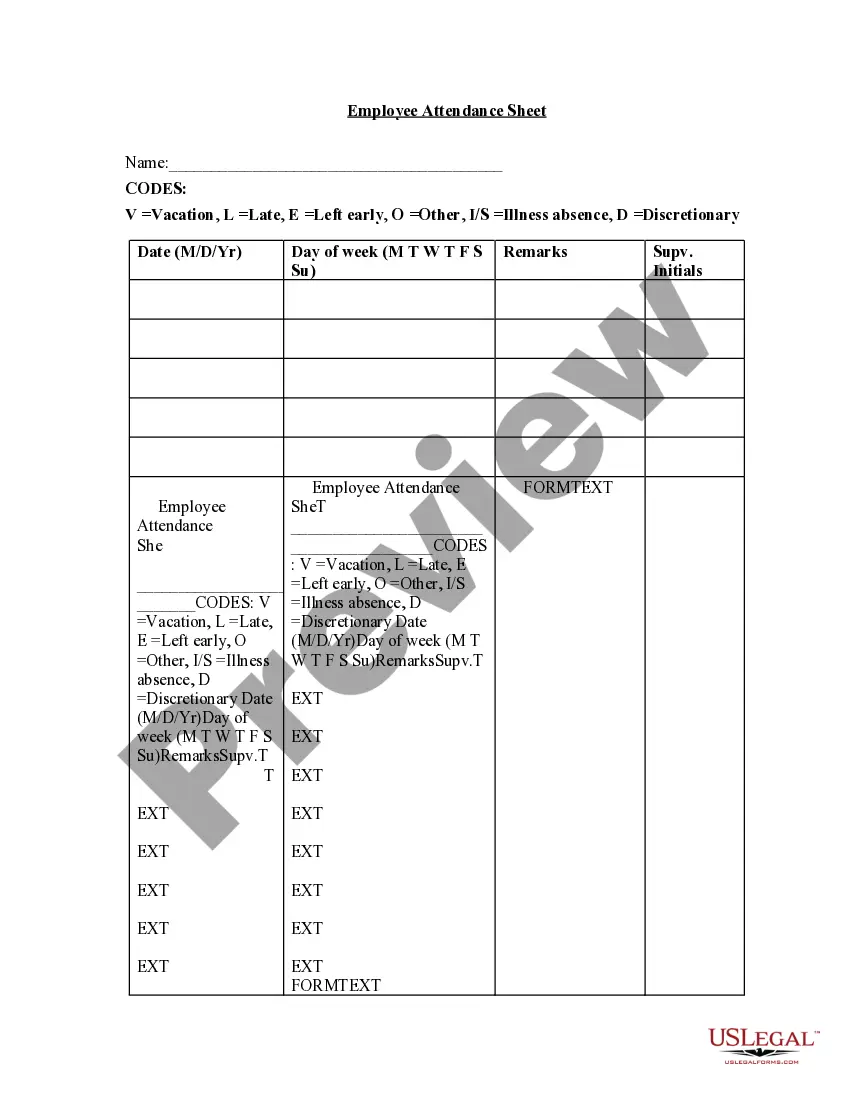

Get your form ready online
Our built-in tools help you complete, sign, share, and store your documents in one place.
Make edits, fill in missing information, and update formatting in US Legal Forms—just like you would in MS Word.
Download a copy, print it, send it by email, or mail it via USPS—whatever works best for your next step.
Sign and collect signatures with our SignNow integration. Send to multiple recipients, set reminders, and more. Go Premium to unlock E-Sign.
If this form requires notarization, complete it online through a secure video call—no need to meet a notary in person or wait for an appointment.
We protect your documents and personal data by following strict security and privacy standards.

Make edits, fill in missing information, and update formatting in US Legal Forms—just like you would in MS Word.

Download a copy, print it, send it by email, or mail it via USPS—whatever works best for your next step.

Sign and collect signatures with our SignNow integration. Send to multiple recipients, set reminders, and more. Go Premium to unlock E-Sign.

If this form requires notarization, complete it online through a secure video call—no need to meet a notary in person or wait for an appointment.

We protect your documents and personal data by following strict security and privacy standards.
Looking for another form?









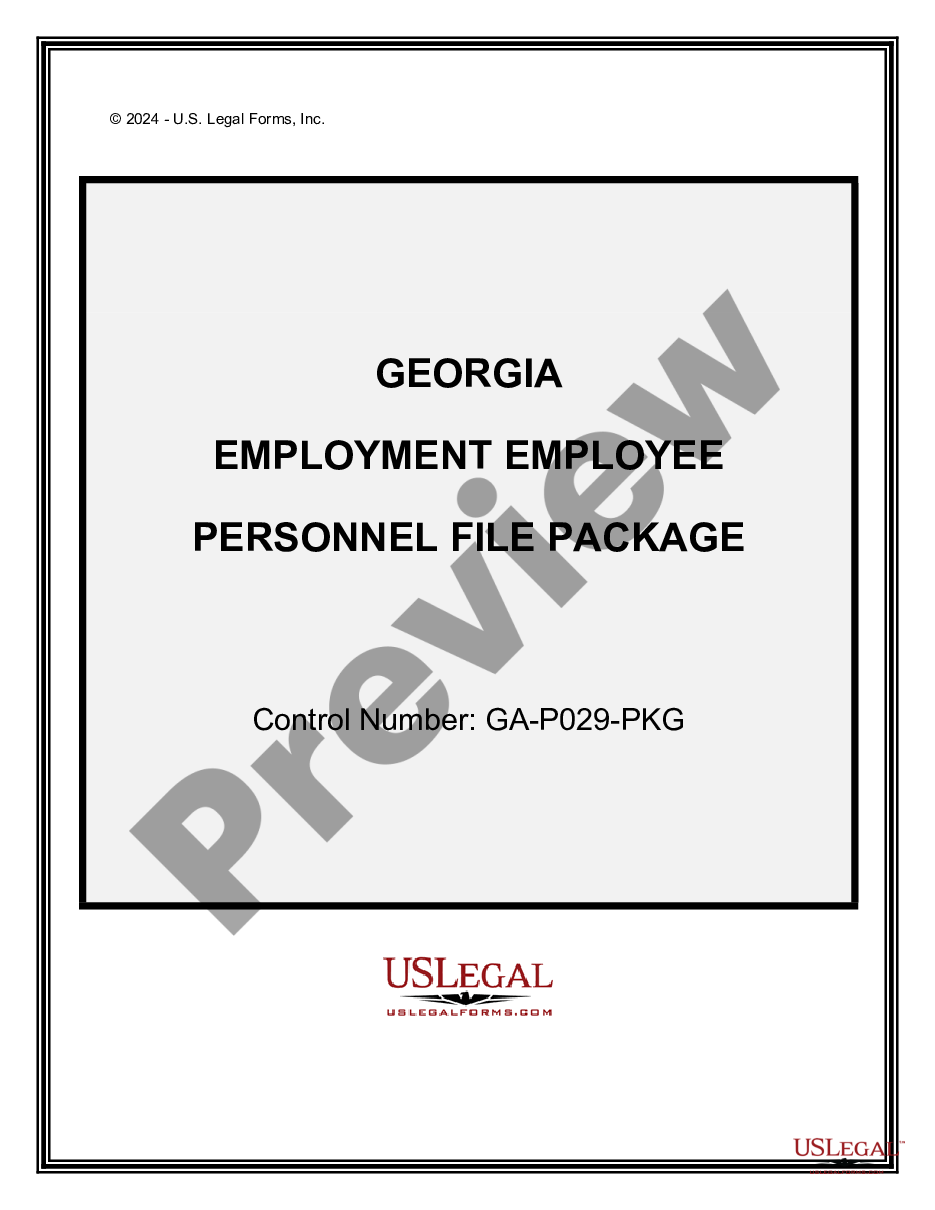
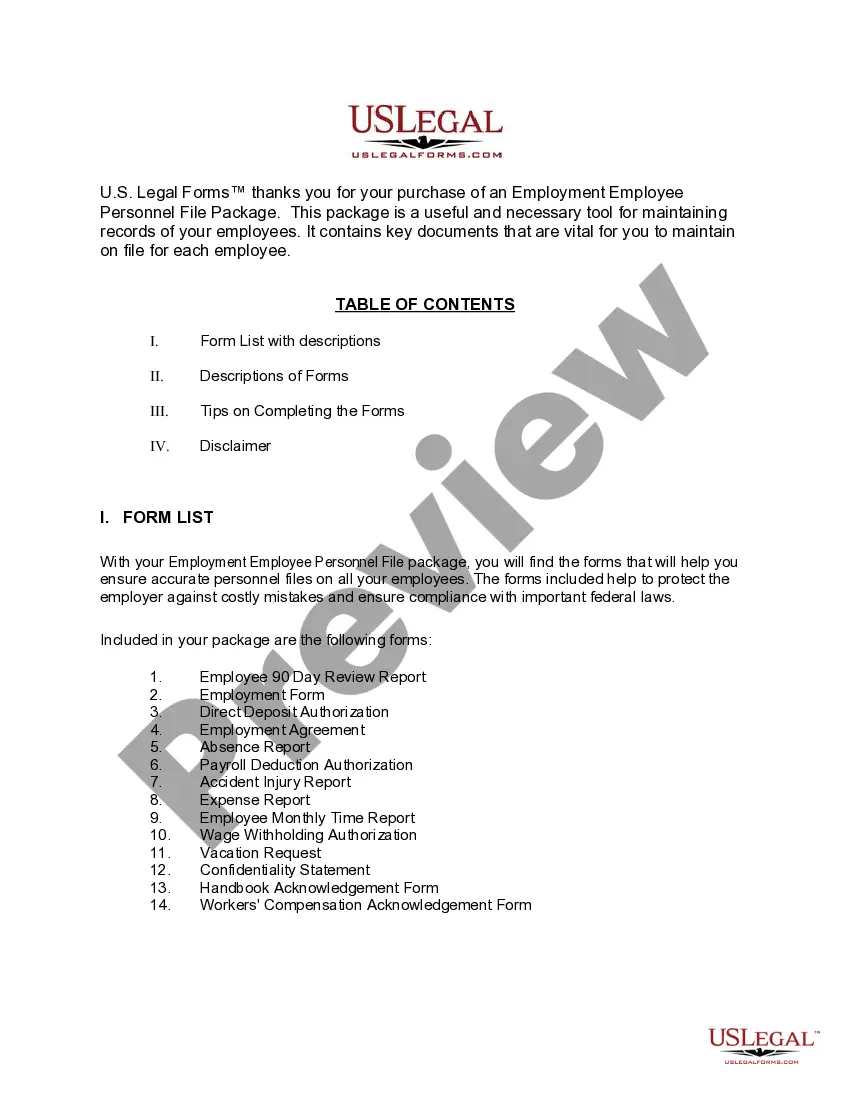
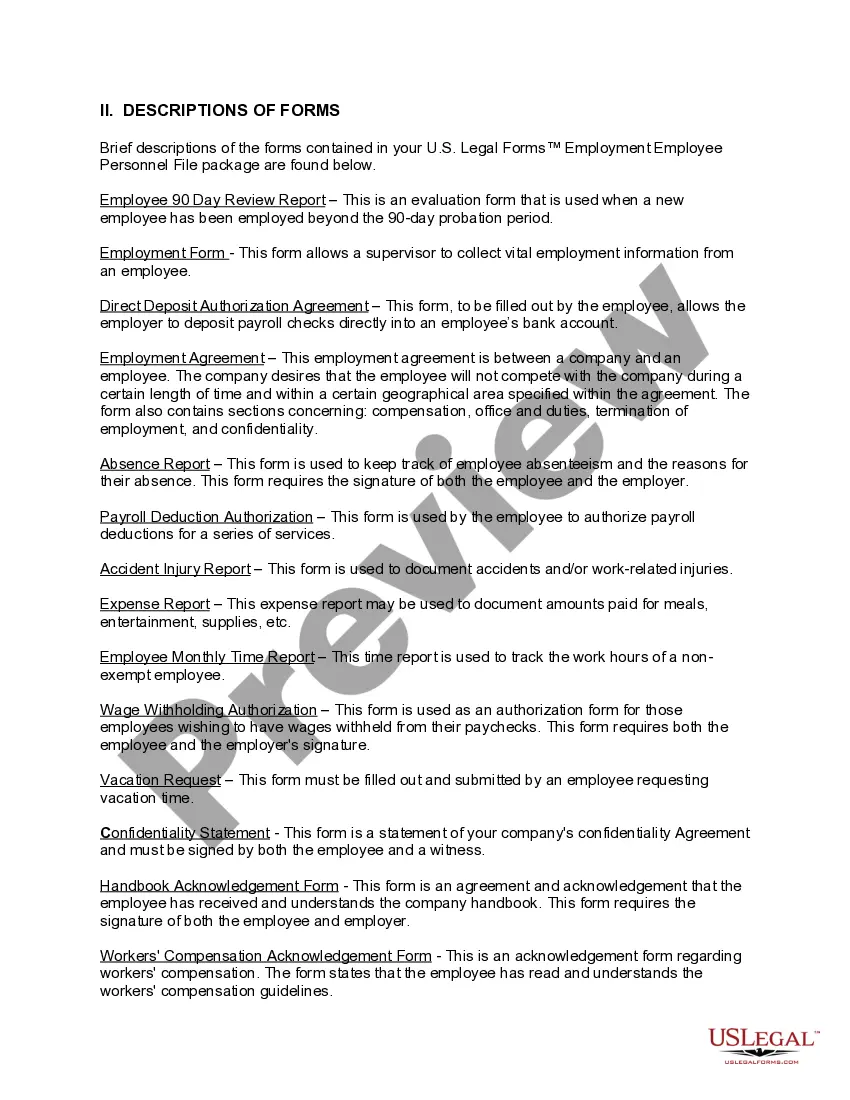
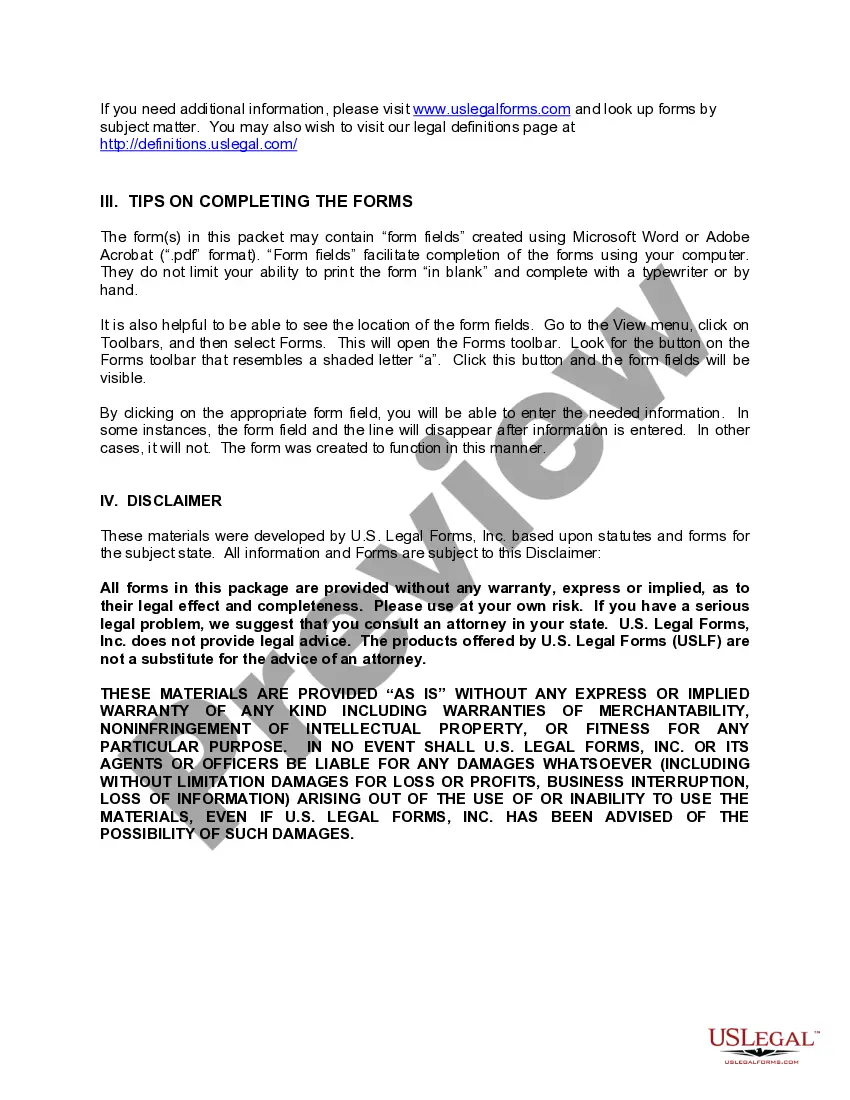
How to fill out Georgia Employment Employee Personnel File Package?
- If you are a returning user, log into your account and locate the required form template. Ensure that your subscription is active, and renew if necessary.
- If you are a new user, begin by browsing the extensive collection of legal forms provided by US Legal Forms. Check the Preview mode to verify that the selected form meets your specific needs and local jurisdiction requirements.
- If you need a different template, utilize the Search tab at the top to find the correct form. Confirm that this new selection aligns with your requirements before moving forward.
- Purchase the selected document by clicking the Buy Now button. Choose a subscription plan that works best for you and set up your account to access the full library of resources.
- Complete your payment using a credit card or your PayPal account to finalize your subscription.
- Download the form directly to your device. For easy access and future needs, you can always find your downloaded documents in the My Forms section of your account.
By following these steps, you can leverage the powerful resources of US Legal Forms to file for employees efficiently. Their user-friendly platform not only saves you time but also ensures your documents are legally sound with the help of premium expert support.
Start your journey today with US Legal Forms and ensure seamless legal documentation for your employees. Explore the library now!
Form popularity
FAQ
Writing a letter to request your employee file involves a clear and concise approach. Start by addressing the appropriate person in your HR department, then briefly explain why you seek access to the file. Mention relevant details like your employee ID and state the importance of this file in relation to your work at the company.
To effectively make an employee file, start by gathering essential documents like the employee's application, tax information, and performance reviews. Then, organize these materials in a folder or digital format that is easy to navigate. Utilizing platforms like US Legal Forms can streamline this process, providing templates that simplify the creation and maintenance of employee files.
An employee file should be organized and easily accessible. Typically, it includes sections for personal information, job performance, and legal documentation. A well-structured file not only aids in management but also supports transparency when you file for employee issues.
Creating an employee form begins with identifying the information you need to gather. Use a clear and organized layout, ensuring you include sections for personal details, job title, and relevant policies. Personalizing the form to your company's standards can facilitate smoother processes when you file for employee records.
Yes, employees can request a copy of their file at work. By understanding your rights, you can formally ask your employer for access to your employee file. This transparency helps ensure that all information is accurate and current, which is crucial when you file for employee evaluations or disputes.
To effectively file for employee records, essential documents must be included in the file. Key components typically consist of the employee's job application, resume, tax forms, and any employment agreements. Additionally, performance reviews and disciplinary records might also be necessary for complete documentation.
To file taxes, an employee must earn a certain amount, generally set at $12,550 for individuals under 65 as of 2021. If they earn less than this threshold, they may not need to file. However, if taxes were withheld or if they qualify for certain credits, they should consider filing. Familiarizing yourself with these thresholds can guide your decision when you file for employee.
For employees, you will need Form W-2 to report their earnings, taxes withheld, and other important details. Each employee should receive a W-2 at the end of the tax year, which they will use to file their personal taxes. Ensure that you submit copies of W-2 forms to the IRS. Tools provided by US Legal Forms can simplify the preparation of these forms.
Creating an employee file involves gathering all relevant documentation at the start of employment. This includes personal information, tax forms, and signed agreements. Organize the file systematically to make it easy to navigate in the future. To streamline this process, consider US Legal Forms for templates tailored to employee file creation.
To file taxes for an employee, you need to collect and report their income using the W-2 form. Withhold the necessary amounts for federal and state taxes throughout the year, and submit those to the IRS on their behalf. At year-end, provide your employee with a W-2 that summarizes their earnings and withholdings. Using US Legal Forms can assist you with accurate tax form preparation.