Florida Employment File For Employer
Description


Get your form ready online
Our built-in tools help you complete, sign, share, and store your documents in one place.
Make edits, fill in missing information, and update formatting in US Legal Forms—just like you would in MS Word.
Download a copy, print it, send it by email, or mail it via USPS—whatever works best for your next step.
Sign and collect signatures with our SignNow integration. Send to multiple recipients, set reminders, and more. Go Premium to unlock E-Sign.
If this form requires notarization, complete it online through a secure video call—no need to meet a notary in person or wait for an appointment.
We protect your documents and personal data by following strict security and privacy standards.

Make edits, fill in missing information, and update formatting in US Legal Forms—just like you would in MS Word.

Download a copy, print it, send it by email, or mail it via USPS—whatever works best for your next step.

Sign and collect signatures with our SignNow integration. Send to multiple recipients, set reminders, and more. Go Premium to unlock E-Sign.

If this form requires notarization, complete it online through a secure video call—no need to meet a notary in person or wait for an appointment.

We protect your documents and personal data by following strict security and privacy standards.
Looking for another form?







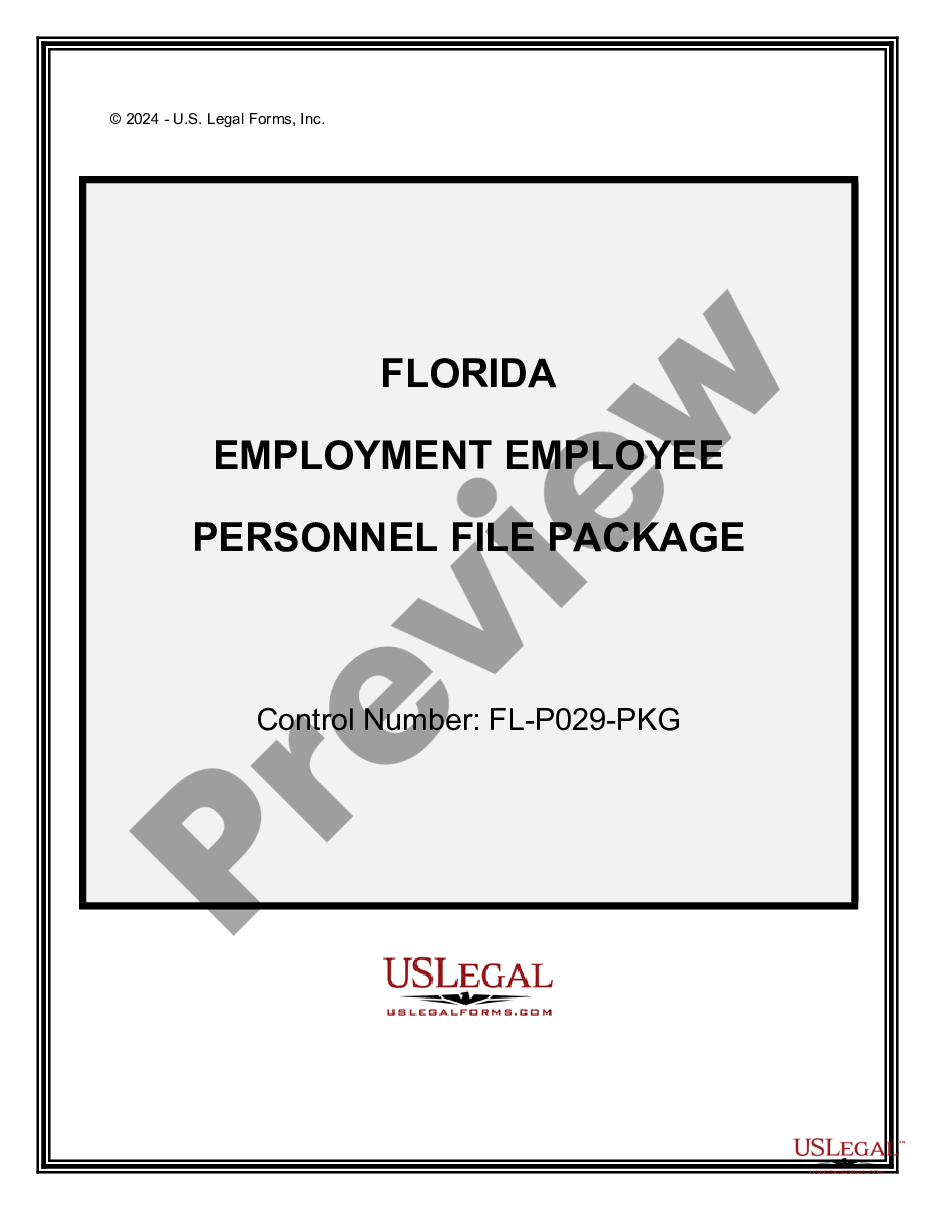
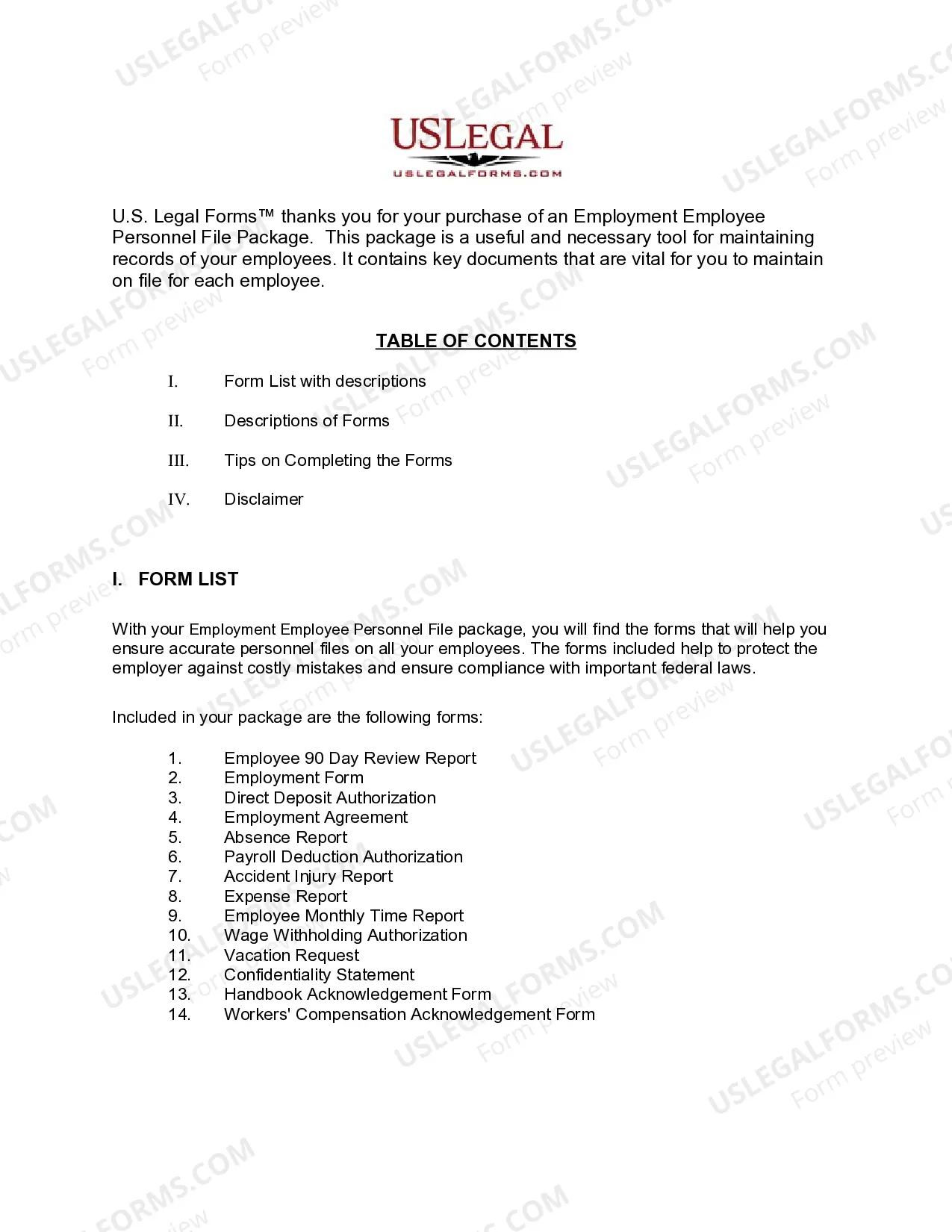
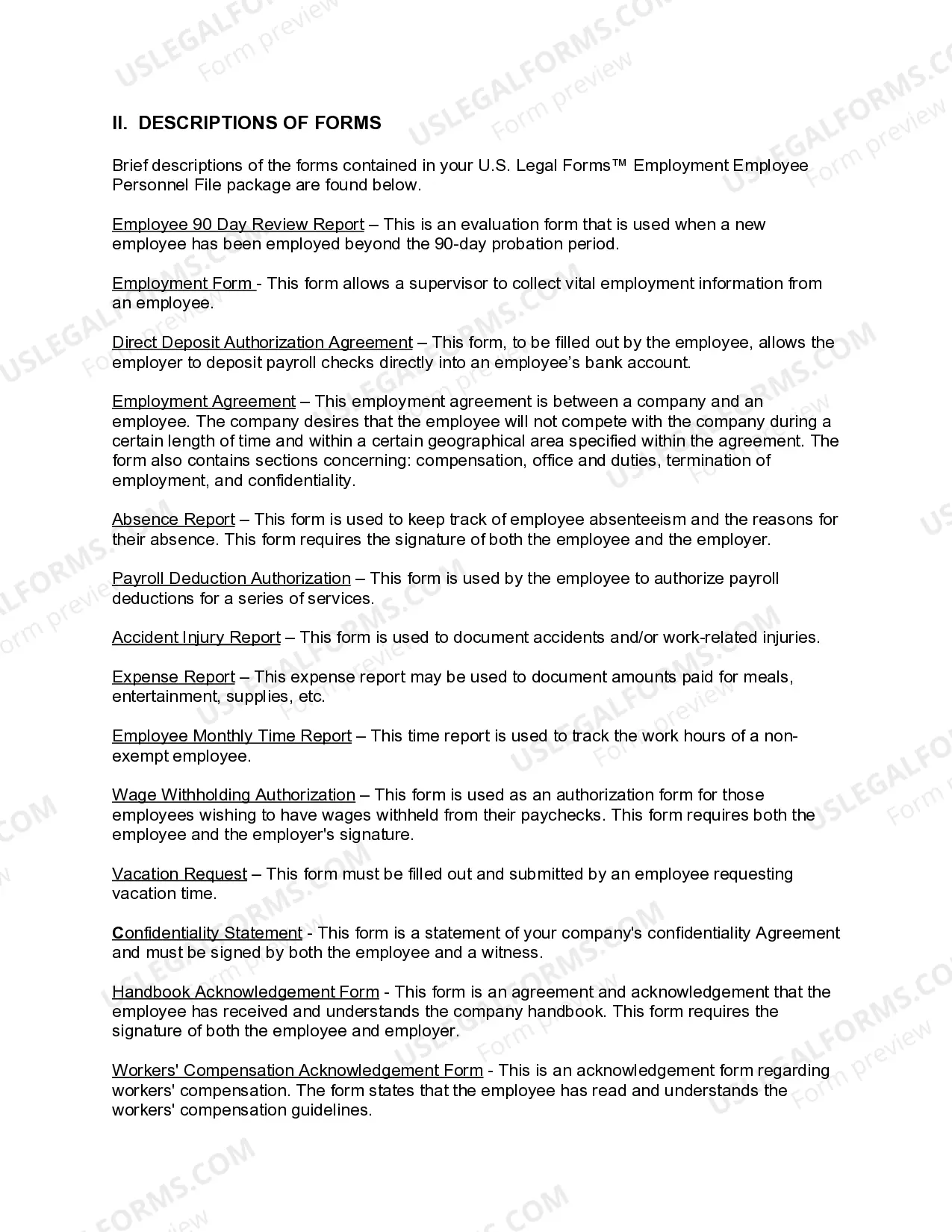
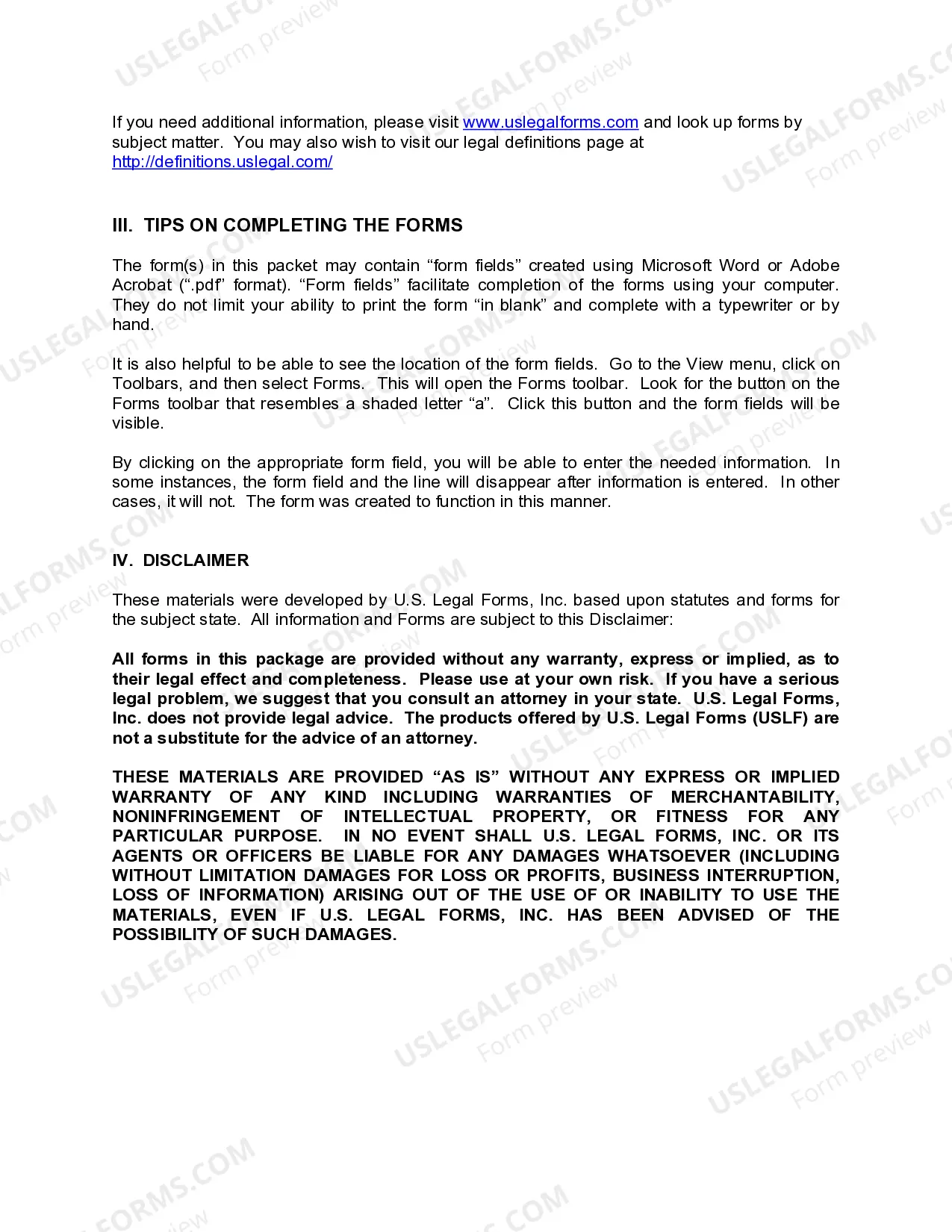
How to fill out Florida Employment Employee Personnel File Package?
Managing legal documents can be exasperating, even for the most seasoned experts. When you seek a Florida Employment File For Employer and don’t have the opportunity to engage in finding the correct and current version, the processes can be overwhelming.
An efficient web form library can significantly improve the situation for anyone who wishes to handle these matters effectively. US Legal Forms is a leader in online legal forms, offering over 85,000 state-specific legal documents available to you at any time.
Access a valuable resource hub of articles, tutorials, guides, and materials pertinent to your circumstances and needs.
Save time and effort searching for the documents you require, and leverage US Legal Forms’ advanced search and Review feature to locate the Florida Employment File For Employer and obtain it. If you possess a subscription, Log In to your US Legal Forms account, search for the form, and retrieve it. Check your My documents tab to view the documents you have previously downloaded and manage your folders as needed.
Capitalize on the US Legal Forms online library, supported by 25 years of experience and trustworthiness. Transform your daily document management into a seamless and user-friendly experience today.
- Confirm this is the correct form by previewing it and reviewing its details.
- Ensure that the sample is recognized in your state or county.
- Choose Buy Now when you are prepared.
- Select a subscription option.
- Locate the format you need, and Download, complete, eSign, print, and send your documents.
- Access state- or county-specific legal and business forms.
- US Legal Forms addresses any requirements you may have, from personal to corporate documents, all in one location.
- Utilize advanced tools to complete and manage your Florida Employment File For Employer.
Form popularity
FAQ
Florida Payroll Licensing Employers must register for the appropriate accounts in order to hire employees, to process payroll, and to file tax returns. Given the virtual, home-based, and temporary nature of employees, registrations often take place on short notice and in multiple states.
You, the employer, pay for reemployment assistance through a tax managed by the Florida Department of Revenue. The tax is one of your business costs. Workers do not pay reemployment tax and employers must not make payroll deductions for this purpose.
You can register for an account with the DOR online. Once registered, you'll be issued a reemployment tax (RT) account number. To register online, use the DOR's online registration website. To register on paper, use Form DR-1, Florida Business Tax Application.
All benefits are paid from the Unemployment Compensation Trust Fund and are charged to employers on a percentage basis. The chargeable percentage is based on the amount of wages each employer paid the worker as compared to the worker's total wages for insured work during the base period of the claim.
Reemployment tax is paid by employers and the tax collected is deposited into the Unemployment Compensation Trust Fund for the sole purpose of paying reemployment assistance benefits to eligible claimants. Only the first $7,000 of wages paid to each employee by their employer in a calendar year is taxable.