Health Care Surrogate Form Kentucky
Description

Get your form ready online
Our built-in tools help you complete, sign, share, and store your documents in one place.
Make edits, fill in missing information, and update formatting in US Legal Forms—just like you would in MS Word.
Download a copy, print it, send it by email, or mail it via USPS—whatever works best for your next step.
Sign and collect signatures with our SignNow integration. Send to multiple recipients, set reminders, and more. Go Premium to unlock E-Sign.
If this form requires notarization, complete it online through a secure video call—no need to meet a notary in person or wait for an appointment.
We protect your documents and personal data by following strict security and privacy standards.

Make edits, fill in missing information, and update formatting in US Legal Forms—just like you would in MS Word.

Download a copy, print it, send it by email, or mail it via USPS—whatever works best for your next step.

Sign and collect signatures with our SignNow integration. Send to multiple recipients, set reminders, and more. Go Premium to unlock E-Sign.

If this form requires notarization, complete it online through a secure video call—no need to meet a notary in person or wait for an appointment.

We protect your documents and personal data by following strict security and privacy standards.
Looking for another form?









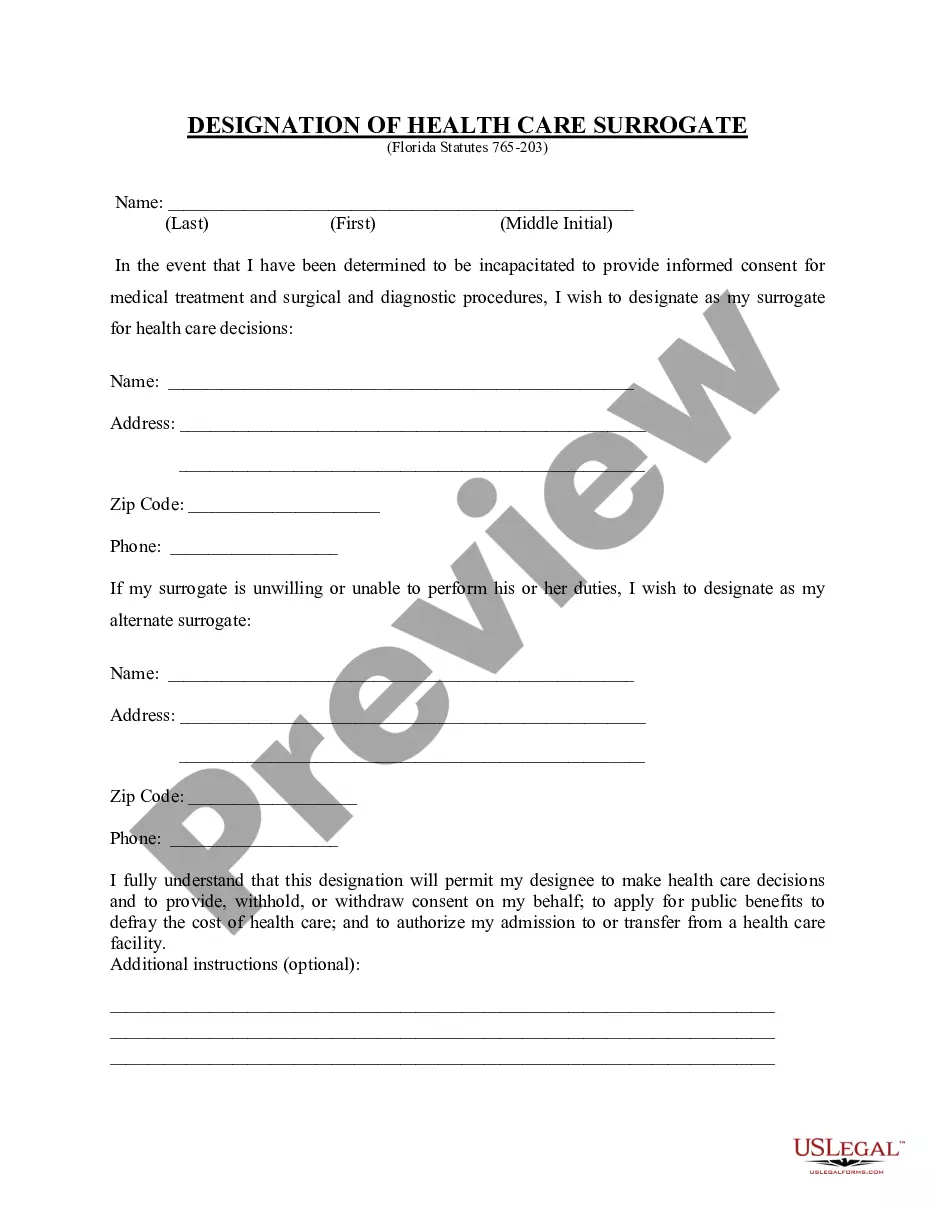
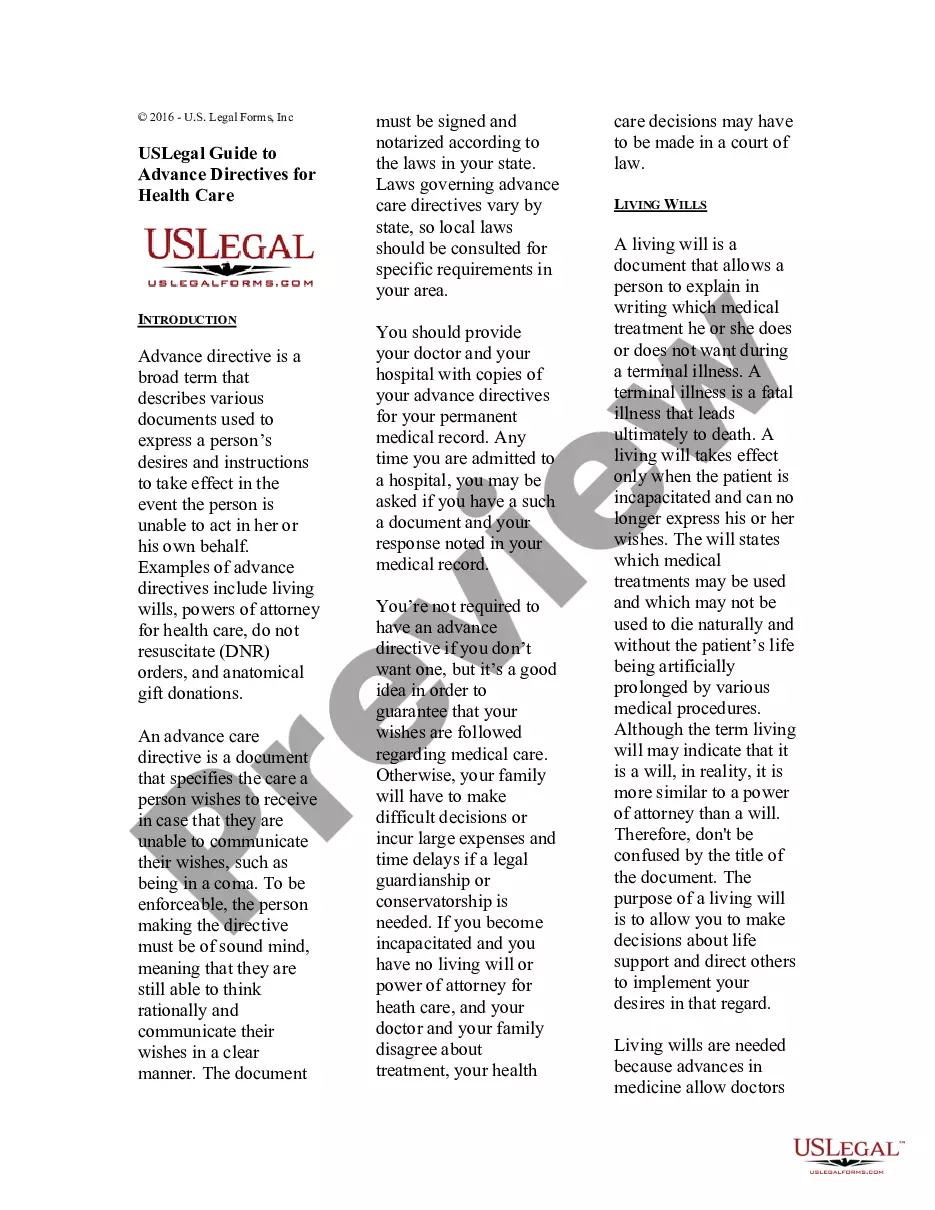
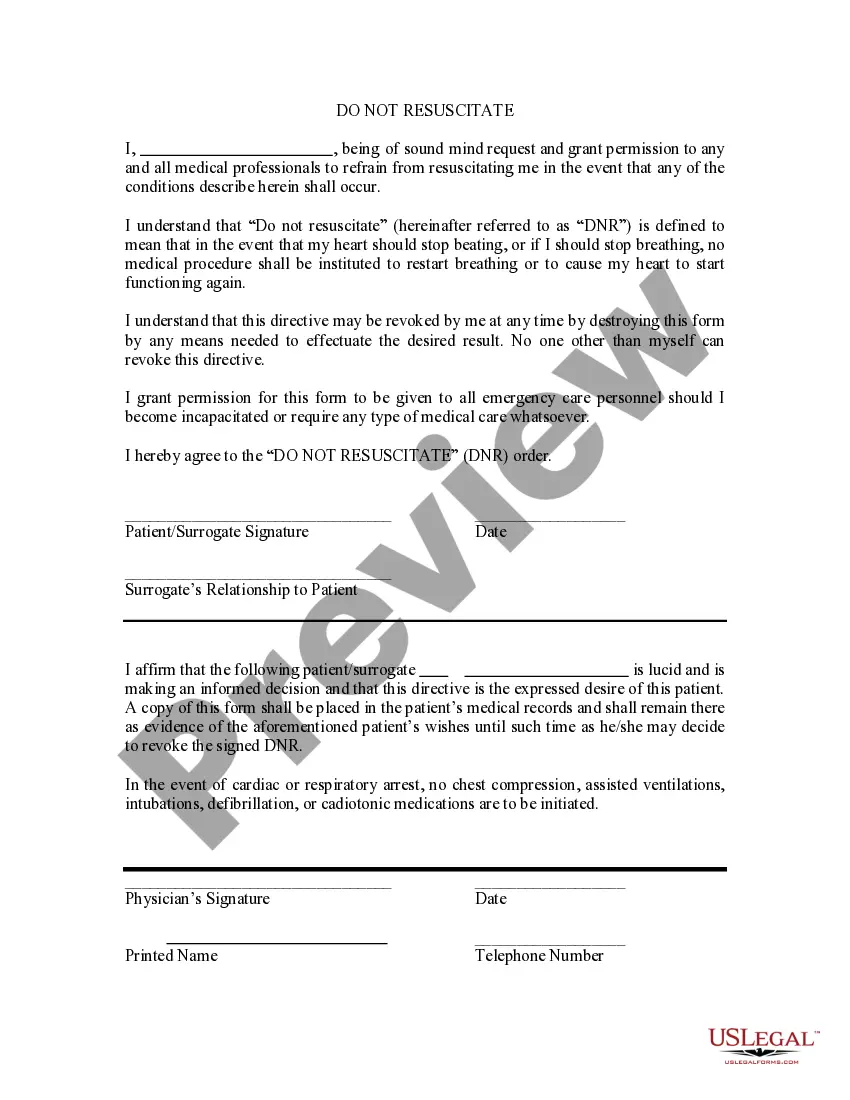
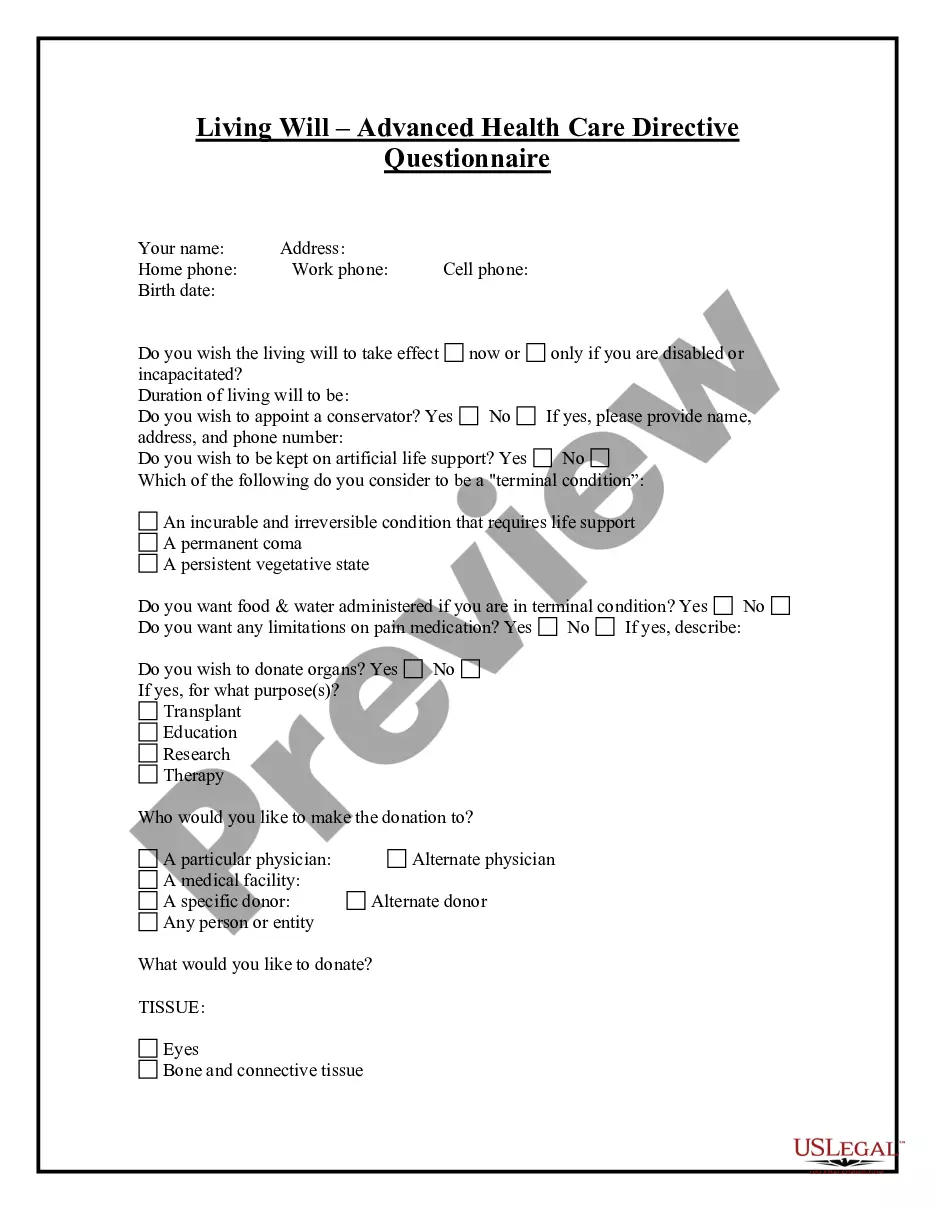
How to fill out Florida Health Care Proxy - Designation Of Health Care Surrogate - Statutory Form?
Handling legal documents and processes can be a lengthy addition to your day.
Health Care Surrogate Form Kentucky and similar forms generally necessitate finding them and comprehending the best method to fill them out accurately.
As a result, whether you are managing financial, legal, or personal issues, utilizing a comprehensive and user-friendly online repository of forms will be immensely beneficial.
US Legal Forms is the premier online platform for legal documents, featuring over 85,000 state-specific templates and numerous resources to assist you in completing your paperwork efficiently.
Is this your first time using US Legal Forms? Register and create your account in just a few minutes to gain access to the form library and Health Care Surrogate Form Kentucky. After that, follow the steps below to fill out your form: Make sure you have located the correct form by using the Review feature and examining the form description. Click on Buy Now when ready, and choose the monthly subscription plan that meets your requirements. Hit Download, then complete, eSign, and print the document. US Legal Forms has 25 years of experience helping clients manage their legal documents. Find the form you need today and streamline any process effortlessly.
- Browse the collection of relevant documents available to you with a single click.
- US Legal Forms provides you with state- and county-specific templates available for download anytime.
- Protect your document management processes with a top-notch service that allows you to create any form within minutes at no extra or hidden charge.
- Simply Log In to your account, locate Health Care Surrogate Form Kentucky, and download it directly from the My documents section.
- You can also access previously saved forms.
Form popularity
FAQ
A health care surrogate and a Power of Attorney (PoA) serve different purposes in legal and medical contexts. While a health care surrogate specifically deals with medical decisions when a patient cannot communicate, a PoA encompasses a broader range of financial and legal decisions. To obtain clarity in your medical wishes, it's beneficial to establish a health care surrogate form Kentucky alongside a PoA if needed.
Service of all other process shall be made by the sheriff or his deputy or any other duly constituted law enforcement officer or by any person designated by the court who is not less than eighteen (18) years of age and not an attorney in or a party to the action, except that a subpoena may be served as provided in Rule ...
You can either create your own will customized to your needs or hire an estate planning attorney. People who want to make their own will conforming to South Carolina law often use online estate planning providers such as FindLaw Legal Forms and Services.
Steps to Create a Will in South Carolina Decide what property to include in your will. Decide who will inherit your property. Choose an executor to handle your estate. Choose a guardian for your children. Choose someone to manage children's property. Make your will. Sign your will in front of witnesses.
Plaintiff Simple Divorce Checklist - Complete the first five forms in this packet -- Family Court Cover Sheet, Certificate of Exemption, Summons for Divorce, Complaint for Divorce, and the Financial Declaration Form. - File the five forms with the Clerk of Court in the appropriate county.
Wills in South Carolina don't need to be notarized to be valid, but notarization can make the probate process smoother. That's because, when a will is notarized, it means the probate court doesn't have to summon the witnesses to make sure the will is legally binding.
There are three requirements for a valid will in South Carolina: It is signed by the will-maker. It must have two witness signatures. It must be notarized by a notary public.
Creating a will in South Carolina can range from roughly $250 to $1,000. A South Carolina trust typically costs anywhere between $900 and $3,450. At Snug, any member can create a Power of Attorney and Health Care Directive for free. A Will costs $195 and a Trust costs $500.