Health Care Surrogate Form In Spanish
Description
Get your form ready online
Our built-in tools help you complete, sign, share, and store your documents in one place.
Make edits, fill in missing information, and update formatting in US Legal Forms—just like you would in MS Word.
Download a copy, print it, send it by email, or mail it via USPS—whatever works best for your next step.
Sign and collect signatures with our SignNow integration. Send to multiple recipients, set reminders, and more. Go Premium to unlock E-Sign.
If this form requires notarization, complete it online through a secure video call—no need to meet a notary in person or wait for an appointment.
We protect your documents and personal data by following strict security and privacy standards.

Make edits, fill in missing information, and update formatting in US Legal Forms—just like you would in MS Word.

Download a copy, print it, send it by email, or mail it via USPS—whatever works best for your next step.

Sign and collect signatures with our SignNow integration. Send to multiple recipients, set reminders, and more. Go Premium to unlock E-Sign.

If this form requires notarization, complete it online through a secure video call—no need to meet a notary in person or wait for an appointment.

We protect your documents and personal data by following strict security and privacy standards.
Looking for another form?

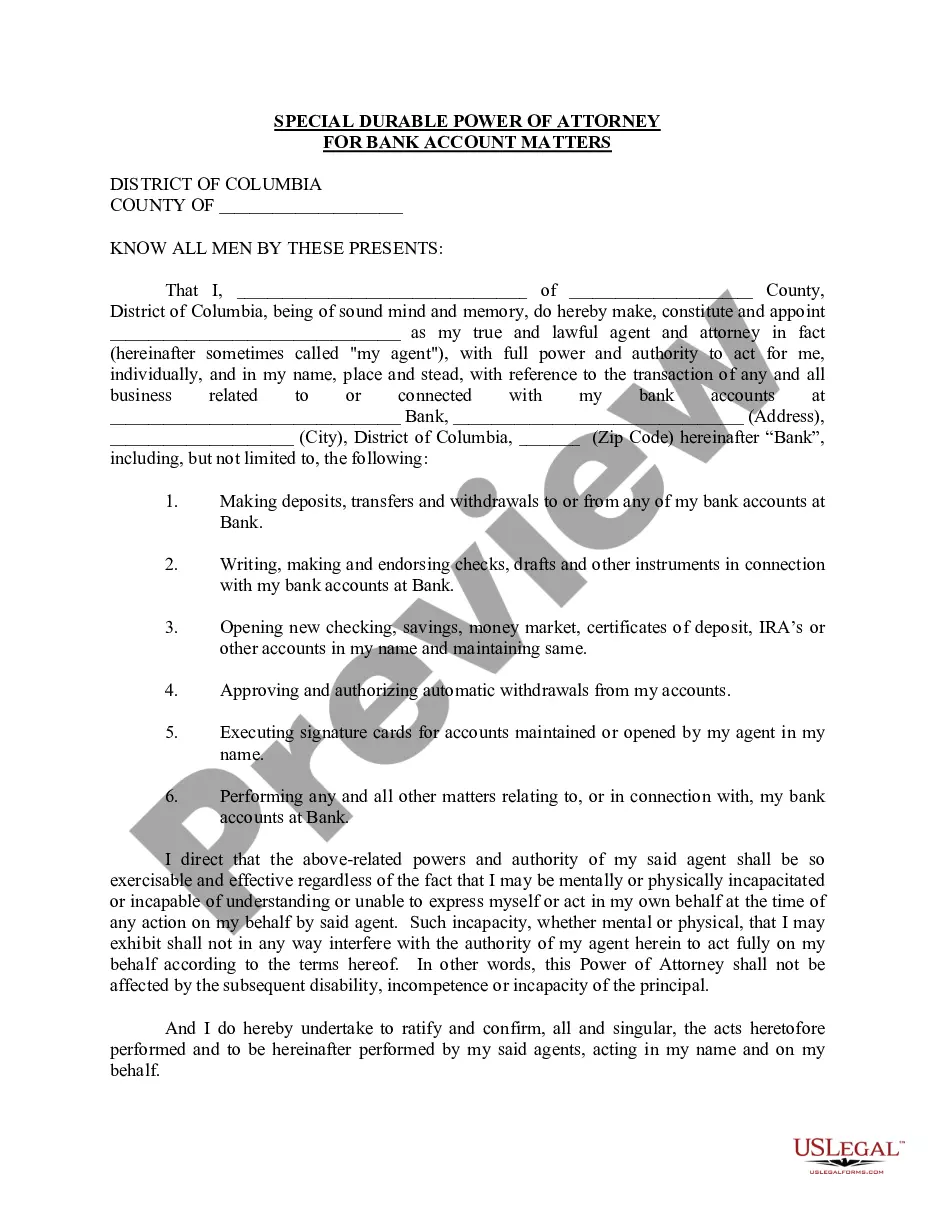
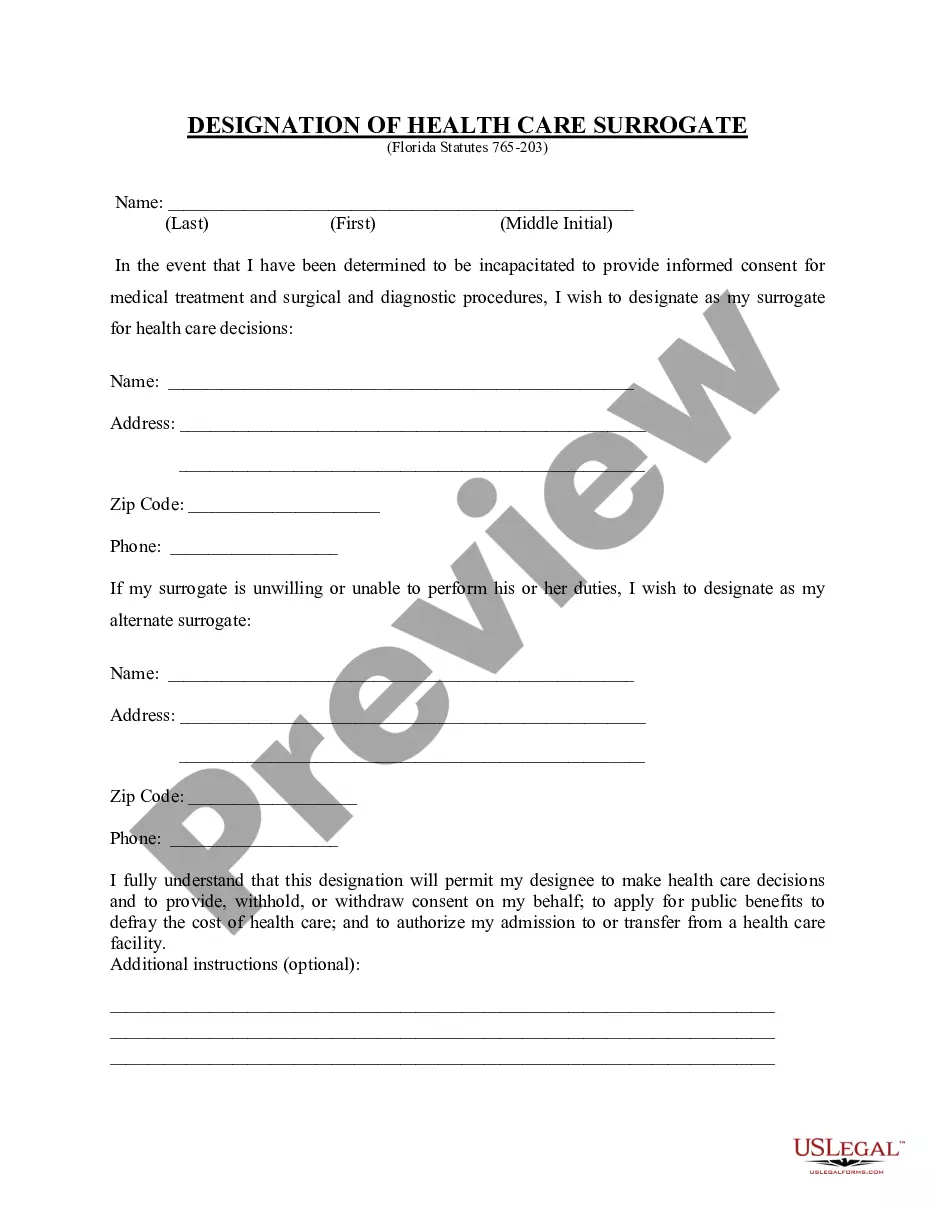
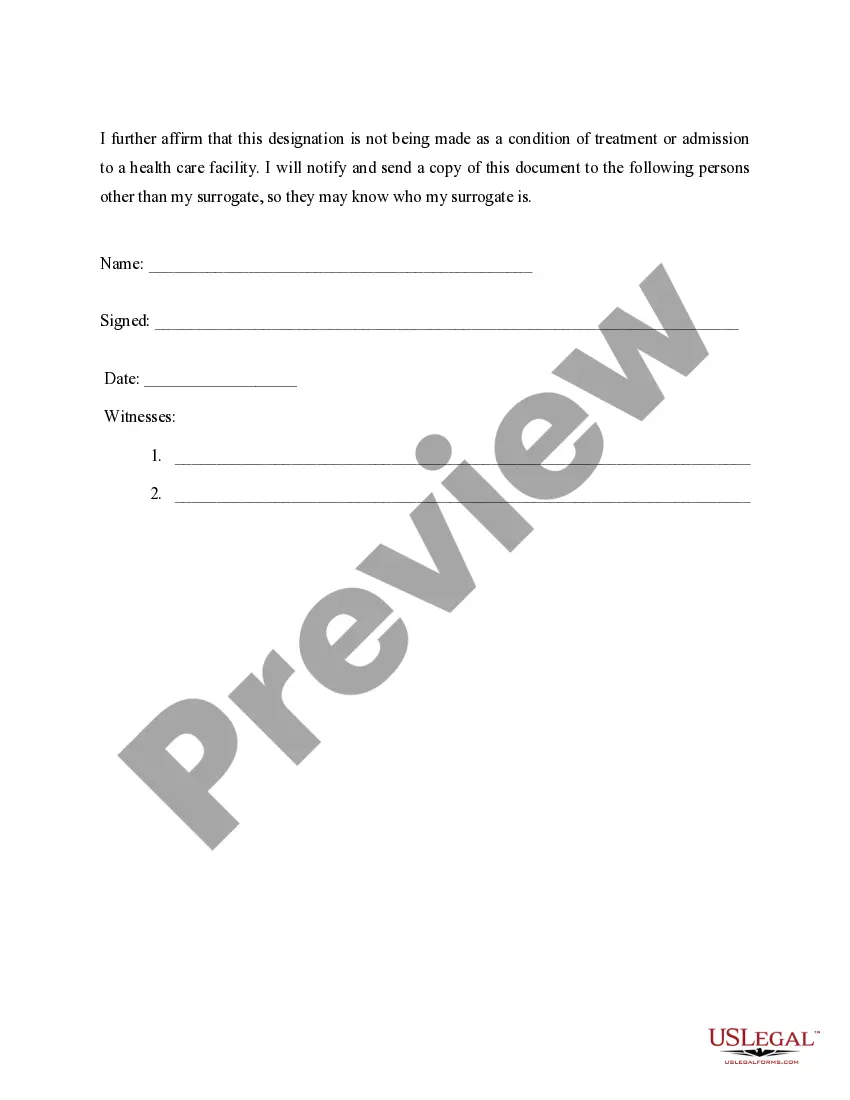
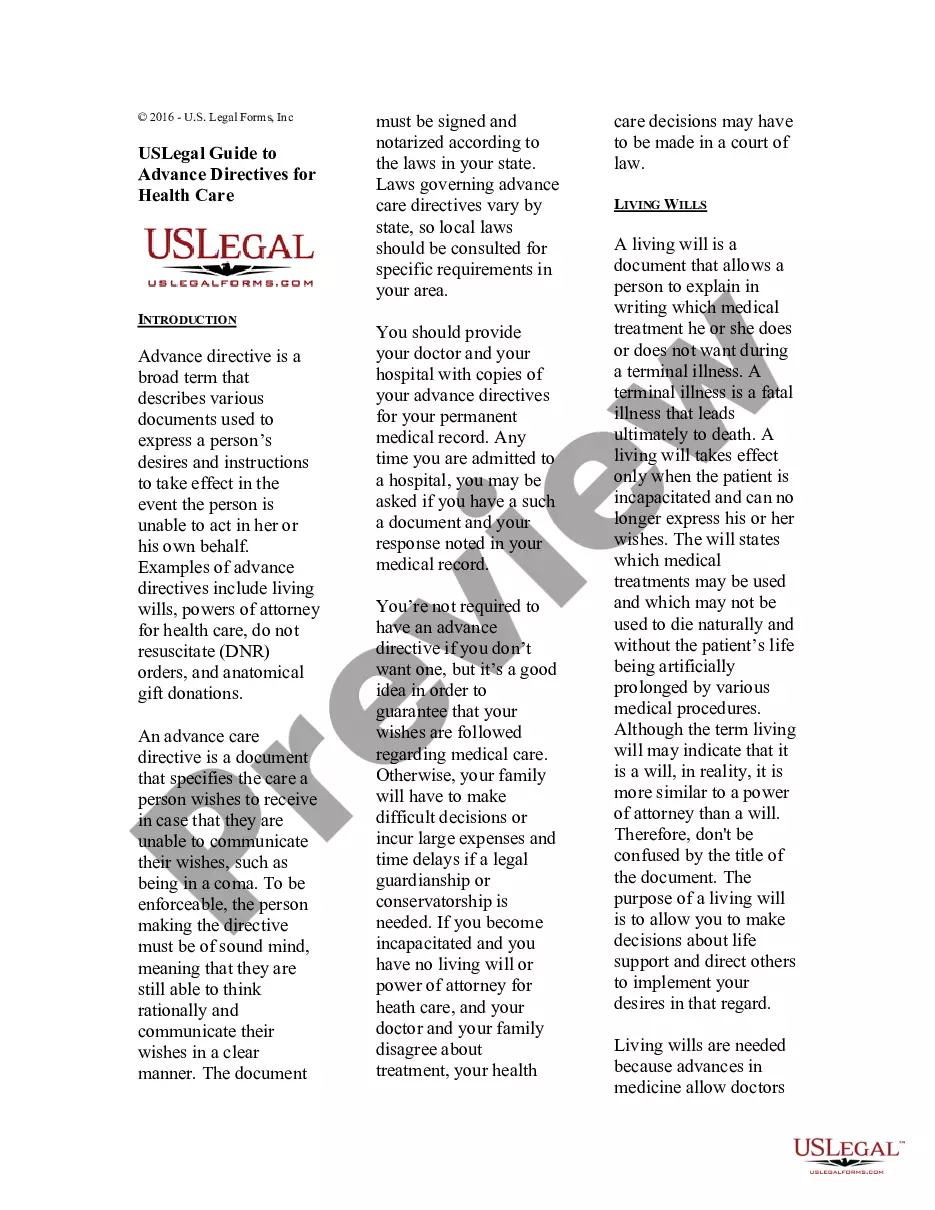
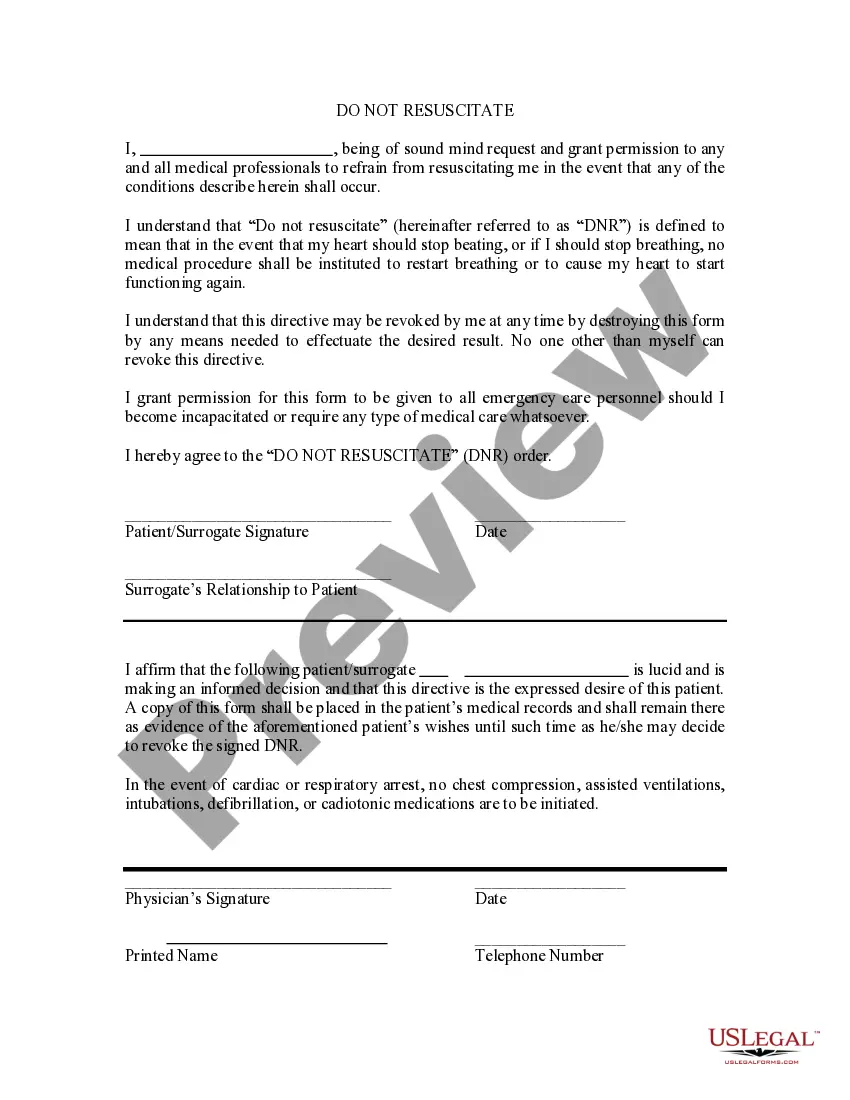
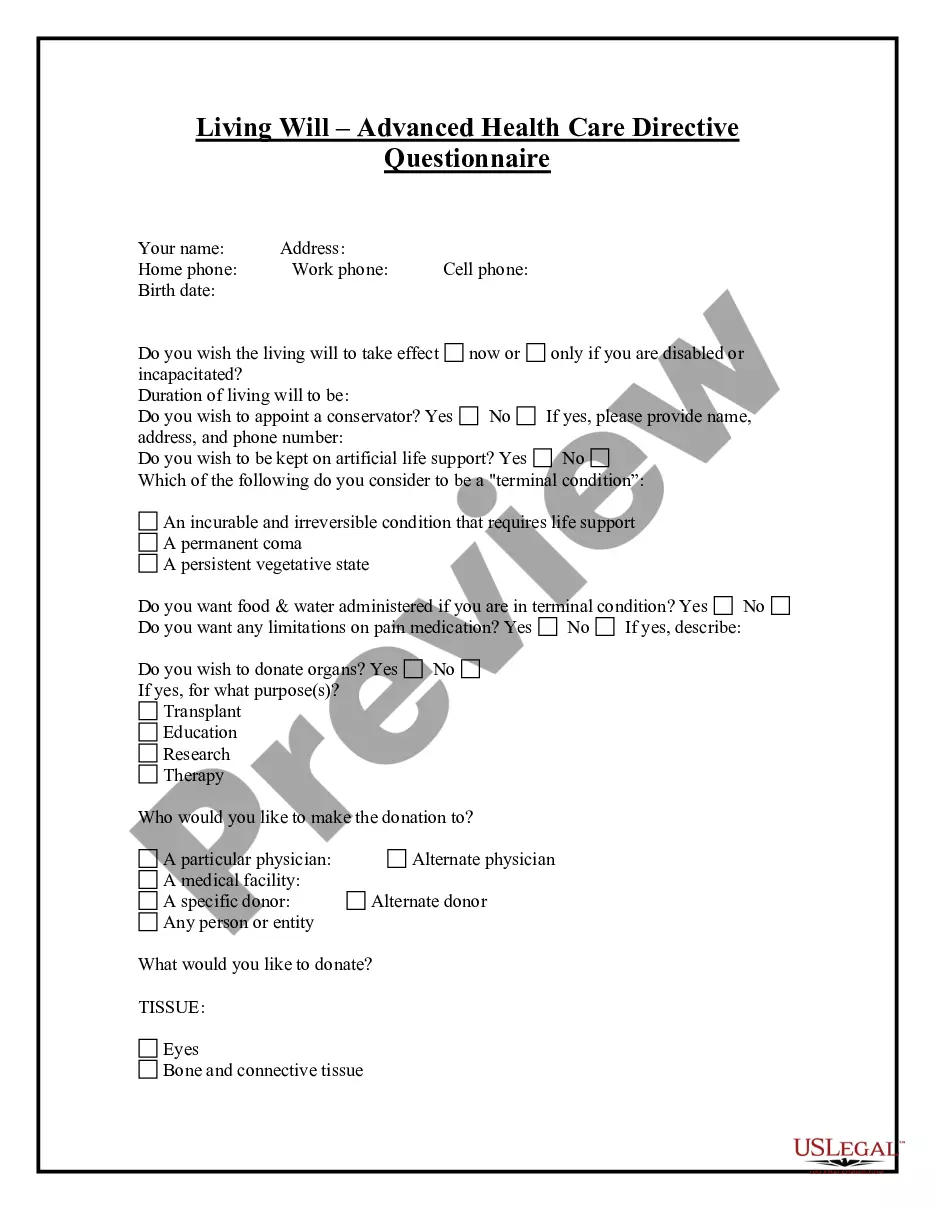
How to fill out Florida Health Care Proxy - Designation Of Health Care Surrogate - Statutory Form?
Whether for corporate reasons or personal issues, everyone must handle legal matters at some stage in their life.
Filling out legal documents necessitates meticulous care, beginning with selecting the right form template.
Once it is downloaded, you can complete the form using editing software or print it out and finish it manually. With a vast US Legal Forms catalog available, you need not waste time searching for the suitable sample online. Utilize the library’s intuitive navigation to locate the correct form for any situation.
- For instance, if you select an incorrect version of the Health Care Surrogate Form In Spanish, it will be declined upon submission.
- Thus, it is essential to acquire a trustworthy source of legal paperwork like US Legal Forms.
- If you need to obtain a Health Care Surrogate Form In Spanish template, follow these straightforward steps.
- Retrieve the sample you require using the search bar or catalog navigation.
- Examine the form’s details to confirm it suits your case, jurisdiction, and county.
- Click on the form’s preview to inspect it.
- If it is the incorrect document, return to the search feature to find the Health Care Surrogate Form In Spanish sample you seek.
- Download the template when it aligns with your requirements.
- If you already possess a US Legal Forms account, simply click Log in to access previously saved documents in My documents.
- If you do not have an account at this point, you can acquire the form by clicking Buy now.
- Select the appropriate pricing option.
- Fill out the account registration form.
- Choose your payment method: use a credit card or PayPal account.
- Select the desired file format and download the Health Care Surrogate Form In Spanish.
Form popularity
FAQ
You can either create your own will customized to your needs or hire an estate planning attorney. People who want to make their own will conforming to South Carolina law often use online estate planning providers such as FindLaw Legal Forms and Services.
How Do I Make My Will Valid in South Carolina? Signature: The testator must sign the will or have someone else sign it for them at their direction and in their presence. Witnesses: Two witnesses must sign the will and must either see the testator sign the will or see the testator acknowledge the signature as their own.
What Are the Three Conditions to Make a Will Valid? The testator, or person making the will, must be at least 18 years old and of sound mind. The will must be in writing, signed by the testator or by someone else at the testator's direction and in their presence. ... The will must be notarized.
How do you write a pour-over will? Set up a living trust. Before you can make a pour-over will, you first need to create a living trust. ... Name your trustee as the beneficiary in your pour-over will. ... Name a will executor. ... Consider your other estate-planning needs.
Lack of formalities. Wills must be properly drafted, witnessed, and signed in ance with various requirements under state law. An estate litigation lawyer can explain more details about these formalities. Without them, the will may not be valid.
There are three requirements for a valid will in South Carolina: It is signed by the will-maker. It must have two witness signatures. It must be notarized by a notary public.
Wills in South Carolina don't need to be notarized to be valid, but notarization can make the probate process smoother. That's because, when a will is notarized, it means the probate court doesn't have to summon the witnesses to make sure the will is legally binding.
No, in South Carolina, you do not need to notarize your will to make it legal. However, South Carolina allows you to make your will "self-proving" and you'll need to go to a notary if you want to do that.