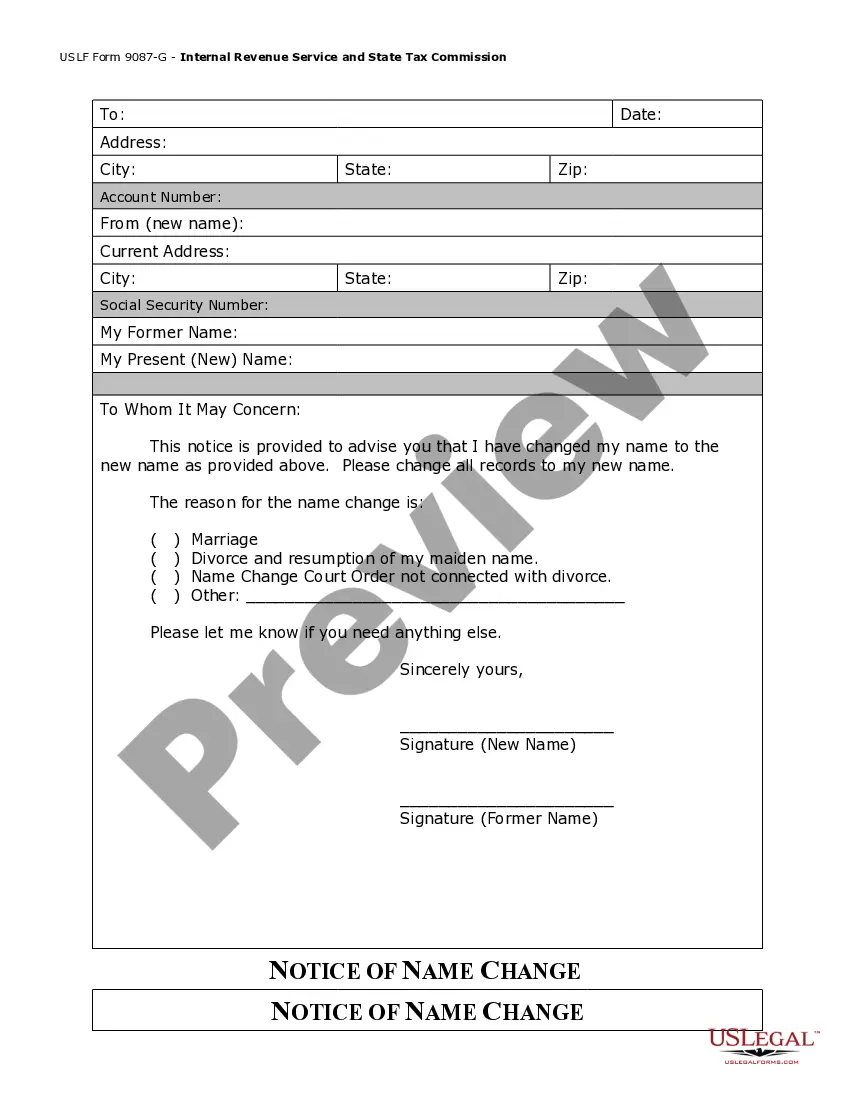
Name Change Form For Social Security
Description
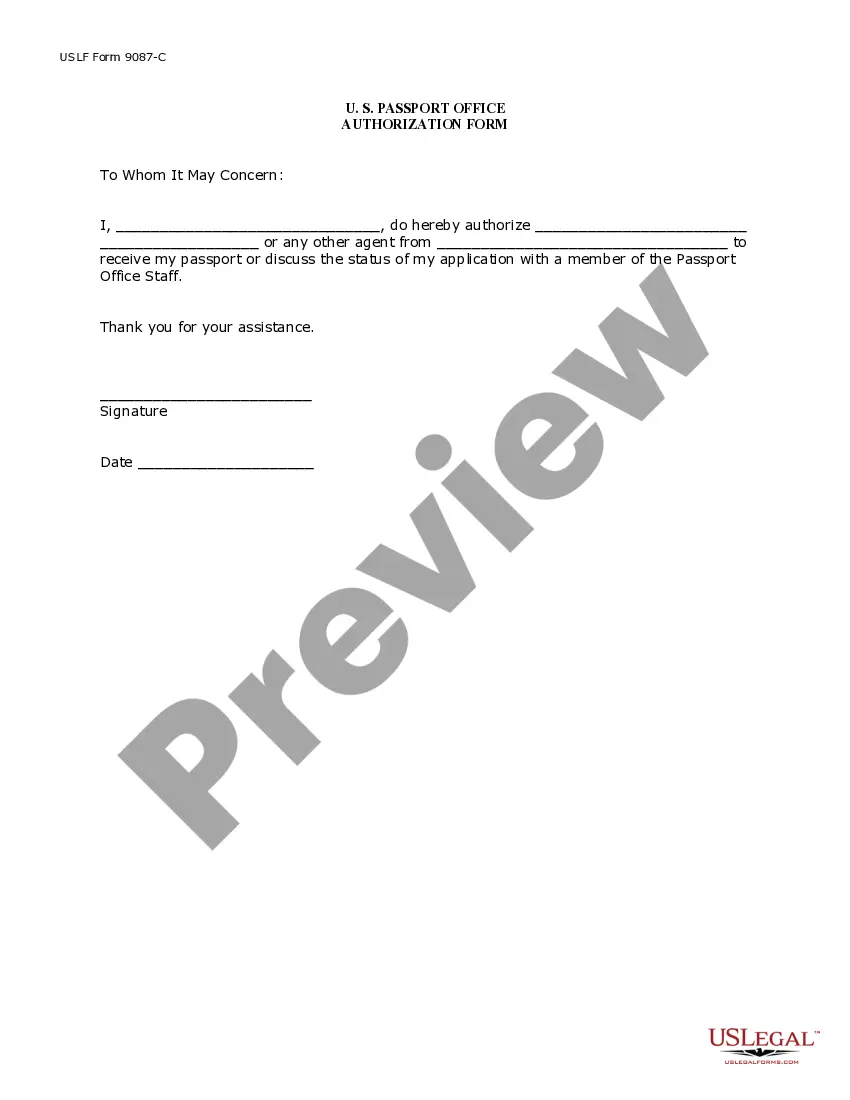
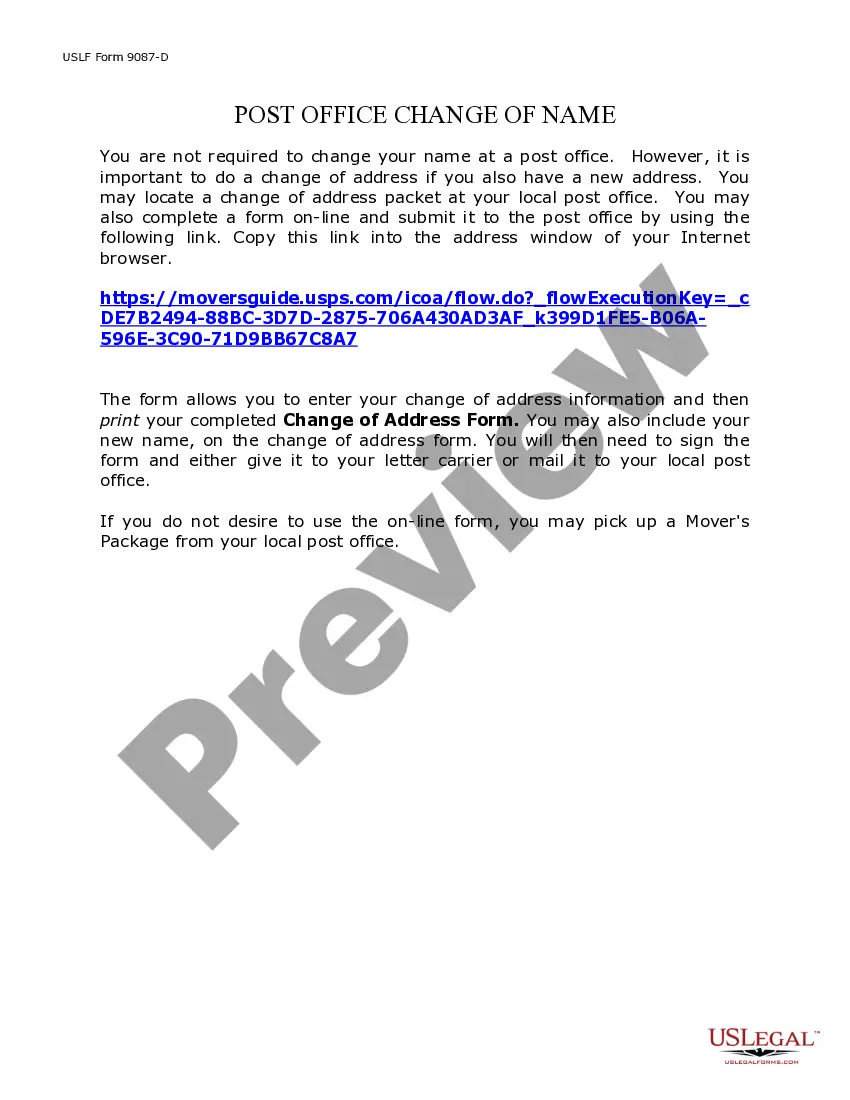
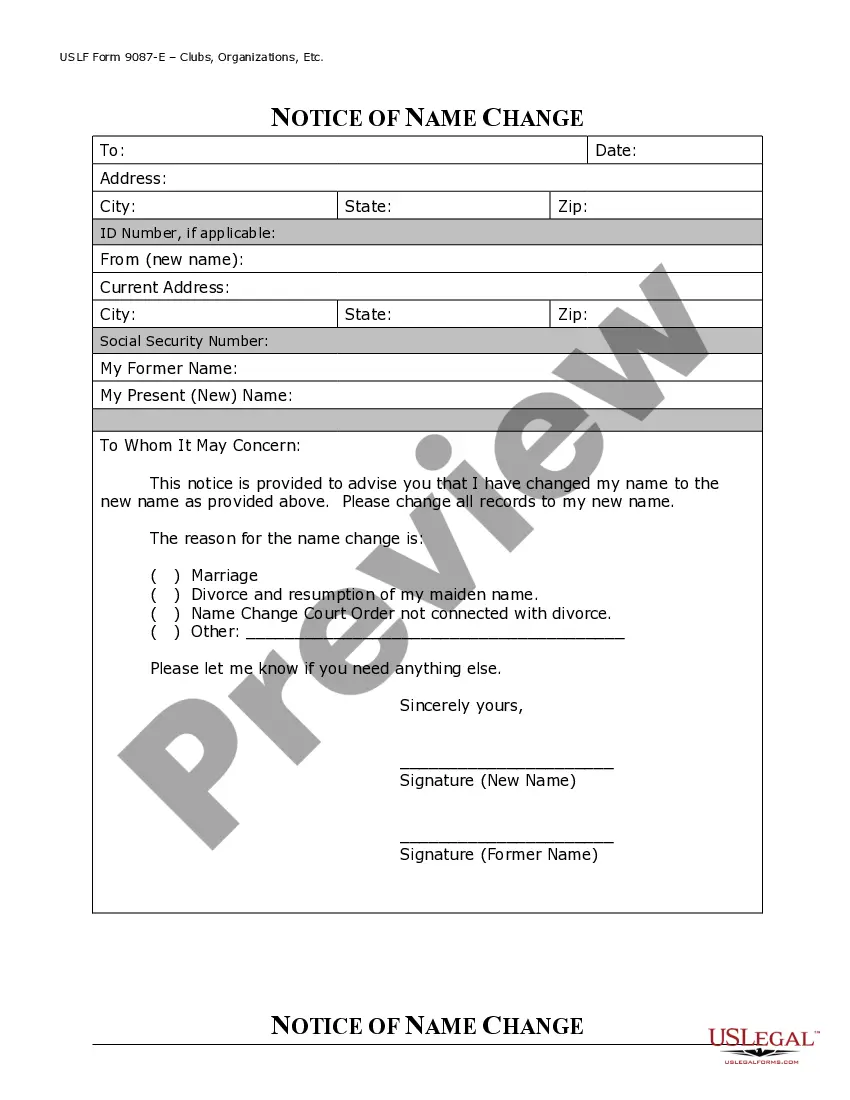
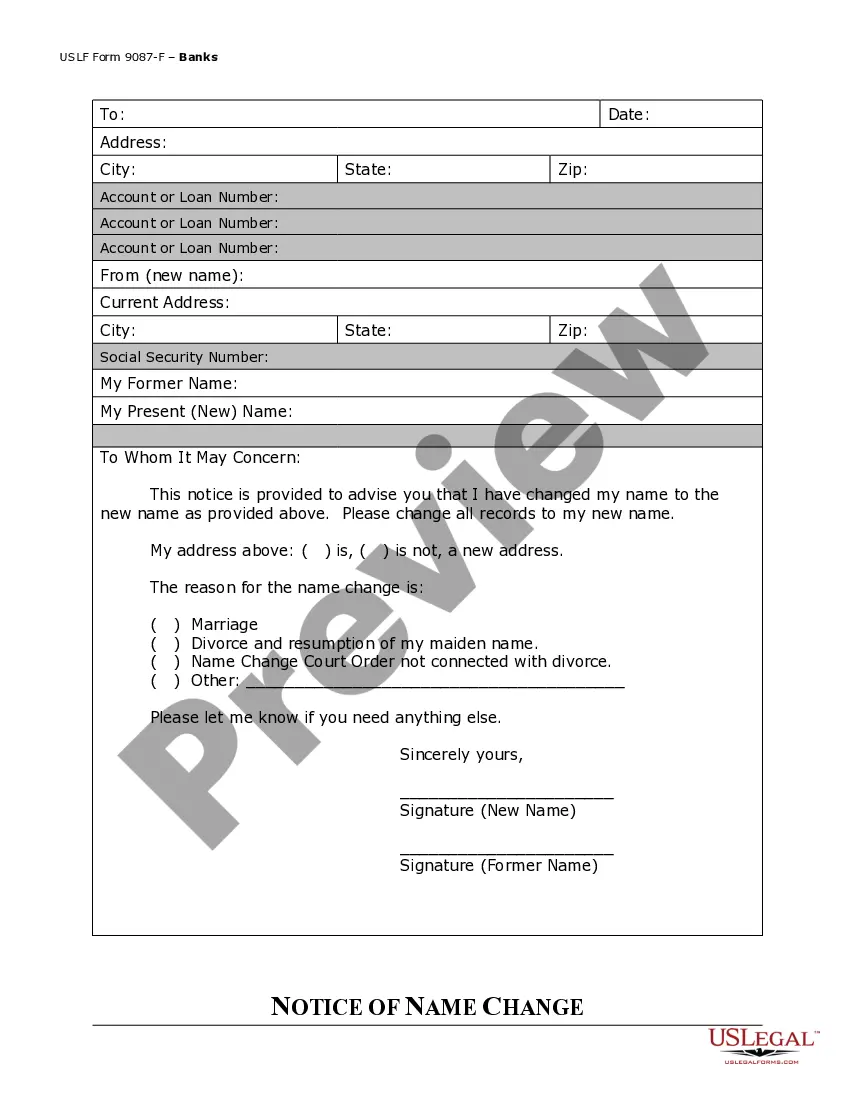




Get your form ready online
Our built-in tools help you complete, sign, share, and store your documents in one place.
Make edits, fill in missing information, and update formatting in US Legal Forms—just like you would in MS Word.
Download a copy, print it, send it by email, or mail it via USPS—whatever works best for your next step.
Sign and collect signatures with our SignNow integration. Send to multiple recipients, set reminders, and more. Go Premium to unlock E-Sign.
If this form requires notarization, complete it online through a secure video call—no need to meet a notary in person or wait for an appointment.
We protect your documents and personal data by following strict security and privacy standards.

Make edits, fill in missing information, and update formatting in US Legal Forms—just like you would in MS Word.

Download a copy, print it, send it by email, or mail it via USPS—whatever works best for your next step.

Sign and collect signatures with our SignNow integration. Send to multiple recipients, set reminders, and more. Go Premium to unlock E-Sign.

If this form requires notarization, complete it online through a secure video call—no need to meet a notary in person or wait for an appointment.

We protect your documents and personal data by following strict security and privacy standards.
Looking for another form?
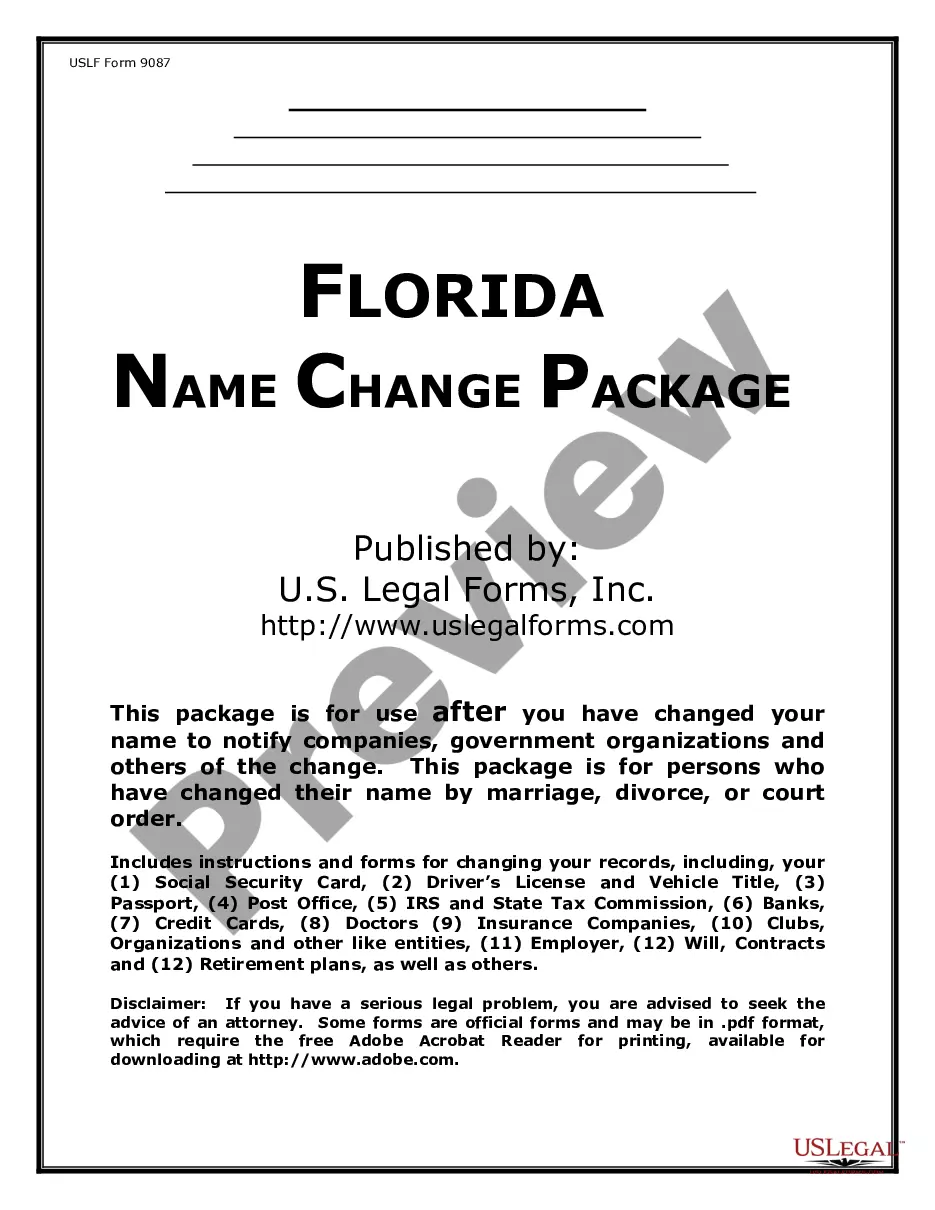
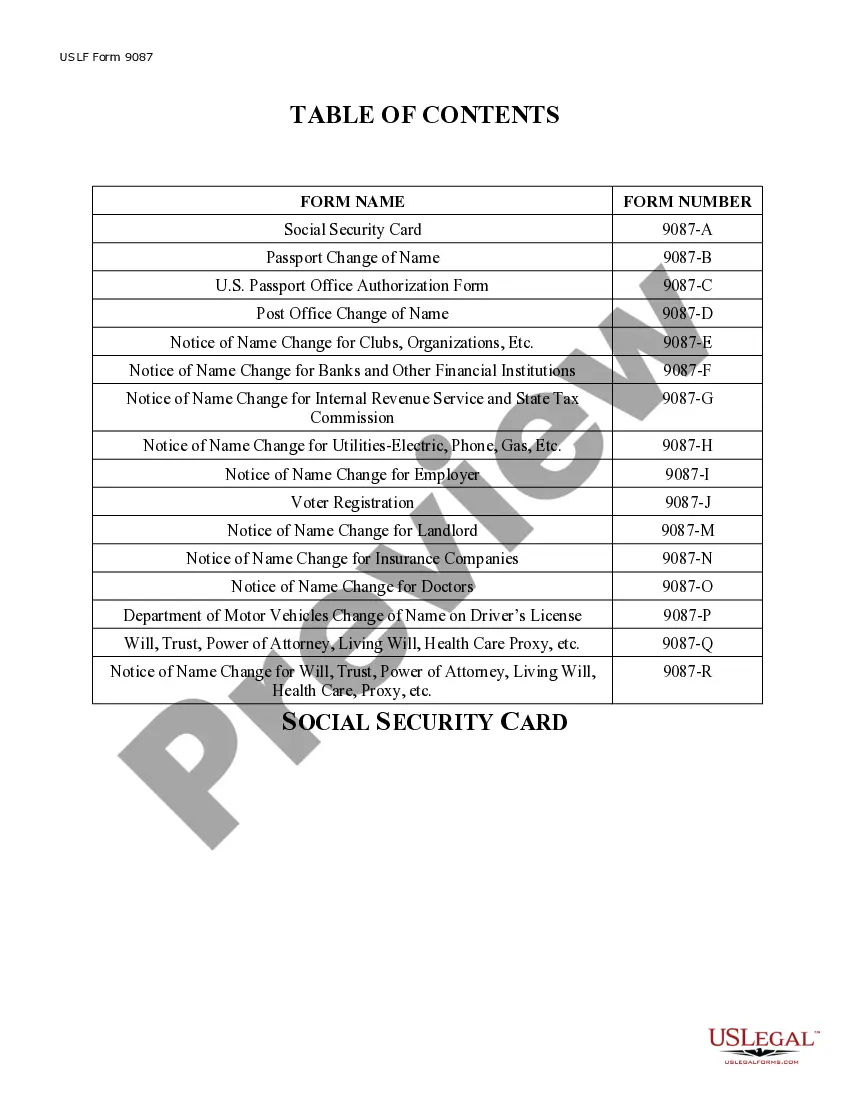
How to fill out Florida Name Change Notification Package For Brides, Court Ordered Name Change, Divorced, Marriage?
- If you're a returning user, log in to your account and locate the name change form. Ensure your subscription is active; otherwise, renew it as necessary.
- For new users, start by browsing the form list. Preview the name change form, checking its description to confirm it fits your requirements and complies with local laws.
- If the form isn't suitable, utilize the Search tab to explore other relevant templates until you find the perfect match.
- Once you locate the correct document, click the Buy Now button and select a subscription plan. You will need to create an account to gain access to the full library.
- Proceed with your payment by entering your credit card information or using your PayPal account. After completing the transaction, your document will be ready.
- Finally, download the name change form to your device. Access it anytime in the My documents section of your profile.
In conclusion, US Legal Forms simplifies the name change process for social security with its user-friendly interface and extensive form library. By following these steps, you can ensure a smooth transaction and access the legal documents you need.
Start your journey today and explore the benefits of using US Legal Forms for all your legal documentation needs!
Form popularity
FAQ
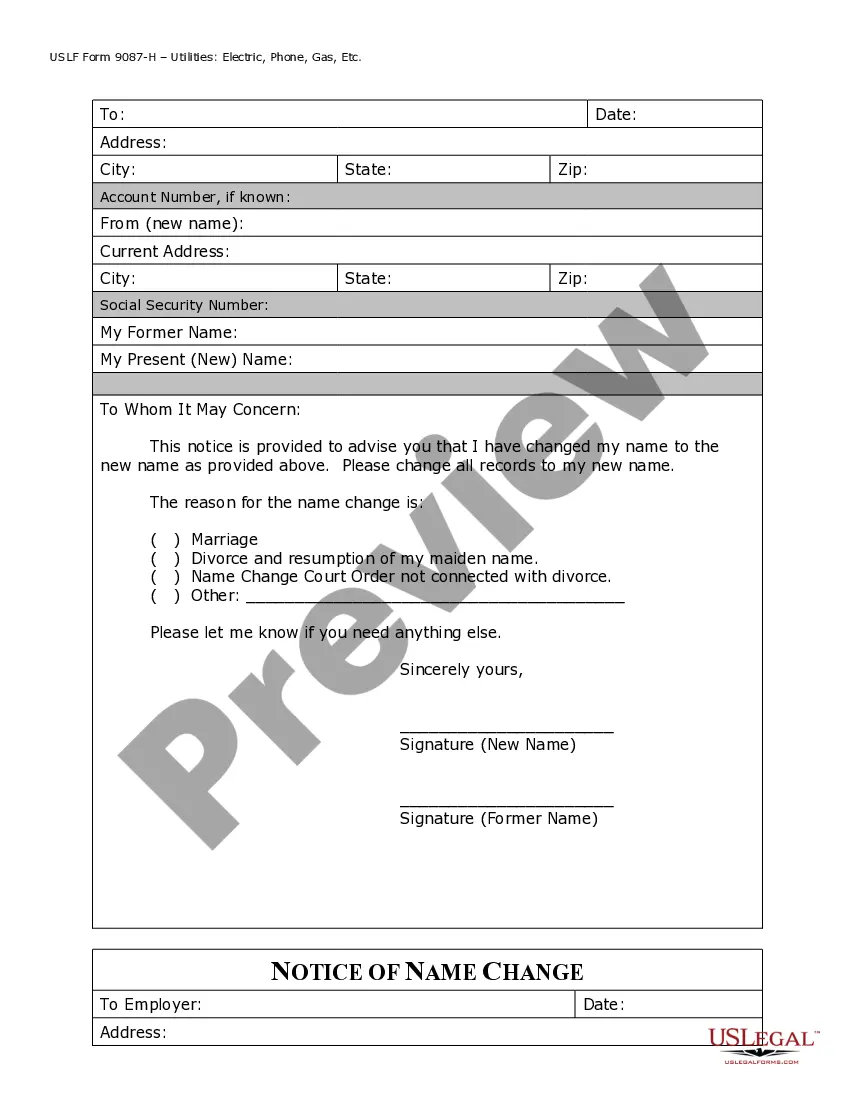
When you change your name, you need to update various documents to reflect the new name. Start with your Social Security records by filling out the name change form for social security, as this is crucial for your tax identification. Additionally, consider updating your driver's license, bank accounts, and any other legal documents to ensure consistency and avoid any potential issues.
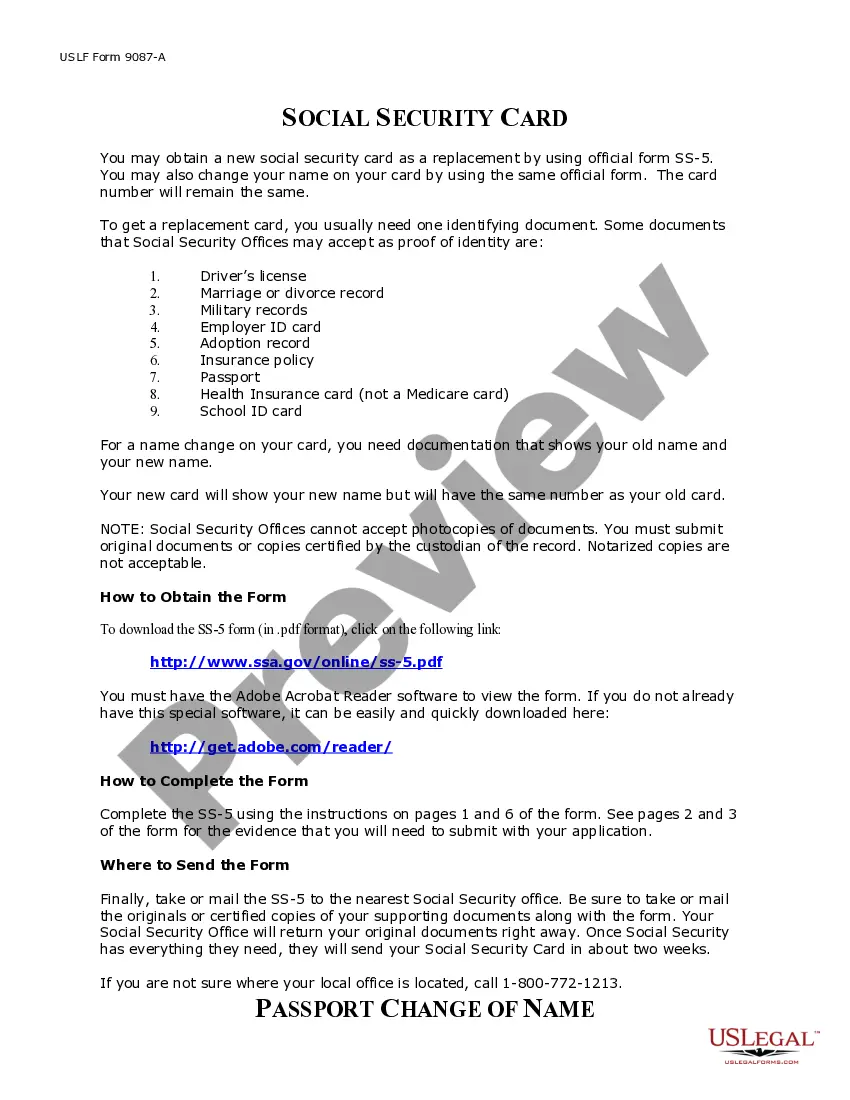
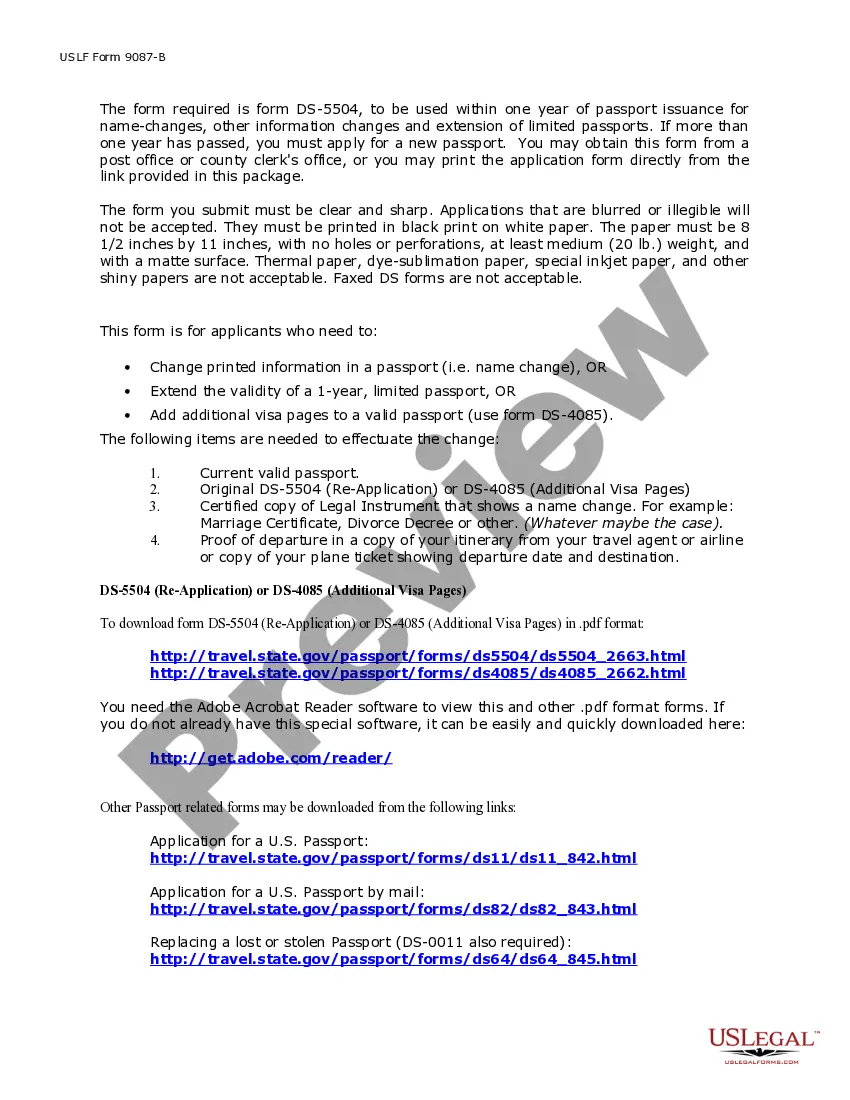
To change your SSN due to a name change, you will need to provide proof of your identity and the name change itself. Acceptable documents include a marriage certificate, divorce decree, or court order. Make sure to have your completed name change form for social security along with a valid ID when you apply at your local Social Security office.
You do not necessarily need a birth certificate for a Social Security name change, but it can be helpful. The key requirement is to provide evidence of your name change, such as a marriage certificate or court order. Additionally, having identification that confirms your identity is essential when filling out the name change form for social security.
After you submit your name change form for social security, it typically takes about 10 to 14 business days for the update to process. However, processing times may vary based on the volume of applications or administrative factors. To ensure a smoother experience, you can check your application status online or contact your local Social Security office.
To change your last name with Social Security, you need to bring specific documents. Generally, you must have proof of your name change, such as a marriage certificate, divorce decree, or court order. You also need to present a valid form of identification, like a driver's license or passport, along with your completed name change form for social security.