Fl Increase Rent For Section 8
Description
Get your form ready online
Our built-in tools help you complete, sign, share, and store your documents in one place.
Make edits, fill in missing information, and update formatting in US Legal Forms—just like you would in MS Word.
Download a copy, print it, send it by email, or mail it via USPS—whatever works best for your next step.
Sign and collect signatures with our SignNow integration. Send to multiple recipients, set reminders, and more. Go Premium to unlock E-Sign.
If this form requires notarization, complete it online through a secure video call—no need to meet a notary in person or wait for an appointment.
We protect your documents and personal data by following strict security and privacy standards.

Make edits, fill in missing information, and update formatting in US Legal Forms—just like you would in MS Word.

Download a copy, print it, send it by email, or mail it via USPS—whatever works best for your next step.

Sign and collect signatures with our SignNow integration. Send to multiple recipients, set reminders, and more. Go Premium to unlock E-Sign.

If this form requires notarization, complete it online through a secure video call—no need to meet a notary in person or wait for an appointment.

We protect your documents and personal data by following strict security and privacy standards.
Looking for another form?






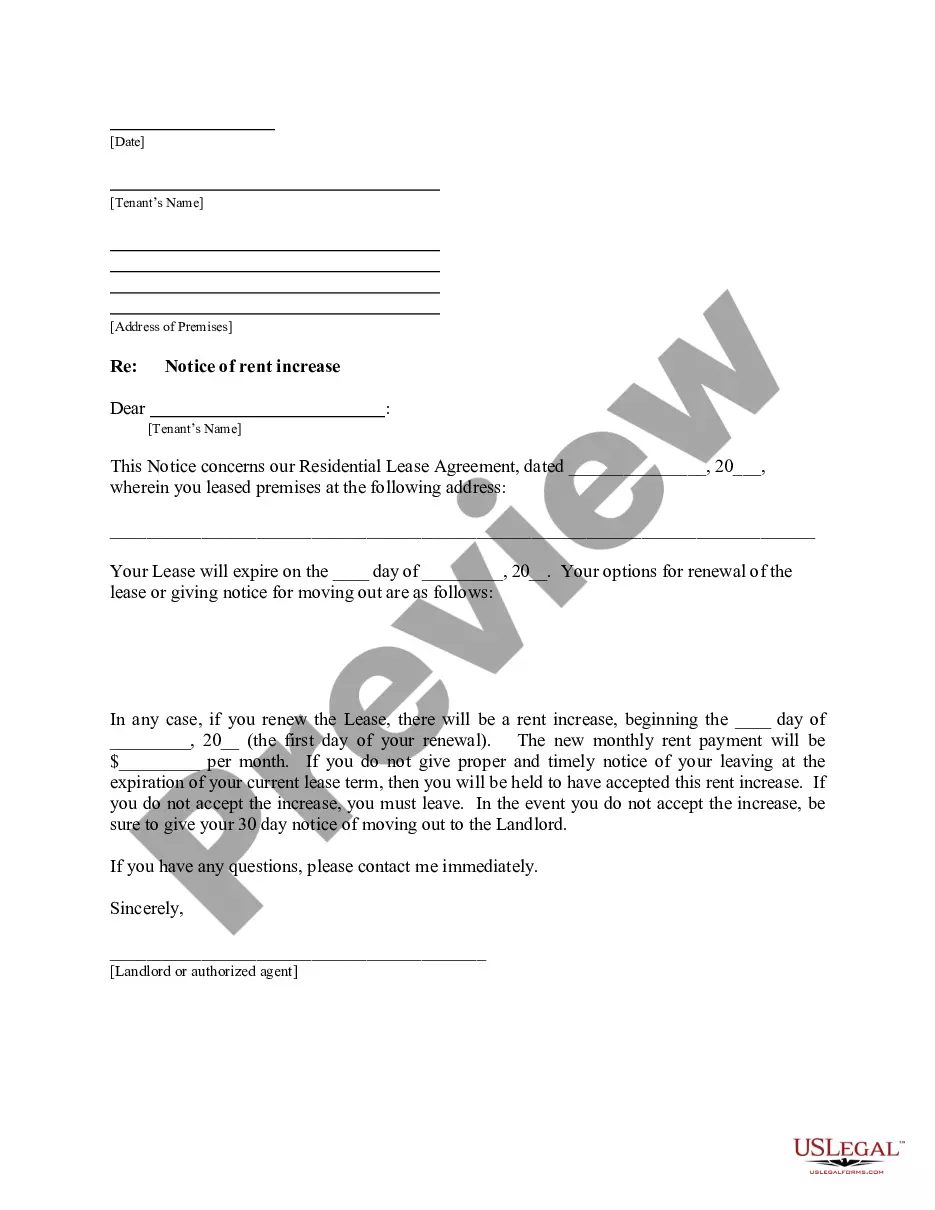
How to fill out Florida Letter From Landlord To Tenant About Intent To Increase Rent And Effective Date Of Rental Increase?
It’s well known that you cannot transform into a legal expert in a day, nor can you swiftly learn how to draft Fl Increase Rent For Section 8 without possessing a specific skill set. Crafting legal documents is a lengthy endeavor requiring particular training and expertise. So why not entrust the creation of the Fl Increase Rent For Section 8 to the experts.
With US Legal Forms, one of the most extensive legal template collections, you can discover everything from court documents to templates for internal communication. We understand the significance of compliance and adherence to federal and state regulations. That’s why, on our platform, all forms are tailored to specific locations and are current.
Let’s begin with our website and acquire the document you need in just a few minutes.
You can regain access to your documents from the My documents tab at any time. If you’re an existing client, you can simply Log In, and find and download the template from the same tab.
Regardless of the intent behind your documents—whether financial, legal, or personal—our website has you covered. Try US Legal Forms today!
- Locate the document you require by utilizing the search bar at the top of the page.
- Preview it (if this feature is available) and review the accompanying description to determine if Fl Increase Rent For Section 8 is what you’re looking for.
- Restart your search if you need a different template.
- Create a free account and select a subscription option to purchase the form.
- Click Buy now. Once the payment is finalized, you can download the Fl Increase Rent For Section 8, fill it out, print it, and send it or mail it to the necessary parties or entities.
Form popularity
FAQ
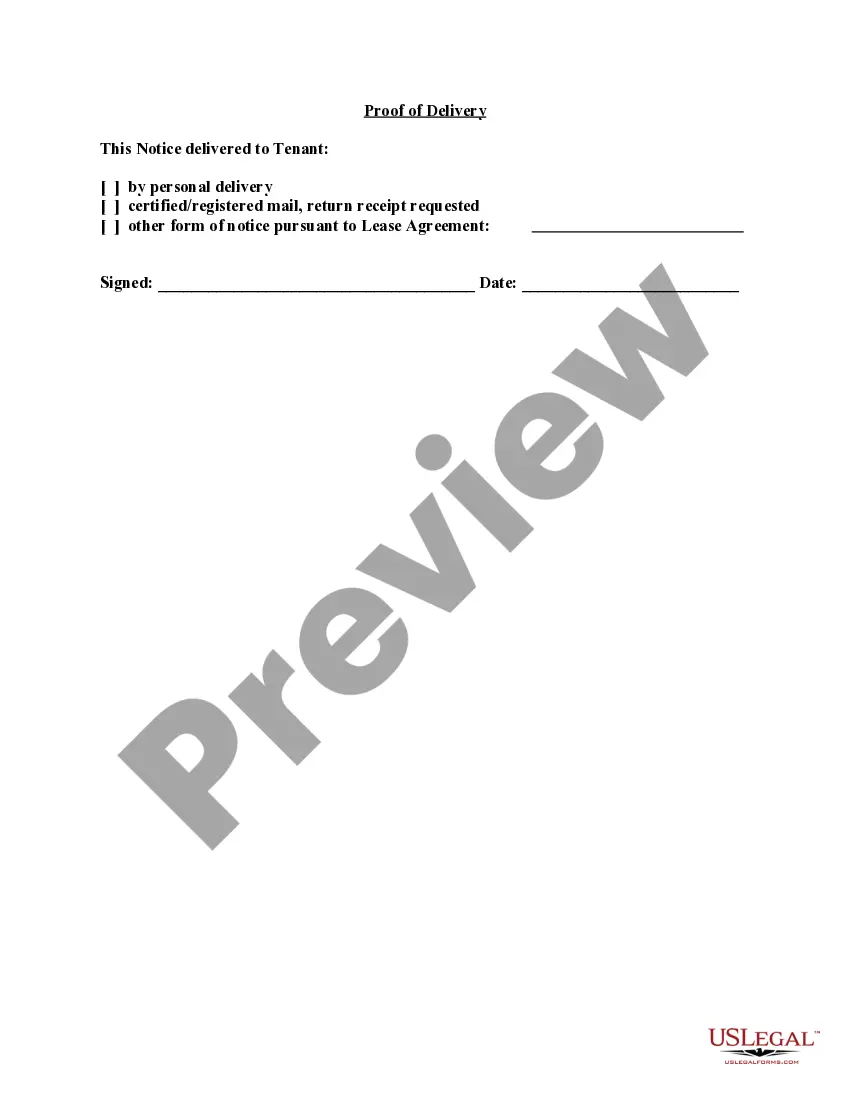
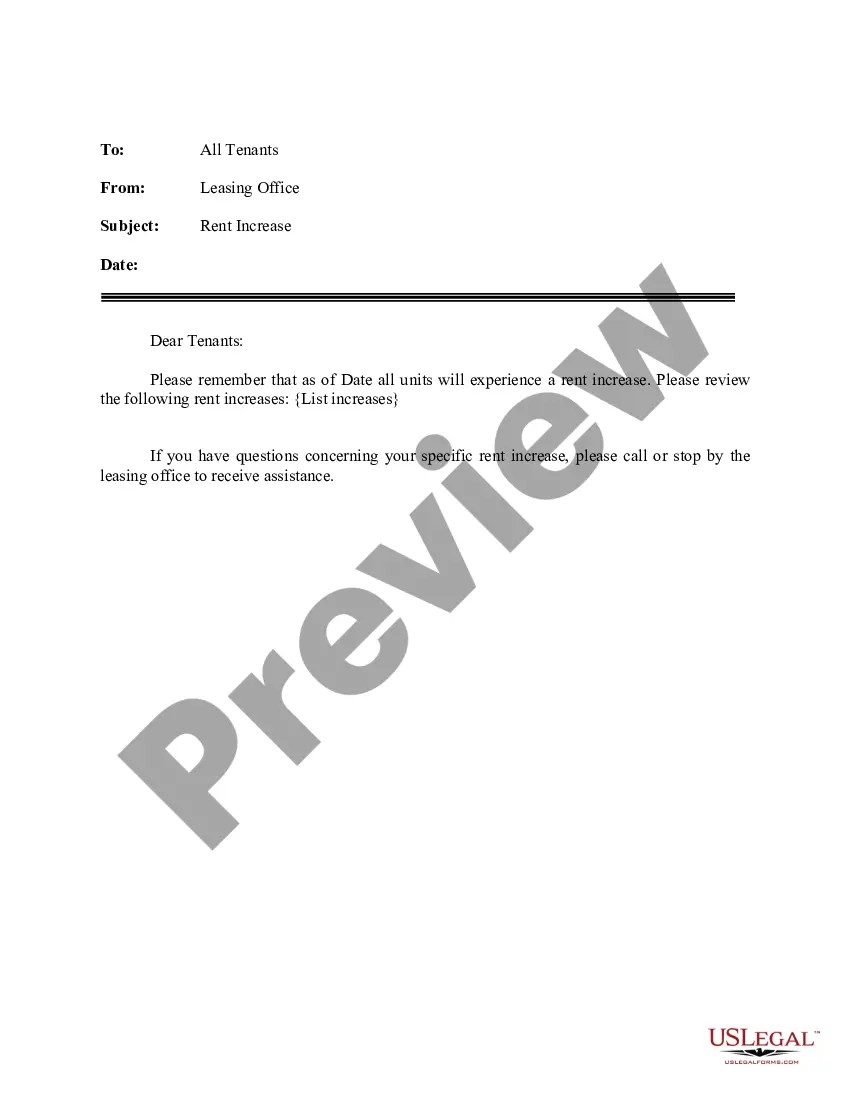
You simply have to write a letter to your tenant that informs them of (1) the new rent amount; and (2) the date of the change in rent. These notices should be delivered by hand or by mail within the time frame specified by the lease or (if applicable) local law.
The average rent increase was nearly 5.5% in the U.S. and 6.4% in Florida from May 2022 to May 2023, ing to a SmartAsset study. Both exceed the 4.05% inflation rate.
? An owner/agent may request a rent increase 60 days prior to the initial HAP contract start date. This date is your annual anniversary date. If the tenant has lived in the unit for more than one year, the rent increase can be requested at anytime. Only one increase is allowed per unit per 12-month period.
How Much Can a Landlord Raise Rent By in Florida? Florida landlords can raise rent by any amount they want to. In fact, Florida doesn't have any legal limits or caps on rent increases.
What a rent increase notice should include The date of the notice. Name and address of the property manager or landlord. Name and address of the tenant. Last day of the current lease. Amount of the increase. Date the increase goes into effect. Timeframe for tenant to accept increase or reject lease renewal.